
Cyberpunk Guerrilla Girl Video Generation
A highly detailed and cinematic prompt for generating a video of a cyberpunk guerrilla girl.

- Prompt included
- Model and format preset
- Free template
The prompt behind this video
Copy the exact prompt behind Cyberpunk Guerrilla Girl Video Generation, or open it in the studio and make it yours.
Cyberpunk guerrilla girl, overloaded bio-hybrid operative on the razor edge of urban collapse, black-market military-grade cybernetic augmentations fused brutally into pale synthetic skin, glowing tactical neural ports and subdermal LED circuitry pulsing teal and magenta, asymmetrical tactical streetwear layered with armored kevlar-weave hoodies, fragmented ballistic plates, holographic camo patches, dripping neon-reflecting rain, razor-sharp optical implants scanning relentlessly, data-jack cables snaking from neck to wrist rig, black-market quantum decryption deck slung low on thigh, digital guerrilla aesthetic — anarchic graffiti tags glowing on jacket, anarchist sigils burned into leather, face half-hidden by AR visor dripping condensation, defiant expression, cigarette smoke curling in acid-rain neon haze, towering megacorp spires and razorwire in background, wet reflective asphalt, Blade Runner 2049 + Ghost in the Shell + Akira vibes, ultra-detailed, cinematic lighting, rim light cyan-magenta, high contrast, moody atmosphere, photorealistic textures mixed with stylized anime cyberpunk detailing, 8k, masterpiece.
How to use Cyberpunk Guerrilla Girl Video Generation in 3 steps
- 1
Open
The prompt is already in the box next to the preview, with the template's model and format selected.
- 2…a portrait of your subject in softgolden-hour light, 85mm…
Personalize
Edit the subject and creative details for your destination.
- 3Generate
Generate
Press Generate — your video is created in PicX Studio, so you can compare it with the original and refine one variable at a time.
More like this
Templates with the same subject, style or setup. Open one to see its prompt.
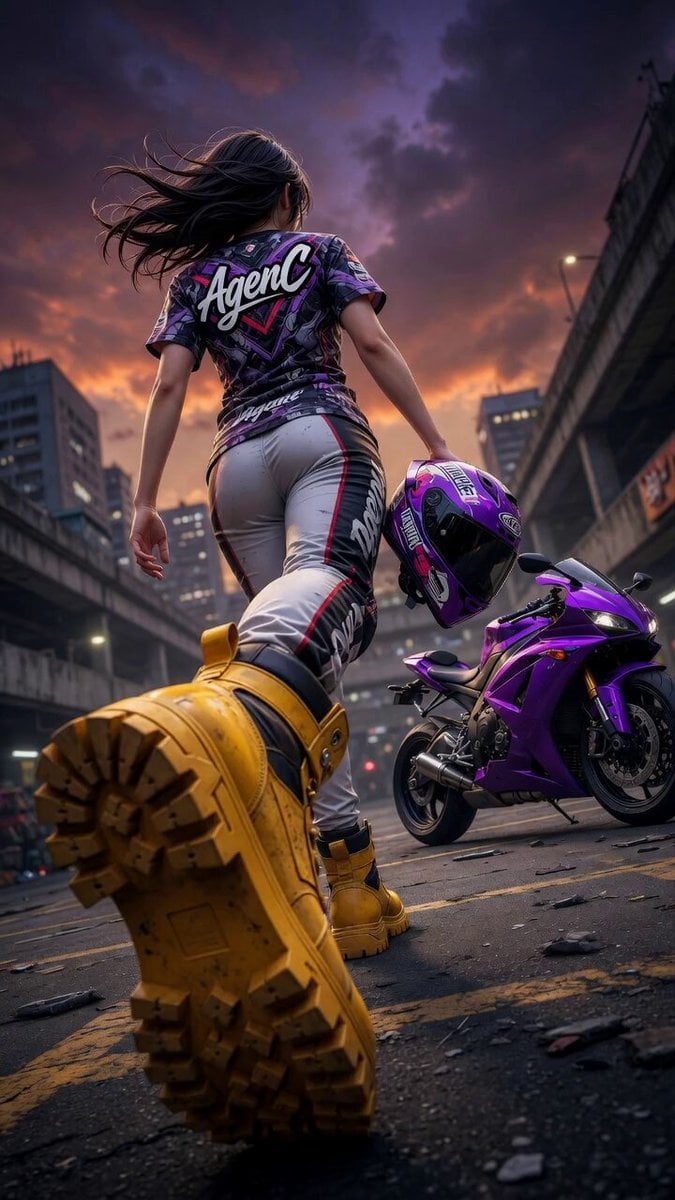
Cinematic Anime Racing Girl in Urban Parking Lot

Floating Girl with Star Light
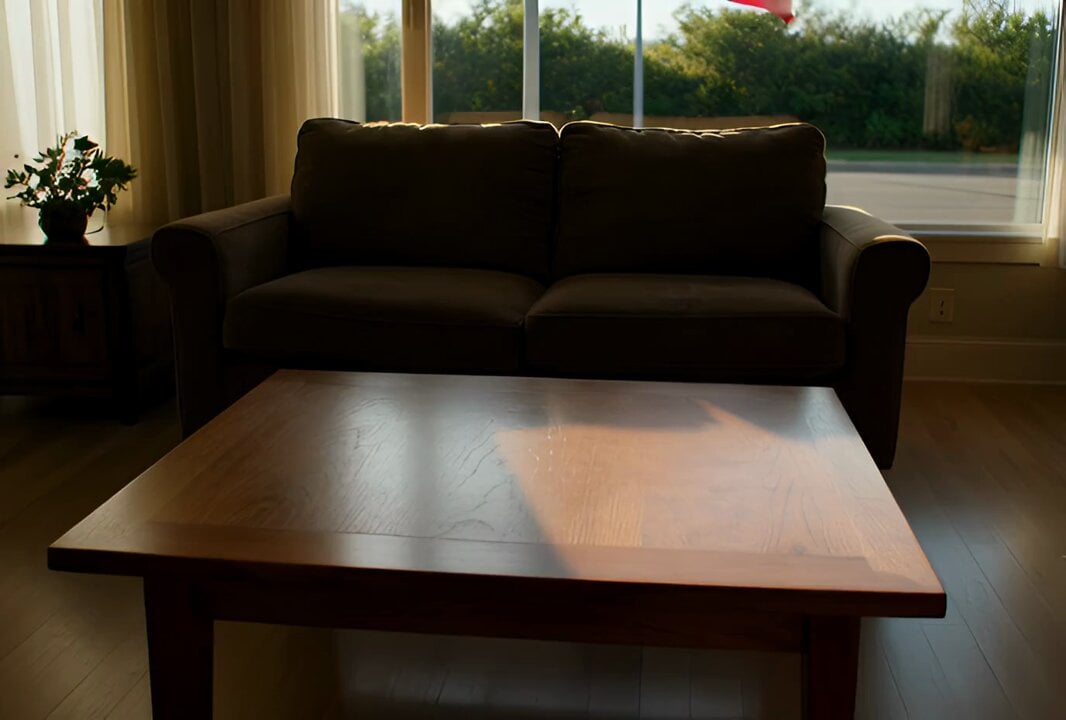
Interior View Video Generation Prompt
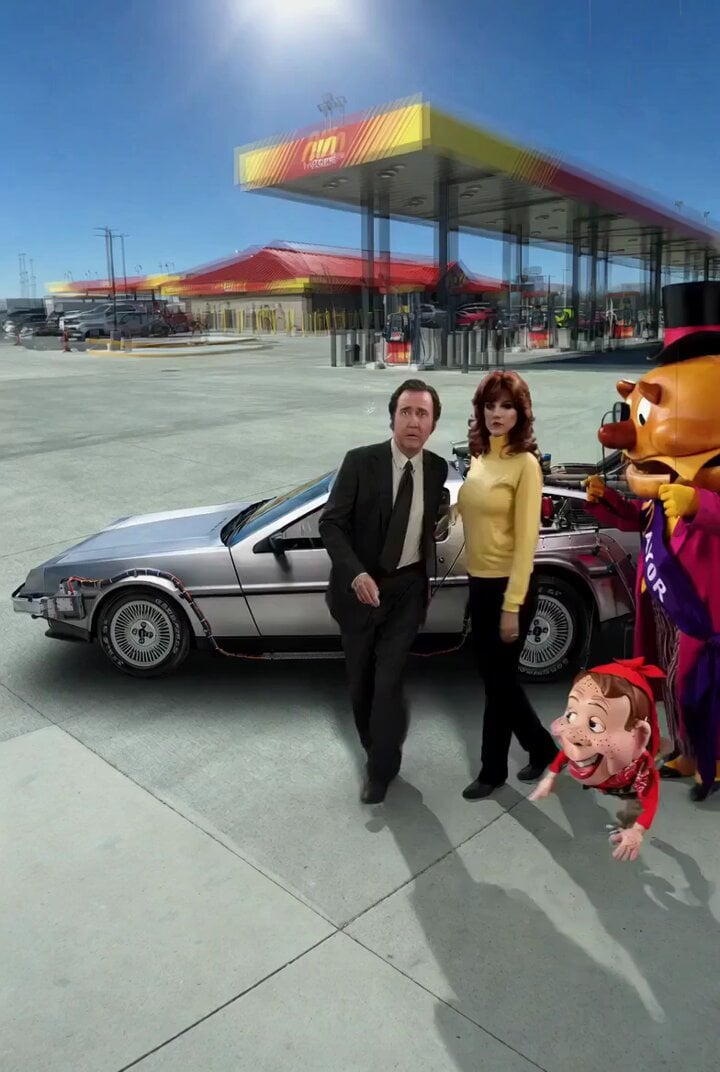
Back to the Future 4 R-rated Video Generation
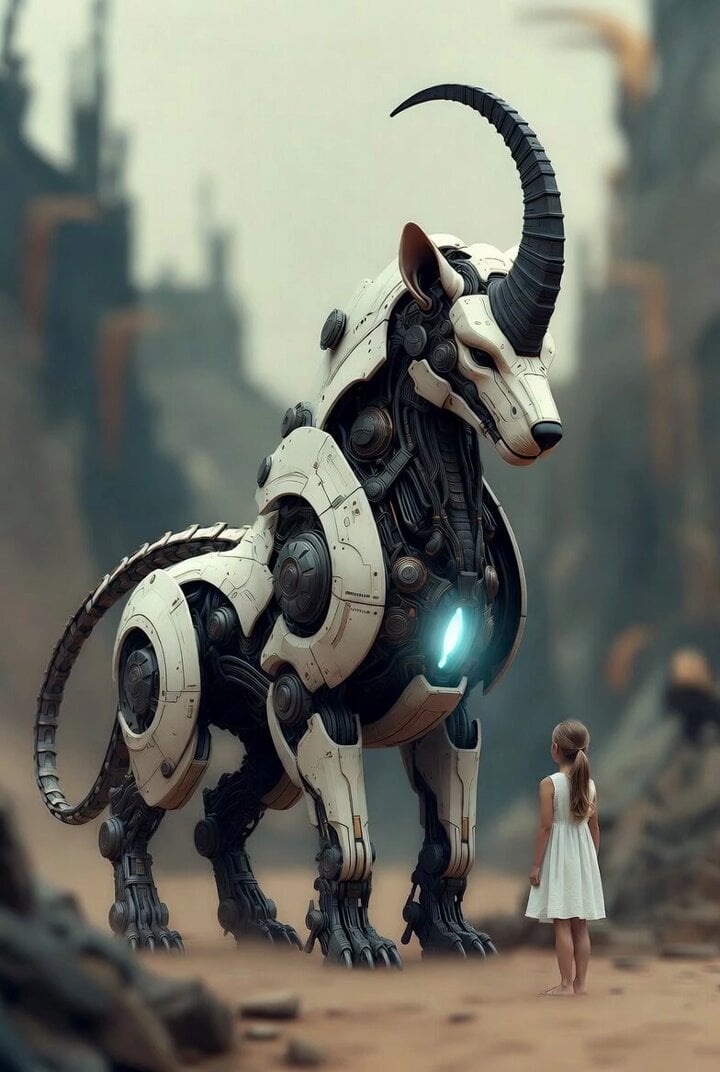
Surreal cyborg animal and young girl
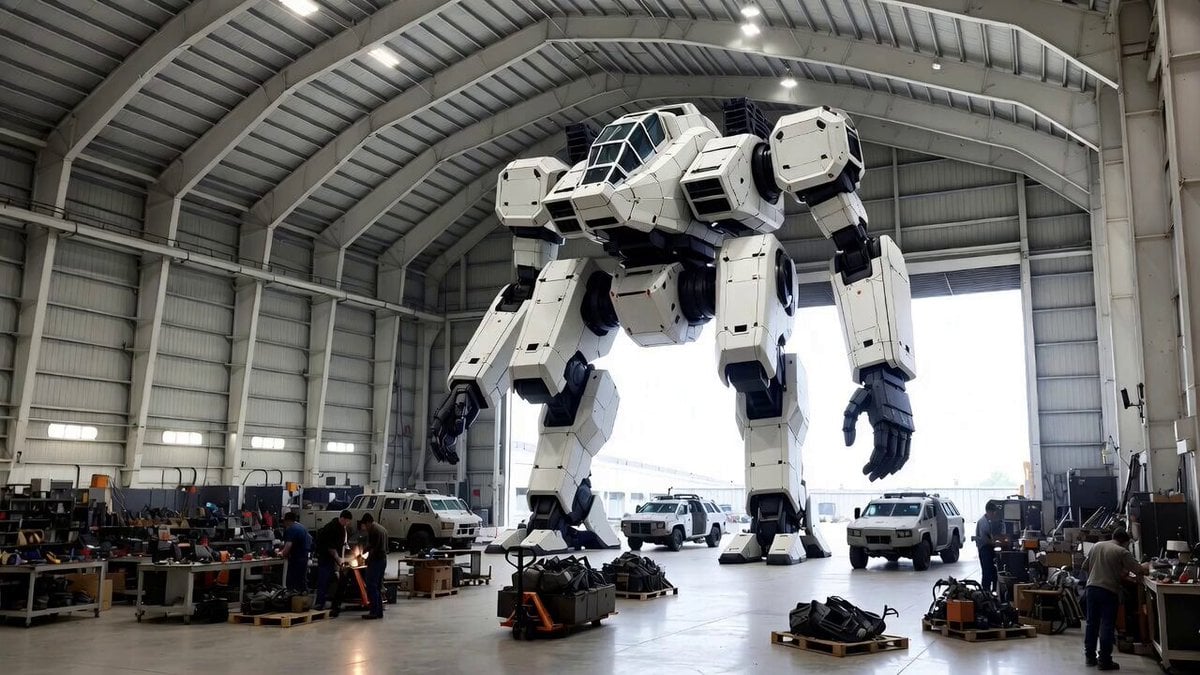
Video Generation Prompt: Mech in Aircraft Hangar
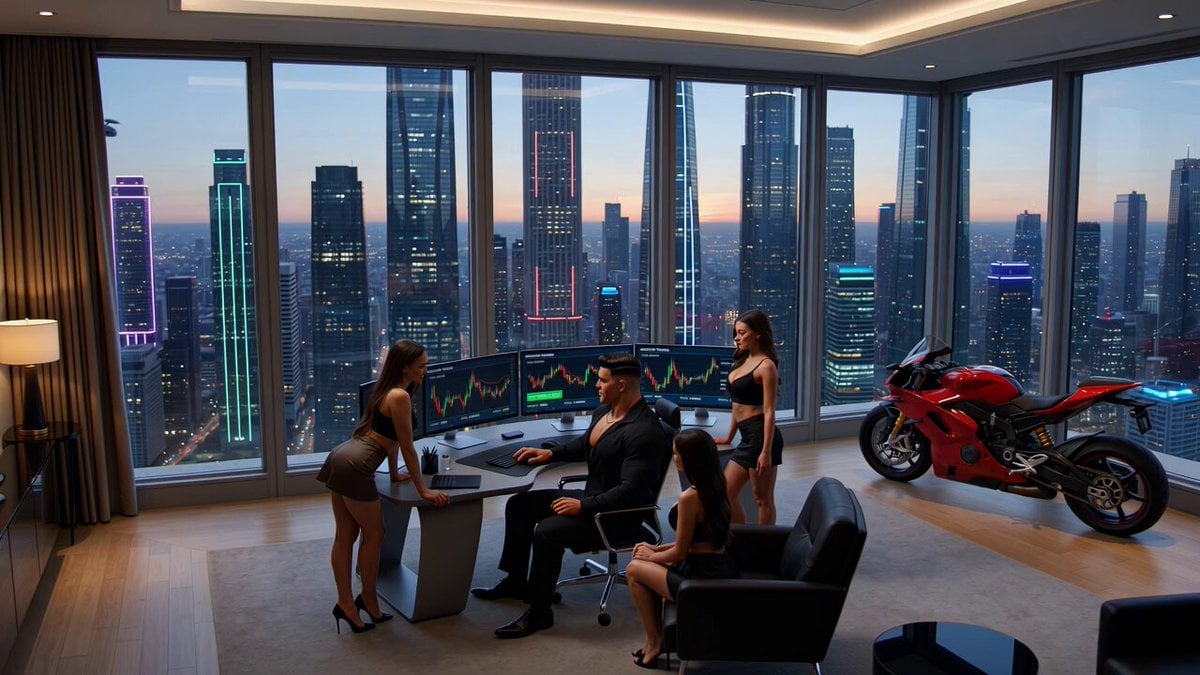
Crypto memecoin degen trading in a cyberpunk high-rise bachelor pad
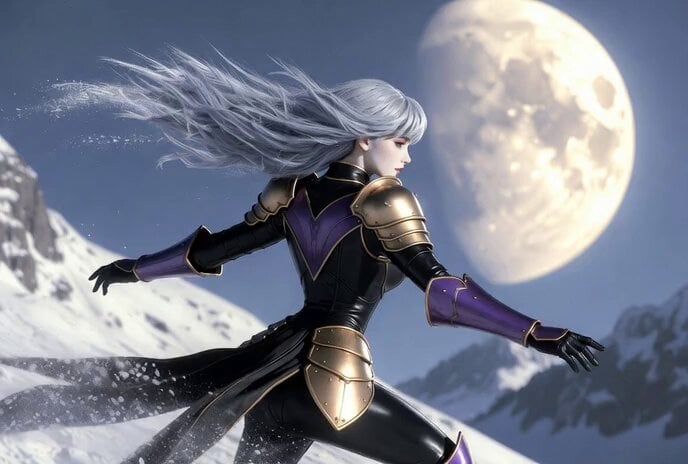
Silver-Haired Girl Dancing on Snowy Mountain Ridge

Ultra-realistic Girl in Nature Sunset

Cyberpunk Mecha Action Scene
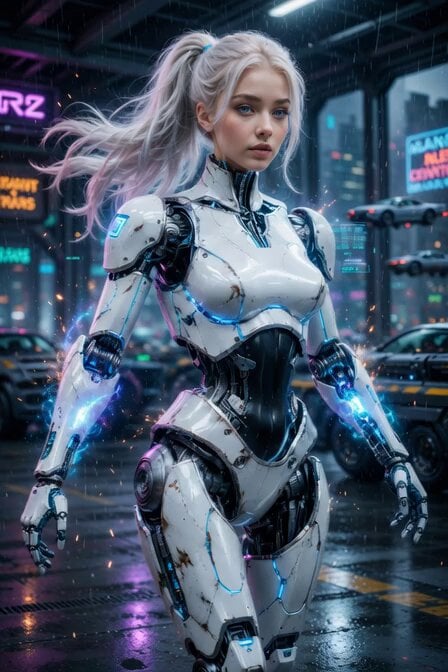
Cyberpunk Cyborg Mechanical Transformation
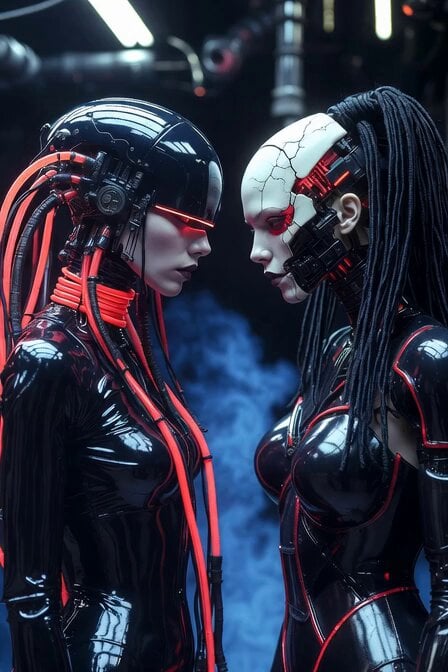
Cyberpunk Android Mechanical Transformation Video
Make it yours
Cyberpunk Guerrilla Girl Video Generation works as-is. These are the safest ways to change it without losing the look.
Change one field
Copy a single group, rewrite it, and generate again so you can see what that field is doing.
Keep the frame, change the subject
Hold the composition and light of Cyberpunk Guerrilla Girl Video Generation, then swap wardrobe, props or the person for a new take.
| If the result… | Why | Fix |
|---|---|---|
| The result drifts from the preview | Too many fields changed at once. | Reuse Cyberpunk Guerrilla Girl Video Generation as-is first, then change one group — subject, light, or setting. |
| The model over-stylizes the scene | The prose prompt leaves finish and camera underspecified. | Add one camera or lighting sentence and stay on Grok Imagine. |
More Grok Imagine templates
Other prompts made for Grok Imagine.

Psychedelic Purple Disc World Video

Mecha Runway Tap Dance Video Prompt

Quantum Inventor in Sonoran Desert

Emotional Angry Couple Drama
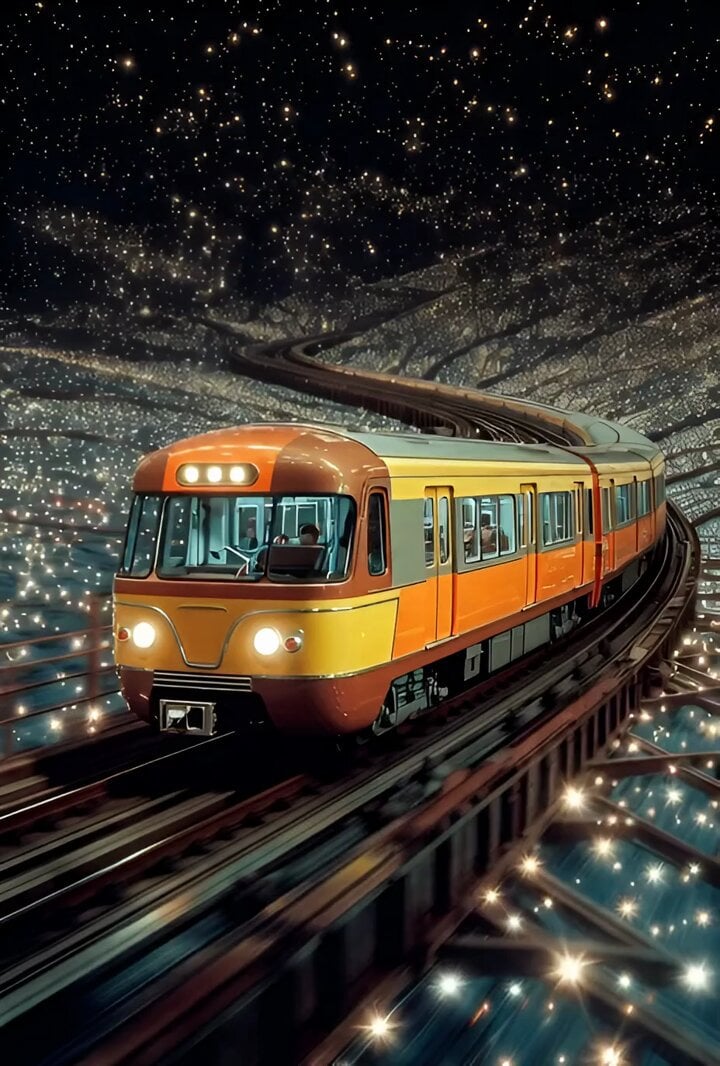
Train Zooming in Star Field Video Prompt

Detailed multi-part video prompt

GTA 6 never came out in 1 million years

Bitcoin liferaft video prompt

Woman floating down, opening eyes and looking deeply into the viewer's eyes

Utopian World of Harmony and Peace
More video prompts
Fresh picks from across the catalog.
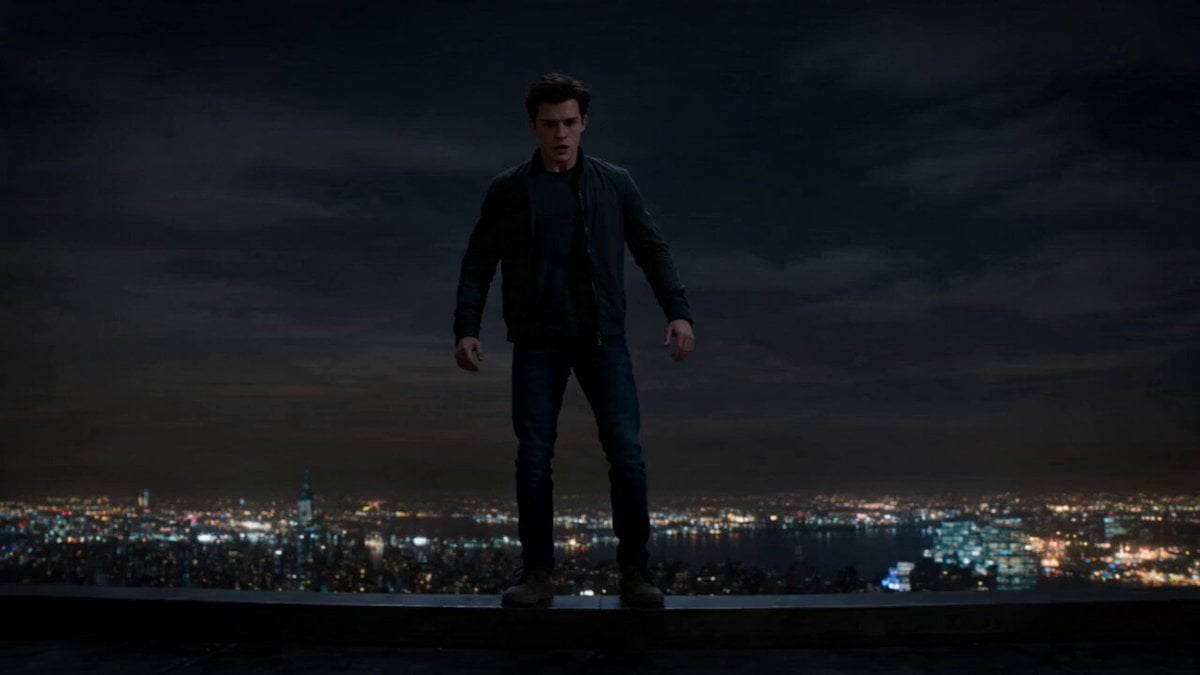
Surreal Rooftop Fall Abyss

Teenager Conflict Action Sequence

Dai Women River Hair Washing Custom
Comic to Video Adaptation Prompt (Journey to the West)

Highly detailed 3D Art Deco embroidery of an elegant young woman and a white fox
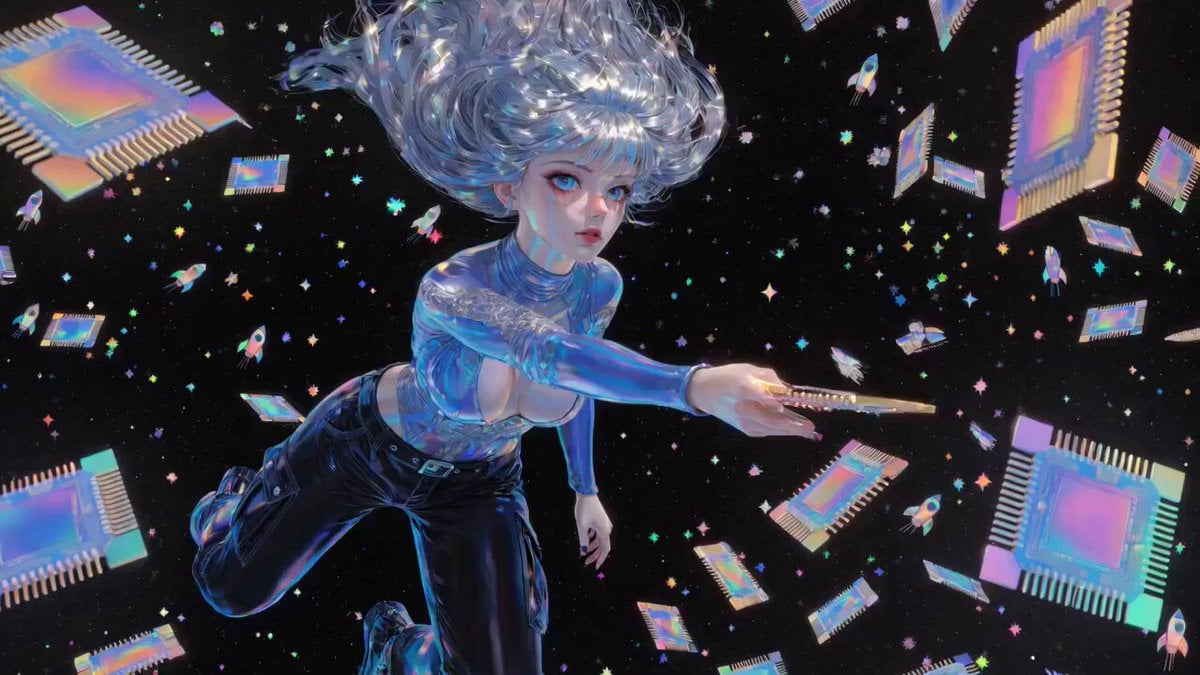
Compute and Communication

Dramatic Character Gacha Reveal Sequence
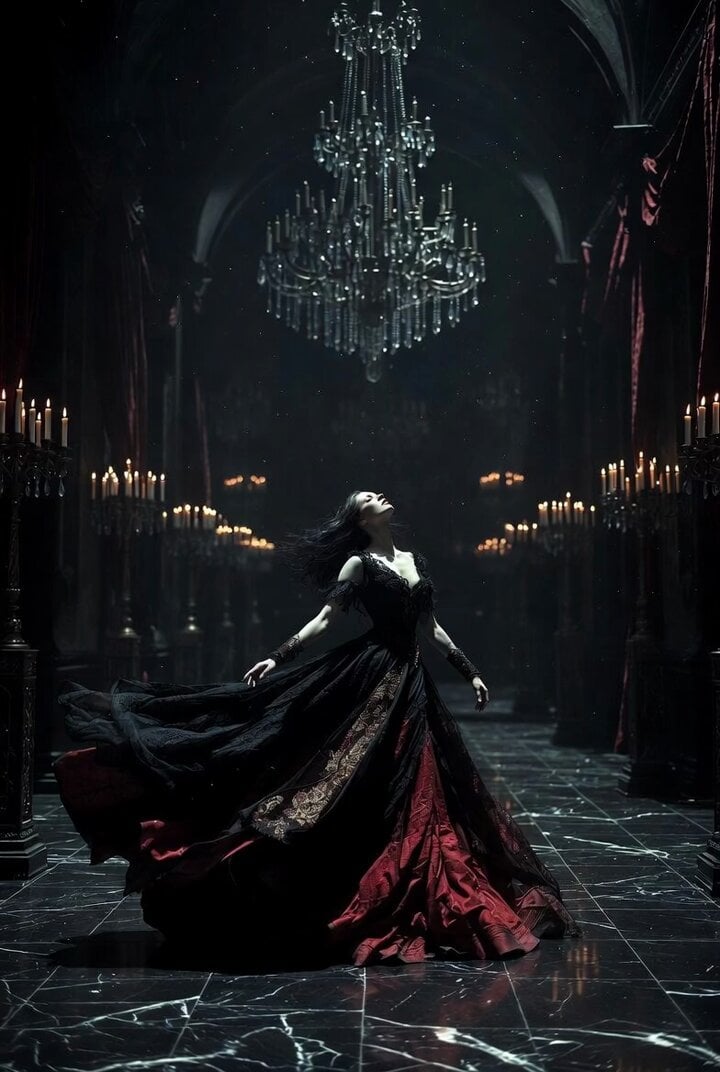
Gothic Castle Ballroom Dancer Scene
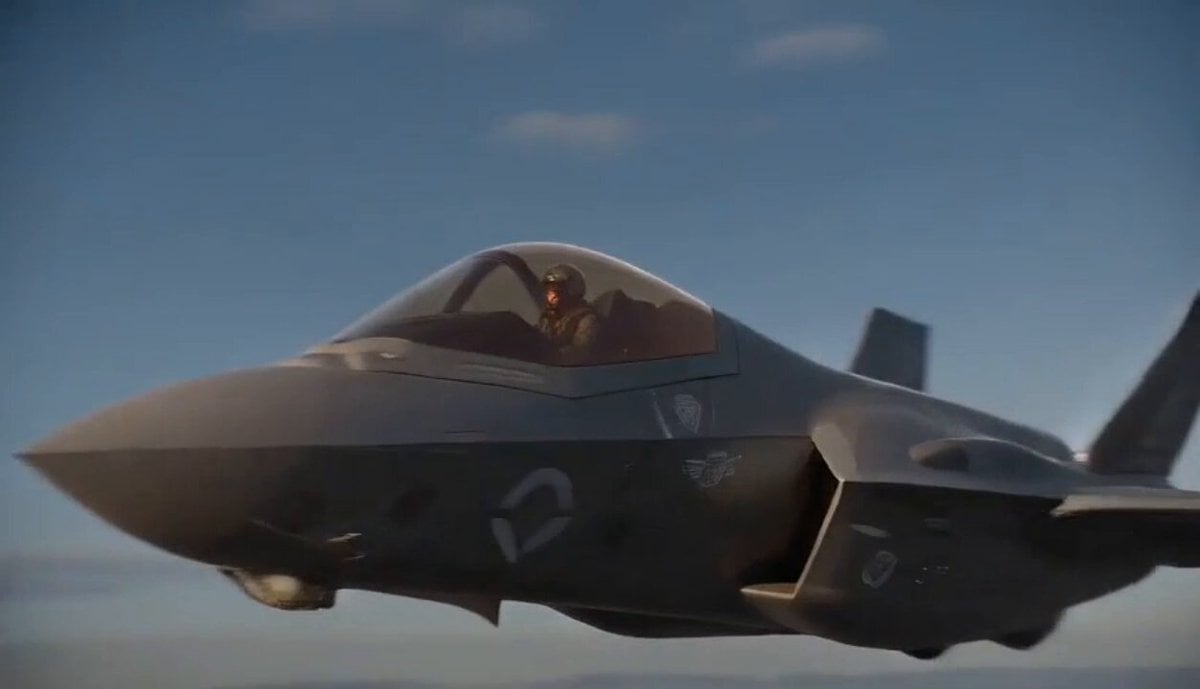
Jet Pilot Ejection Sequence

Dragon Realm simulation video
Browse template categories
Cyberpunk Guerrilla Girl Video Generation questions
How do I use the Cyberpunk Guerrilla Girl Video Generation template?
Add your photo if the template asks for one, edit the prompt if you like — the template's model and format are already selected — and press Generate. Your version opens in PicX Studio.
Can I customize the Cyberpunk Guerrilla Girl Video Generation template?
Yes. You can change the subject, setting, lighting, mood, format, and available model controls before creating your video.
Is the Cyberpunk Guerrilla Girl Video Generation template free?
Opening and editing this template is free. Generating uses credits, shown on the Generate button when you are signed in.
Which AI model should I use?
Start with Grok Imagine, which is the model associated with this template. You can compare another compatible model for a different finish.
Looking for something else? Browse all templates.

Your photo, any look
Thousands of ready templates for every top image and video model, from one credit balance.