
Teenager Conflict Action Sequence
A video generation prompt depicting a dramatic confrontation between two teenagers with dialogue.
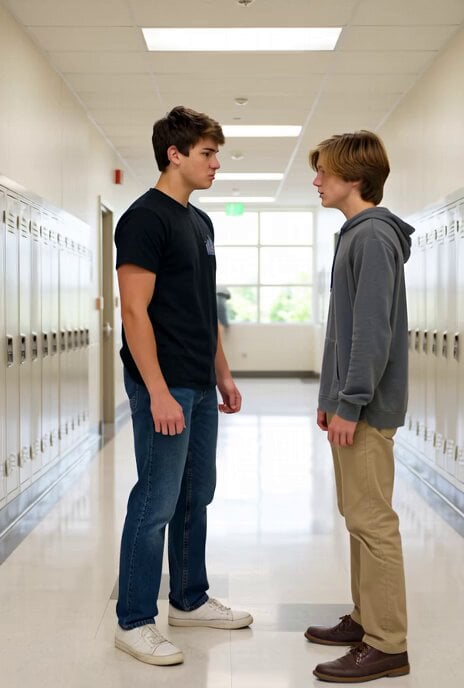
- Prompt included
- Model and format preset
- Premium template
The prompt behind this video
Copy the exact prompt behind Teenager Conflict Action Sequence, or open it in the studio and make it yours.
A teenager smacks another teenager in the face and yells at him “that’s what you get when you mess with me”.
How to use Teenager Conflict Action Sequence in 3 steps
- 1
Open
The prompt is already in the box next to the preview, with the template's model and format selected.
- 2…a portrait of your subject in softgolden-hour light, 85mm…
Personalize
Edit the subject and creative details for your destination.
- 3Generate
Generate
Press Generate — your video is created in PicX Studio, so you can compare it with the original and refine one variable at a time.
More like this
Templates with the same subject, style or setup. Open one to see its prompt.

Coffee Cup Interaction Motion
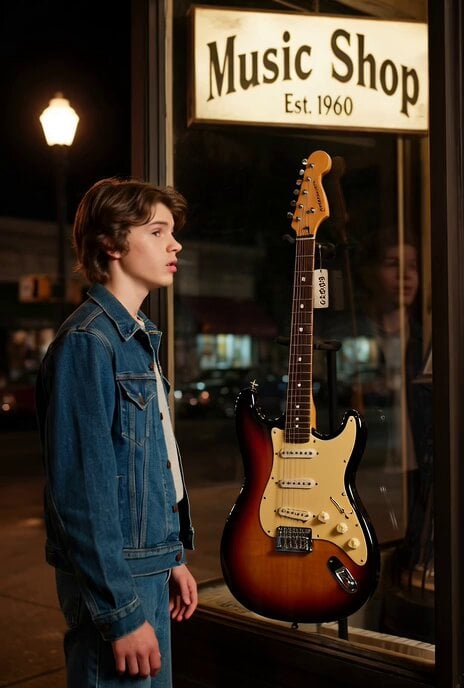
Grok Imagine Prompt: Teenager Looking at a Guitar in 1975
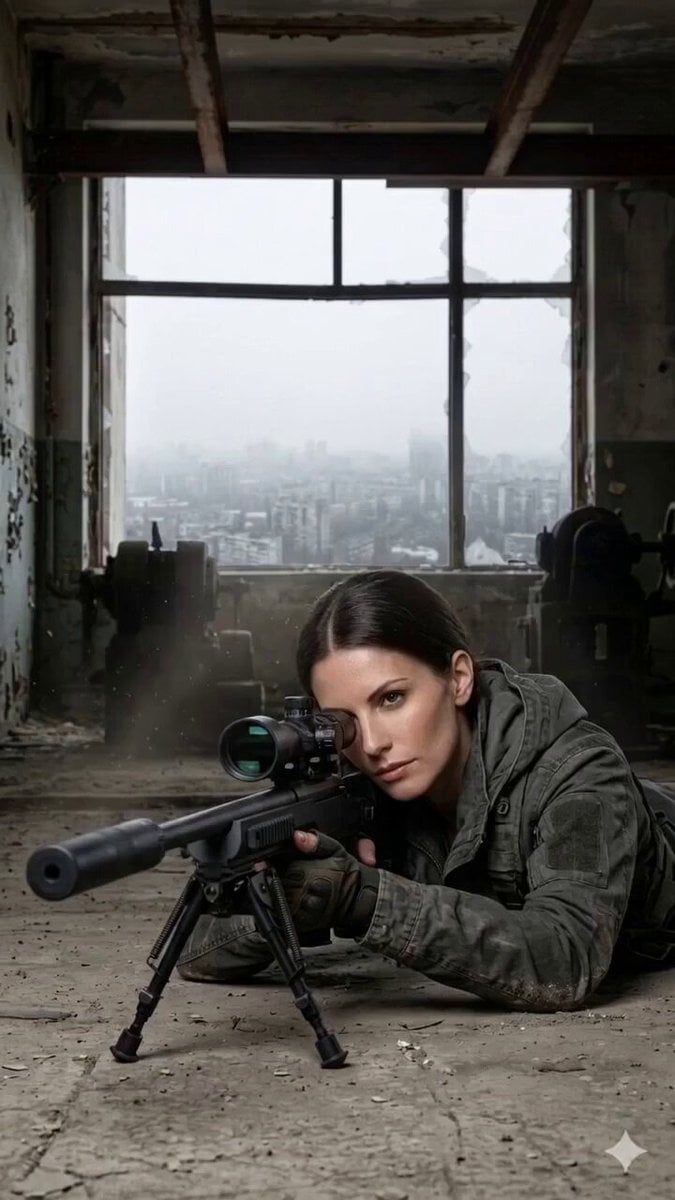
Grok Imagine Cinematic Impact Sequence Video Prompt

Maglev Train Action Sequence

Kaleidoscopic Cosmic Dolphin Video

Horror Daffy Duck Video Transition

America 250th Anniversary Celebration

Glowing Water Forest Night Prompt

Soft Pink Roses Dreamer Prompt

Ninja Wizard Levitation Jump

Voice Controlled Water Animation

Pterodactyl Transformation Journey
Make it yours
Teenager Conflict Action Sequence works as-is. These are the safest ways to change it without losing the look.
Change one field
Copy a single group, rewrite it, and generate again so you can see what that field is doing.
Keep the frame, change the subject
Hold the composition and light of Teenager Conflict Action Sequence, then swap wardrobe, props or the person for a new take.
| If the result… | Why | Fix |
|---|---|---|
| The result drifts from the preview | Too many fields changed at once. | Reuse Teenager Conflict Action Sequence as-is first, then change one group — subject, light, or setting. |
| The model over-stylizes the scene | The prose prompt leaves finish and camera underspecified. | Add one camera or lighting sentence and stay on Grok Imagine. |
More Grok Imagine templates
Other prompts made for Grok Imagine.

Mecha Runway Tap Dance Video Prompt

Emotional Angry Couple Drama

Cyberpunk Guerrilla Girl Video Generation

Detailed multi-part video prompt
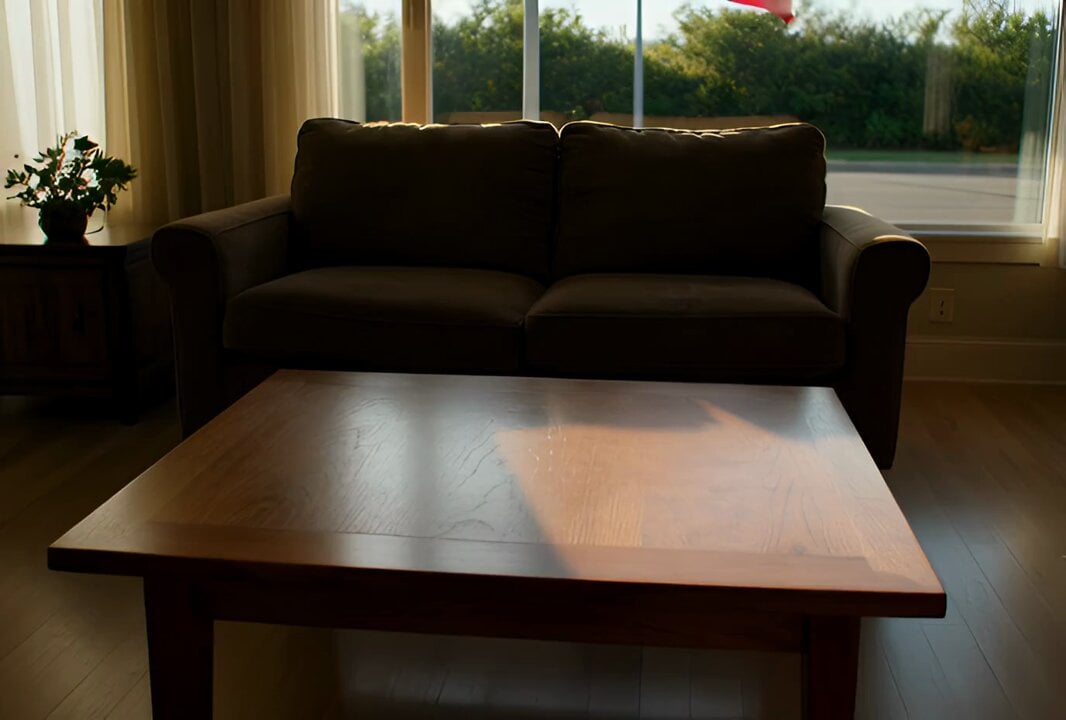
Interior View Video Generation Prompt
GTA 6 never came out in 1 million years

Bitcoin liferaft video prompt

Woman floating down, opening eyes and looking deeply into the viewer's eyes

Utopian World of Harmony and Peace
Runner with BE 2060 i inscription passing through sequential doors video prompt
More video prompts
Fresh picks from across the catalog.
Multi-Character Parkour Action Sequence

Futuristic Performance Car Detailing
Cinematic Morning Gym Commercial Prompt
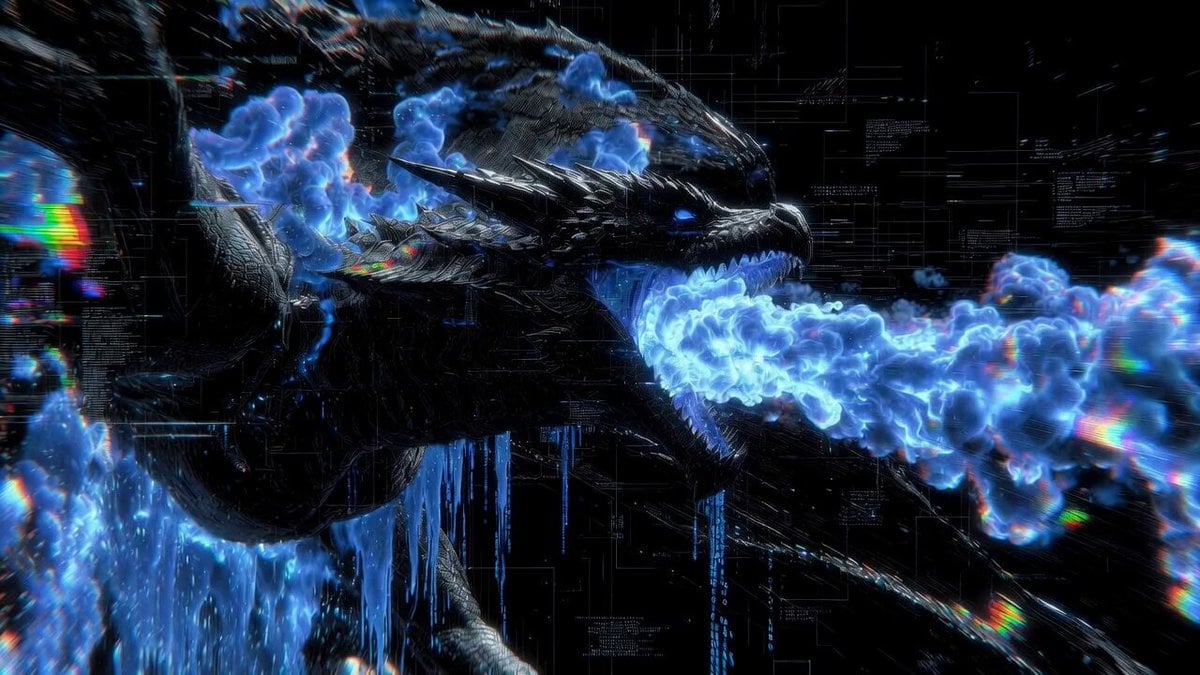
Cyberpunk Glitch Dragon Video Prompt
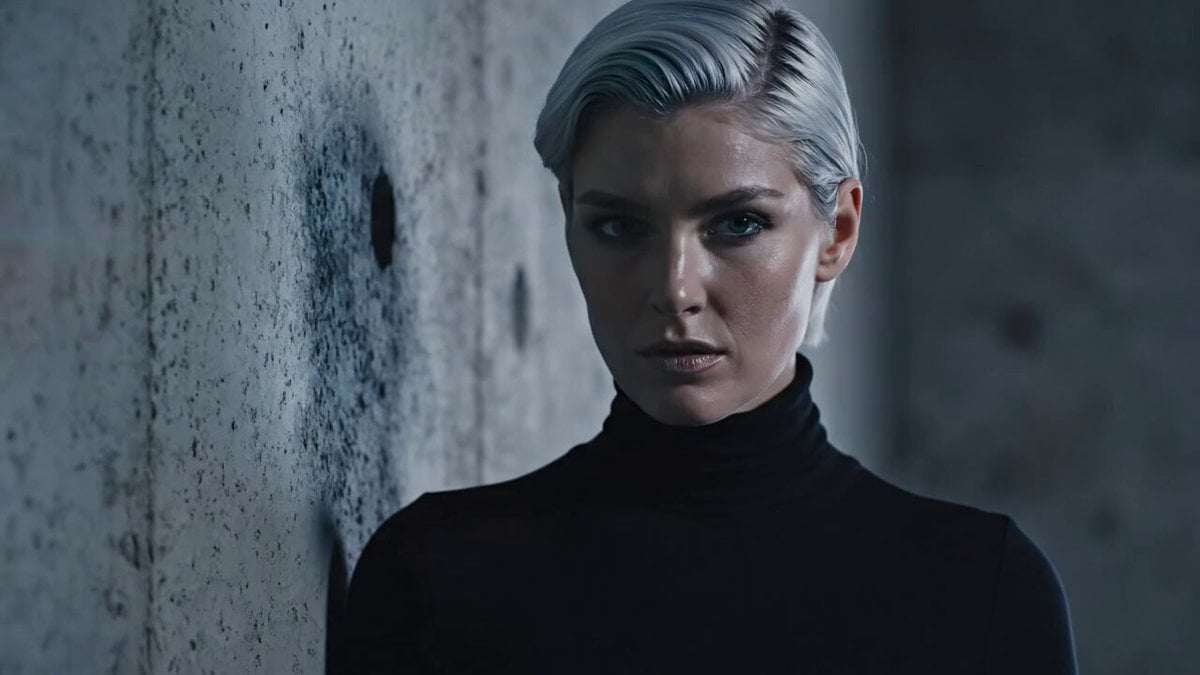
Cinematic Short Film with Red Laser Scan

Boyfriend POV Travel Vlog Prompt for Seedance 2.0
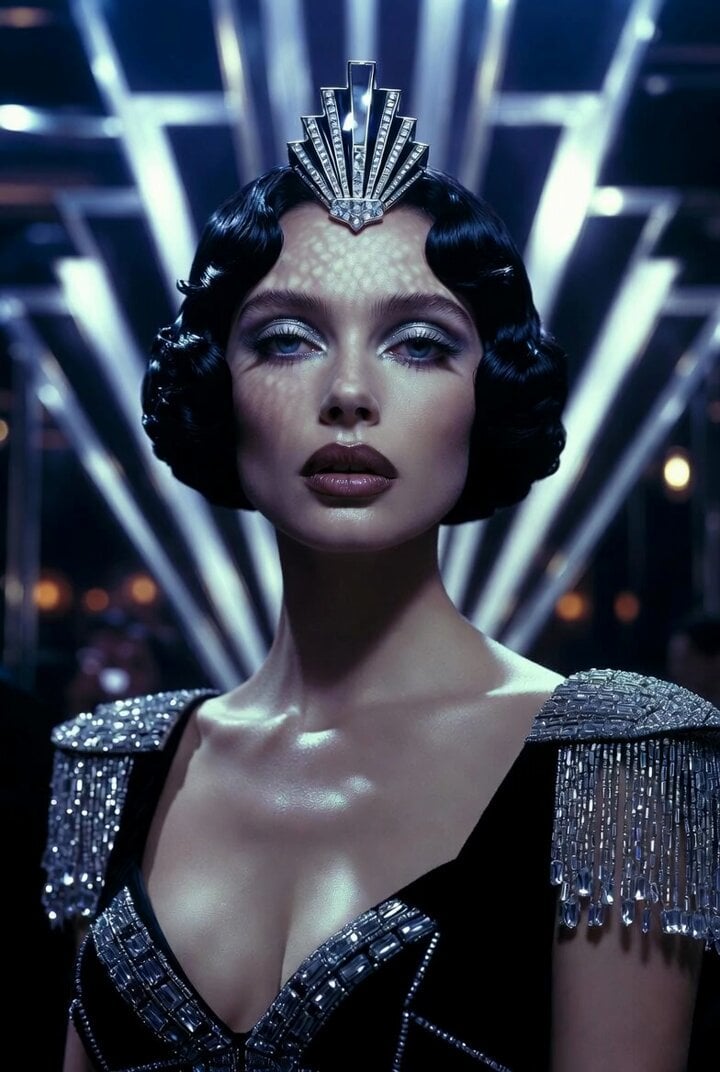
Ultra Realistic Art Deco Nightclub Queen Video Generation
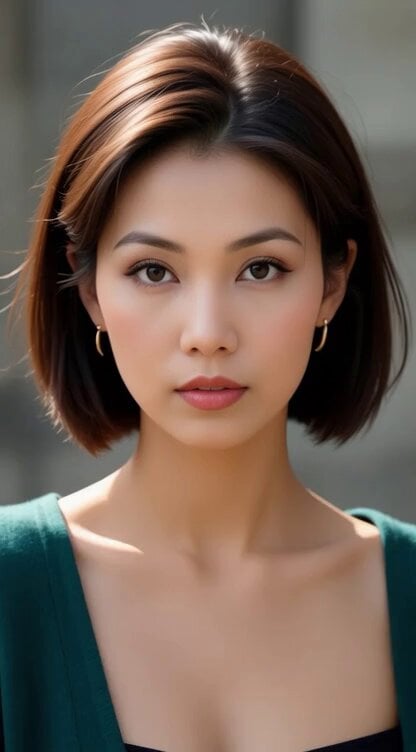
90s Commercial Scene Video Prompt
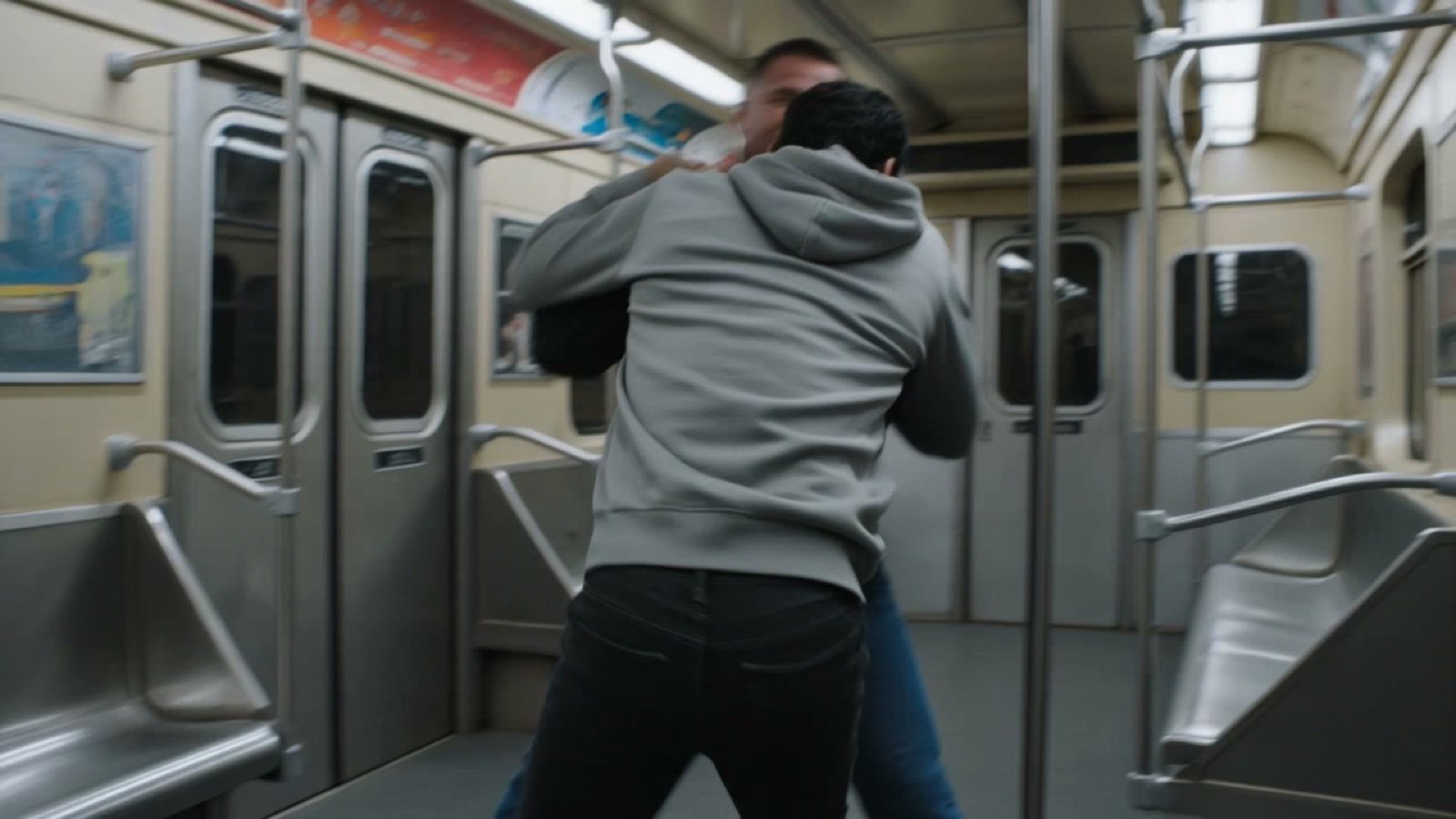
Claustrophobic Action Scene Prompt
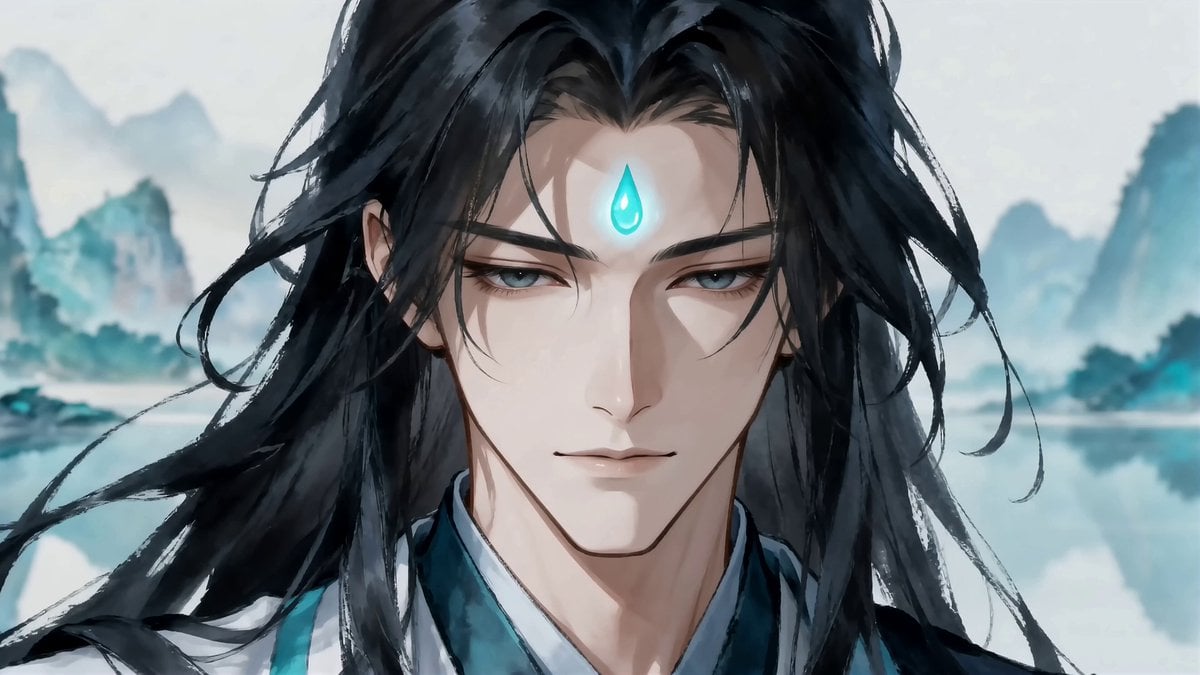
Misty Watercolor Mountain Sword Dance
Browse template categories
Teenager Conflict Action Sequence questions
How do I use the Teenager Conflict Action Sequence template?
Add your photo if the template asks for one, edit the prompt if you like — the template's model and format are already selected — and press Generate. Your version opens in PicX Studio.
Can I customize the Teenager Conflict Action Sequence template?
Yes. You can change the subject, setting, lighting, mood, format, and available model controls before creating your video.
Is the Teenager Conflict Action Sequence template free?
Opening and editing this template is free. Generating uses credits, shown on the Generate button when you are signed in.
Which AI model should I use?
Start with Grok Imagine, which is the model associated with this template. You can compare another compatible model for a different finish.
Looking for something else? Browse all templates.

Your photo, any look
Thousands of ready templates for every top image and video model, from one credit balance.