
Cyberpunk Glitch Dragon Video Prompt
A highly detailed prompt for Grok Imagine describing a massive dark dragon emerging from a digital void, rendered in a hyper-realistic cyberpunk glitch art style.
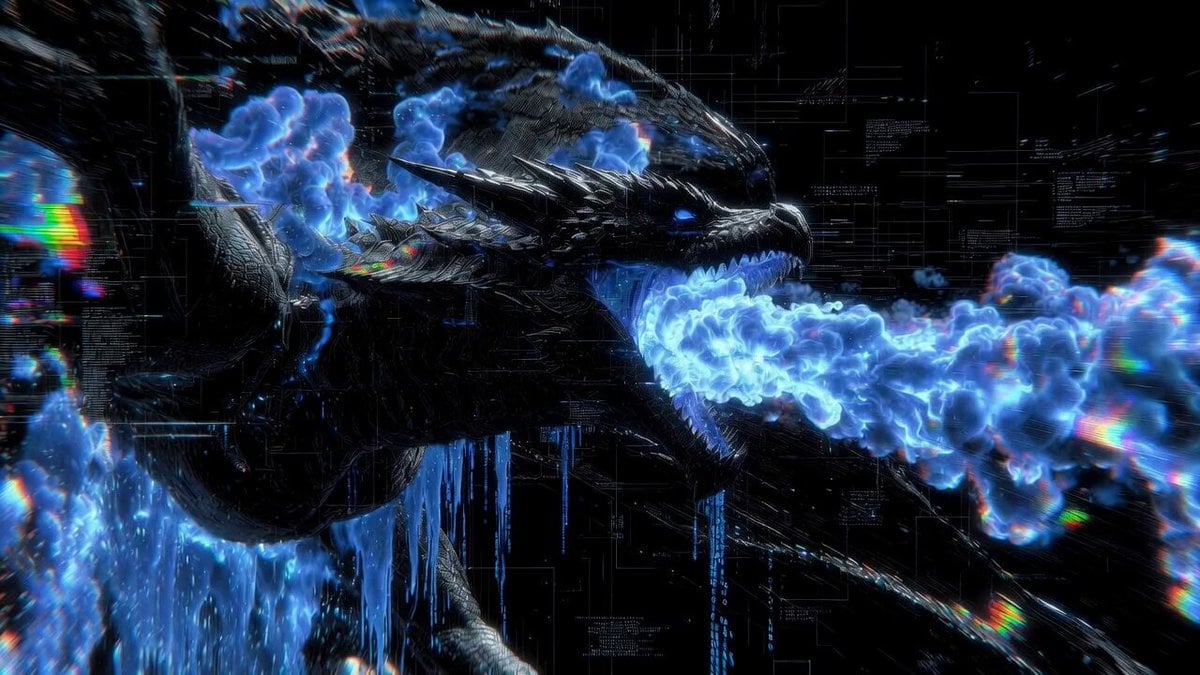
- Prompt included
- Model and format preset
- Premium template
The prompt behind this video
Copy the exact prompt behind Cyberpunk Glitch Dragon Video Prompt, or open it in the studio and make it yours.
A massive dark dragon emerging from a digital void, rendered in a hyper-realistic cyberpunk glitch art style. The dragon's scales are obsidian black with a metallic sheen, its muscular form partially dissolving into cascading digital corruption artifacts, horizontal scan lines, pixelated data streams, and RGB channel-split glitches bleeding across the composition. The creature breathes an explosive torrent of electric cyan and cobalt blue plasma fire, the flames rendered with volumetric fluid simulation detail, turbulent, churning wisps of superheated energy with bright neon cores fading to deep royal blue at the edges. The fire drips downward like liquid neon, pooling into glitching blue data waterfalls that fragment into binary corruption at the bottom of the frame. The background is pure black void layered with faint grid lines, corrupted HUD interface elements, and barely-visible monospace text data suggesting a collapsing virtual environment. Dramatic high-contrast chiaroscuro lighting with the only illumination sourced entirely from the bioluminescent blue flames, casting cold electric reflections across the dragon's dark scales. Rendered in the style of concept art meets real-time VFX, 8K resolution, cinematic composition, shallow depth of field on the background corruption elements.
How to use Cyberpunk Glitch Dragon Video Prompt in 3 steps
- 1
Open
The prompt is already in the box next to the preview, with the template's model and format selected.
- 2…a portrait of your subject in softgolden-hour light, 85mm…
Personalize
Edit the subject and creative details for your destination.
- 3Generate
Generate
Press Generate — your video is created in PicX Studio, so you can compare it with the original and refine one variable at a time.
More like this
Templates with the same subject, style or setup. Open one to see its prompt.
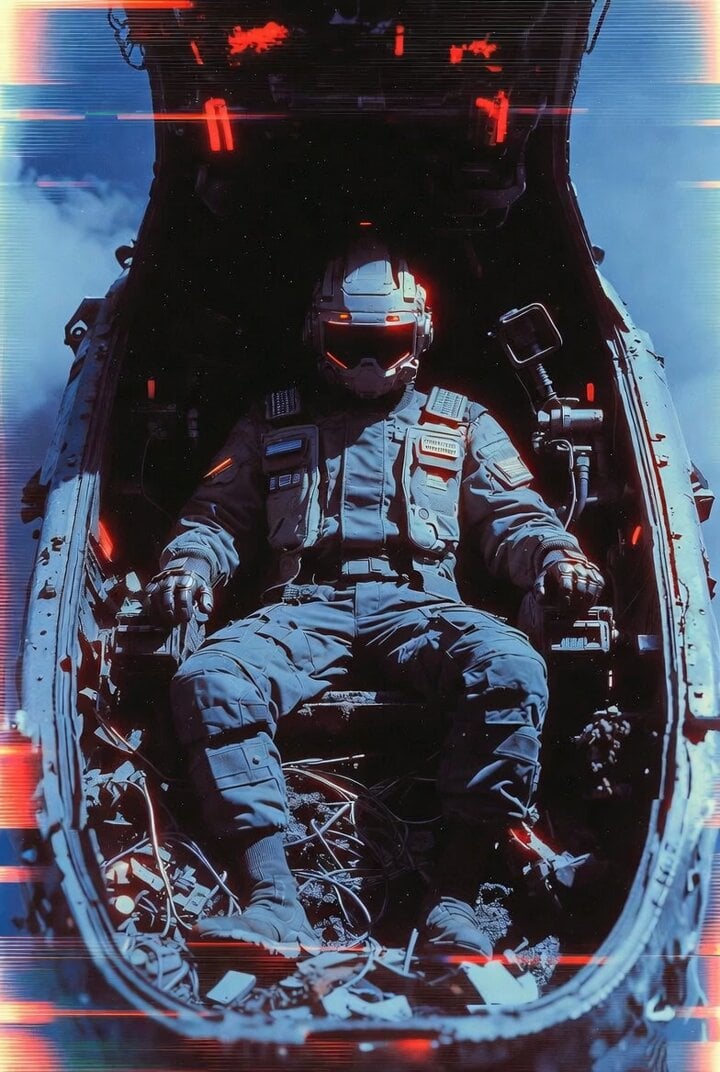
VHS Glitch Cyberpunk Girl Video Prompt
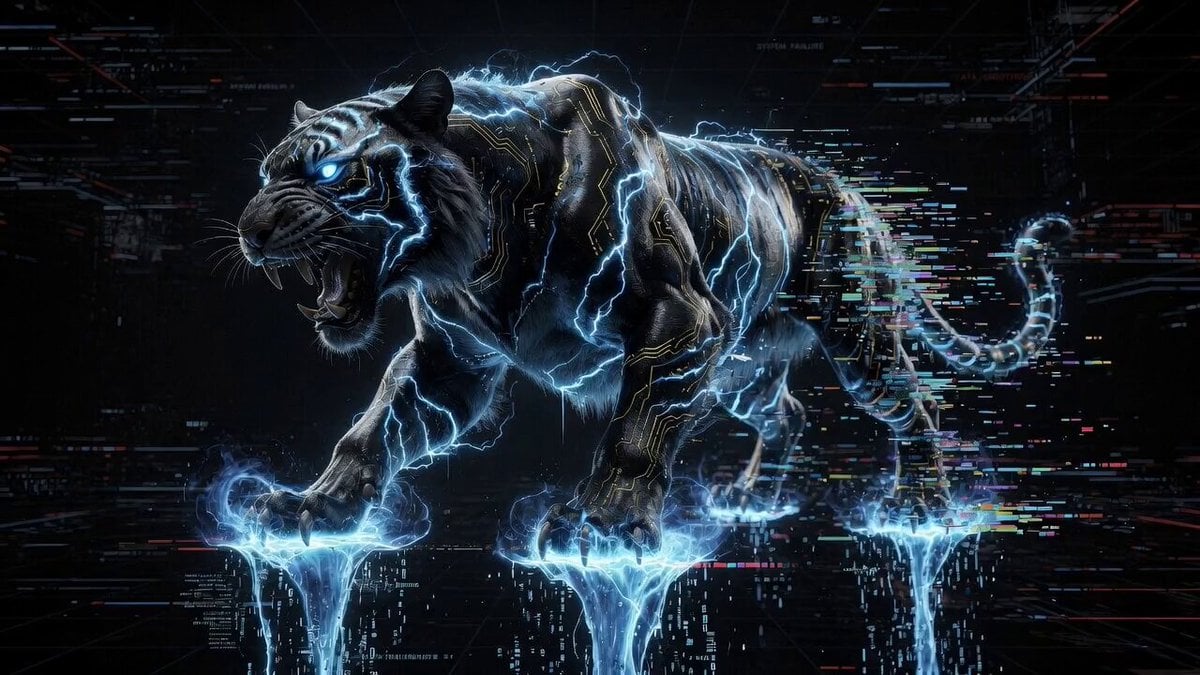
Hyper-realistic cyberpunk glitch art prompt for a massive electric tiger
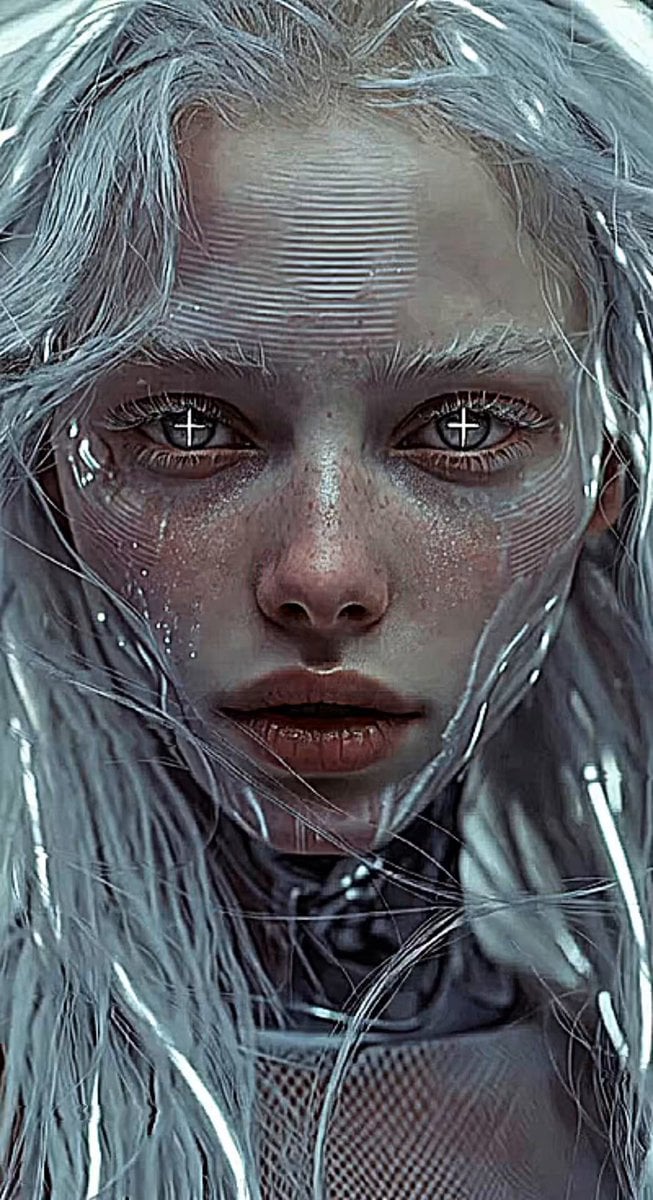
Glitches in the Simulation Prompt

Cyberpunk Guerrilla Girl Video Generation
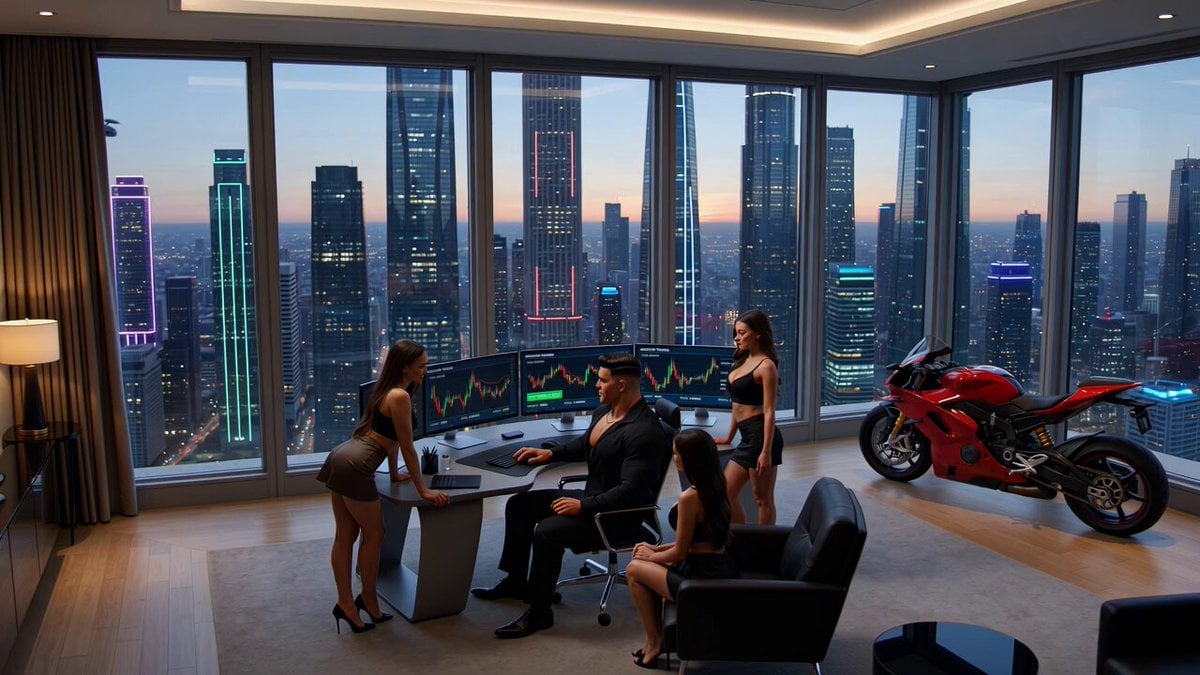
Crypto memecoin degen trading in a cyberpunk high-rise bachelor pad
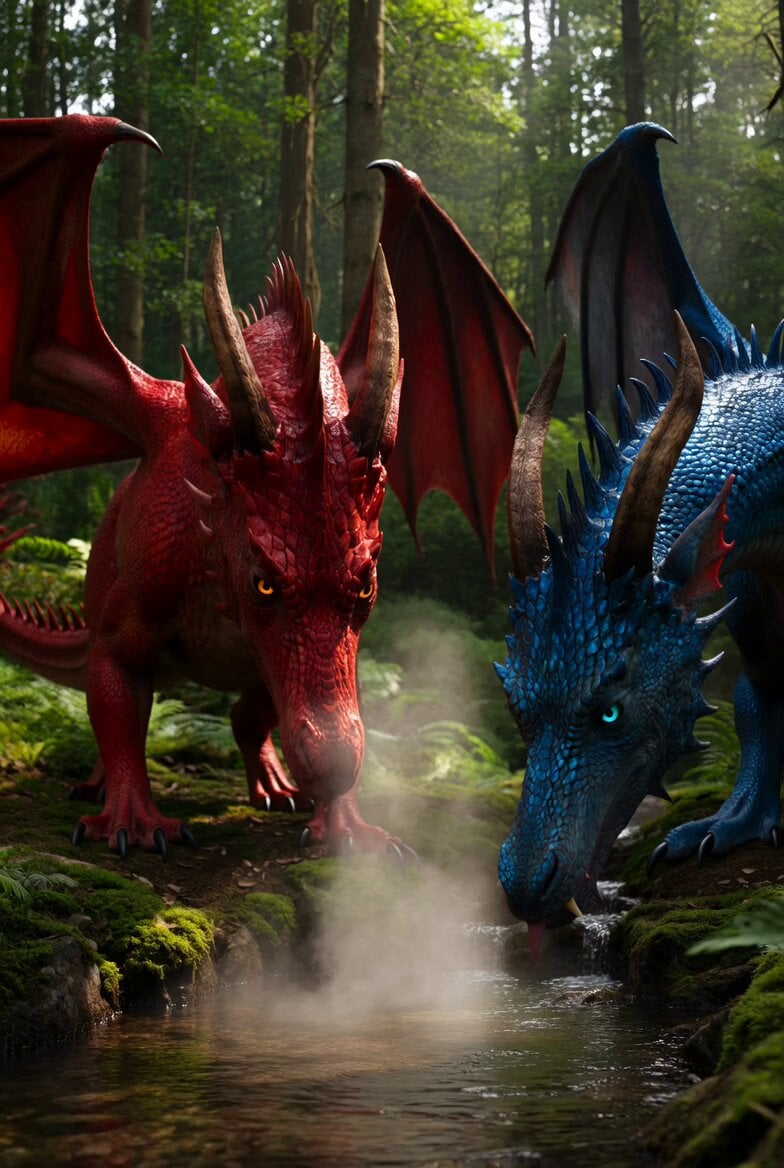
Dragons drinking from a stream
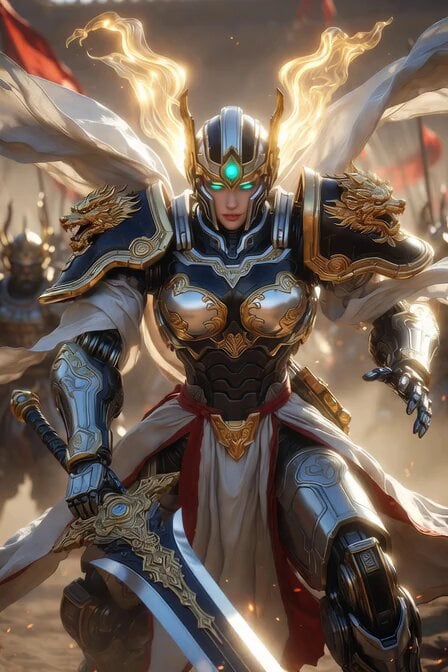
Imperial Dragon Mecha Warrior
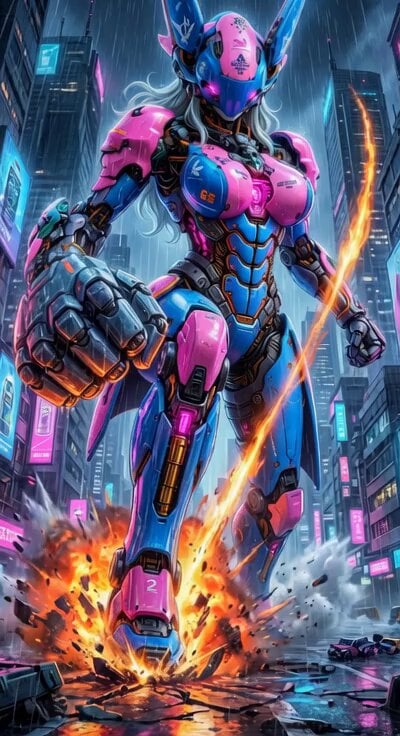
Cyberpunk Mecha Action Scene

Code Goddess Glitch Video
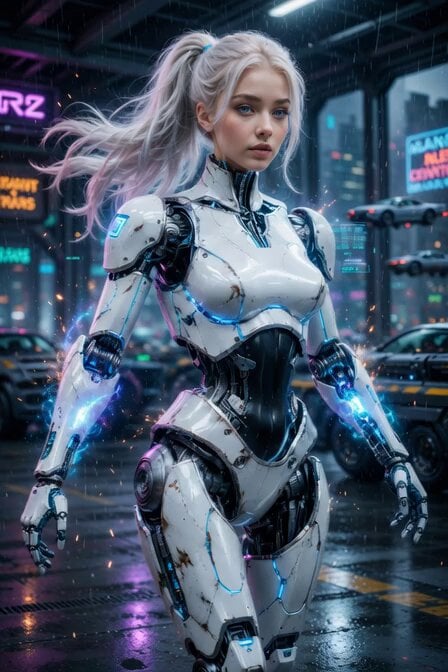
Cyberpunk Cyborg Mechanical Transformation
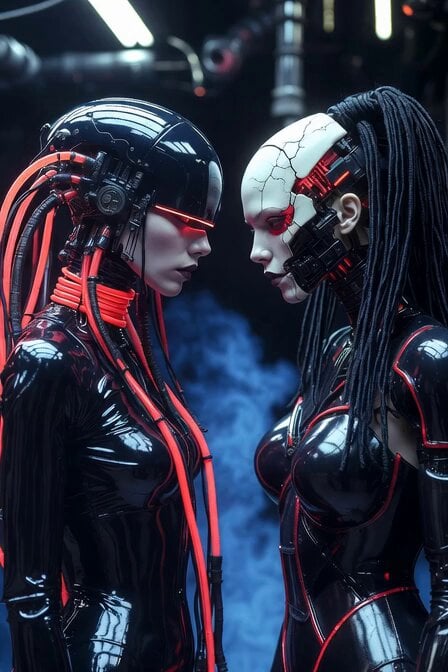
Cyberpunk Android Mechanical Transformation Video
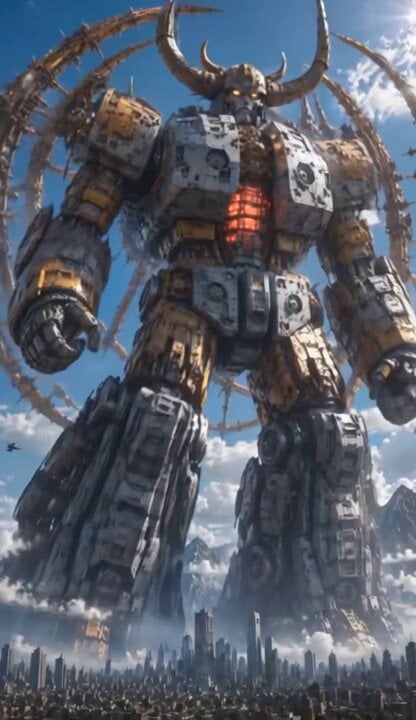
Colossal Biomechanical Cyberpunk Mecha Video
Make it yours
Cyberpunk Glitch Dragon Video Prompt works as-is. These are the safest ways to change it without losing the look.
Change one field
Copy a single group, rewrite it, and generate again so you can see what that field is doing.
Keep the frame, change the subject
Hold the composition and light of Cyberpunk Glitch Dragon Video Prompt, then swap wardrobe, props or the person for a new take.
| If the result… | Why | Fix |
|---|---|---|
| The result drifts from the preview | Too many fields changed at once. | Reuse Cyberpunk Glitch Dragon Video Prompt as-is first, then change one group — subject, light, or setting. |
| The model over-stylizes the scene | The prose prompt leaves finish and camera underspecified. | Add one camera or lighting sentence and stay on Grok Imagine. |
More Grok Imagine templates
Other prompts made for Grok Imagine.

Mecha Runway Tap Dance Video Prompt
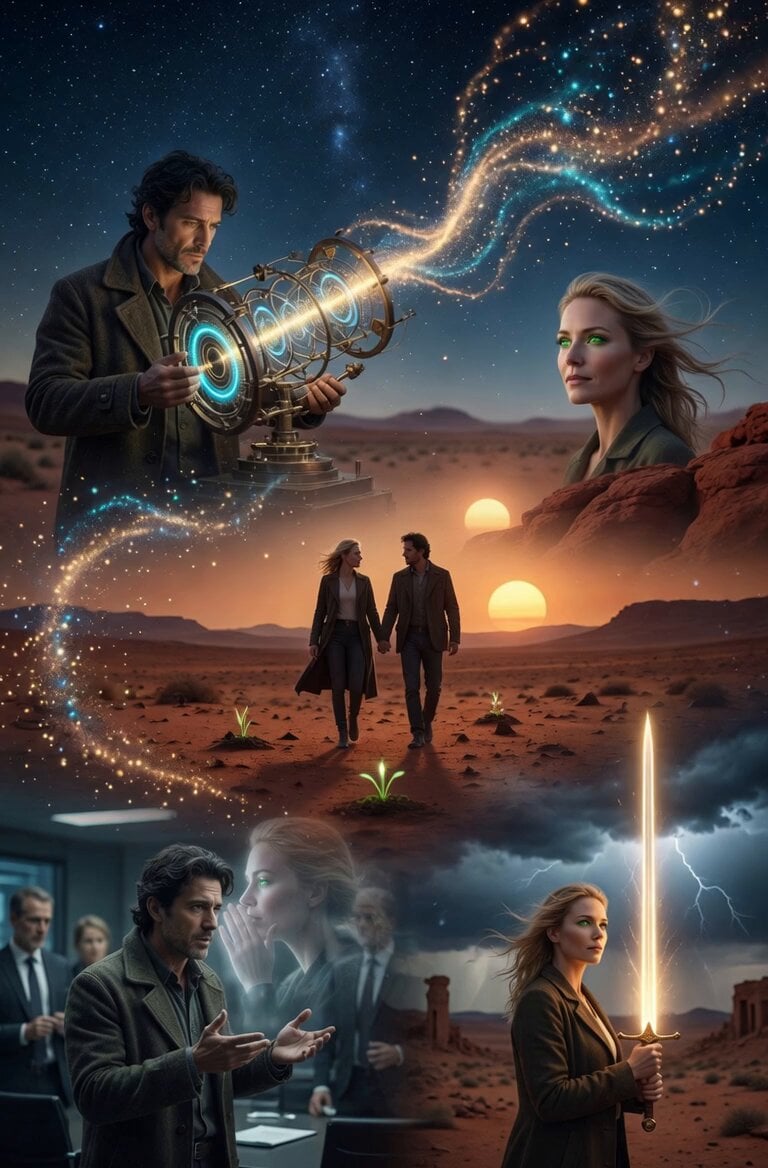
Quantum Inventor in Sonoran Desert

Emotional Angry Couple Drama
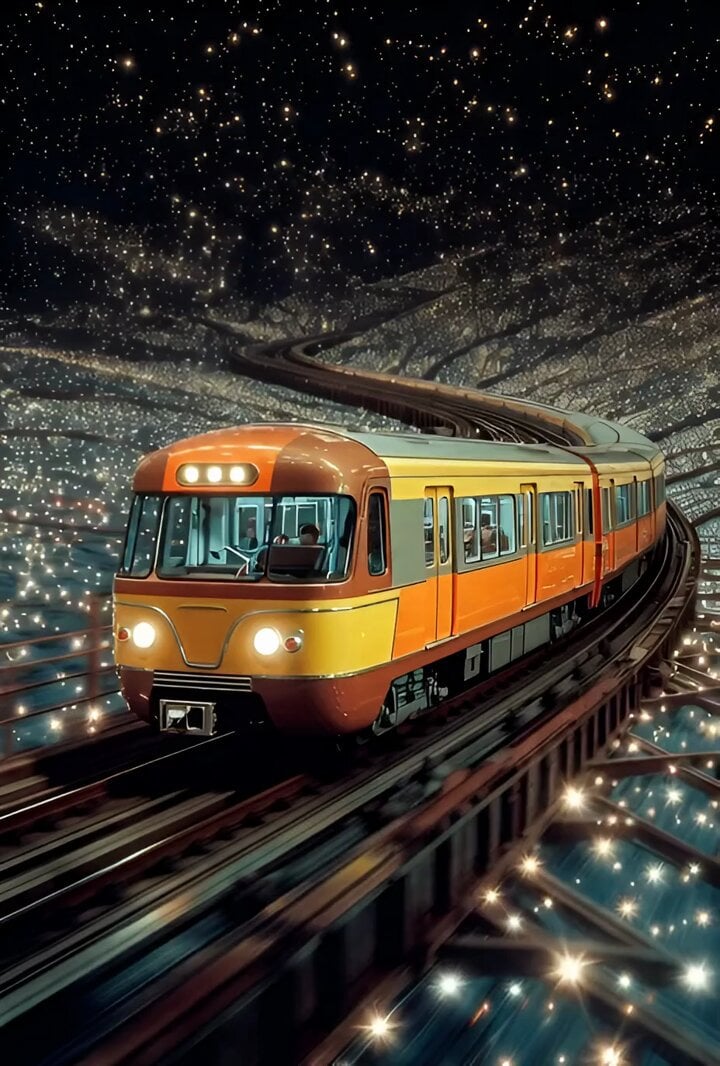
Train Zooming in Star Field Video Prompt

Detailed multi-part video prompt
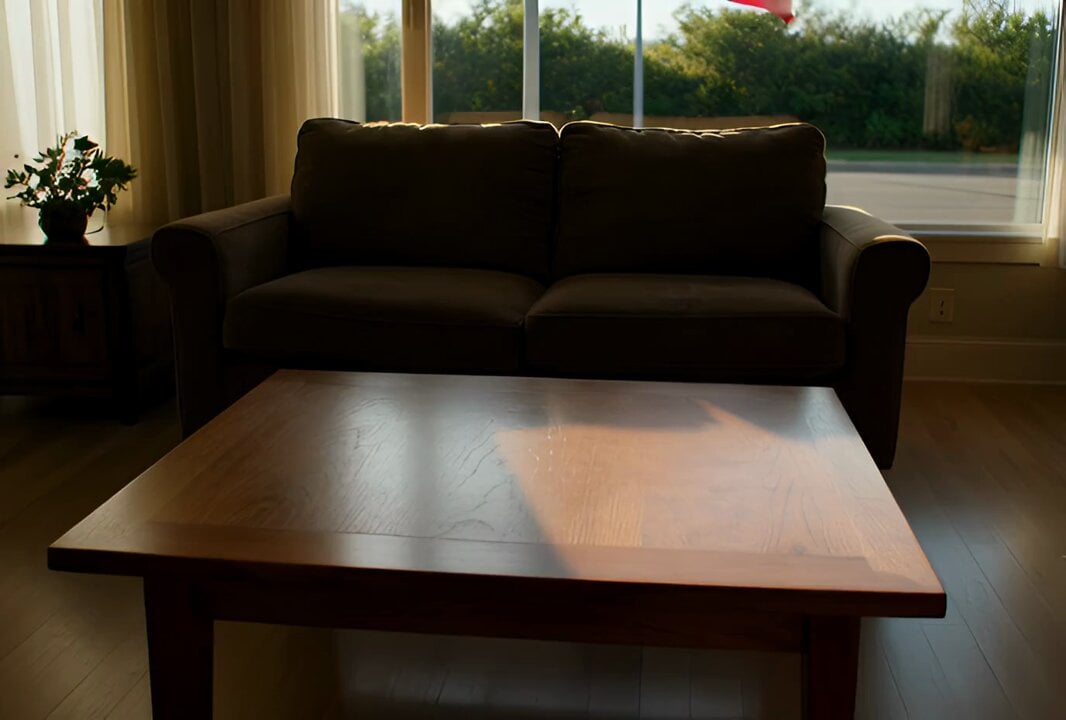
Interior View Video Generation Prompt
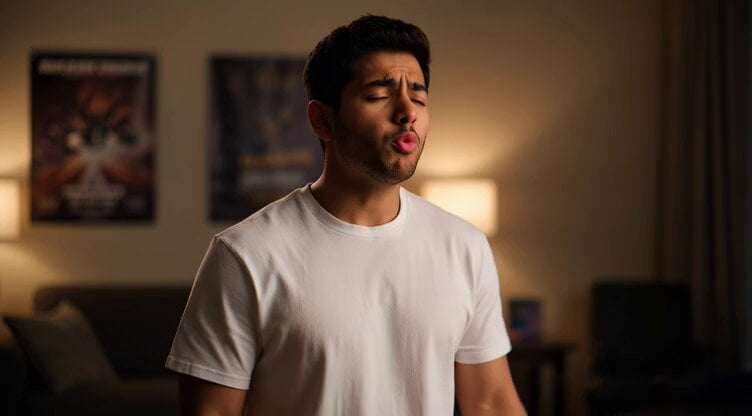
GTA 6 never came out in 1 million years

Bitcoin liferaft video prompt

Woman floating down, opening eyes and looking deeply into the viewer's eyes

Utopian World of Harmony and Peace
More video prompts
Fresh picks from across the catalog.
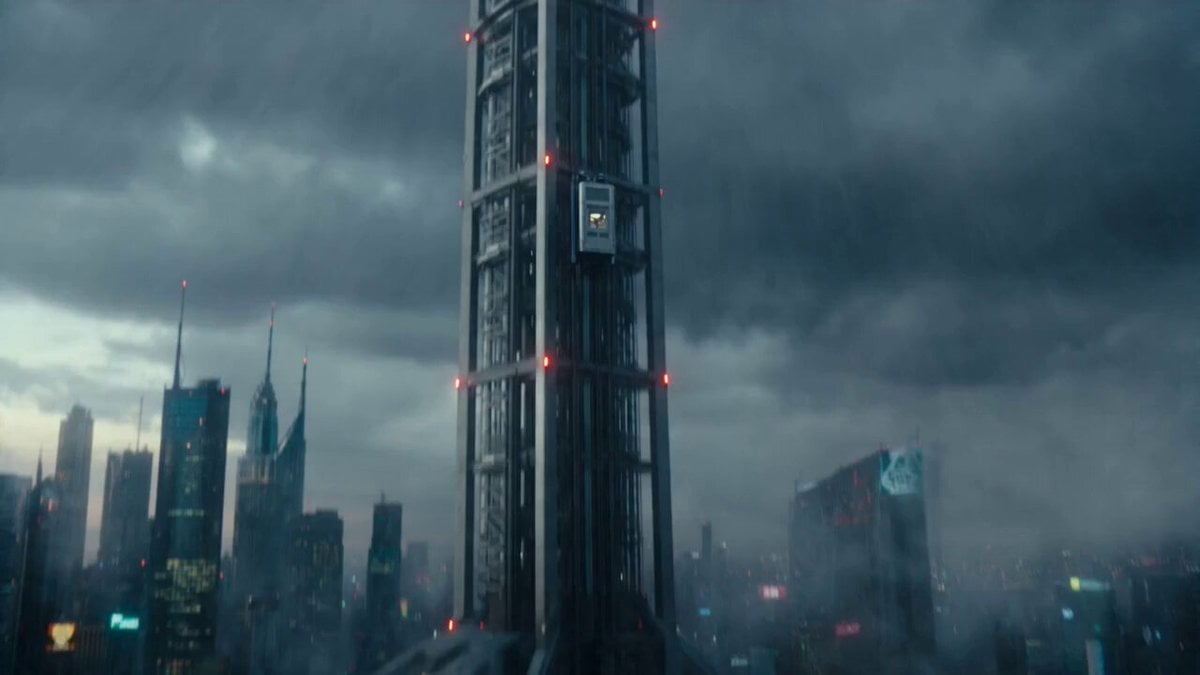
Last Elevator Megacity Action
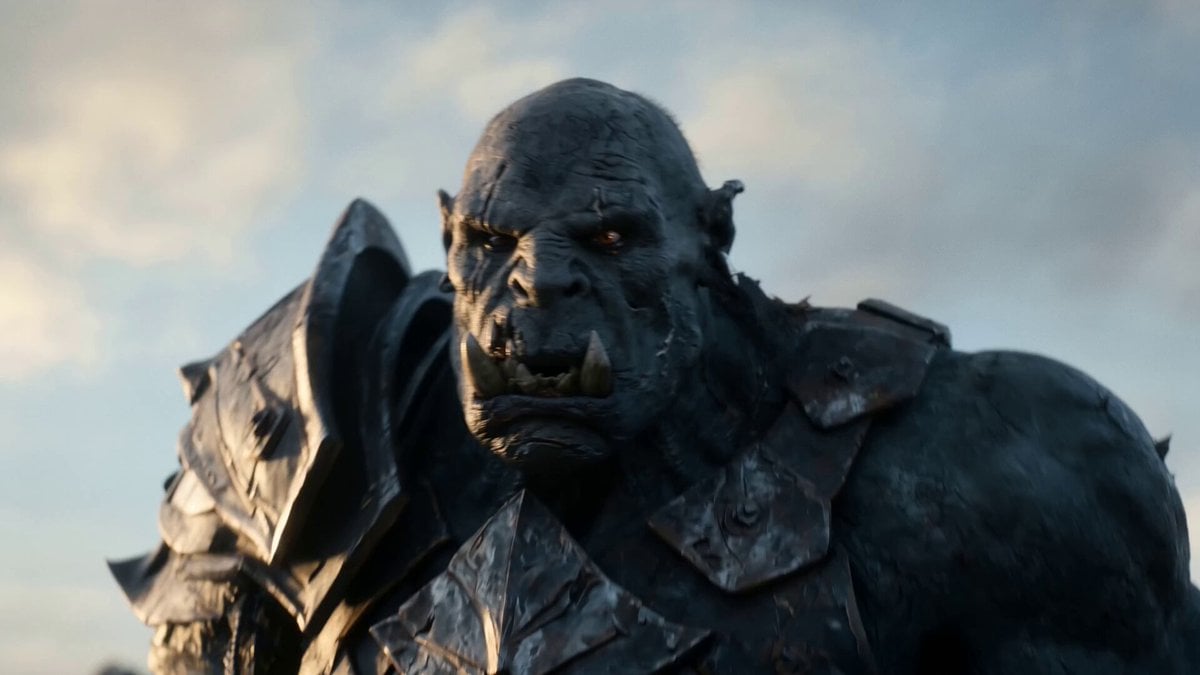
Elven vs Orc Epic Battle
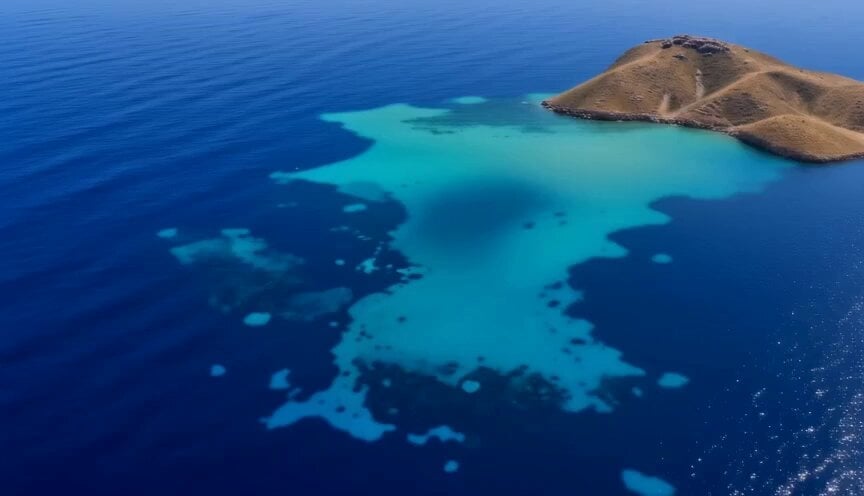
Miniature Harbour Island Construction
High Speed Maneuvers with Reference Image
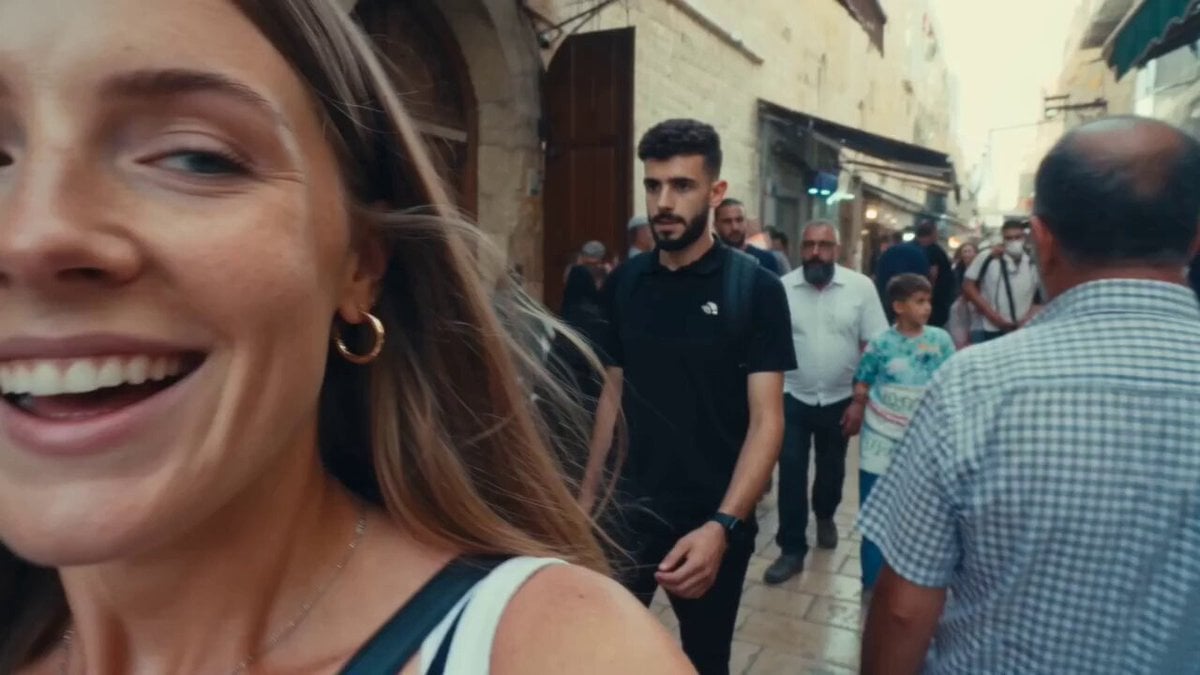
Vintage 16mm Jerusalem Travel Vlog
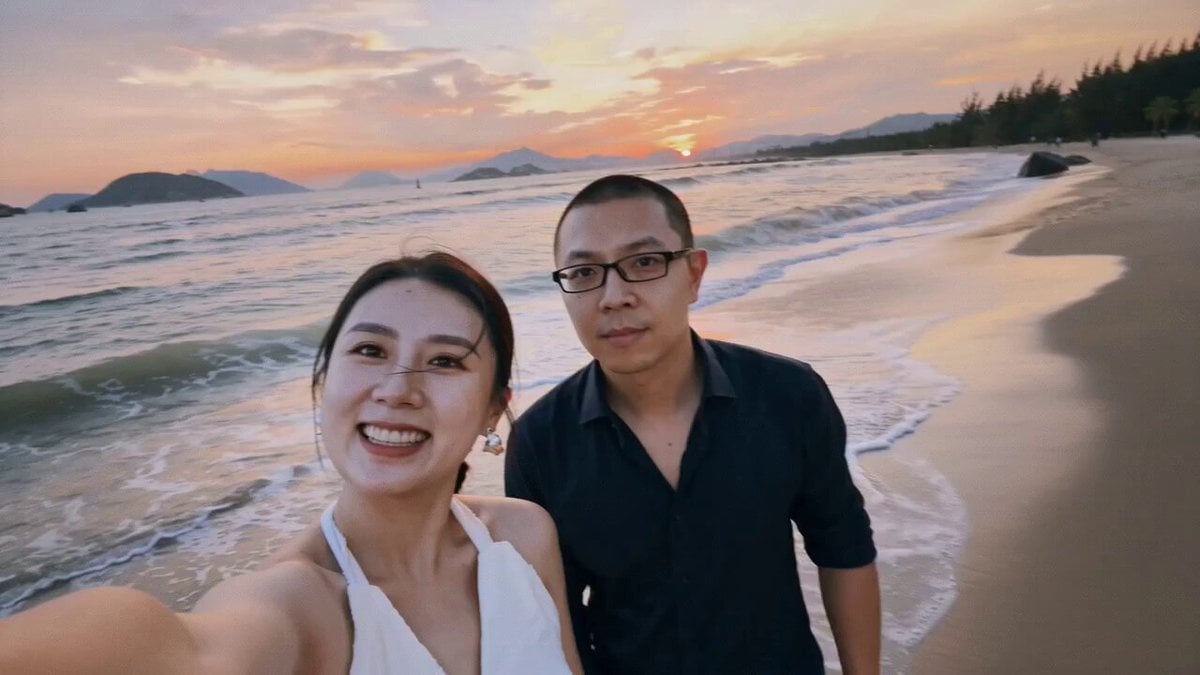
Nostalgic Sanya Romance Movie Montage

Realistic Yoga Sequence Video Prompt for Seedance 2.0

Portable Blender UGC Kitchen Video
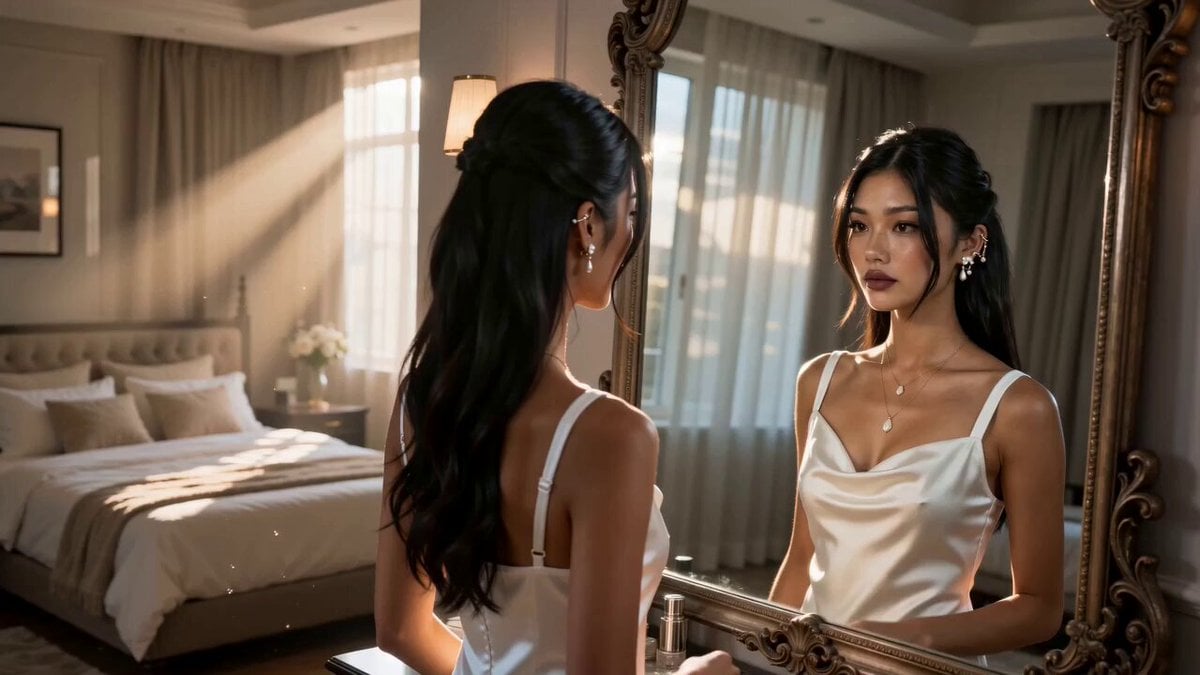
Asian Woman Werewolf Transformation
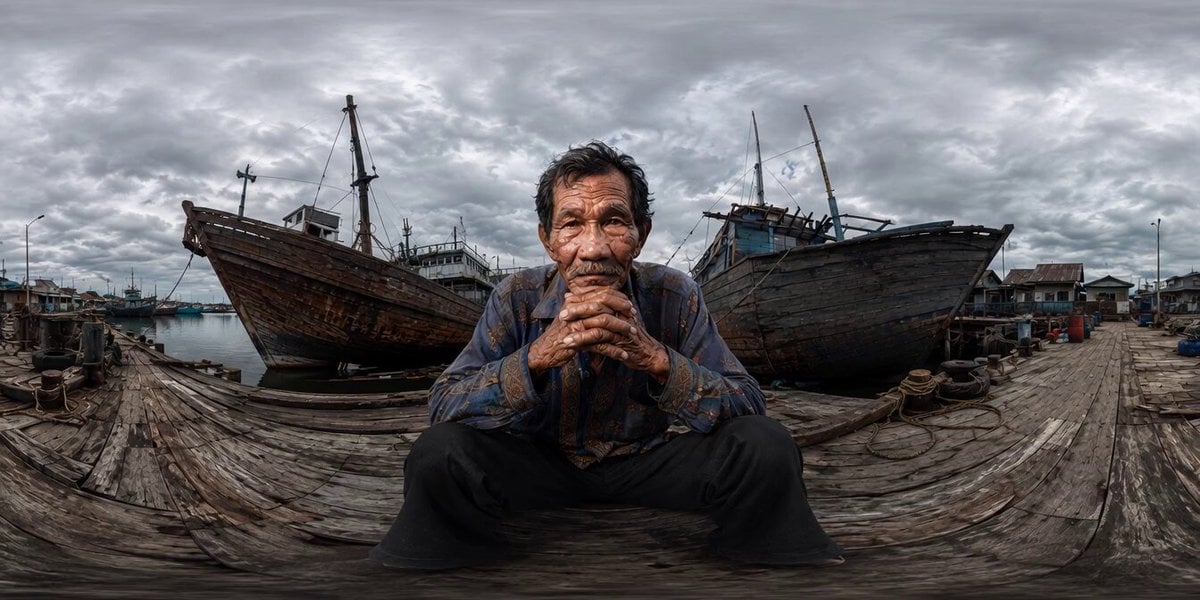
360 Orbit Harbor Scene
Browse template categories
Cyberpunk Glitch Dragon Video Prompt questions
How do I use the Cyberpunk Glitch Dragon Video Prompt template?
Add your photo if the template asks for one, edit the prompt if you like — the template's model and format are already selected — and press Generate. Your version opens in PicX Studio.
Can I customize the Cyberpunk Glitch Dragon Video Prompt template?
Yes. You can change the subject, setting, lighting, mood, format, and available model controls before creating your video.
Is the Cyberpunk Glitch Dragon Video Prompt template free?
Opening and editing this template is free. Generating uses credits, shown on the Generate button when you are signed in.
Which AI model should I use?
Start with Grok Imagine, which is the model associated with this template. You can compare another compatible model for a different finish.
Looking for something else? Browse all templates.

Your photo, any look
Thousands of ready templates for every top image and video model, from one credit balance.