How do I use the Portable Blender UGC Kitchen Video template?
Edit the prompt in the box under the preview — the template's model and format are already selected — and press Generate. Your version appears right on this page.
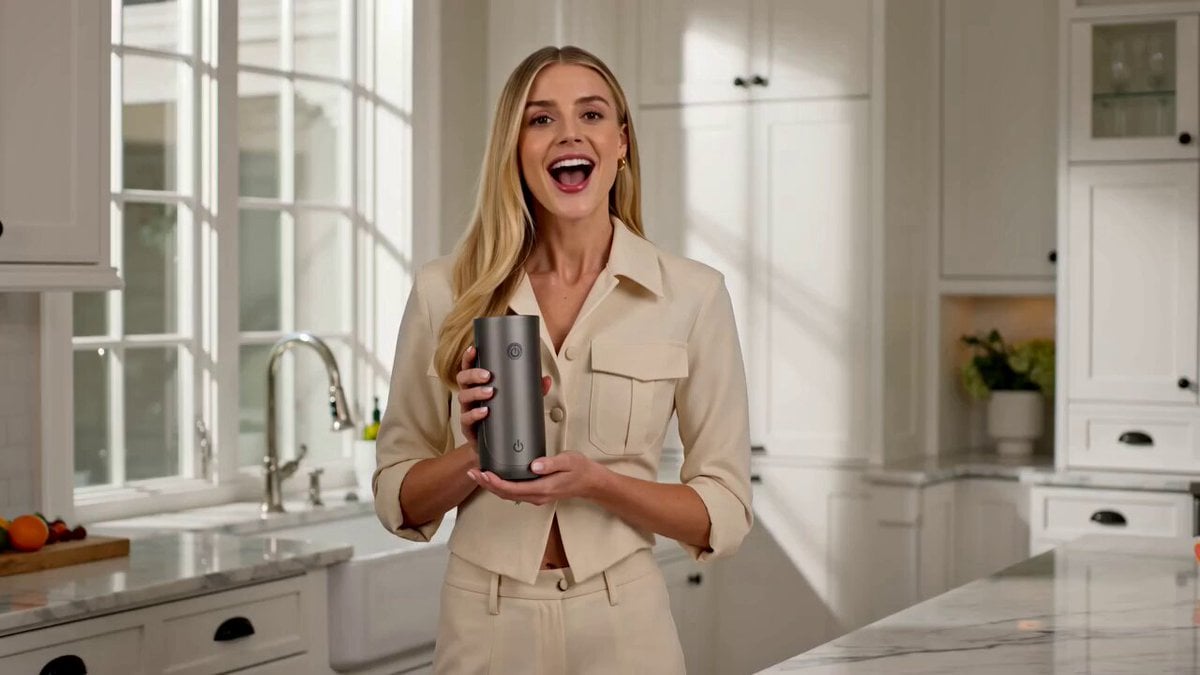
A premium user-generated content (UGC) style prompt featuring a young woman demonstrating a portable blender in a modern kitchen.
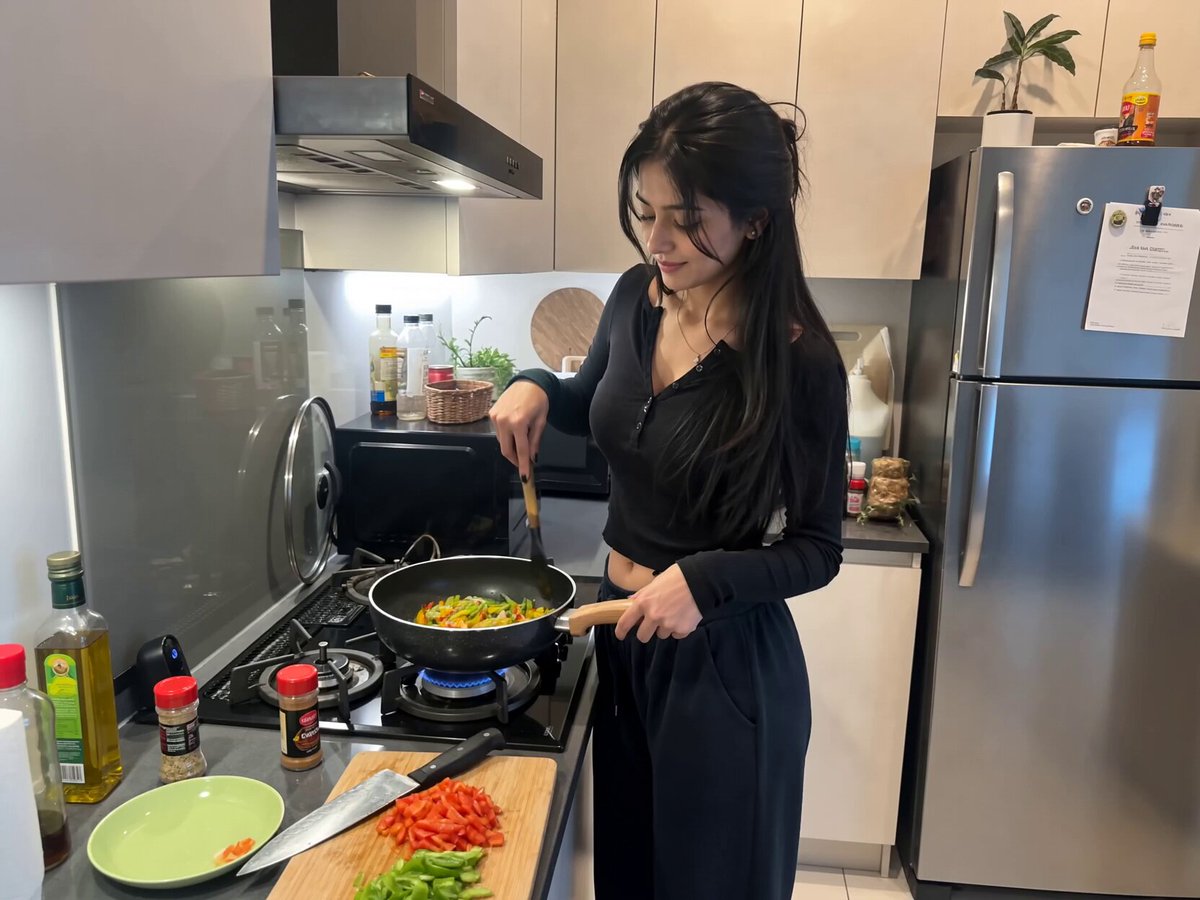
Create a premium UGC video featuring a young woman standing in her modern kitchen wearing a pink lounge set. Fresh fruit is spread across the countertop. She holds a portable blender and says: "I get asked all the time how I make smoothies so quickly, and honestly, it's because of this little blender. It's compact, super easy to clean, and powerful enough to blend frozen fruit without any problem. I love that I can make a fresh smoothie in just a minute without dragging out a huge blender. It's one of those products that actually makes healthy eating so much easier." As she talks, she adds fruit, blends it, pours the smoothie into a glass, and enjoys a sip with a smile. Premium kitchen aesthetic, realistic handheld filming.
Create a premium UGC video featuring a young woman standing in her modern kitchen wearing a pink lounge set. Fresh fruit is spread across the countertop. She holds a portable blender and says: "I get asked all the time how I make smoothies so quickly, and honestly, it's because of this little blender. It's compact, super easy to clean, and powerful enough to blend frozen fruit without any problem. I love that I can make a fresh smoothie in just a minute without dragging out a huge blender. It's one of those products that actually makes healthy eating so much easier." As she talks, she adds fruit, blends it, pours the smoothie into a glass, and enjoys a sip with a smile. Premium kitchen aesthetic, realistic handheld filming.
Edit the prompt in the box under the preview — the template's model and format are already selected — and press Generate. Your version appears right on this page.
Yes. You can change the subject, setting, lighting, mood, format, and available model controls before creating your video.
Opening and editing this template is free. Generating uses credits, shown on the Generate button when you are signed in.
Start with Seedance 2.0, which is the model associated with this template. You can compare another compatible model for a different finish.
Follow a topic to a crawlable collection of related PicX Studio templates.