Upgrade
PicX StudioPicX Studio
Create
Generate
Explore
Templates
Skills
Prompts
Product Video Studio
Product Image Studio
Ad Templates
Media
DirectorLive
Creditsup to 80%

Buy Credits−80%CreditsLoading…up to 80% off yearly
  1. Templates
  2. /
  3. qwen
  4. /
  5. Definitive Anti-Slop AI Video Protocol — Qwen / Nano Banana / Grok

Definitive Anti-Slop AI Video Protocol — Qwen / Nano Banana / Grok

Comprehensive 'Anti-Slop Protocol' for AI video generation by Kurnia Bijaksana (@mkbijaksana).

qwenAug 2026Video promptProse promptFree to useUpdated Aug 2026
Videoqwen

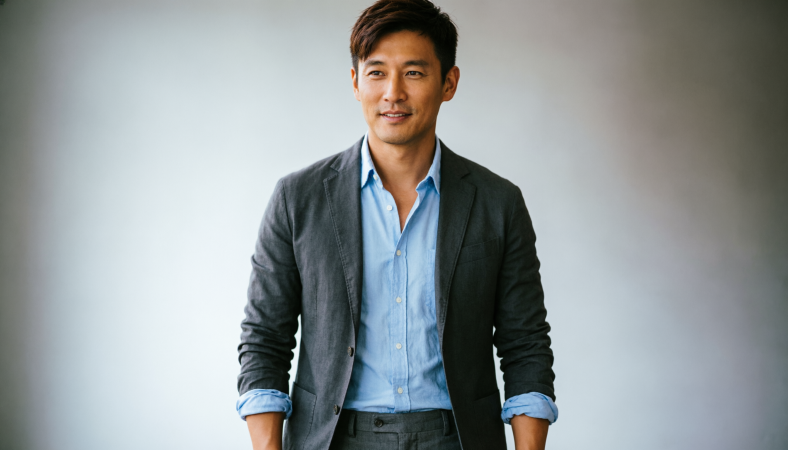
5 Main Elements of Video Prompting: 1. SUBJECT – Describe in extreme detail (face shape, clothes, expression, age, ethnicity, build). Bad: "A man". Good: "An Indonesian man in his 30s, athletic build, thin mustache and stubble, long hair, black t-shirt, happy expression." Save as reference image for reuse. 2. ACTION – What the subject is doing, step by step. "He says: 'Hello guys' while smiling, his eyes looking at the camera, and his hand waving at the camera." Separate subject movement from camera movement. 3. CAMERA – Keyword library: Static (fixed, locked tripod, static wide) | Dynamic (push in, pull out, pan, aerial/drone, handheld, gimbal, shaky, tracking, orbit, crane) | Speed (imperceptible, slow/gentle, smooth/controlled, dynamic). Sequence transitions: "Start: Slow dolly in, then crane up for final 1 second." 4. STYLE – Reference directly: "Anime style", "Pixar style", "Cyberpunk style", "Chiaroscuro", "Teal and Orange", "Dramatic Rim Light". Or give a reference image. 5. CONSTRAINTS – Negative prompts for specific problems: "no distortion, no stretching, maintain face consistency". Avoid vague adjectives: FAST (specify what's fast), CINEMATIC (give clear style elements), BEAUTIFUL/AMAZING/EPIC (not instructions). Advanced: Time-based multi-shot format [0-3s]: wide establishing shot... [4-7s]: medium shot... [7-10s]: close-up... Reference system: Tag images with @image1, @image2 and describe each. Example: "@image1 walks while holding hand with @image2." Bonus Prompt 1 (UGC): 10 seconds UGC style review video, filmed on smartphone, natural bedroom window lighting, casual handheld selfie angle, a young woman with black hair pulled back, natural skin with visible texture, wearing a casual white t-shirt, in her cozy bedroom, she holds a skin care product up to the camera with genuine excitement... Bonus Prompt 2 (Cinematic Commercial): ultra cinematic 10-second luxury product commercial, smooth continuous sequence elegant pacing, fluid cinematic glide macro dolly plus soft orbit plus gentle push-ins... (0-3s) macro shot of skincare product on dark surface shallow depth of field rim light... (3-5s) camera glides closer warm light rakes across surface... (5-8s) slow motion detail moment volumetric lighting... (8-10s) pull-out to centered hero frame product isolated premium minimalist background.
Generate
Original post on X

Original prompt

5 Main Elements of Video Prompting: 1. SUBJECT – Describe in extreme detail (face shape, clothes, expression, age, ethnicity, build). Bad: "A man". Good: "An Indonesian man in his 30s, athletic build, thin mustache and stubble, long hair, black t-shirt, happy expression." Save as reference image for reuse. 2. ACTION – What the subject is doing, step by step. "He says: 'Hello guys' while smiling, his eyes looking at the camera, and his hand waving at the camera." Separate subject movement from camera movement. 3. CAMERA – Keyword library: Static (fixed, locked tripod, static wide) | Dynamic (push in, pull out, pan, aerial/drone, handheld, gimbal, shaky, tracking, orbit, crane) | Speed (imperceptible, slow/gentle, smooth/controlled, dynamic). Sequence transitions: "Start: Slow dolly in, then crane up for final 1 second." 4. STYLE – Reference directly: "Anime style", "Pixar style", "Cyberpunk style", "Chiaroscuro", "Teal and Orange", "Dramatic Rim Light". Or give a reference image. 5. CONSTRAINTS – Negative prompts for specific problems: "no distortion, no stretching, maintain face consistency". Avoid vague adjectives: FAST (specify what's fast), CINEMATIC (give clear style elements), BEAUTIFUL/AMAZING/EPIC (not instructions). Advanced: Time-based multi-shot format [0-3s]: wide establishing shot... [4-7s]: medium shot... [7-10s]: close-up... Reference system: Tag images with @image1, @image2 and describe each. Example: "@image1 walks while holding hand with @image2." Bonus Prompt 1 (UGC): 10 seconds UGC style review video, filmed on smartphone, natural bedroom window lighting, casual handheld selfie angle, a young woman with black hair pulled back, natural skin with visible texture, wearing a casual white t-shirt, in her cozy bedroom, she holds a skin care product up to the camera with genuine excitement... Bonus Prompt 2 (Cinematic Commercial): ultra cinematic 10-second luxury product commercial, smooth continuous sequence elegant pacing, fluid cinematic glide macro dolly plus soft orbit plus gentle push-ins... (0-3s) macro shot of skincare product on dark surface shallow depth of field rim light... (3-5s) camera glides closer warm light rakes across surface... (5-8s) slow motion detail moment volumetric lighting... (8-10s) pull-out to centered hero frame product isolated premium minimalist background.
1985 Snapshot — retro 1980s photoFeatured1985 SnapshotUpload a photo. Get a real 1980s portrait. Four free with an account.

Reference assets included

Definitive Anti-Slop AI Video Protocol — Qwen / Nano Banana / Grok comes with input media you can use. Open it in the studio and these load alongside the prompt — pick whichever ones your chosen model can take.

1 image

1 reference image

  • Definitive Anti-Slop AI Video Protocol — Qwen / Nano Banana / Grok reference image 1

Similar look

Definitive Anti-Slop AI Video Protocol — Qwen / Nano Banana / Grok questions

How do I use the Definitive Anti-Slop AI Video Protocol — Qwen / Nano Banana / Grok template?

Edit the prompt in the box under the preview — the template's model and format are already selected — and press Generate. Your version appears right on this page.

Can I customize the Definitive Anti-Slop AI Video Protocol — Qwen / Nano Banana / Grok template?

Yes. You can change the subject, setting, lighting, mood, format, and available model controls before creating your video.

Is the Definitive Anti-Slop AI Video Protocol — Qwen / Nano Banana / Grok template free?

Opening and editing this template is free. Generating uses credits, shown on the Generate button when you are signed in.

Which AI model should I use?

Start with qwen, which is the model associated with this template. You can compare another compatible model for a different finish.

Continue creating with PicX Studio

All templatesSearch the public catalogDiscoverExplore community creationsPicX StudioCreate an AI video
← Back to all templates
ShareDiscordInstagram
PicX AIStartAPIPlaygroundMCPCLIDocs
AboutBlogPrivacyTermsContent Policy
PicX Studio

Fuel your creativity, frame your story.

Studio

  • 1985 Snapshot
  • Templates
  • Skills
  • Tools
  • Prompts
  • Discover
  • PicX TV
  • Pricing
  • Blog

Skills

  • 1985 Flash Snapshot
  • 90s Album Snapshot
  • Storyboard to Video Workflow
  • H3 Max Director Live
  • GPT Image 2 Prompting
  • Character Continuity

Video models

  • MiniMax H3
  • Seedance 2.5
  • Seedance 2.0
  • Kling 3.0 Pro
  • FLUX 3
  • Grok Imagine
  • What is Seedance?
  • Higgsfield alternative

Image models

  • Nano Banana 2
  • Nano Banana Pro
  • GPT Image 2
  • Seedream 5 Pro
  • Nano Banana 2 vs Pro
  • What is Nano Banana?
  • Prompt Generator

E-commerce

  • AI tools for e-commerce
  • AI product photography
  • AI product video generator
  • AI UGC video ads
  • AI video ad generator
  • AI dropshipping

Free Tools

  • Background Remover
  • Image Upscaler
  • Image Compressor
  • Image to Text
  • Meme Generator
  • Instagram grid maker
  • AI face generator
  • Explore all tools

Resources

  • Compare
  • Prompt Roundups
  • Guides
  • Docs
  • API
  • CLI
  • FAQ

Company

  • About Us
  • Team
  • Careers
  • Brand
  • Partners
  • Sponsors
  • Roadmap
  • Status
  • Domain Rating
PicX Studio

© 2026 PicX Studio. All rights reserved.

Monitor your Domain Rating with FrogDR
[email protected]
  • Terms of Service
  • Privacy Policy
  • Content Policy
  • Security

Similar look

Seedance 2.0 Transform Prompt Framework

Seedance 2.0 Transform Prompt Framework
Video
Seedance 2.0
Play video

Seedance 2.0 Transform Prompt Framework

x-ChillaiKalan__-nano-banana-pro-seedance-20

X Chillaikalan Nano Banana Pro Seedance 20
video-seedance

X Chillaikalan Nano Banana Pro Seedance 20

Grok Imagine Prompt: Linux, Containers/K8s, and OpenClaw OS Concepts

Grok Imagine Prompt: Linux, Containers/K8s, and OpenClaw OS Concepts
Video
Grok Imagine
Play video

Grok Imagine Prompt: Linux, Containers/K8s, and OpenClaw OS Concepts

Grok Imagine prompt for the Butterfly Nebula

Grok Imagine prompt for the Butterfly Nebula
Video
Grok Imagine
Play video

Grok Imagine prompt for the Butterfly Nebula

Nano Banana Pro Prompt: 3D City Diorama Map (Reference)

Nano Banana Pro Prompt: 3D City Diorama Map (Reference)
Seedance 2.0

Nano Banana Pro Prompt: 3D City Diorama Map (Reference)

Grok Imagine prompt with negative constraints and scenario

Grok Imagine prompt with negative constraints and scenario
Video
Grok Imagine
Play video

Grok Imagine prompt with negative constraints and scenario

Grok Imagine prompt for a Frankenstein-like robot and a kind fairy

Grok Imagine prompt for a Frankenstein-like robot and a kind fairy
Video
Grok Imagine
Play video

Grok Imagine prompt for a Frankenstein-like robot and a kind fairy

Grok Imagine Video Prompt: Woman Leaning Against Vintage Car

Grok Imagine Video Prompt: Woman Leaning Against Vintage Car
Video
Grok Imagine
Play video

Grok Imagine Video Prompt: Woman Leaning Against Vintage Car

Nano Banana Pro Prompt: 3D City Diorama Map

Nano Banana Pro Prompt: 3D City Diorama Map
Seedance 2.0

Nano Banana Pro Prompt: 3D City Diorama Map

Grok Imagine prompt for cinematic VFX scene (Scene 2 - Landing)

Grok Imagine prompt for cinematic VFX scene (Scene 2 - Landing)
Video
Grok Imagine
Play video

Grok Imagine prompt for cinematic VFX scene (Scene 2 - Landing)

Grok Imagine Video Prompt: Cyberpunk Futuristic Woman

Grok Imagine Video Prompt: Cyberpunk Futuristic Woman
Video
Grok Imagine
Play video

Grok Imagine Video Prompt: Cyberpunk Futuristic Woman

Grok Imagine prompt: Prism creating a sphere and transforming energy

Grok Imagine prompt: Prism creating a sphere and transforming energy
Video
Grok Imagine
Play video

Grok Imagine prompt: Prism creating a sphere and transforming energy

More video prompts

Browse all

Bedtime Story About Creators

Bedtime Story About Creators
Video
Grok Imagine
Play video

Bedtime Story About Creators

Emotional 3D Animated Puppy and Ring Story

Emotional 3D Animated Puppy and Ring Story
Video
Seedance 2.0
Play video

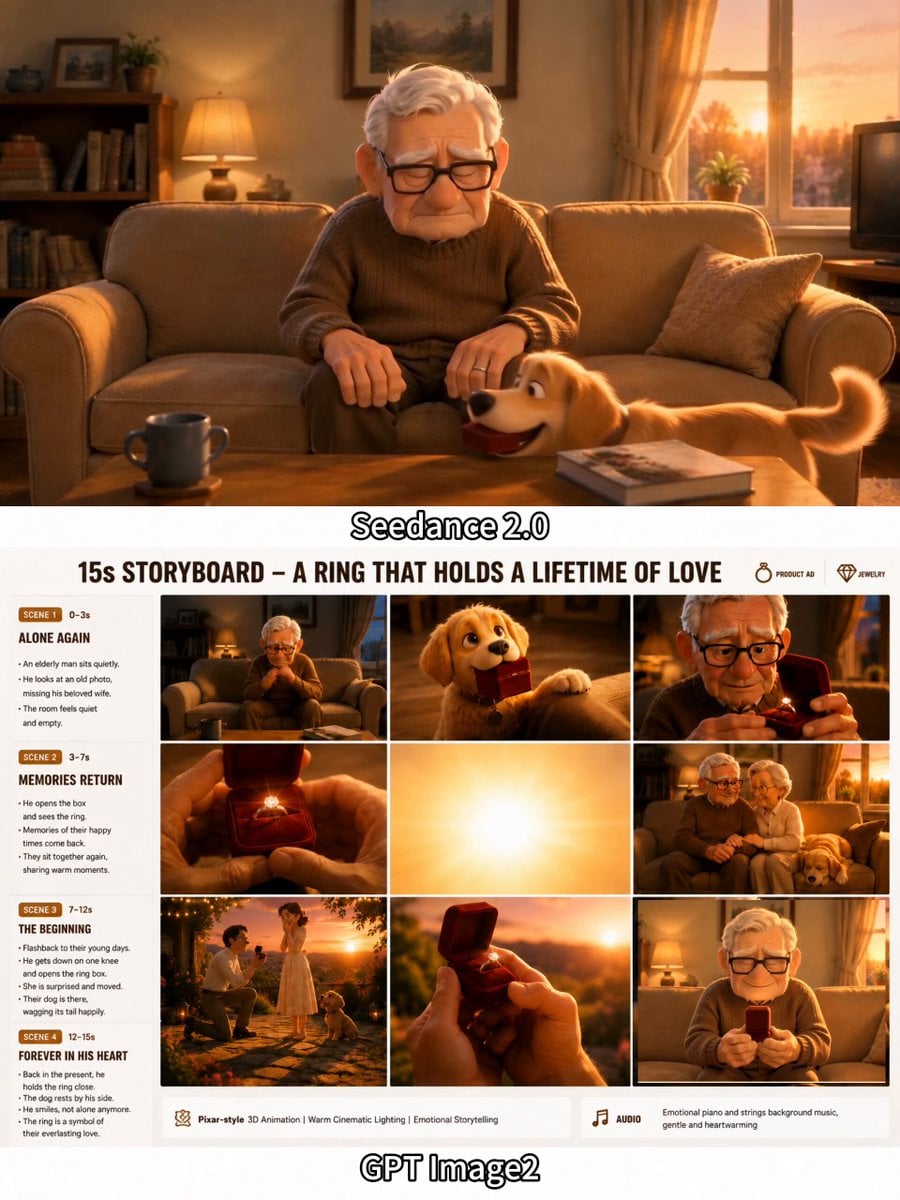
Emotional 3D Animated Puppy and Ring Story

Futuristic Mother and Daughter Illustration

Futuristic Mother and Daughter Illustration
Video
Grok Imagine
Play video

Futuristic Mother and Daughter Illustration

Rocket Surf Cine Verité

Rocket Surf Cine Verité
Video
Seedance 2.0
Play video

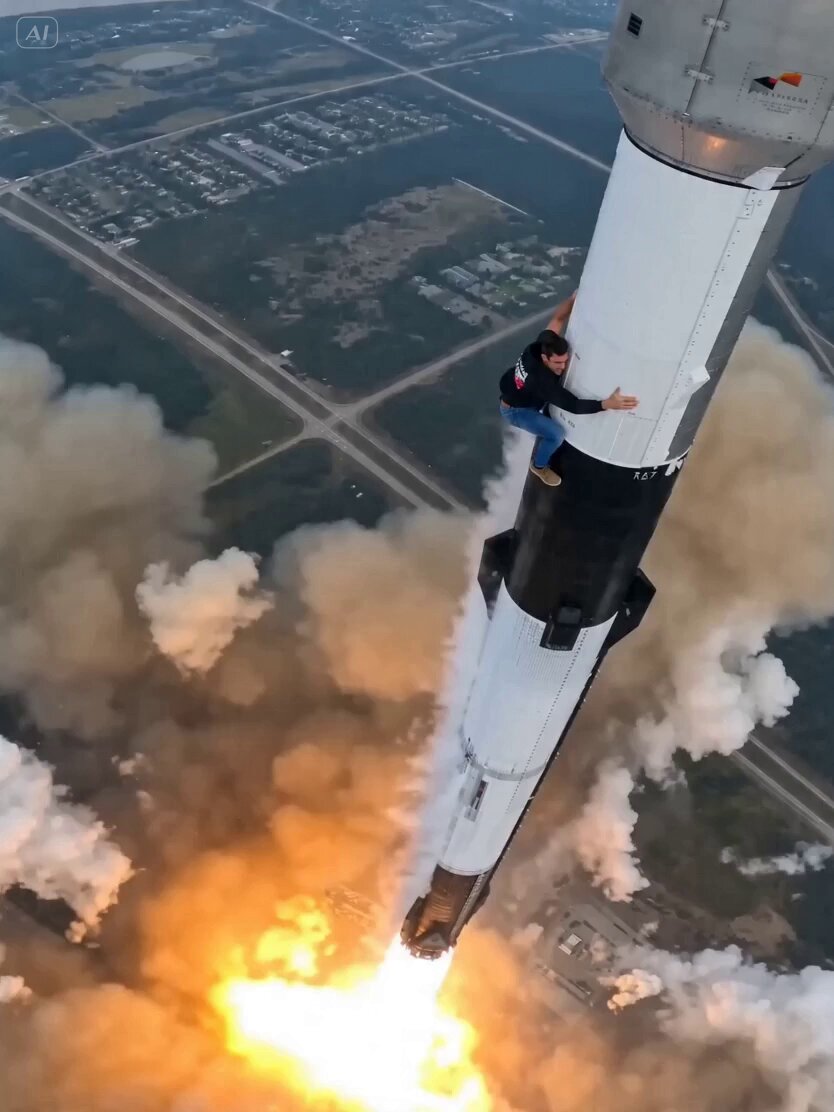
Rocket Surf Cine Verité

Psychedelic Thermodynamic Moon Animation

Psychedelic Thermodynamic Moon Animation
Video
Grok Imagine
Play video

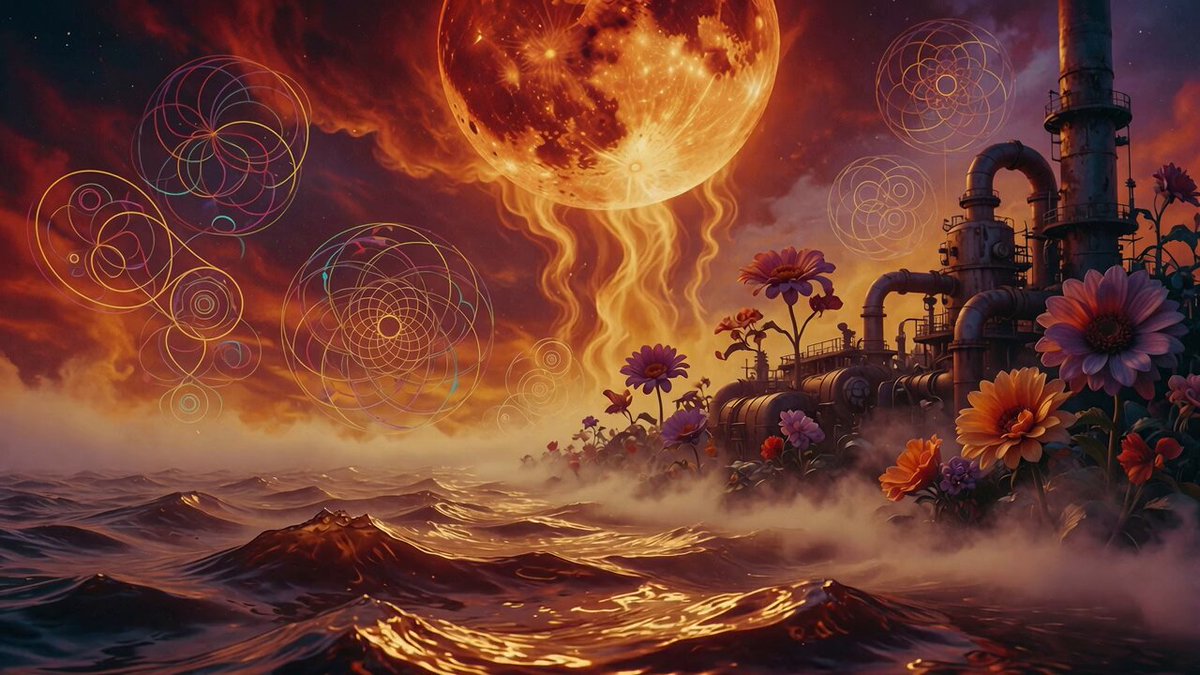
Psychedelic Thermodynamic Moon Animation

Nami Programming Bug Fix Scene

Nami Programming Bug Fix Scene
Video
Seedance 2.0
Play video

Nami Programming Bug Fix Scene

Detailed Grok Imagine prompt for Art Deco golden temple interior video

Detailed Grok Imagine prompt for Art Deco golden temple interior video
Video
Grok Imagine
Play video

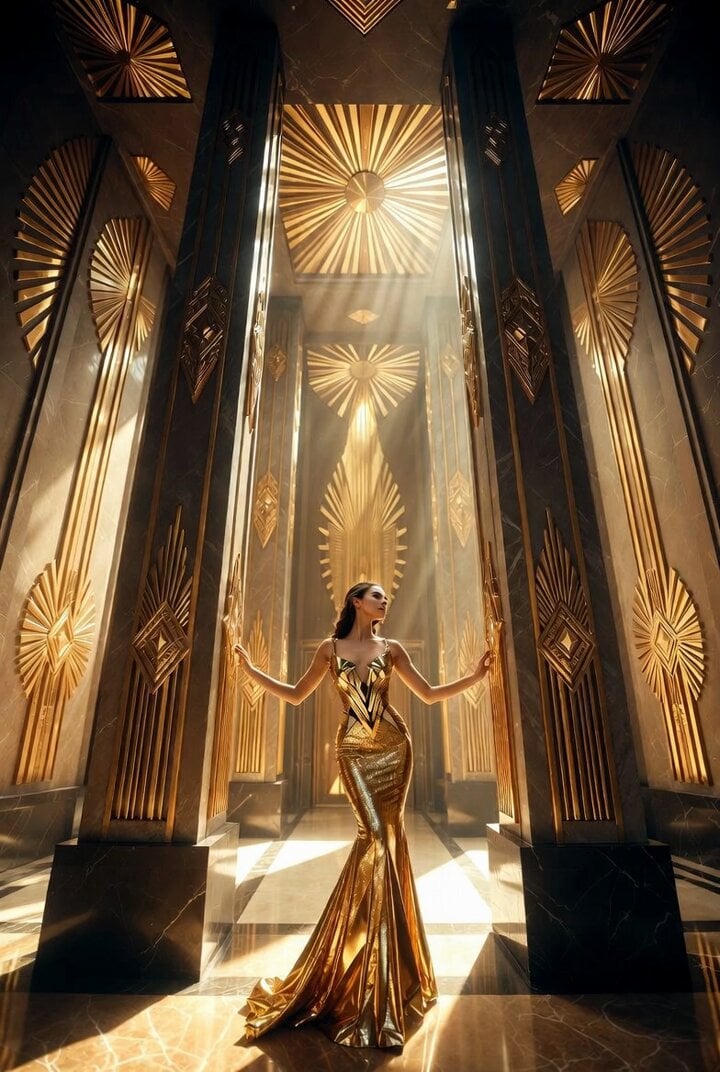
Detailed Grok Imagine prompt for Art Deco golden temple interior video

Premium Food Photography Commercial

Premium Food Photography Commercial
Video
Seedance 2.0
Play video

Premium Food Photography Commercial

Browse AI template categories

Follow a topic to a crawlable collection of related PicX Studio templates.

AestheticExplore templatesDatingExplore templatesFashionExplore templatesFitnessExplore templatesTravelExplore templatesSocial MediaExplore templatesProfessionalExplore templatesCreativeExplore templatesEventsExplore templatesRetroExplore templatesHolidaysExplore templatesFunExplore templatesProductExplore templates