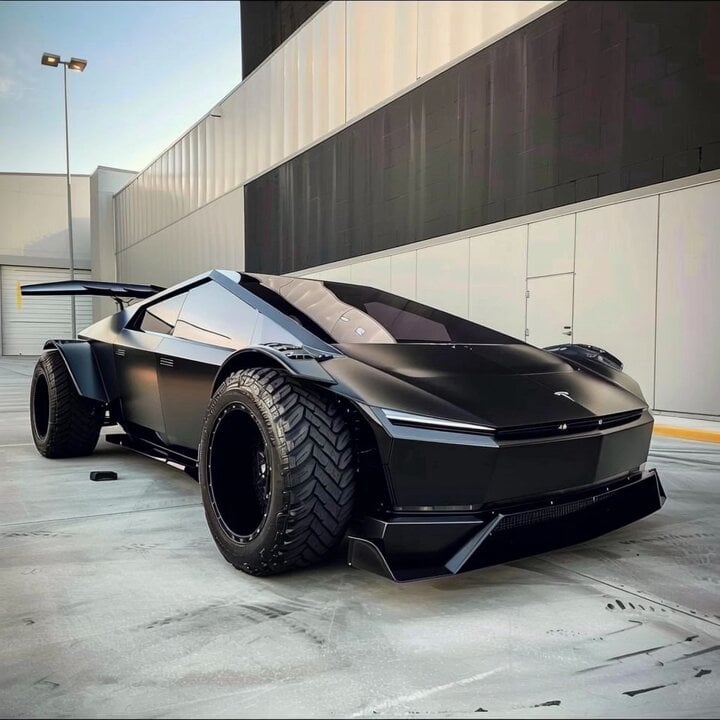
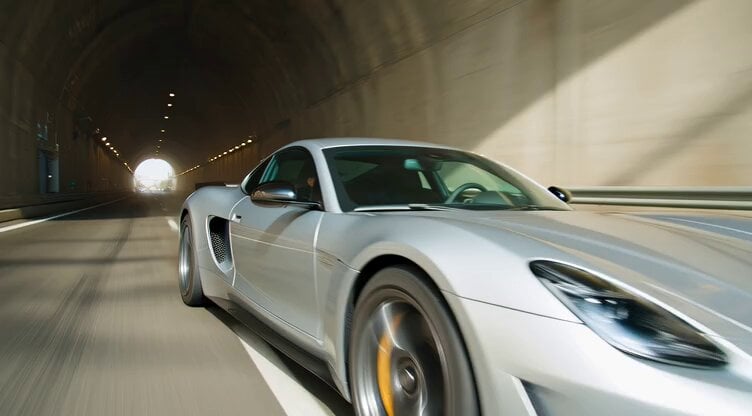
How do I use the Tracking shot of armored muscle car in desert template?
Edit the prompt in the box under the preview — the template's model and format are already selected — and press Generate. Your version appears right on this page.
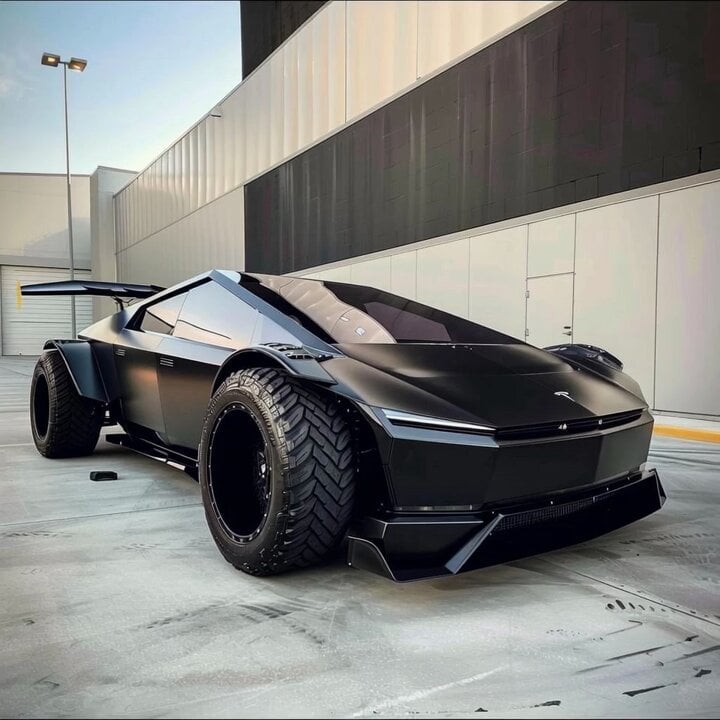
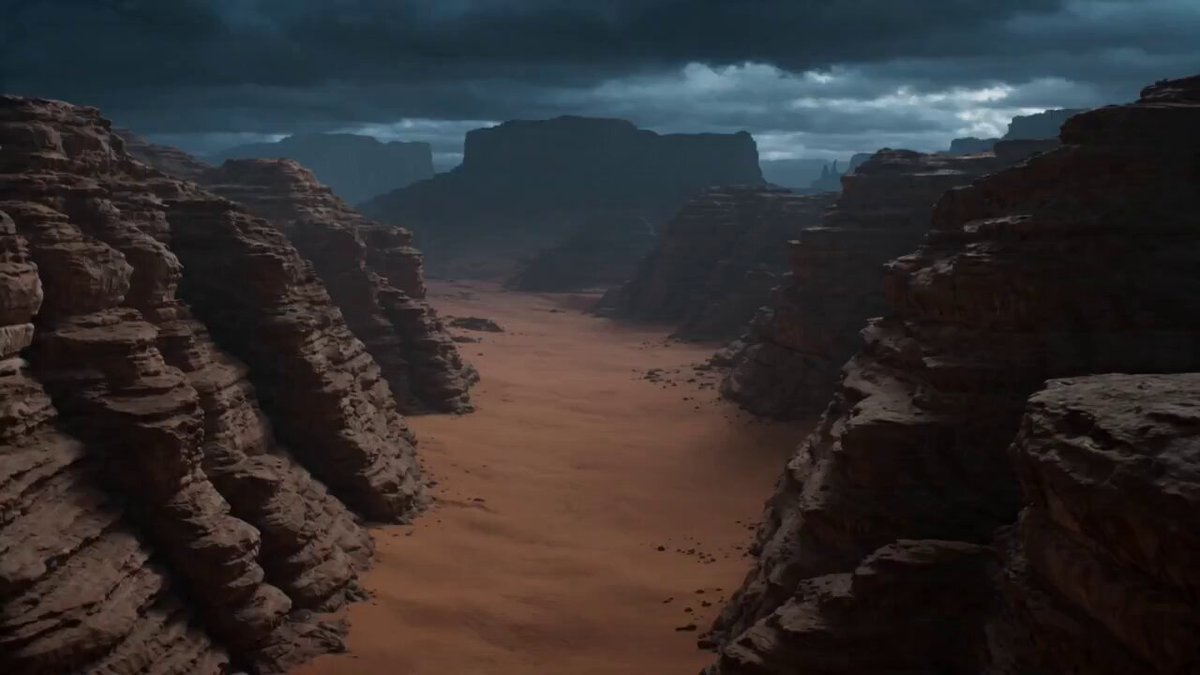
A prompt for Grok Imagine (video generation) requesting a quick, badass tracking shot of a heavily armored muscle car accelerating across a desert, weaving through wrecks, with sand blasting toward the lens.
A heavily armored muscle car, reinforced front grille, engine roaring violently, dust covering its body. Accelerates across the desert while weaving between wrecks and avoiding incoming fire from behind. Endless desert with sand dunes, burning vehicles scattered, heat distortion in the air. Ultra-low tracking shot locked near the front wheel, sand blasting toward the lens, aggressive motion blur, harsh sunlight and golden tones, pure speed and brutality.
A heavily armored muscle car, reinforced front grille, engine roaring violently, dust covering its body. Accelerates across the desert while weaving between wrecks and avoiding incoming fire from behind. Endless desert with sand dunes, burning vehicles scattered, heat distortion in the air. Ultra-low tracking shot locked near the front wheel, sand blasting toward the lens, aggressive motion blur, harsh sunlight and golden tones, pure speed and brutality.
Edit the prompt in the box under the preview — the template's model and format are already selected — and press Generate. Your version appears right on this page.
Yes. You can change the subject, setting, lighting, mood, format, and available model controls before creating your video.
Opening and editing this template is free. Generating uses credits, shown on the Generate button when you are signed in.
Start with Grok Imagine, which is the model associated with this template. You can compare another compatible model for a different finish.
Follow a topic to a crawlable collection of related PicX Studio templates.