
Cyberpunk Game Character Interaction Video
A video generation prompt for creating a character showcase in a cyberpunk style.
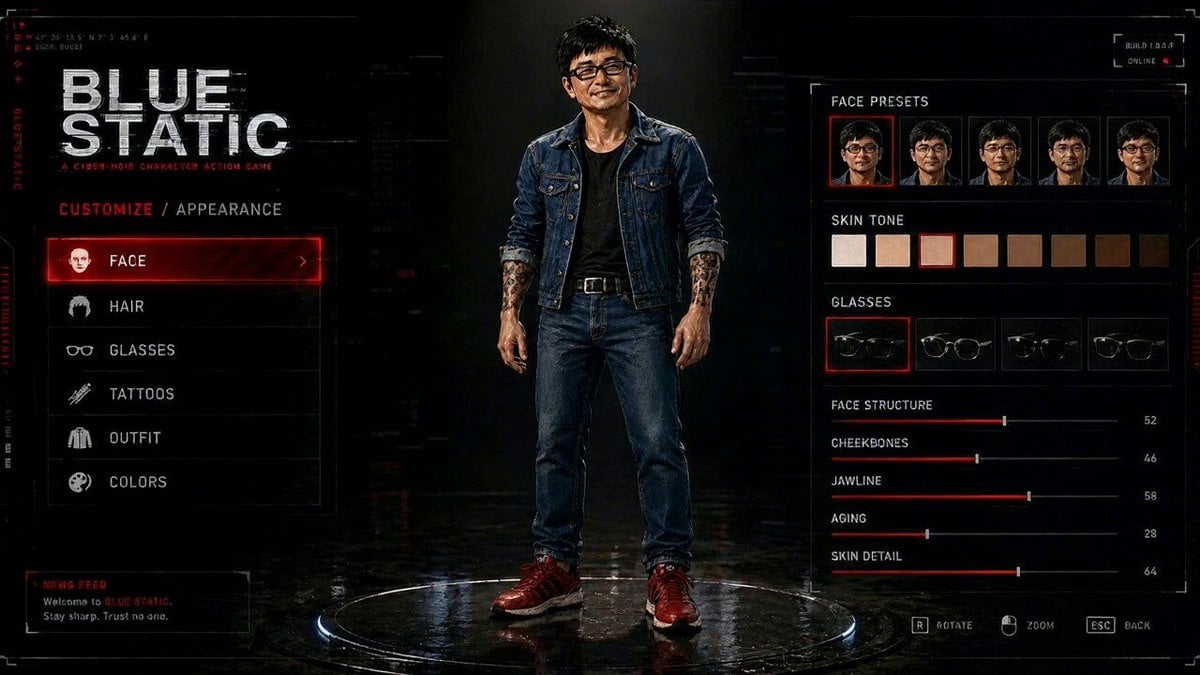
- Prompt included
- Model and format preset
- Premium template
The prompt behind this video
Copy the exact prompt behind Cyberpunk Game Character Interaction Video, or open it in the studio and make it yours.
你根据我的想法提供更加精准的提示词给我。要求:保证人物样貌服装等一致性的前提下,这个人站在原台上转了一圈,就像游戏中的人物整体展示一样,等人物转了一圈之后,当再次面向观众的时候,举起右手挥手。同时,画面中的字体一直在闪烁着光芒有着电流流过的赛博科技感。给我整体打造一个游戏互动界面的感觉。
How to use Cyberpunk Game Character Interaction Video in 3 steps
- 1
Open
The prompt is already in the box next to the preview, with the template's model and format selected.
- 2…a portrait of your subject in softgolden-hour light, 85mm…
Personalize
Edit the subject and creative details for your destination.
- 3Generate
Generate
Press Generate — your video is created in PicX Studio, so you can compare it with the original and refine one variable at a time.
More like this
Templates with the same subject, style or setup. Open one to see its prompt.

Cyberpunk Holographic Dance Performance - Seedance 2.5
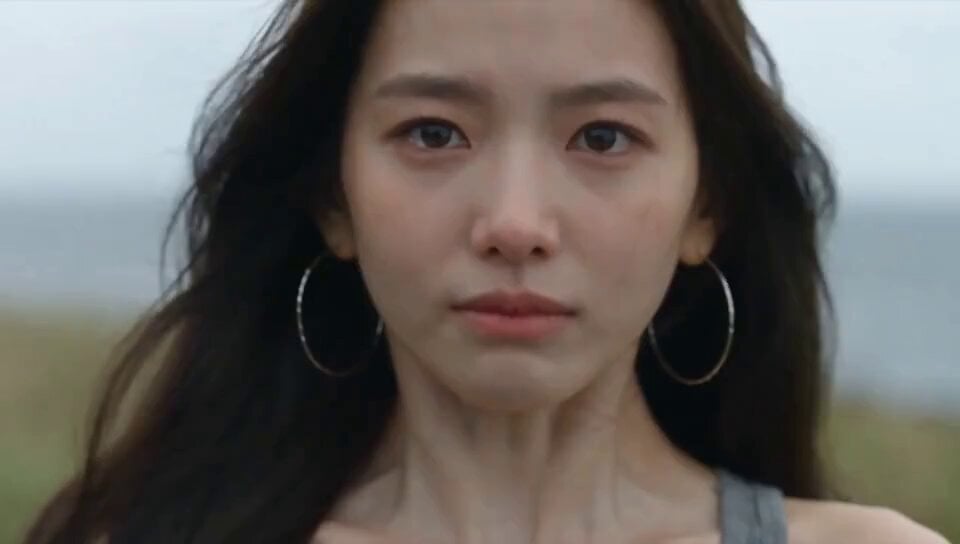
Emotional Breakdown and Fabric Interaction - Seedance 2.5

RX-7 to Mech Transformation Cyberpunk
Chibi Cave Adventure — He Doesn't Know What's Coming
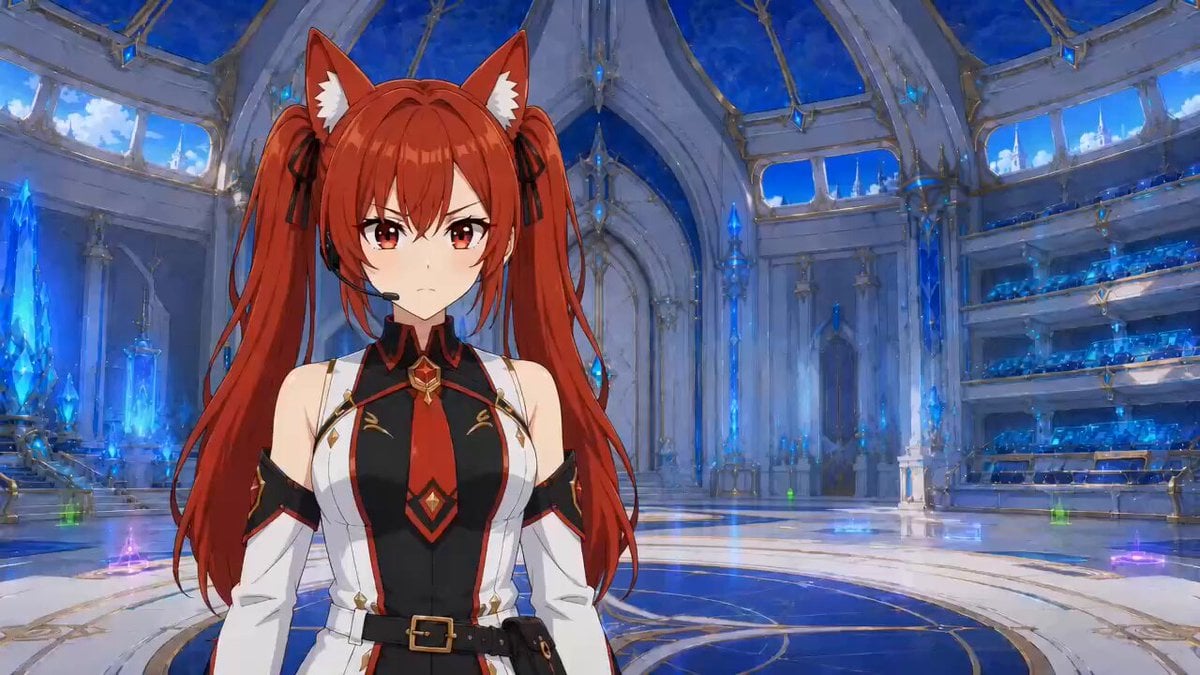
Hologram Interaction Scene Montage

Anime Drama Character Interaction Script

Cyberpunk RPG Anime Action
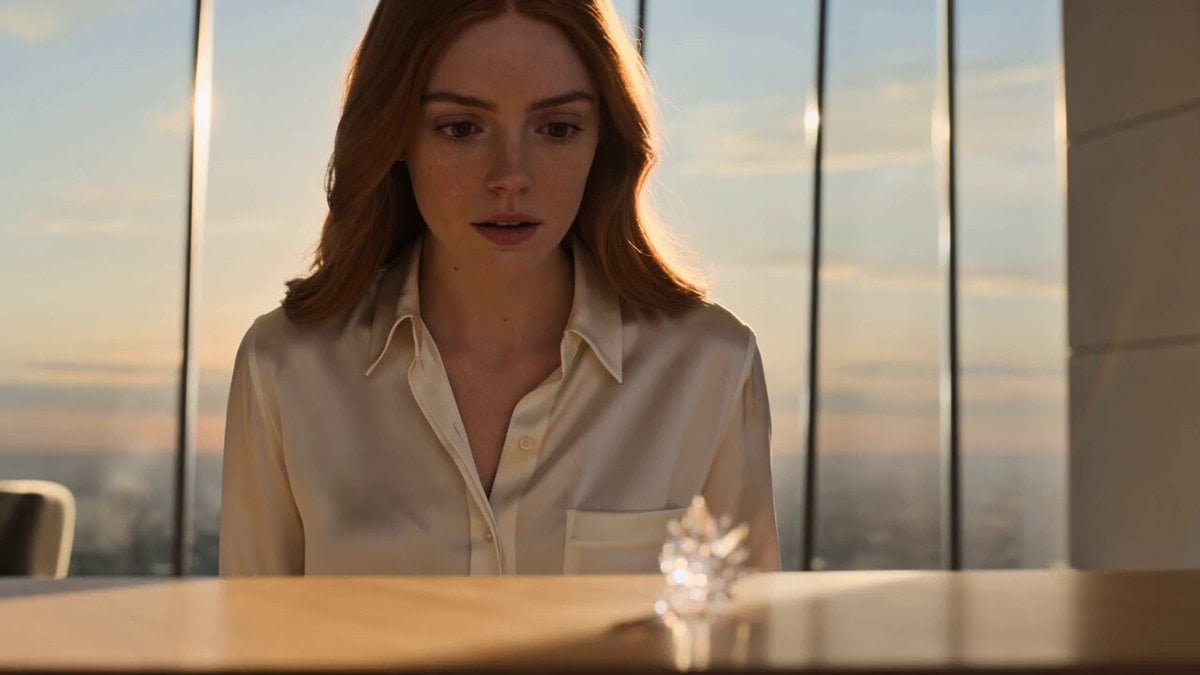
Futuristic Crystalline AI Creature Interaction

Coffee Cup Interaction Motion
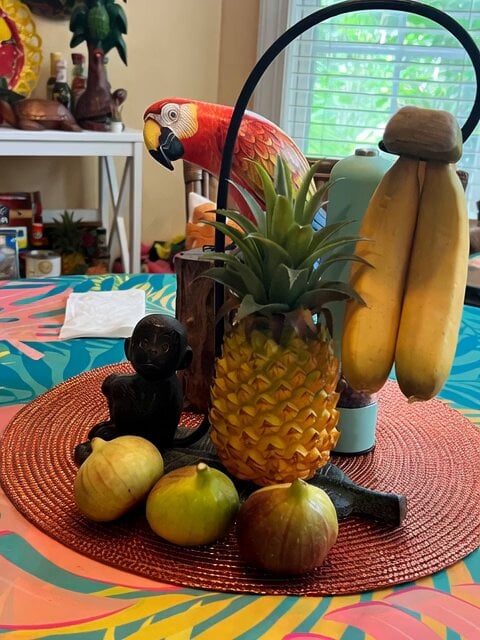
Jungle Animal Interaction Video Prompt
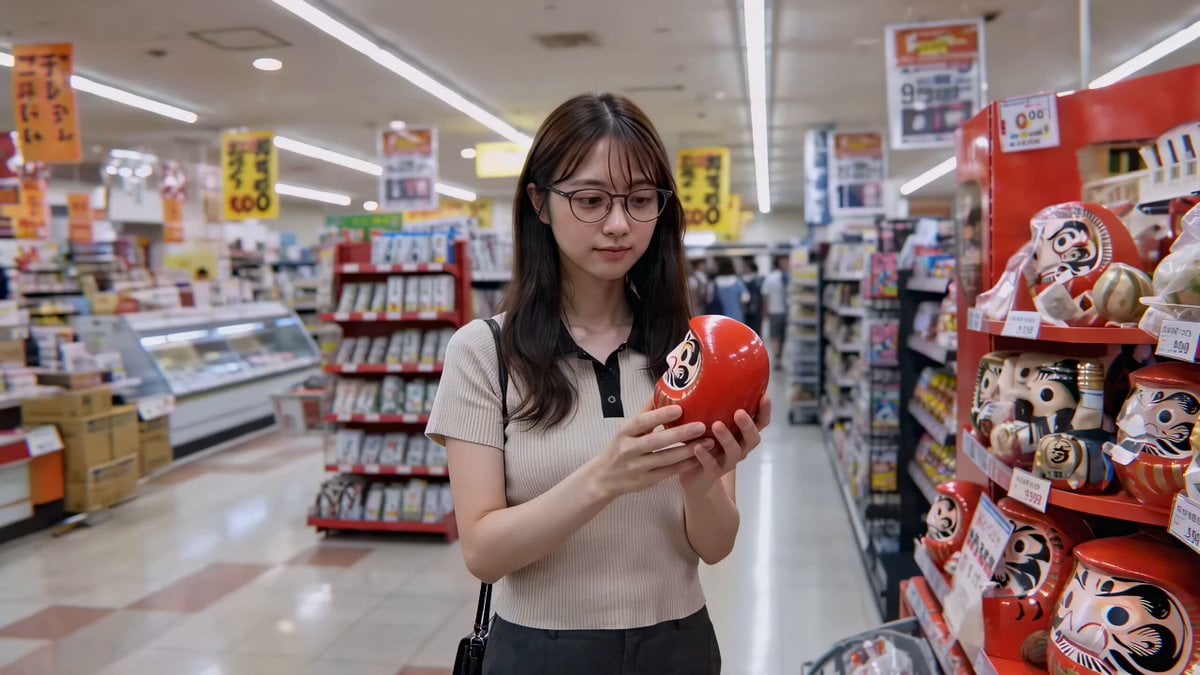
Cute Character and Daruma Doll Interaction
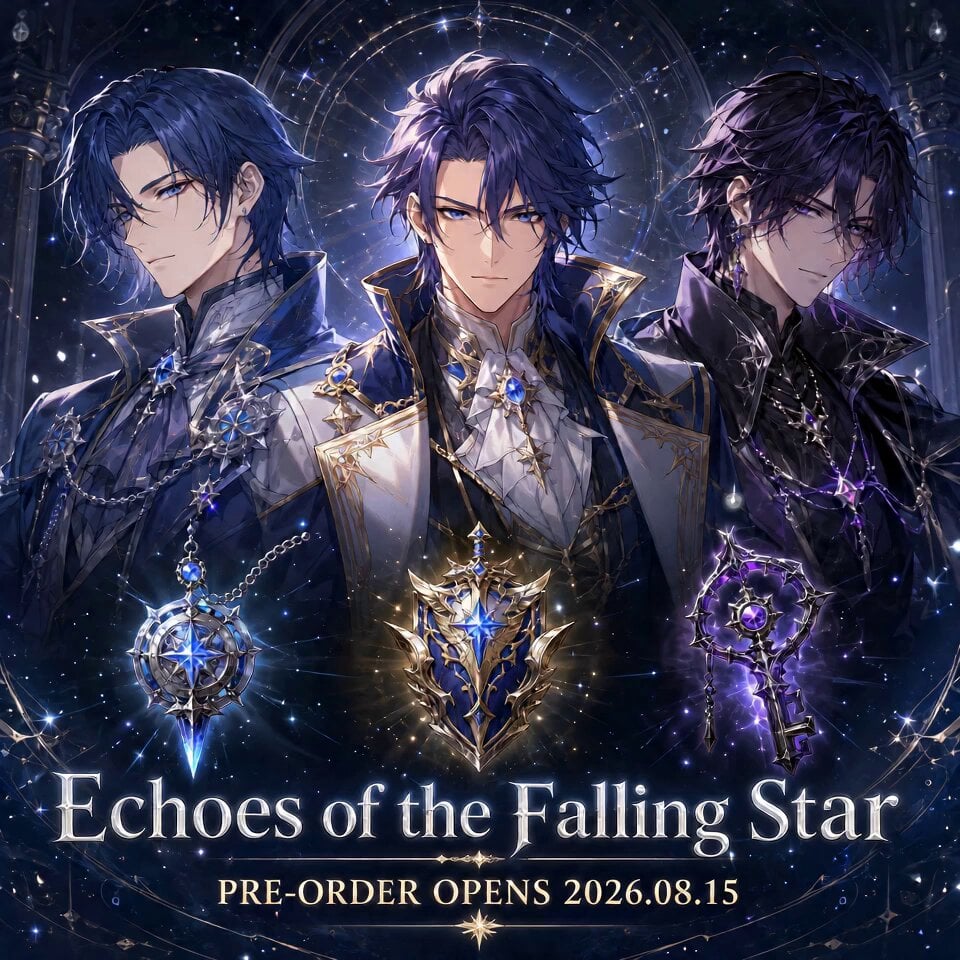
Fictional Game Teaser Visual Card
Make it yours
Cyberpunk Game Character Interaction Video works as-is. These are the safest ways to change it without losing the look.
Change one field
Copy a single group, rewrite it, and generate again so you can see what that field is doing.
Keep the frame, change the subject
Hold the composition and light of Cyberpunk Game Character Interaction Video, then swap wardrobe, props or the person for a new take.
| If the result… | Why | Fix |
|---|---|---|
| The result drifts from the preview | Too many fields changed at once. | Reuse Cyberpunk Game Character Interaction Video as-is first, then change one group — subject, light, or setting. |
| The model over-stylizes the scene | The prose prompt leaves finish and camera underspecified. | Add one camera or lighting sentence and stay on Seedance 2.0. |
More Seedance 2.0 templates
Other prompts made for Seedance 2.0.

Comical Martial Arts Punch Scene

Maglev Train Action Sequence

Martial Arts Fight Sequence

Wuxia Protection and Trust Script

Vintage Korean Arcade MiniDV Vlog

Mercedes 190 SL Luxury Ad

Rainy Night Supernatural Reverse Comedy Video Script

Amazon Civilization Discovery

Futuristic South Asian City Transformation

Cozy Luxury Cafe Commercial
More video prompts
Fresh picks from across the catalog.

Pixar-Style Football Grandma Animation
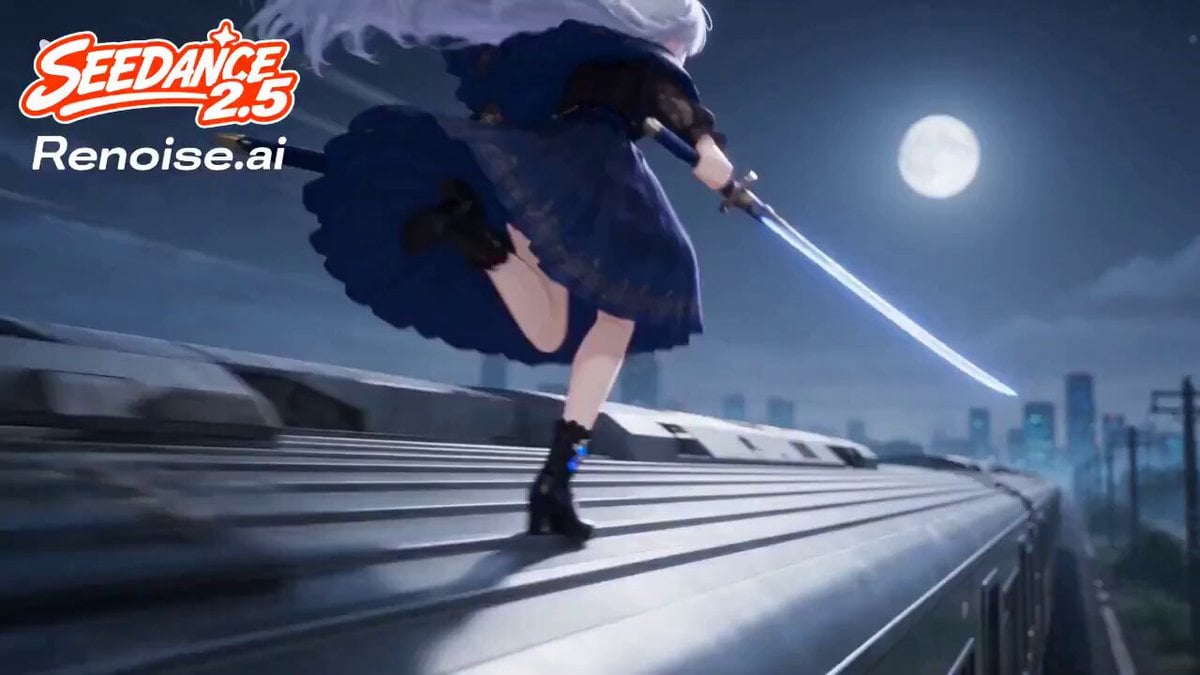
Silver Train Chase Anime Action
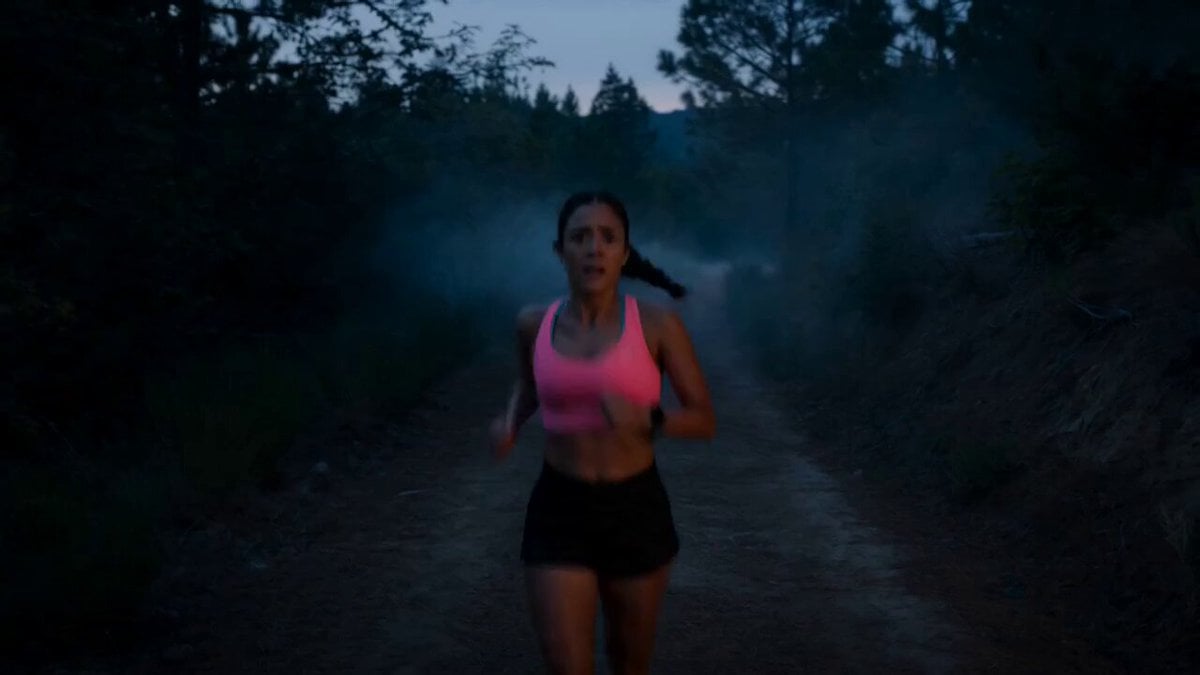
Jogging Trail Horror Scare

Grok Imagine Prompt: Goddess with Flowing Gown, Dog, and Cat
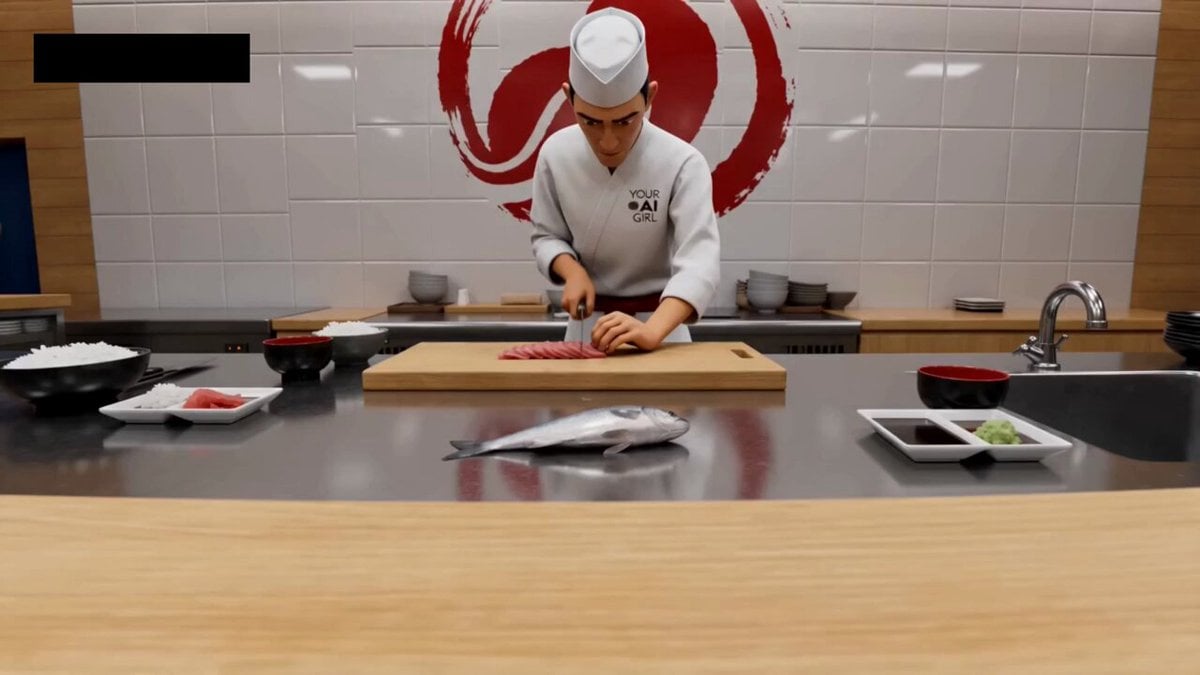
Sushi Chef Animation Prompt

Dreamlike Cherry Blossom Valley
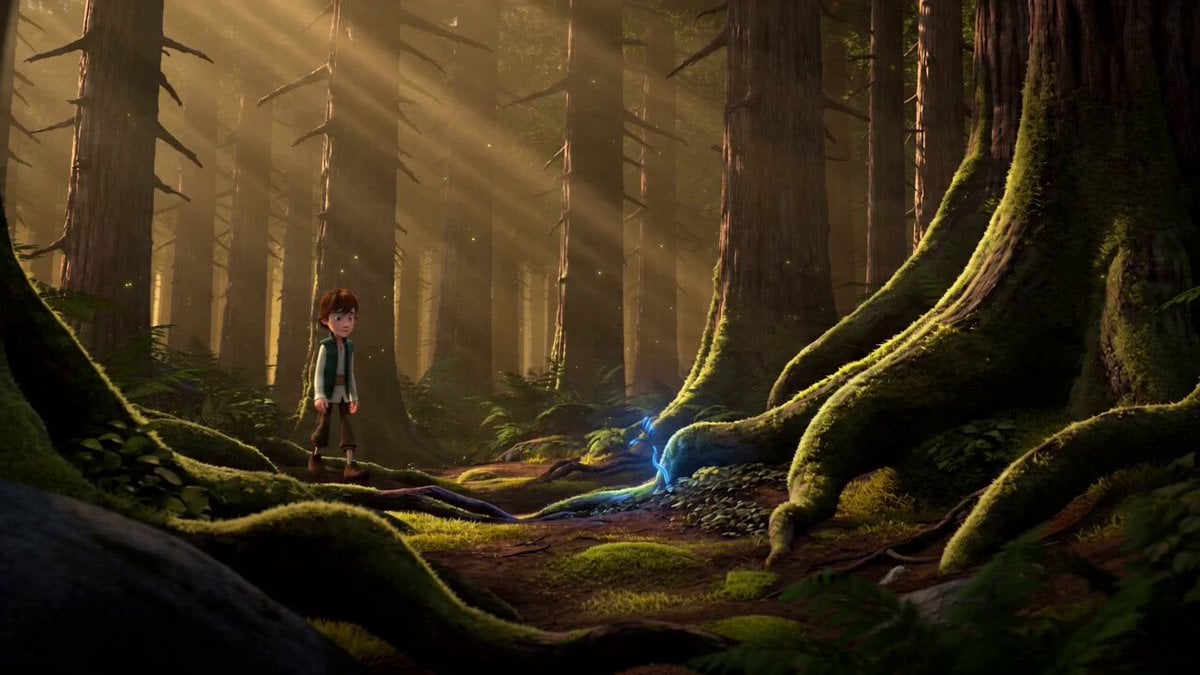
3D Fantasy Animation Prompt
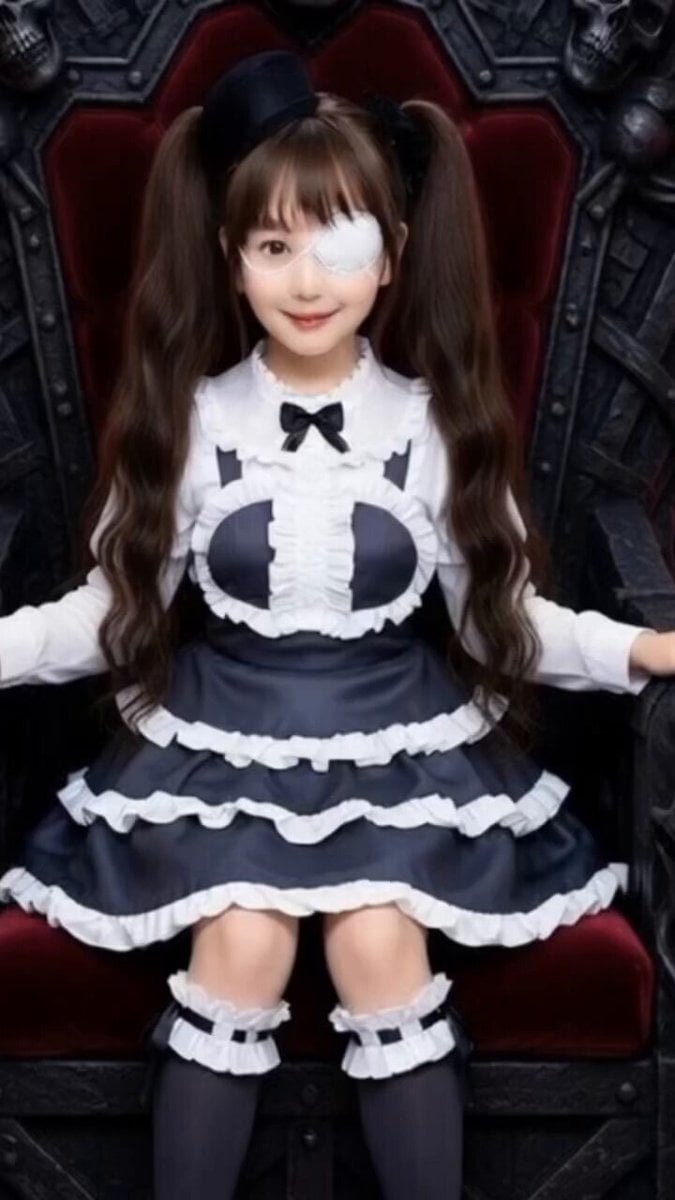
Grok Imagine Prompt: Yurine Kingdom Apocalypse Day

DV Tape Camcorder Gym Vlog
Jungle Canopy Speeder Chase
Browse template categories
Cyberpunk Game Character Interaction Video questions
How do I use the Cyberpunk Game Character Interaction Video template?
Add your photo if the template asks for one, edit the prompt if you like — the template's model and format are already selected — and press Generate. Your version opens in PicX Studio.
Can I customize the Cyberpunk Game Character Interaction Video template?
Yes. You can change the subject, setting, lighting, mood, format, and available model controls before creating your video.
Is the Cyberpunk Game Character Interaction Video template free?
Opening and editing this template is free. Generating uses credits, shown on the Generate button when you are signed in.
Which AI model should I use?
Start with Seedance 2.0, which is the model associated with this template. You can compare another compatible model for a different finish.
Looking for something else? Browse all templates.

Your photo, any look
Thousands of ready templates for every top image and video model, from one credit balance.