
Futuristic Crystalline AI Creature Interaction
A cinematic prompt for a high-detail scene where a woman interacts with an awakening crystalline AI creature in a futuristic luxury setting.
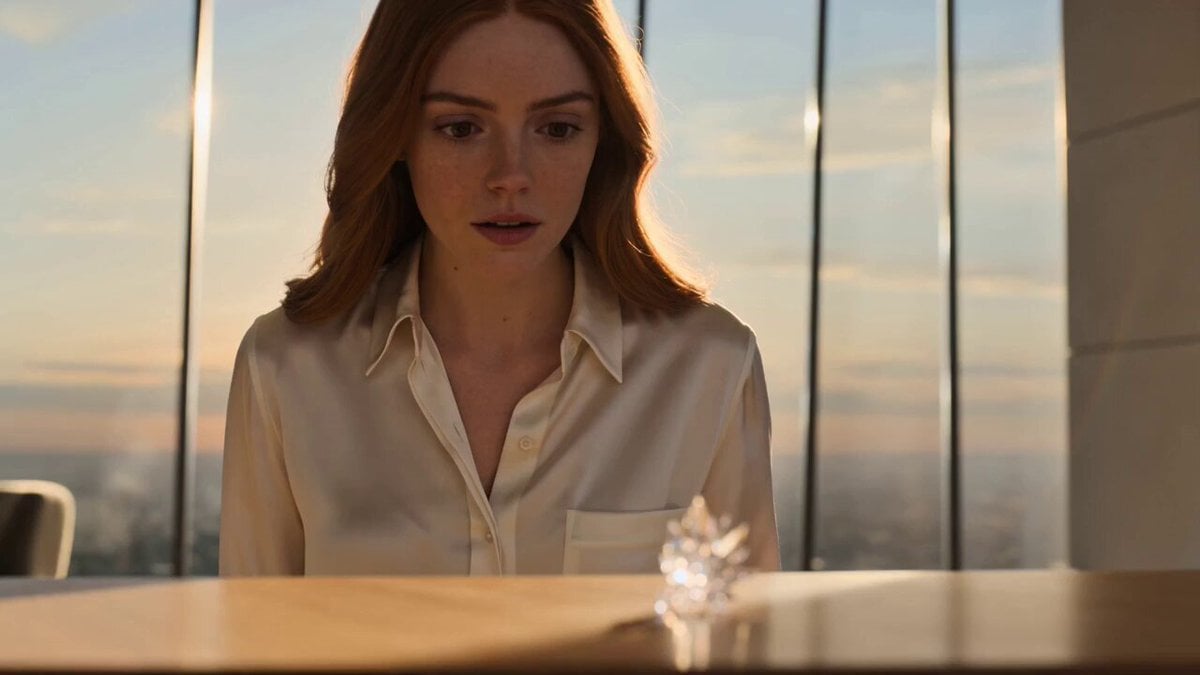
- Prompt included
- Model and format preset
- Premium template
The prompt behind this video
Copy the exact prompt behind Futuristic Crystalline AI Creature Interaction, or open it in the studio and make it yours.
A curious young woman notices a palm-sized crystalline AI creature resting on a minimalist wooden desk inside a sunlit luxury apartment. As she reaches out, the creature awakens with elegant glowing energy patterns and fluid mechanical movements. It gently climbs onto her hand, emitting soft holographic particles that illuminate the room. She smiles in amazement and walks toward a panoramic glass window overlooking a breathtaking futuristic megacity at golden hour. The AI companion floats beside her, evolving into a radiant geometric lifeform surrounded by shimmering light trails. Ultra-realistic cinematic filmmaking, emotionally expressive performance, macro close-ups, dynamic handheld camera, subtle rack focus, volumetric sunlight, reflective glass, premium CGI integration, photorealistic textures, realistic physics, atmospheric depth, film-quality color grading, smooth cinematic transitions, immersive storytelling, 4K HDR, vertical 9:16, no logos, no text, completely original design.
How to use Futuristic Crystalline AI Creature Interaction in 3 steps
- 1
Open
The prompt is already in the box next to the preview, with the template's model and format selected.
- 2…a portrait of your subject in softgolden-hour light, 85mm…
Personalize
Edit the subject and creative details for your destination.
- 3Generate
Generate
Press Generate — your video is created in PicX Studio, so you can compare it with the original and refine one variable at a time.
More like this
Templates with the same subject, style or setup. Open one to see its prompt.
Emotional Breakdown and Fabric Interaction - Seedance 2.5
Cinematic Car Scene and Video Sequence Prompt
Thornmaw Monarch — Crimson Glass Desert Beast
Ice Queen — Frozen Battlefield Time Control (Seedance)

Hologram Interaction Scene Montage
Anime Drama Character Interaction Script
Futuristic Samurai Cinematic Action
Futuristic City Parkour Animation

Coffee Cup Interaction Motion
Grok Imagine Mechanical and Ethereal Creature Prompts
Jungle Animal Interaction Video Prompt
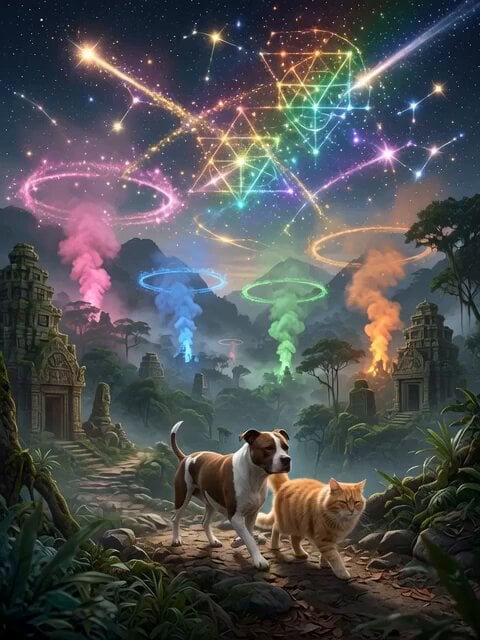
Futuristic Neon Metropolis Sky
Make it yours
Futuristic Crystalline AI Creature Interaction works as-is. These are the safest ways to change it without losing the look.
Change one field
Copy a single group, rewrite it, and generate again so you can see what that field is doing.
Keep the frame, change the subject
Hold the composition and light of Futuristic Crystalline AI Creature Interaction, then swap wardrobe, props or the person for a new take.
| If the result… | Why | Fix |
|---|---|---|
| The result drifts from the preview | Too many fields changed at once. | Reuse Futuristic Crystalline AI Creature Interaction as-is first, then change one group — subject, light, or setting. |
| The model over-stylizes the scene | The prose prompt leaves finish and camera underspecified. | Add one camera or lighting sentence and stay on Seedance 2.0. |
More Seedance 2.0 templates
Other prompts made for Seedance 2.0.

Comical Martial Arts Punch Scene

Maglev Train Action Sequence

Martial Arts Fight Sequence

Wuxia Protection and Trust Script

Vintage Korean Arcade MiniDV Vlog

Mercedes 190 SL Luxury Ad

Rainy Night Supernatural Reverse Comedy Video Script

Amazon Civilization Discovery

Futuristic South Asian City Transformation

Cozy Luxury Cafe Commercial
More video prompts
Fresh picks from across the catalog.
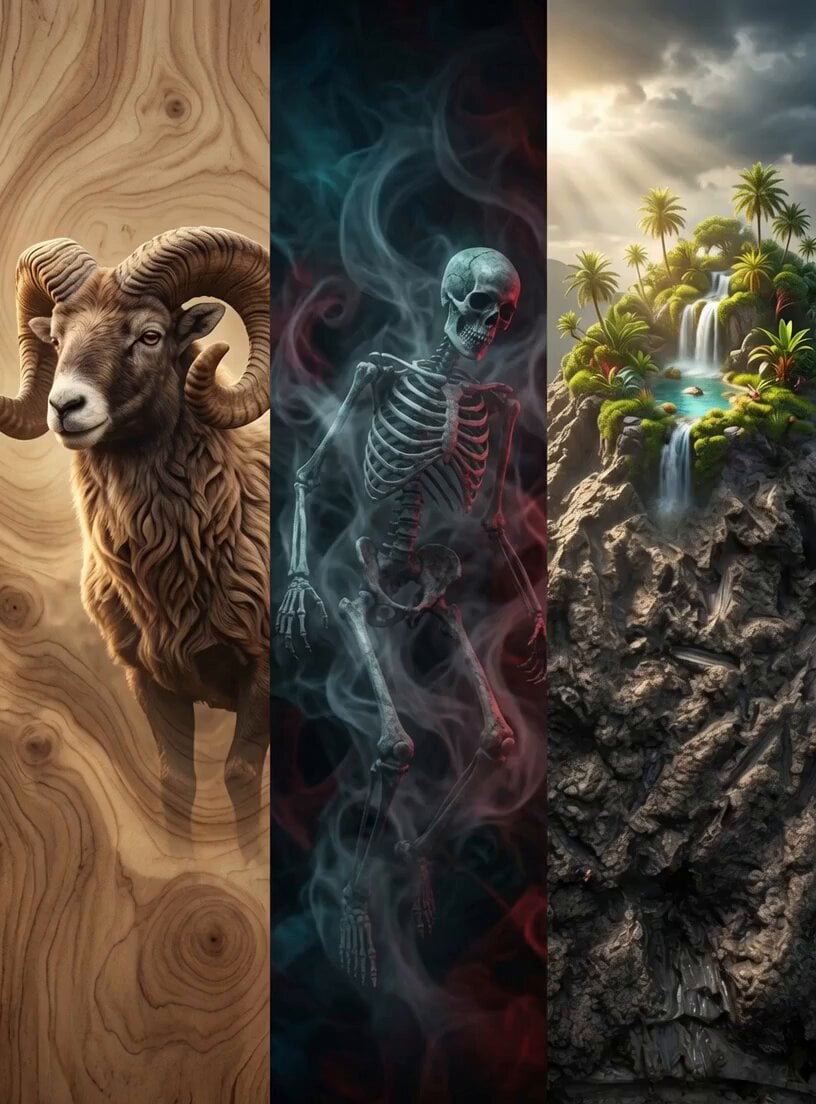
Skeleton Riding Ram Mountain Quest
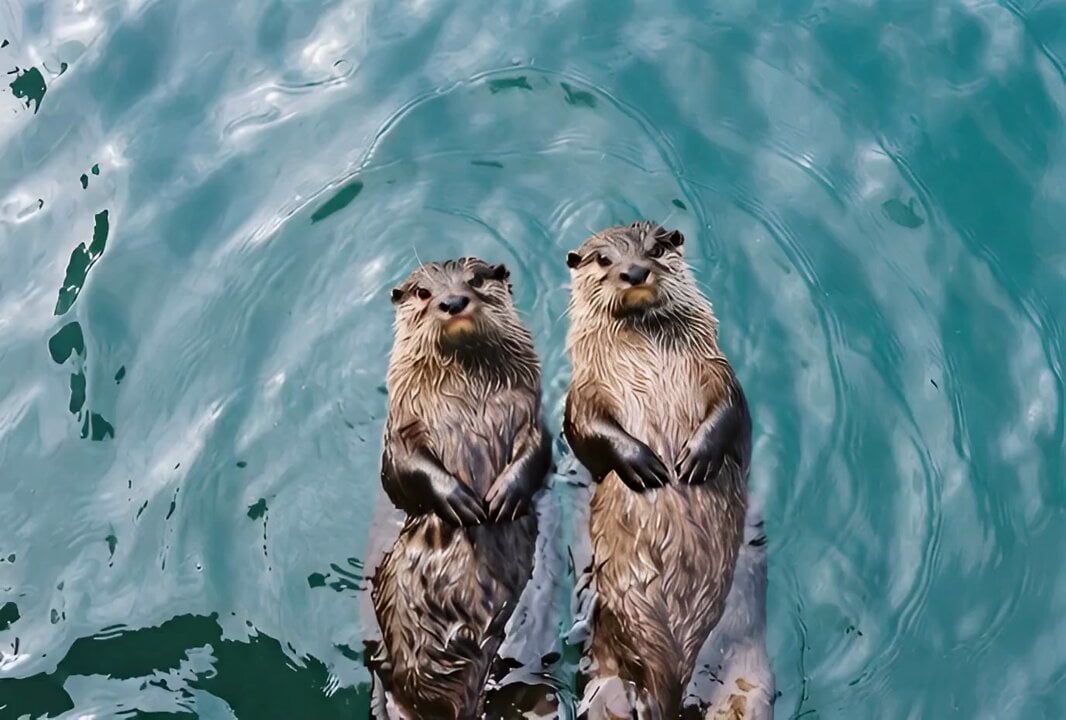
Calm Organic Movement of Otters
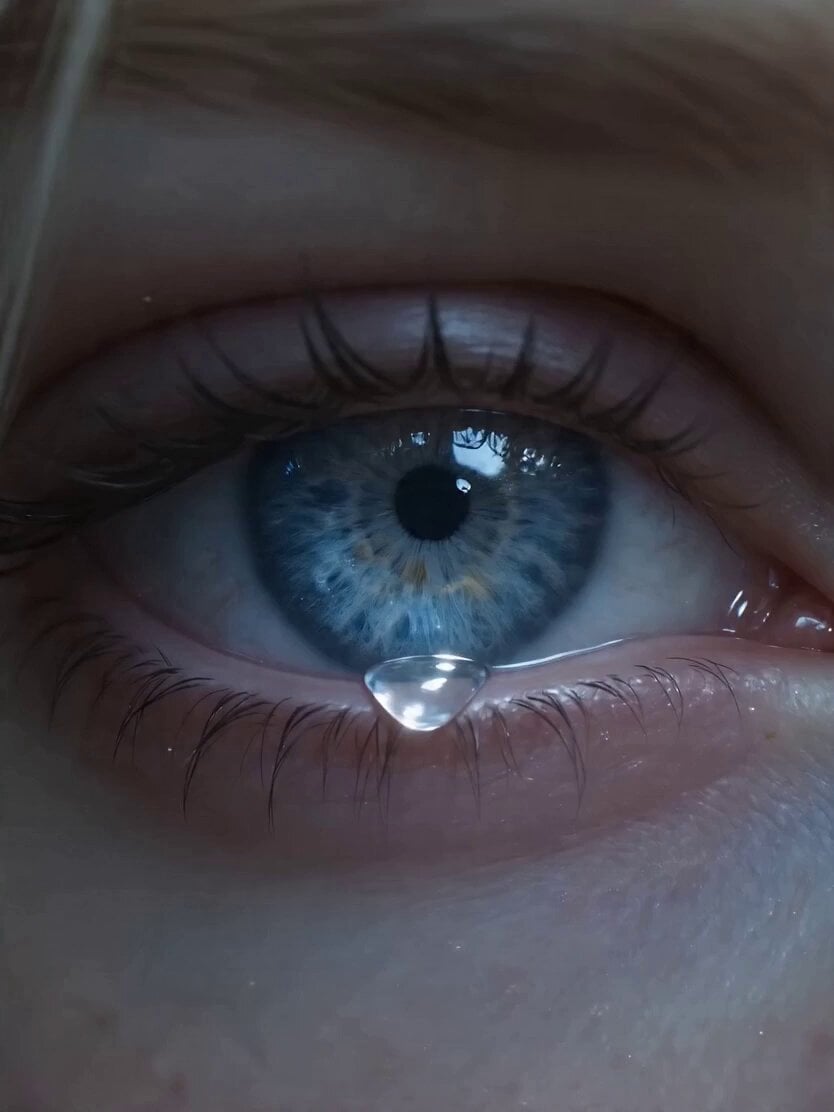
Elven Queen Portrait Prompt (Image-focused)
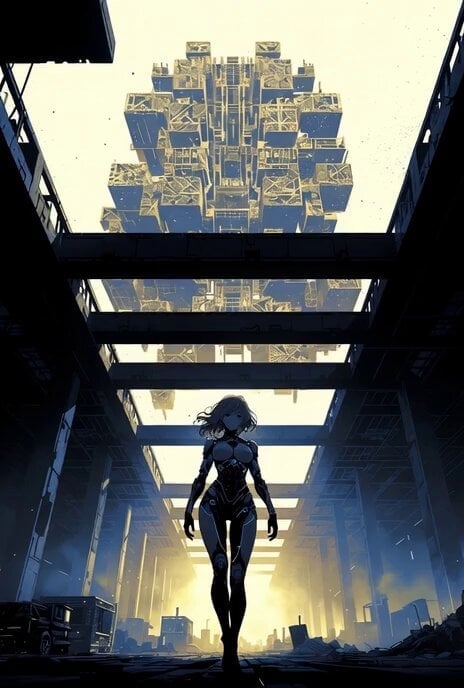
Cyber Suit Anime Warrior
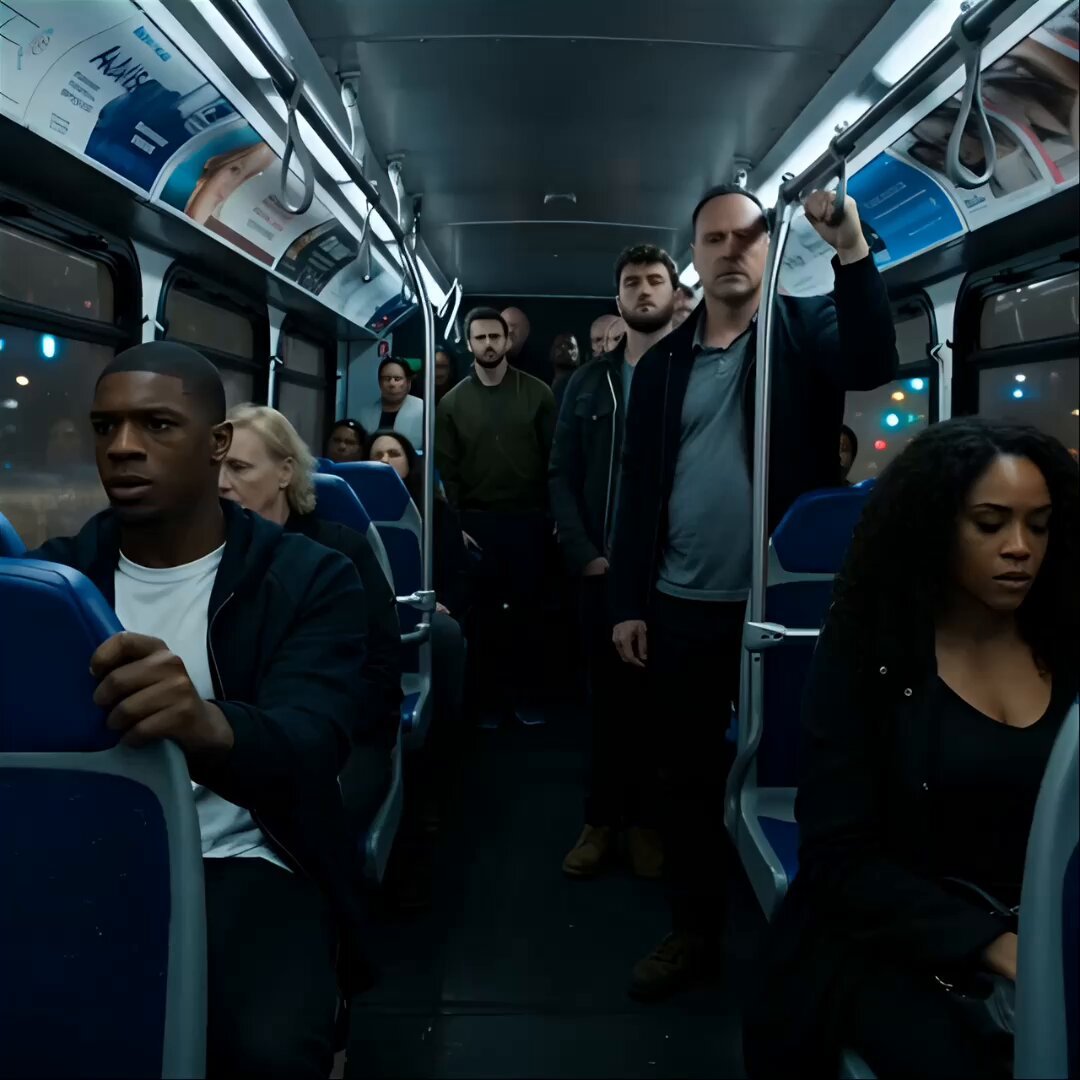
Alien Creature Under Bus Horror
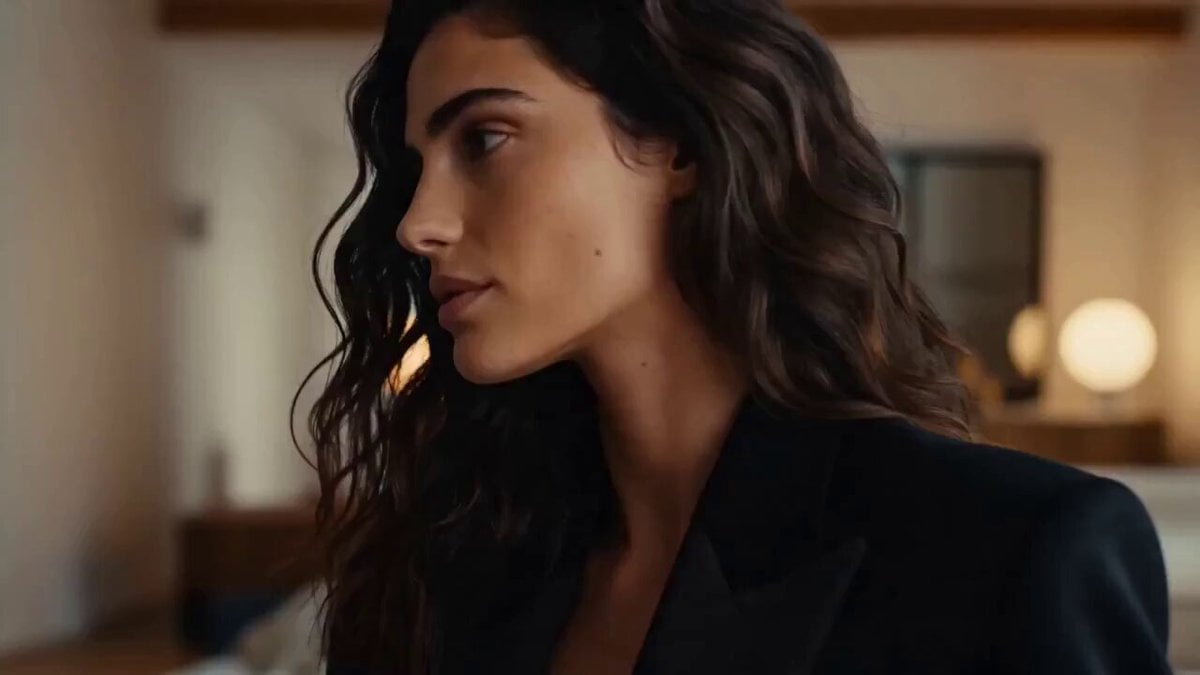
High Fashion Aesthetic Vlog

Gentle Mother and Child Animation
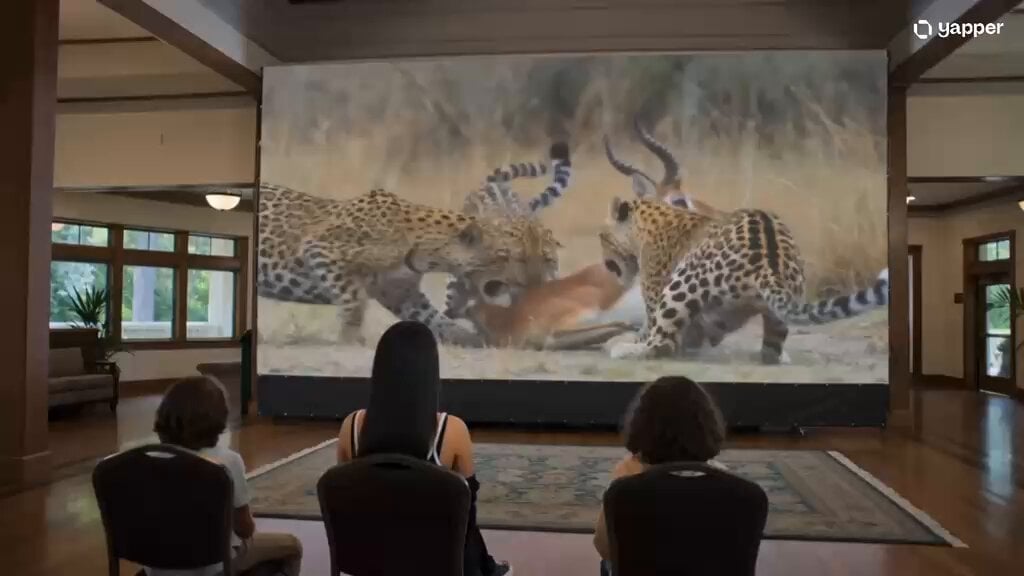
Magical Cinema Hall Deer Rescue
Cinematic Carriage Scene Prompt

Winter Fairy Tale Video Prompt
Browse template categories
Futuristic Crystalline AI Creature Interaction questions
How do I use the Futuristic Crystalline AI Creature Interaction template?
Add your photo if the template asks for one, edit the prompt if you like — the template's model and format are already selected — and press Generate. Your version opens in PicX Studio.
Can I customize the Futuristic Crystalline AI Creature Interaction template?
Yes. You can change the subject, setting, lighting, mood, format, and available model controls before creating your video.
Is the Futuristic Crystalline AI Creature Interaction template free?
Opening and editing this template is free. Generating uses credits, shown on the Generate button when you are signed in.
Which AI model should I use?
Start with Seedance 2.0, which is the model associated with this template. You can compare another compatible model for a different finish.
Looking for something else? Browse all templates.

Your photo, any look
Thousands of ready templates for every top image and video model, from one credit balance.