
High Fashion Aesthetic Vlog
A 15-second fashion-focused video prompt with stylish cuts and whip-pan transitions, focusing on a confident woman in various cinematic lighting setups.
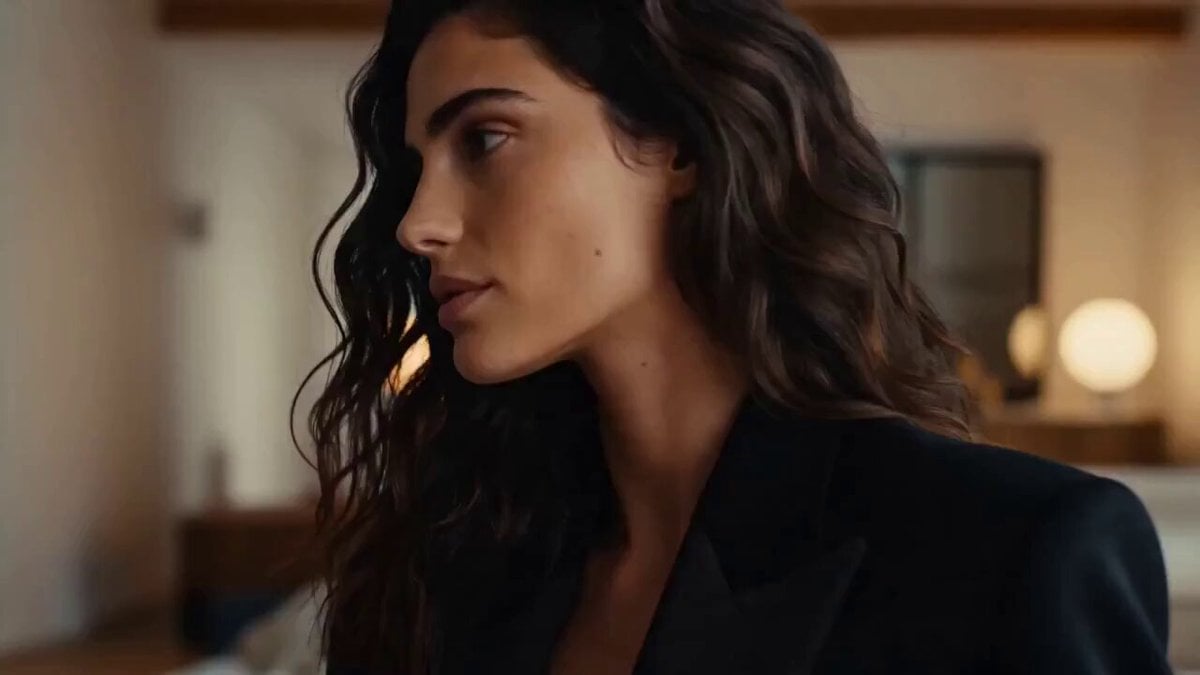
- Prompt included
- Model and format preset
- Free template
The prompt behind this video
Copy the exact prompt behind High Fashion Aesthetic Vlog, or open it in the studio and make it yours.
15 seconds, 16:9 vertical, quick stylish cuts between segments (4-5 short beats), glossy aesthetic-vlog pacing, smooth whip-pan or snap transitions between each. Global setup: High fashion aesthetic content-creator video. Soft glowing key light, shallow depth of field, slightly warm cinematic color grade. Subject: a confident young woman, stylish trendy outfit, changes look/setting slightly between beats (different lighting or background each cut, same general styling identity). Ambient sound: moody downtempo pop/R&B instrumental, subtle beat drops synced to cut transitions. [0:00–0:03] Close-up, soft warm light, she looks off to the side with a calm confident expression, then slowly turns to meet the camera. Slow push-in. [0:03–0:06] Cut to a different angle/setting, cooler blue-toned lighting, she runs a hand through her hair, subtle self-assured smile, gaze steady on camera. [0:06–0:09] Cut to outdoor golden-hour lighting, she walks slowly toward camera, wind gently moving her hair and clothing, confident relaxed stride. [0:09–0:12] Cut to close-up under neon-tinted lighting, she glances down then back up at camera with a slow deliberate look, beat-synced snap transition. [0:12–0:15] Final cut, soft studio lighting, she gives a small satisfied smile directly to camera, holds the moment, slow fade to black. Style: glossy editorial color grade, soft cinematic lighting throughout, confident expressive body language, no text overlays, no distorted anatomy or facial features. Constraints: consistent styling identity across cuts (even as background/lighting changes), natural realistic movement, transitions synced to the beat of the music, believable naturalistic expressions throughout.
How to use High Fashion Aesthetic Vlog in 3 steps
- 1
Open
The prompt is already in the box next to the preview, with the template's model and format selected.
- 2…a portrait of your subject in softgolden-hour light, 85mm…
Personalize
Edit the subject and creative details for your destination.
- 3Generate
Generate
Press Generate — your video is created in PicX Studio, so you can compare it with the original and refine one variable at a time.
More like this
Templates with the same subject, style or setup. Open one to see its prompt.

Luxury Lifestyle Day Vlog

Mediterranean Coffee Run Vlog - Seedance 2.5

Mysterious Home Exploration Vlog - Seedance 2.5

Realistic Morning Routine Lifestyle Vlog - Seedance 2.5

Handheld Tokyo Travel Vlog - Seedance 2.5

Nostalgic MiniDV Convenience Store Vlog - Seedance 2.5

Mediterranean Morning Coffee Run Vlog (Seedance 2.5)

Sneaker Product Commercial

Cinematic Short Film Scene

Luxury Airport Travel Vlog

Kyoto Morning Selfie Vlog

Kenting Lifestyle Travel Vlog
Make it yours
High Fashion Aesthetic Vlog works as-is. These are the safest ways to change it without losing the look.
Change one field
Copy a single group, rewrite it, and generate again so you can see what that field is doing.
Keep the frame, change the subject
Hold the composition and light of High Fashion Aesthetic Vlog, then swap wardrobe, props or the person for a new take.
| If the result… | Why | Fix |
|---|---|---|
| The result drifts from the preview | Too many fields changed at once. | Reuse High Fashion Aesthetic Vlog as-is first, then change one group — subject, light, or setting. |
| The model over-stylizes the scene | The prose prompt leaves finish and camera underspecified. | Add one camera or lighting sentence and stay on Seedance 2.0. |
More Seedance 2.0 templates
Other prompts made for Seedance 2.0.

Comical Martial Arts Punch Scene

Maglev Train Action Sequence

Martial Arts Fight Sequence

Wuxia Protection and Trust Script

Vintage Korean Arcade MiniDV Vlog

Mercedes 190 SL Luxury Ad

Rainy Night Supernatural Reverse Comedy Video Script

Amazon Civilization Discovery

Futuristic South Asian City Transformation

Cozy Luxury Cafe Commercial
More video prompts
Fresh picks from across the catalog.
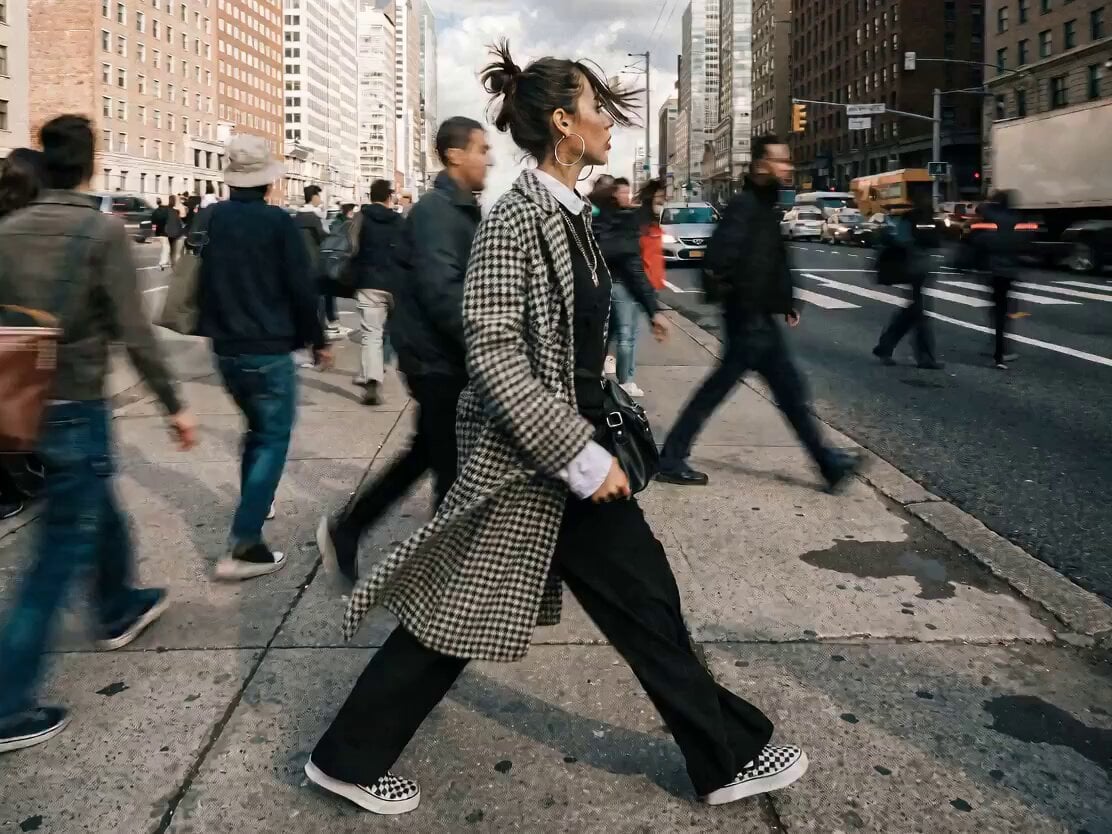
Dynamic Time-Lapse Effect with Static Subject

Cinematic Anime Rock Band MV
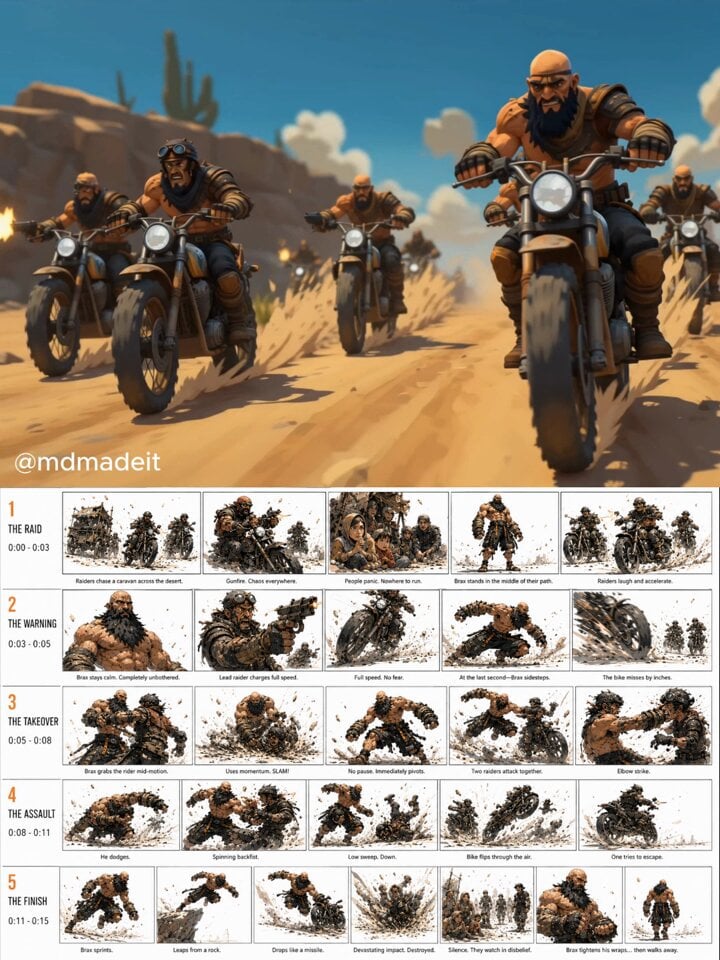
Post-Apocalyptic Desert Action Sequence
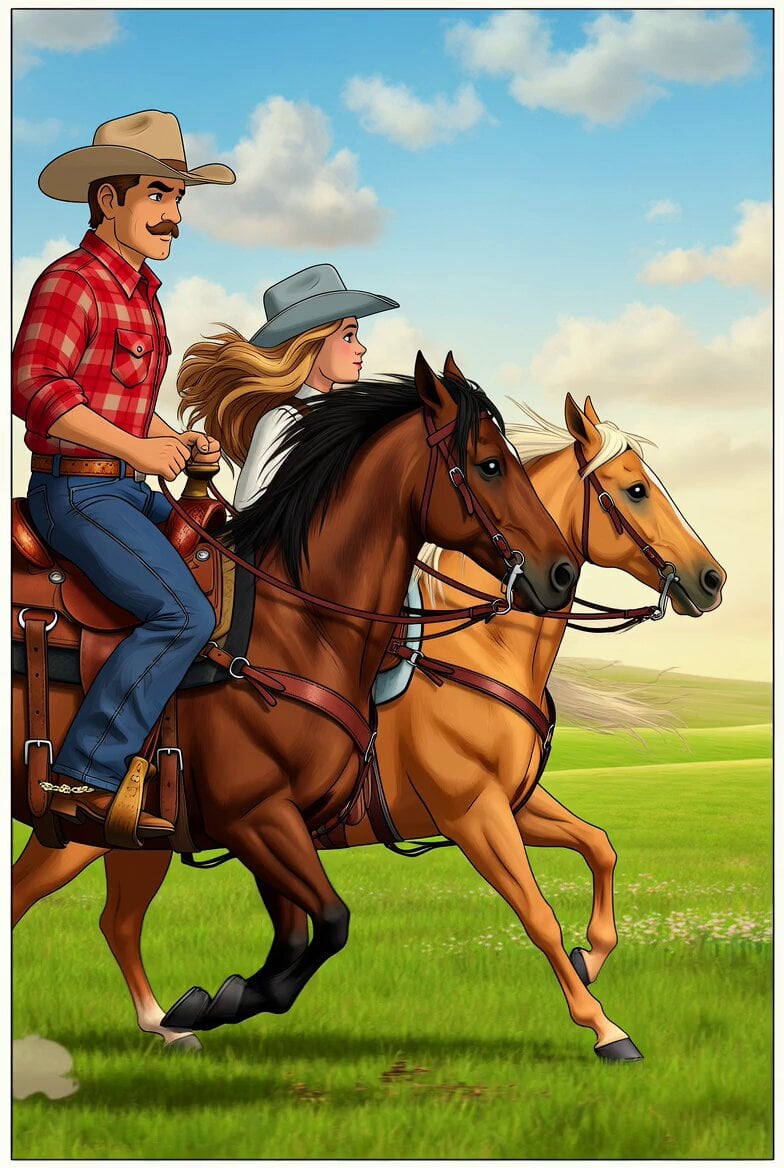
Comic Style Cowboy and Cattle Pasture
X Icon Soccer Goal Transformation
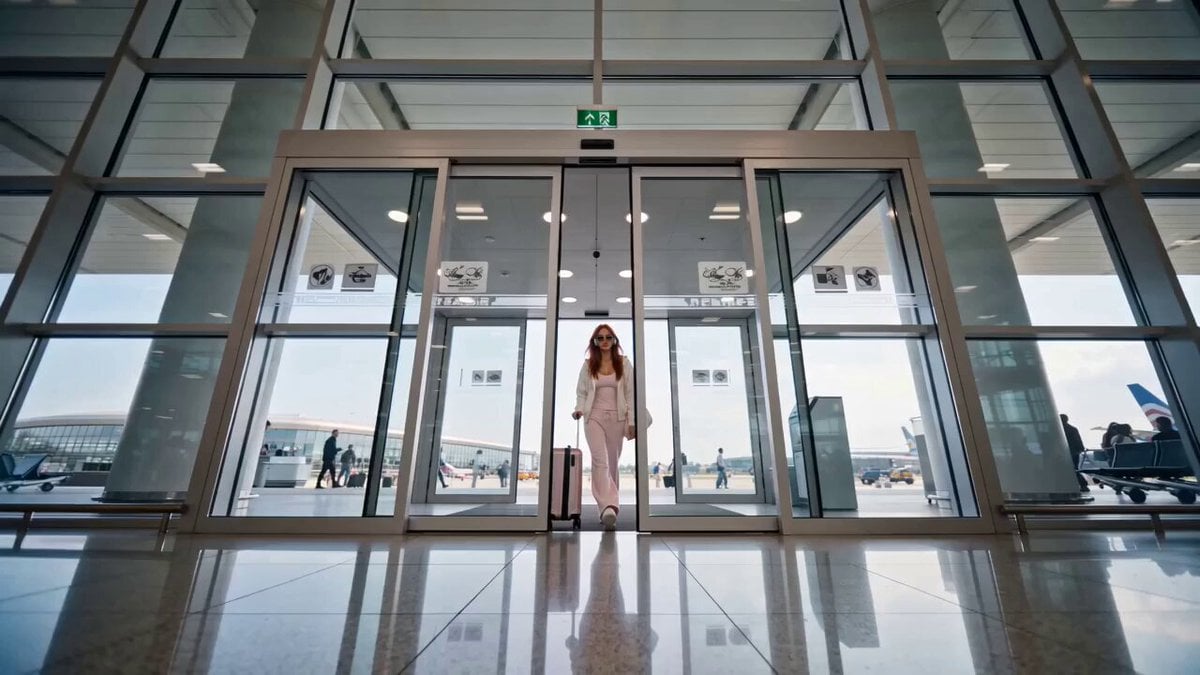
Luxury Fashion Airport Trailer
Continuous Shot Transformation and Lightsaber Ignition
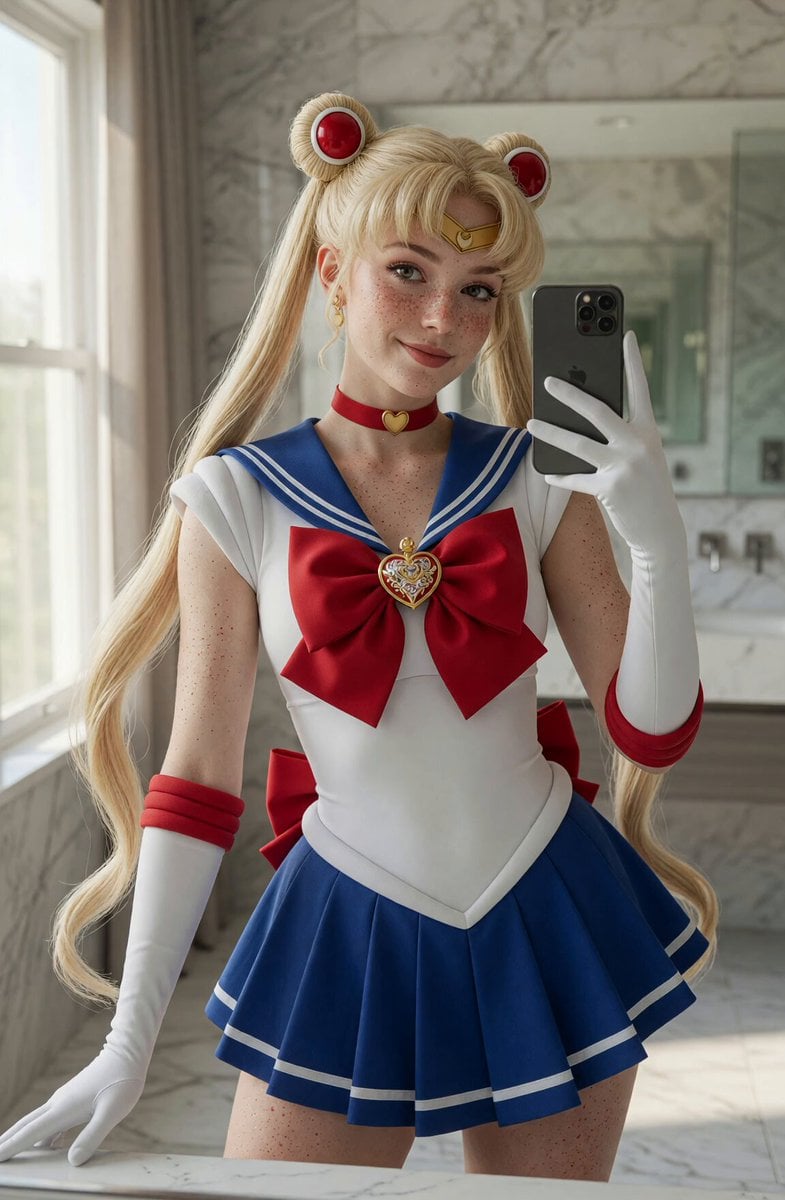
Sailor Moon Mirror Selfie Video
Alice in Wonderland Tea Sea Adventure
Anime Desert Action Gunfight
Browse template categories
High Fashion Aesthetic Vlog questions
How do I use the High Fashion Aesthetic Vlog template?
Add your photo if the template asks for one, edit the prompt if you like — the template's model and format are already selected — and press Generate. Your version opens in PicX Studio.
Can I customize the High Fashion Aesthetic Vlog template?
Yes. You can change the subject, setting, lighting, mood, format, and available model controls before creating your video.
Is the High Fashion Aesthetic Vlog template free?
Opening and editing this template is free. Generating uses credits, shown on the Generate button when you are signed in.
Which AI model should I use?
Start with Seedance 2.0, which is the model associated with this template. You can compare another compatible model for a different finish.
Looking for something else? Browse all templates.

Your photo, any look
Thousands of ready templates for every top image and video model, from one credit balance.