
Luxury Fashion Airport Trailer
A high-energy, fast-paced cinematic trailer prompt for a luxury fashion brand featuring an airport setting with rapid editing and dramatic lighting.
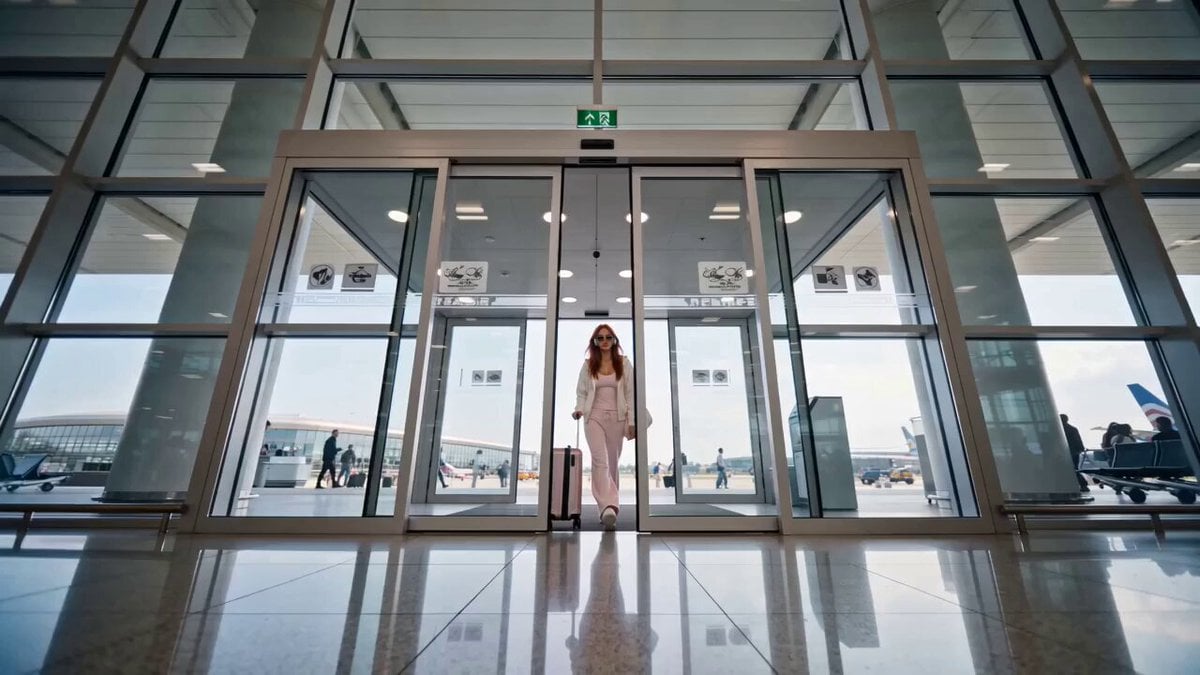
- Prompt included
- Model and format preset
- Free template
The prompt behind this video
Copy the exact prompt behind Luxury Fashion Airport Trailer, or open it in the studio and make it yours.
Style: Fast-paced, cinematic, luxury fashion, IMAX-quality visuals, dramatic lighting, premium color grading, energetic editing, no dialogue, powerful electronic trailer music with cinematic impacts. 0:00–0:02 Ultra-wide shot of automatic airport doors sliding open. The model steps in wearing sunglasses and headphones. Quick bass hit. 0:02–0:04 Fast tracking shot from the side as she confidently walks through the terminal, pulling a sleek carry-on. Motion blur and speed ramps. 0:04–0:06 Rapid montage: . Coffee picked up from a café . Boarding pass flips into her hand . Close-up of a luxury watch . Sneakers hitting the polished floor (0.5-second cuts) 0:06–0:09 Low-angle hero shot. She walks through the terminal as sunlight streams through massive windows. People blur past while she stays perfectly in focus. 0:09–0:11 Fast sequence: . Escalator ride . Airport departure board . Hair flip . Adjusts sunglasses . Camera orbit transition 0:11–0:13 Slow motion for a split second as she walks toward the boarding gate. Cinematic lens flares, dramatic trailer boom. 0:13–0:15 Final hero shot from behind as she walks through the jet bridge. She glances back over her shoulder for one frame before the screen cuts to black with a powerful cinematic impact sound. Editing Style . 0.3–1 second shots . Speed ramps . Whip pans . Match cuts . Flash-frame transitions . Bass drops synchronized with cuts . Cinematic trailer pacing . Confident runway-style walk throughout . No dialogue, only high-energy trailer music and cinematic sound design
How to use Luxury Fashion Airport Trailer in 3 steps
- 1
Open
The prompt is already in the box next to the preview, with the template's model and format selected.
- 2…a portrait of your subject in softgolden-hour light, 85mm…
Personalize
Edit the subject and creative details for your destination.
- 3Generate
Generate
Press Generate — your video is created in PicX Studio, so you can compare it with the original and refine one variable at a time.
More like this
Templates with the same subject, style or setup. Open one to see its prompt.

Sneaker Product Commercial
Luxury Handbag Commercial — Hollywood VFX Ad

Luxury Lifestyle Day Vlog
Luxury Fashion Elevator Commercial
Luxury Fashion European Cafe Commercial

Cinematic Short Film Scene

Cinematic Portrait Study 3

Cinematic Portrait Study
Skincare Product Commercial

Luxury Airport Travel Vlog

Smartphone Travel Vlog Tokyo Trip Identity Preserved
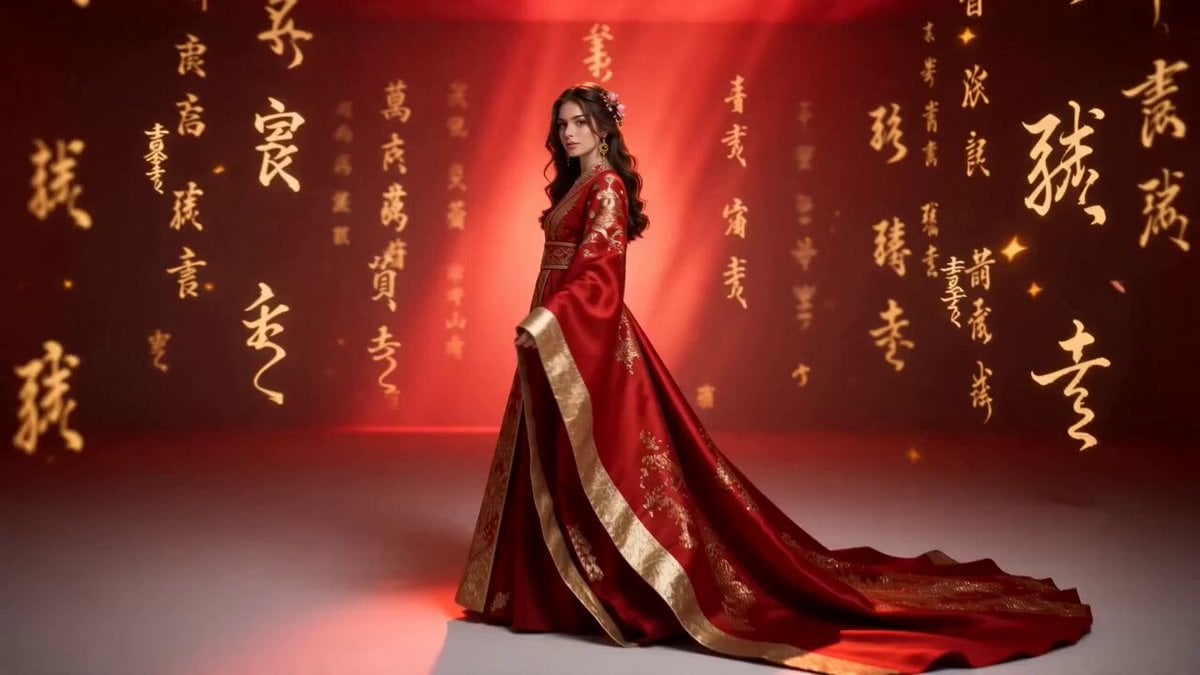
Global Luxury Fashion Cultural Campaign
Make it yours
Luxury Fashion Airport Trailer works as-is. These are the safest ways to change it without losing the look.
Change one field
Copy a single group, rewrite it, and generate again so you can see what that field is doing.
Keep the frame, change the subject
Hold the composition and light of Luxury Fashion Airport Trailer, then swap wardrobe, props or the person for a new take.
| If the result… | Why | Fix |
|---|---|---|
| The result drifts from the preview | Too many fields changed at once. | Reuse Luxury Fashion Airport Trailer as-is first, then change one group — subject, light, or setting. |
| The model over-stylizes the scene | The prose prompt leaves finish and camera underspecified. | Add one camera or lighting sentence and stay on Seedance 2.0. |
More Seedance 2.0 templates
Other prompts made for Seedance 2.0.

Comical Martial Arts Punch Scene

Maglev Train Action Sequence

Martial Arts Fight Sequence

Wuxia Protection and Trust Script

Vintage Korean Arcade MiniDV Vlog

Mercedes 190 SL Luxury Ad

Rainy Night Supernatural Reverse Comedy Video Script

Amazon Civilization Discovery

Futuristic South Asian City Transformation

Cozy Luxury Cafe Commercial
More video prompts
Fresh picks from across the catalog.
Submarine Plunge into Europa's Hidden Ocean
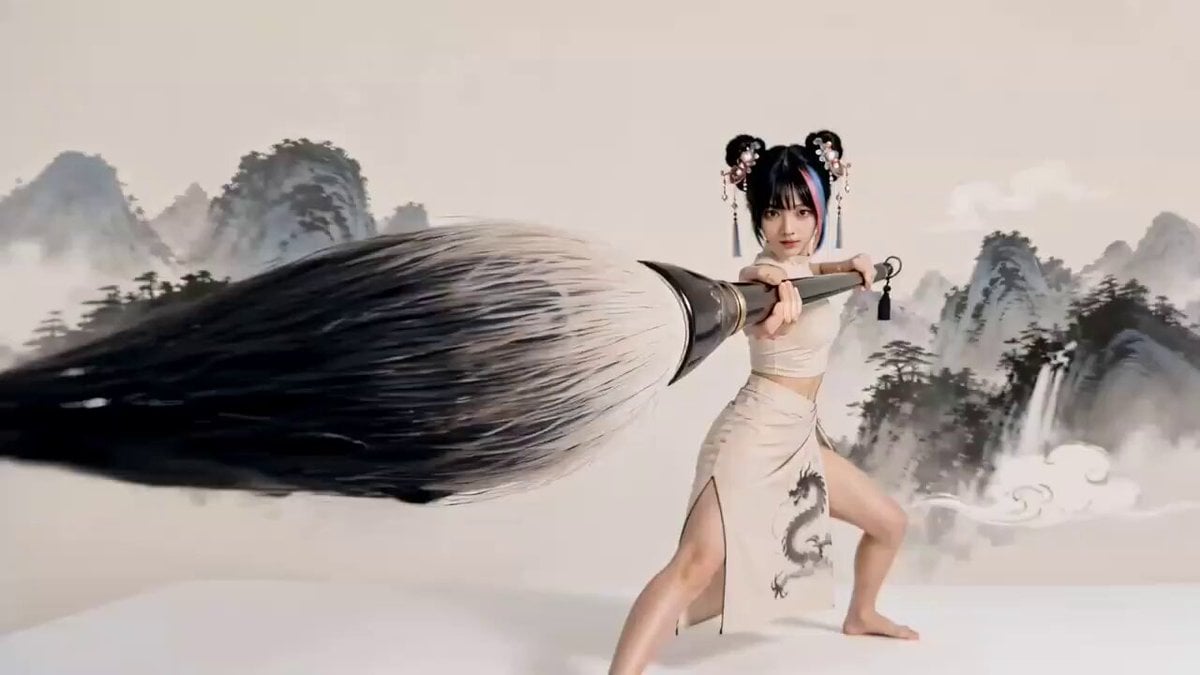
Chinese Ink Wash Martial Arts Dance
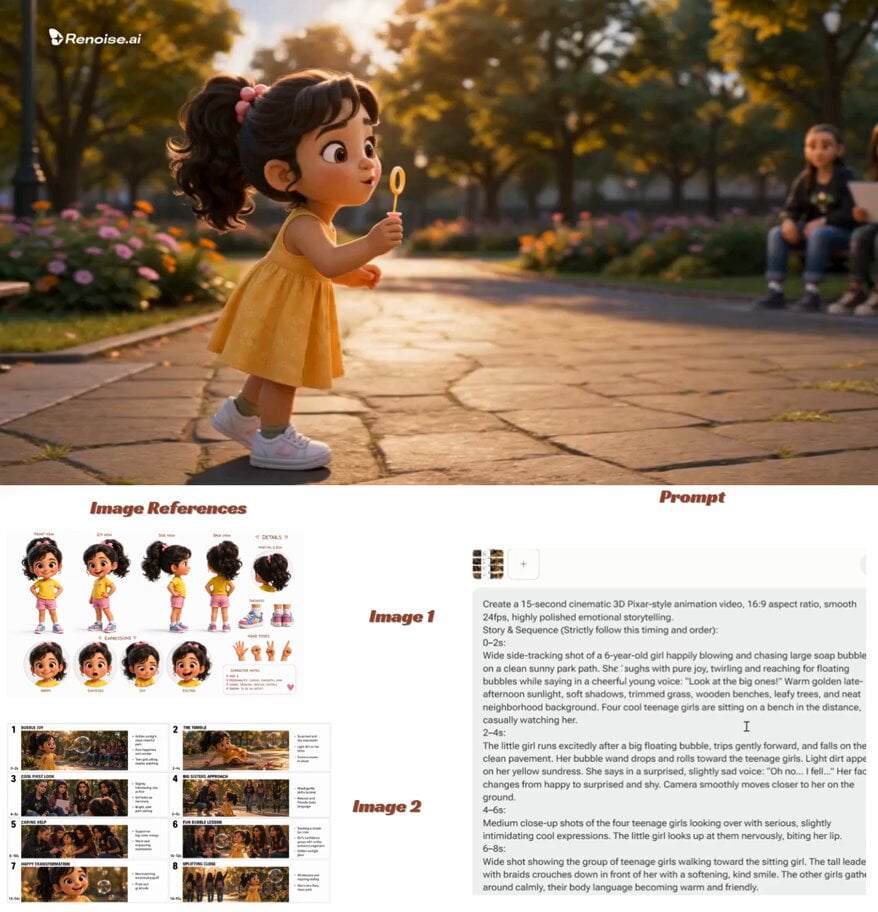
Pixar-Style Child Character Sheet
Cinematic kitchen close-up video
Michelin-Star Chef Signature Dish
Warehouse Combat Video Sequence

Grok Imagine prompt for a dramatic dinosaur fight scene
Midnight Arrival Luxury Hotel Prompt
Cinematic CG Ad POV Video Prompt
KBO Baseball Fan Surprise
Browse template categories
Luxury Fashion Airport Trailer questions
How do I use the Luxury Fashion Airport Trailer template?
Add your photo if the template asks for one, edit the prompt if you like — the template's model and format are already selected — and press Generate. Your version opens in PicX Studio.
Can I customize the Luxury Fashion Airport Trailer template?
Yes. You can change the subject, setting, lighting, mood, format, and available model controls before creating your video.
Is the Luxury Fashion Airport Trailer template free?
Opening and editing this template is free. Generating uses credits, shown on the Generate button when you are signed in.
Which AI model should I use?
Start with Seedance 2.0, which is the model associated with this template. You can compare another compatible model for a different finish.
Looking for something else? Browse all templates.

Your photo, any look
Thousands of ready templates for every top image and video model, from one credit balance.