How do I use the Luxury Fashion European Cafe Commercial template?
Edit the prompt in the box under the preview — the template's model and format are already selected — and press Generate. Your version appears right on this page.
A comprehensive multi-scene commercial prompt for a luxury fashion video featuring a stylish woman at a European cafe entrance.
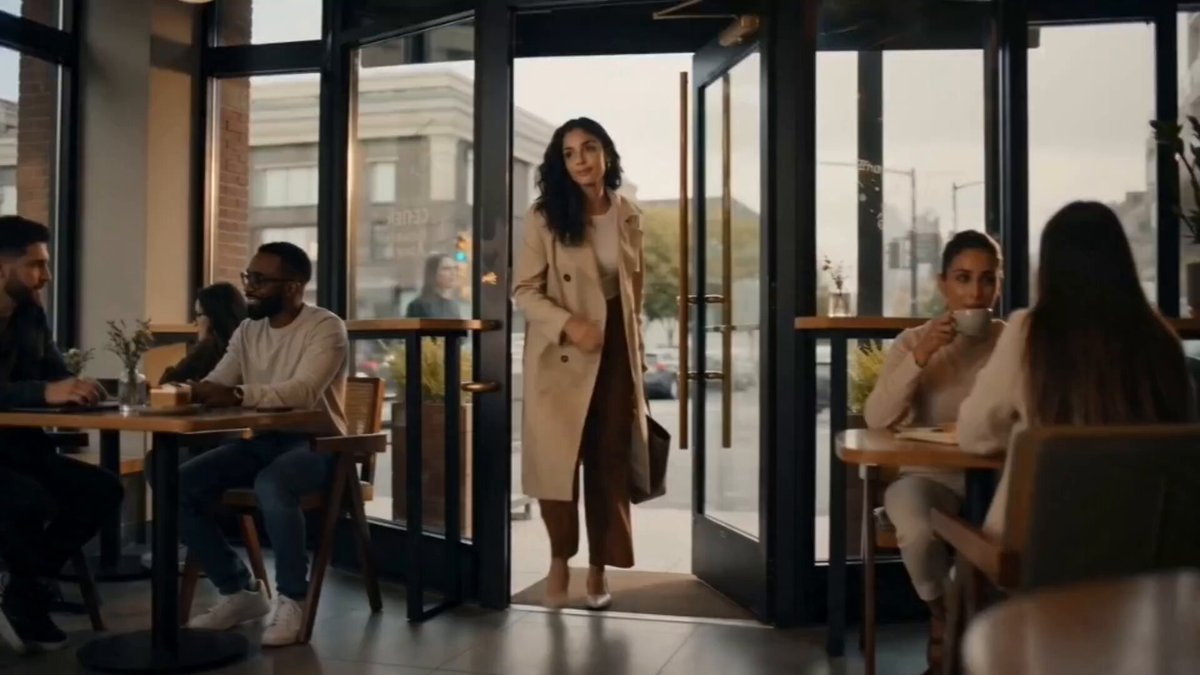
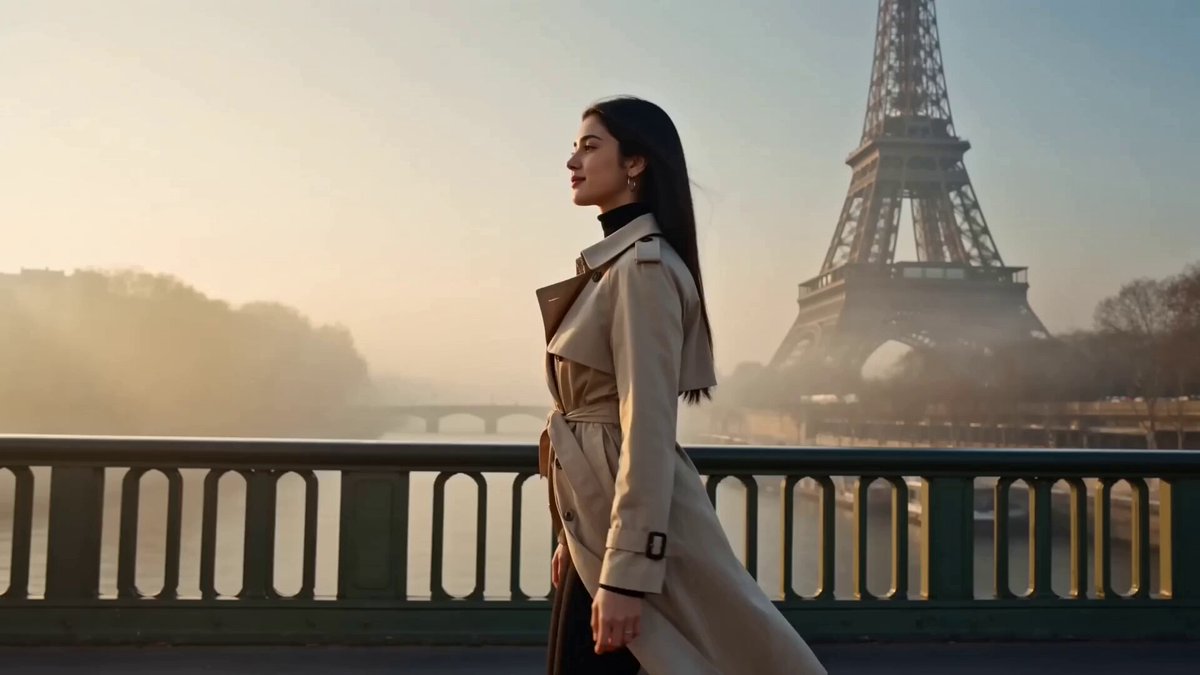
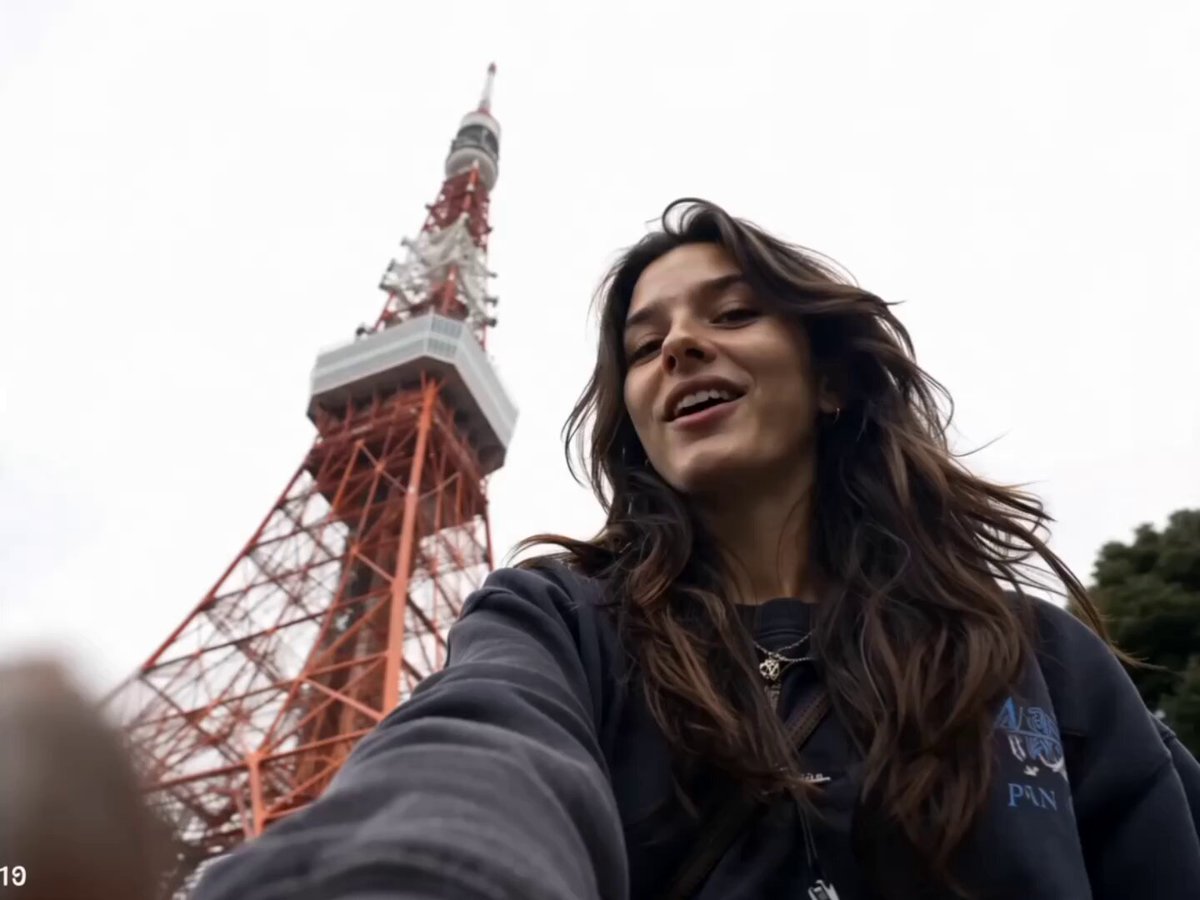
Create a 15-second ultra-realistic cinematic luxury fashion video. A stylish young woman stands gracefully at the entrance of a luxury European café, wearing an oversized sky-blue button-down shirt with rolled-up sleeves, elegant white wide-leg trousers, clean white sneakers, a black designer shoulder bag, a gold wristwatch, and delicate jewelry. Preserve realistic facial features, natural body proportions, and premium fashion styling. Scene 1 (0–3s): Wide establishing shot of the elegant café as she slowly walks toward the entrance with calm confidence. Scene 2 (3–6s): She gently brushes her hair back while one hand remains in her pocket, looking down with a soft smile. Scene 3 (6–9s): The camera smoothly circles around her as she adjusts her shoulder bag and glances toward the café. Scene 4 (9–12s): Close-up beauty shots highlighting realistic skin texture, luxury fabrics, gold jewelry, and warm sunlight reflecting through the café windows. Scene 5 (12–15s): Full-body hero shot as she walks forward, pauses gracefully, lightly touches her hair, and smiles confidently while the camera slowly pulls back. Luxury fashion commercial, cinematic storytelling, premium editorial style, smooth camera movement, realistic fabric physics, subtle hair movement, shallow depth of field, warm golden-hour lighting, photorealistic, 4K cinematic look, masterpiece quality, vertical 9:16.
Create a 15-second ultra-realistic cinematic luxury fashion video. A stylish young woman stands gracefully at the entrance of a luxury European café, wearing an oversized sky-blue button-down shirt with rolled-up sleeves, elegant white wide-leg trousers, clean white sneakers, a black designer shoulder bag, a gold wristwatch, and delicate jewelry. Preserve realistic facial features, natural body proportions, and premium fashion styling. Scene 1 (0–3s): Wide establishing shot of the elegant café as she slowly walks toward the entrance with calm confidence. Scene 2 (3–6s): She gently brushes her hair back while one hand remains in her pocket, looking down with a soft smile. Scene 3 (6–9s): The camera smoothly circles around her as she adjusts her shoulder bag and glances toward the café. Scene 4 (9–12s): Close-up beauty shots highlighting realistic skin texture, luxury fabrics, gold jewelry, and warm sunlight reflecting through the café windows. Scene 5 (12–15s): Full-body hero shot as she walks forward, pauses gracefully, lightly touches her hair, and smiles confidently while the camera slowly pulls back. Luxury fashion commercial, cinematic storytelling, premium editorial style, smooth camera movement, realistic fabric physics, subtle hair movement, shallow depth of field, warm golden-hour lighting, photorealistic, 4K cinematic look, masterpiece quality, vertical 9:16.
Edit the prompt in the box under the preview — the template's model and format are already selected — and press Generate. Your version appears right on this page.
Yes. You can change the subject, setting, lighting, mood, format, and available model controls before creating your video.
Opening and editing this template is free. Generating uses credits, shown on the Generate button when you are signed in.
Start with Grok Imagine, which is the model associated with this template. You can compare another compatible model for a different finish.
Follow a topic to a crawlable collection of related PicX Studio templates.