
Gag Anime Comedy Reaction Scene
A universal comedy prompt for creating a 'tsukkomi' reaction shot in a gag anime style, featuring dynamic motion and focused lines.
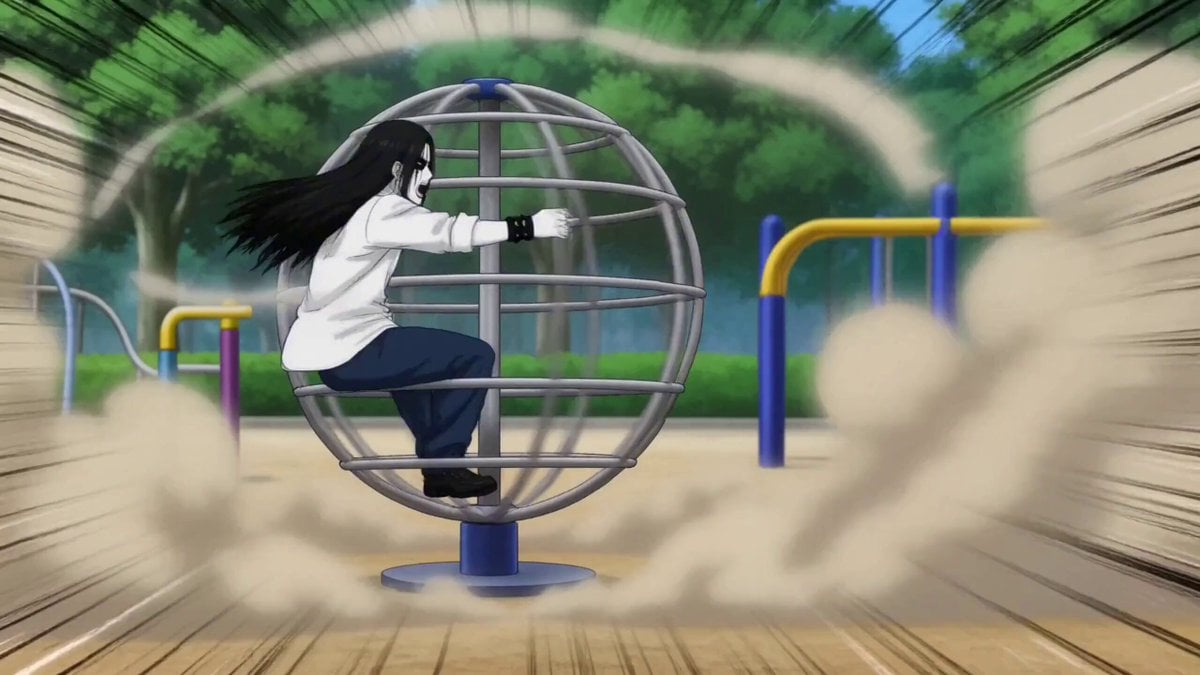
- Prompt included
- Model and format preset
- Free template
The prompt behind this video
Copy the exact prompt behind Gag Anime Comedy Reaction Scene, or open it in the studio and make it yours.
後方でものすごい勢いで回転する公園のグローブジャングルに○○が「あぁぁぁー!」と叫びながら必死にしがみついている。巻き上がる風と砂埃。勢いが伝わる演出と集中線。ギャグアニメ風の演出。 その手前で○○の肩から上が画面右下の画面外から勢いよくフレームインするのと同時に「すごいことになってるー!!」と目を飛び出して驚いた表情でツッコむ。顔の角度は正面左斜め上を向いている。ギャグアニメ風の効果音。
How to use Gag Anime Comedy Reaction Scene in 3 steps
- 1
Open
The prompt is already in the box next to the preview, with the template's model and format selected.
- 2…a portrait of your subject in softgolden-hour light, 85mm…
Personalize
Edit the subject and creative details for your destination.
- 3Generate
Generate
Press Generate — your video is created in PicX Studio, so you can compare it with the original and refine one variable at a time.
More like this
Templates with the same subject, style or setup. Open one to see its prompt.
Gugu Gaga Chibi Anime Reaction
Viking in Modern America Comedy - Seedance 2.5
Comedy Coke Bottle Prank Reel — Kling 3.0 O3 Pro

MiniMax H3 Character Introduction
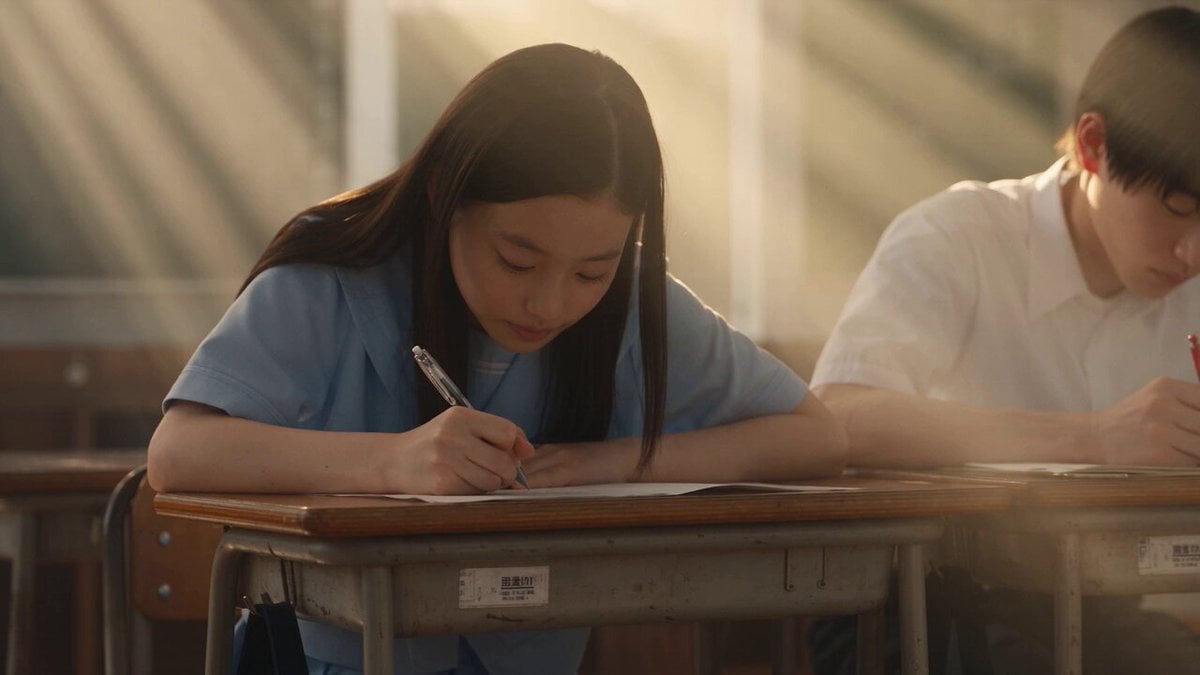
Japanese Pure Love Short Film
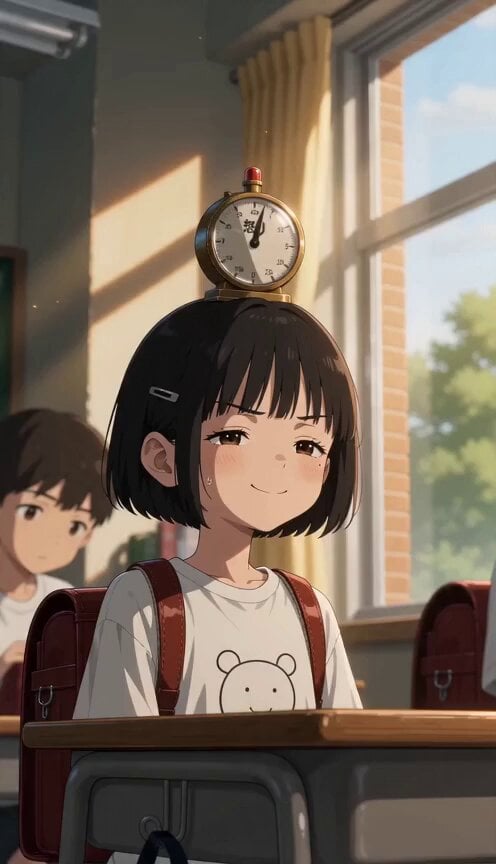
Anime Anger Meter Gag
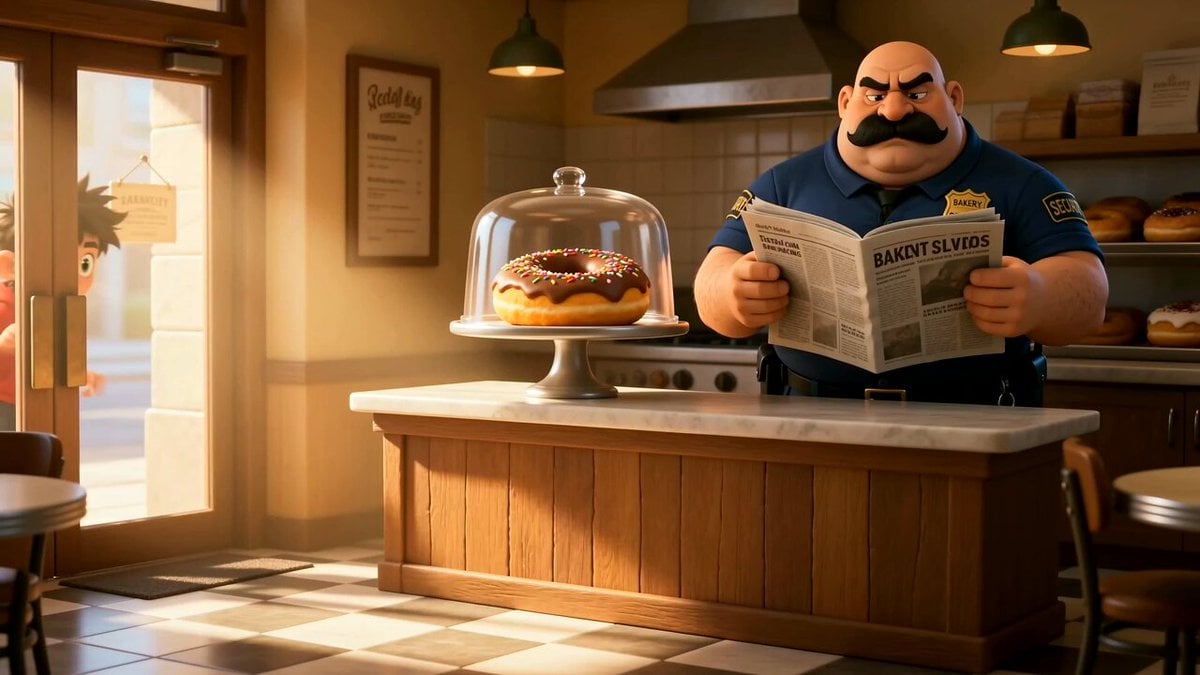
Cartoon Donut Heist Bakery Chase
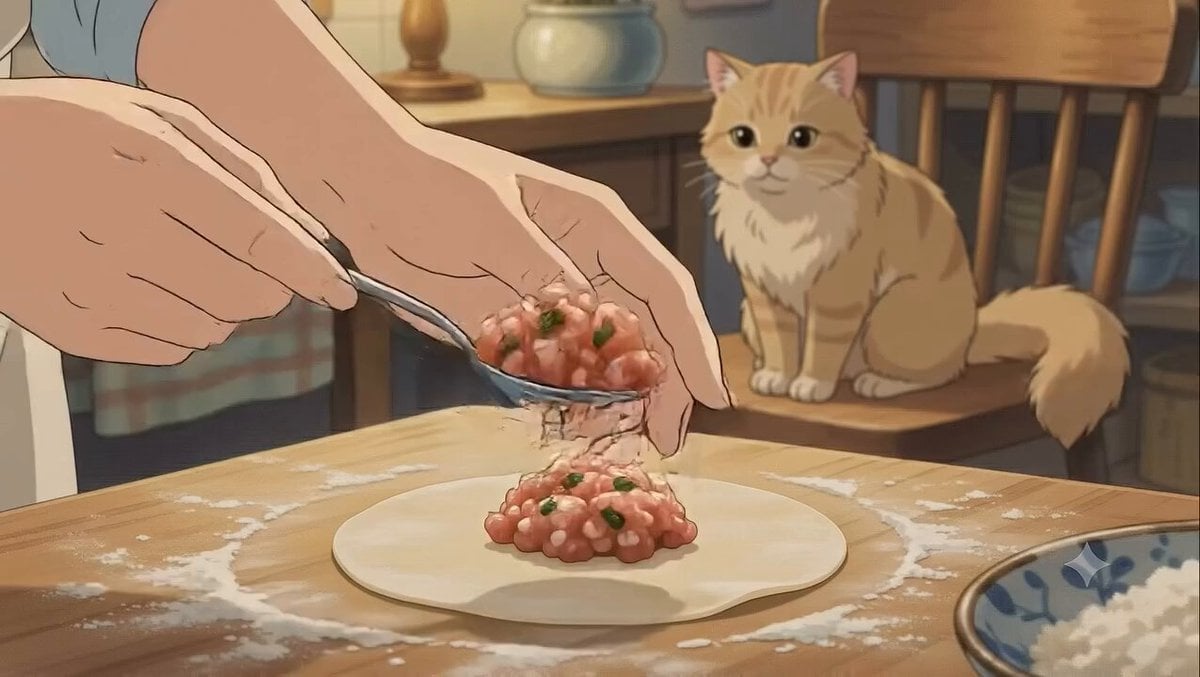
Studio Ghibli Dumpling Kitchen Cooking Scene

Chain-Reaction Comedy Short Script
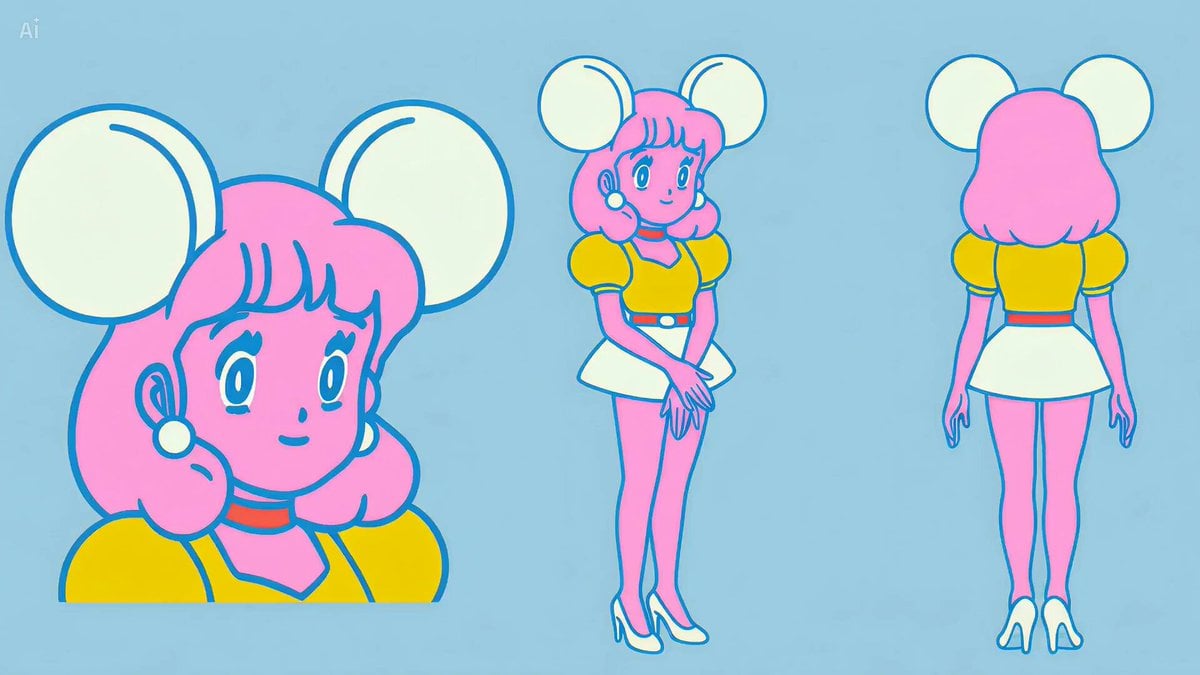
Anime Character Water Slide with Reaction PIP
Dim Sum Chase — Shrimp Dumpling Monster
Mecha Transformation vs Kaiju — 4-Scene Epic
Make it yours
Gag Anime Comedy Reaction Scene works as-is. These are the safest ways to change it without losing the look.
Change one field
Copy a single group, rewrite it, and generate again so you can see what that field is doing.
Keep the frame, change the subject
Hold the composition and light of Gag Anime Comedy Reaction Scene, then swap wardrobe, props or the person for a new take.
| If the result… | Why | Fix |
|---|---|---|
| The result drifts from the preview | Too many fields changed at once. | Reuse Gag Anime Comedy Reaction Scene as-is first, then change one group — subject, light, or setting. |
| The model over-stylizes the scene | The prose prompt leaves finish and camera underspecified. | Add one camera or lighting sentence and stay on Seedance 2.0. |
More Seedance 2.0 templates
Other prompts made for Seedance 2.0.

Comical Martial Arts Punch Scene

Maglev Train Action Sequence

Martial Arts Fight Sequence

Wuxia Protection and Trust Script

Vintage Korean Arcade MiniDV Vlog

Mercedes 190 SL Luxury Ad

Amazon Civilization Discovery

Futuristic South Asian City Transformation

Cozy Luxury Cafe Commercial

Cyber Ronin Nanotech Transformation Video
More video prompts
Fresh picks from across the catalog.
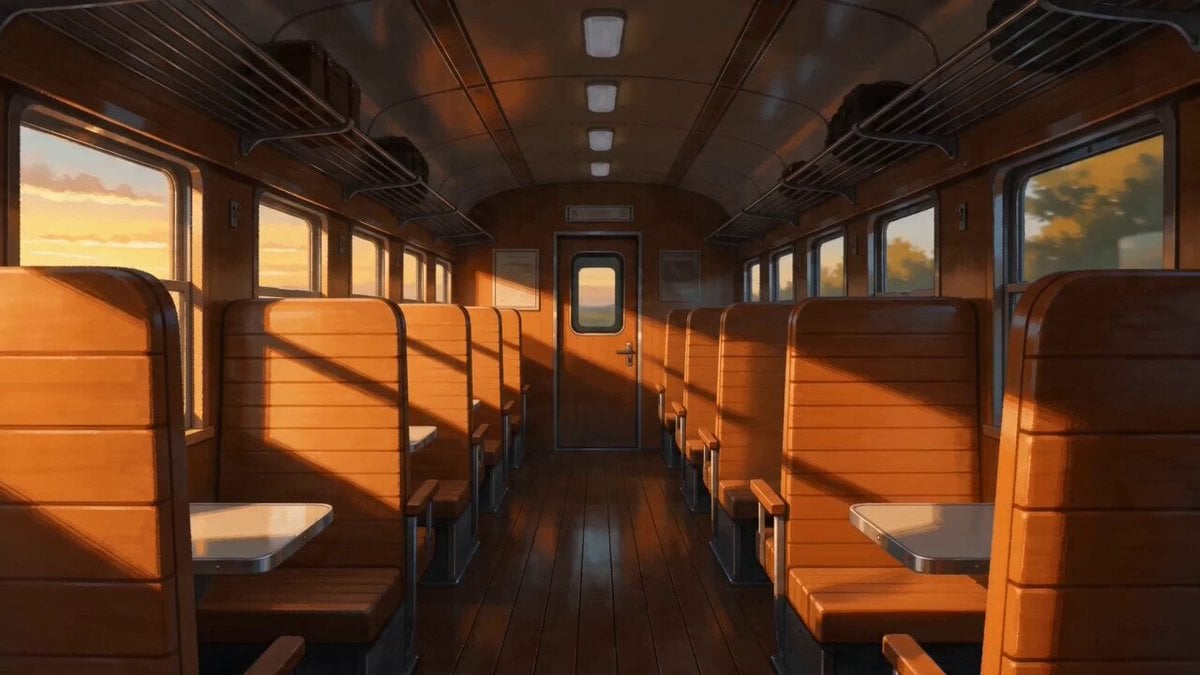
Peaceful Lofi Train Ride Anime Video Prompt

Full Moon Stained Glass Scene
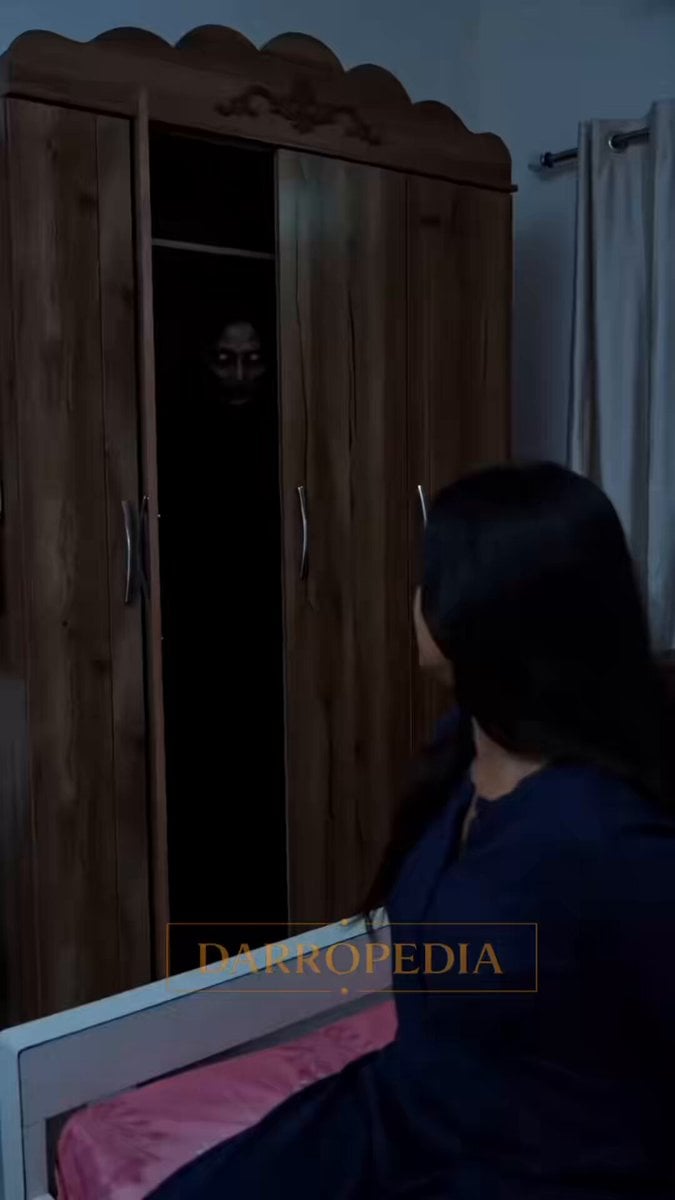
Horror Closet Stalker Video Prompt
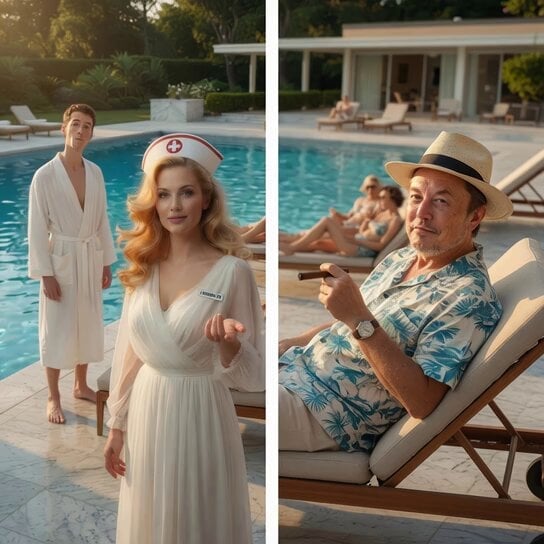
Stranger in a Strange Land Story Scene
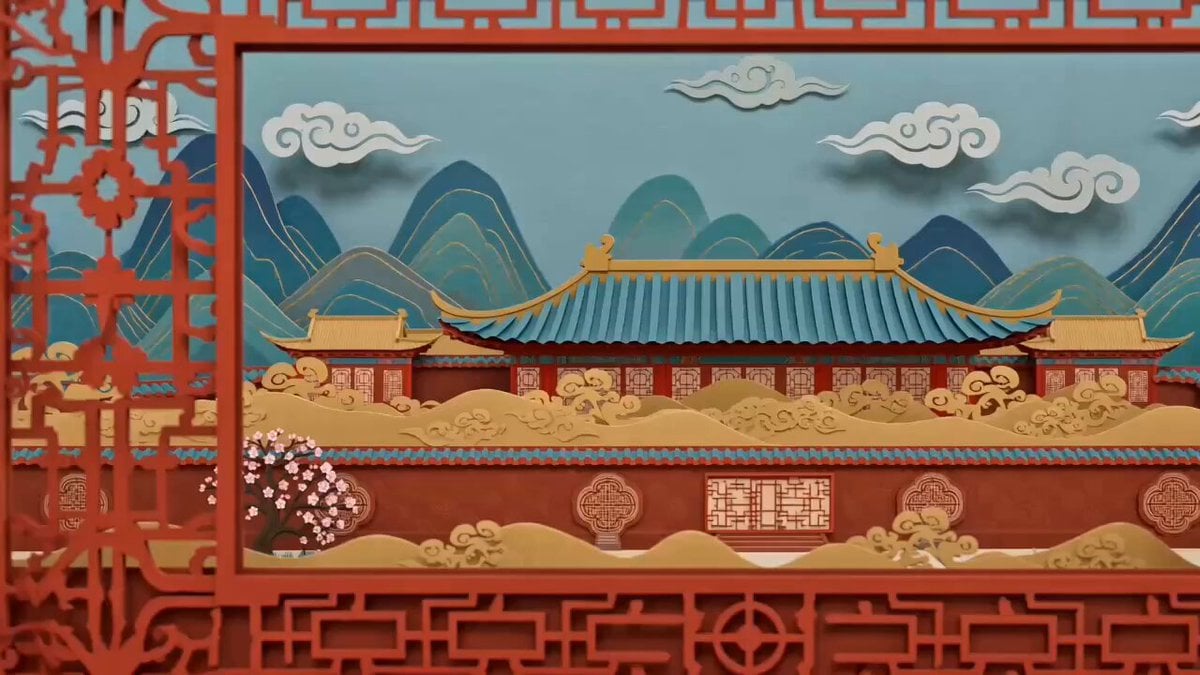
Chinese Paper-Cut Animation Style Video Prompt
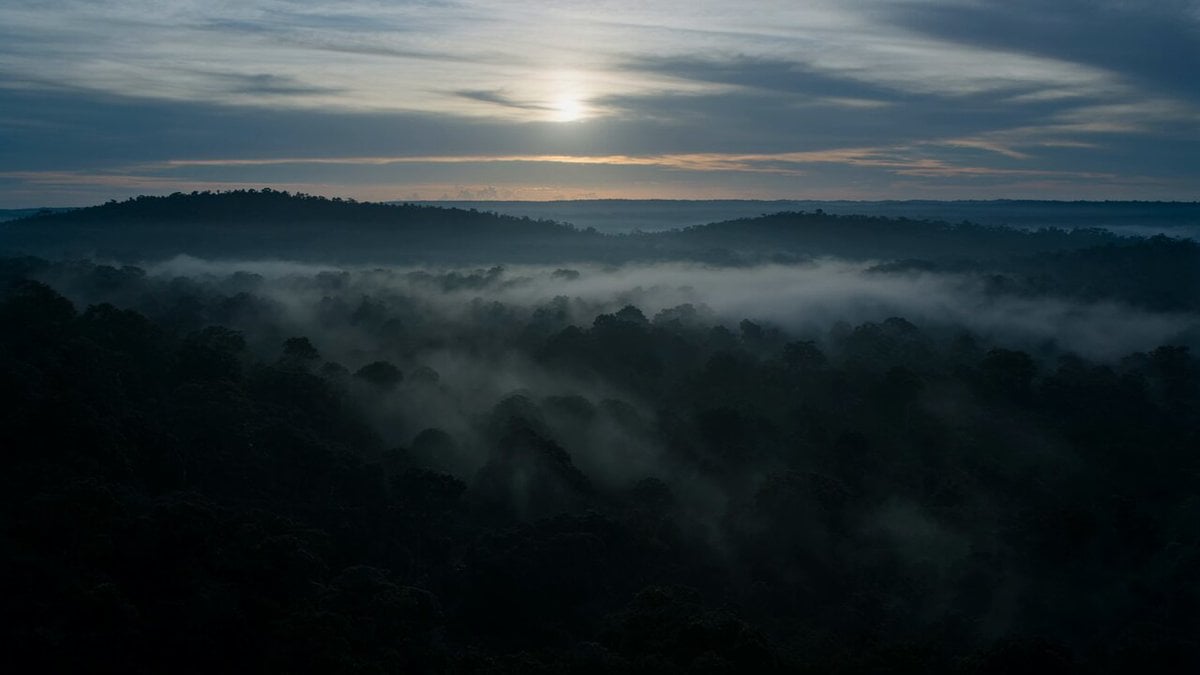
Dramatic Jungle Chase Sequence
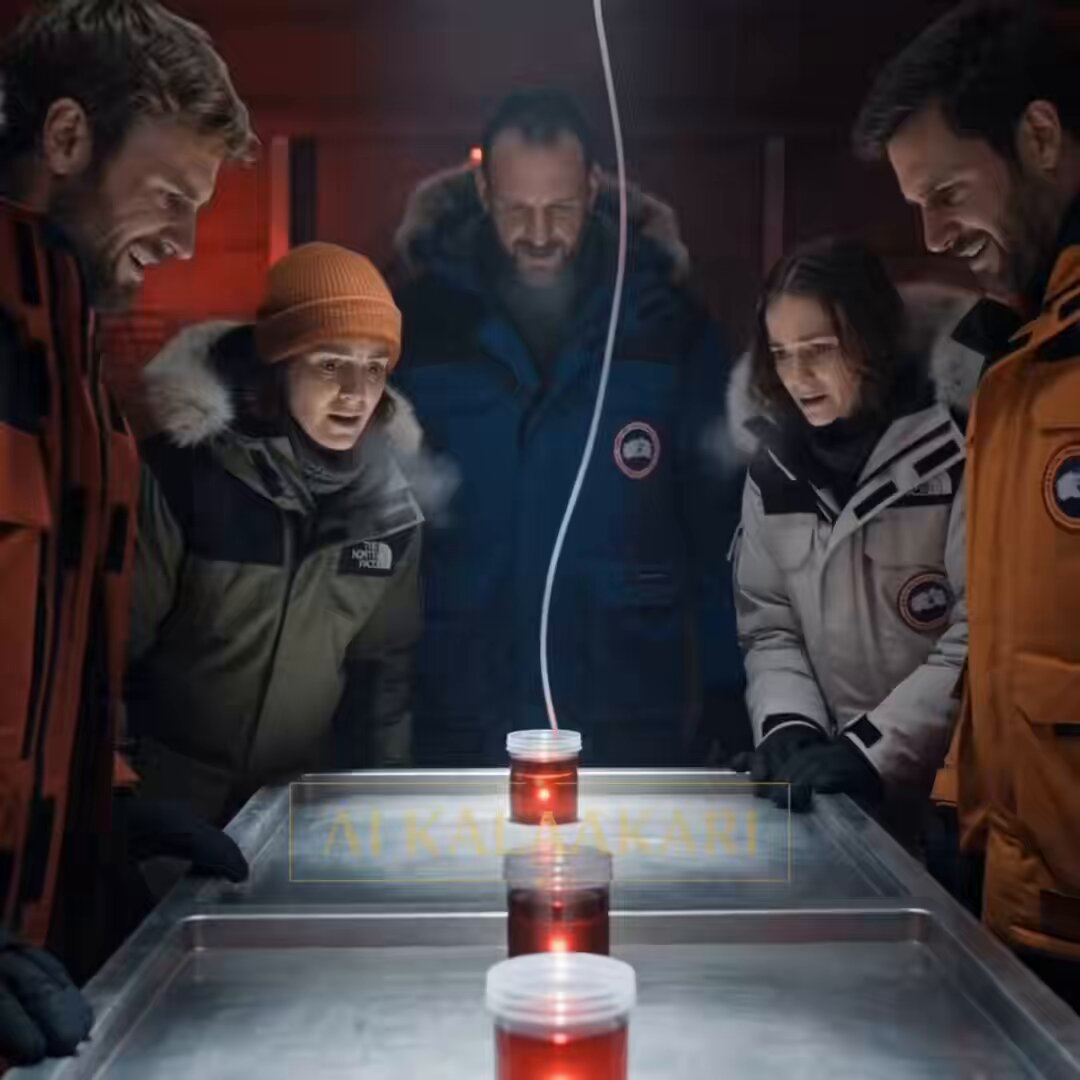
Antarctic Research Station Blood Test Horror
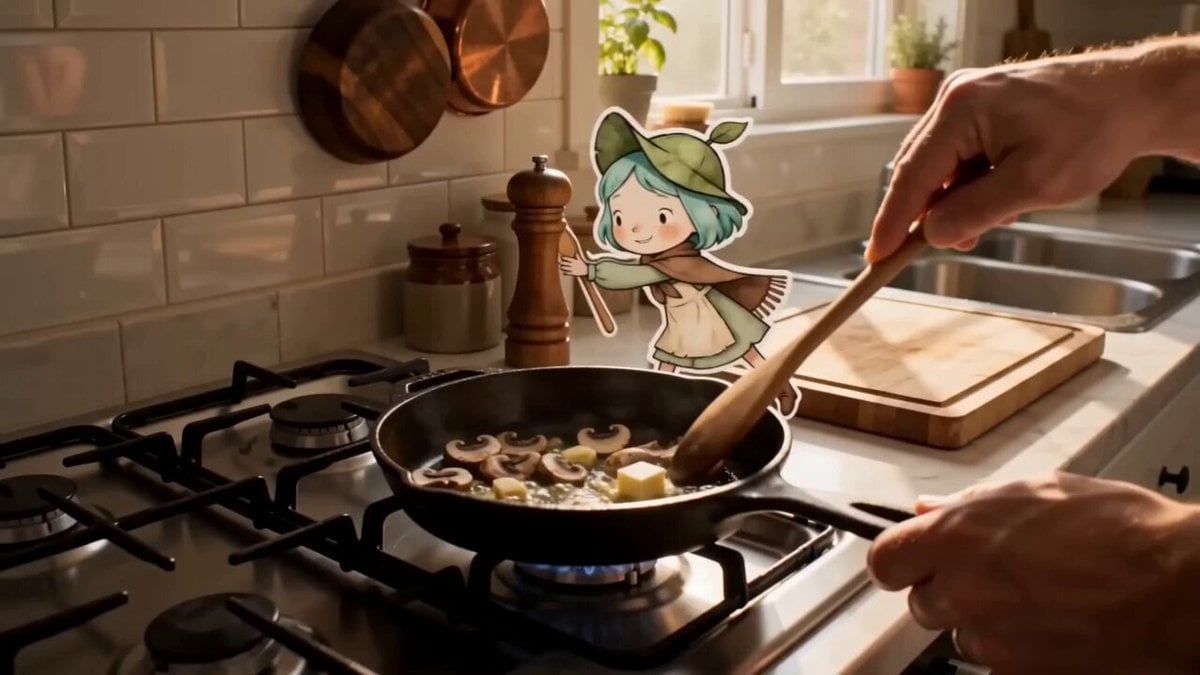
Mixed Reality Anime Sticker Cooking
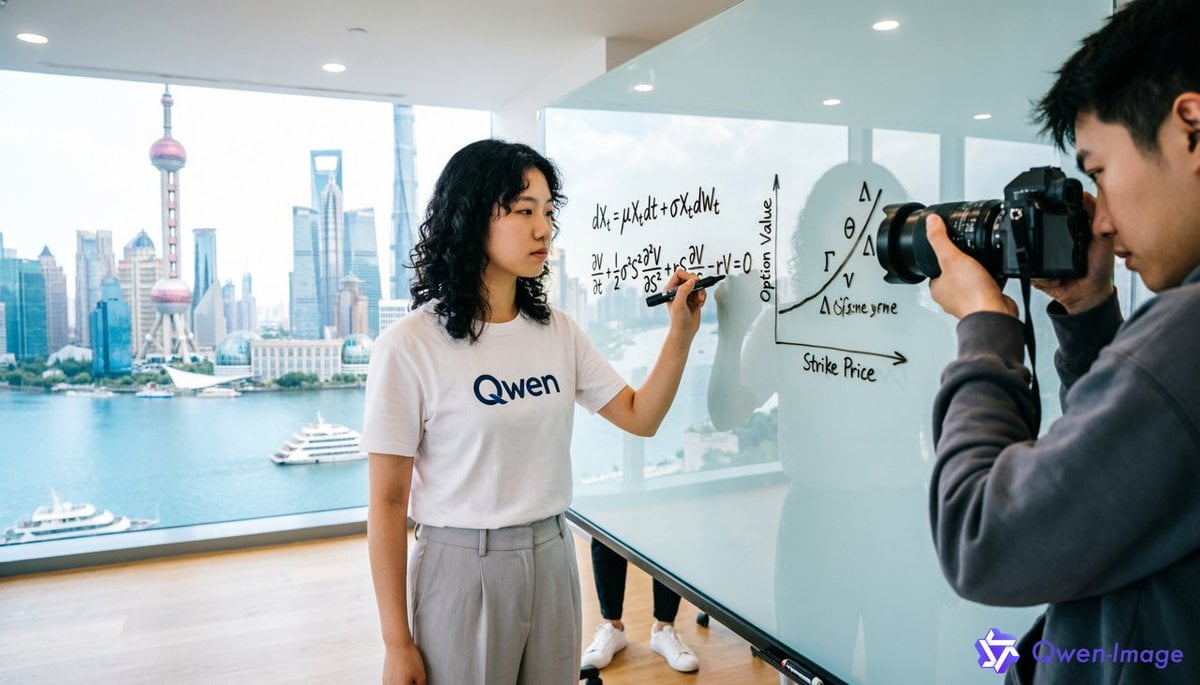
First-Person Perspective Photo Shoot Setup
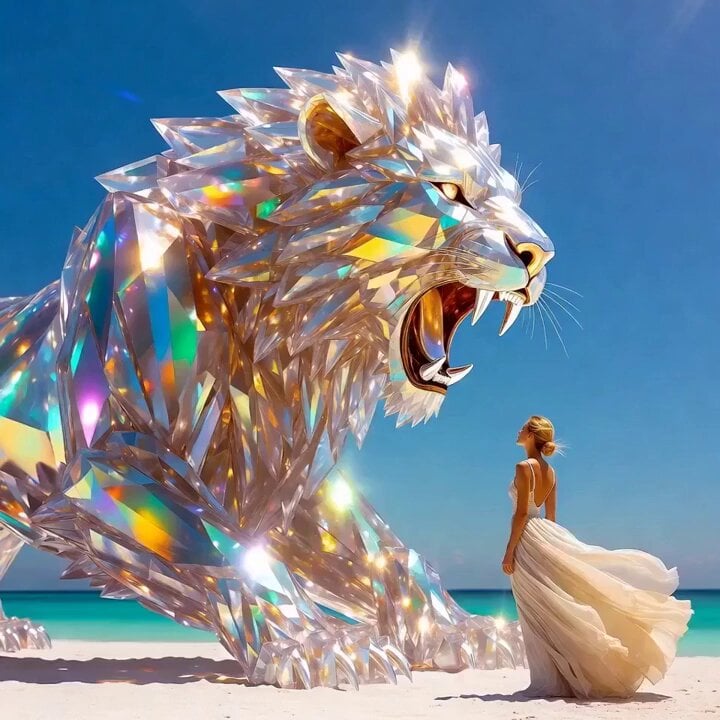
Grok Imagine Prompt: Crystal lion roaring on a white beach with an elegant woman
Browse template categories
Gag Anime Comedy Reaction Scene questions
How do I use the Gag Anime Comedy Reaction Scene template?
Add your photo if the template asks for one, edit the prompt if you like — the template's model and format are already selected — and press Generate. Your version opens in PicX Studio.
Can I customize the Gag Anime Comedy Reaction Scene template?
Yes. You can change the subject, setting, lighting, mood, format, and available model controls before creating your video.
Is the Gag Anime Comedy Reaction Scene template free?
Opening and editing this template is free. Generating uses credits, shown on the Generate button when you are signed in.
Which AI model should I use?
Start with Seedance 2.0, which is the model associated with this template. You can compare another compatible model for a different finish.
Looking for something else? Browse all templates.

Your photo, any look
Thousands of ready templates for every top image and video model, from one credit balance.