
Anime Anger Meter Gag
A high-quality 2D anime animation prompt for a comedic 'anger meter' gag in a Japanese classroom setting.

- Prompt included
- Model and format preset
- Free template
The prompt behind this video
Copy the exact prompt behind Anime Anger Meter Gag, or open it in the studio and make it yours.
【動画スタイル】 15秒。日本のフルカラーアニメ。予算5億円規模の高密度2Dアニメーション。緻密な背景美術、なめらかな中割り、映画品質の撮影処理。 同じような絵が続かないように、構図、カメラアングル、画面サイズ、キャラクターの距離感を変えて魅力的に展開する。字幕なし、透かしなし、BGMなし。環境音あり。 【映像構成】主役キャラの頭上に「怒り」のメーターが出現し、目の前の相手のせいで針が上がっていく。針が限界を超えて一周し、メーターが火花を上げて爆散。本人は意外なほど静かで、そのギャップで笑わせる。メーターの文字はすべて正しい日本語表記。 【見せ場(Shot5〜7のどこかに必ず入れる)】爆散した針が黒板に刺さり、ちょうど「怒」の字の総画数を示して授業になる Shot1(計器フック): 放課後の教室。主役キャラの頭上に「怒り」のメーターが浮かび、針がじりじり上がり始める。眉がぴくりと動く。 Shot2(原因): 目の前の相手の言動のたびに、針がガクンと跳ね上がる。主役の笑顔がだんだんひきつっていく。 Shot3(警告): メーターが赤ランプを点滅させ、小さな警告音を鳴らす。周囲の人が気づき始める。主役は必死に笑顔を保とうとする。 Shot4(我慢): 主役は笑顔のまま。しかし針は震えながら限界の一歩手前まで来ている。こめかみに汗、目だけが笑っていない。 Shot5(振り切れ): 針が限界を超えて一周する。メーターのガラスに皹が走る。主役の笑顔が完全に固まる。 Shot6(爆散): メーターが火花を上げて爆散する。紙吹雪のような部品が舞う。主役はぽかんとした放心の表情。 Shot7(再起動): 頭上に新品のメーターがポンと再出現する。主役が真顔で淡々と「計測不能って言われた」と言う。
How to use Anime Anger Meter Gag in 3 steps
- 1
Open
The prompt is already in the box next to the preview, with the template's model and format selected.
- 2…a portrait of your subject in softgolden-hour light, 85mm…
Personalize
Edit the subject and creative details for your destination.
- 3Generate
Generate
Press Generate — your video is created in PicX Studio, so you can compare it with the original and refine one variable at a time.
More like this
Templates with the same subject, style or setup. Open one to see its prompt.
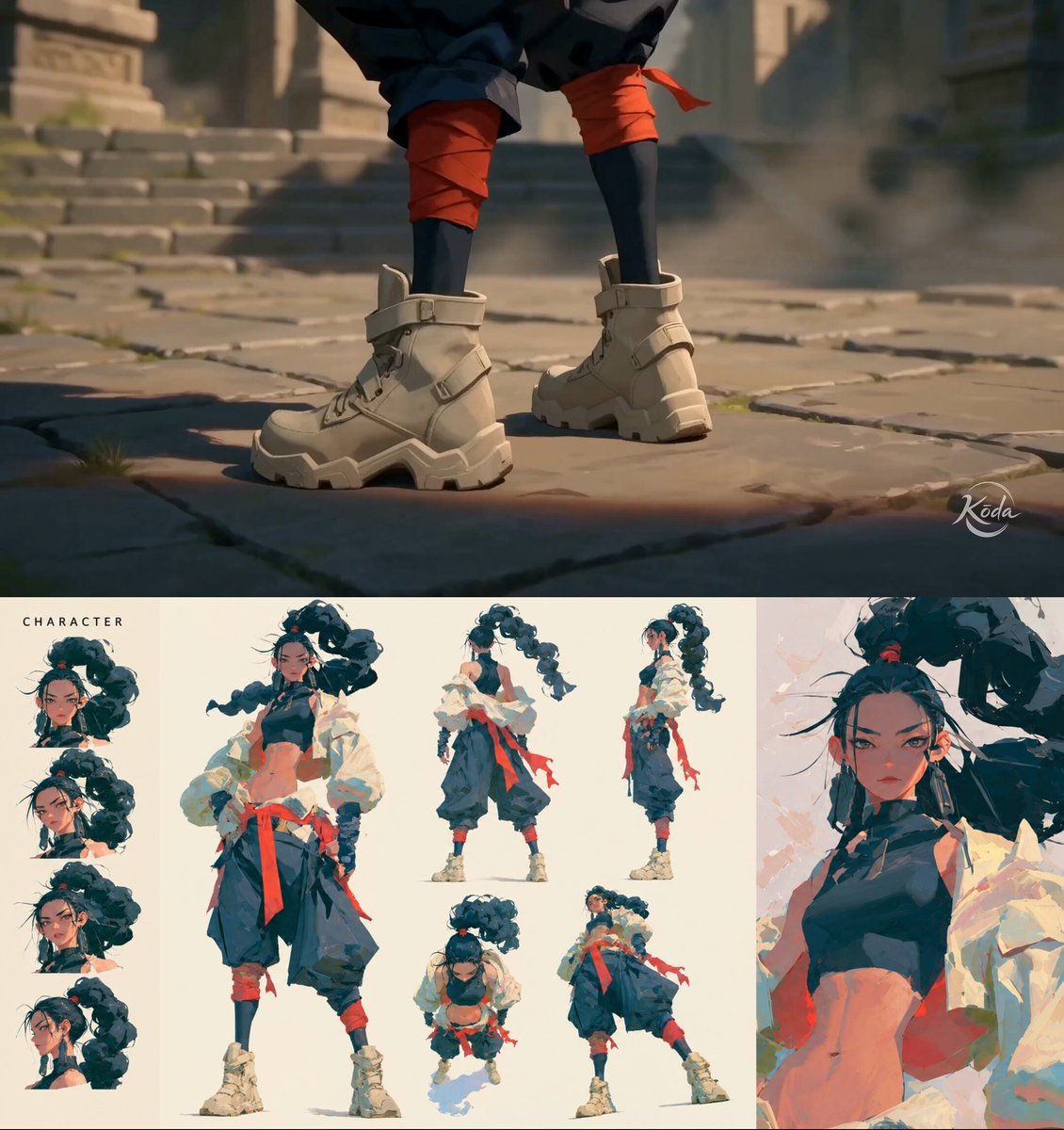
MiniMax H3 Character Introduction

Japanese Pure Love Short Film

Studio Ghibli Dumpling Kitchen Cooking Scene
Mecha Transformation vs Kaiju — 4-Scene Epic
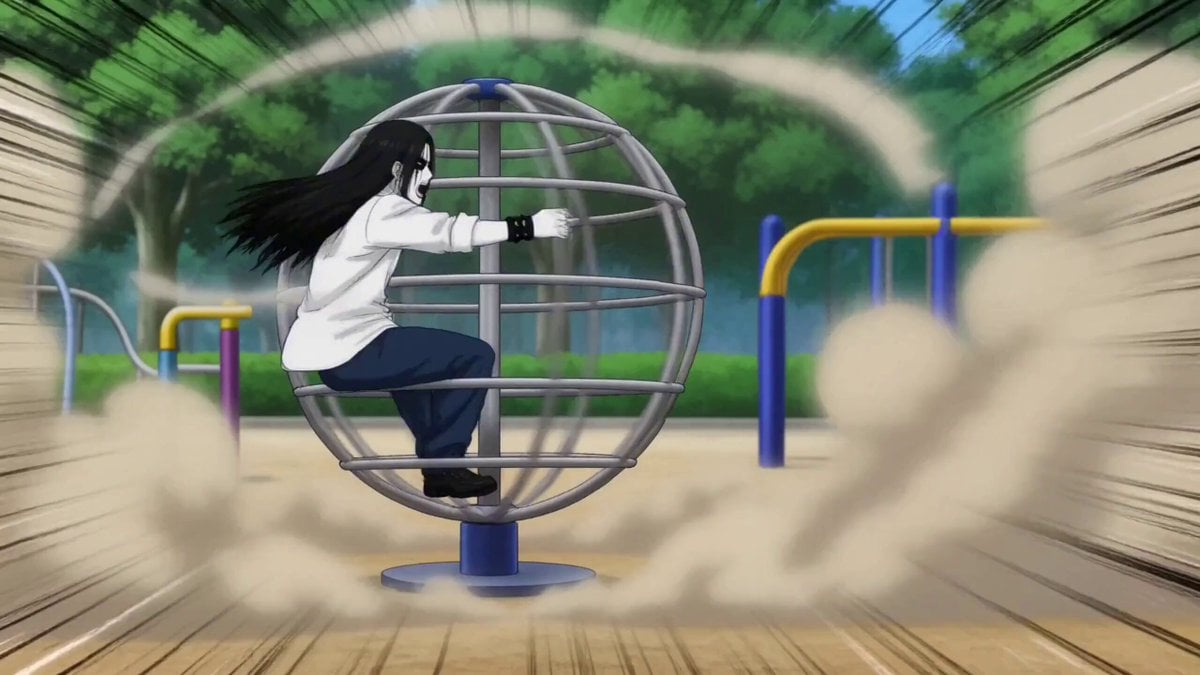
Gag Anime Comedy Reaction Scene
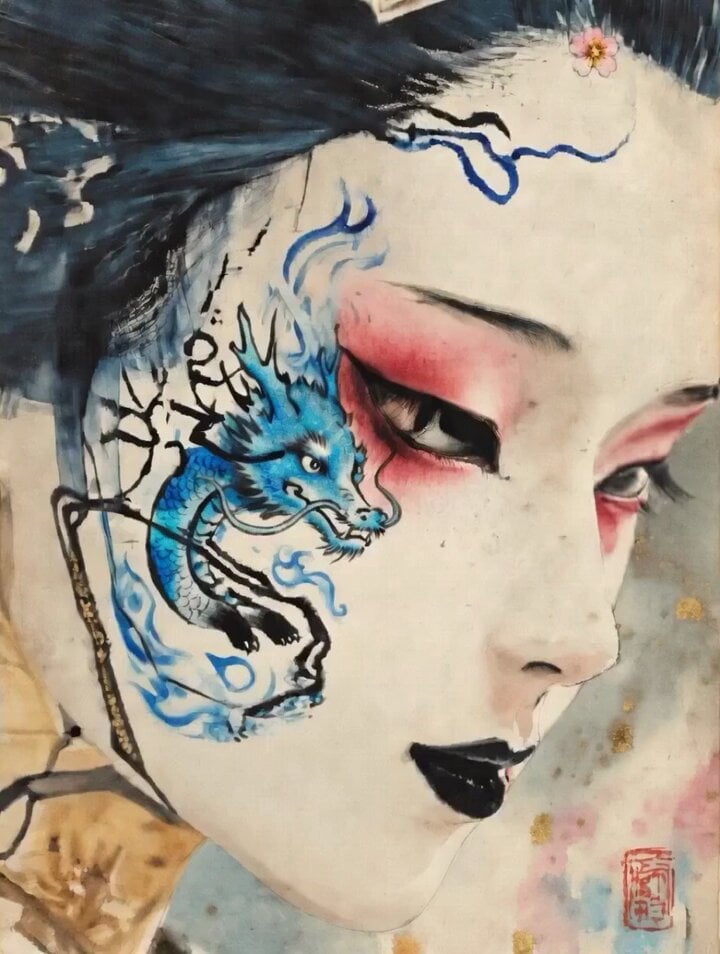
Dragon of Anger and Sorrow
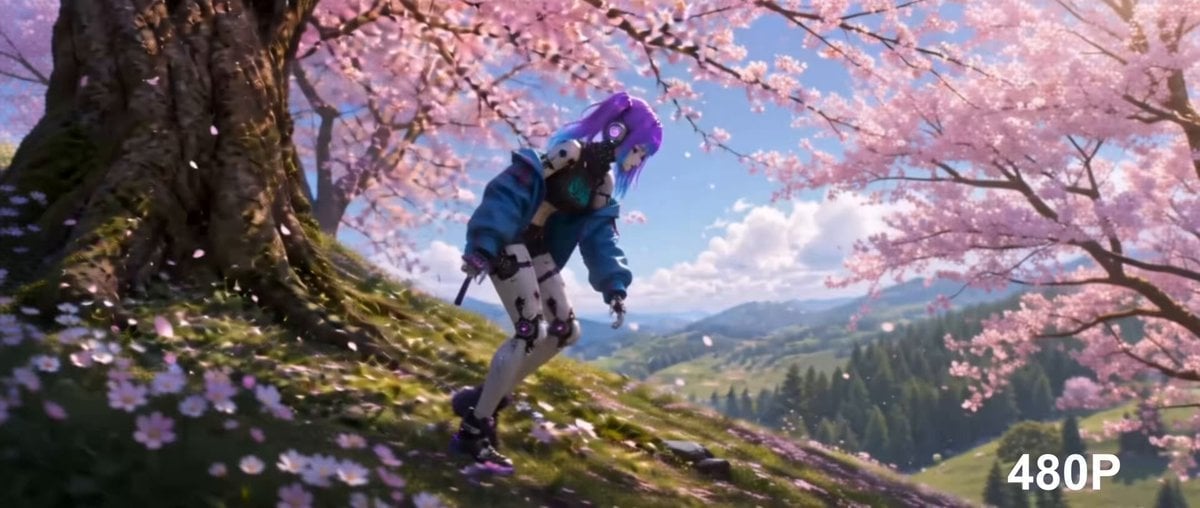
Cinematic Anime Cyborg Running Scene
Pastel Beach Anime MV
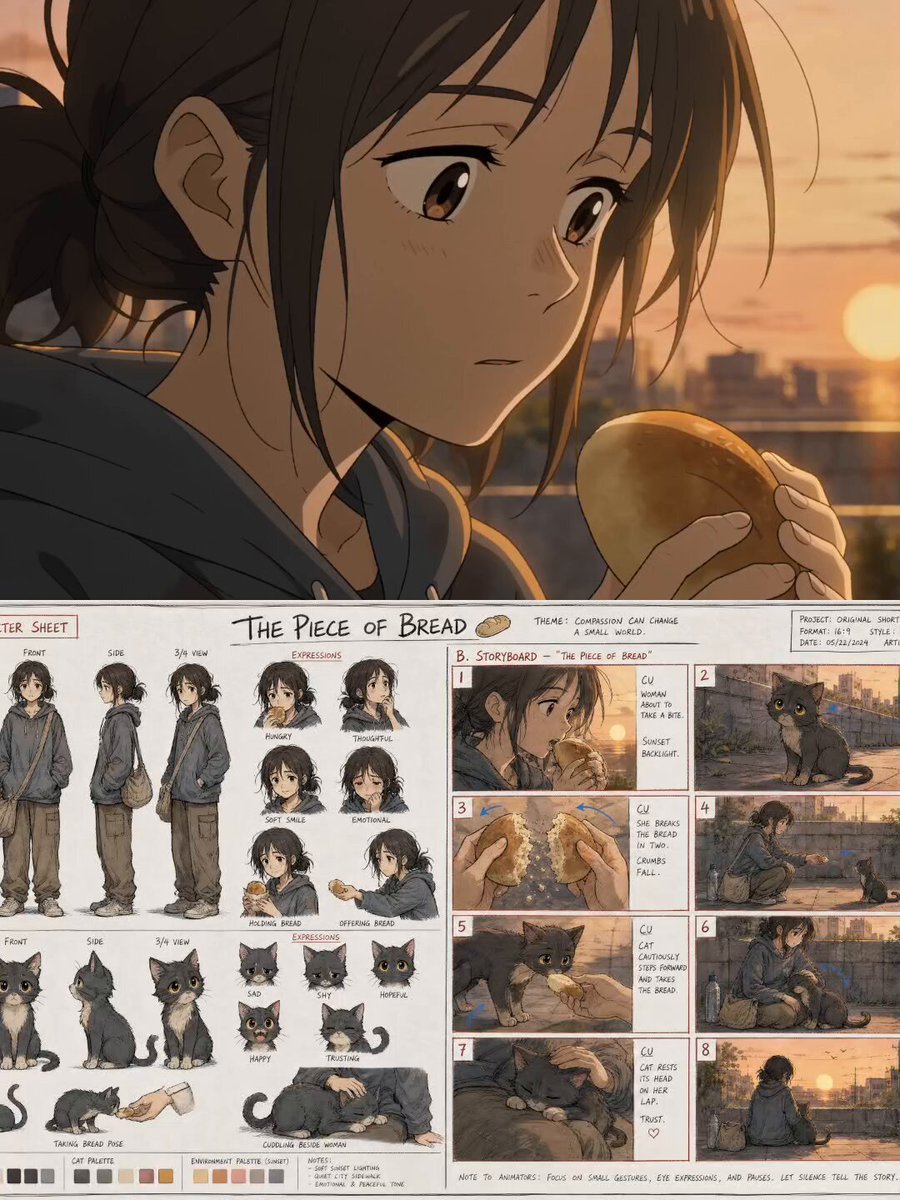
The Piece of Bread: Anime Short Film
Anime Chef Shrimp Tempura Cooking
High-End Anime Dark Fantasy Cerberus Battle

Epic Anime Warrior Queen Cavalry Charge
Make it yours
Anime Anger Meter Gag works as-is. These are the safest ways to change it without losing the look.
Change one field
Copy a single group, rewrite it, and generate again so you can see what that field is doing.
Keep the frame, change the subject
Hold the composition and light of Anime Anger Meter Gag, then swap wardrobe, props or the person for a new take.
| If the result… | Why | Fix |
|---|---|---|
| The result drifts from the preview | Too many fields changed at once. | Reuse Anime Anger Meter Gag as-is first, then change one group — subject, light, or setting. |
| The model over-stylizes the scene | The prose prompt leaves finish and camera underspecified. | Add one camera or lighting sentence and stay on Seedance 2.0. |
More Seedance 2.0 templates
Other prompts made for Seedance 2.0.

Comical Martial Arts Punch Scene

Maglev Train Action Sequence

Martial Arts Fight Sequence

Wuxia Protection and Trust Script

Vintage Korean Arcade MiniDV Vlog

Mercedes 190 SL Luxury Ad

Rainy Night Supernatural Reverse Comedy Video Script

Amazon Civilization Discovery

Futuristic South Asian City Transformation

Cozy Luxury Cafe Commercial
More video prompts
Fresh picks from across the catalog.

Romantic Rain Dance Sequence
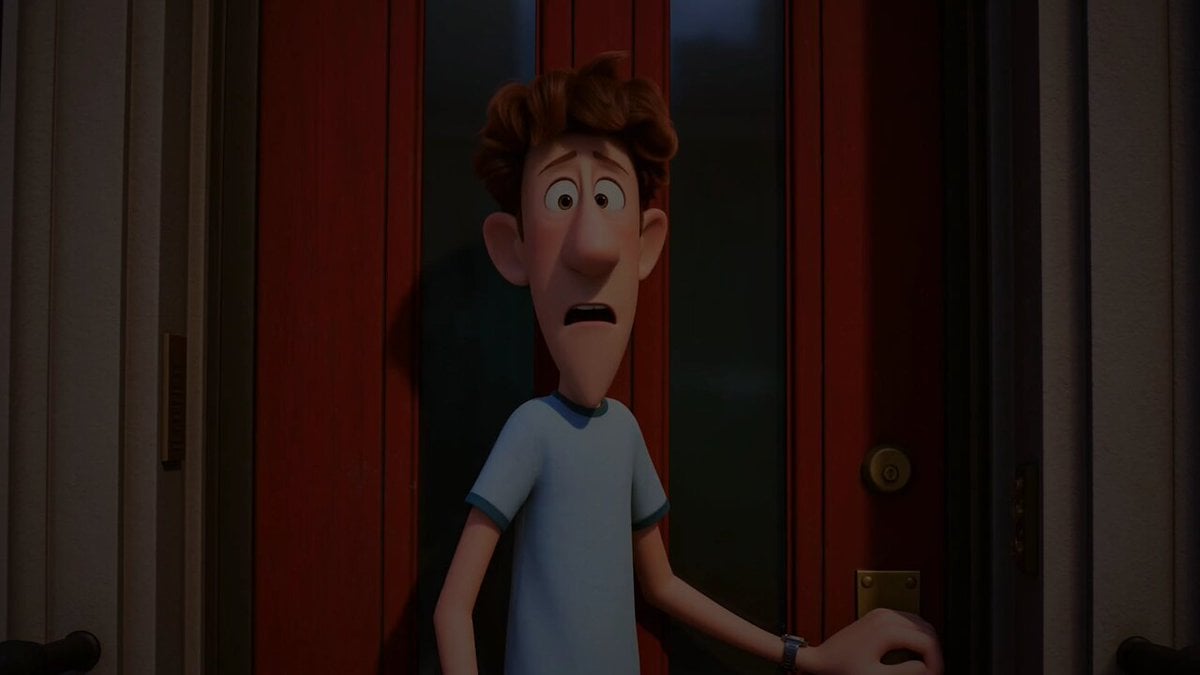
Pigeon Nemesis Pixar Animation Storyboard
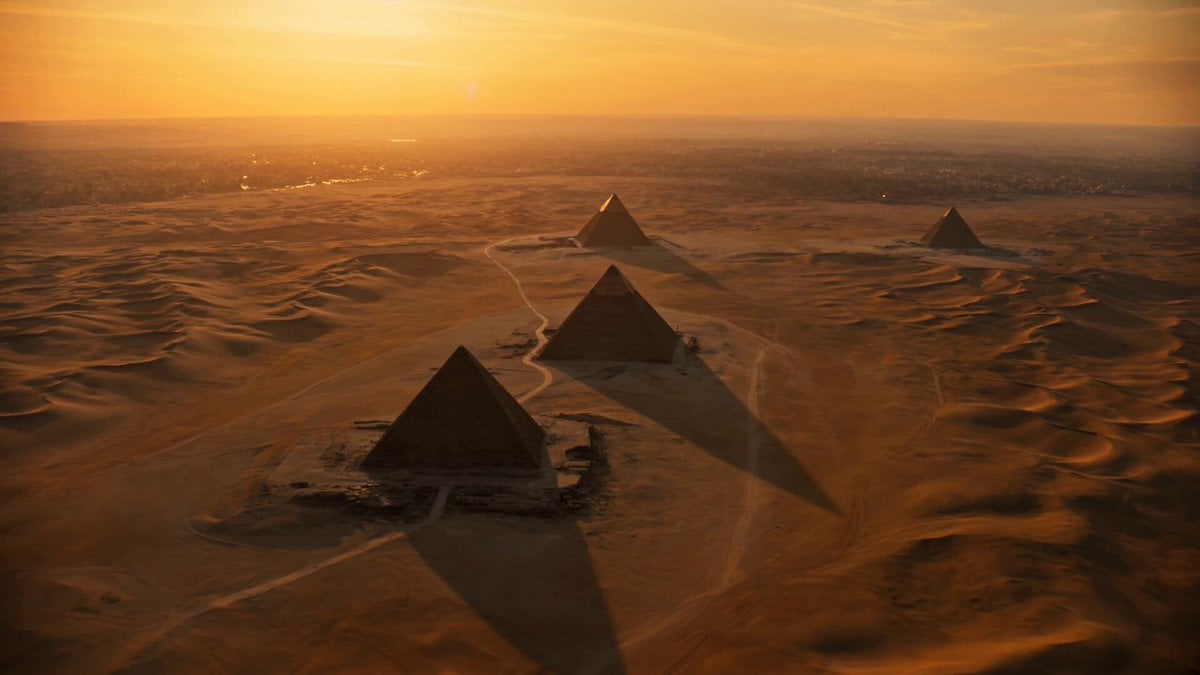
Egyptian Pyramid Sandstorm Aerial
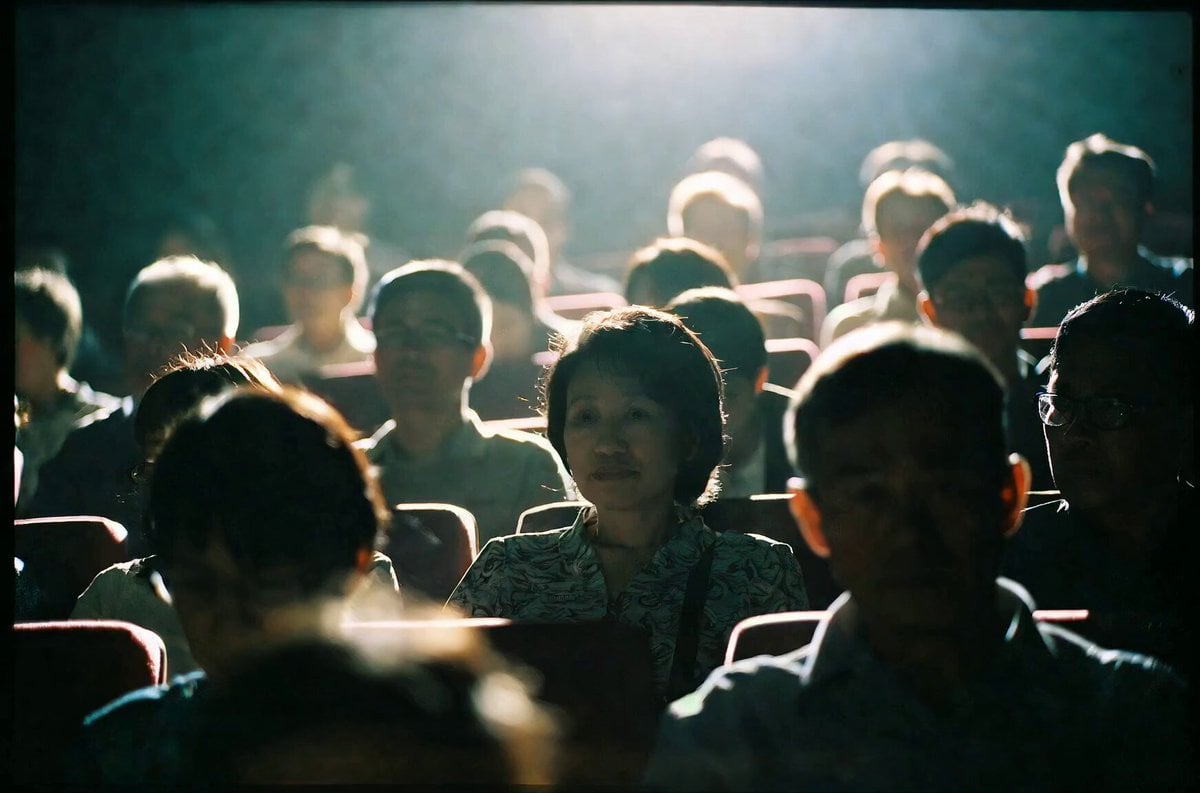
Emotional Movie Theater Scene
Cinematic Colossal Dragon Encounter

Sunset Desert Horse Chase

Kid Running Toward Camera in Night Sky

Starbucks Coffee Galaxy Commercial
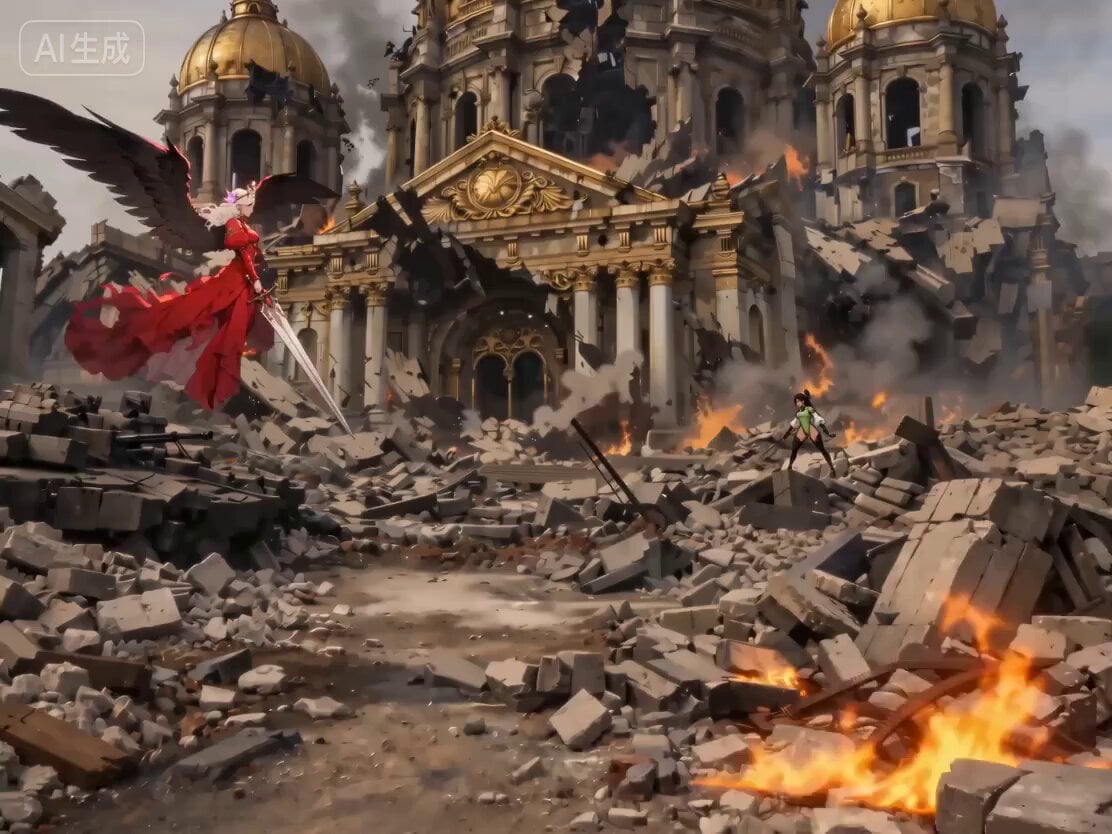
Seedance 2.0 generation based on a short prompt

Japanese Coming-of-Age Cinematic Film
Browse template categories
Anime Anger Meter Gag questions
How do I use the Anime Anger Meter Gag template?
Add your photo if the template asks for one, edit the prompt if you like — the template's model and format are already selected — and press Generate. Your version opens in PicX Studio.
Can I customize the Anime Anger Meter Gag template?
Yes. You can change the subject, setting, lighting, mood, format, and available model controls before creating your video.
Is the Anime Anger Meter Gag template free?
Opening and editing this template is free. Generating uses credits, shown on the Generate button when you are signed in.
Which AI model should I use?
Start with Seedance 2.0, which is the model associated with this template. You can compare another compatible model for a different finish.
Looking for something else? Browse all templates.

Your photo, any look
Thousands of ready templates for every top image and video model, from one credit balance.