
Romantic Rain Dance Sequence
A multi-scene prompt for a romantic dance between a couple in a rain-soaked city street, including detailed timestamps and camera directions.

- Prompt included
- Model and format preset
- Free template
The prompt behind this video
Copy the exact prompt behind Romantic Rain Dance Sequence, or open it in the studio and make it yours.
Use the provided image as visual reference. CONCEPT: Romantic Rain Dance — Intimate, cinematic couple moment in a city street at night. STYLE: Cinematic, soft lighting, rain-soaked aesthetic, slow motion + real-time mix, shallow depth of field, glowing streetlights, wet reflections on asphalt. TIMELINE: 0: 00–0:03 Couple standing close in heavy rain Soft smile, eye contact Raindrops visible in slow motion Slight sway as music builds 0 :03–0:06 They begin slow dancing Hands interlocked Girl spins gently under his arm Water splashes subtly around feet 0 :06–0:09 Guy pulls her closer by the waist Intimate eye contact, soft laughter She leans back slightly in a graceful dip 0 :09–0:12 He lifts her slightly off the ground (romantic lift) She wraps one arm around his neck Slow motion emphasis on lift + rain droplets 0: 12–0:15 He spins while holding her mid-air Streetlights flare in background Wet clothes shimmer under light 0: 15–0:18 He gently sets her down They transition into playful dance steps Light footwork, splashing water 0: 18–0:22 Second lift: he lifts her higher, slight rotation She extends one arm outward (elegant pose) Camera circles around them 0: 22–0:25 Final pose: she leans into him Foreheads almost touching Rain falling heavily, cinematic slow motion CAMERA DETAILS: Mix of close-ups (faces, hands) and medium shots Slow circular tracking shots Occasional handheld feel for realism Lens flare from streetlights MOOD: Romantic, intimate, dreamy, passionate, slightly playful
How to use Romantic Rain Dance Sequence in 3 steps
- 1Upload ImagePNG, JPG or paste
Add your photo
Upload the photo the template builds on. The prompt, model and format are already set.
- 2…a portrait of your subject in softgolden-hour light, 85mm…
Personalize
Edit the subject and creative details for your destination.
- 3Generate
Generate
Press Generate — your video is created in PicX Studio, so you can compare it with the original and refine one variable at a time.
More like this
Templates with the same subject, style or setup. Open one to see its prompt.
Early-2000s Trainee Flashback Film

Maglev Train Action Sequence

Cyberpunk Holographic Dance Performance - Seedance 2.5
Cinematic Rainy Park Romantic Walk

Forest Fantasy Girl Short Film

Luxury Lifestyle Day Vlog

Japanese Pure Love Short Film

Luxury Airport Travel Vlog

Iced Coffee Dog Good-News Montage

Italian Old-Town Time-Freeze Walk
Seedance 2.0 Romantic Winter Scene Prompt
Romantic Proposal Scene Video Prompt for Seedance 2.0
Make it yours
Romantic Rain Dance Sequence works as-is. These are the safest ways to change it without losing the look.
Change one field
Copy a single group, rewrite it, and generate again so you can see what that field is doing.
Keep the frame, change the subject
Hold the composition and light of Romantic Rain Dance Sequence, then swap wardrobe, props or the person for a new take.
| If the result… | Why | Fix |
|---|---|---|
| The result drifts from the preview | Too many fields changed at once. | Reuse Romantic Rain Dance Sequence as-is first, then change one group — subject, light, or setting. |
| The model over-stylizes the scene | The prose prompt leaves finish and camera underspecified. | Add one camera or lighting sentence and stay on Seedance 2.0. |
More Seedance 2.0 templates
Other prompts made for Seedance 2.0.

Comical Martial Arts Punch Scene

Martial Arts Fight Sequence

Wuxia Protection and Trust Script

Vintage Korean Arcade MiniDV Vlog

Mercedes 190 SL Luxury Ad

Rainy Night Supernatural Reverse Comedy Video Script

Amazon Civilization Discovery

Futuristic South Asian City Transformation

Cozy Luxury Cafe Commercial

Cyber Ronin Nanotech Transformation Video
More video prompts
Fresh picks from across the catalog.
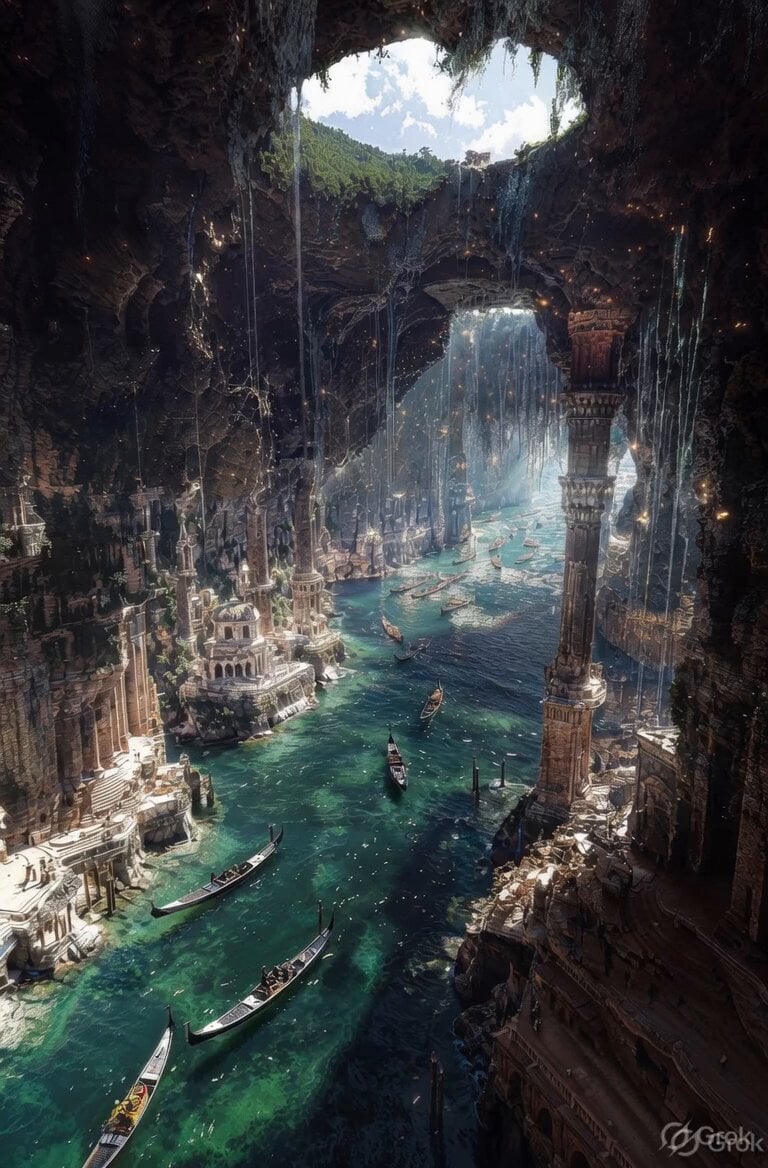
Ancient Ruined Cave City
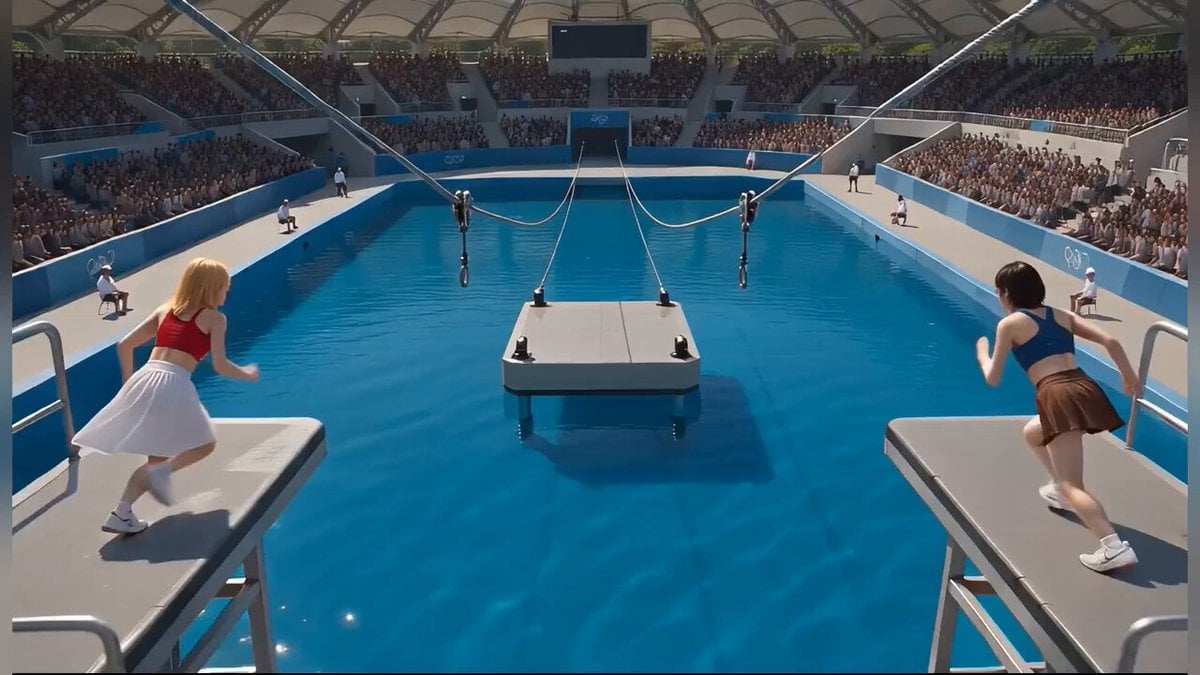
Photorealistic Water Reality Show Action

Cinematic Short Film Scene
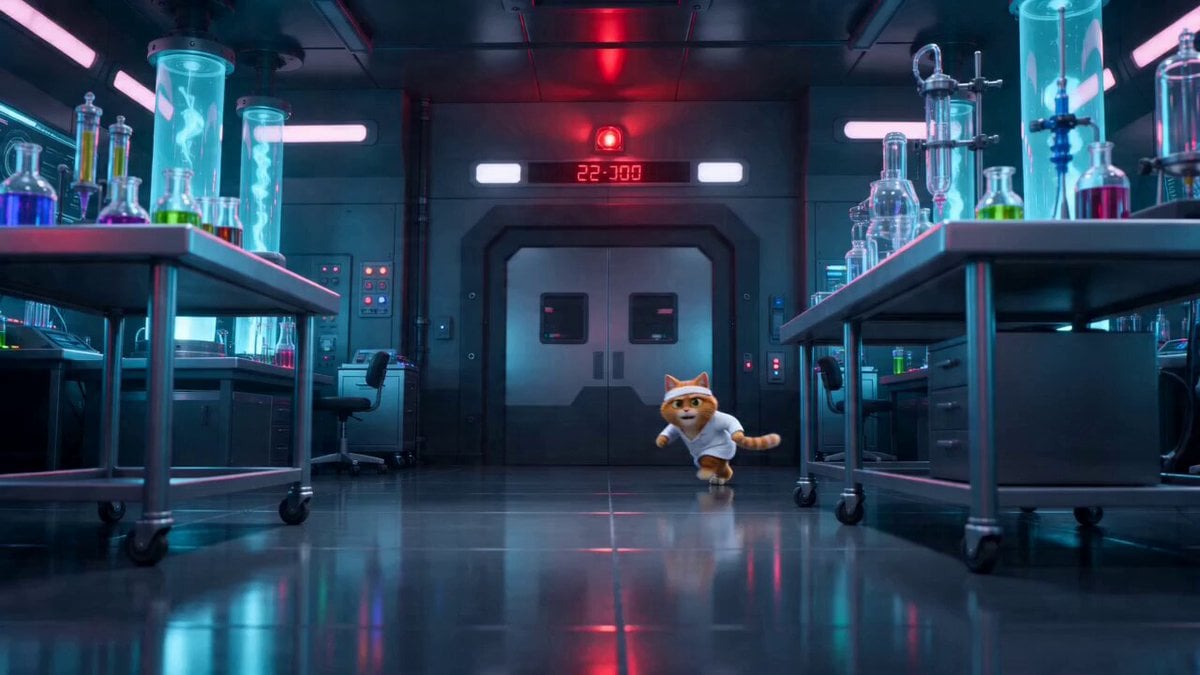
Sci-Fi Dark Comedy Chase Scene
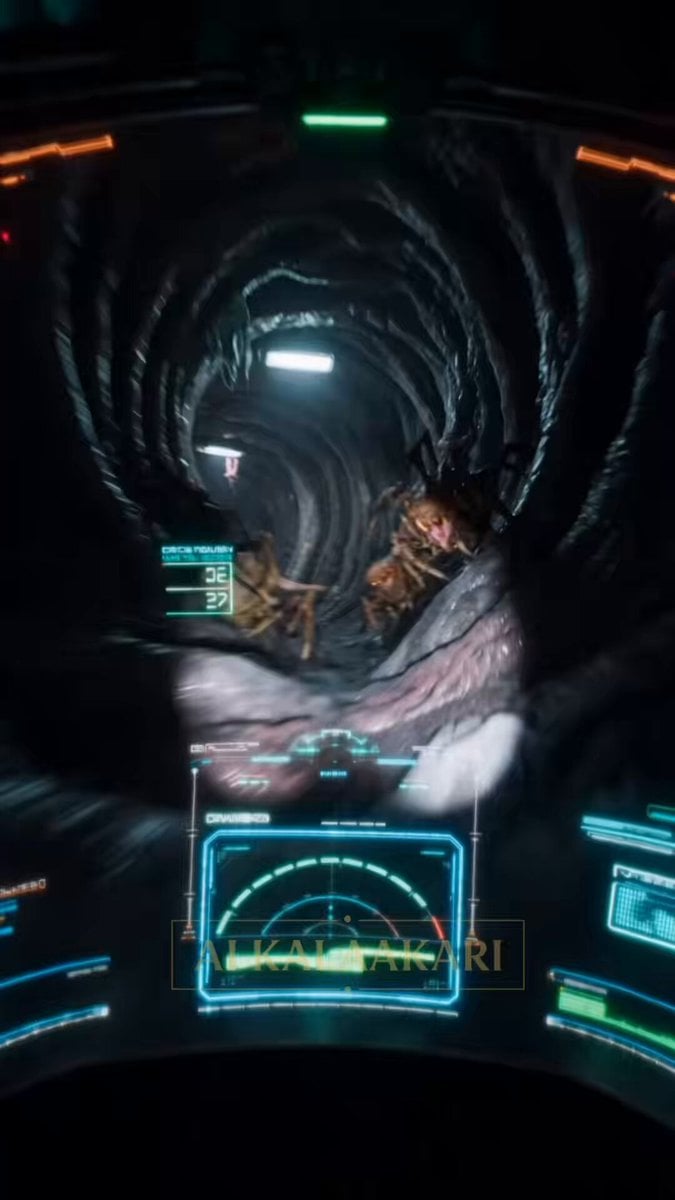
The Hive Queen Escape Video Prompt
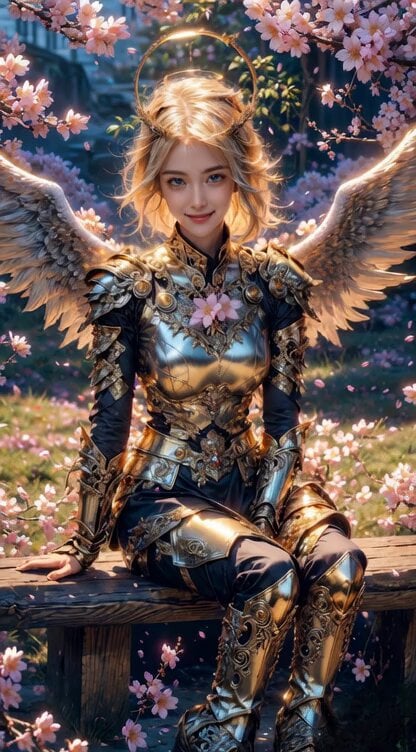
Angel Warrior in Cherry Blossom Garden Video Prompt
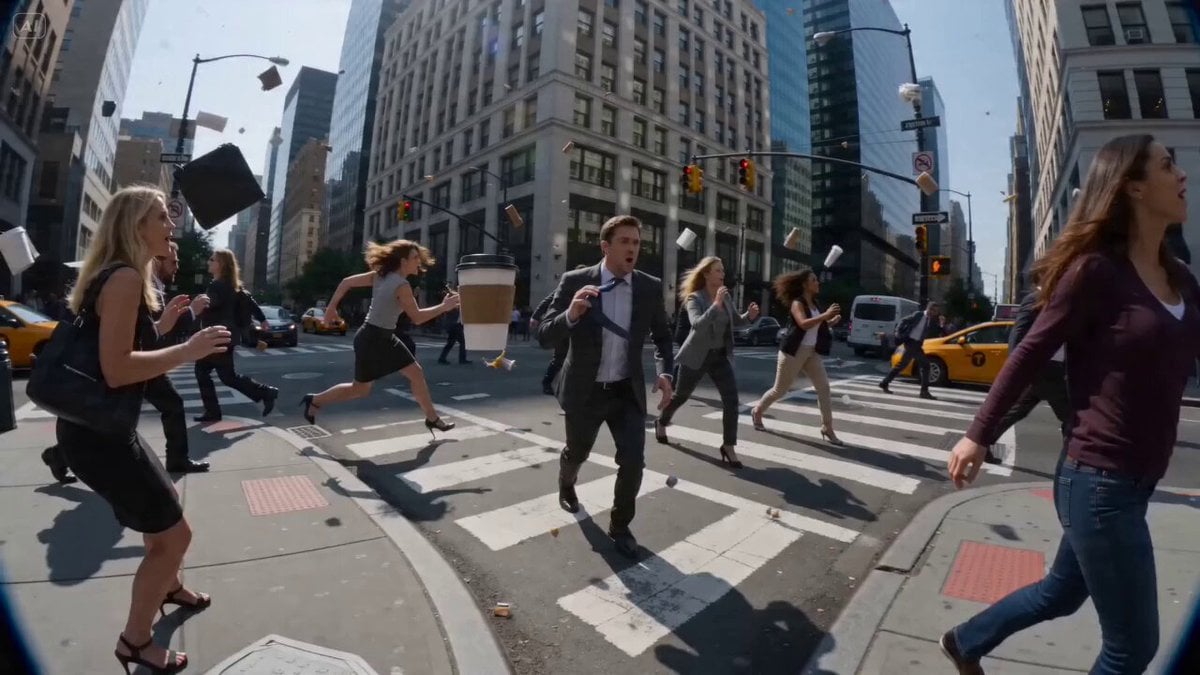
POV Time-Freeze JSON Prompt for Seedance 2
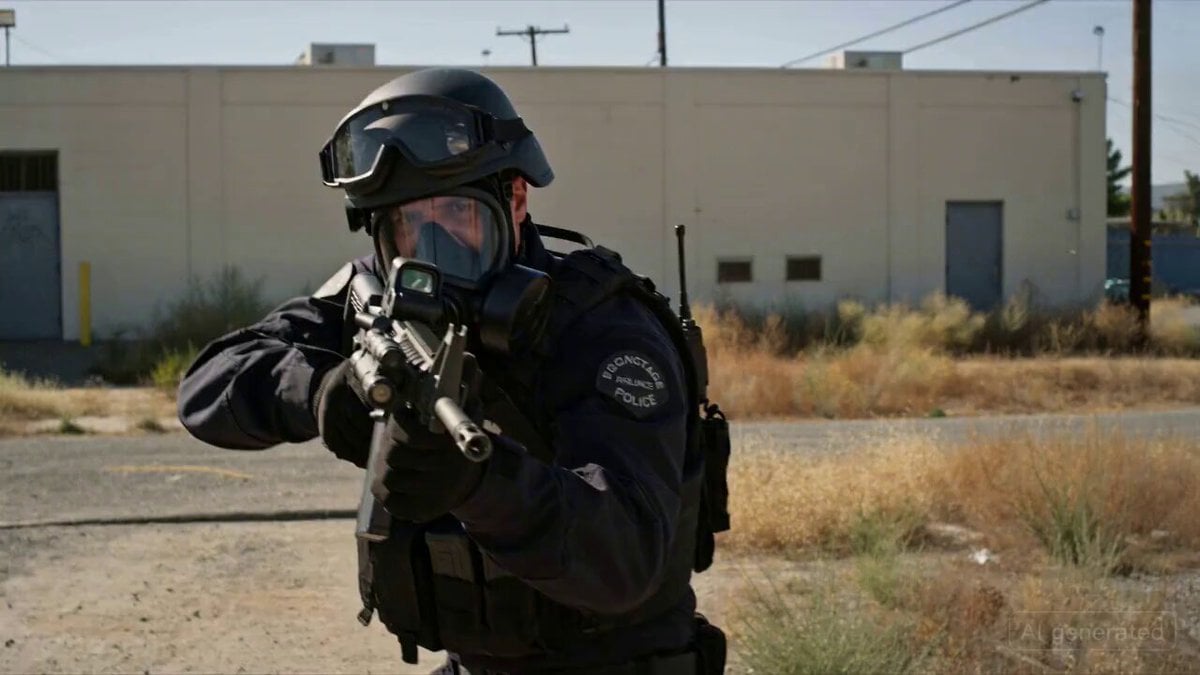
SWAT Hostage Negotiation Scene

Starry Wish Pulp Cover
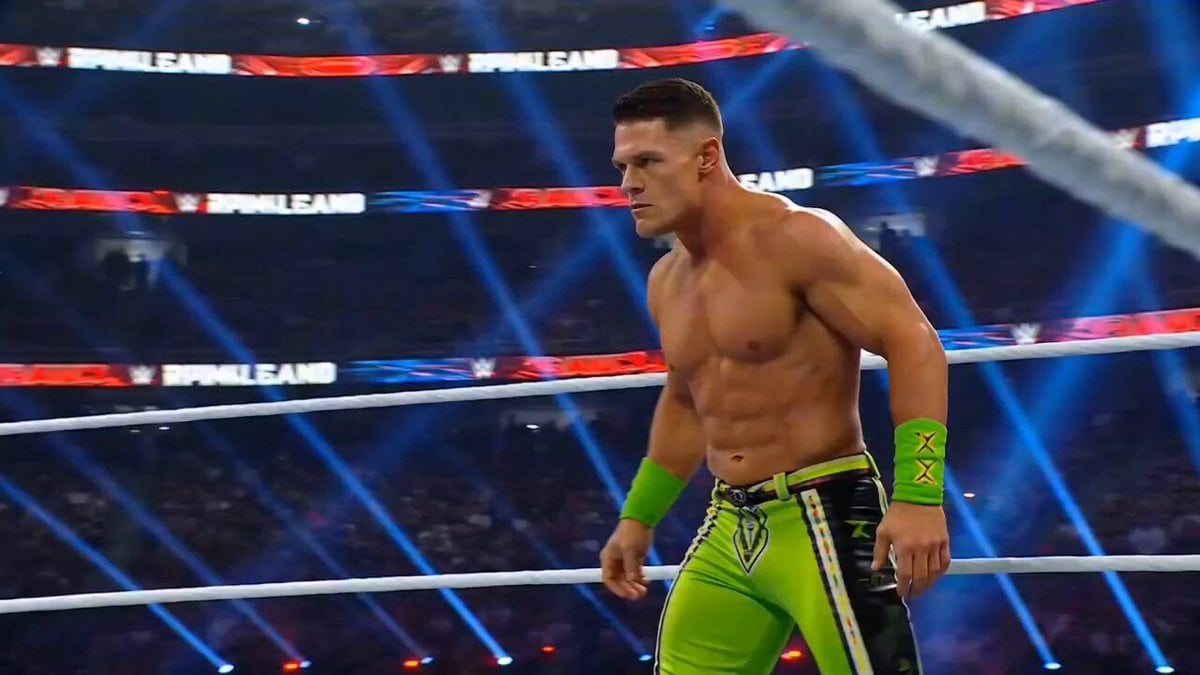
Cinematic WWE Wrestling Match with Shocking Twist
Browse template categories
Romantic Rain Dance Sequence questions
How do I use the Romantic Rain Dance Sequence template?
Add your photo if the template asks for one, edit the prompt if you like — the template's model and format are already selected — and press Generate. Your version opens in PicX Studio.
Can I customize the Romantic Rain Dance Sequence template?
Yes. You can change the subject, setting, lighting, mood, format, and available model controls before creating your video.
Is the Romantic Rain Dance Sequence template free?
Opening and editing this template is free. Generating uses credits, shown on the Generate button when you are signed in.
Which AI model should I use?
Start with Seedance 2.0, which is the model associated with this template. You can compare another compatible model for a different finish.
Looking for something else? Browse all templates.

Your photo, any look
Thousands of ready templates for every top image and video model, from one credit balance.