
POV Time-Freeze JSON Prompt for Seedance 2
A detailed JSON prompt designed for Seedance 2, focusing on a first-person perspective time-freeze effect in a busy city street, including specific instructions for composition, subject, scene, visual effects…
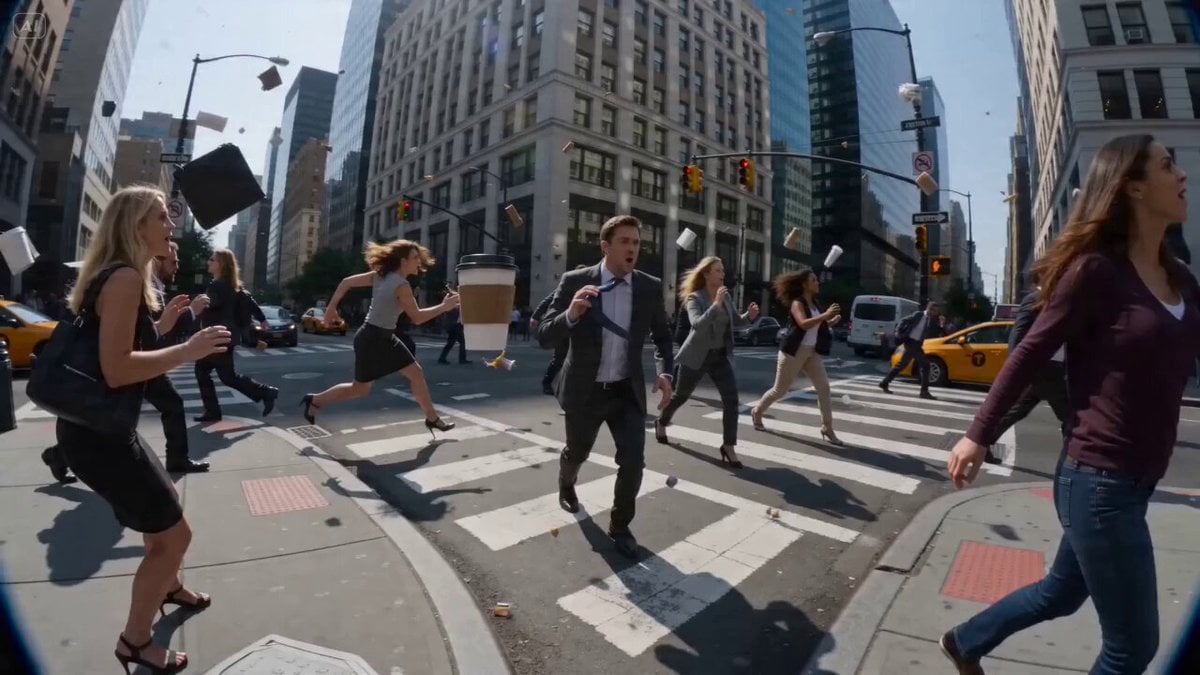
- Prompt included
- Model and format preset
- Premium template
The prompt behind this video
Copy the exact prompt behind POV Time-Freeze JSON Prompt for Seedance 2, or open it in the studio and make it yours.
- Shot › Composition
- POV time-freeze with hands moving through frozen environment
- Shot › Lens
- ultra-wide cinematic lens with subtle distortion
- Shot › Camera Movement
- slow walk, precise hand movements, sudden time release burst
- Subject › Description
- person moving while everything else is frozen mid-action
- Subject › Wardrobe
- hands visible
- Subject › Props
- frozen people, objects mid-air, suspended debris
- Scene › Location
- busy city street
- Scene › Time Of Day
- day
- Scene › Environment
- people frozen mid-motion, objects suspended in air
- Visual Details › Action
- walk through frozen crowd, move objects, sudden time resumes explosively
- Visual Details › Special Effects
- time freeze particles, motion snap release
- Visual Details › Hair Clothing Motion
- fabric still then snapping with time
- Cinematography › Lighting
- clean daylight with sharp shadows
- Cinematography › Color Palette
- natural tones with crisp contrast
- Cinematography › Tone
- mind-bending, cinematic
- Audio › Music
- slow ambient then explosive drop
- Audio › Ambient
- silence then sudden chaos
- Audio › Sound Effects
- time snap, object movement
- Audio › Mix Level
- contrast silence and burst
Raw JSON
{
  "shot": {
    "composition": "POV time-freeze with hands moving through frozen environment",
    "lens": "ultra-wide cinematic lens with subtle distortion",
    "camera_movement": "slow walk, precise hand movements, sudden time release burst"
  },
  "subject": {
    "description": "person moving while everything else is frozen mid-action",
    "wardrobe": "hands visible",
    "props": "frozen people, objects mid-air, suspended debris"
  },
  "scene": {
    "location": "busy city street",
    "time_of_day": "day",
    "environment": "people frozen mid-motion, objects suspended in air"
  },
  "visual_details": {
    "action": "walk through frozen crowd, move objects, sudden time resumes explosively",
    "special_effects": "time freeze particles, motion snap release",
    "hair_clothing_motion": "fabric still then snapping with time"
  },
  "cinematography": {
    "lighting": "clean daylight with sharp shadows",
    "color_palette": "natural tones with crisp contrast",
    "tone": "mind-bending, cinematic"
  },
  "audio": {
    "music": "slow ambient then explosive drop",
    "ambient": "silence then sudden chaos",
    "sound_effects": "time snap, object movement",
    "mix_level": "contrast silence and burst"
  }
}How to use POV Time-Freeze JSON Prompt for Seedance 2 in 3 steps
- 1
Open
The prompt is already in the box next to the preview, with the template's model and format selected.
- 2…a portrait of your subject in softgolden-hour light, 85mm…
Personalize
Edit the subject and creative details for your destination.
- 3Generate
Generate
Press Generate — your video is created in PicX Studio, so you can compare it with the original and refine one variable at a time.
More like this
Templates with the same subject, style or setup. Open one to see its prompt.
Ice Queen — Frozen Battlefield Time Control (Seedance)
Bullet Time Selfie — Modular Parameter Template (Seedance)
DV Camcorder POV Gym Montage — Seedance 2.5

Puppet Time Freeze - Sports Bar Chaos
Time Stealer — Seedance 2.0
Time Freeze — Snap Shockwave Scene Seedance
Civilization Timelapse — Centuries in One Shot
Seedance 2 Time Freeze Official
City Timelapse Growth — Seedance 2.0
Nano Banana Seedance Time Control Streets
Handheld POV Nighttime Taxi Video

Wholesome Puppy and Kitten Story - Seedance 2.5
Make it yours
POV Time-Freeze JSON Prompt for Seedance 2 works as-is. These are the safest ways to change it without losing the look.
Swap the setting
Keep the rest of the prompt and replace the location block. The current setting is “busy city street”.
Swap the light
One lighting change is enough to compare takes. Current light: “clean daylight with sharp shadows”.
Change one field
Copy a single group, rewrite it, and generate again so you can see what that field is doing.
| If the result… | Why | Fix |
|---|---|---|
| The result drifts from the preview | Too many fields changed at once. | Reuse POV Time-Freeze JSON Prompt for Seedance 2 as-is first, then change one group — subject, light, or setting. |
| Seedance 2.0 ignores part of the JSON | Some models flatten or skip nested keys. | Keep the same values and paste them as a short paragraph instead. |
More Seedance 2.0 templates
Other prompts made for Seedance 2.0.

Comical Martial Arts Punch Scene

Maglev Train Action Sequence

Martial Arts Fight Sequence

Wuxia Protection and Trust Script

Vintage Korean Arcade MiniDV Vlog

Mercedes 190 SL Luxury Ad

Rainy Night Supernatural Reverse Comedy Video Script

Amazon Civilization Discovery

Futuristic South Asian City Transformation

Cozy Luxury Cafe Commercial
More video prompts
Fresh picks from across the catalog.
Cyber Samurai Power Armor Video
Shanghai Night Tour Selfie Vlog
Universal Prompt Template for Seedance 2.0
Post-Apocalyptic Gothic Fantasy Scene
Desert Scorpion Body Horror Transformation
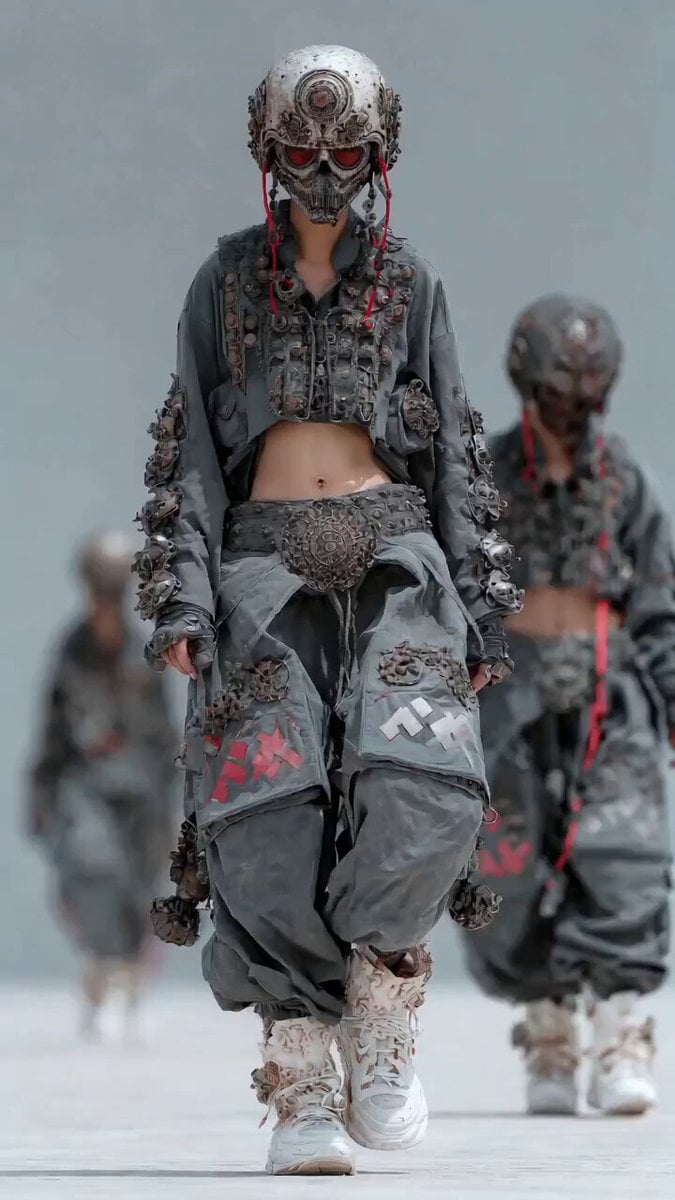
Dynamic Cinematic Hip-Hop Dance Video
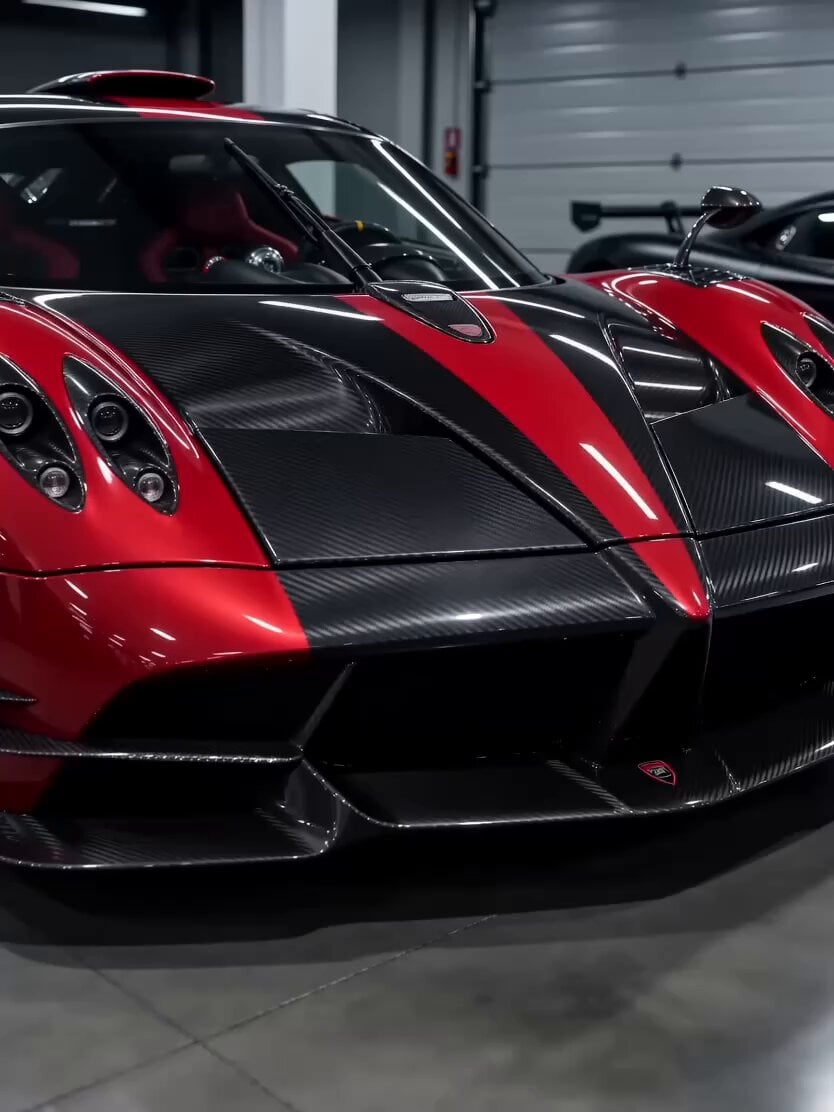
Seedance 2.0 Supercar Showcase Video Prompt

Dunhuang Flying Apsara Portrait
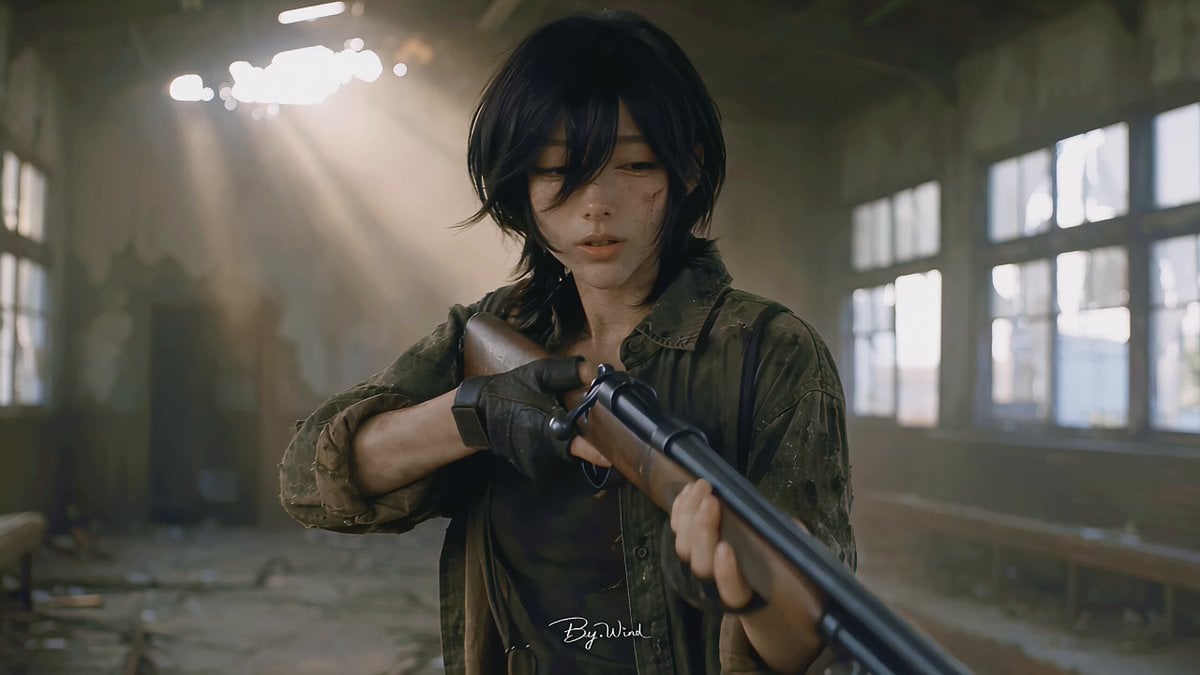
Multi-Shot Character Sequence Prompt
Johnnywang Tokyo Time Freeze
Browse template categories
POV Time-Freeze JSON Prompt for Seedance 2 questions
How do I use the POV Time-Freeze JSON Prompt for Seedance 2 template?
Add your photo if the template asks for one, edit the prompt if you like — the template's model and format are already selected — and press Generate. Your version opens in PicX Studio.
Can I customize the POV Time-Freeze JSON Prompt for Seedance 2 template?
Yes. You can change the subject, setting, lighting, mood, format, and available model controls before creating your video.
Is the POV Time-Freeze JSON Prompt for Seedance 2 template free?
Opening and editing this template is free. Generating uses credits, shown on the Generate button when you are signed in.
Which AI model should I use?
Start with Seedance 2.0, which is the model associated with this template. You can compare another compatible model for a different finish.
Looking for something else? Browse all templates.

Your photo, any look
Thousands of ready templates for every top image and video model, from one credit balance.