How do I use the Cyber Samurai Power Armor Video template?
Edit the prompt in the box under the preview — the template's model and format are already selected — and press Generate. Your version appears right on this page.
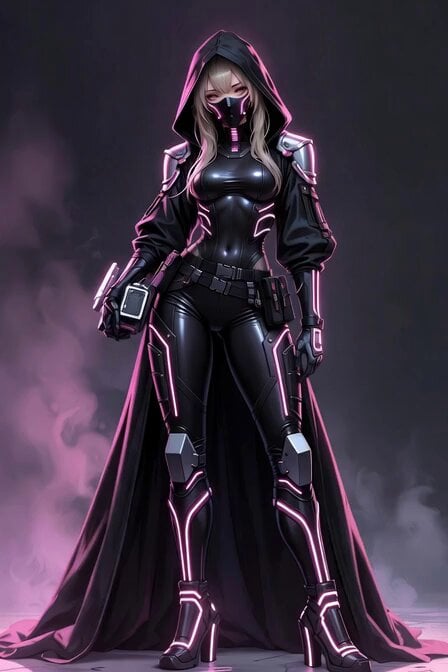
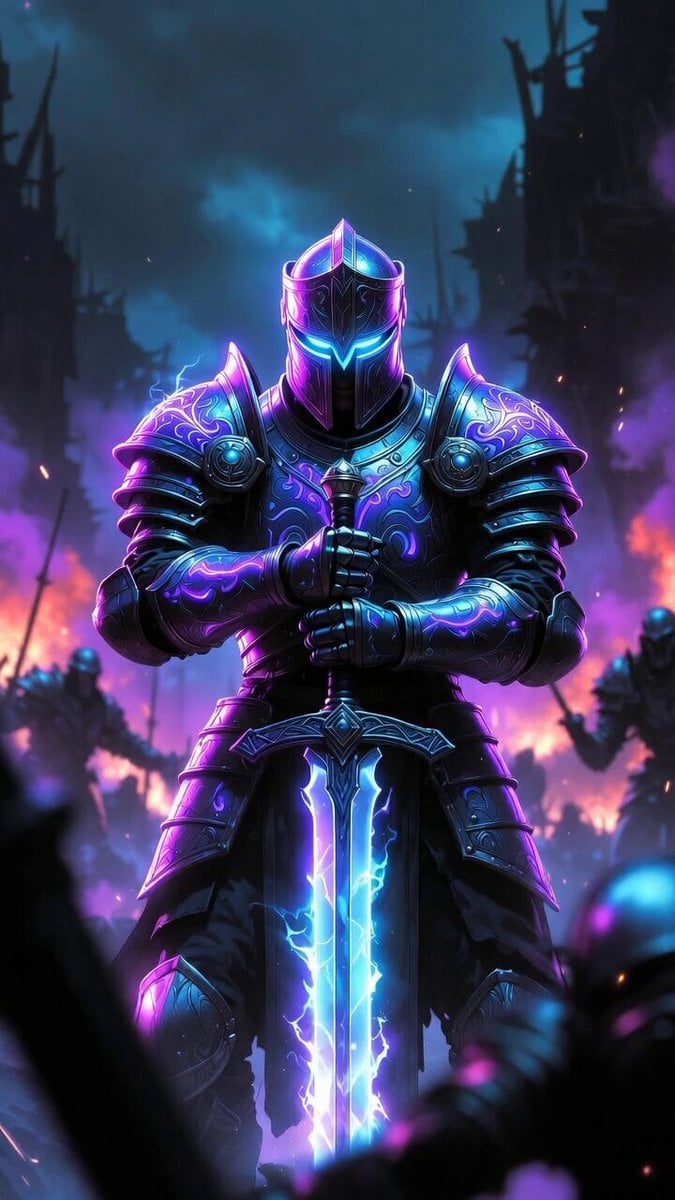
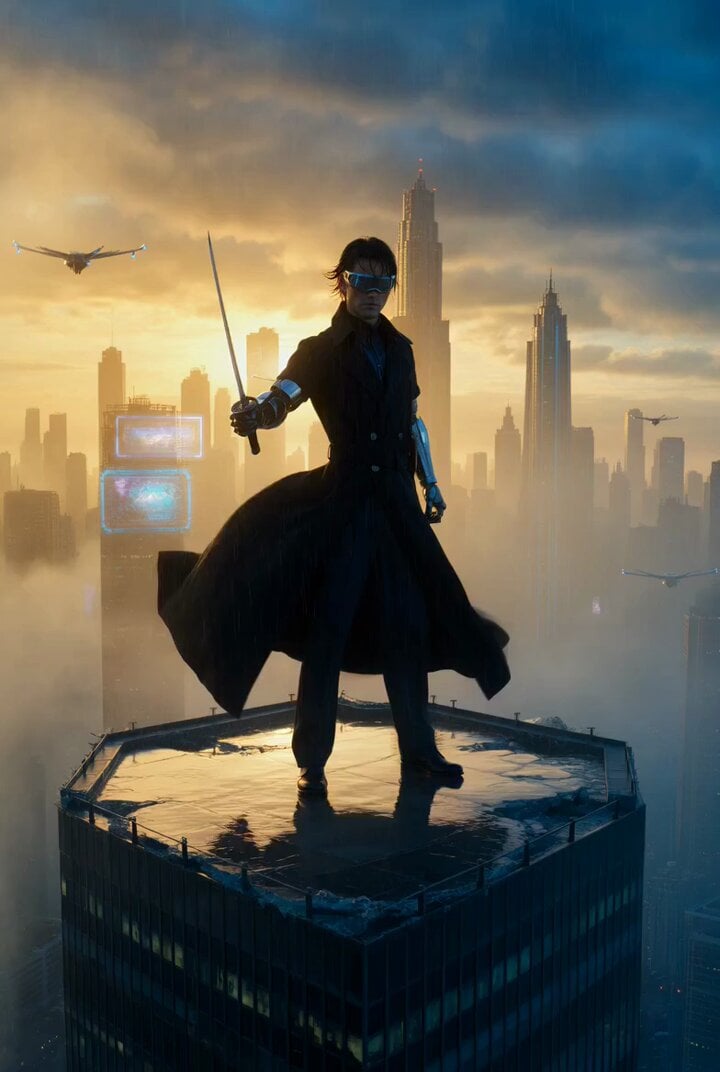
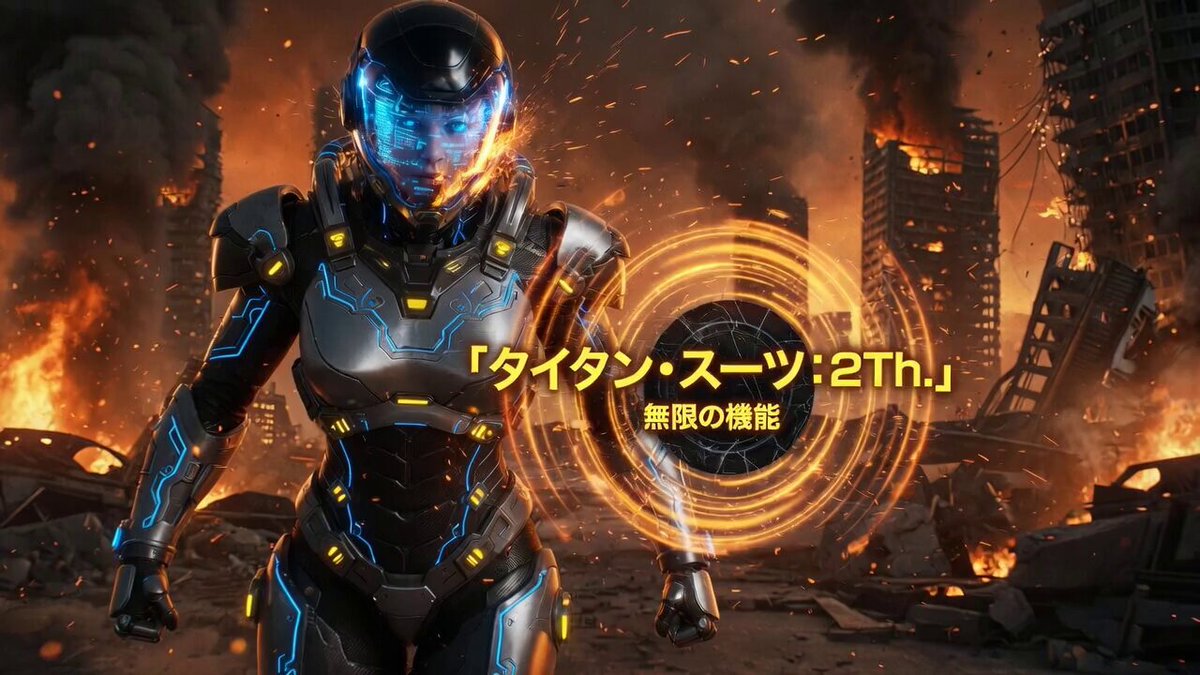
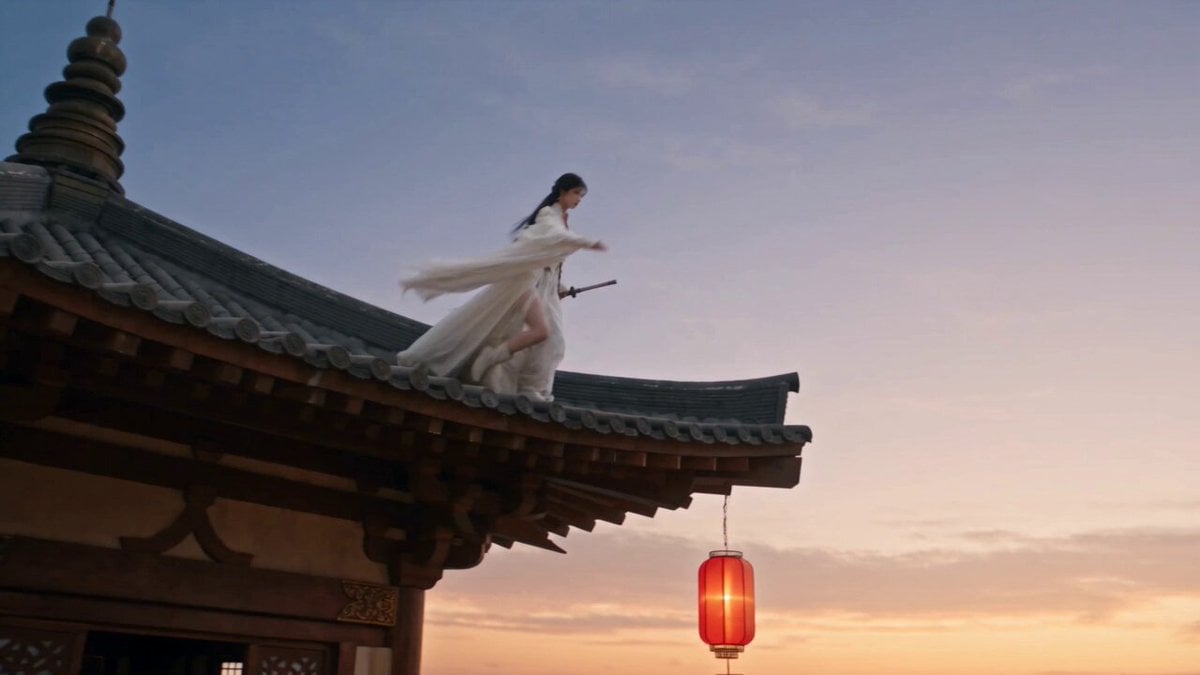
An ultra-detailed cinematic prompt for a 6-second vertical video featuring a cyber-samurai warrior in shifting mech armor.
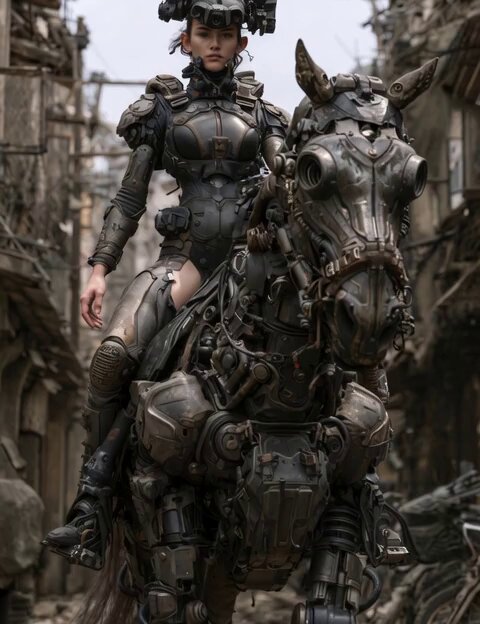
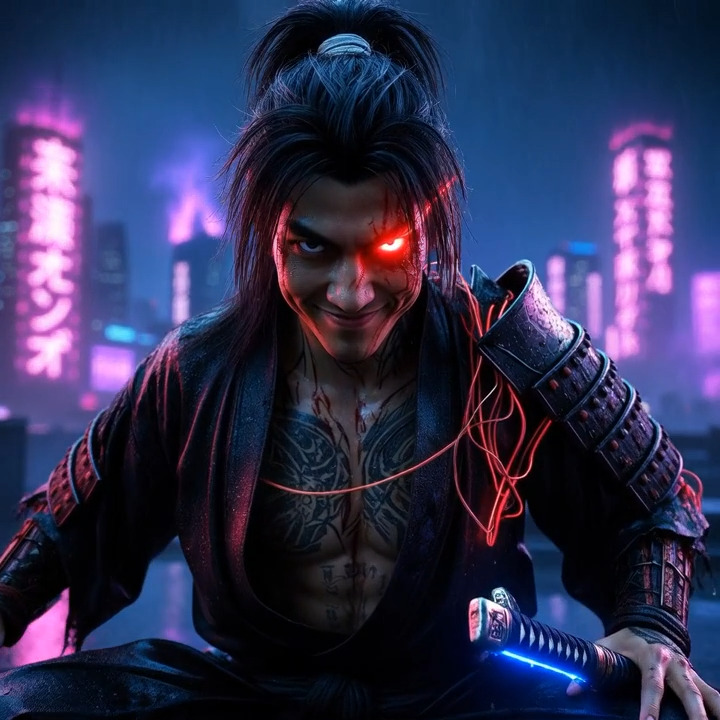
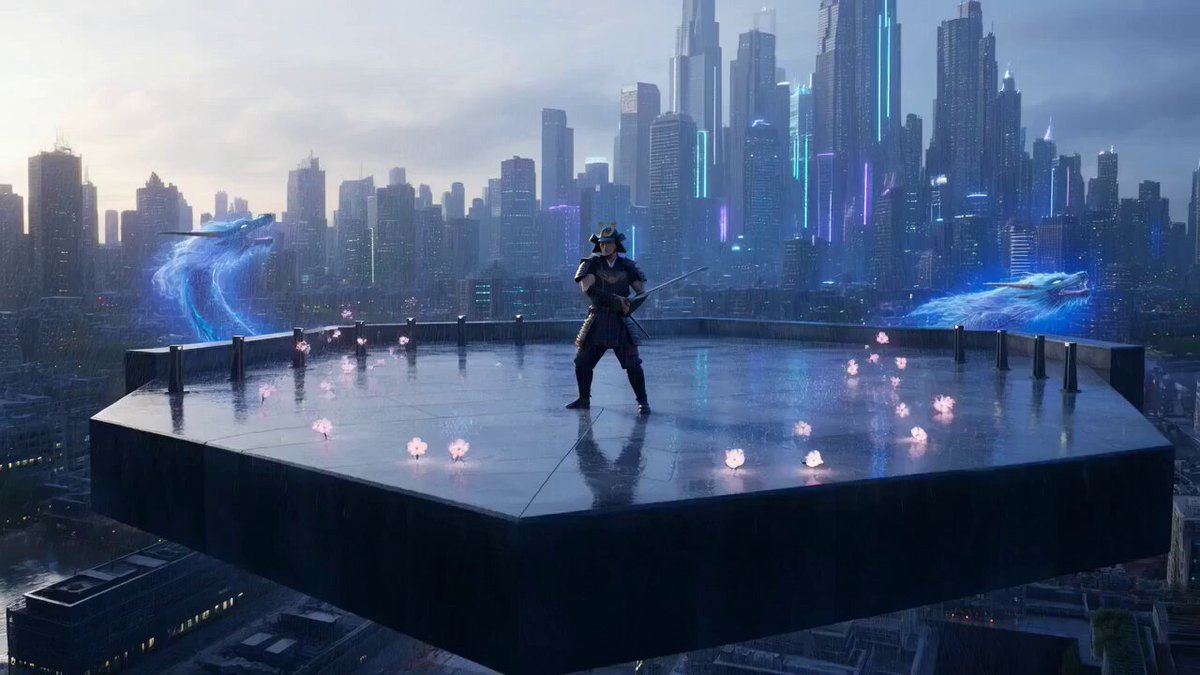
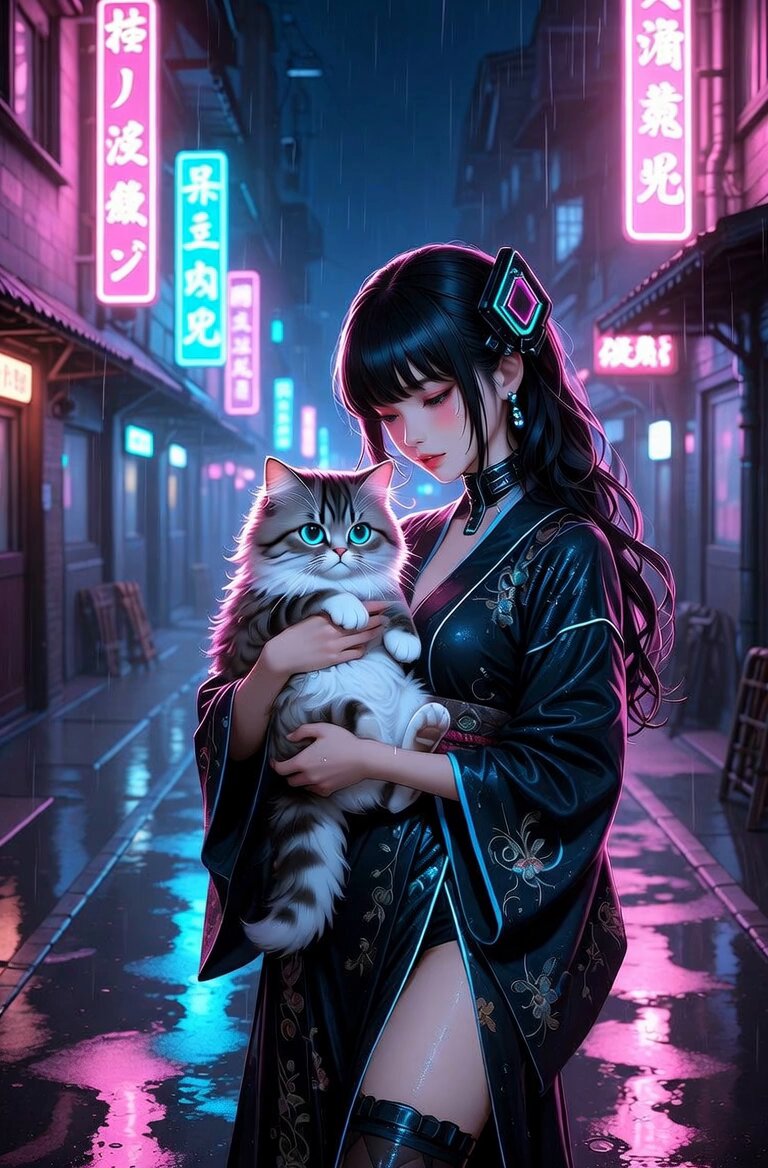
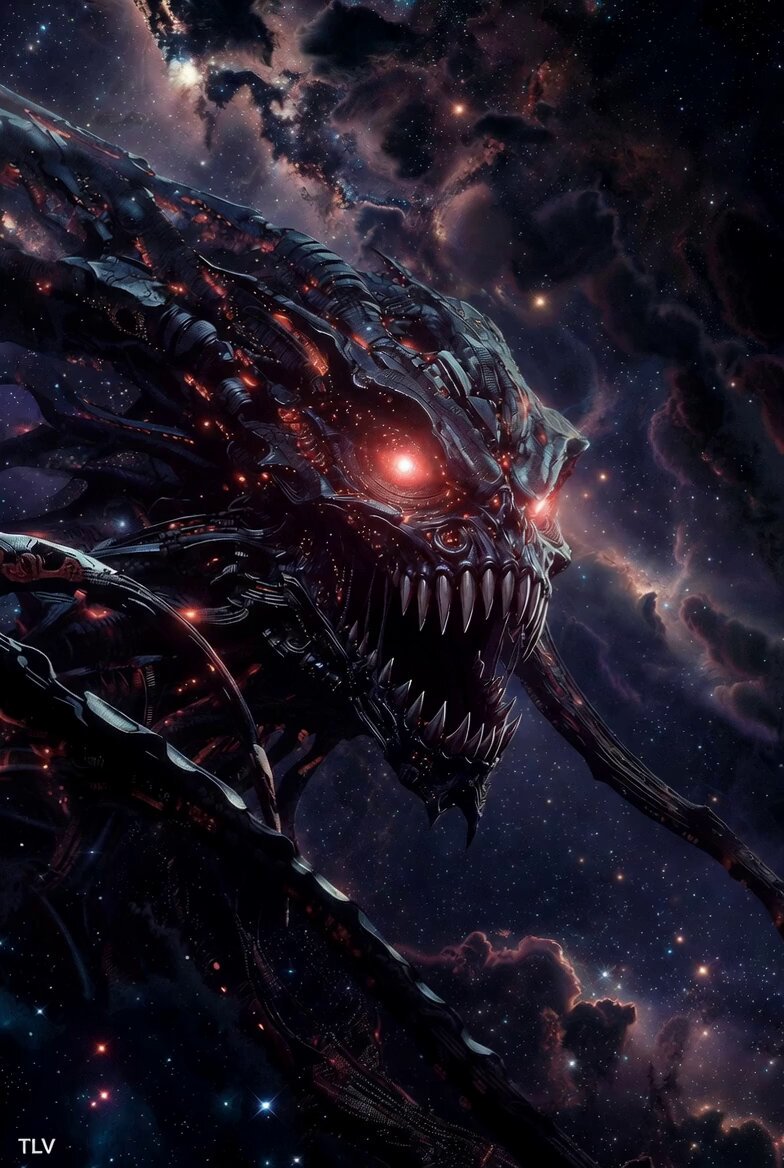
6-second ultra-detailed cinematic video, next-level Transformers meets cyberpunk sci-fi. A beautiful Asian female cyber-samurai warrior in heavy transforming power armor stands powerfully in the center. Her sleek black-silver mech suit features glowing orange-gold dragon energy lines that pulse and flow across the chest, shoulders, and legs. Intricate lion-dragon shoulder guards, ornate helmet with dark red roses and mechanical ornaments, long flowing cape. She dramatically draws and ignites a massive glowing energy katana with swirling flame patterns. Armor plates mechanically shift and transform with sparks and hydraulic movements. Epic slow-motion action sequence: she spins, slashes, energy explodes around her. Background: vast army of cyber-soldiers, giant red war banner with glowing symbol, dystopian battlefield with smoke, neon accents, and hovering drones. Cinematic camera movement: low angle circling shot, dramatic lighting, volumetric god rays, sparks, energy effects. Hyper-realistic, photorealistic, masterpiece, best quality, 8K, intense sci-fi atmosphere --ar 9:16 --motion 3
6-second ultra-detailed cinematic video, next-level Transformers meets cyberpunk sci-fi. A beautiful Asian female cyber-samurai warrior in heavy transforming power armor stands powerfully in the center. Her sleek black-silver mech suit features glowing orange-gold dragon energy lines that pulse and flow across the chest, shoulders, and legs. Intricate lion-dragon shoulder guards, ornate helmet with dark red roses and mechanical ornaments, long flowing cape. She dramatically draws and ignites a massive glowing energy katana with swirling flame patterns. Armor plates mechanically shift and transform with sparks and hydraulic movements. Epic slow-motion action sequence: she spins, slashes, energy explodes around her. Background: vast army of cyber-soldiers, giant red war banner with glowing symbol, dystopian battlefield with smoke, neon accents, and hovering drones. Cinematic camera movement: low angle circling shot, dramatic lighting, volumetric god rays, sparks, energy effects. Hyper-realistic, photorealistic, masterpiece, best quality, 8K, intense sci-fi atmosphere --ar 9:16 --motion 3
Edit the prompt in the box under the preview — the template's model and format are already selected — and press Generate. Your version appears right on this page.
Yes. You can change the subject, setting, lighting, mood, format, and available model controls before creating your video.
Opening and editing this template is free. Generating uses credits, shown on the Generate button when you are signed in.
Start with Grok Imagine, which is the model associated with this template. You can compare another compatible model for a different finish.
Follow a topic to a crawlable collection of related PicX Studio templates.