
Olympic Hammer Throw Broadcast Simulation
A highly detailed prompt designed to recreate a live TV sports broadcast style, including technical camera specs, audio environment, and a specific sequence of actions.
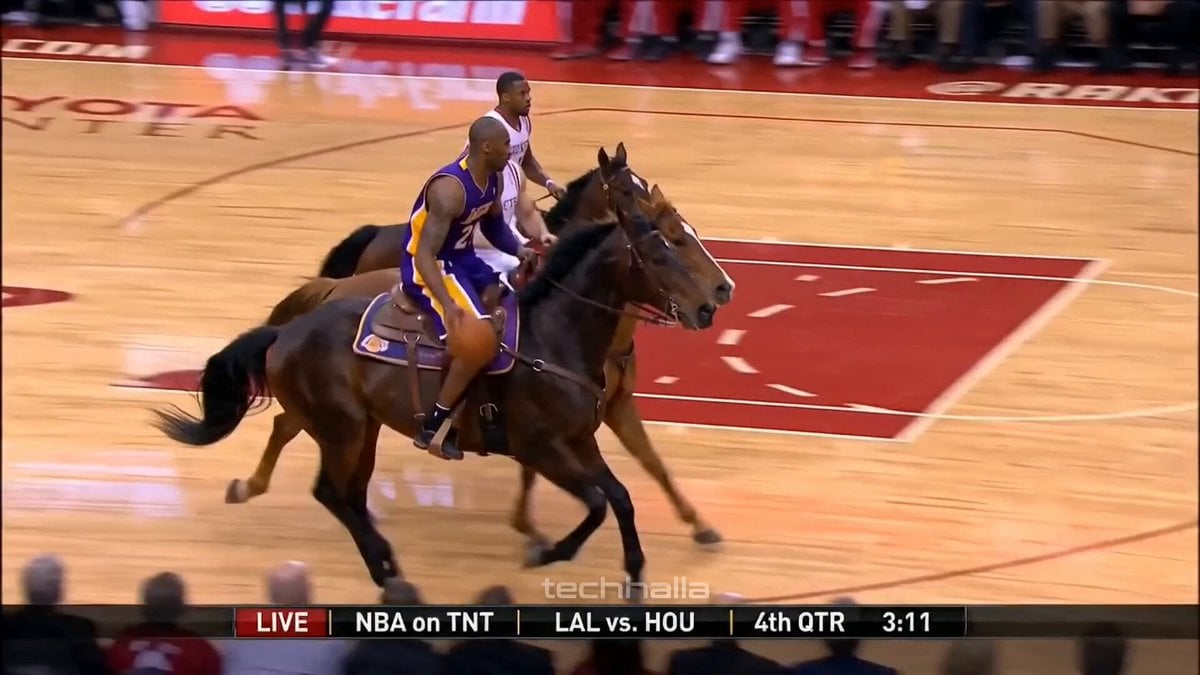
- Prompt included
- Model and format preset
- Premium template
The prompt behind this video
Copy the exact prompt behind Olympic Hammer Throw Broadcast Simulation, or open it in the studio and make it yours.
[BROADCAST SETUP] Live TV sports broadcast signal, 1080i HD resolution, 50fps. Shot on professional ENG stadium cameras. Standard TV color balance with natural daylight. No color grading, no cinematic filters, no artificial post-processing. Real-world stadium acoustics and ambient light. Audio Style: Immersive spatial sound design. Loud stadium atmosphere, crowd roar, metallic clink of the hammer chain, stadium announcer muffled in the background, wind noise on the microphone. [TIMELINE SECOND BY SECOND] 0-4s: [Medium-wide broadcast shot] Swedish male athlete with long blonde hair and beard (viking-like) spinning rapidly in the hammer throw circle. Authentic Olympic uniform. Real-life physics and momentum. 4-7s: [Broadcast tracking shot] The athlete releases the giant hammer. The camera pans fast to follow the arc of the heavy metal ball flying through the air against the stadium sky. Realistic high-speed physics. 7-12s: [Wide stadium view] The hammer heads towards the lower stands at high speed. A grandmotherly woman in the front row reaches out and catches the giant hammer firmly with both hands. No slow motion, real-time broadcast speed. 12-15s: [Reaction shot] The surrounding crowd jumps up and applauds. The woman holds the hammer, looking at the camera. Authentic live TV cut to the crowd's genuine reaction. [QUALITY BOOSTERS] Photorealistic live footage, 1:1 sports broadcast physics, authentic Olympic stadium environment, sharp details on clothing and skin, natural motion blur from high-speed movement, stable facial features throughout the clip.
How to use Olympic Hammer Throw Broadcast Simulation in 3 steps
- 1
Open
The prompt is already in the box next to the preview, with the template's model and format selected.
- 2…a portrait of your subject in softgolden-hour light, 85mm…
Personalize
Edit the subject and creative details for your destination.
- 3Generate
Generate
Press Generate — your video is created in PicX Studio, so you can compare it with the original and refine one variable at a time.
More like this
Templates with the same subject, style or setup. Open one to see its prompt.

Olympic Archery Cinematic Broadcast
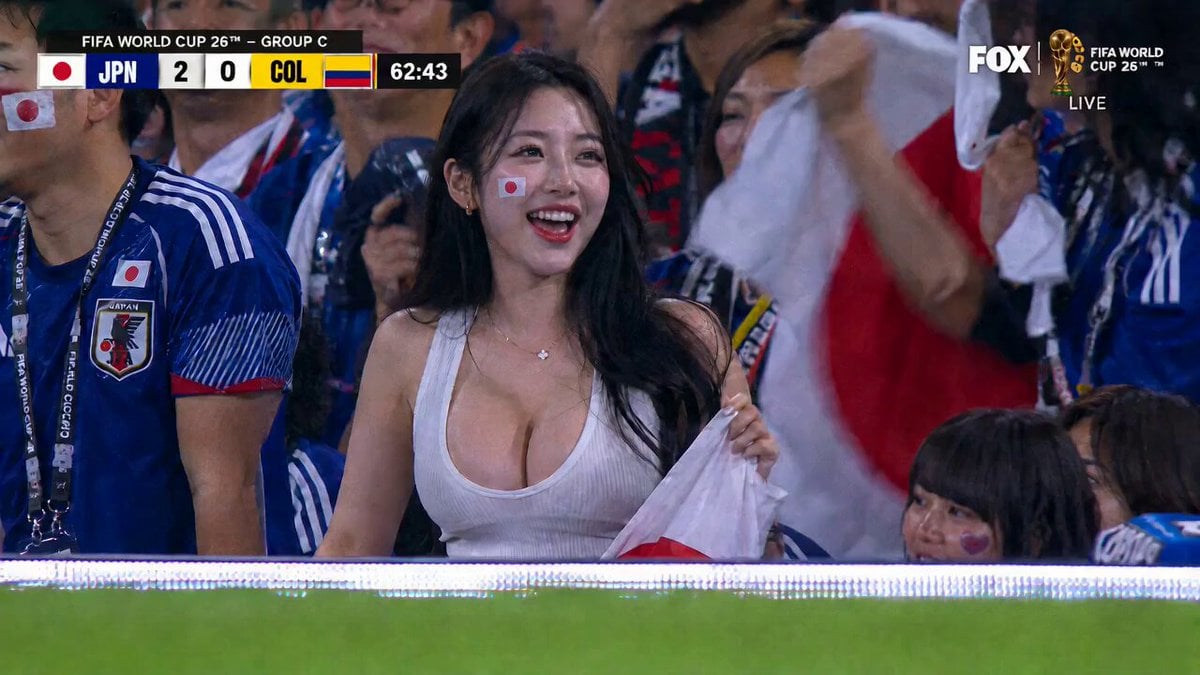
Live Soccer TV Broadcast Simulation
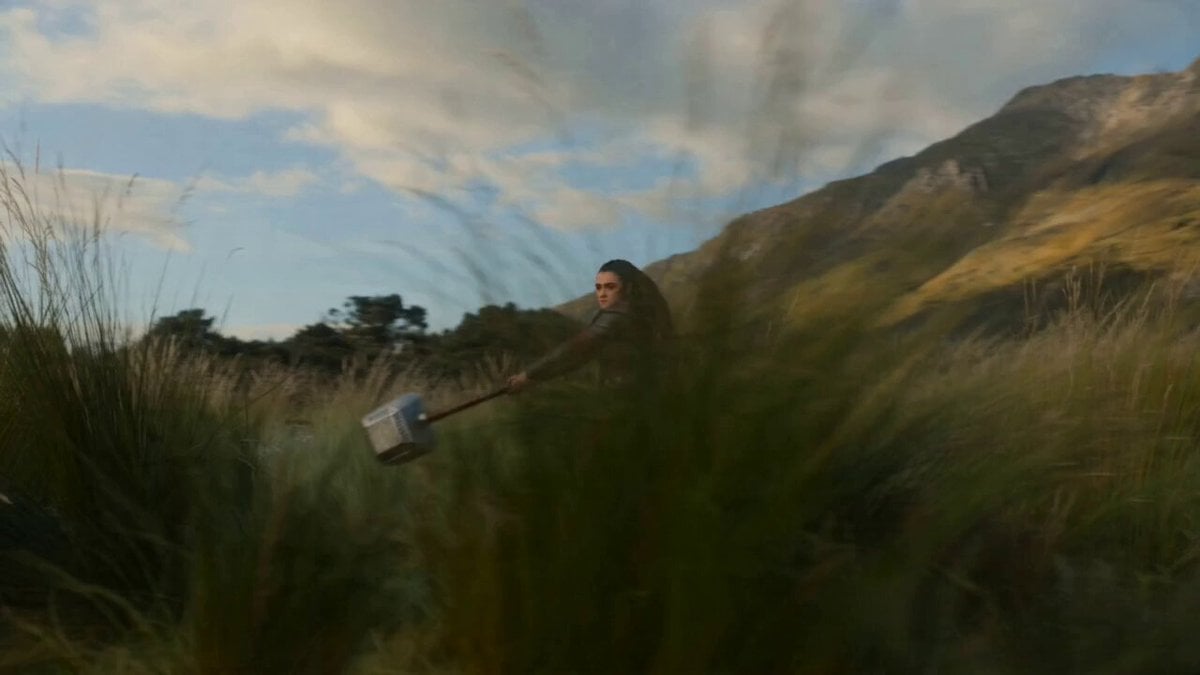
Seedance 2.0 Hammer Throw Prompt
Nano Banana Seedance Environment Render Walk
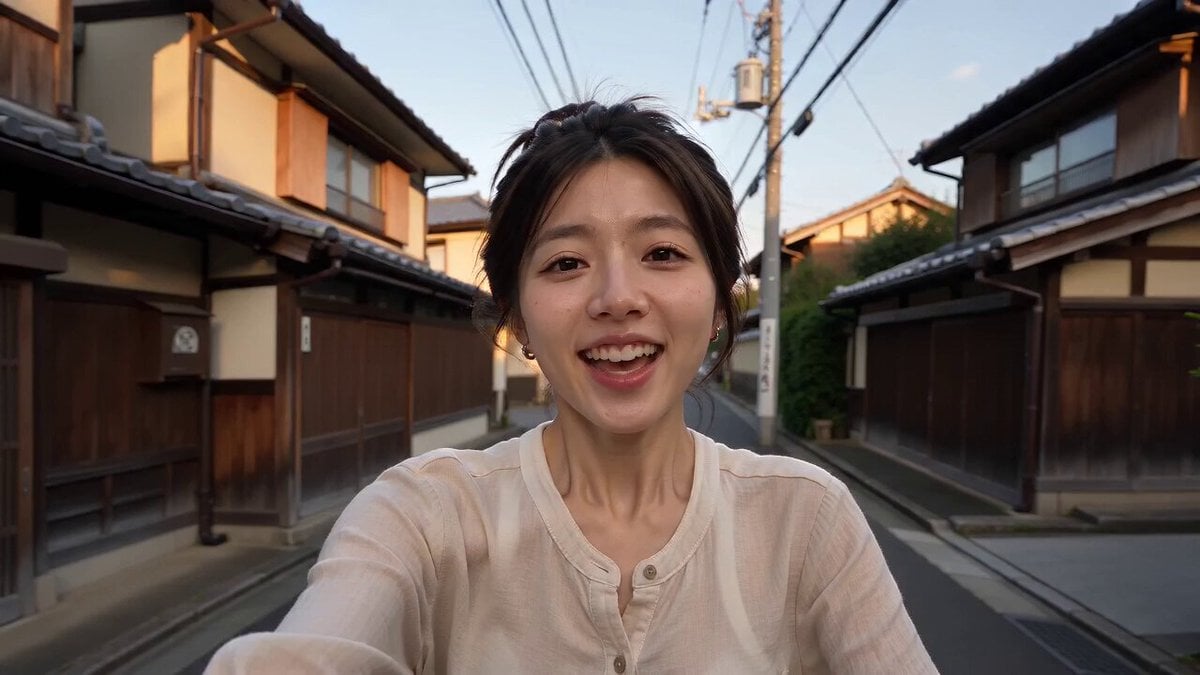
Kyoto Smartphone Vlog Simulation
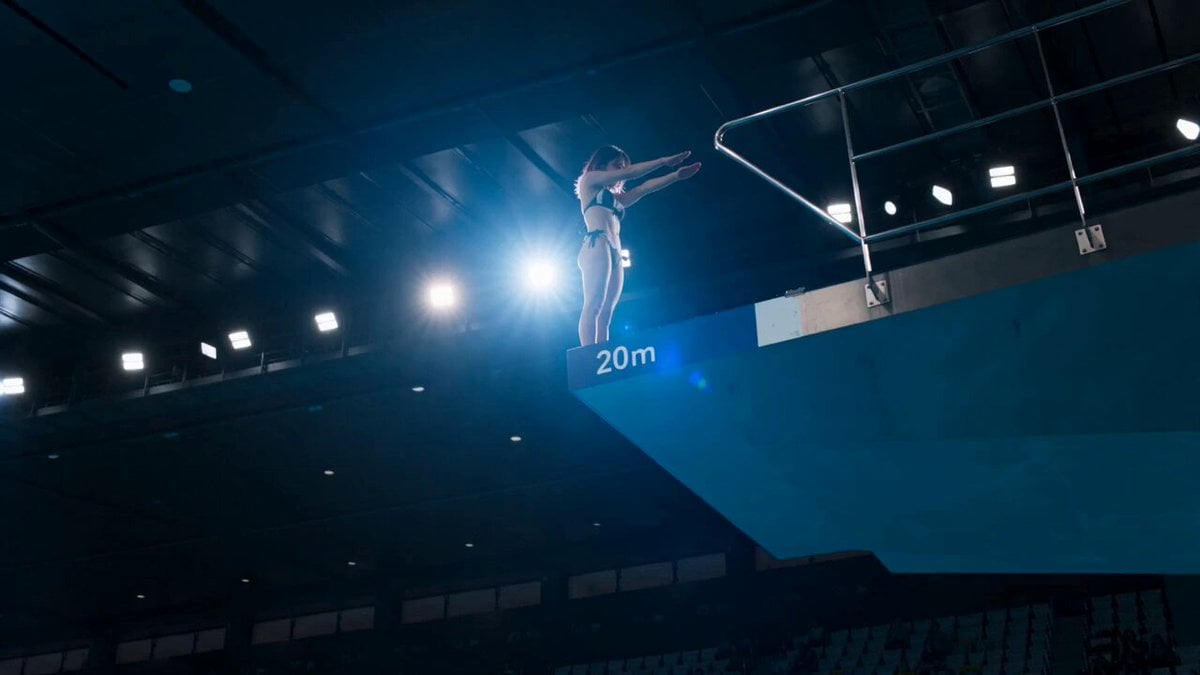
Olympic Platform Diving Cinematic Video
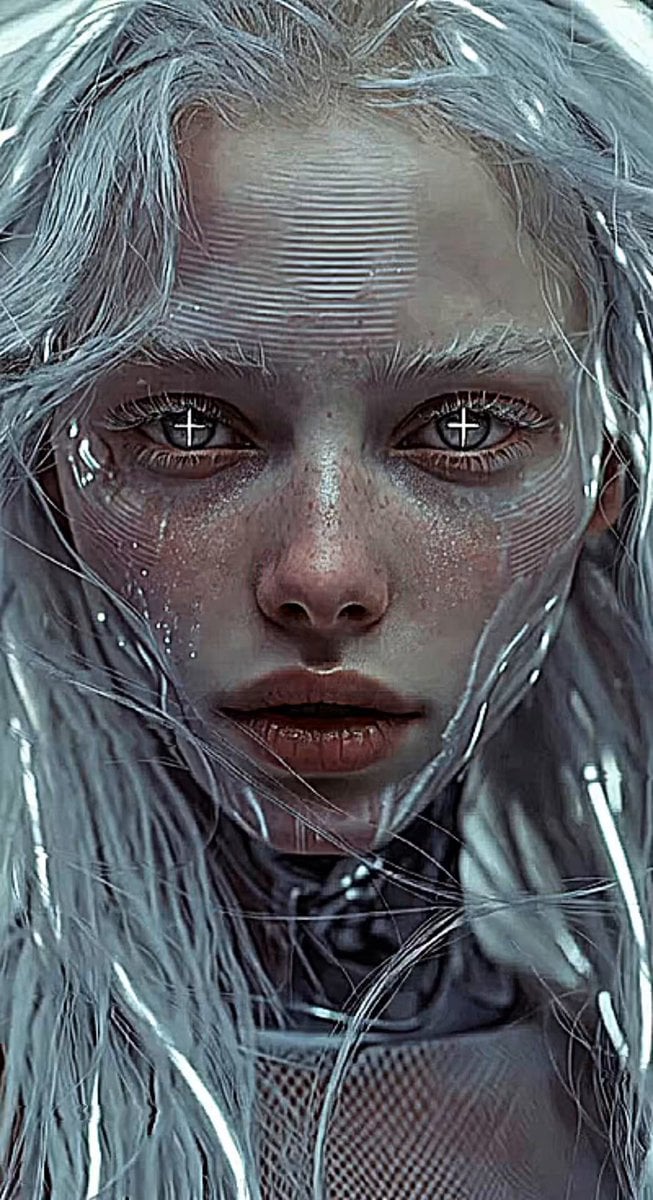
Glitches in the Simulation Prompt
Fan vs Hammer Duel Combat Scene
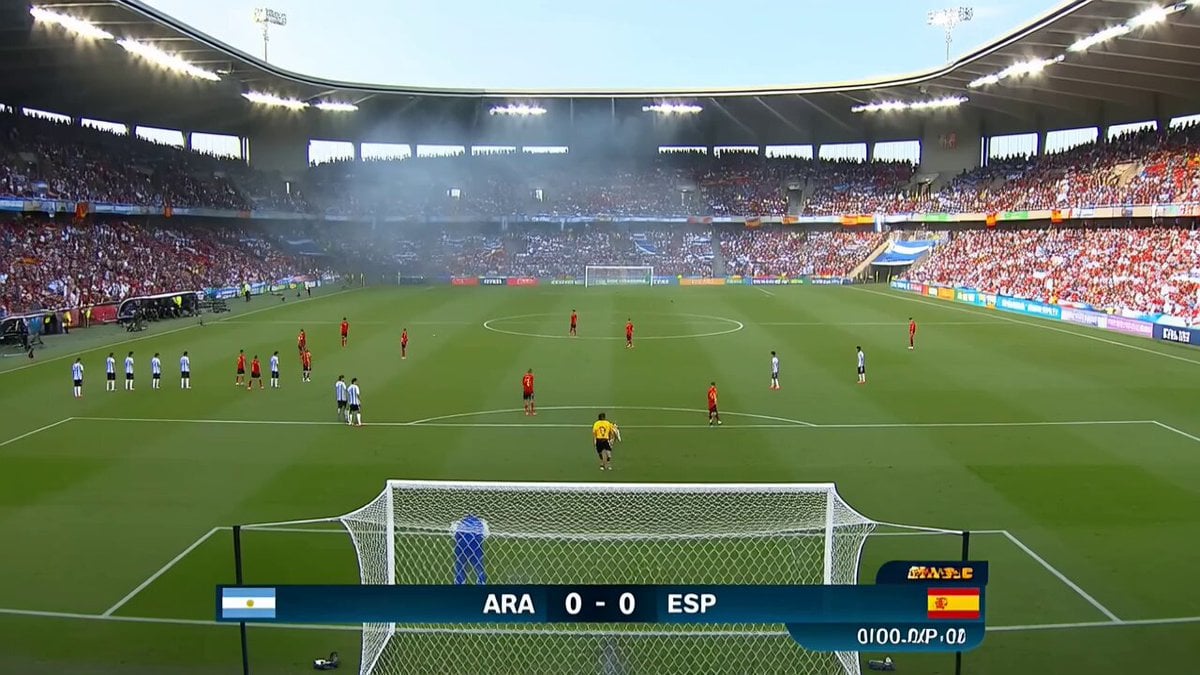
Viral Football Match Comedy Broadcast
Google Pixel 10 IMAX Simulation
Cinematic Assassin Knife Throw
Olympic Gymnast Floor Routine
Make it yours
Olympic Hammer Throw Broadcast Simulation works as-is. These are the safest ways to change it without losing the look.
Change one field
Copy a single group, rewrite it, and generate again so you can see what that field is doing.
Keep the frame, change the subject
Hold the composition and light of Olympic Hammer Throw Broadcast Simulation, then swap wardrobe, props or the person for a new take.
| If the result… | Why | Fix |
|---|---|---|
| The result drifts from the preview | Too many fields changed at once. | Reuse Olympic Hammer Throw Broadcast Simulation as-is first, then change one group — subject, light, or setting. |
| The model over-stylizes the scene | The prose prompt leaves finish and camera underspecified. | Add one camera or lighting sentence and stay on Seedance 2.0. |
More Seedance 2.0 templates
Other prompts made for Seedance 2.0.

Comical Martial Arts Punch Scene

Maglev Train Action Sequence

Martial Arts Fight Sequence

Wuxia Protection and Trust Script

Vintage Korean Arcade MiniDV Vlog

Mercedes 190 SL Luxury Ad

Rainy Night Supernatural Reverse Comedy Video Script

Amazon Civilization Discovery

Futuristic South Asian City Transformation

Cozy Luxury Cafe Commercial
More video prompts
Fresh picks from across the catalog.
Motivational Noir Silhouette Run
The Ark — Seedance 2.0 Epic Trailer
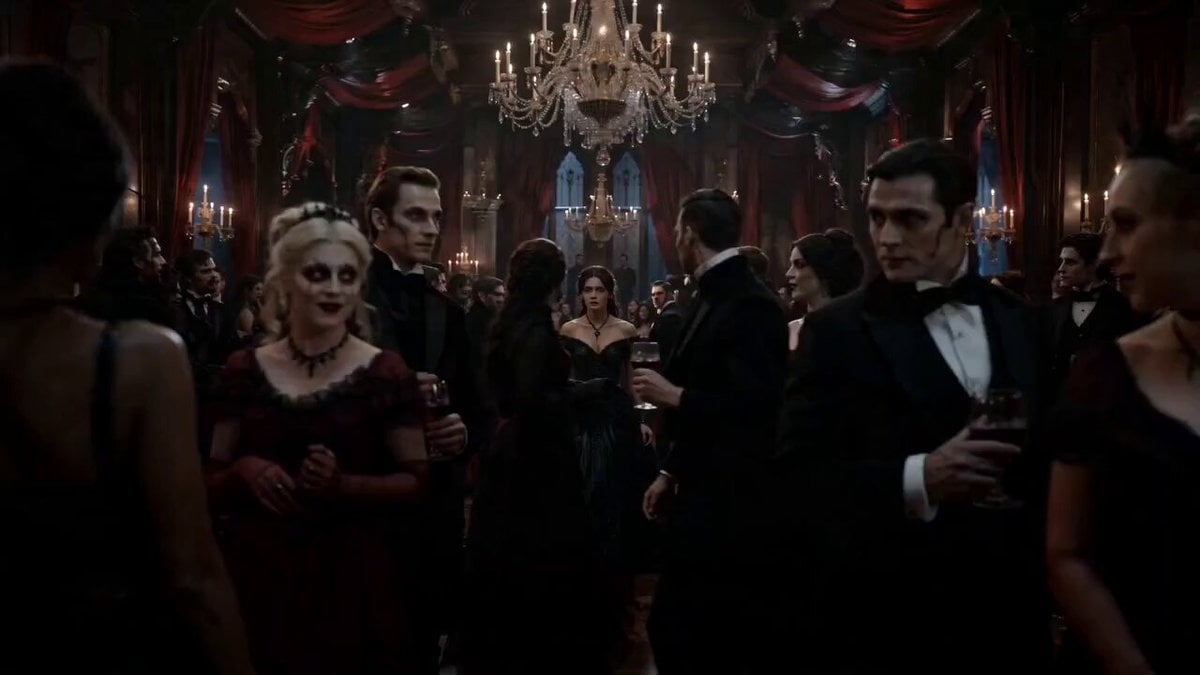
Gothic Vampire Ballroom Dance
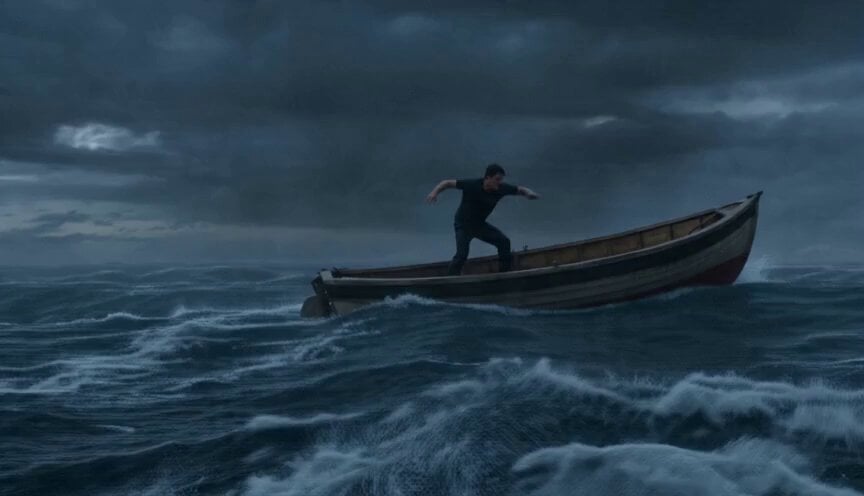
Sea Monster Storm Survival
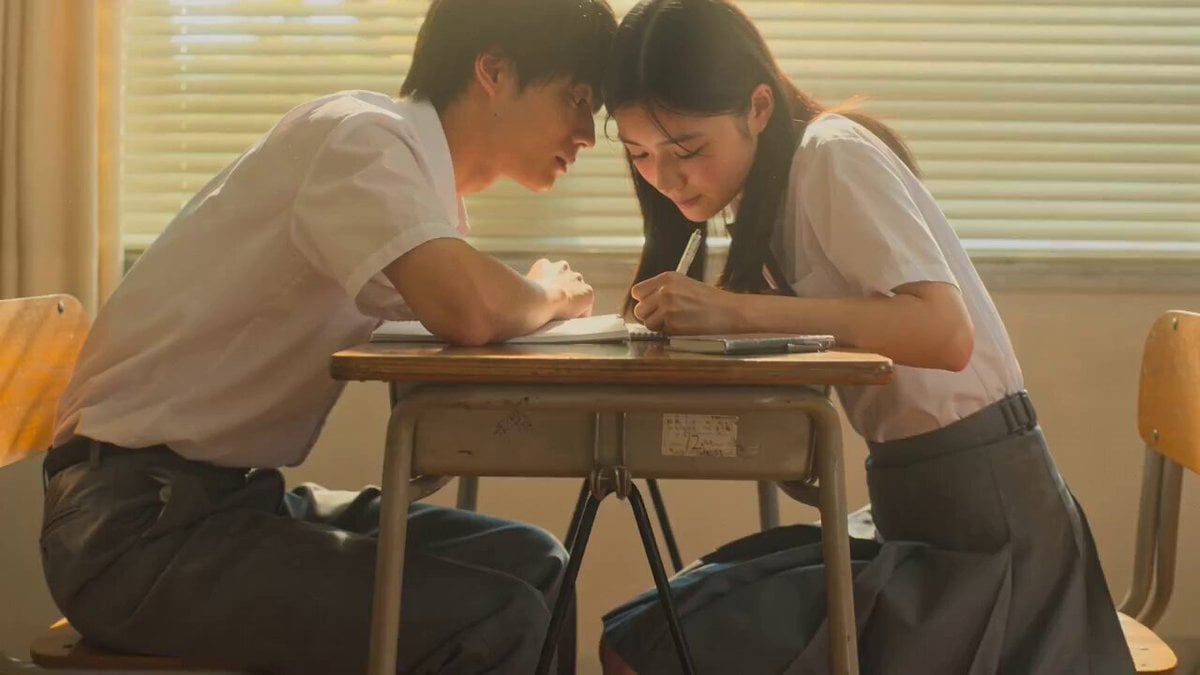
Seedance 2.0: 15-Second Cinematic Japanese Romance Short Film
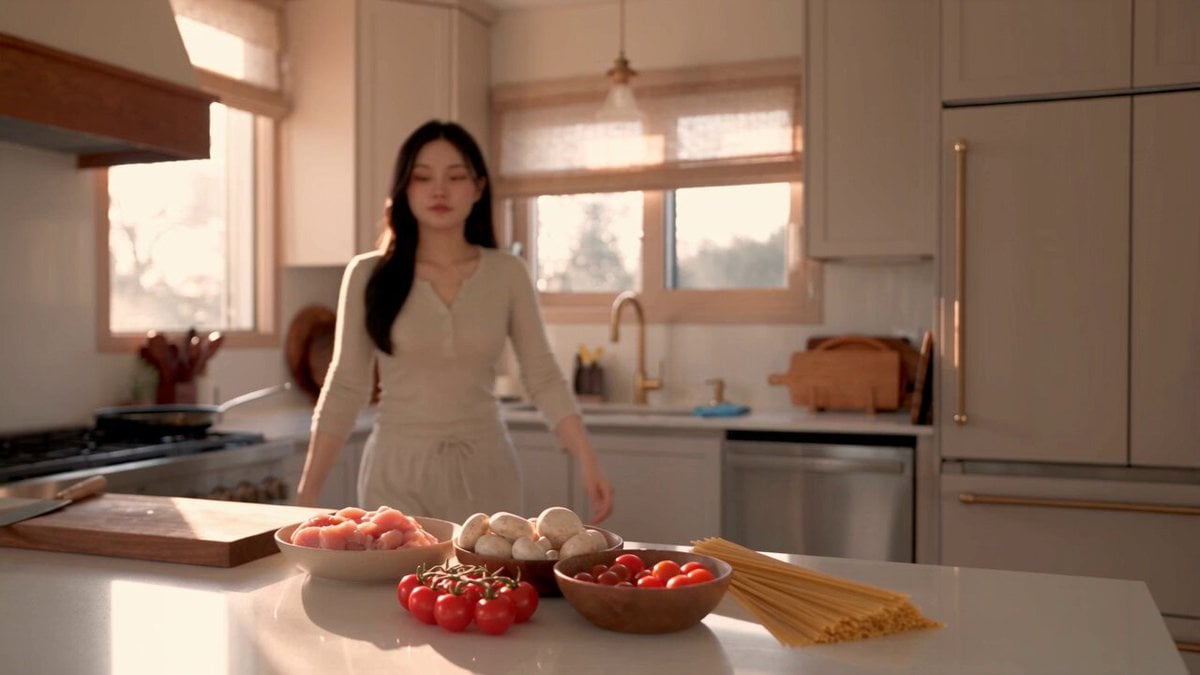
Creamy Chicken Pasta Cooking Vlog
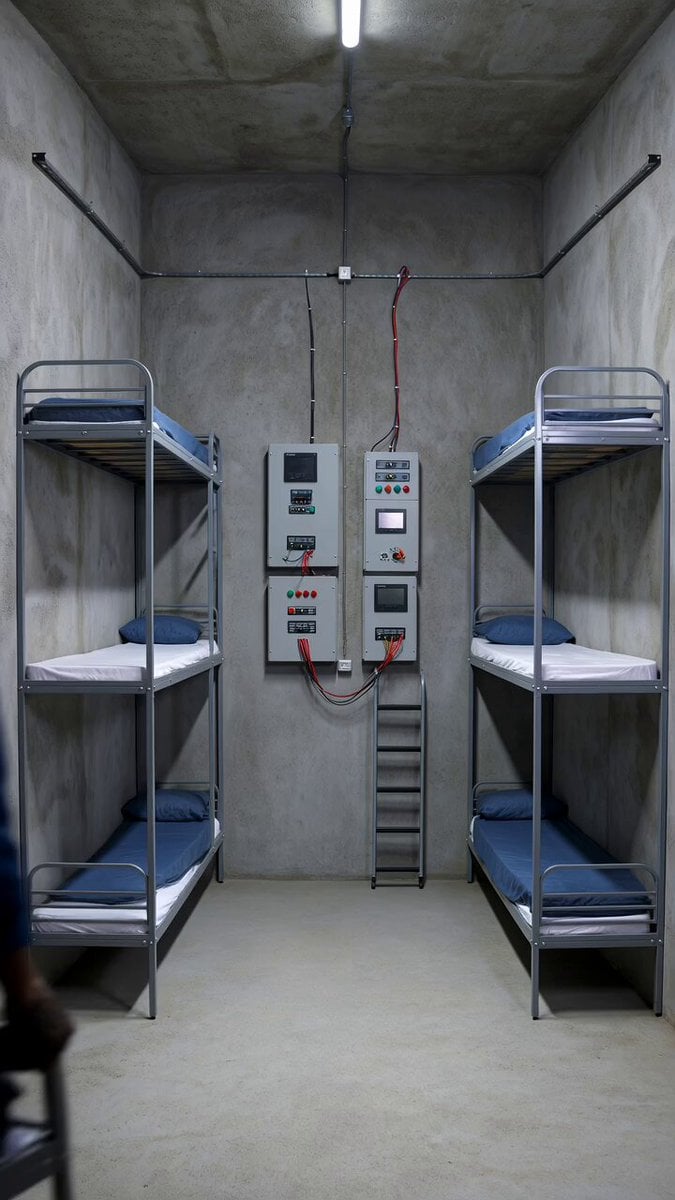
Staging Bunker Interior Timelapse Prompt
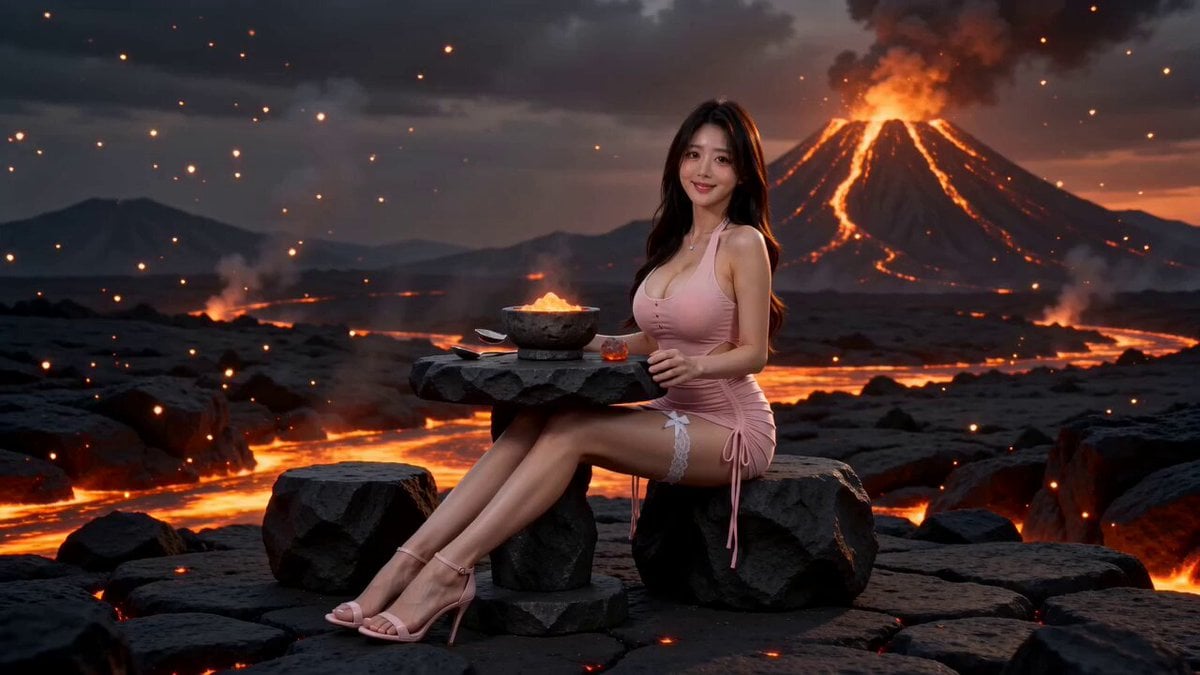
Surreal Volcano Lava Mukbang ASMR
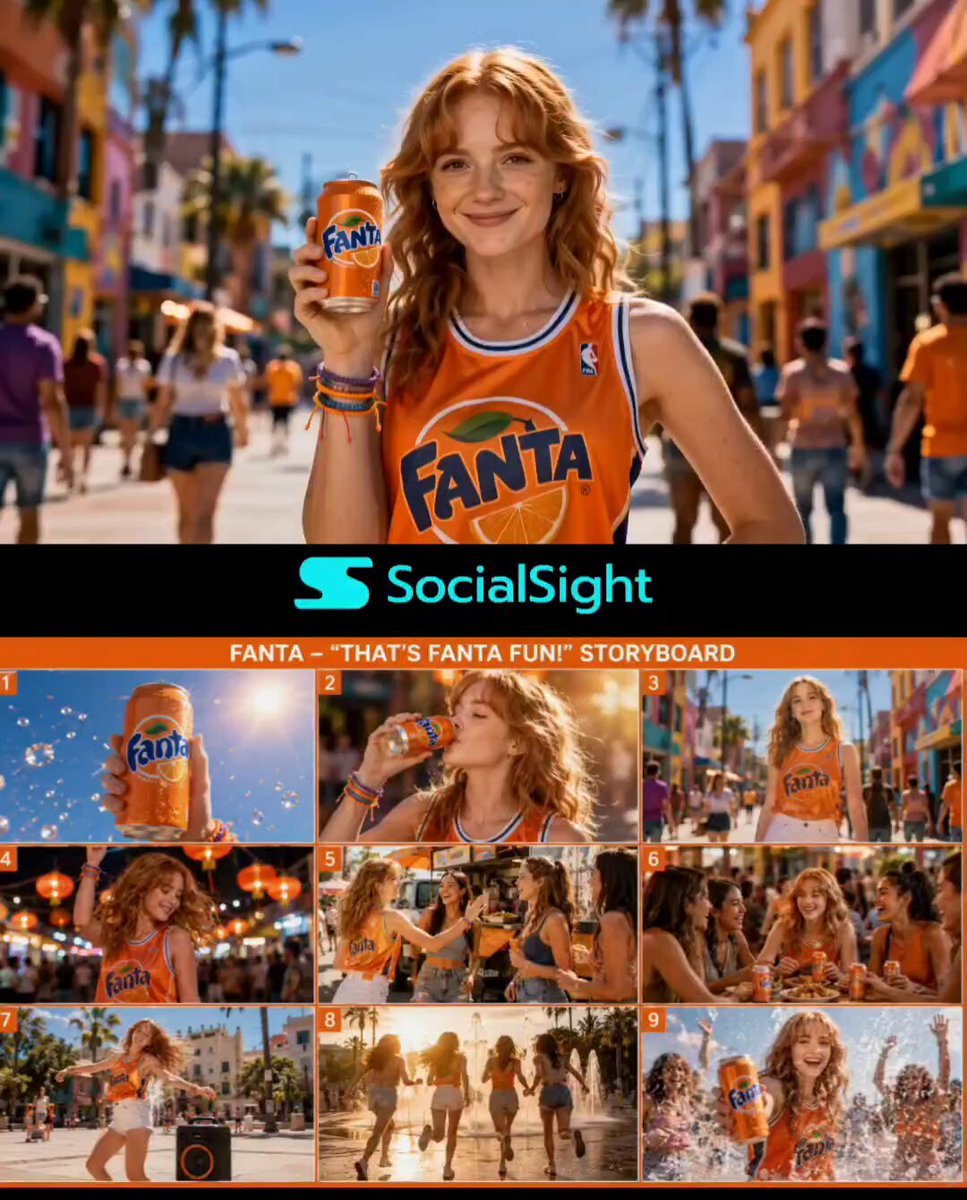
Premium Fanta Beverage Commercial
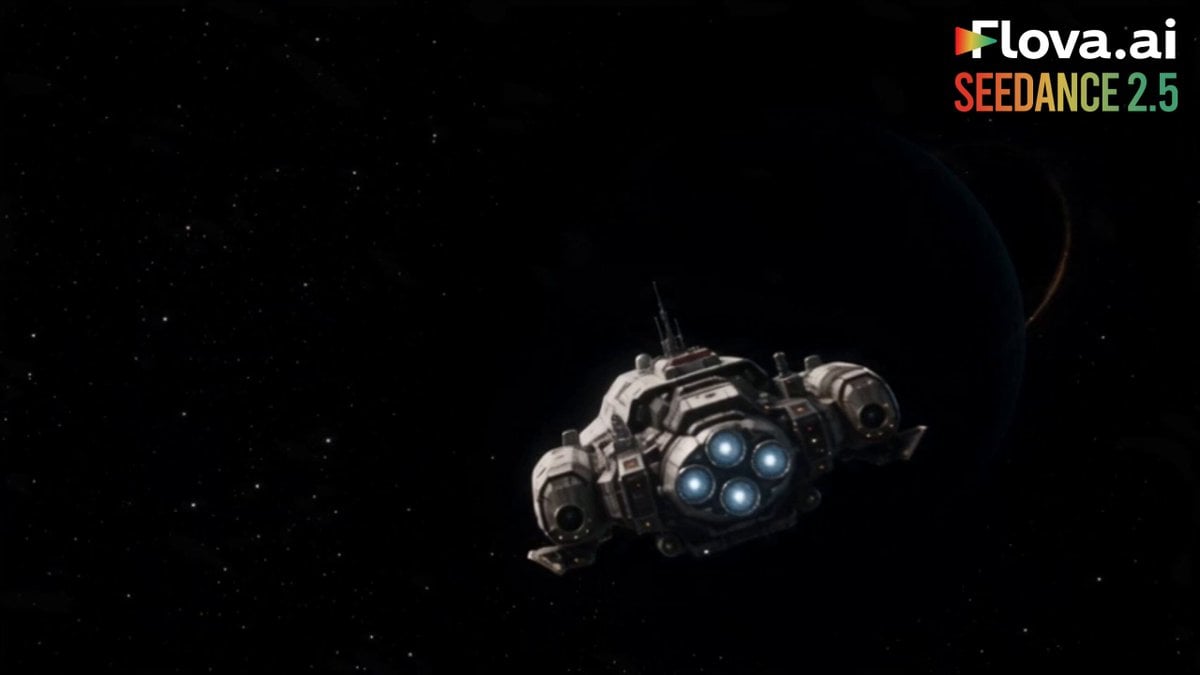
Science Fiction Short Film
Browse template categories
Olympic Hammer Throw Broadcast Simulation questions
How do I use the Olympic Hammer Throw Broadcast Simulation template?
Add your photo if the template asks for one, edit the prompt if you like — the template's model and format are already selected — and press Generate. Your version opens in PicX Studio.
Can I customize the Olympic Hammer Throw Broadcast Simulation template?
Yes. You can change the subject, setting, lighting, mood, format, and available model controls before creating your video.
Is the Olympic Hammer Throw Broadcast Simulation template free?
Opening and editing this template is free. Generating uses credits, shown on the Generate button when you are signed in.
Which AI model should I use?
Start with Seedance 2.0, which is the model associated with this template. You can compare another compatible model for a different finish.
Looking for something else? Browse all templates.

Your photo, any look
Thousands of ready templates for every top image and video model, from one credit balance.