
Olympic Archery Cinematic Broadcast
A complex cinematic prompt for an Olympic archery scene, featuring a transition from a stadium screen to a realistic sports broadcast angle.

- Prompt included
- Model and format preset
- Premium template
The prompt behind this video
Copy the exact prompt behind Olympic Archery Cinematic Broadcast, or open it in the studio and make it yours.
Dev ekran, kalabalık arena, mavi stadyum ışıkları… Kadın okçu atışa hazırlanıyor, spiker sakin bir sesle anlatıyor: “Now comes a very critical shot…” Sonra ok çıkıyor, hedef tahtasına geçiyoruz: → merkeze yakın vuruş → “10” skoru → yükselen kalabalık sesi → yavaş çekimde atış sonrası salınım → kameranın okçuya yaklaştığı sinematik final
How to use Olympic Archery Cinematic Broadcast in 3 steps
- 1
Open
The prompt is already in the box next to the preview, with the template's model and format selected.
- 2…a portrait of your subject in softgolden-hour light, 85mm…
Personalize
Edit the subject and creative details for your destination.
- 3Generate
Generate
Press Generate — your video is created in PicX Studio, so you can compare it with the original and refine one variable at a time.
More like this
Templates with the same subject, style or setup. Open one to see its prompt.
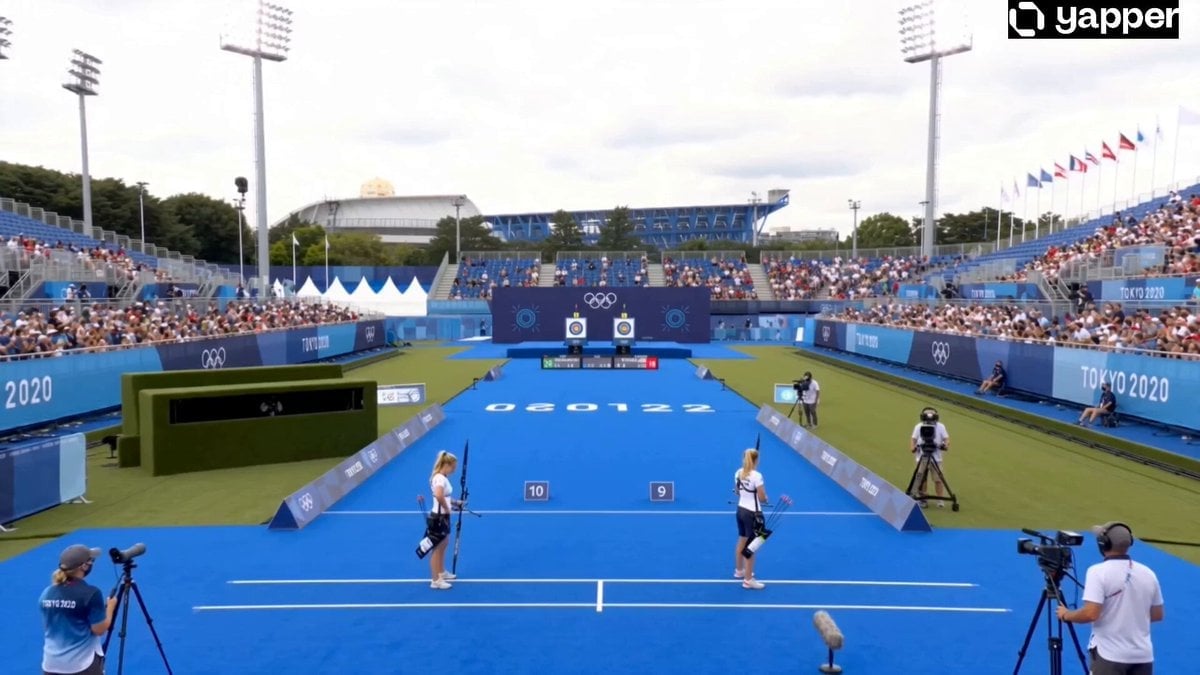
Olympic Archery Bullseye Cinematic
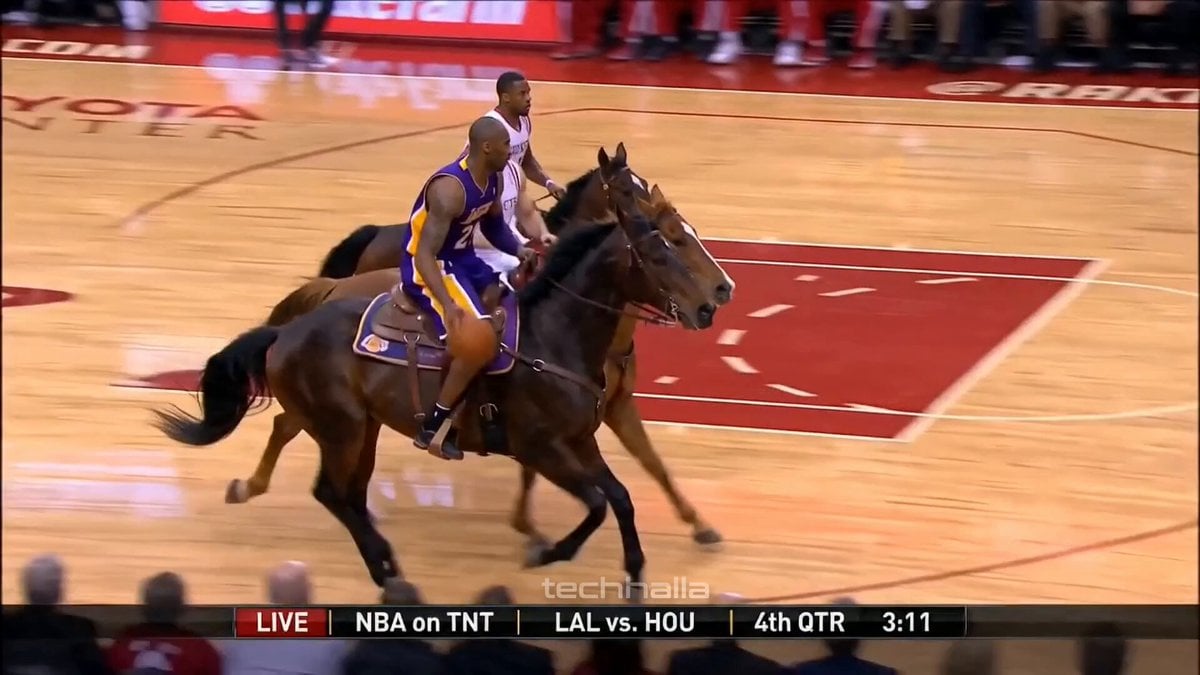
Olympic Hammer Throw Broadcast Simulation
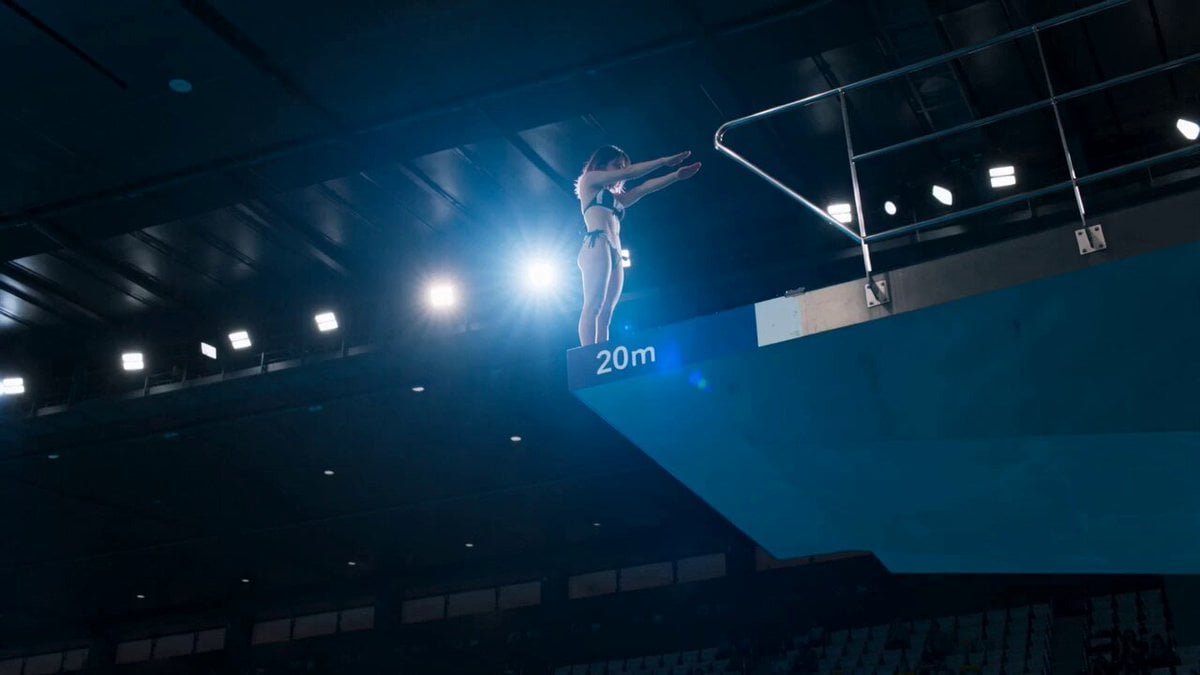
Olympic Platform Diving Cinematic Video
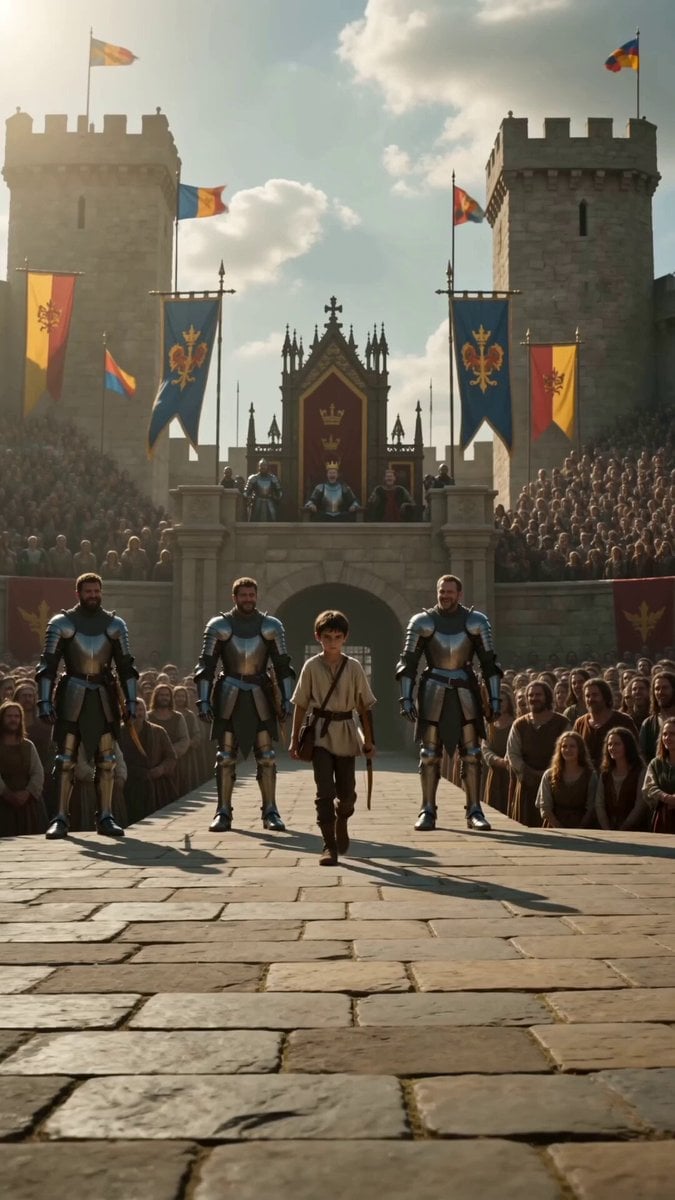
Medieval Archery Tournament Cinematic Short
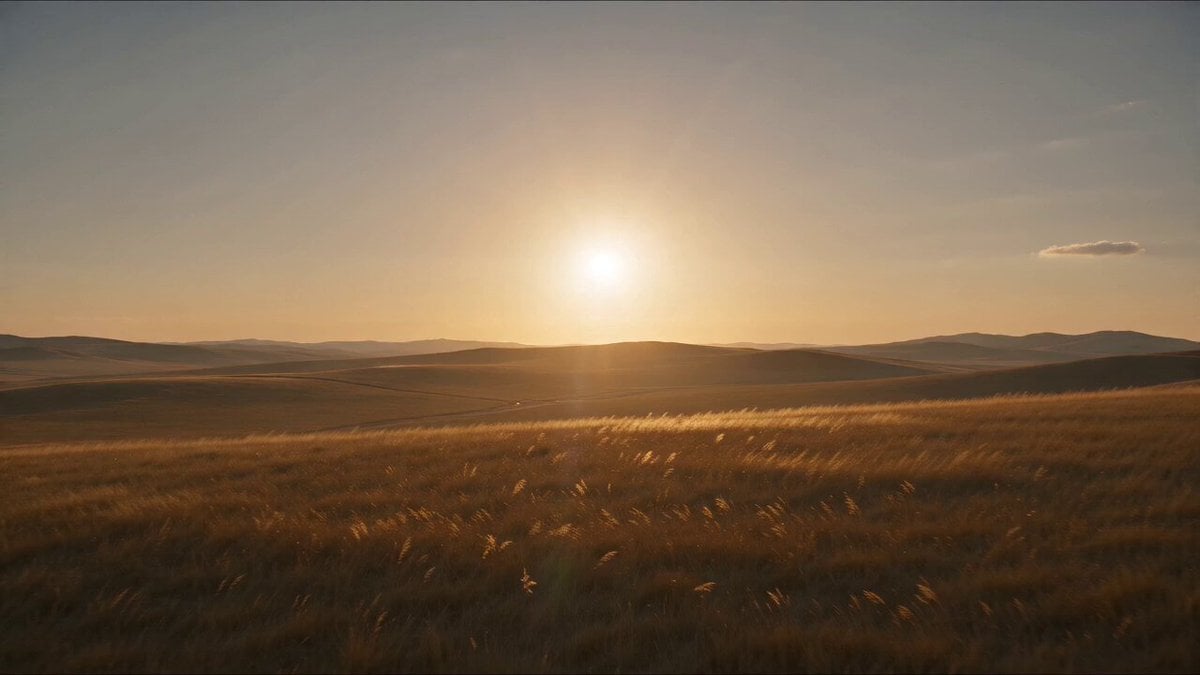
Mongol Woman Steppe Archery
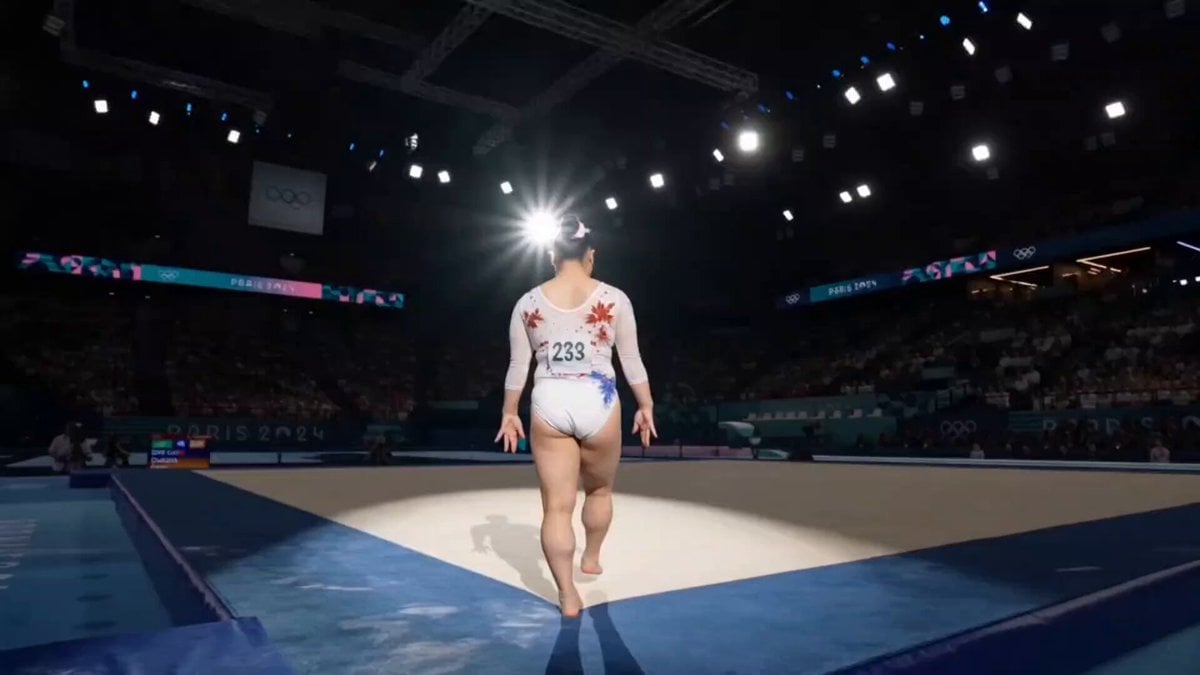
Olympic Gymnast Floor Routine
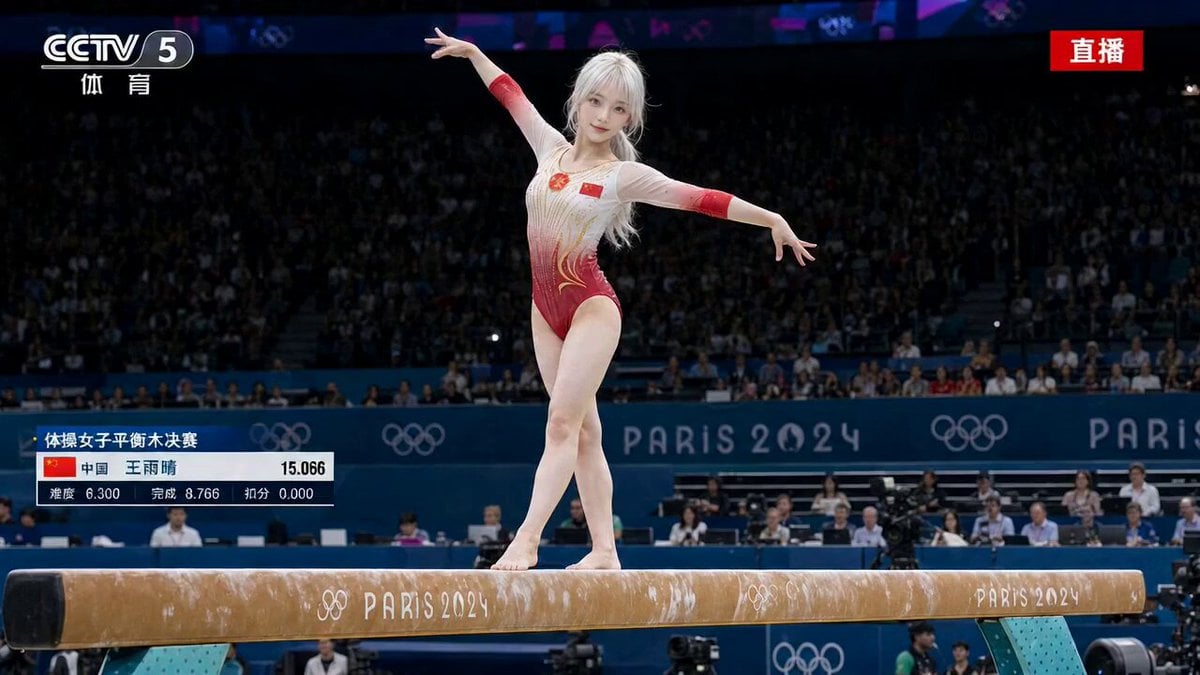
Olympic Gymnastics Balance Beam Sequence
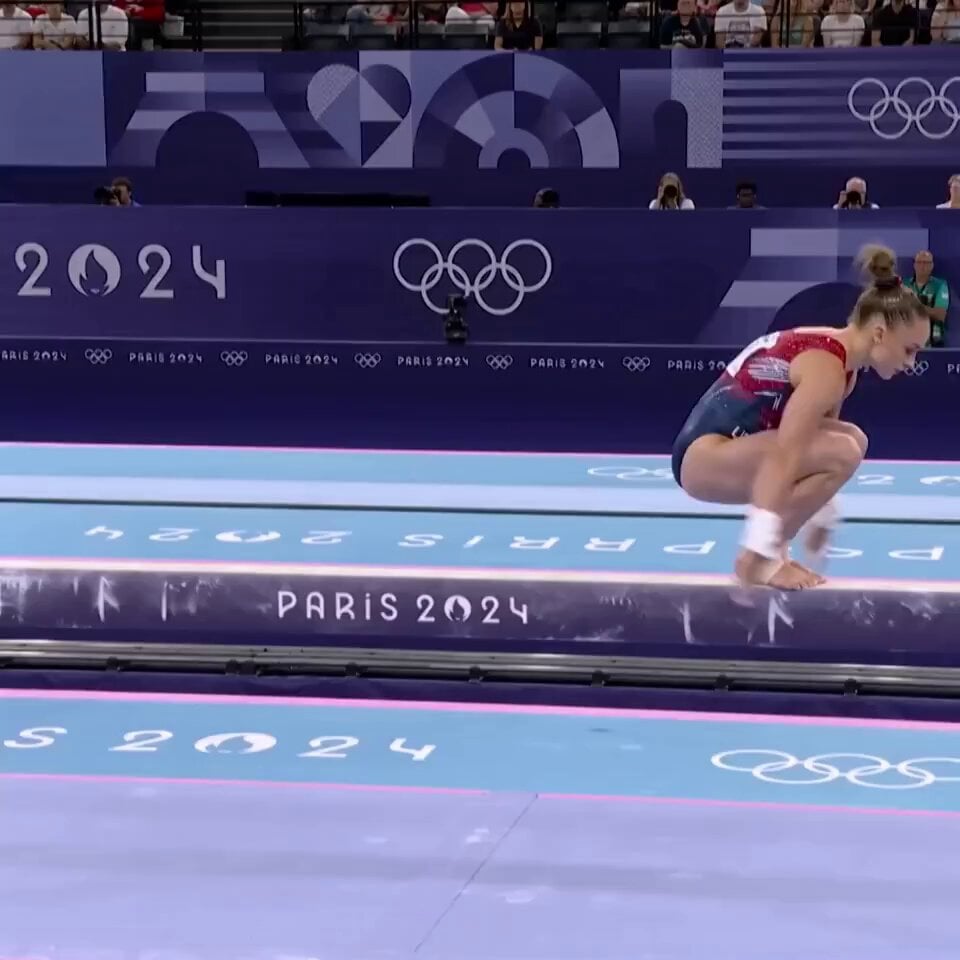
Olympic Gymnastics Beam Final
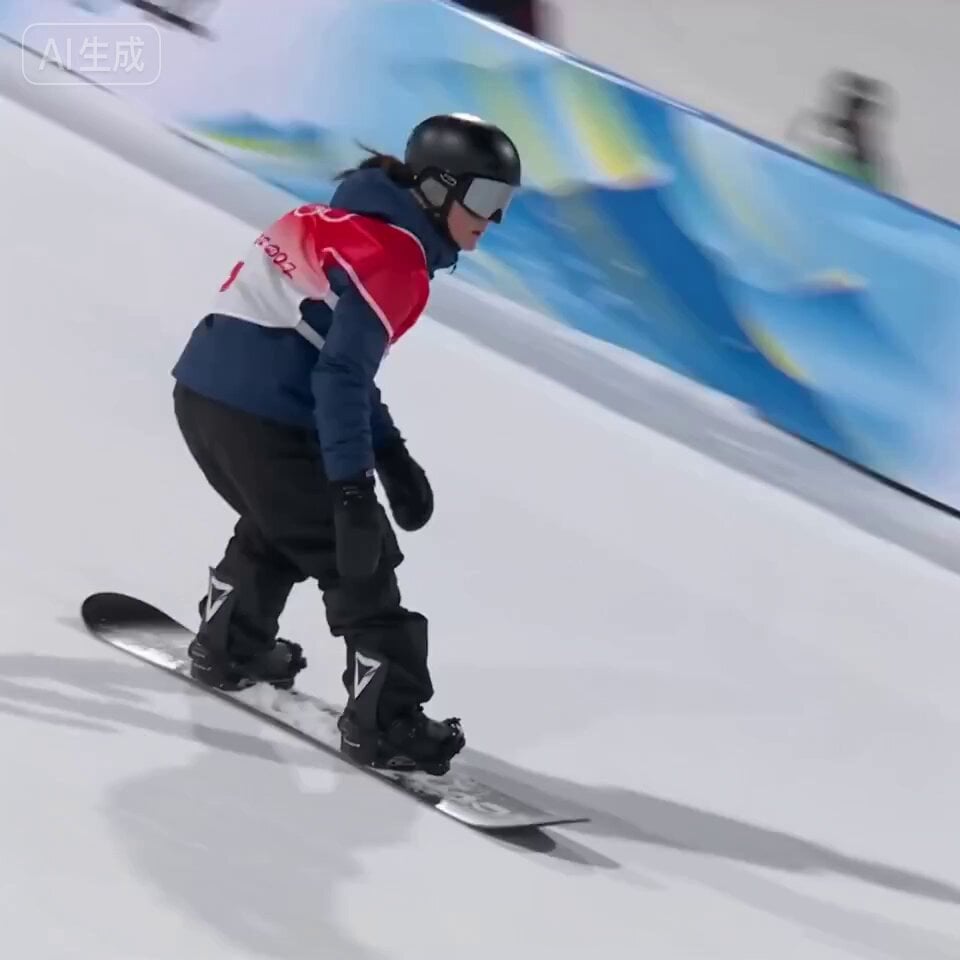
Olympic Snowboard Big Air Competition
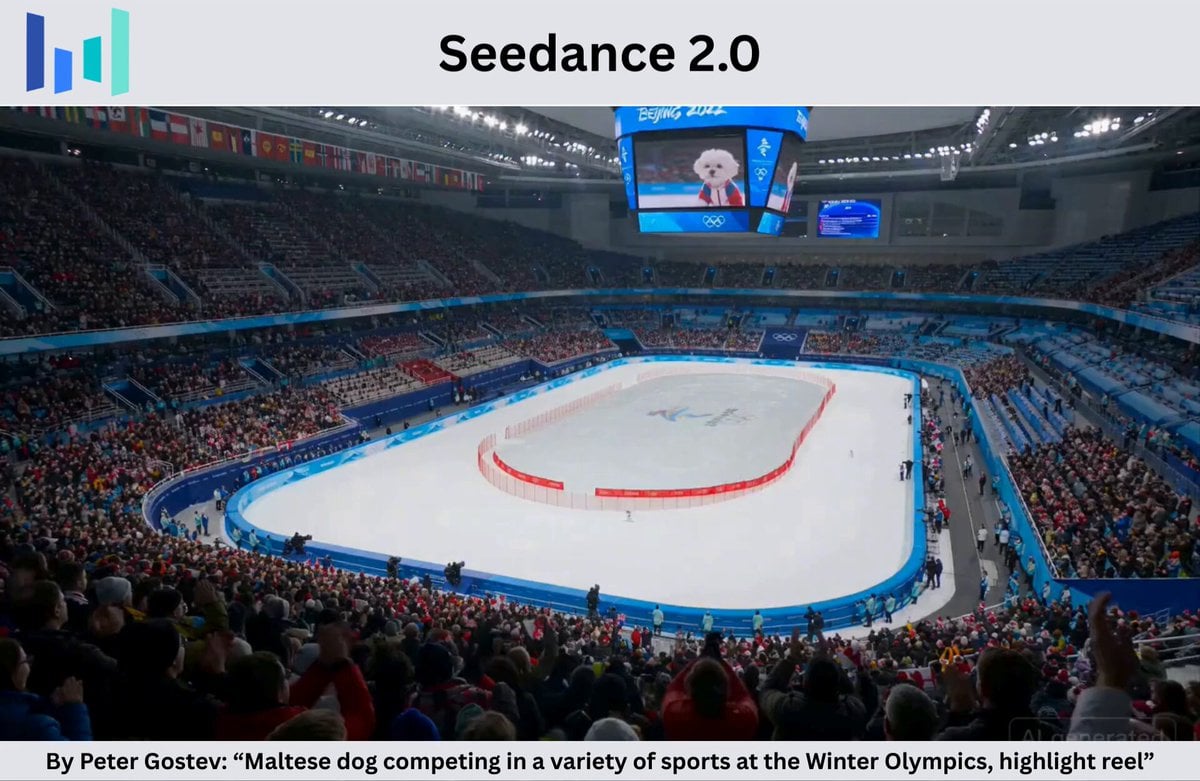
Maltese Dog Winter Olympics Highlight Reel
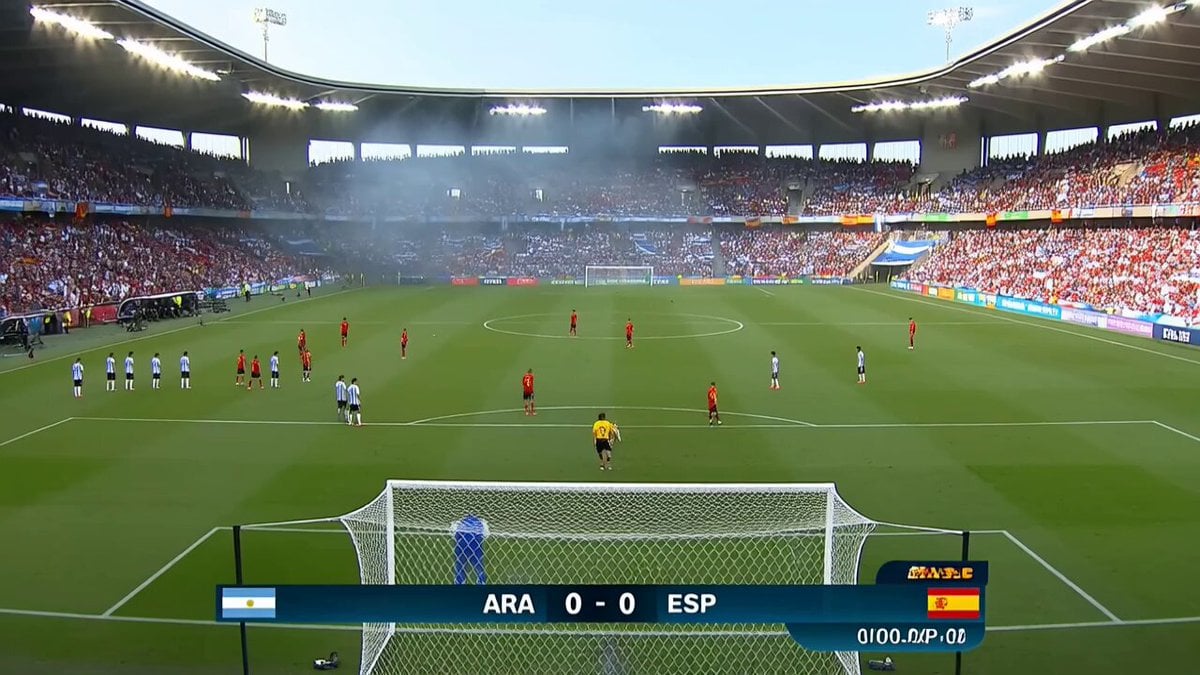
Viral Football Match Comedy Broadcast
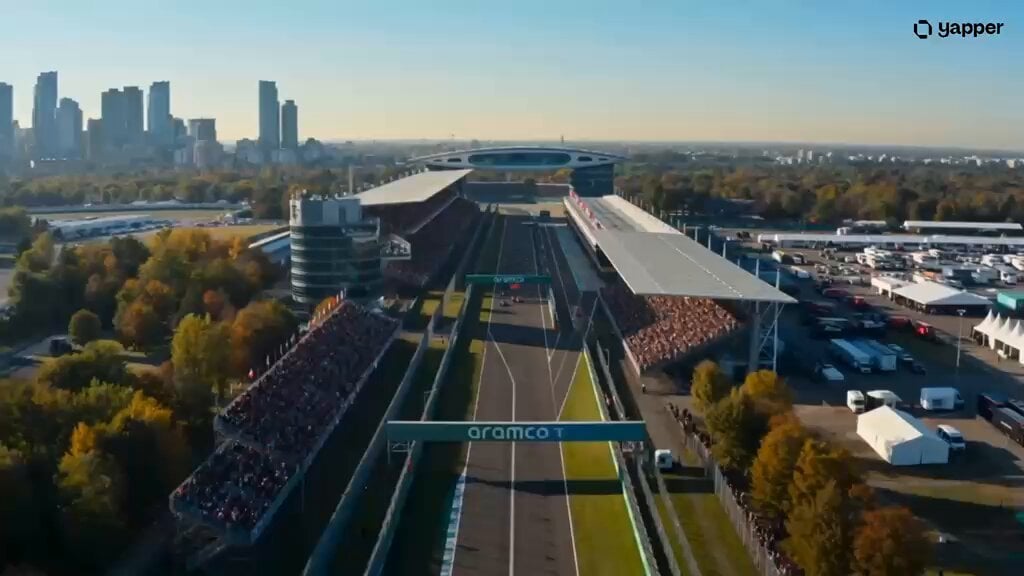
Futuristic Hypercar Racing Broadcast
Make it yours
Olympic Archery Cinematic Broadcast works as-is. These are the safest ways to change it without losing the look.
Change one field
Copy a single group, rewrite it, and generate again so you can see what that field is doing.
Keep the frame, change the subject
Hold the composition and light of Olympic Archery Cinematic Broadcast, then swap wardrobe, props or the person for a new take.
| If the result… | Why | Fix |
|---|---|---|
| The result drifts from the preview | Too many fields changed at once. | Reuse Olympic Archery Cinematic Broadcast as-is first, then change one group — subject, light, or setting. |
| The model over-stylizes the scene | The prose prompt leaves finish and camera underspecified. | Add one camera or lighting sentence and stay on Seedance 2.0. |
More Seedance 2.0 templates
Other prompts made for Seedance 2.0.

Comical Martial Arts Punch Scene

Maglev Train Action Sequence

Martial Arts Fight Sequence

Wuxia Protection and Trust Script

Vintage Korean Arcade MiniDV Vlog

Mercedes 190 SL Luxury Ad

Rainy Night Supernatural Reverse Comedy Video Script

Amazon Civilization Discovery

Futuristic South Asian City Transformation

Cozy Luxury Cafe Commercial
More video prompts
Fresh picks from across the catalog.
The Librarian's Miniature Book Adventure
Cinematic Claymation T-Rex Stomping Through a LEGO City
Apocalypse Korean Rooftop Horror
Suspenseful Mirror Reflection Horror Scene
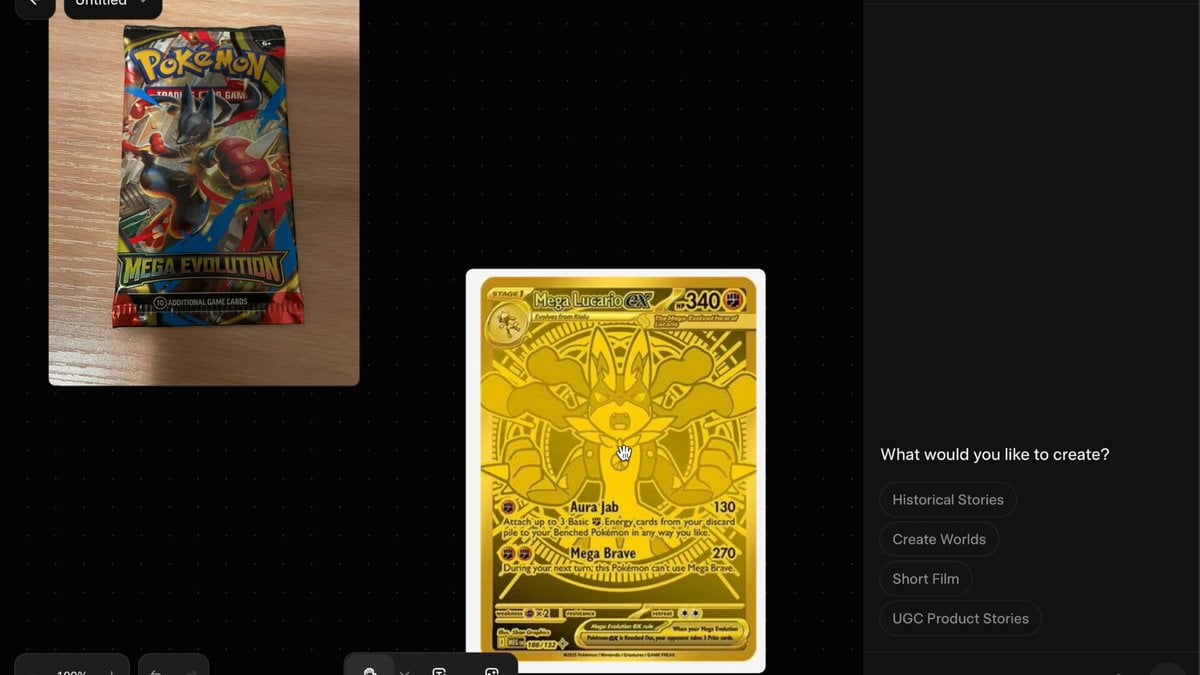
Pokemon Card Unboxing First Person POV

Video prompt for alien mice meeting cats in space suits on a cheese moon
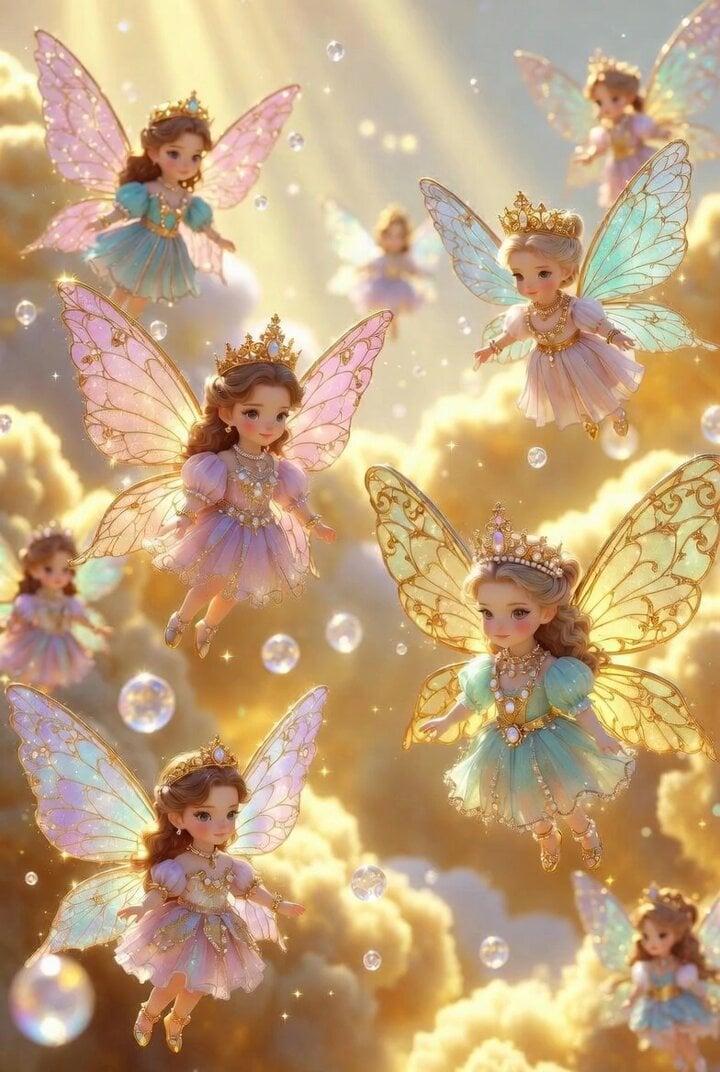
Chibi Fairy Superheroes in Golden Clouds
Premium Peanut Butter Ad

Playful Dog Chasing Butterflies Video Prompt
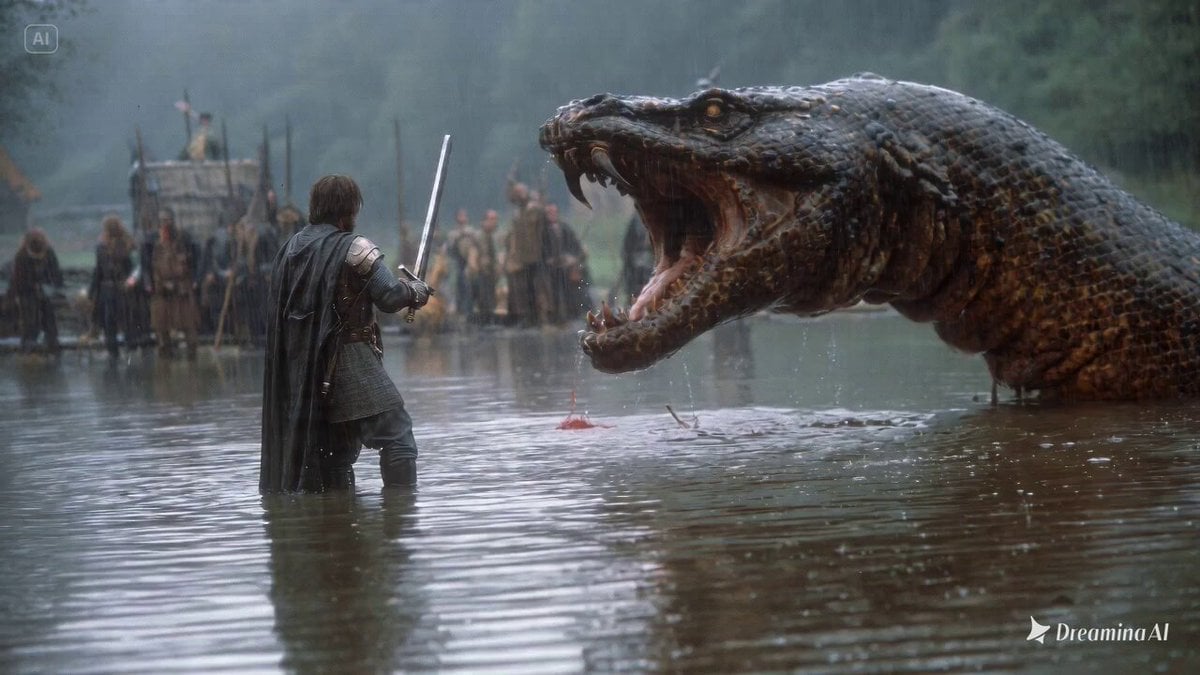
1980s fantasy film scene of a knight fighting a lake monster
Browse template categories
Olympic Archery Cinematic Broadcast questions
How do I use the Olympic Archery Cinematic Broadcast template?
Add your photo if the template asks for one, edit the prompt if you like — the template's model and format are already selected — and press Generate. Your version opens in PicX Studio.
Can I customize the Olympic Archery Cinematic Broadcast template?
Yes. You can change the subject, setting, lighting, mood, format, and available model controls before creating your video.
Is the Olympic Archery Cinematic Broadcast template free?
Opening and editing this template is free. Generating uses credits, shown on the Generate button when you are signed in.
Which AI model should I use?
Start with Seedance 2.0, which is the model associated with this template. You can compare another compatible model for a different finish.
Looking for something else? Browse all templates.

Your photo, any look
Thousands of ready templates for every top image and video model, from one credit balance.