
Medieval Archery Tournament Cinematic Short
A comprehensive 15-second cinematic video prompt for Seedance 2.0, detailing a village boy's triumph in a royal archery tournament with specific shot breakdowns and style requirements.
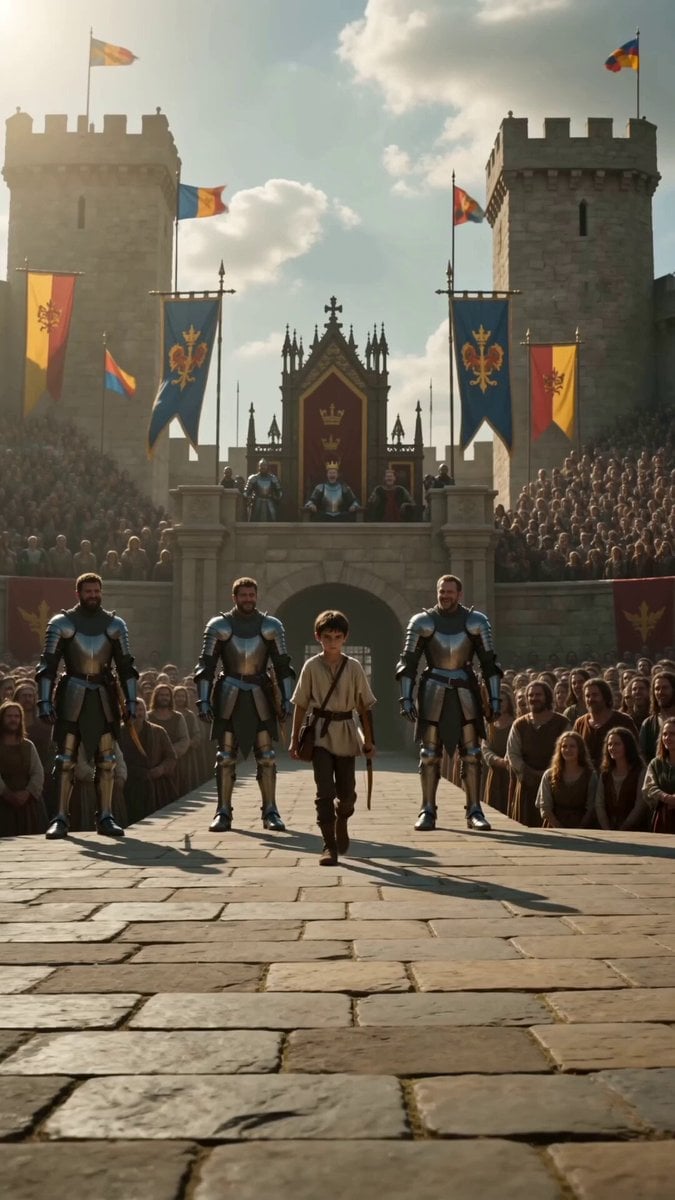
- Prompt included
- Model and format preset
- Free template
The prompt behind this video
Copy the exact prompt behind Medieval Archery Tournament Cinematic Short, or open it in the studio and make it yours.
Create a **15-second ultra-realistic cinematic medieval short film** with perfect character consistency, seamless continuity, and natural physics. The same **14-year-old village boy** appears throughout the video: slim build, short dark brown hair, determined brown eyes, wearing a worn beige linen tunic, dark brown leather belt, dark trousers, simple leather boots, and carrying the same handcrafted wooden longbow with a small leather quiver. His appearance, clothing, hairstyle, and bow must remain identical in every shot. The setting is a magnificent medieval kingdom during a royal archery tournament. Bright afternoon sunlight, colorful royal banners fluttering, a massive stone arena packed with thousands of spectators, noble knights in polished armor, a distant tiny golden target mounted on a wooden stand hundreds of meters away, cinematic lighting, realistic dust particles, authentic medieval architecture, HDR, shallow depth of field, subtle handheld camera movement, natural facial expressions, realistic cloth simulation, physically accurate arrow flight, no fantasy elements. **0–3s:** Wide establishing shot of the royal tournament. The young village boy walks confidently onto the competition field. Three tall armored champion archers laugh and mock him while nearby spectators whisper and smile. The boy remains calm, gripping his wooden bow. **3–7s:** The champion archers each shoot powerful arrows toward the tiny distant golden target. Every arrow narrowly misses. Close-ups of disappointed faces, the target untouched, and the crowd becoming silent with anticipation. **7–12s:** Close-up on the boy's focused face. He slowly inhales, raises his bow with perfect form, and releases one arrow. Follow the arrow in a smooth cinematic tracking shot as it flies naturally across the arena through the sunlight in slow motion. **12–15s:** The arrow strikes the exact center of the golden target with a satisfying metallic impact. Silence for a brief moment, then the entire arena erupts into thunderous applause. The champion archers lower their heads respectfully. The king stands from his throne and smiles proudly. End with a dramatic wide aerial shot of the cheering medieval arena as the young archer stands humbly with his bow. **Style:** Hyper-realistic, Hollywood historical epic, 4K HDR, 24fps, cinematic color grading, natural motion blur, emotionally powerful storytelling, realistic crowd reactions, historically inspired costumes, perfect continuity, no glitches, no extra limbs, no object flickering, no character changes, no text, no watermark.
How to use Medieval Archery Tournament Cinematic Short in 3 steps
- 1
Open
The prompt is already in the box next to the preview, with the template's model and format selected.
- 2…a portrait of your subject in softgolden-hour light, 85mm…
Personalize
Edit the subject and creative details for your destination.
- 3Generate
Generate
Press Generate — your video is created in PicX Studio, so you can compare it with the original and refine one variable at a time.
More like this
Templates with the same subject, style or setup. Open one to see its prompt.
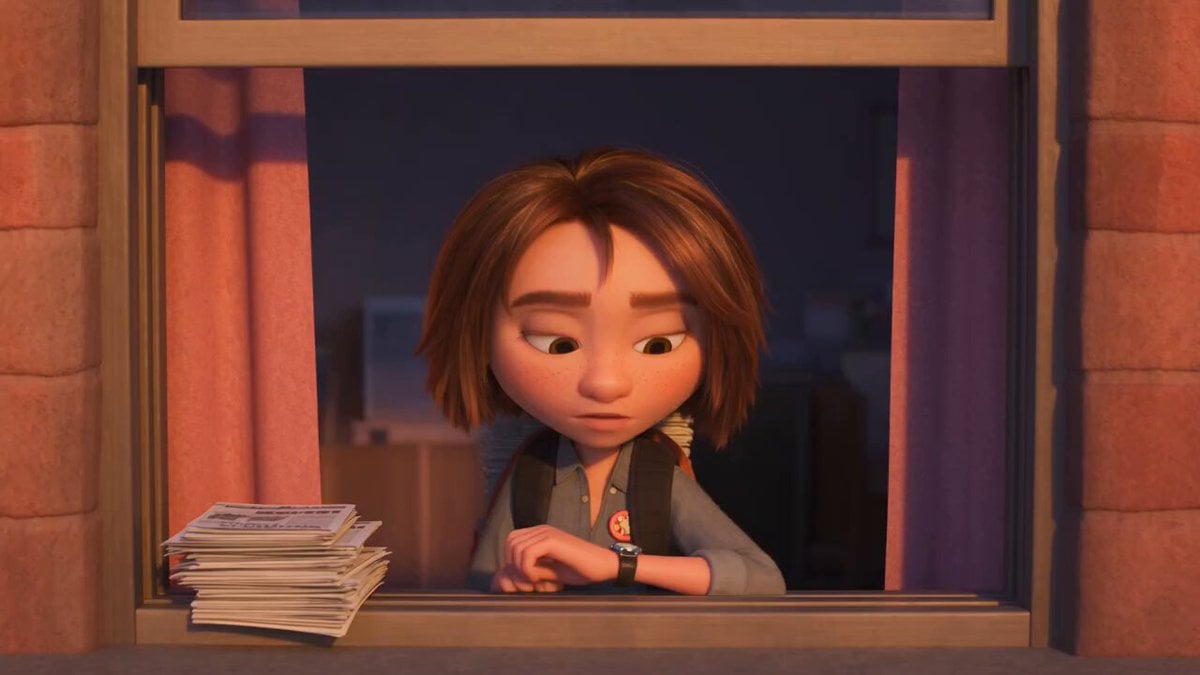
3D Animated Newspaper Delivery Short - Seedance 2.5
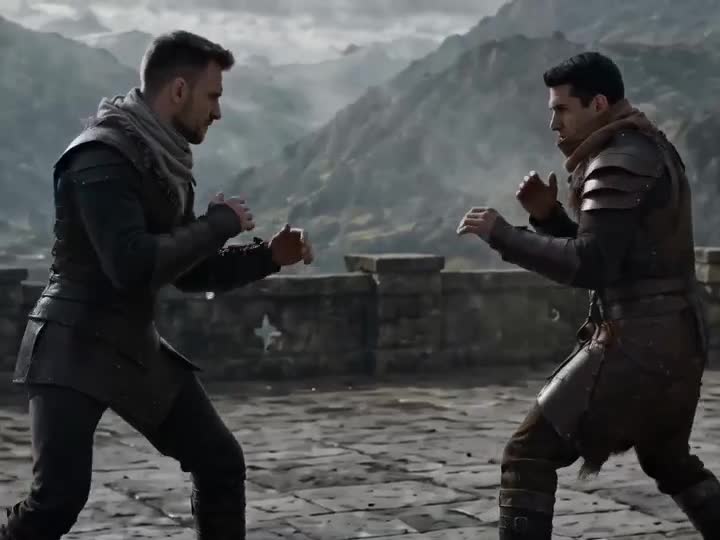
Medieval Duel Style Transfer
Youth Racing Short Film
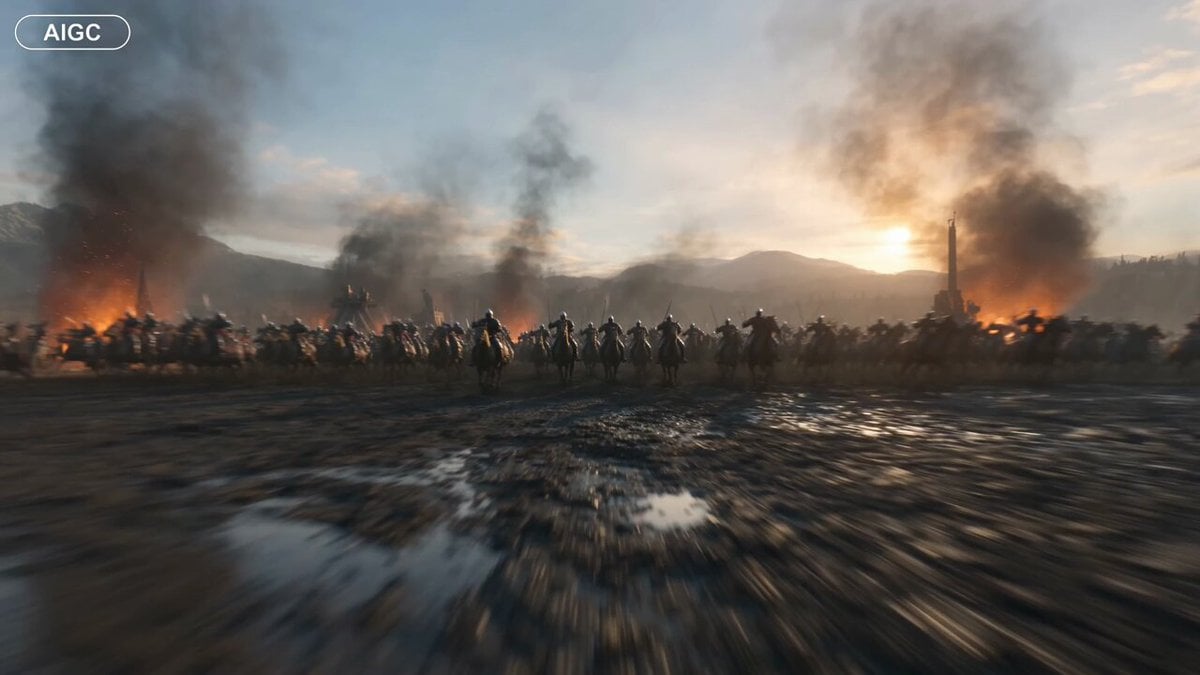
Medieval Battlefield FPV Drone Flight
Cosmic Marble Animated Short
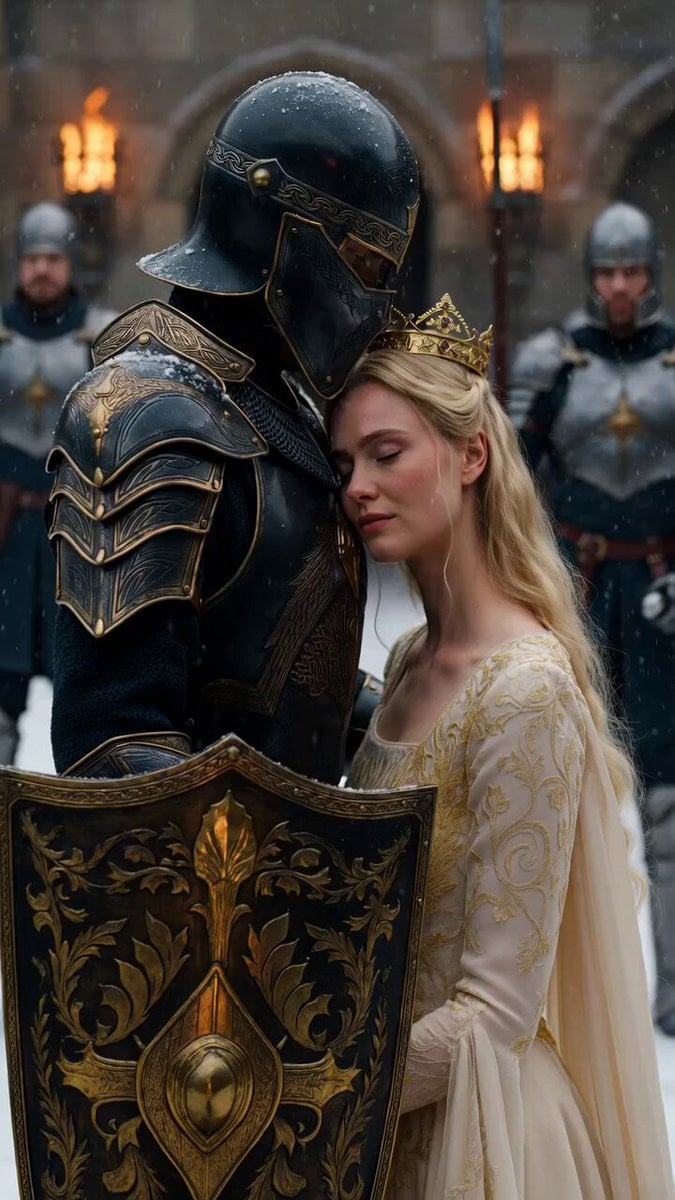
Medieval Knight and Queen Cinematic Close-up
Cinematic Short Film Scene 2

Cinematic Short Film Scene
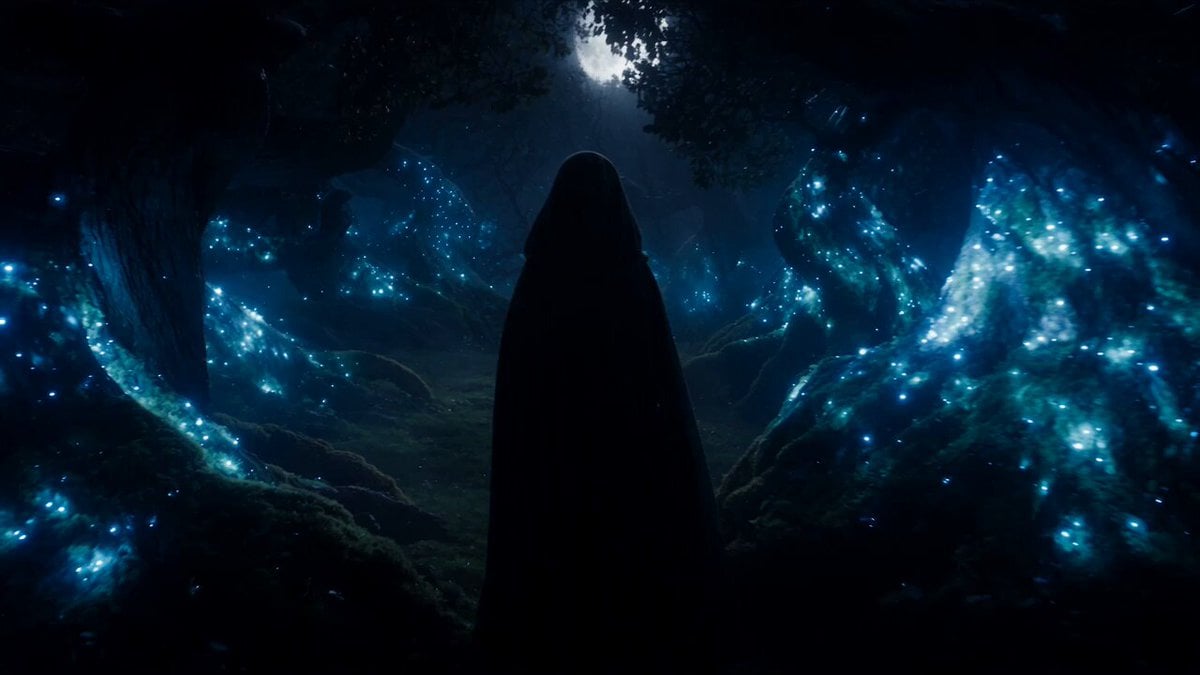
Forest Fantasy Girl Short Film
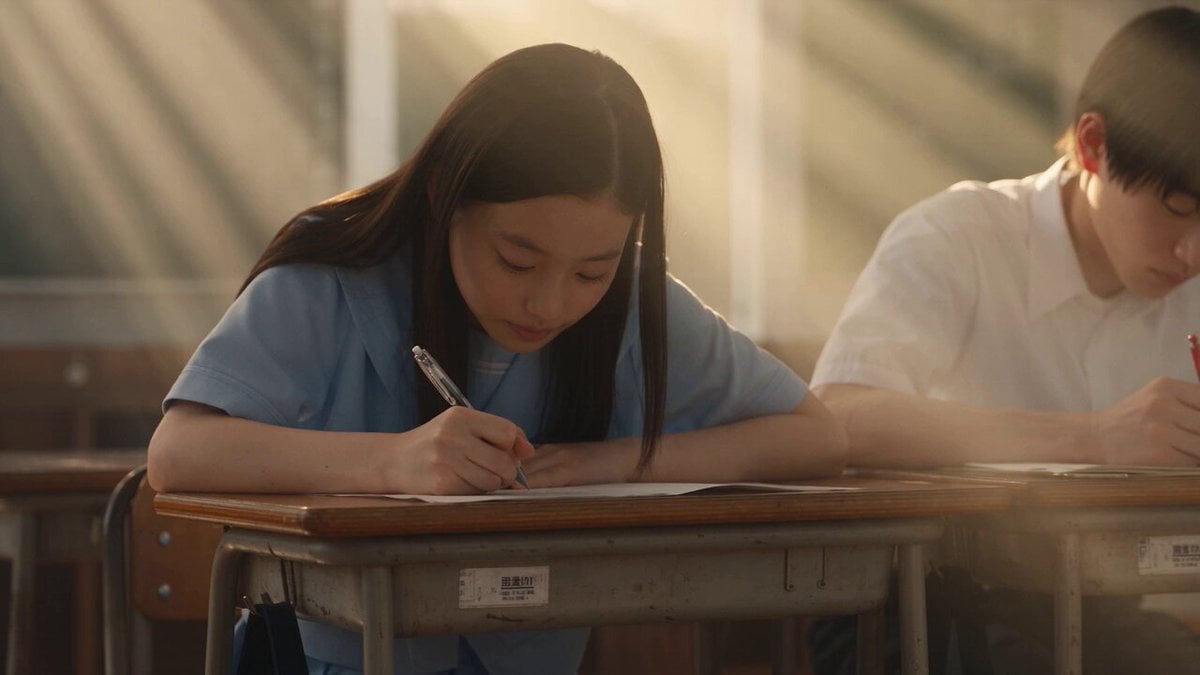
Japanese Pure Love Short Film
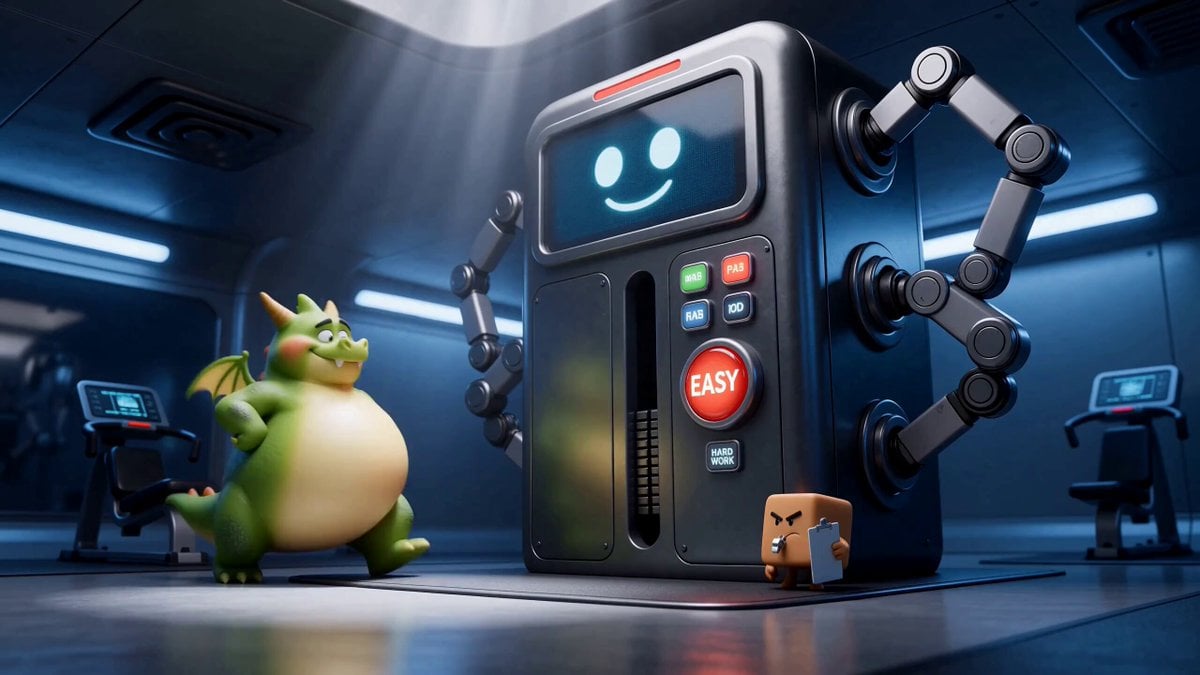
Green Dragon Training Short
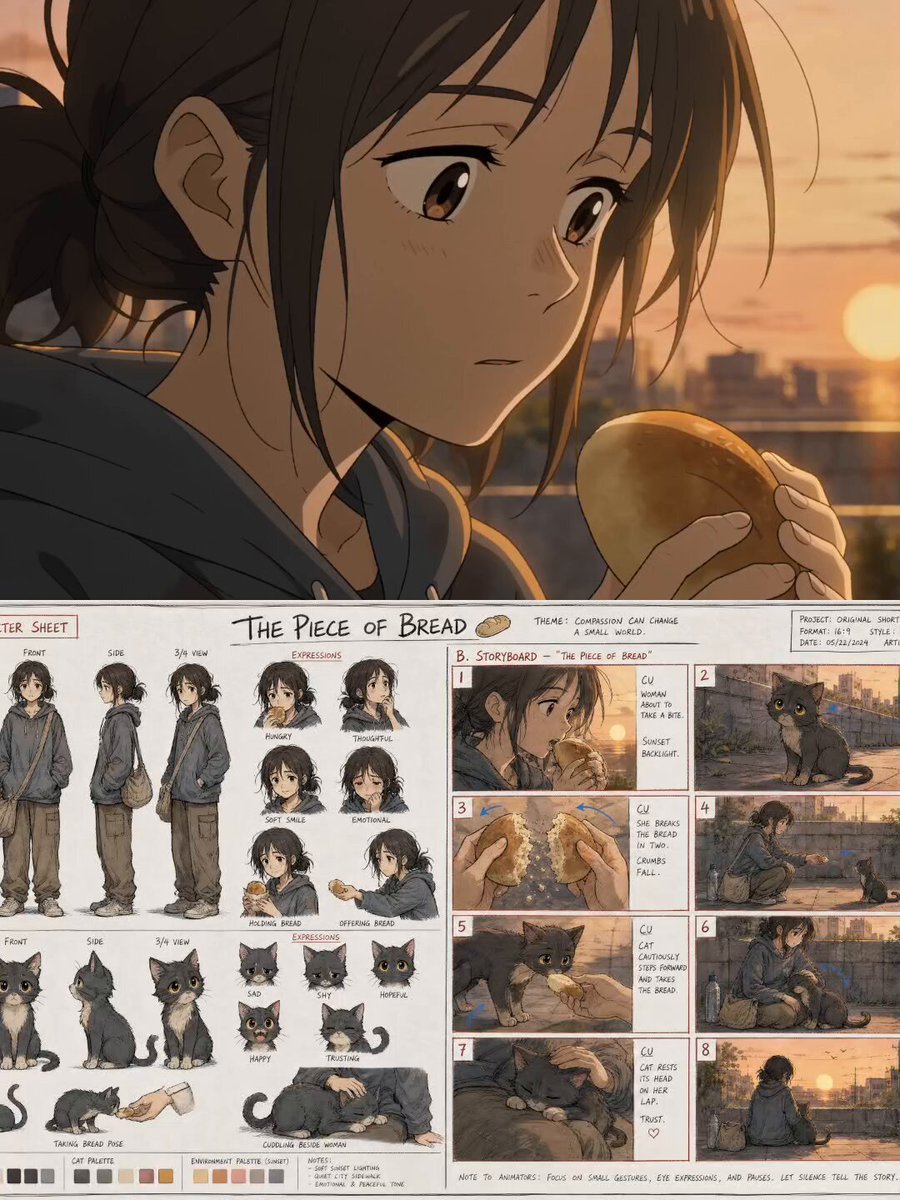
The Piece of Bread: Anime Short Film
Make it yours
Medieval Archery Tournament Cinematic Short works as-is. These are the safest ways to change it without losing the look.
Change one field
Copy a single group, rewrite it, and generate again so you can see what that field is doing.
Keep the frame, change the subject
Hold the composition and light of Medieval Archery Tournament Cinematic Short, then swap wardrobe, props or the person for a new take.
| If the result… | Why | Fix |
|---|---|---|
| The result drifts from the preview | Too many fields changed at once. | Reuse Medieval Archery Tournament Cinematic Short as-is first, then change one group — subject, light, or setting. |
| The model over-stylizes the scene | The prose prompt leaves finish and camera underspecified. | Add one camera or lighting sentence and stay on Seedance 2.0. |
More Seedance 2.0 templates
Other prompts made for Seedance 2.0.

Comical Martial Arts Punch Scene

Maglev Train Action Sequence

Martial Arts Fight Sequence

Wuxia Protection and Trust Script

Vintage Korean Arcade MiniDV Vlog

Mercedes 190 SL Luxury Ad

Rainy Night Supernatural Reverse Comedy Video Script

Amazon Civilization Discovery

Futuristic South Asian City Transformation

Cozy Luxury Cafe Commercial
More video prompts
Fresh picks from across the catalog.

OLLY Gummy Vitamin Product Commercial
Rock Music Celebration with Optimus
Cinematic Chinese Xianxia Drama Storyboard
Korean Idol Vlog Camcorder
Bioluminescent Night Underwater Creature
Fluffy Kitten in Outdoor Setting
Detailed Grok Imagine Prompt for Selfie POV Video
Live-Action Sci-Fi Warrior Prompt
Luminous Jellyfish and Kronosaurus Ambush
Abstract Psychedelic Anime Animation
Browse template categories
Medieval Archery Tournament Cinematic Short questions
How do I use the Medieval Archery Tournament Cinematic Short template?
Add your photo if the template asks for one, edit the prompt if you like — the template's model and format are already selected — and press Generate. Your version opens in PicX Studio.
Can I customize the Medieval Archery Tournament Cinematic Short template?
Yes. You can change the subject, setting, lighting, mood, format, and available model controls before creating your video.
Is the Medieval Archery Tournament Cinematic Short template free?
Opening and editing this template is free. Generating uses credits, shown on the Generate button when you are signed in.
Which AI model should I use?
Start with Seedance 2.0, which is the model associated with this template. You can compare another compatible model for a different finish.
Looking for something else? Browse all templates.

Your photo, any look
Thousands of ready templates for every top image and video model, from one credit balance.