
Korean Idol Vlog Camcorder
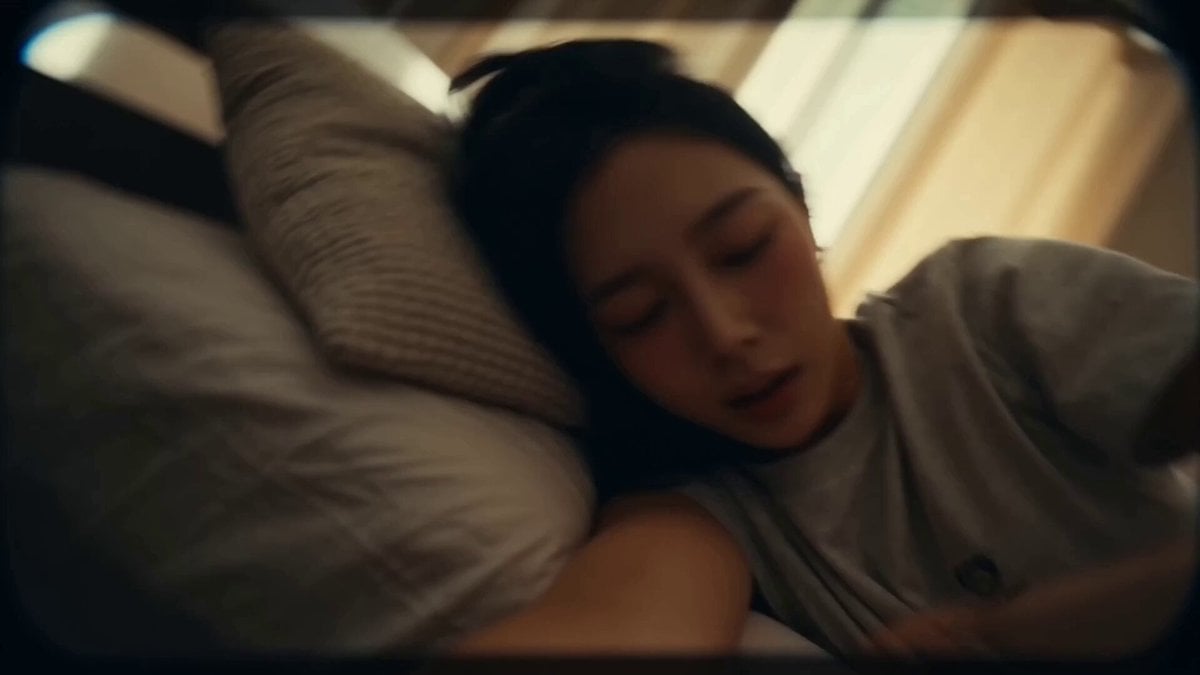
A multi-scene vlog-style prompt emulating 16mm tape camcorder footage, following a day in the life of a Korean idol.
- Prompt included
- Model and format preset
- Premium template
The prompt behind this video
Copy the exact prompt behind Korean Idol Vlog Camcorder, or open it in the studio and make it yours.
**CAMERA:** DV 16mm tape camcorder handheld feel. POV of CHASE holding the camera herself throughout each location, occasionally propped briefly for hands-free moments. Hand shake, misaligned framing, delayed focus pulls, clumsy zooms, occasional face cut-off framing, imperfect shots. Camcorder never appears on screen. **LOOK:** Soft, slightly blurry tape quality, faint tape noise, bloomed highlights, flickering auto-exposure, muted contrast, realistic skin tones — lighting shifts naturally per location (warm dorm light → cool van light → studio fluorescents → bright stage lights). **STYLE:** Fast-paced time-lapse montage feel — quick cuts stitched together across locations, sped-up transitional movement between them. Instead of synced dialogue, her voice plays as reflective voiceover narration over the visuals, tying the day together. Energy builds progressively from sleepy morning to high-adrenaline stage finish. **Character** CHASE — Korean idol, 20s. Long straight black hair, elegant yet lovely Korean features, dewy glass skin, coral pink lips, big eyes. Outfit changes naturally per location: cozy loungewear at the dorm, casual comfortable clothes in the van, modest athletic wear in the practice room, and a stage outfit for the final segment — each fully covering arms and torso. **Setting Progression** Dorm room (morning) → van interior (daytime) → practice room (afternoon) → backstage/stage (night). **Storyboard (voiceover narration over visuals)** 1. *(~2s, dorm, propped camera, sleepy morning light)* She stretches, rubbing her eyes, hair messy. VOICEOVER (CHASE): "Every day starts the same way — way too early." 2. *(~2s, dorm, handheld, quick motion)* She moves through her morning routine in fast, sped-up cuts — brushing hair, grabbing a bag. VOICEOVER (CHASE): "Get ready, grab everything, and go." 3. *(~2s, van interior, handheld, window light)* She sits by the window, phone in hand, soft daylight passing over her face. VOICEOVER (CHASE): "The van's basically my second home at this point." 4. *(~1.5s, van, macro insert)* Close-up on her hand adjusting a playlist on her phone, light flickering through the window. No narration — ambient road sound only. 5. *(~2s, practice room, handheld, energetic)* She's mid-movement rehearsing choreography, camera catching quick glimpses of the mirror wall. VOICEOVER (CHASE): "Then it's hours of practice till my legs give out." 6. *(~2s, practice room, propped camera, water break)* She wipes sweat, drinks water, breathless but smiling. VOICEOVER (CHASE): "But somehow I never get tired of this part." 7. *(~2s, backstage, handheld, quick transition)* Hair and makeup blur past in quick cuts, staff moving around her, adrenaline building. VOICEOVER (CHASE): "And then suddenly, it's showtime." 8. *(~2s, stage, wide-to-close, high energy finish)* Bright stage lights, her silhouette stepping out as the camera catches a final glimpse before cutting to black.
How to use Korean Idol Vlog Camcorder in 3 steps
- 1
Open
The prompt is already in the box next to the preview, with the template's model and format selected.
- 2…a portrait of your subject in softgolden-hour light, 85mm…
Personalize
Edit the subject and creative details for your destination.
- 3Generate
Generate
Press Generate — your video is created in PicX Studio, so you can compare it with the original and refine one variable at a time.
More like this
Templates with the same subject, style or setup. Open one to see its prompt.
Sunny Morning Laundry Vlog
Korean Woman Laundry Folding DV Camcorder Morning
Korean Idol Backstage Vlog Scene
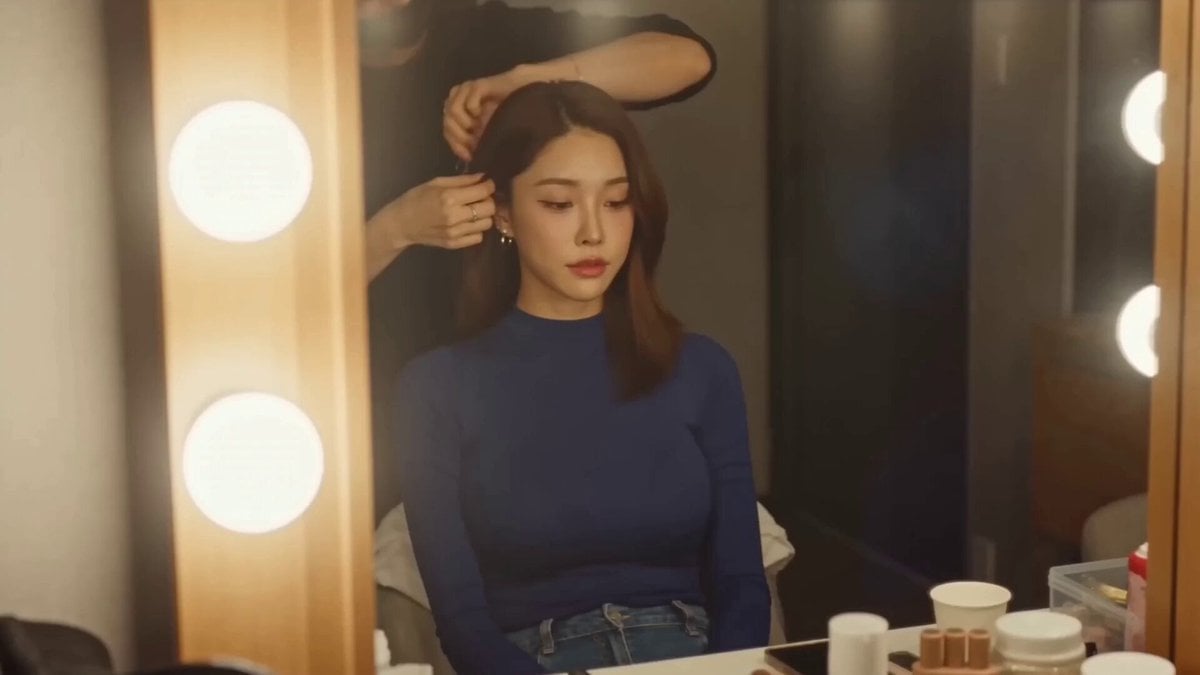
Korean Idol Vlogger Documentary Aesthetic
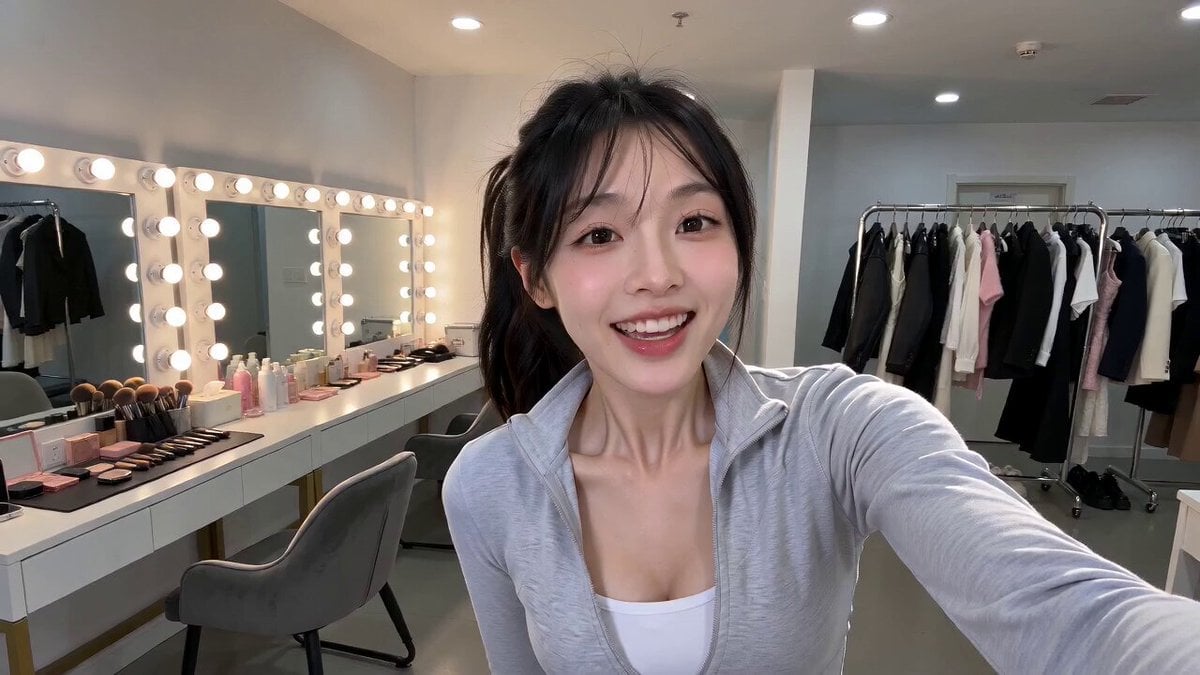
Korean Idol Vlog Swap Challenge
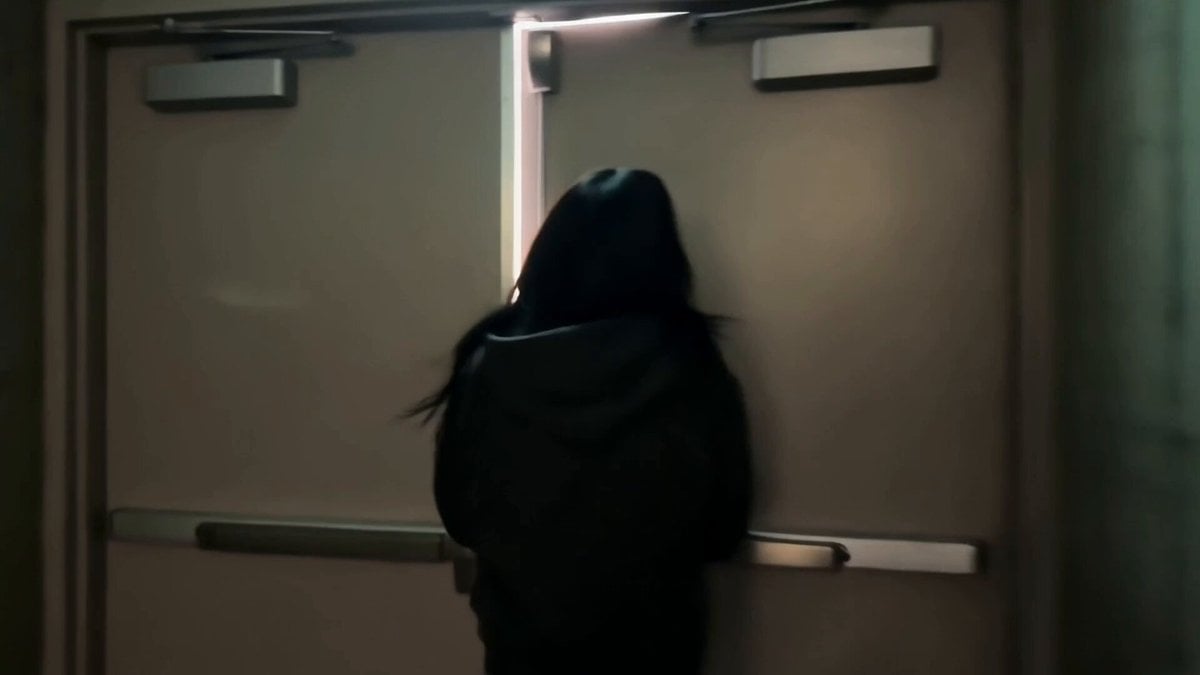
Korean Idol Backstage Vlog
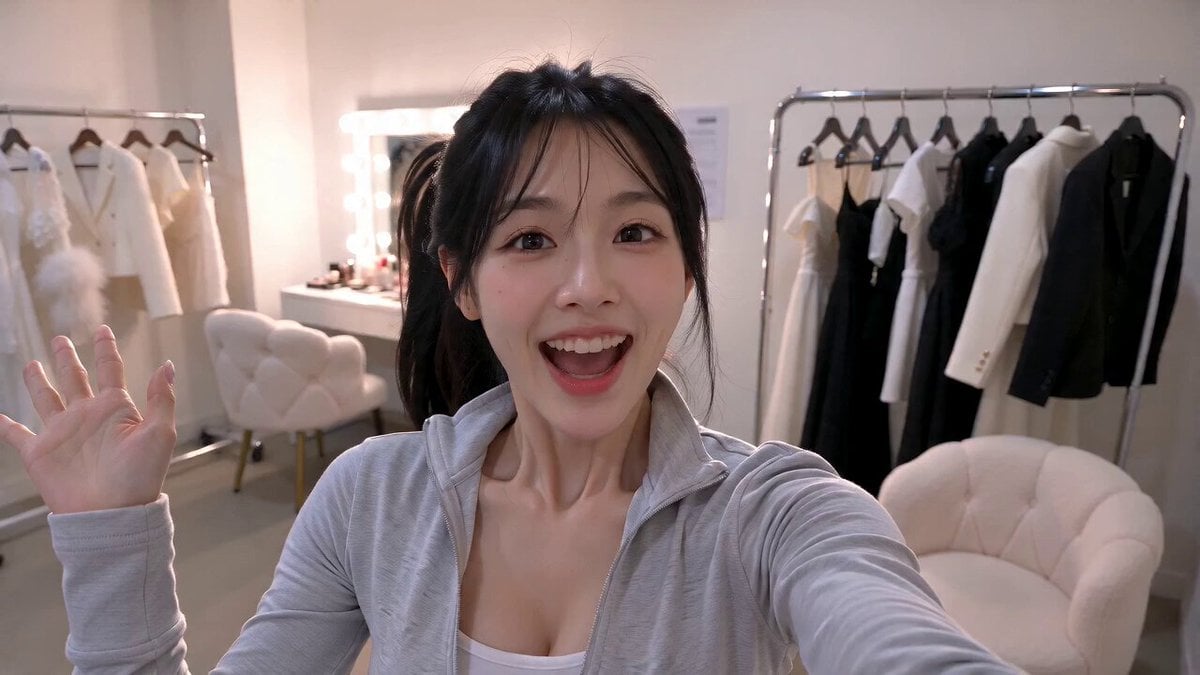
Korean Idol Childhood Photo Vlog
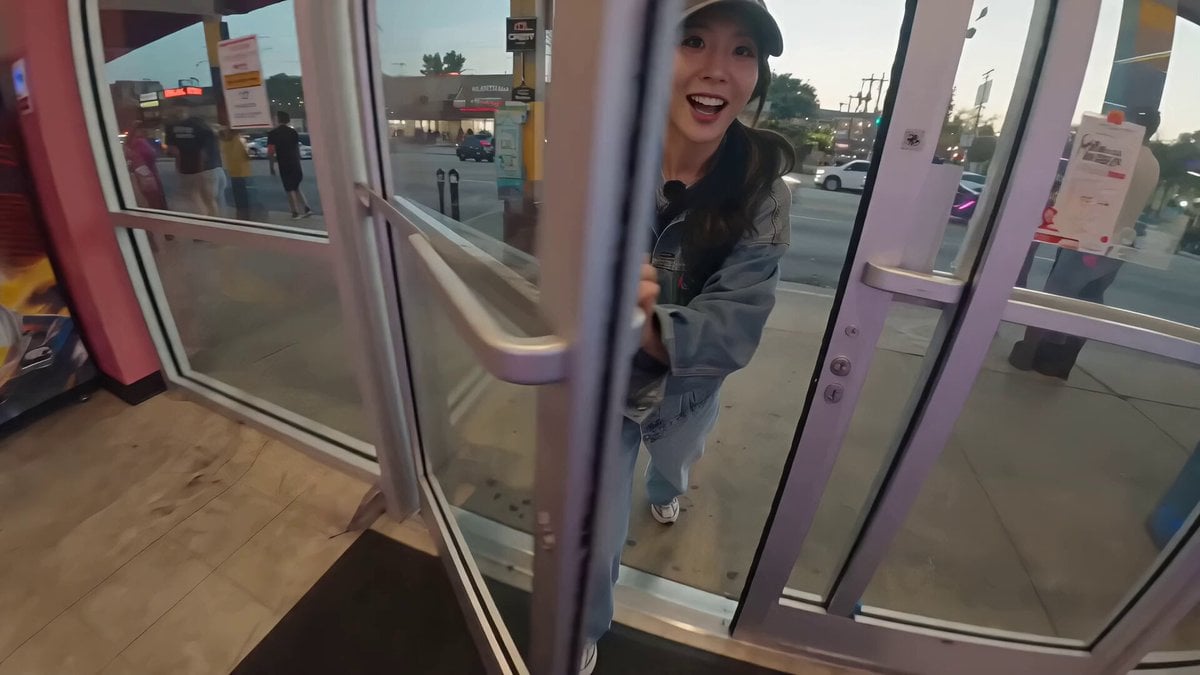
Korean Idol Arcade Mini Vlog
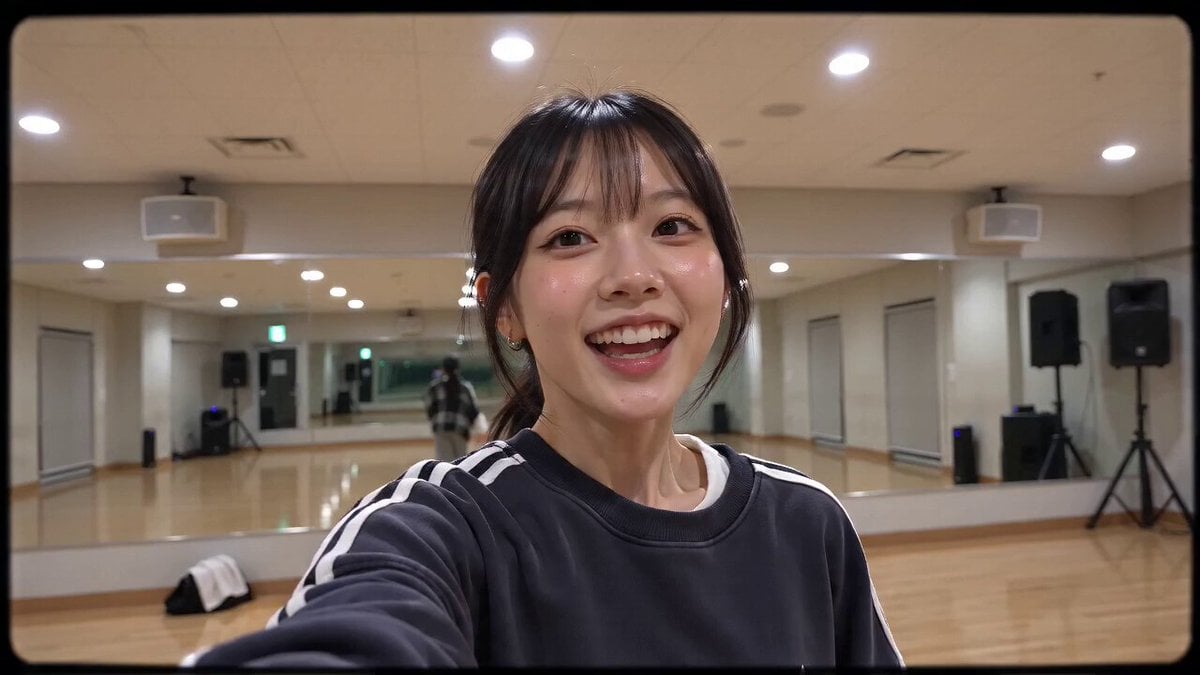
Handheld 16mm Camcorder Idol Vlog
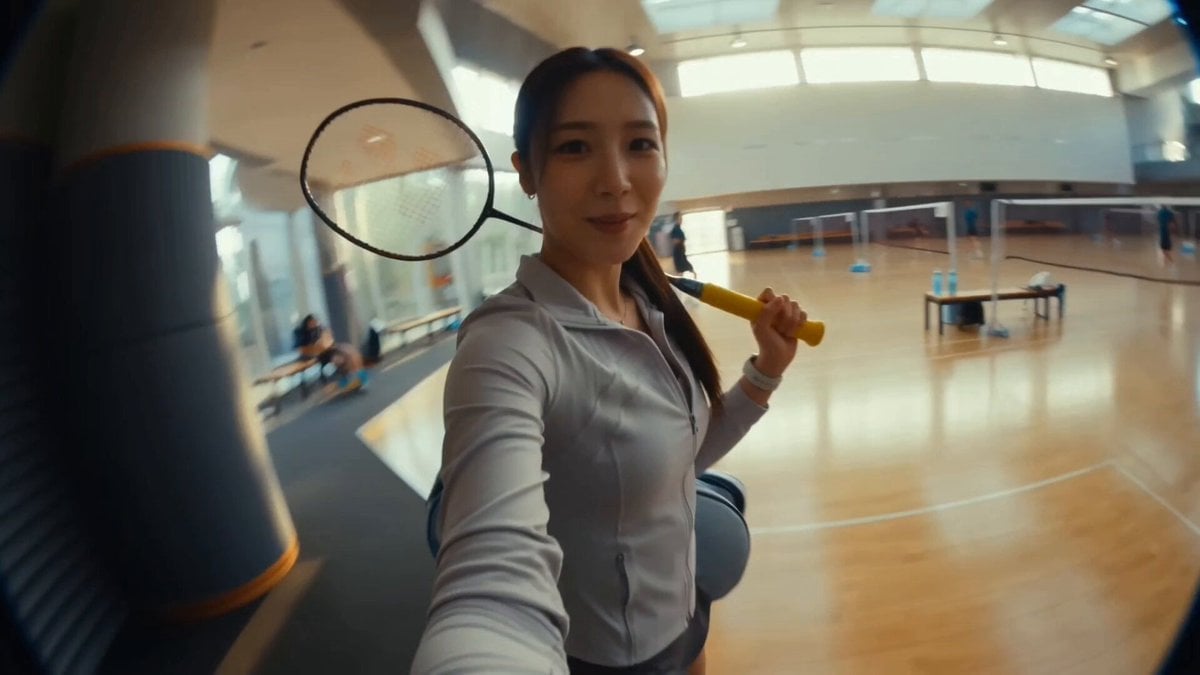
Korean Idol Morning Badminton Vlog
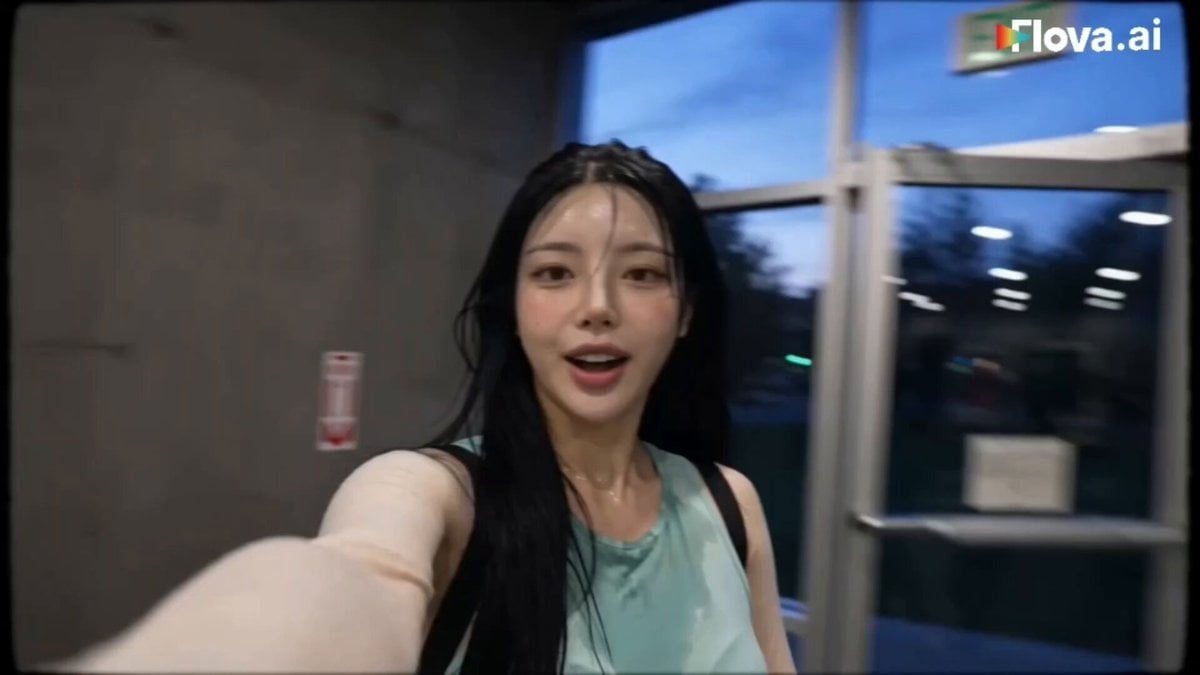
Korean Idol Gym Vlog
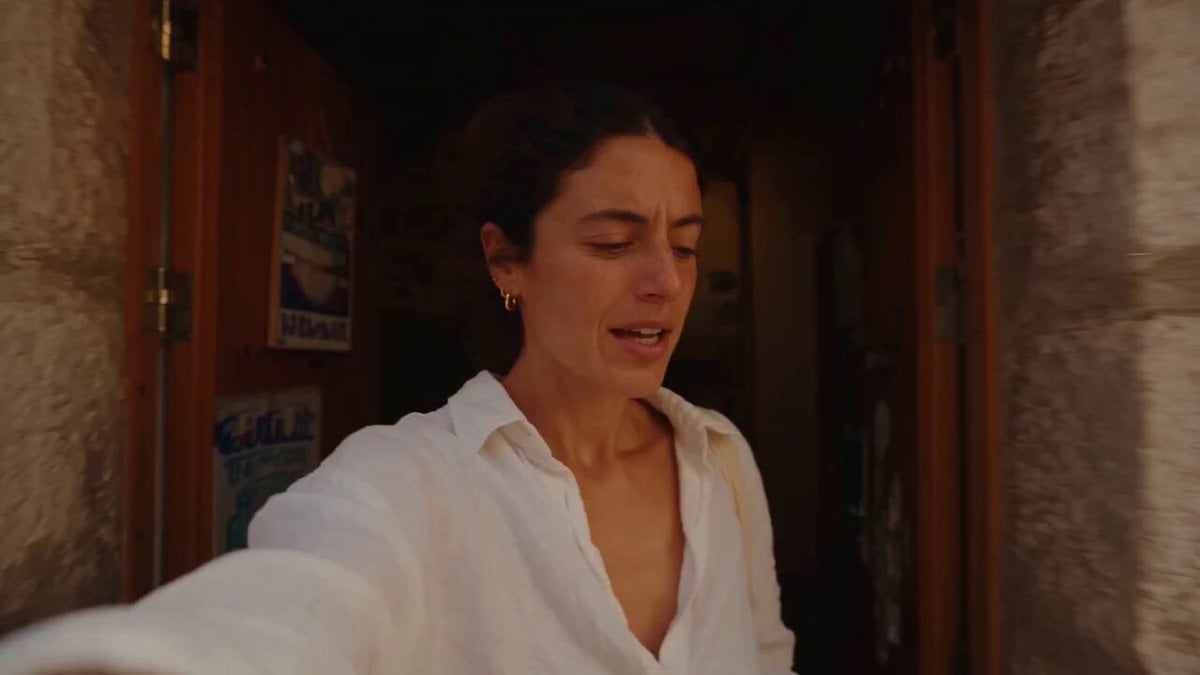
Mediterranean Coffee Run Vlog - Seedance 2.5
Make it yours
Korean Idol Vlog Camcorder works as-is. These are the safest ways to change it without losing the look.
Change one field
Copy a single group, rewrite it, and generate again so you can see what that field is doing.
Keep the frame, change the subject
Hold the composition and light of Korean Idol Vlog Camcorder, then swap wardrobe, props or the person for a new take.
| If the result… | Why | Fix |
|---|---|---|
| The result drifts from the preview | Too many fields changed at once. | Reuse Korean Idol Vlog Camcorder as-is first, then change one group — subject, light, or setting. |
| The model over-stylizes the scene | The prose prompt leaves finish and camera underspecified. | Add one camera or lighting sentence and stay on Seedance 2.0. |
More Seedance 2.0 templates
Other prompts made for Seedance 2.0.

Comical Martial Arts Punch Scene

Maglev Train Action Sequence

Martial Arts Fight Sequence

Wuxia Protection and Trust Script

Vintage Korean Arcade MiniDV Vlog

Mercedes 190 SL Luxury Ad

Rainy Night Supernatural Reverse Comedy Video Script

Amazon Civilization Discovery

Futuristic South Asian City Transformation

Cozy Luxury Cafe Commercial
More video prompts
Fresh picks from across the catalog.

Dragons in Moonlit Forest
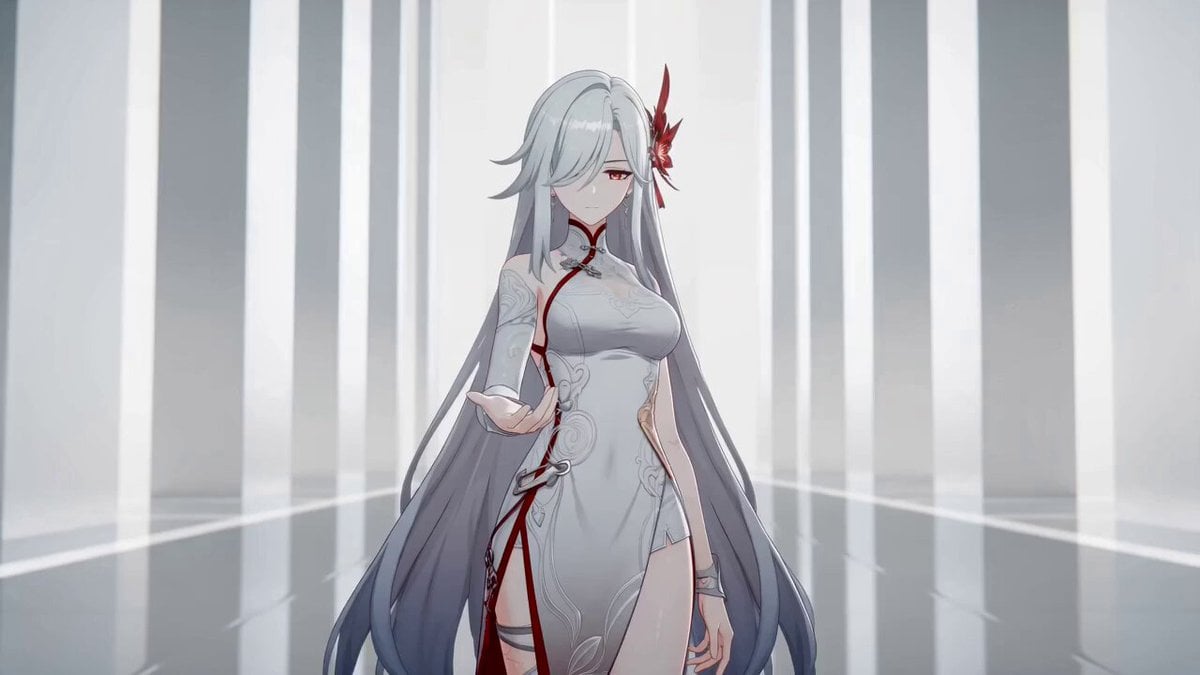
Anime Sword Combat Combat Choreography
Complex Action Sequence Video Prompt for Seedance 2.0
Handheld POV Nighttime Taxi Video
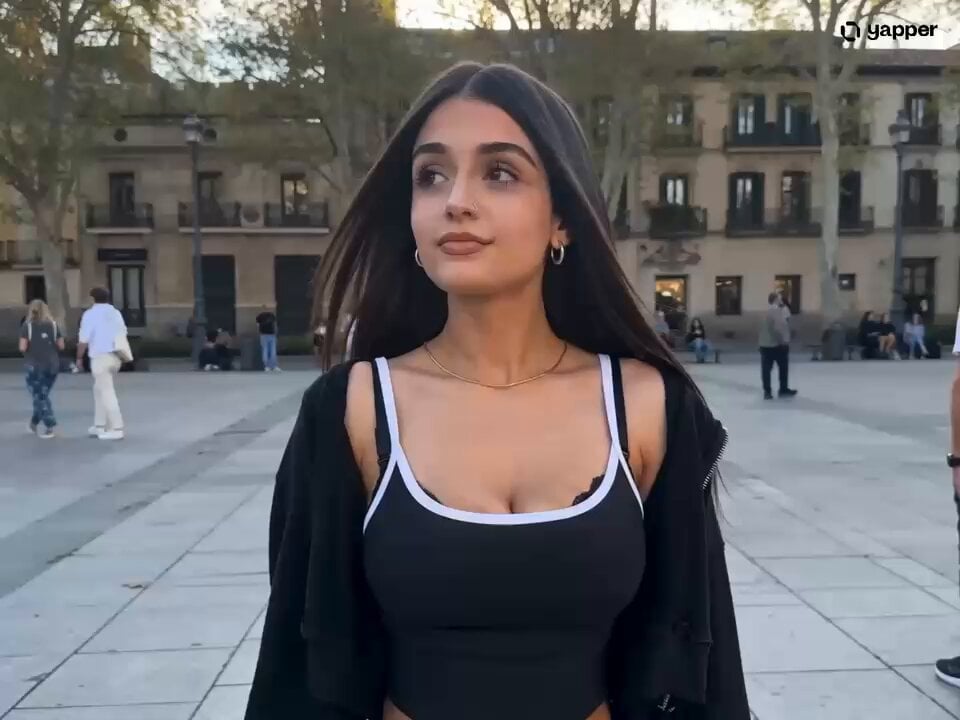
London Square Stumble and Recovery

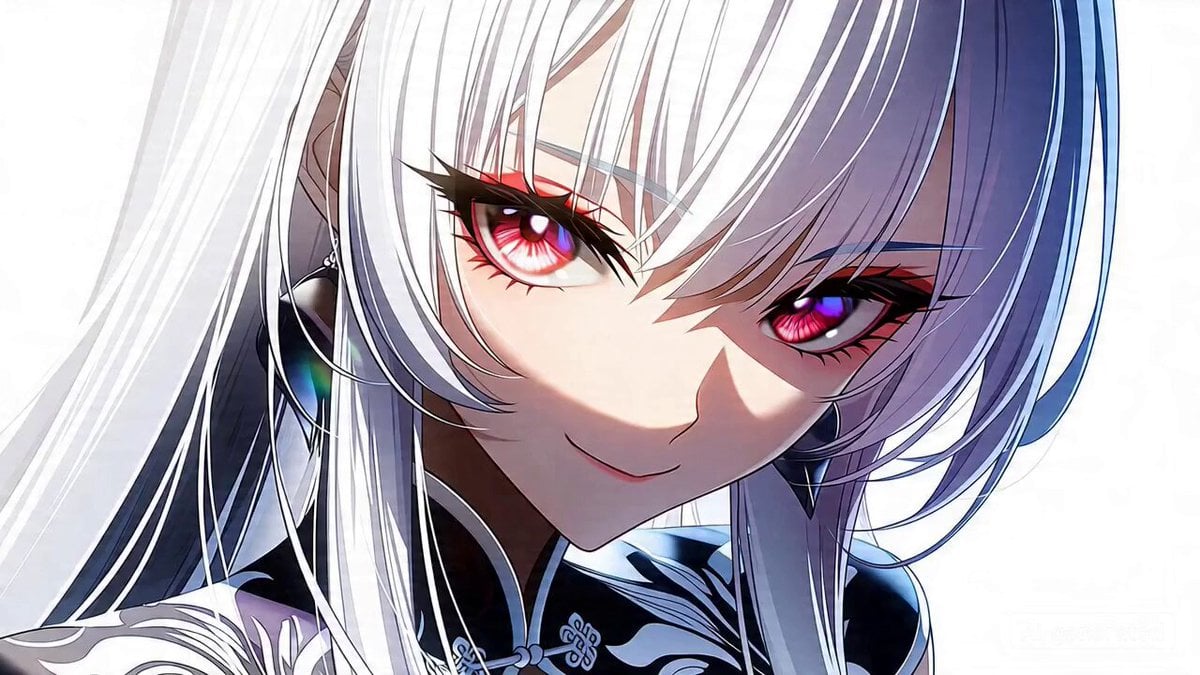
Seedance 2.0 Prompt for Anime Style White-Haired Girl

Sci-fi short film: The Girl vs. the Robot Spider
Fantasy Dragon River Reveal
Gourmet Cheeseburger Food Commercial
Cinematic Marine Biologist Exploration
Browse template categories
Korean Idol Vlog Camcorder questions
How do I use the Korean Idol Vlog Camcorder template?
Add your photo if the template asks for one, edit the prompt if you like — the template's model and format are already selected — and press Generate. Your version opens in PicX Studio.
Can I customize the Korean Idol Vlog Camcorder template?
Yes. You can change the subject, setting, lighting, mood, format, and available model controls before creating your video.
Is the Korean Idol Vlog Camcorder template free?
Opening and editing this template is free. Generating uses credits, shown on the Generate button when you are signed in.
Which AI model should I use?
Start with Seedance 2.0, which is the model associated with this template. You can compare another compatible model for a different finish.
Looking for something else? Browse all templates.

Your photo, any look
Thousands of ready templates for every top image and video model, from one credit balance.