How do I use the Korean Idol Vlog Swap Challenge template?
Edit the prompt in the box under the preview — the template's model and format are already selected — and press Generate. Your version appears right on this page.
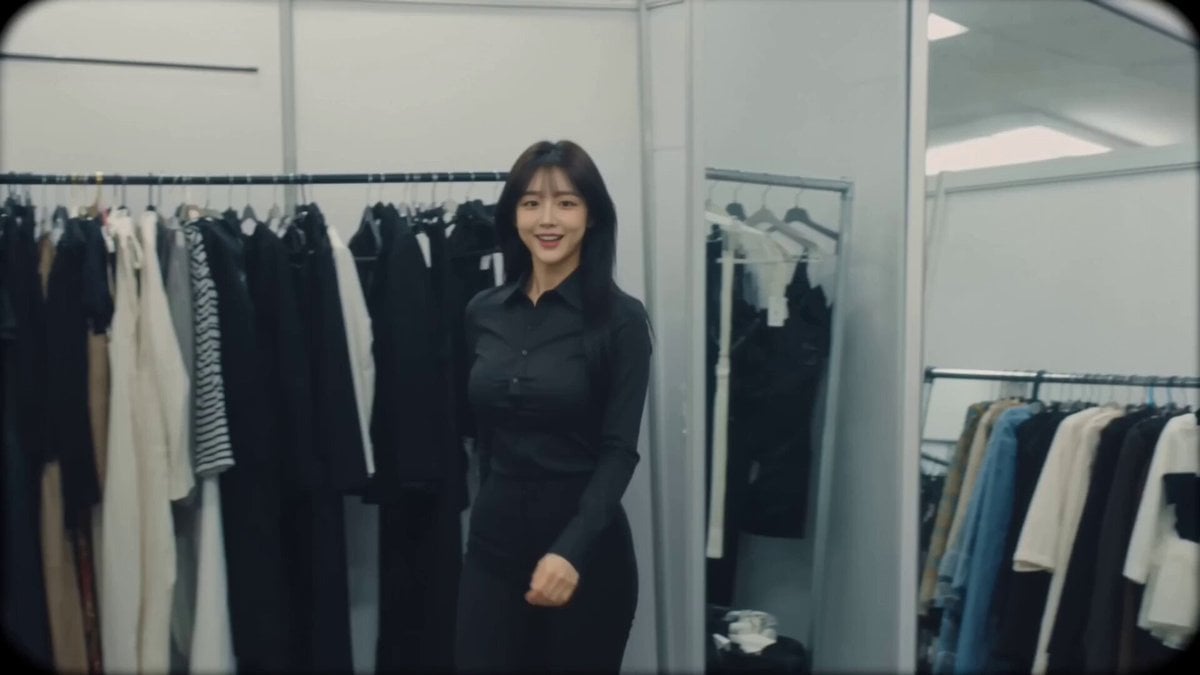
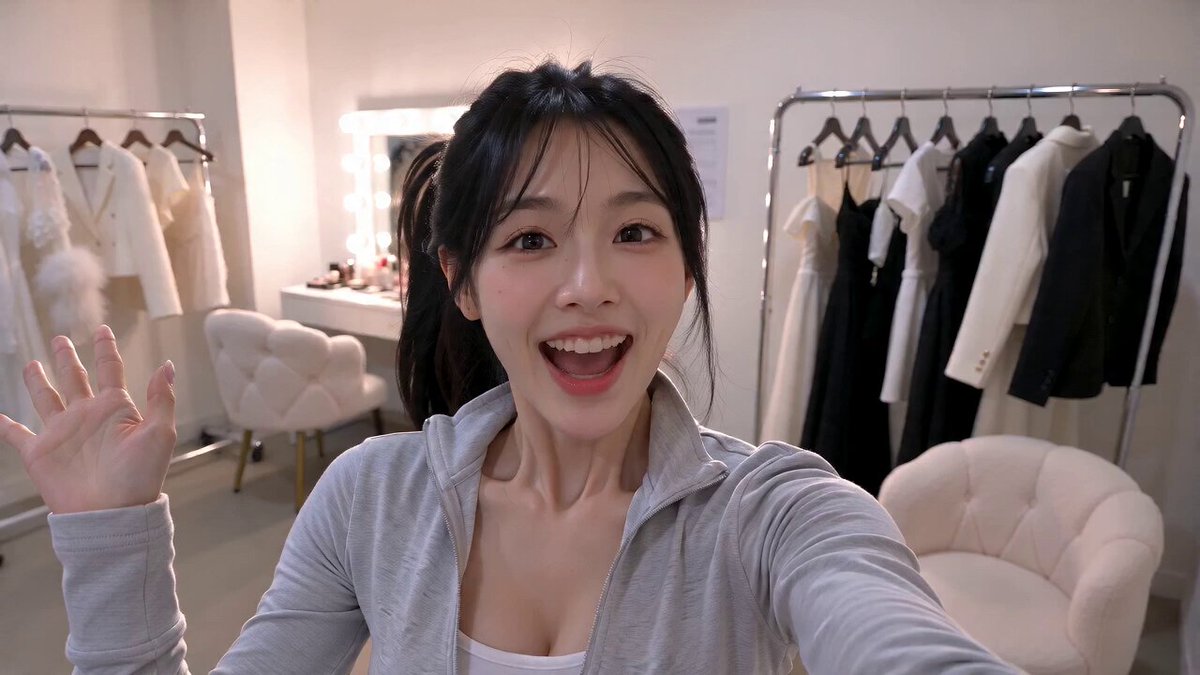
A high-energy, viral-style vlog prompt for Seedance 2.0 featuring a Korean female idol transforming through multiple stylish looks in a studio dressing room.
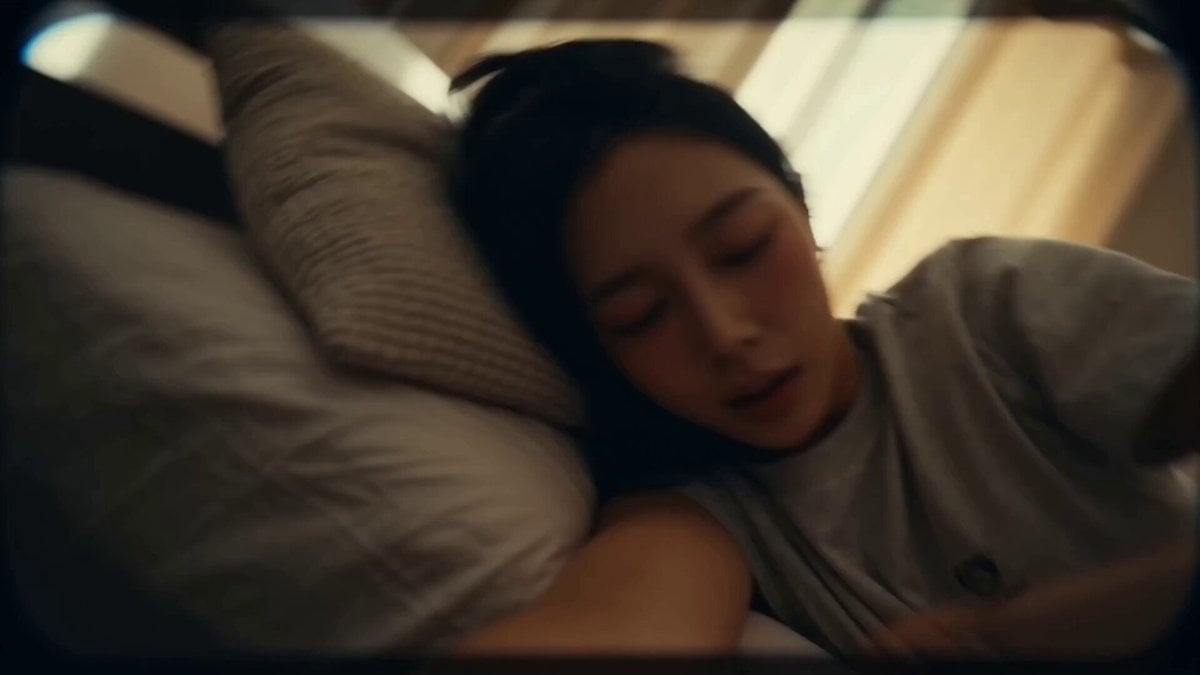
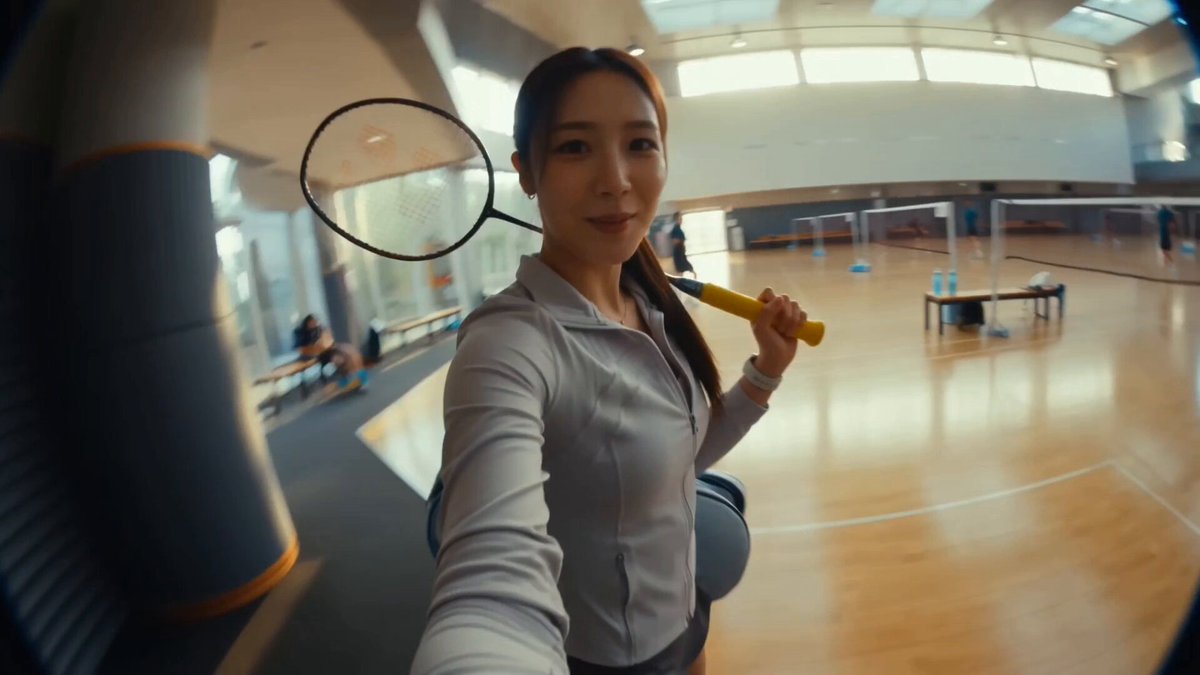
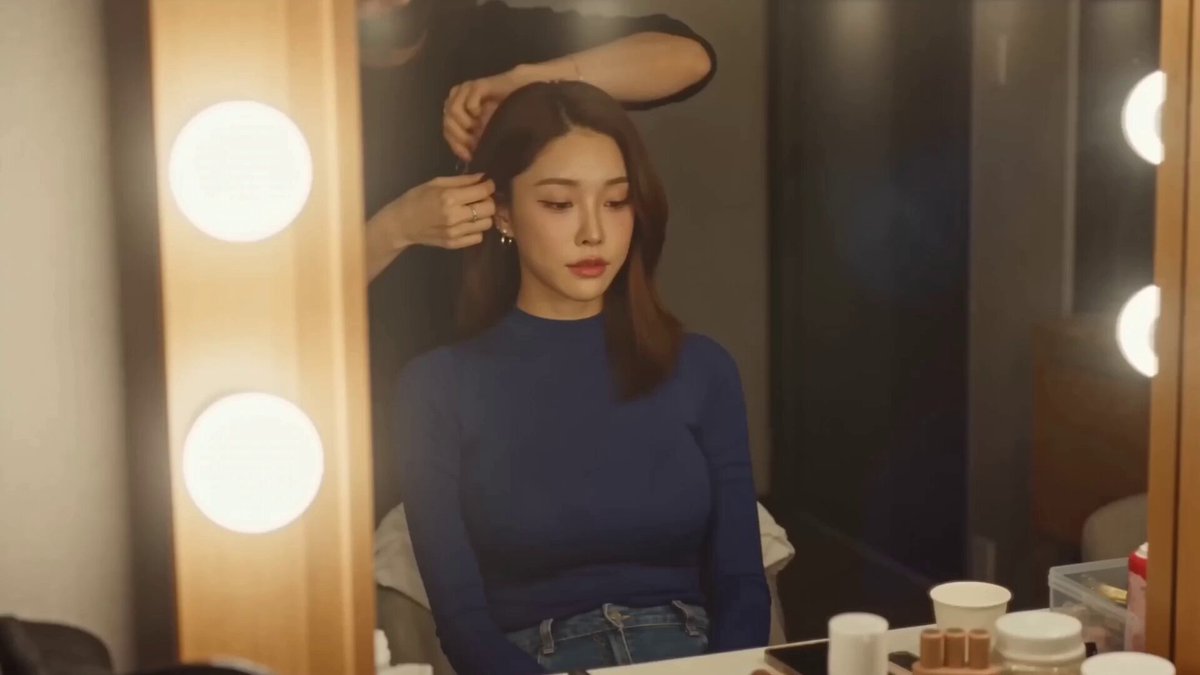
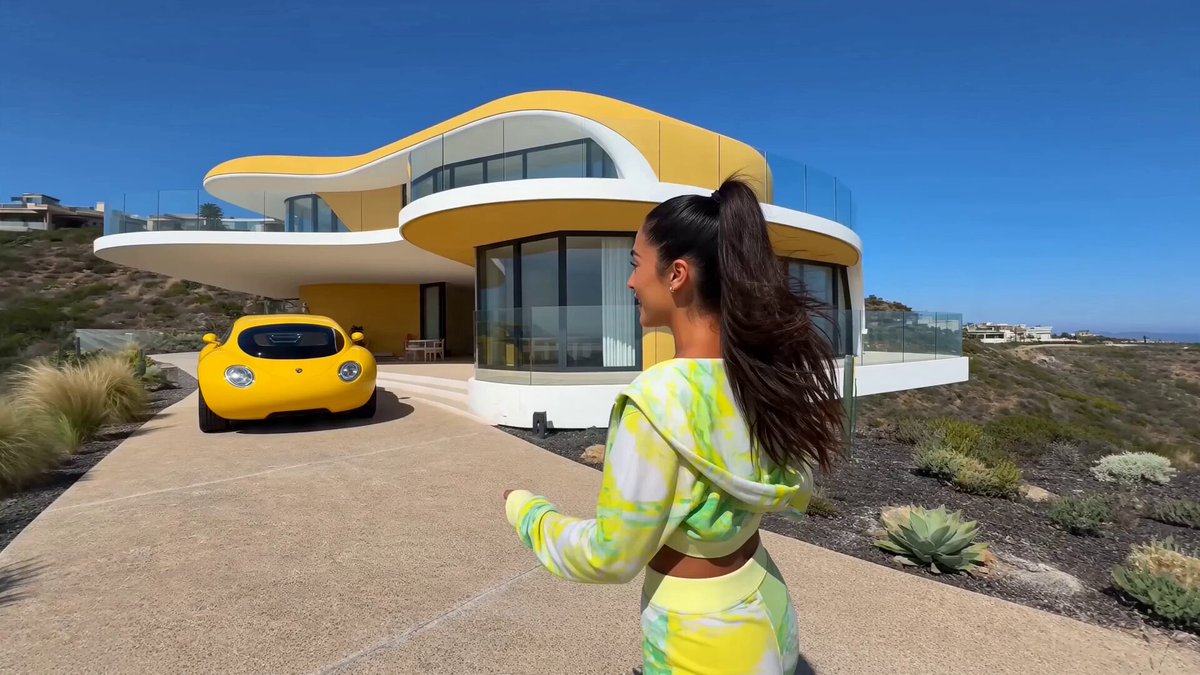
Stylish idol dressing room at an MV filming studio, midday. A cheerful Korean female idol (@ image) films a fun, high-energy behind-the-scenes "Idol Swap Challenge" vlog entirely on her phone using dynamic handheld selfie shots, smooth mirror angles, and fast-paced cinematic editing. She smiles brightly at the camera and says, "Let's see how many styles I can become today!" With a playful snap of her fingers, she instantly transforms into a cute look, making adorable finger hearts and sweet expressions. Another snap transitions her into a cool concept with a confident attitude, sharp eye contact, and stylish poses. She spins once, seamlessly changing into an elegant look, gracefully adjusting her hair and smiling softly in front of the vanity mirror. With one final playful spin, she transforms into a funny version of herself, making exaggerated facial expressions, pretending to model dramatically, and bursting into genuine laughter. Each transformation is smooth and magical, with lighting, poses, and expressions changing instantly while remaining in the same dressing room. The vlog ends with her returning to her original look, pointing at the camera with a bright smile and asking, "Which version is your favorite?" She makes a finger heart, waves goodbye, grabs her phone, and happily heads out for filming, ending the video with energetic, playful, and viral-worthy idol vibes.
Stylish idol dressing room at an MV filming studio, midday. A cheerful Korean female idol (@ image) films a fun, high-energy behind-the-scenes "Idol Swap Challenge" vlog entirely on her phone using dynamic handheld selfie shots, smooth mirror angles, and fast-paced cinematic editing. She smiles brightly at the camera and says, "Let's see how many styles I can become today!" With a playful snap of her fingers, she instantly transforms into a cute look, making adorable finger hearts and sweet expressions. Another snap transitions her into a cool concept with a confident attitude, sharp eye contact, and stylish poses. She spins once, seamlessly changing into an elegant look, gracefully adjusting her hair and smiling softly in front of the vanity mirror. With one final playful spin, she transforms into a funny version of herself, making exaggerated facial expressions, pretending to model dramatically, and bursting into genuine laughter. Each transformation is smooth and magical, with lighting, poses, and expressions changing instantly while remaining in the same dressing room. The vlog ends with her returning to her original look, pointing at the camera with a bright smile and asking, "Which version is your favorite?" She makes a finger heart, waves goodbye, grabs her phone, and happily heads out for filming, ending the video with energetic, playful, and viral-worthy idol vibes.
Edit the prompt in the box under the preview — the template's model and format are already selected — and press Generate. Your version appears right on this page.
Yes. You can change the subject, setting, lighting, mood, format, and available model controls before creating your video.
Opening and editing this template is free. Generating uses credits, shown on the Generate button when you are signed in.
Start with Seedance 2.0, which is the model associated with this template. You can compare another compatible model for a different finish.
Follow a topic to a crawlable collection of related PicX Studio templates.