How do I use the Medieval Battlefield Cinematic Prompt template?
Edit the prompt in the box under the preview — the template's model and format are already selected — and press Generate. Your version appears right on this page.
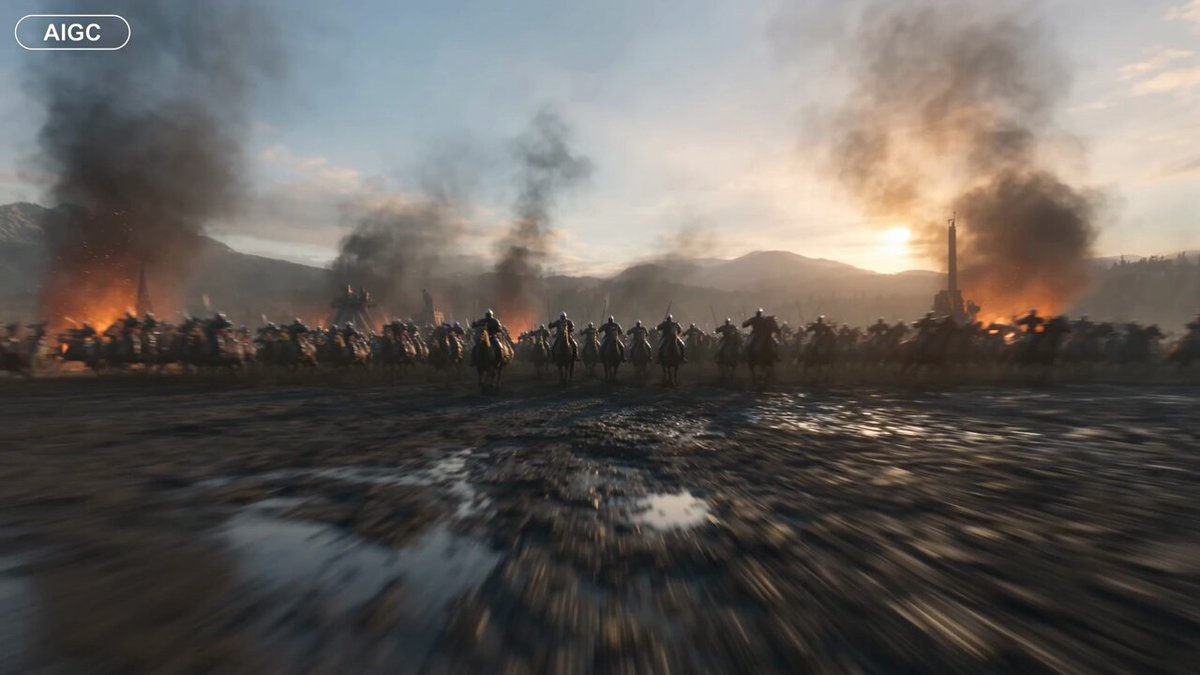
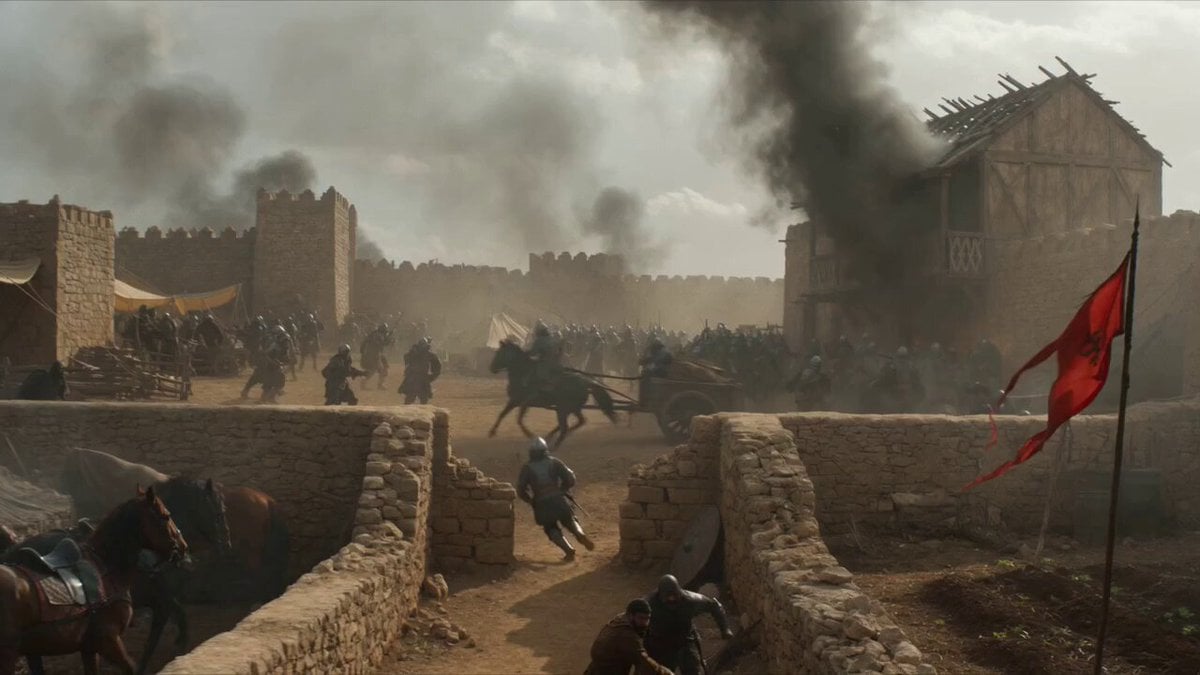
A highly detailed, cinematic prompt for generating a video of a vast medieval battlefield at dawn, focusing on fierce combat, cavalry, arrow volleys, and a sweeping aerial shot descending into the heart of the action.
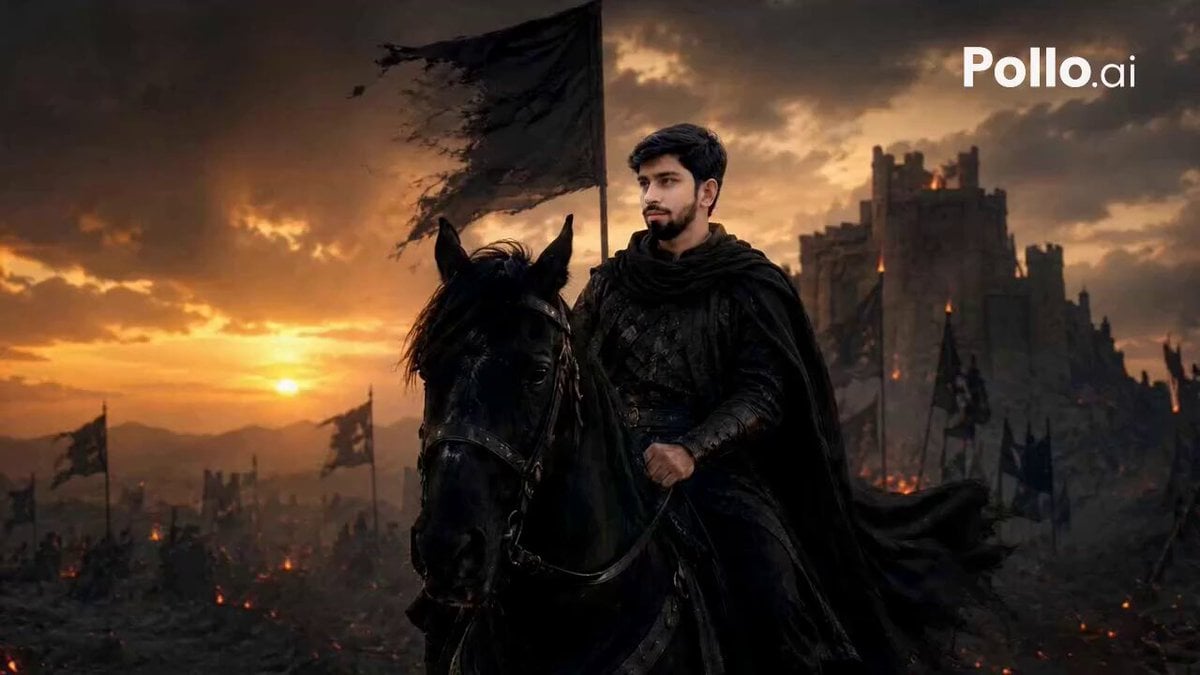
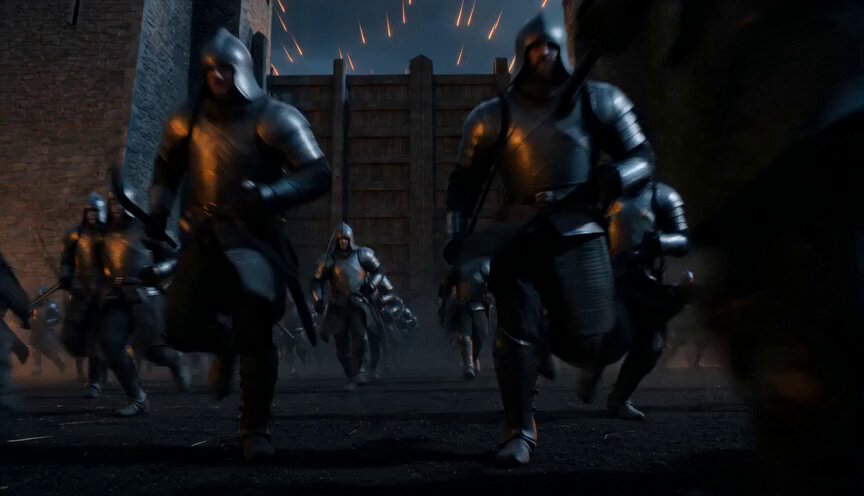
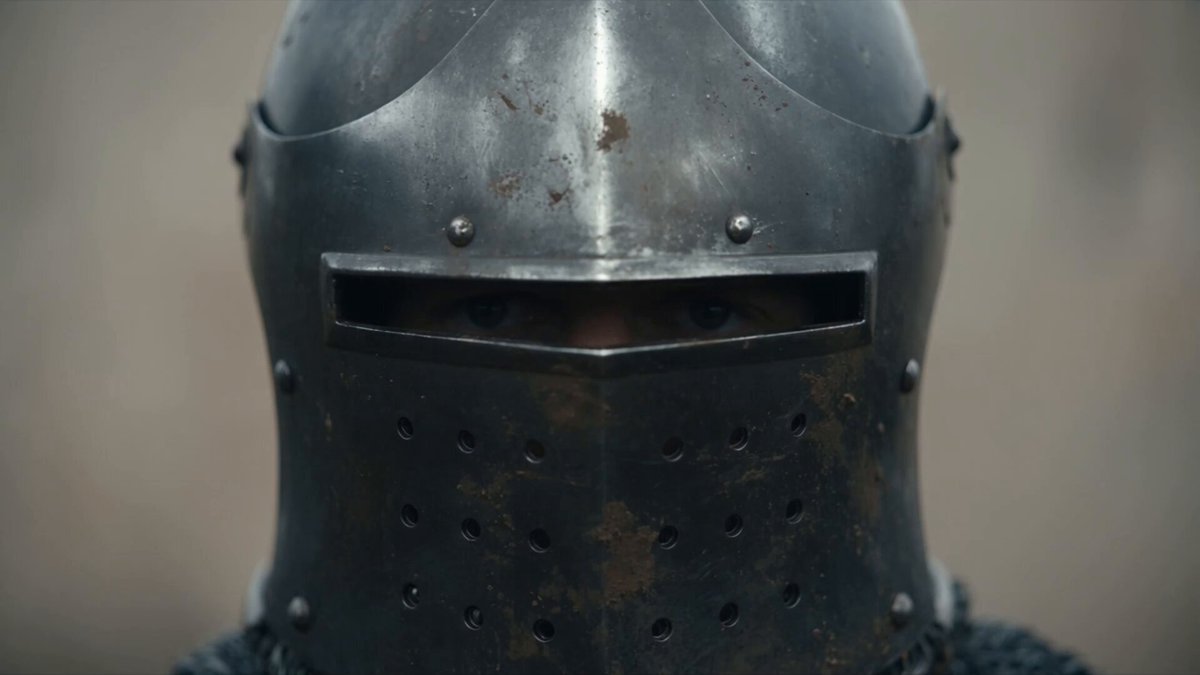
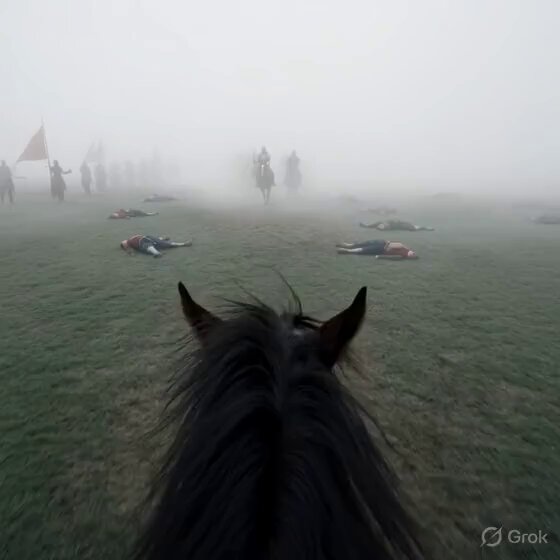
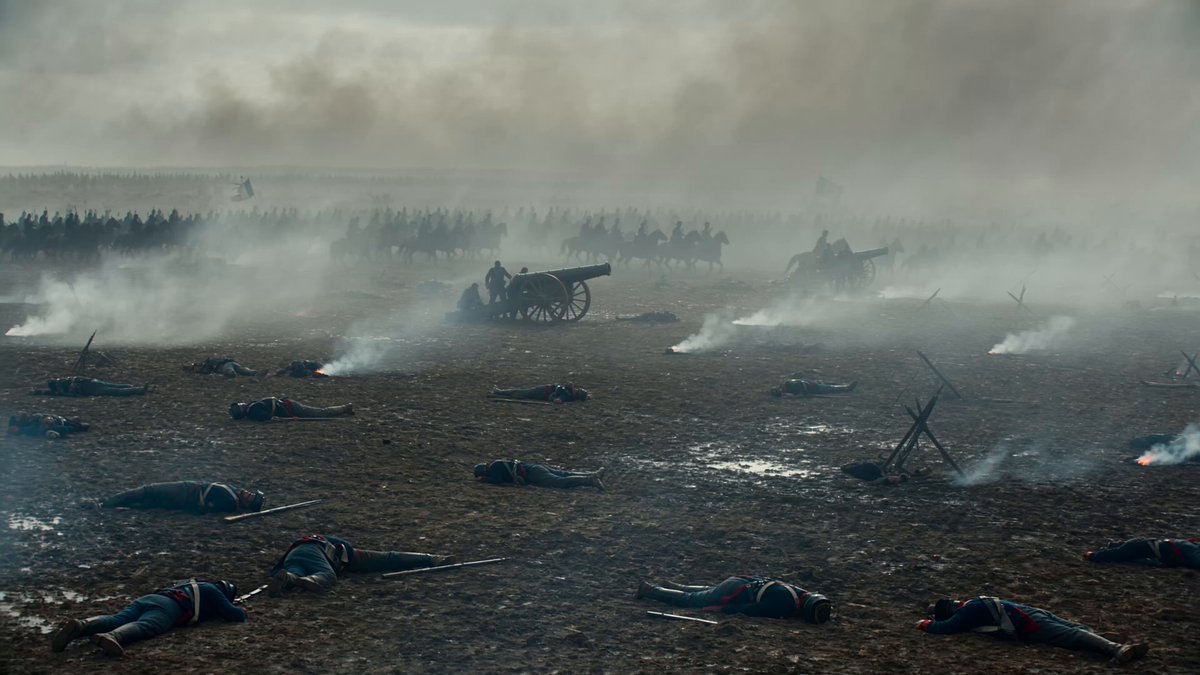
A vast medieval battlefield unfolds at dawn, where thousands of heavily armored warriors collide in fierce combat. Cavalry units thunder across the muddy ground while volleys of arrows streak through the sky. War banners whip wildly in the wind, adding to the intensity. The scene opens with a sweeping cinematic aerial shot, gliding over the масштаб of the battlefield before descending into the heart of the action—where soldiers engage in brutal sword-and-shield combat. A powerful knight strikes an enemy, sending him crashing from his horse, as massive catapults launch fiery projectiles that shatter defensive structures. Thick clouds of dust, flames, and smoke engulf the surroundings, amplifying the chaos as the battle reaches its peak.
A vast medieval battlefield unfolds at dawn, where thousands of heavily armored warriors collide in fierce combat. Cavalry units thunder across the muddy ground while volleys of arrows streak through the sky. War banners whip wildly in the wind, adding to the intensity. The scene opens with a sweeping cinematic aerial shot, gliding over the масштаб of the battlefield before descending into the heart of the action—where soldiers engage in brutal sword-and-shield combat. A powerful knight strikes an enemy, sending him crashing from his horse, as massive catapults launch fiery projectiles that shatter defensive structures. Thick clouds of dust, flames, and smoke engulf the surroundings, amplifying the chaos as the battle reaches its peak.
Edit the prompt in the box under the preview — the template's model and format are already selected — and press Generate. Your version appears right on this page.
Yes. You can change the subject, setting, lighting, mood, format, and available model controls before creating your video.
Opening and editing this template is free. Generating uses credits, shown on the Generate button when you are signed in.
Start with Seedance 2.0, which is the model associated with this template. You can compare another compatible model for a different finish.
Follow a topic to a crawlable collection of related PicX Studio templates.