
Surrealist Studio Portrait Performance
A high-key studio video prompt for creating surrealist portrait performances with sharp shadows and vivid colors in a 9:16 vertical format.
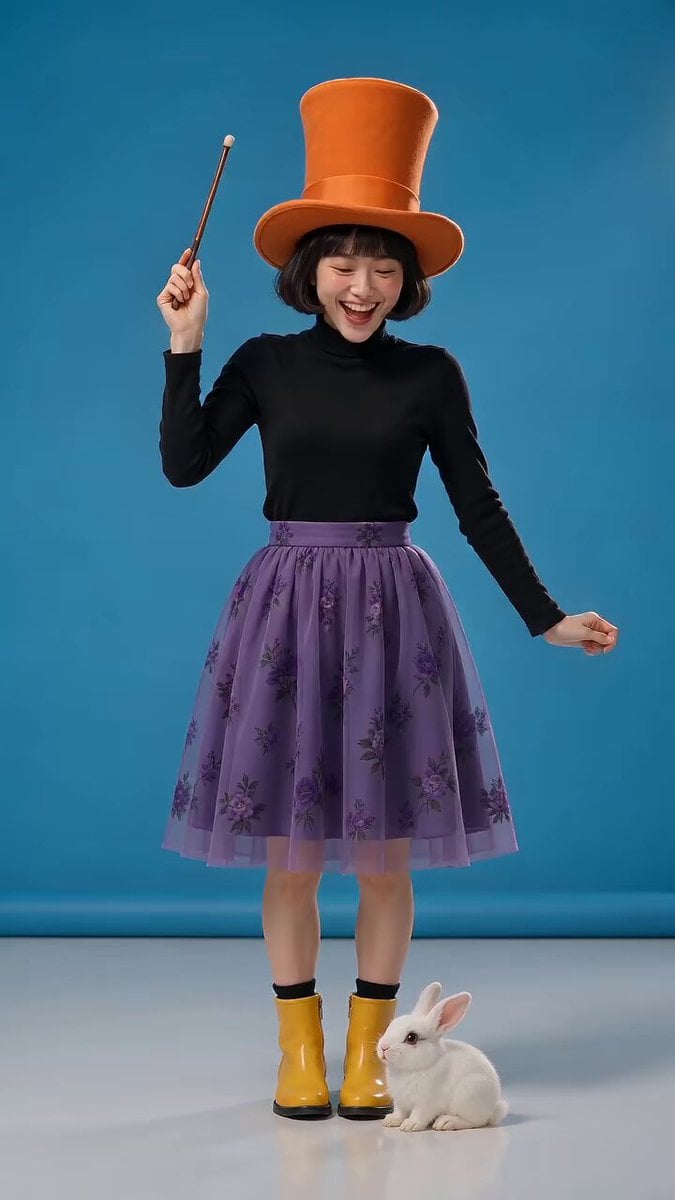
- Prompt included
- Model and format preset
- Free template
The prompt behind this video
Copy the exact prompt behind Surrealist Studio Portrait Performance, or open it in the studio and make it yours.
这是一场超现实主义肖像表演,采用固定机位拍摄,竖屏比例为9:16,镜头锁定在中景至全景之间。拍摄地点为一间干净的摄影棚,背景为纯亮的蓝色背景和洁白无瑕的地面,高调明亮的灯光营造出锐利的阴影和鲜艳饱和的色彩,画面既写实又充满趣味和魔幻感。
How to use Surrealist Studio Portrait Performance in 3 steps
- 1
Open
The prompt is already in the box next to the preview, with the template's model and format selected.
- 2…a portrait of your subject in softgolden-hour light, 85mm…
Personalize
Edit the subject and creative details for your destination.
- 3Generate
Generate
Press Generate — your video is created in PicX Studio, so you can compare it with the original and refine one variable at a time.
More like this
Templates with the same subject, style or setup. Open one to see its prompt.
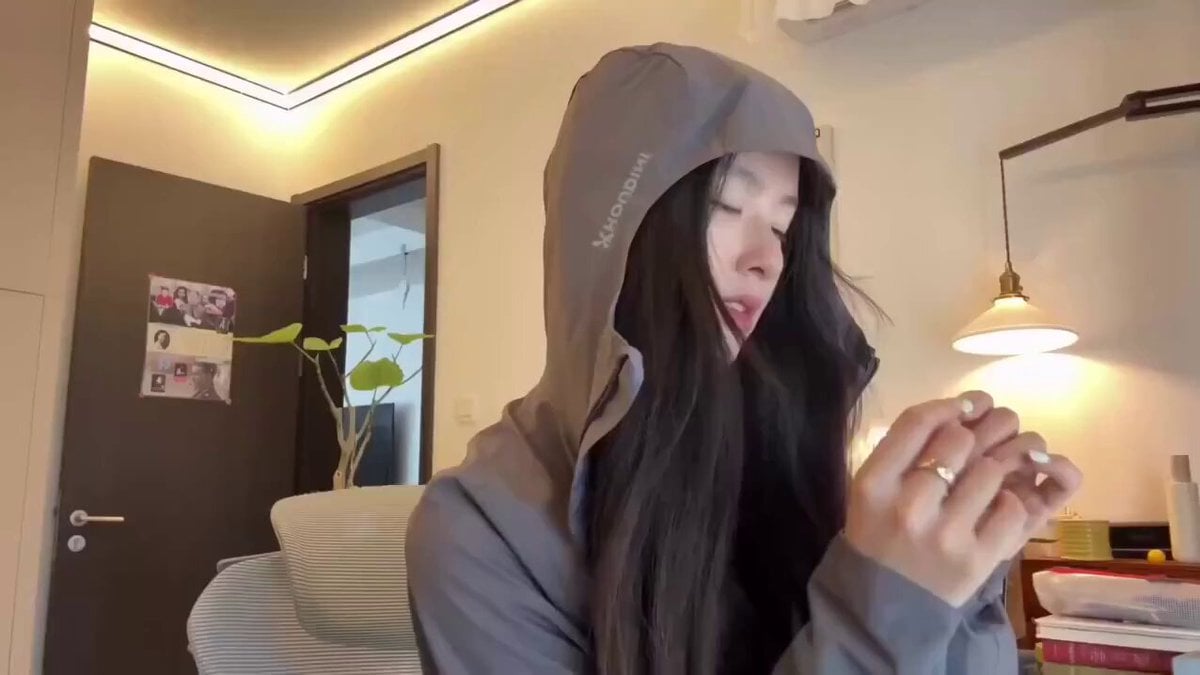
Cyberpunk Holographic Dance Performance - Seedance 2.5
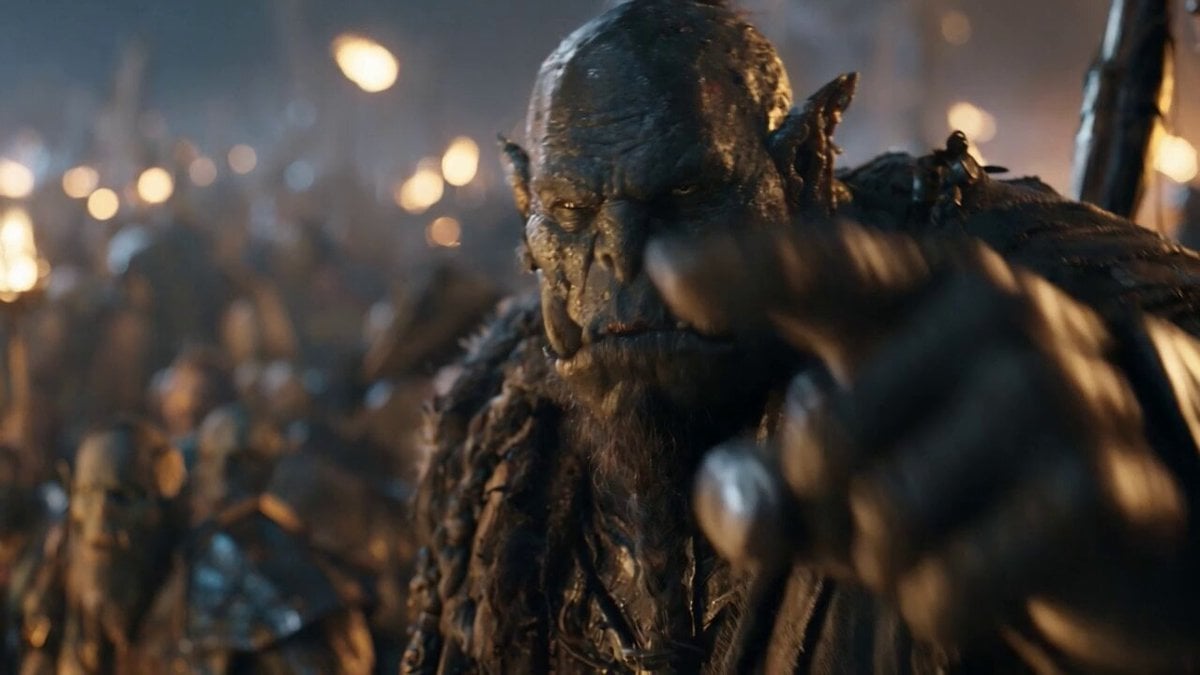
Orc Warlord Performance Transfer - Seedance 2.5

Sneaker Product Commercial
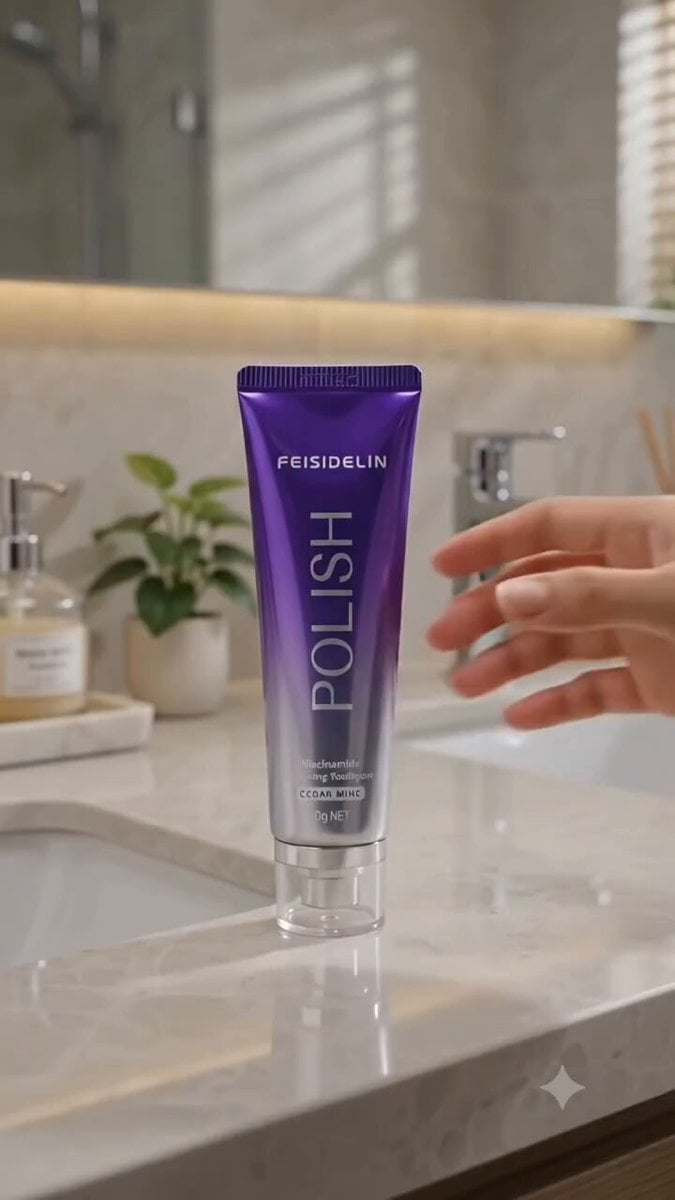
Cinematic Portrait Study 3
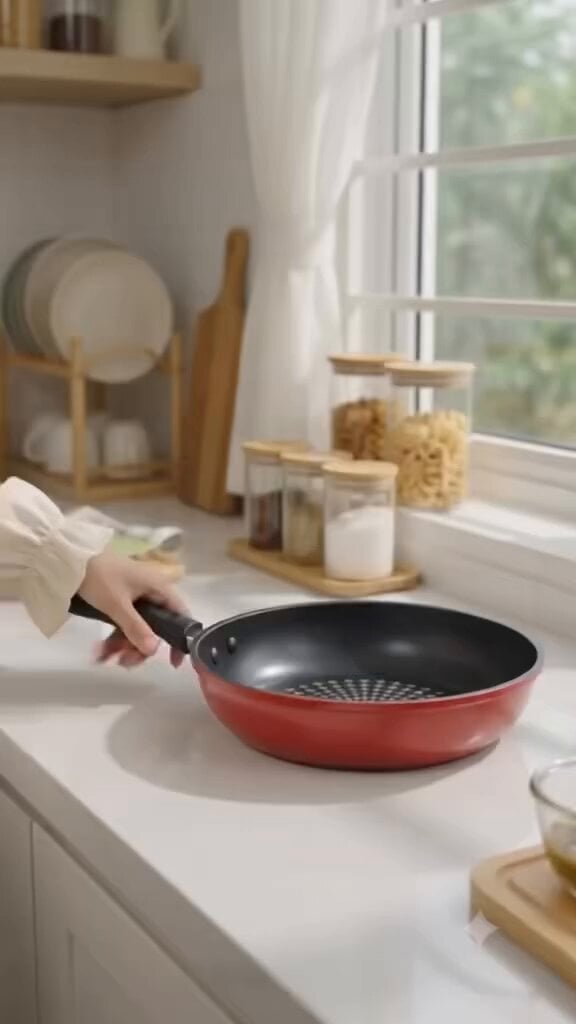
Cinematic Portrait Study
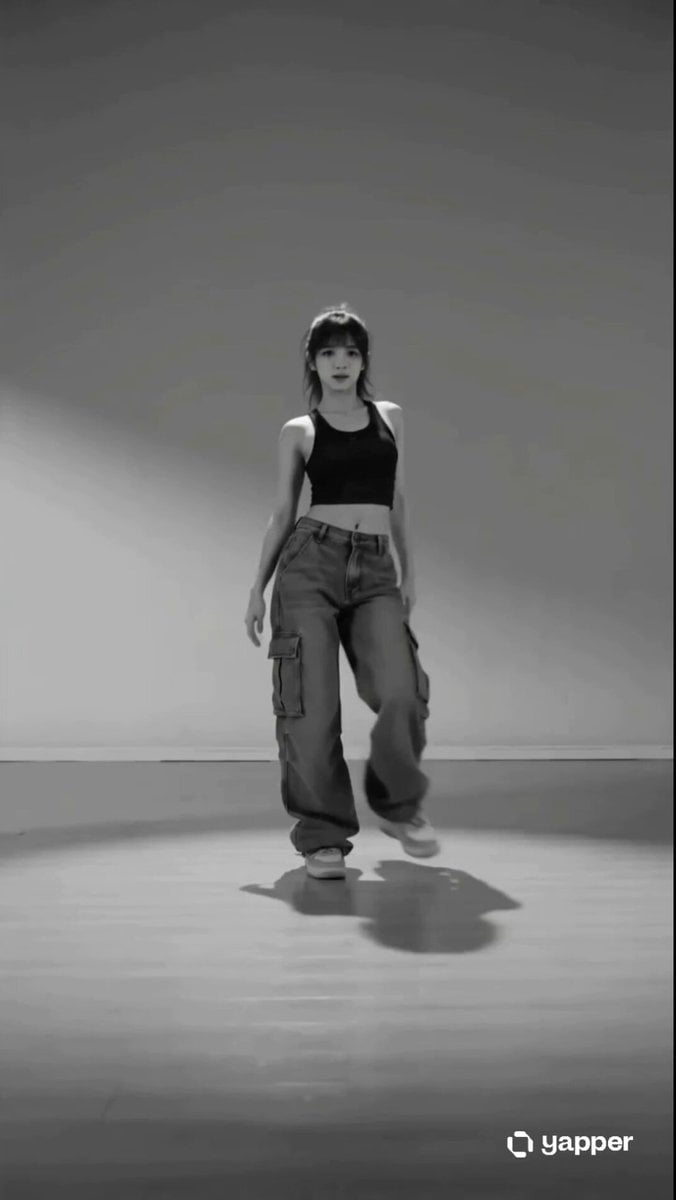
Street Dancer Studio Performance
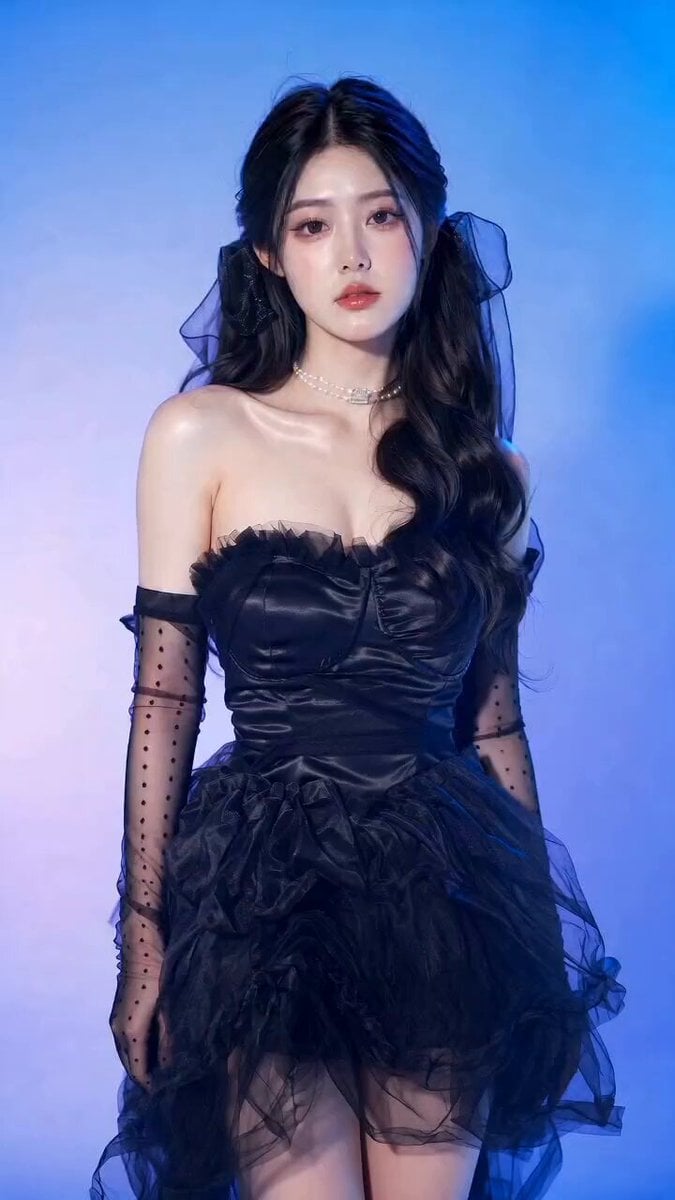
Gothic Coquette Studio Video Portrait

Ultra-realistic high fashion studio beauty portrait video prompt
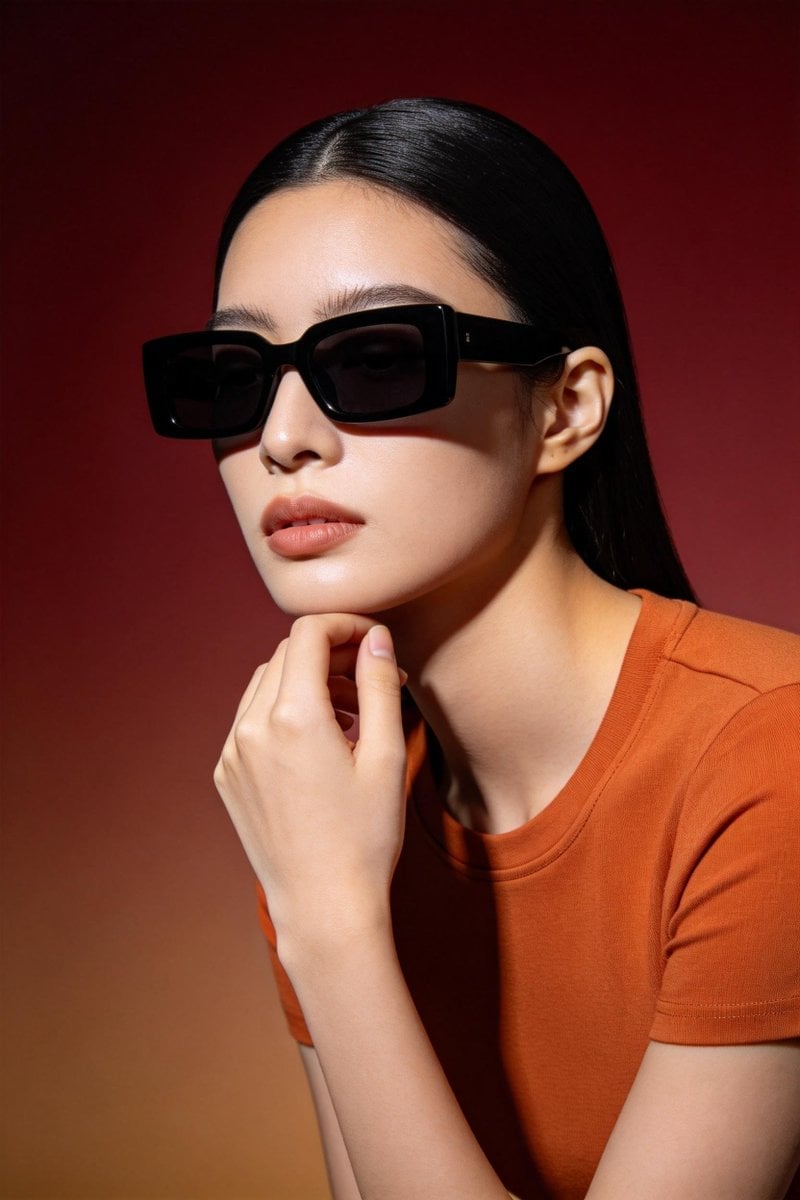
Seedream 5.0 Photorealistic Studio Portrait Prompt

Cinematic Anime Kung Fu Performance
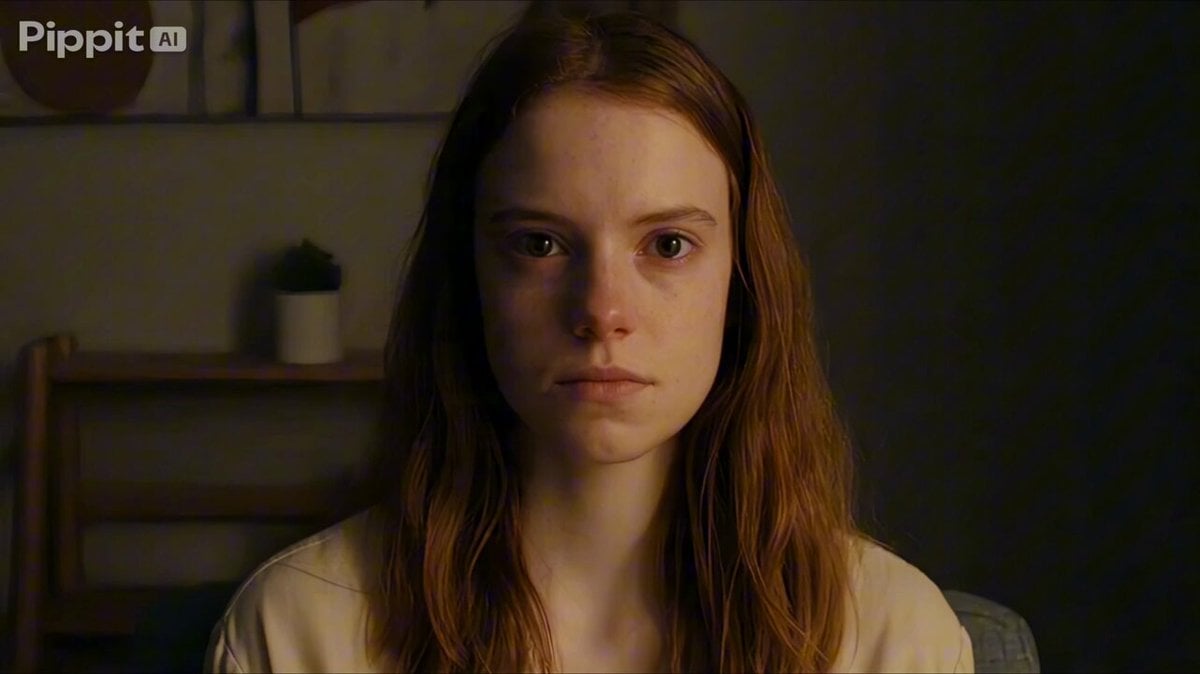
Psychological Thriller Performance Study
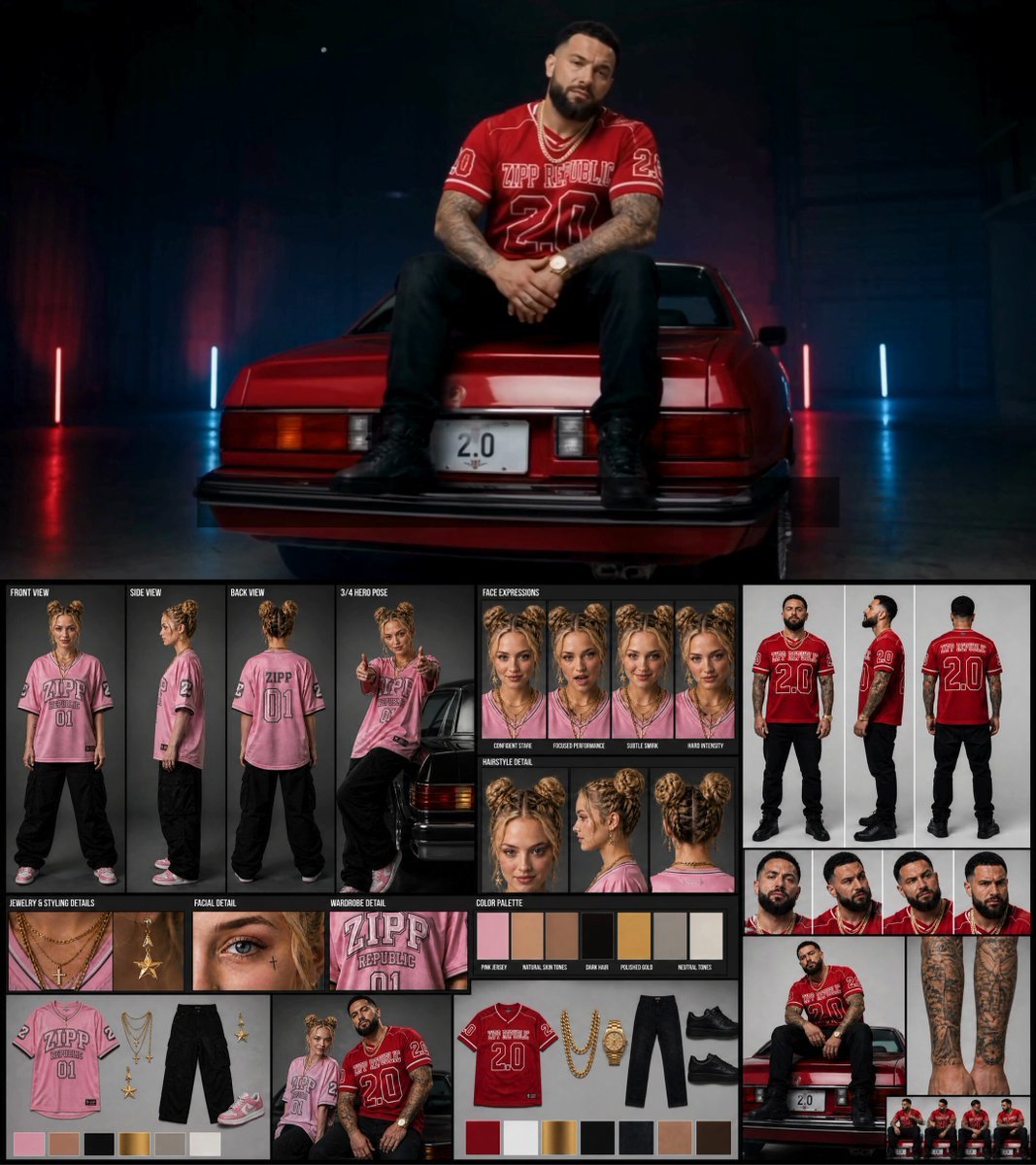
Female Rapper Performance Music Video
Make it yours
Surrealist Studio Portrait Performance works as-is. These are the safest ways to change it without losing the look.
Change one field
Copy a single group, rewrite it, and generate again so you can see what that field is doing.
Keep the frame, change the subject
Hold the composition and light of Surrealist Studio Portrait Performance, then swap wardrobe, props or the person for a new take.
| If the result… | Why | Fix |
|---|---|---|
| The result drifts from the preview | Too many fields changed at once. | Reuse Surrealist Studio Portrait Performance as-is first, then change one group — subject, light, or setting. |
| The model over-stylizes the scene | The prose prompt leaves finish and camera underspecified. | Add one camera or lighting sentence and stay on Seedance 2.0. |
More Seedance 2.0 templates
Other prompts made for Seedance 2.0.

Comical Martial Arts Punch Scene

Maglev Train Action Sequence

Martial Arts Fight Sequence

Wuxia Protection and Trust Script

Vintage Korean Arcade MiniDV Vlog

Mercedes 190 SL Luxury Ad

Rainy Night Supernatural Reverse Comedy Video Script

Amazon Civilization Discovery

Futuristic South Asian City Transformation

Cozy Luxury Cafe Commercial
More video prompts
Fresh picks from across the catalog.
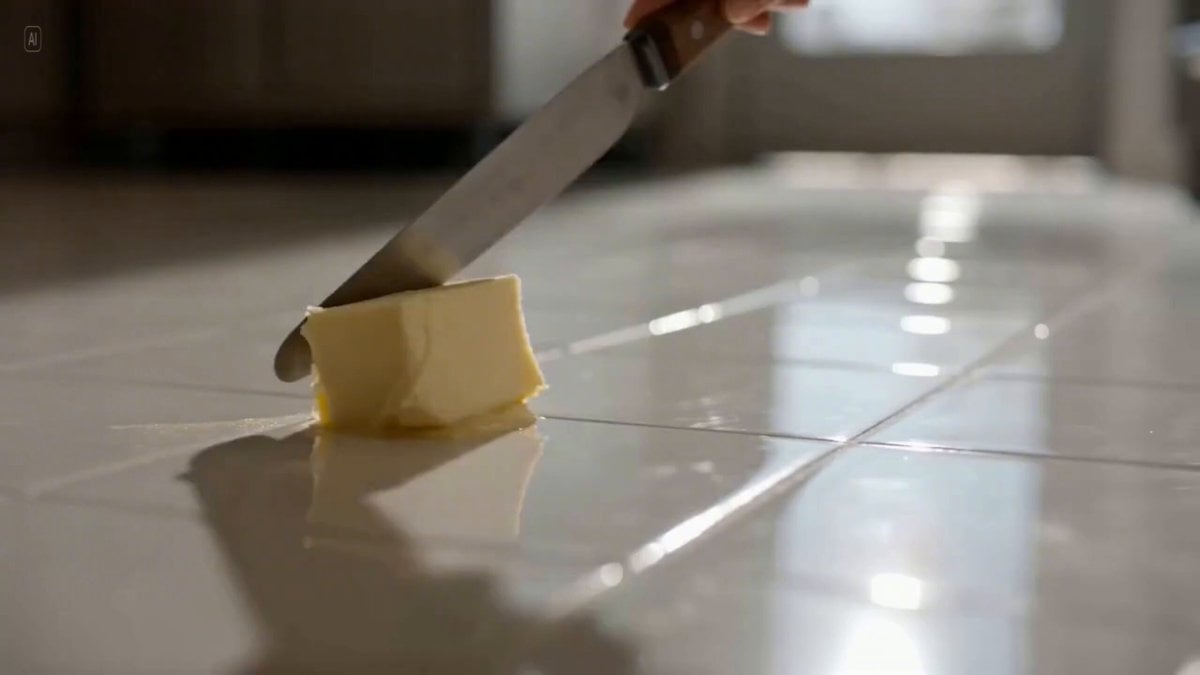
Three-Shot Video Sequence Prompt with Audio Cues
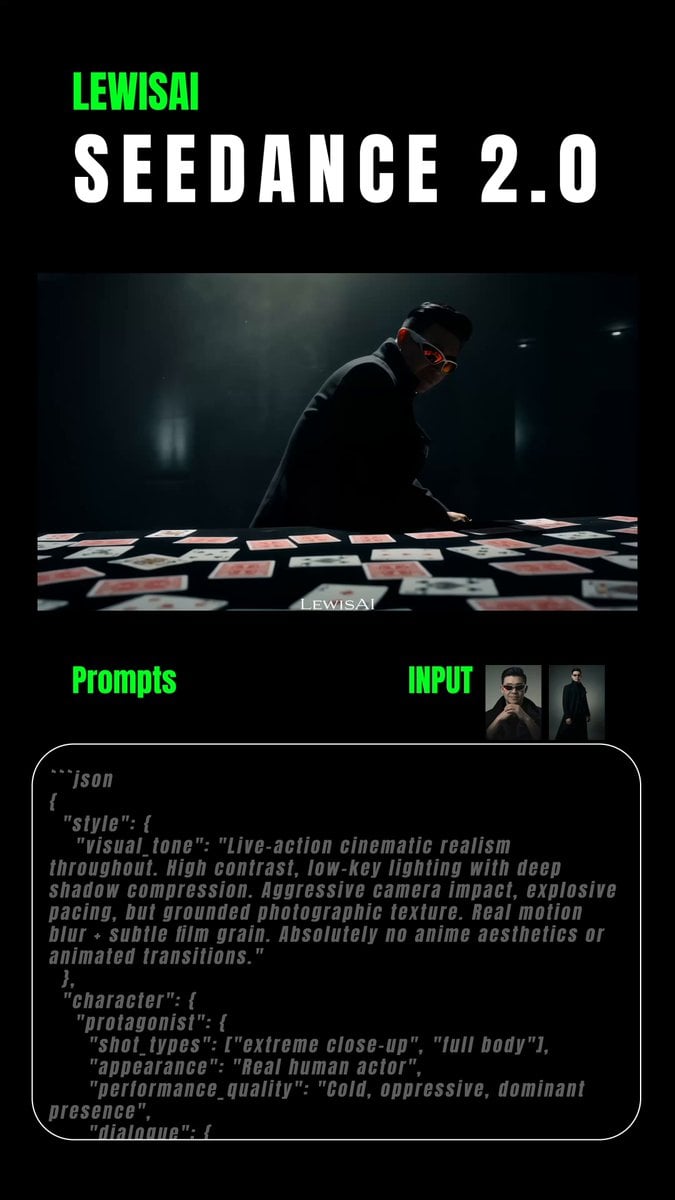
Cinematic Realism Style Prompt
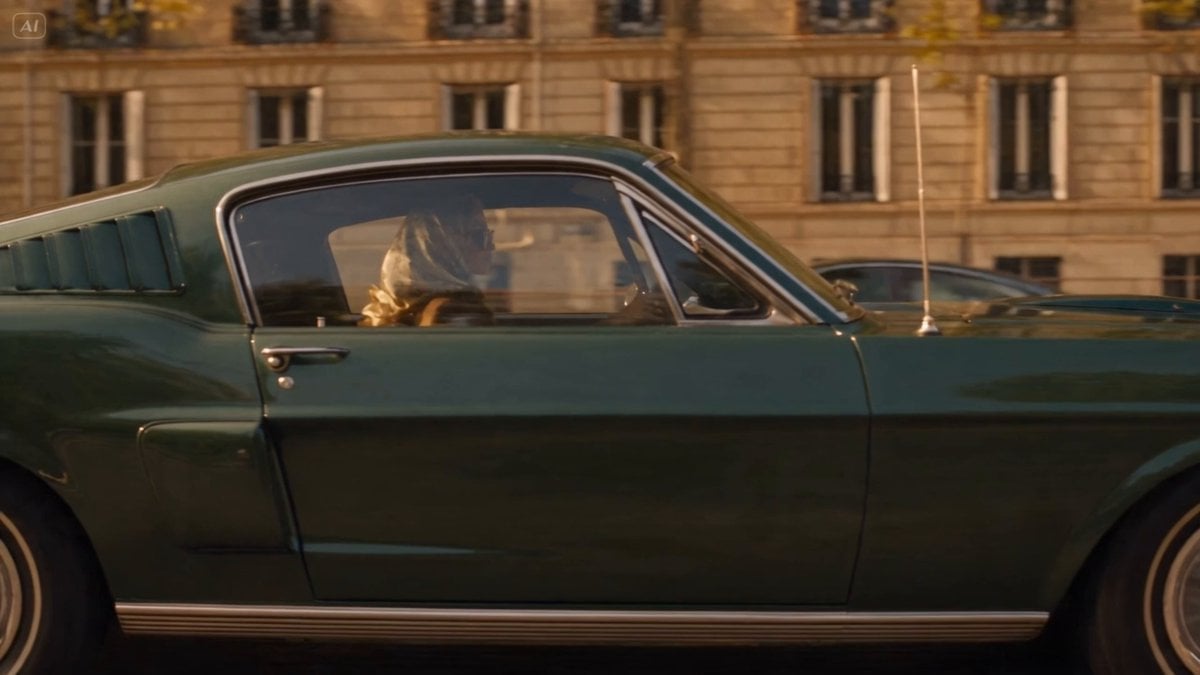
Blonde Woman Driving Green 1960s Mustang Golden Hour
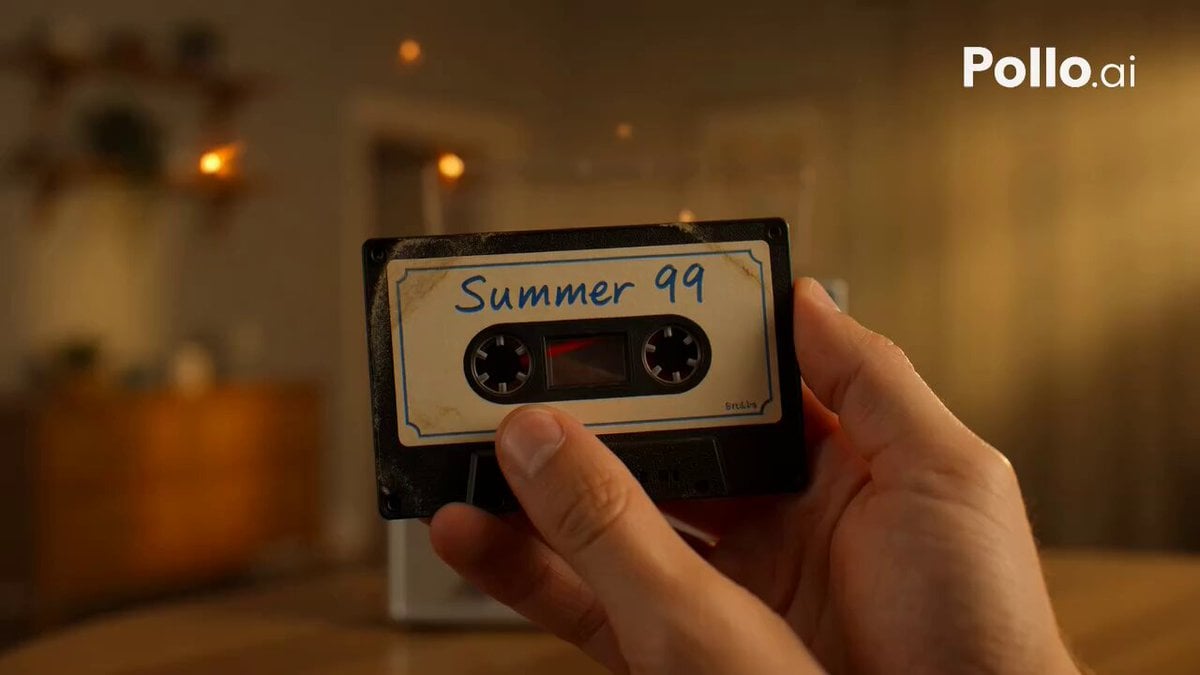
Mixtape Memory Transformation
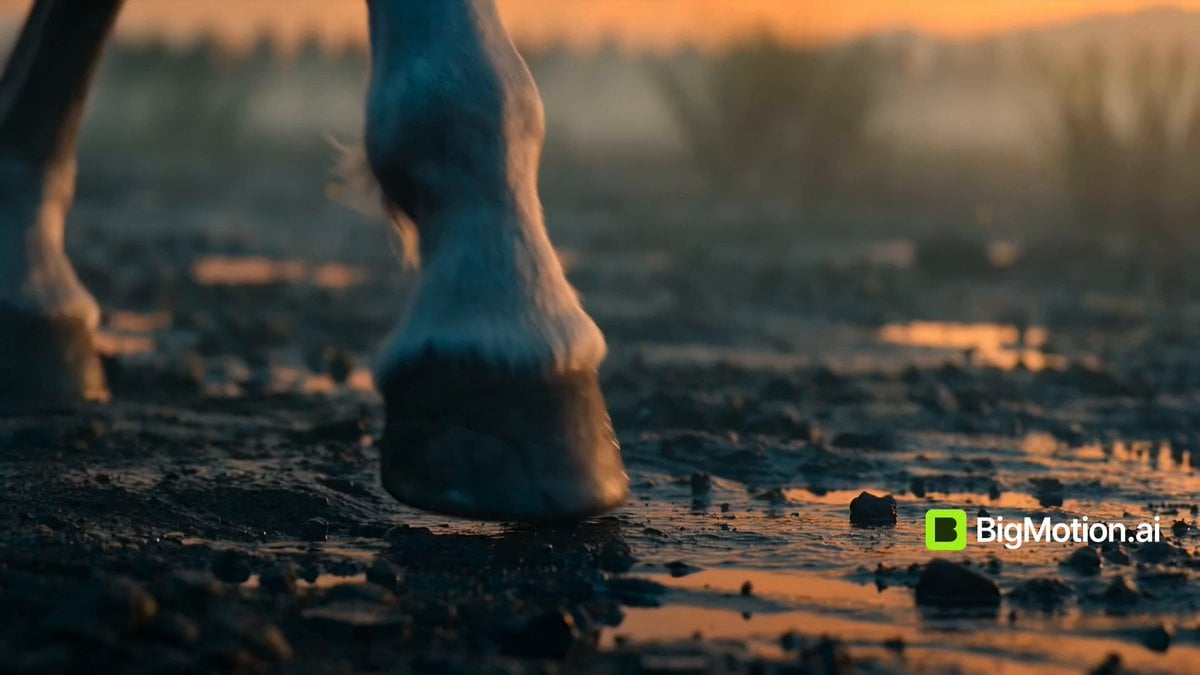
Warrior Girl Galloping on Misty Battlefield
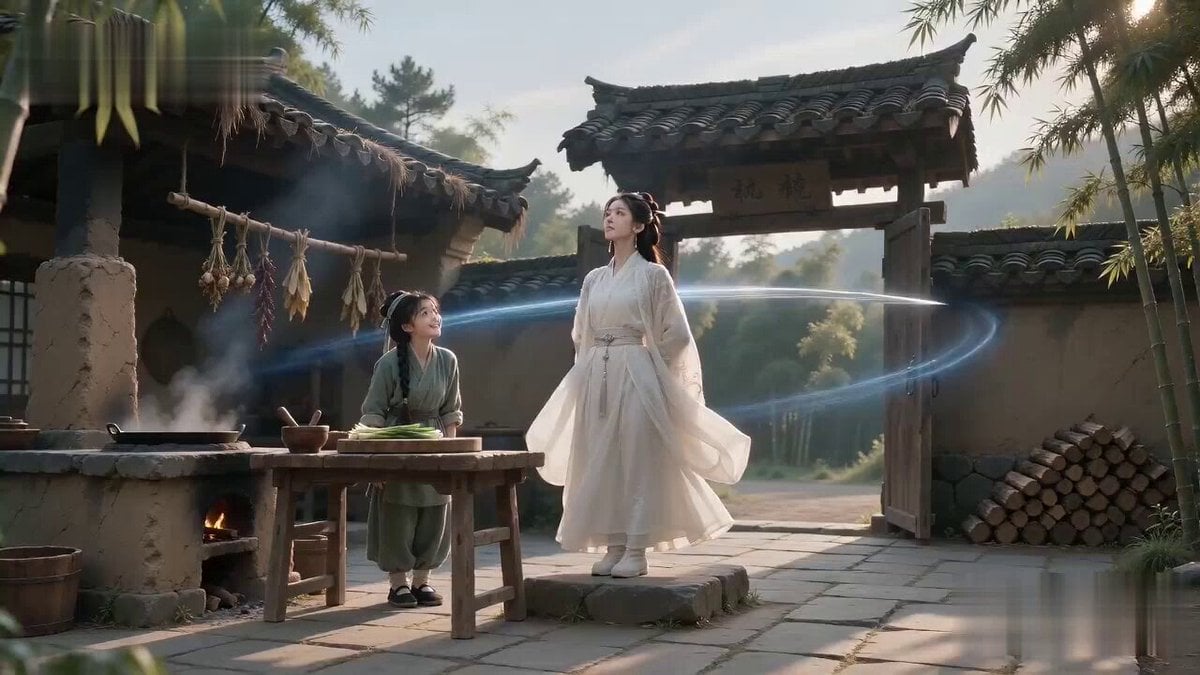
Sword Master Onion Chopping Comedy
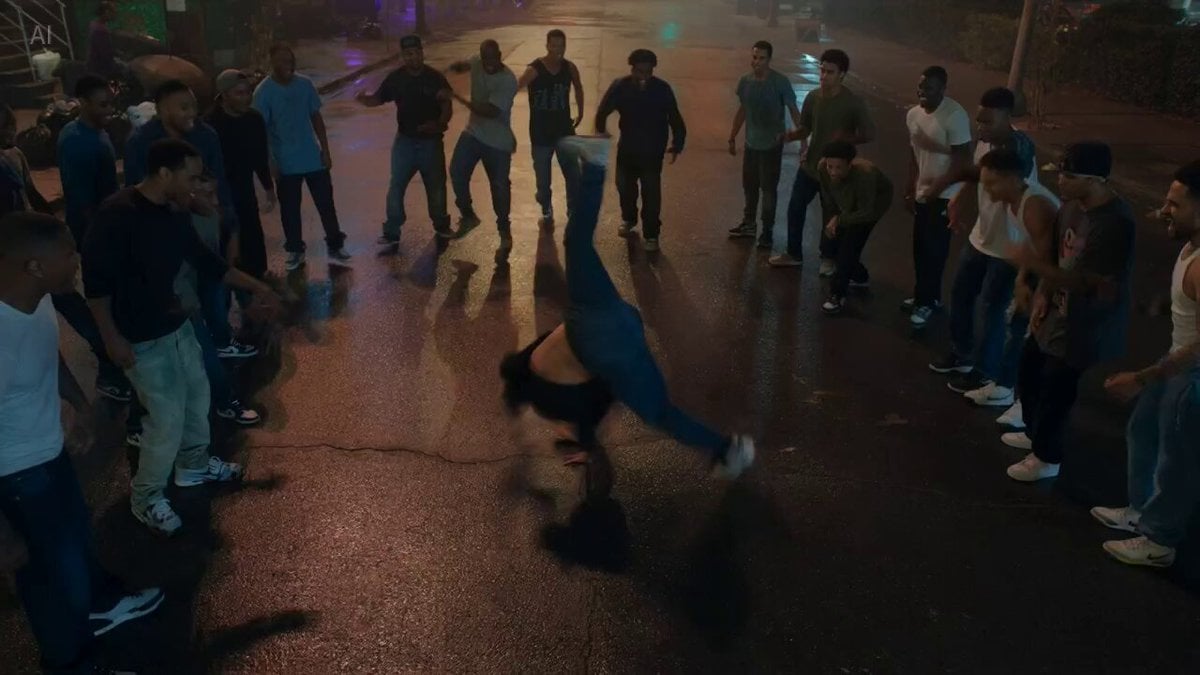
Cinematic Street Dance Battle
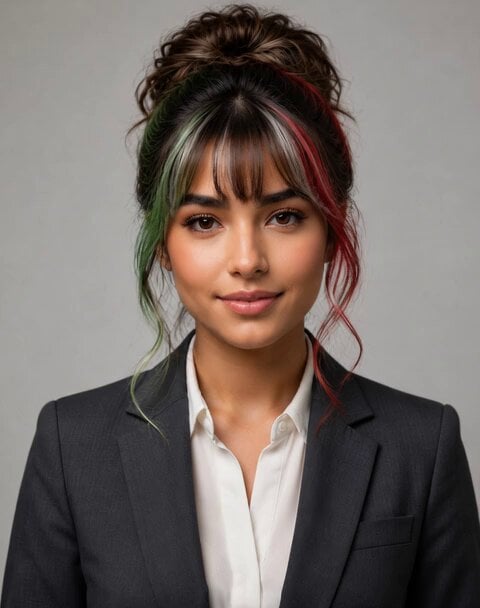
Italian World Cup Reaction
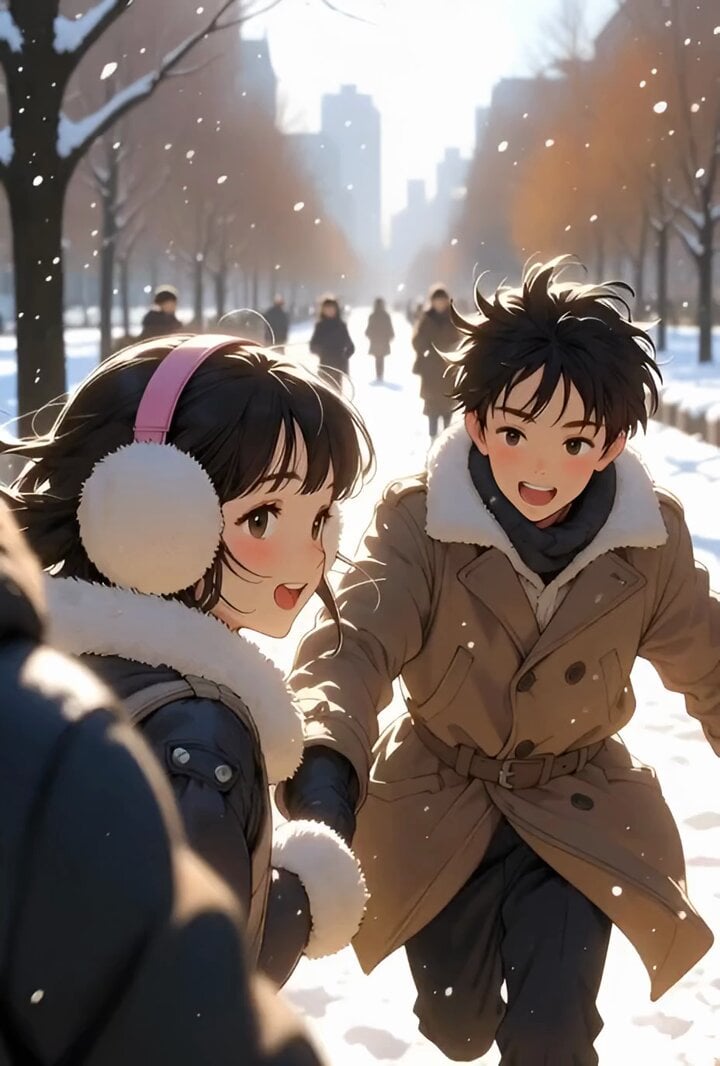
Slow motion snow scene with drone camera movement
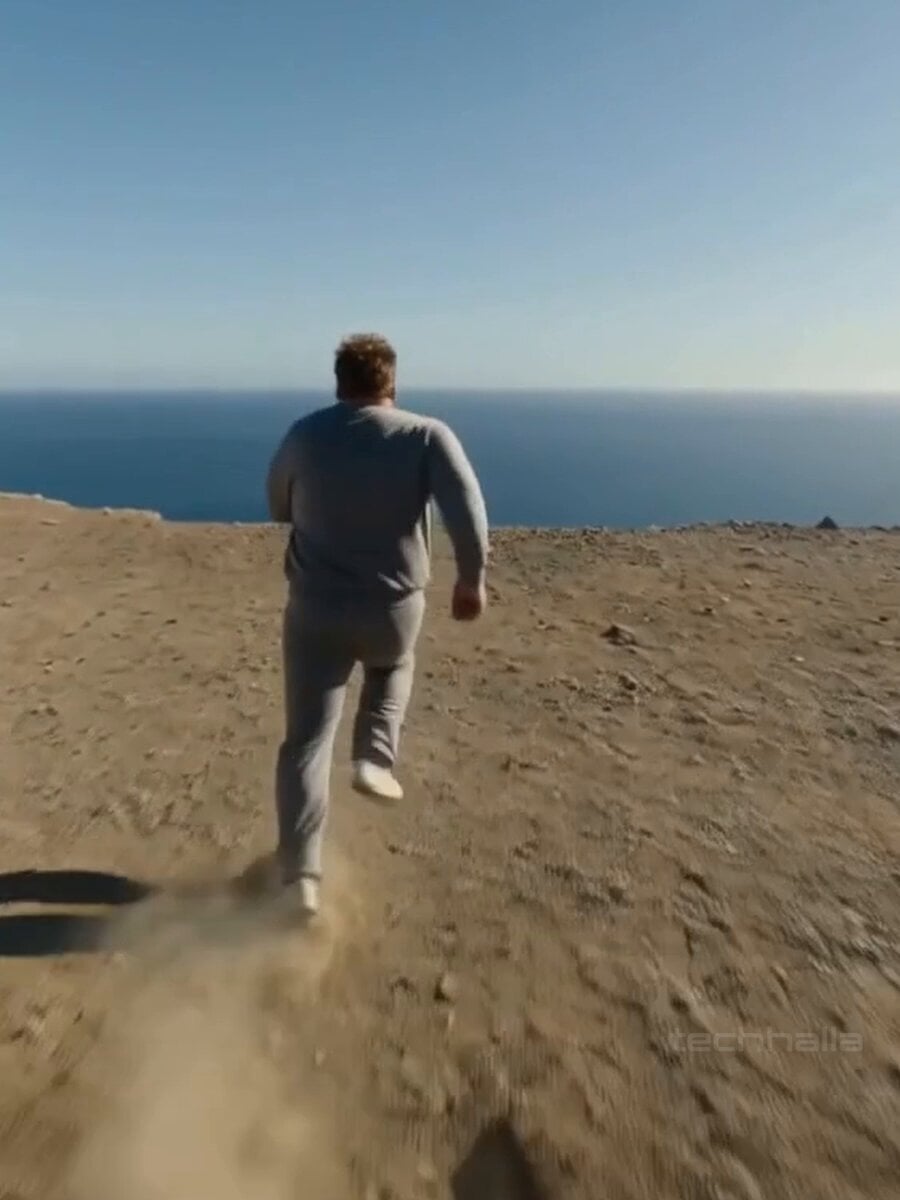
35mm Handheld Film Aesthetic Video Prompt
Browse template categories
Surrealist Studio Portrait Performance questions
How do I use the Surrealist Studio Portrait Performance template?
Add your photo if the template asks for one, edit the prompt if you like — the template's model and format are already selected — and press Generate. Your version opens in PicX Studio.
Can I customize the Surrealist Studio Portrait Performance template?
Yes. You can change the subject, setting, lighting, mood, format, and available model controls before creating your video.
Is the Surrealist Studio Portrait Performance template free?
Opening and editing this template is free. Generating uses credits, shown on the Generate button when you are signed in.
Which AI model should I use?
Start with Seedance 2.0, which is the model associated with this template. You can compare another compatible model for a different finish.
Looking for something else? Browse all templates.

Your photo, any look
Thousands of ready templates for every top image and video model, from one credit balance.