
Ultra-realistic high fashion studio beauty portrait video prompt
A detailed prompt for Grok Imagine to generate a video of an ultra-realistic, high-fashion studio beauty portrait of a young woman, focusing on tight framing, centered composition, and professional camera settings (85mm…

- Prompt included
- Model and format preset
- Premium template
The prompt behind this video
Copy the exact prompt behind Ultra-realistic high fashion studio beauty portrait video prompt, or open it in the studio and make it yours.
Ultra-realistic high fashion studio beauty portrait of a young adult woman, tight framed beauty shot from upper chest to top of head, centered composition, photographed with a professional full-frame camera using an 85mm portrait lens, f/4, shallow
How to use Ultra-realistic high fashion studio beauty portrait video prompt in 3 steps
- 1
Open
The prompt is already in the box next to the preview, with the template's model and format selected.
- 2…a portrait of your subject in softgolden-hour light, 85mm…
Personalize
Edit the subject and creative details for your destination.
- 3Generate
Generate
Press Generate — your video is created in PicX Studio, so you can compare it with the original and refine one variable at a time.
More like this
Templates with the same subject, style or setup. Open one to see its prompt.
Cinematic Portrait Study 3
Cinematic Portrait Study
Luxury Fashion European Cafe Commercial
Reflective Elderly Man Documentary Portrait

Studio Ghibli Dumpling Kitchen Cooking Scene
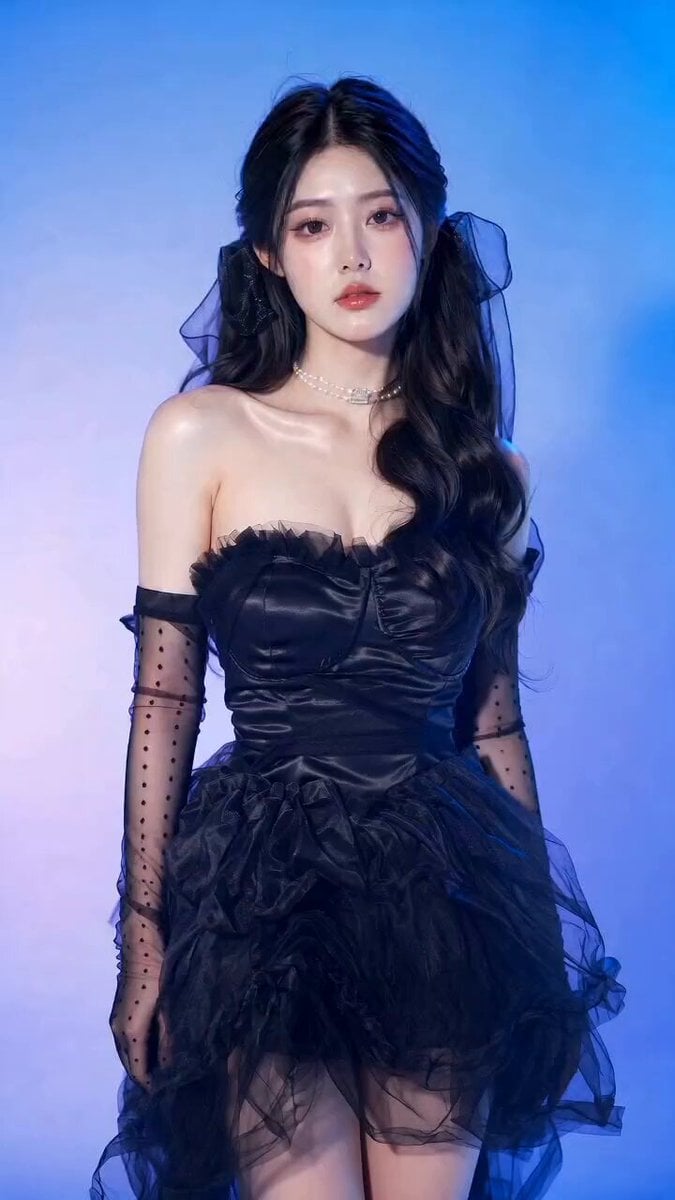
Gothic Coquette Studio Video Portrait
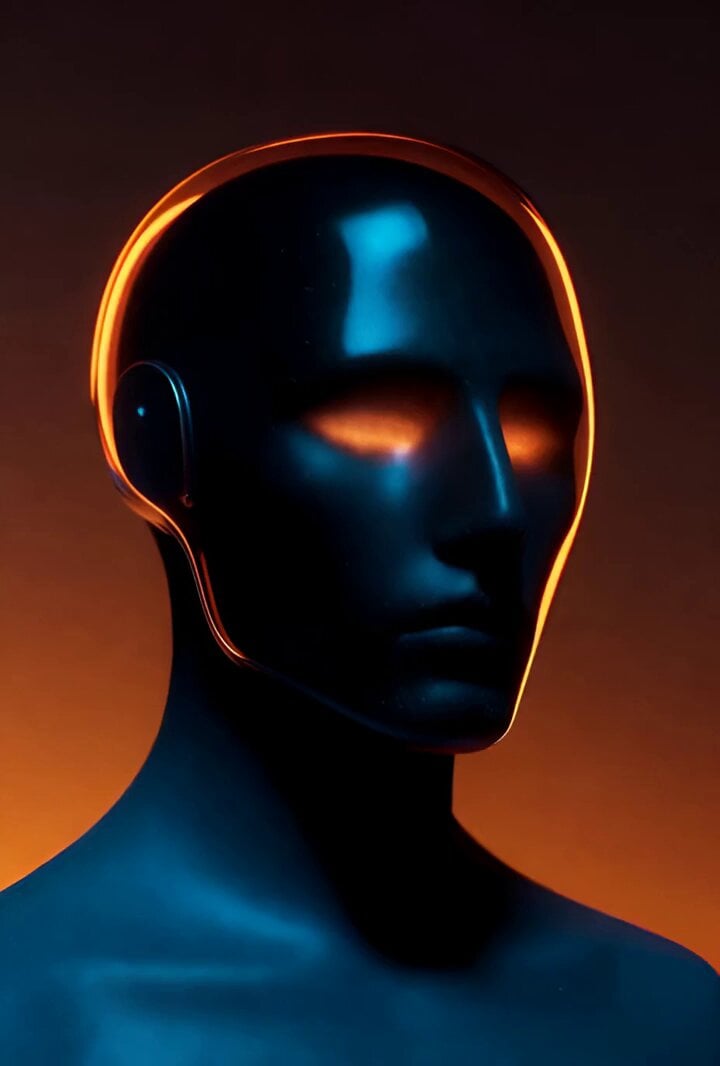
Cinematic Studio Photograph of a Sleek, Glowing Humanoid Figure
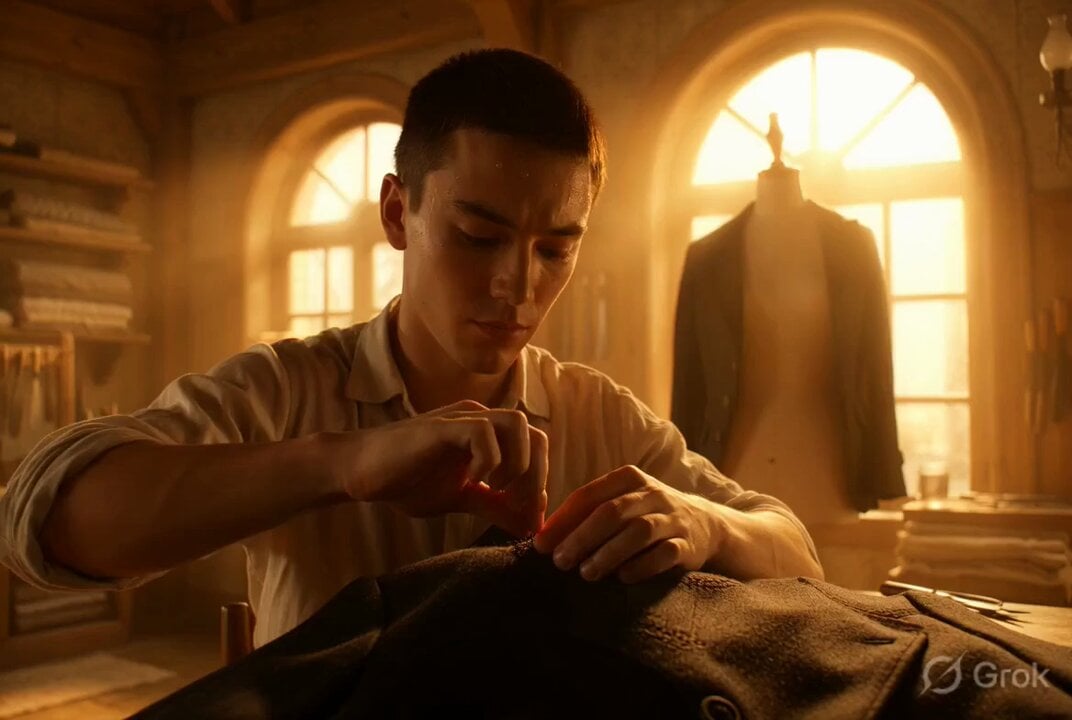
Photorealistic cinematic portrait of a young tailor
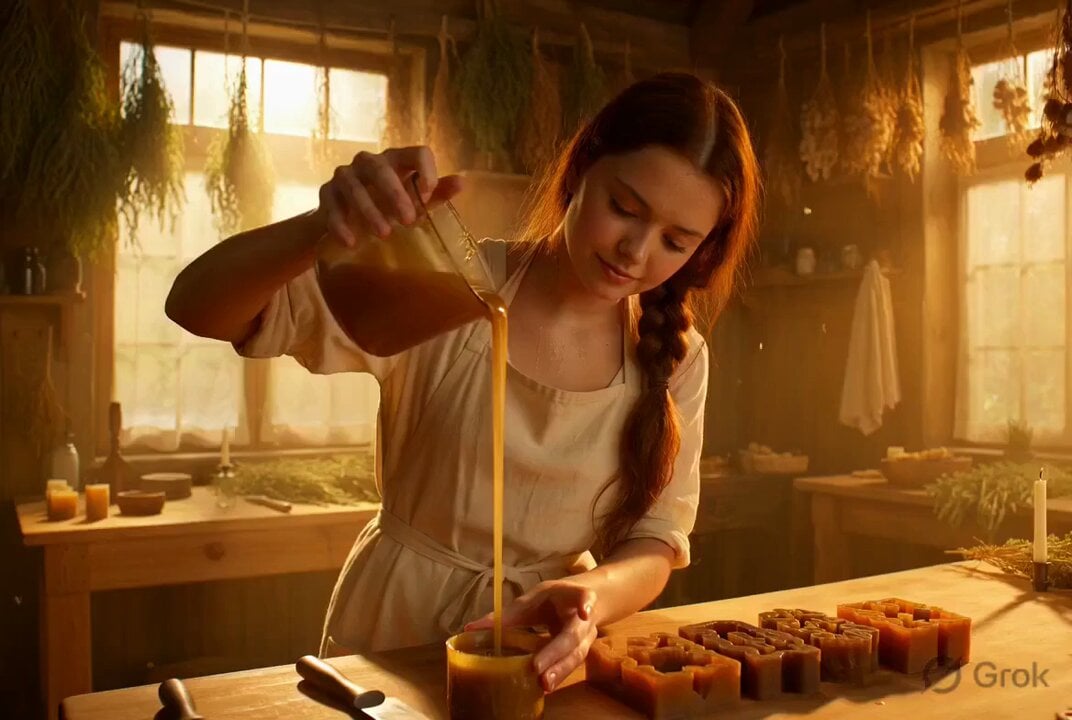
Photorealistic cinematic portrait of a gentle candle maker
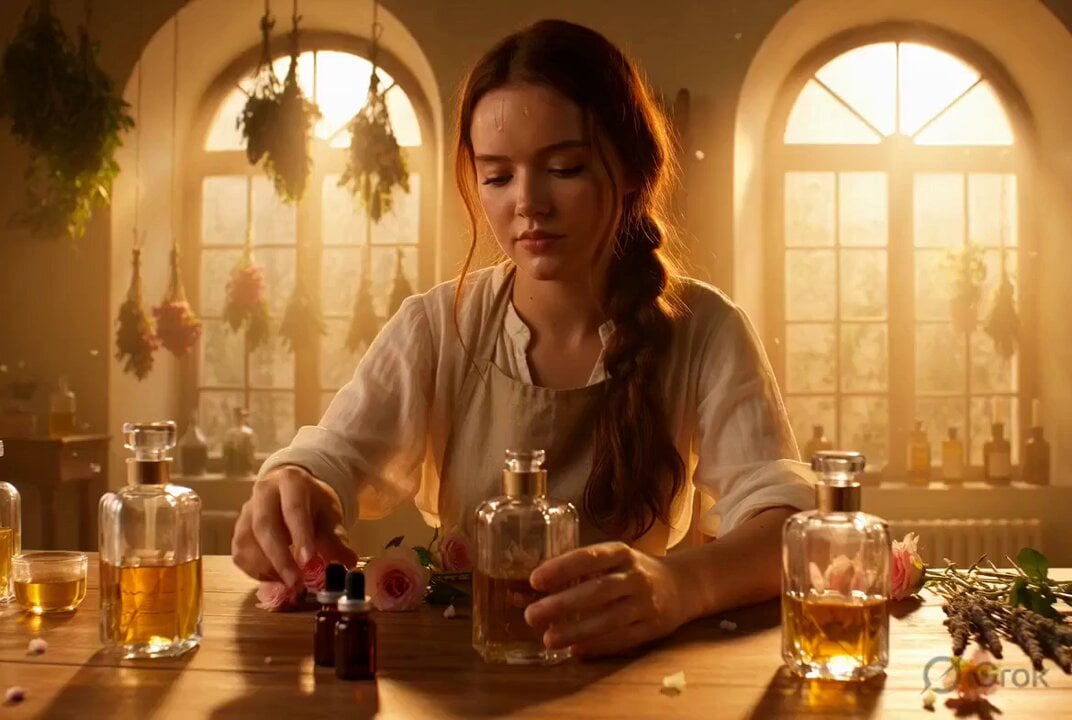
Golden Hour Woodturner Cinematic Portrait
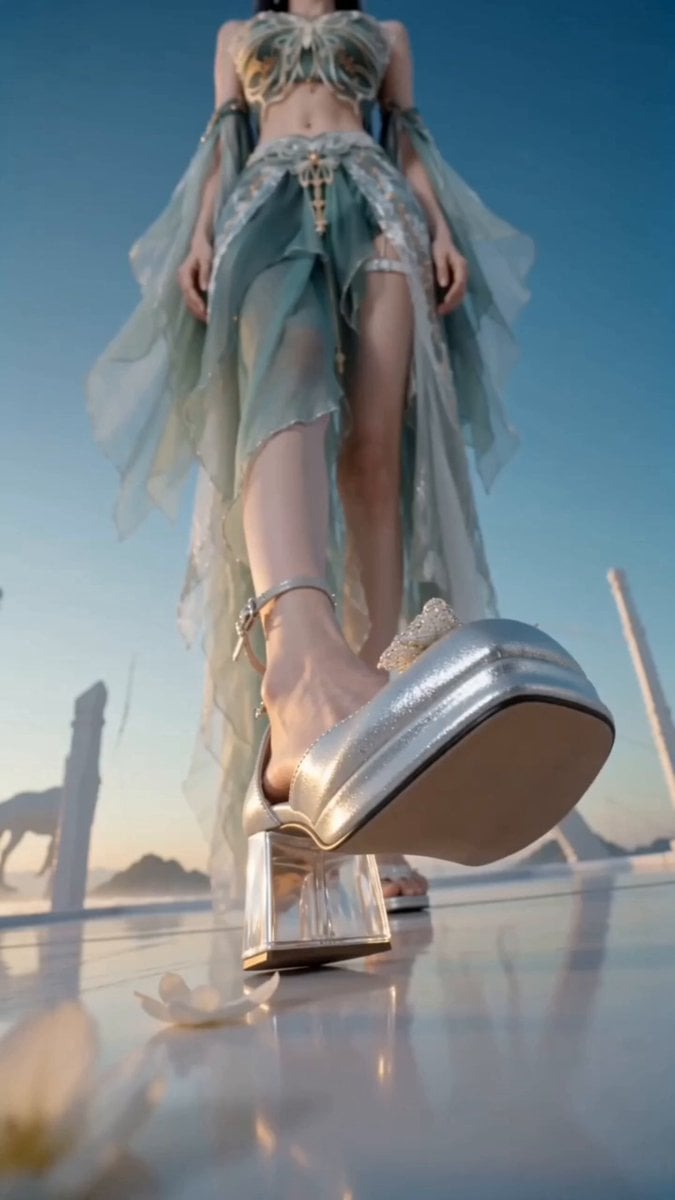
Thunder Camera Rotation Xianxia Fashion Video

Kaleidoscopic Cosmic Dolphin Video
Make it yours
Ultra-realistic high fashion studio beauty portrait video prompt works as-is. These are the safest ways to change it without losing the look.
Change one field
Copy a single group, rewrite it, and generate again so you can see what that field is doing.
Keep the frame, change the subject
Hold the composition and light of Ultra-realistic high fashion studio beauty portrait video prompt, then swap wardrobe, props or the person for a new take.
| If the result… | Why | Fix |
|---|---|---|
| The result drifts from the preview | Too many fields changed at once. | Reuse Ultra-realistic high fashion studio beauty portrait video prompt as-is first, then change one group — subject, light, or setting. |
| The model over-stylizes the scene | The prose prompt leaves finish and camera underspecified. | Add one camera or lighting sentence and stay on Grok Imagine. |
More Grok Imagine templates
Other prompts made for Grok Imagine.

Candle Mandala Mirror Video

Psychedelic Purple Disc World Video

Mecha Runway Tap Dance Video Prompt
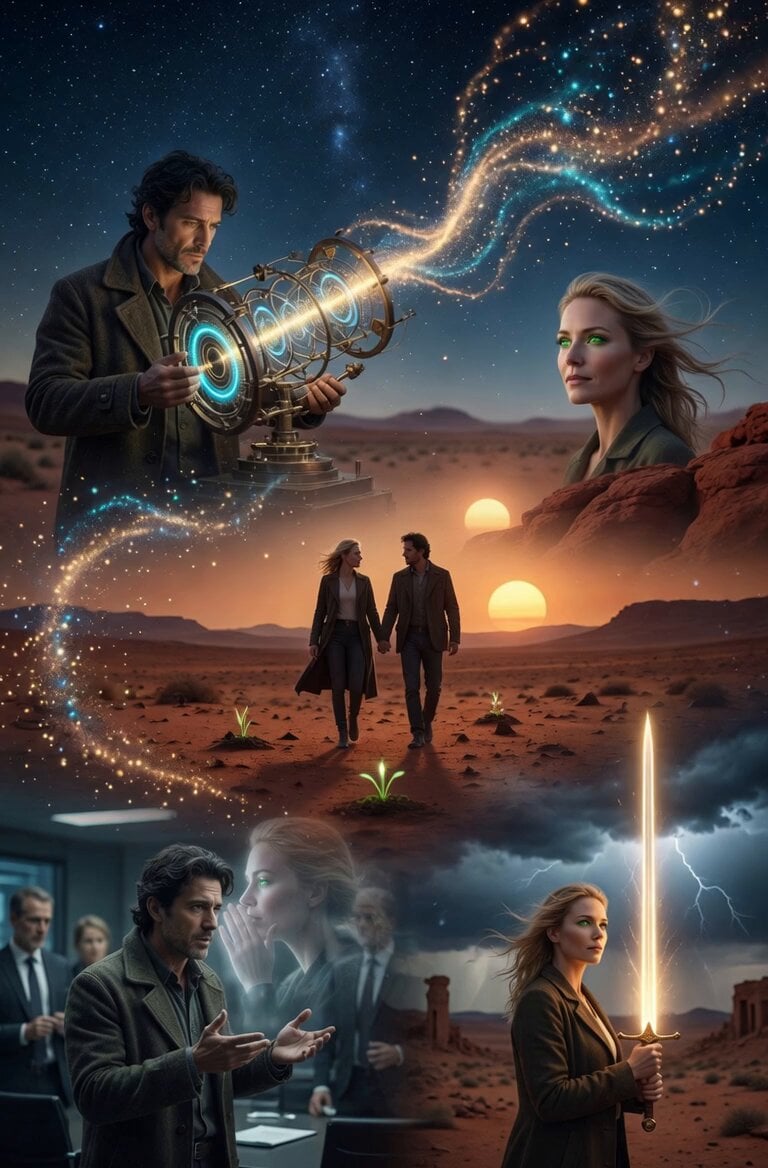
Quantum Inventor in Sonoran Desert

Emotional Angry Couple Drama
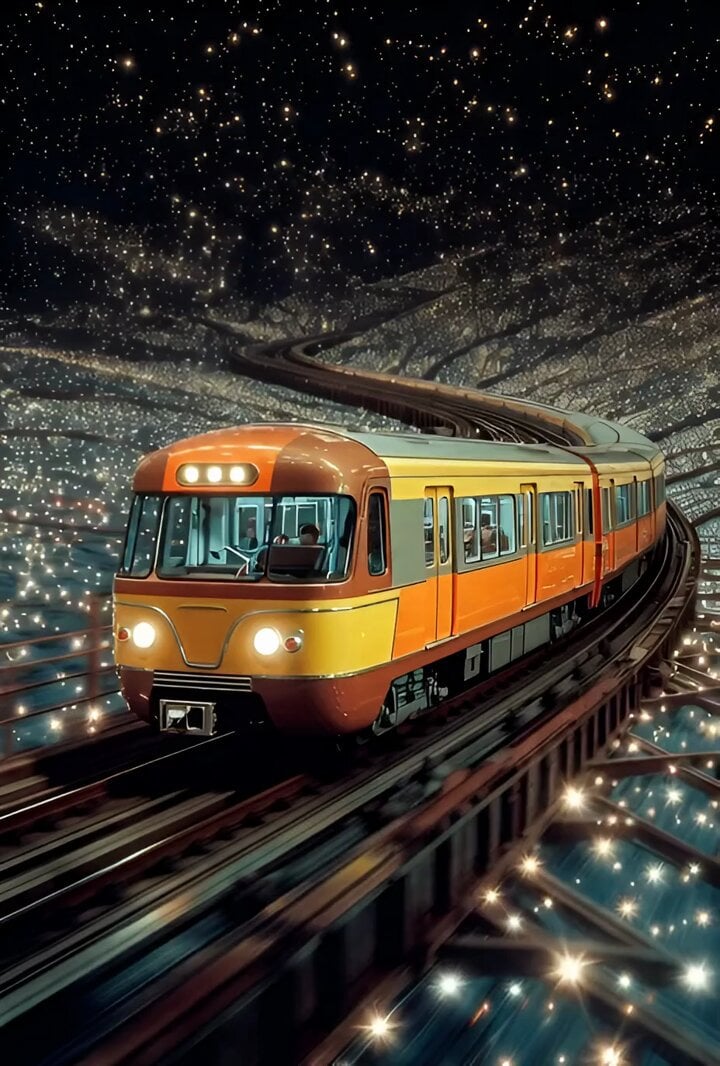
Train Zooming in Star Field Video Prompt

Cyberpunk Guerrilla Girl Video Generation

Detailed multi-part video prompt
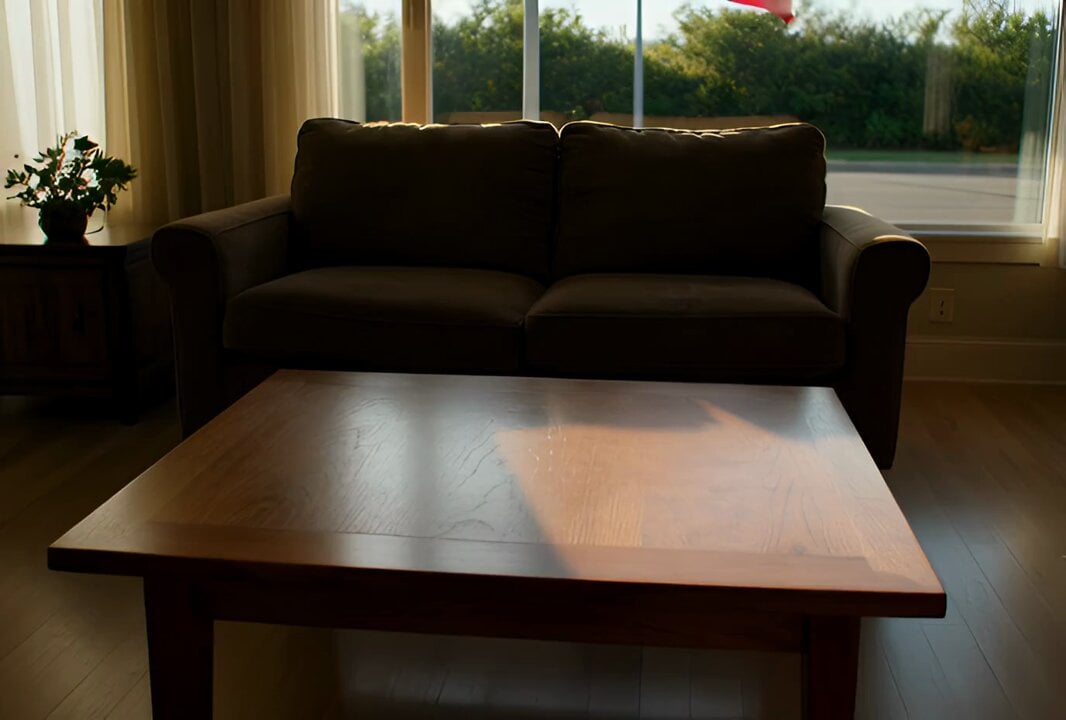
Interior View Video Generation Prompt
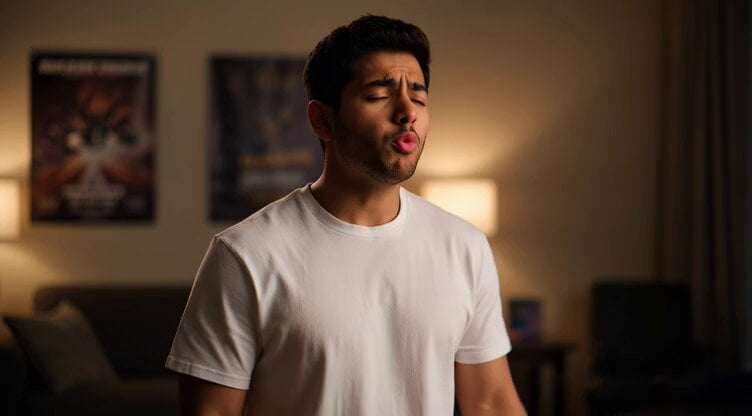
GTA 6 never came out in 1 million years
More video prompts
Fresh picks from across the catalog.

Boy Tinkering with Strange Machine Prompt for Grok Imagine

Anime Cooking Scene Animation Prompt
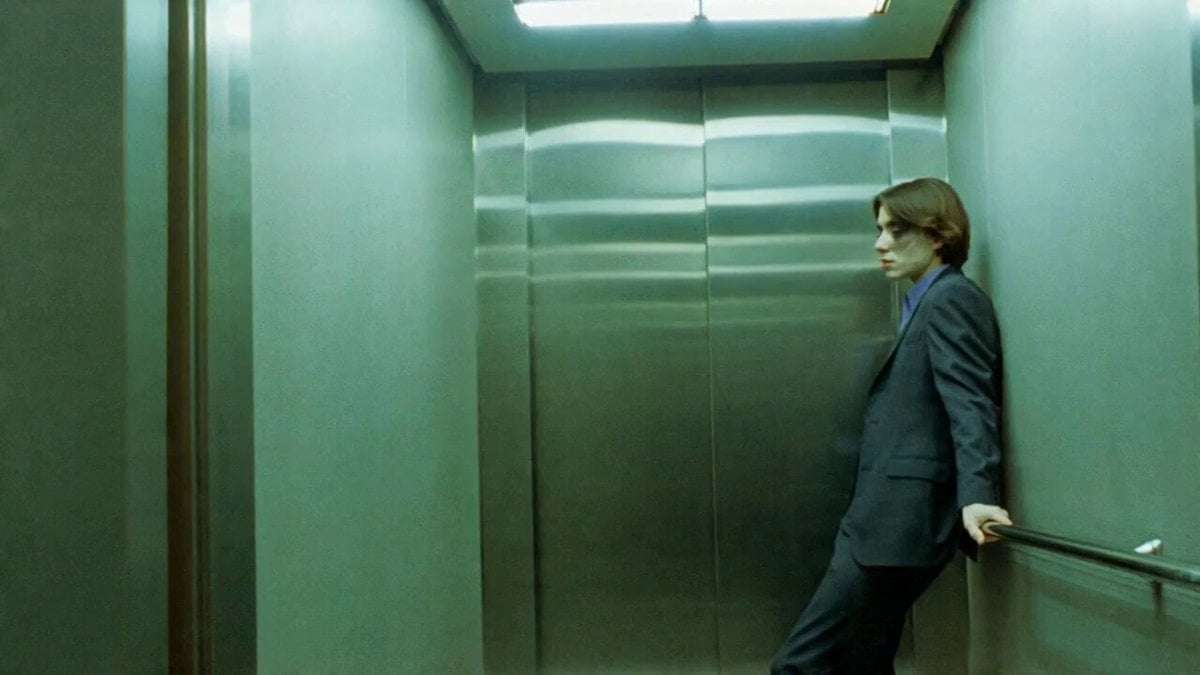
Action Thriller Ninja Fight Scene (i2v)
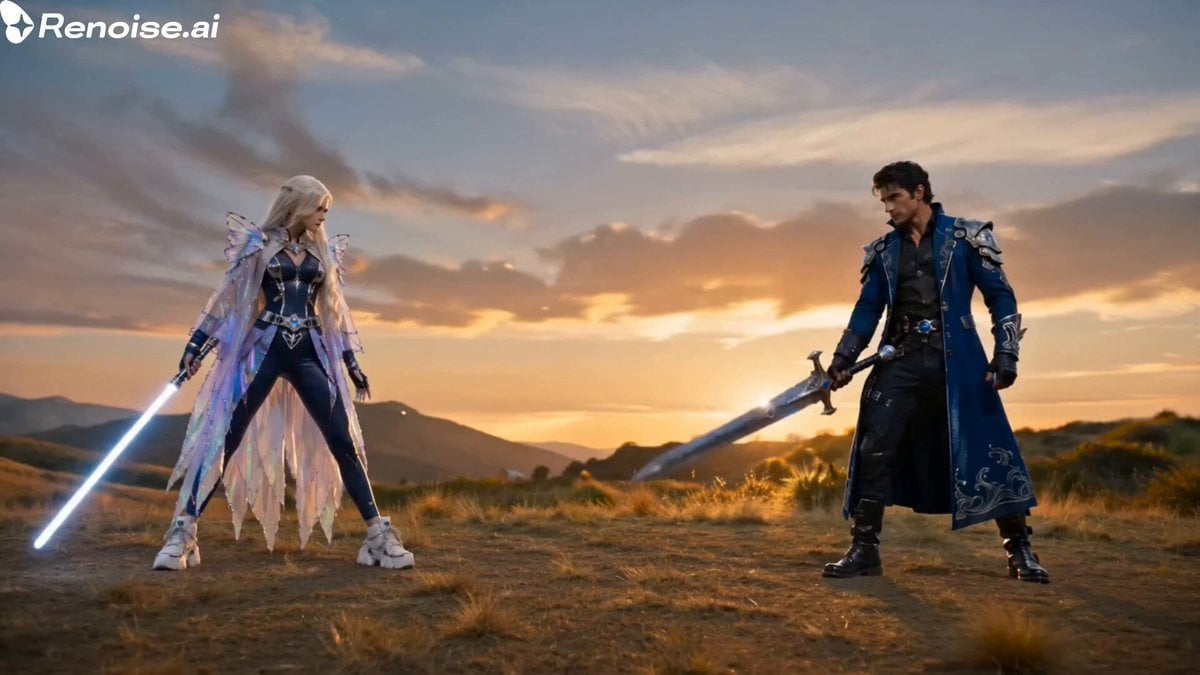
Cinematic Sword Duel Butterfly Climax
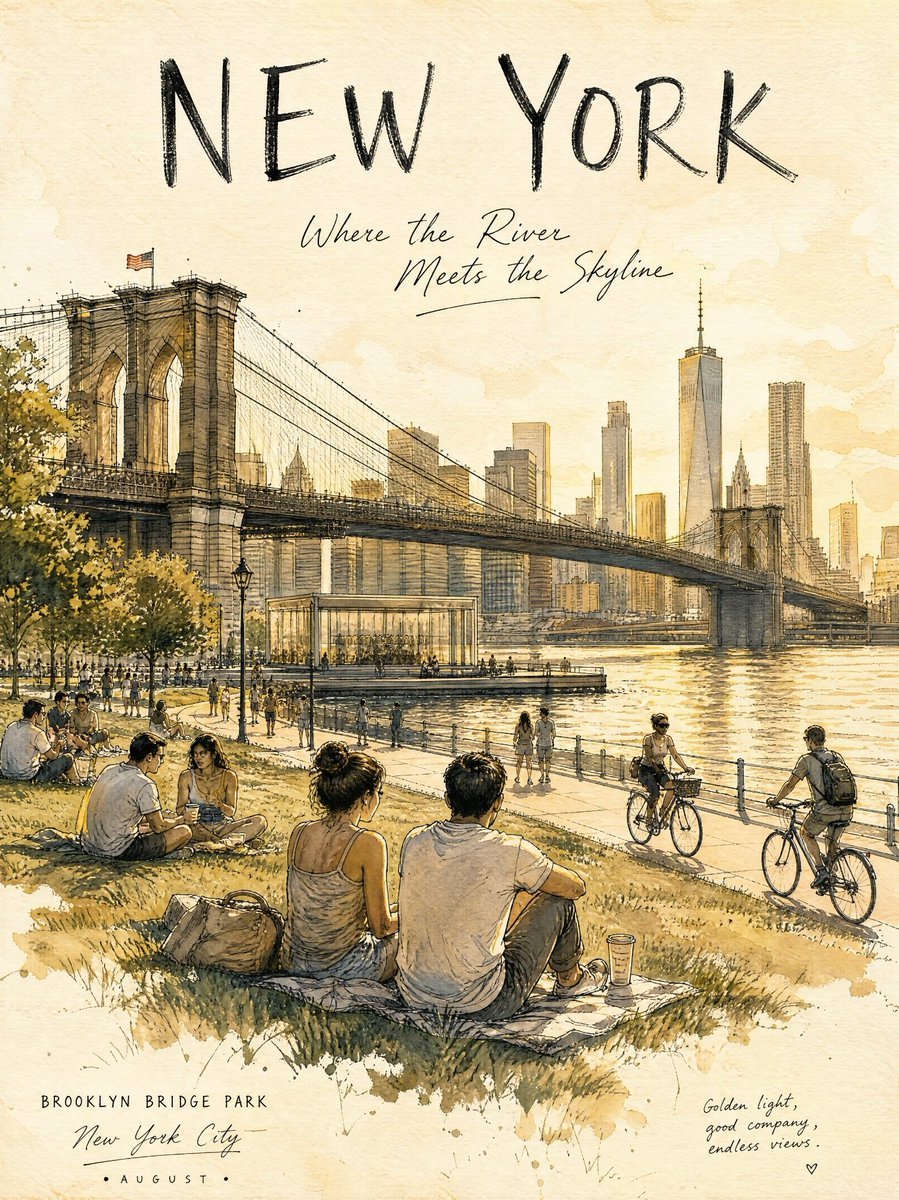
Central Park Summer Urban Sketch Poster
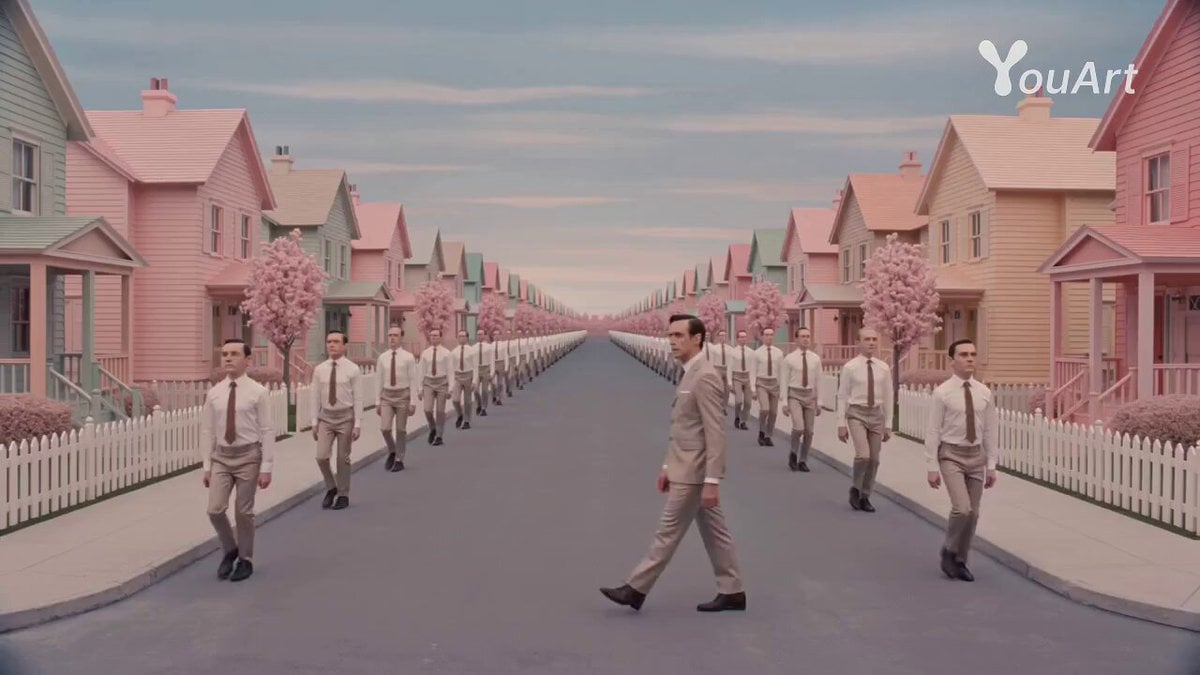
Wes Anderson Style Movie Trailer Prompt

Valkyrie Anime Battle Sakuga
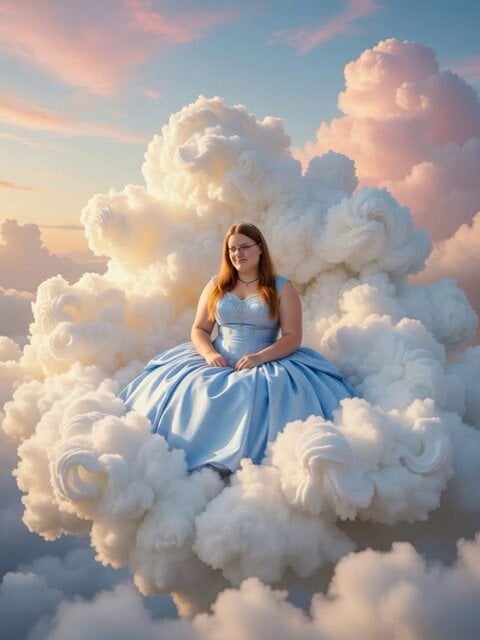
Mermaids in a moon lake with dialogue
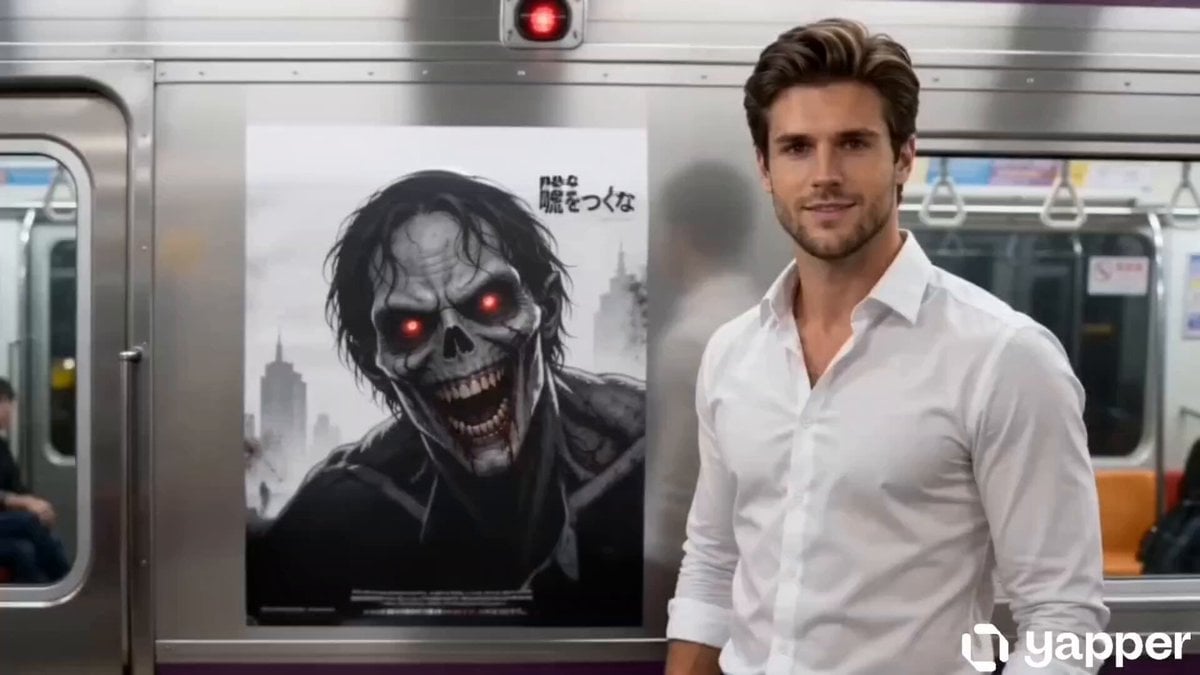
Supernatural Horror: Monster Emerging from a Poster
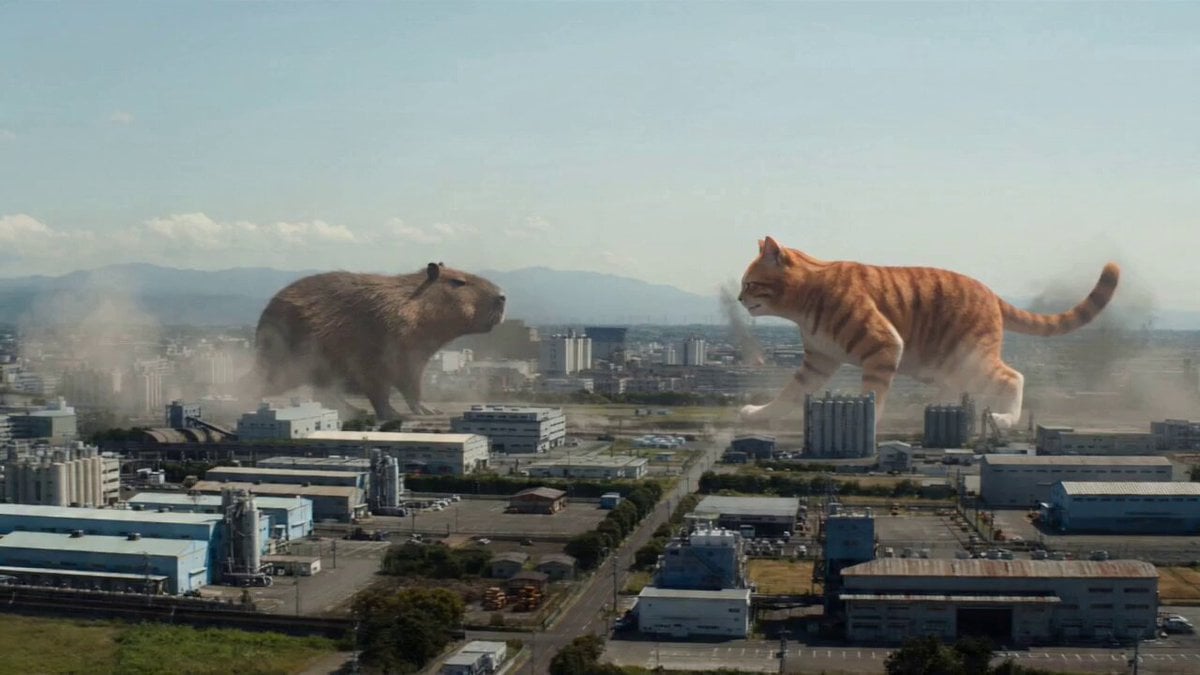
Kaiju Battle in Japanese Industrial Park Prompt
Browse template categories
Ultra-realistic high fashion studio beauty portrait video prompt questions
How do I use the Ultra-realistic high fashion studio beauty portrait video prompt template?
Add your photo if the template asks for one, edit the prompt if you like — the template's model and format are already selected — and press Generate. Your version opens in PicX Studio.
Can I customize the Ultra-realistic high fashion studio beauty portrait video prompt template?
Yes. You can change the subject, setting, lighting, mood, format, and available model controls before creating your video.
Is the Ultra-realistic high fashion studio beauty portrait video prompt template free?
Opening and editing this template is free. Generating uses credits, shown on the Generate button when you are signed in.
Which AI model should I use?
Start with Grok Imagine, which is the model associated with this template. You can compare another compatible model for a different finish.
Looking for something else? Browse all templates.

Your photo, any look
Thousands of ready templates for every top image and video model, from one credit balance.