How do I use the Valkyrie Anime Battle Sakuga template?
Edit the prompt in the box under the preview — the template's model and format are already selected — and press Generate. Your version appears right on this page.
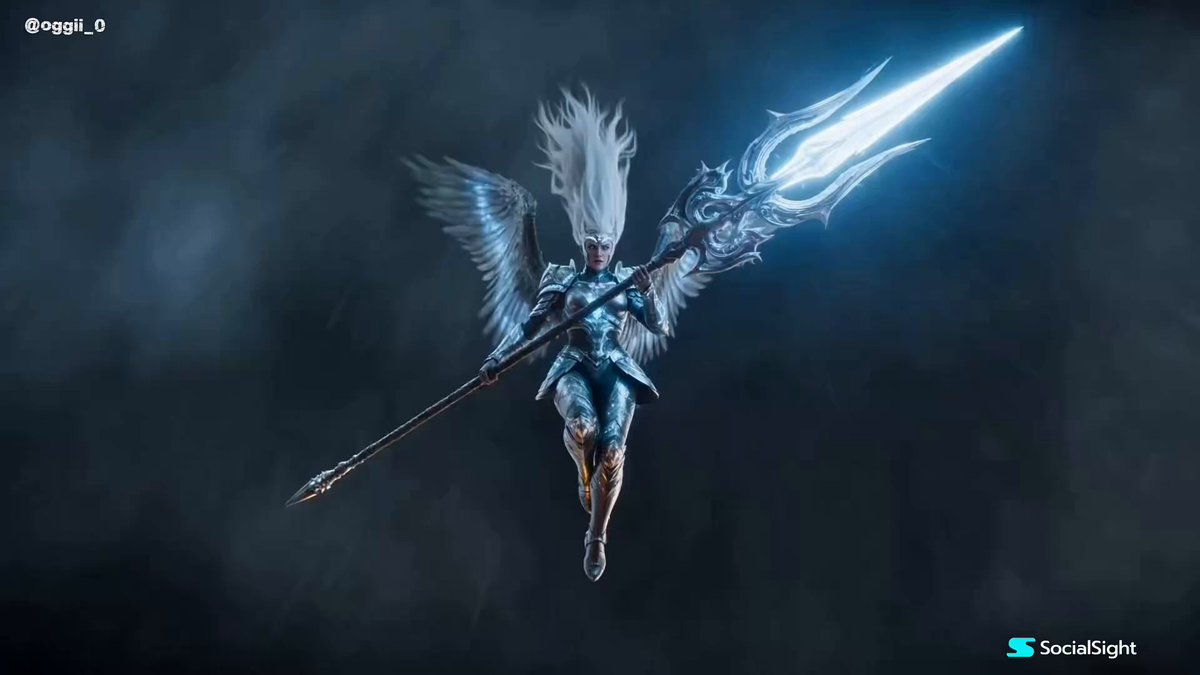
A massive anime-style prompt for a majestic valkyrie character engaging in an epic battle with lightning effects and high-scale action in a MAPPA-inspired style.
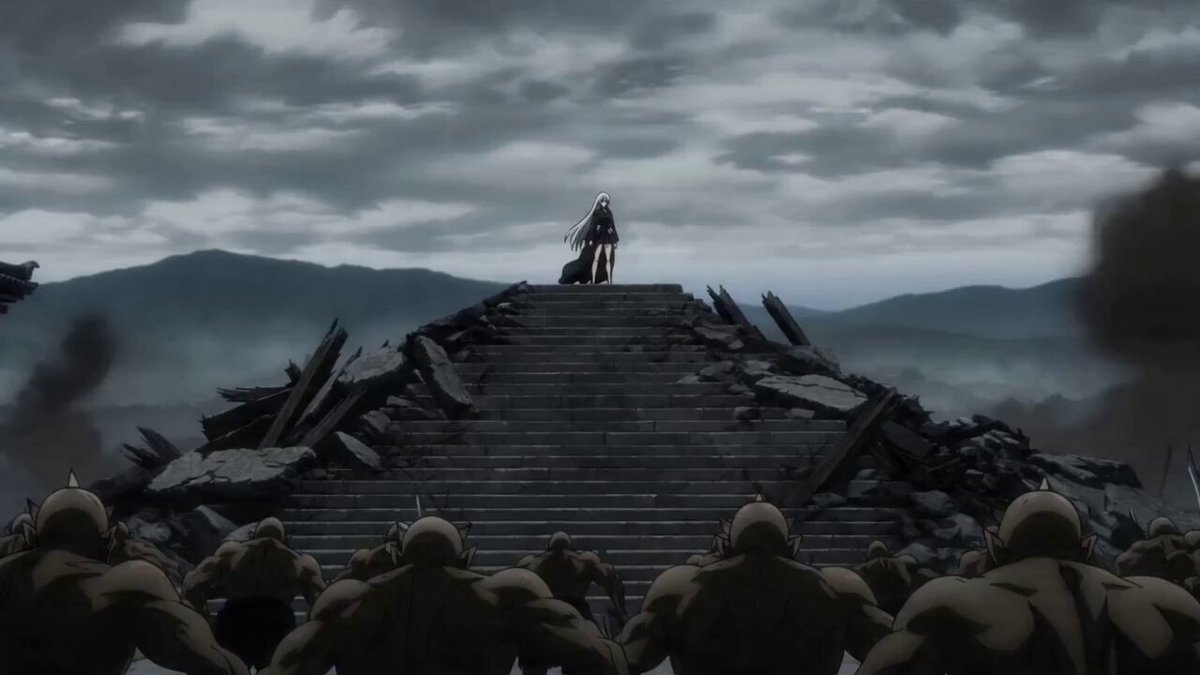
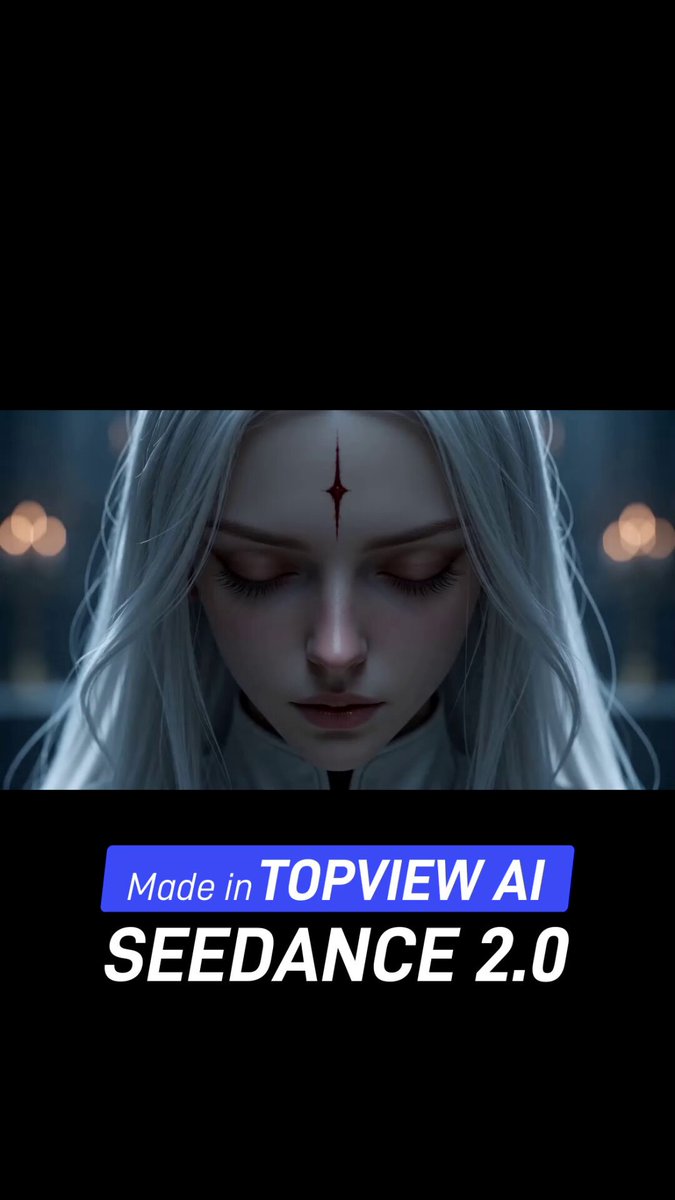
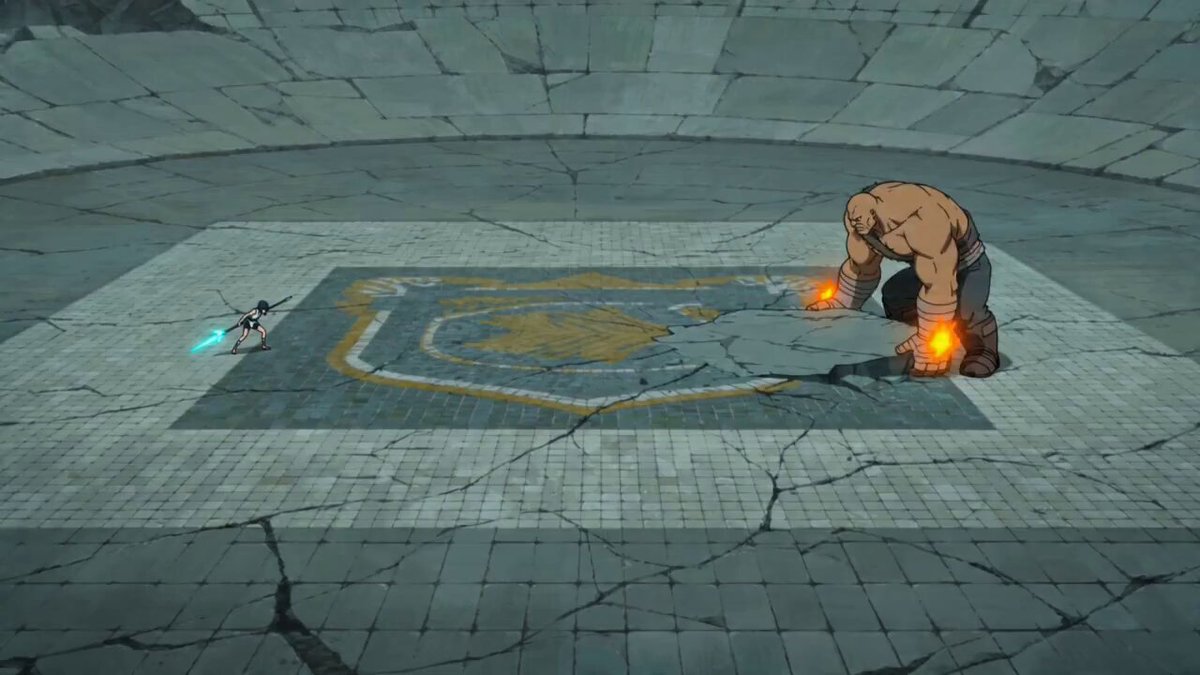
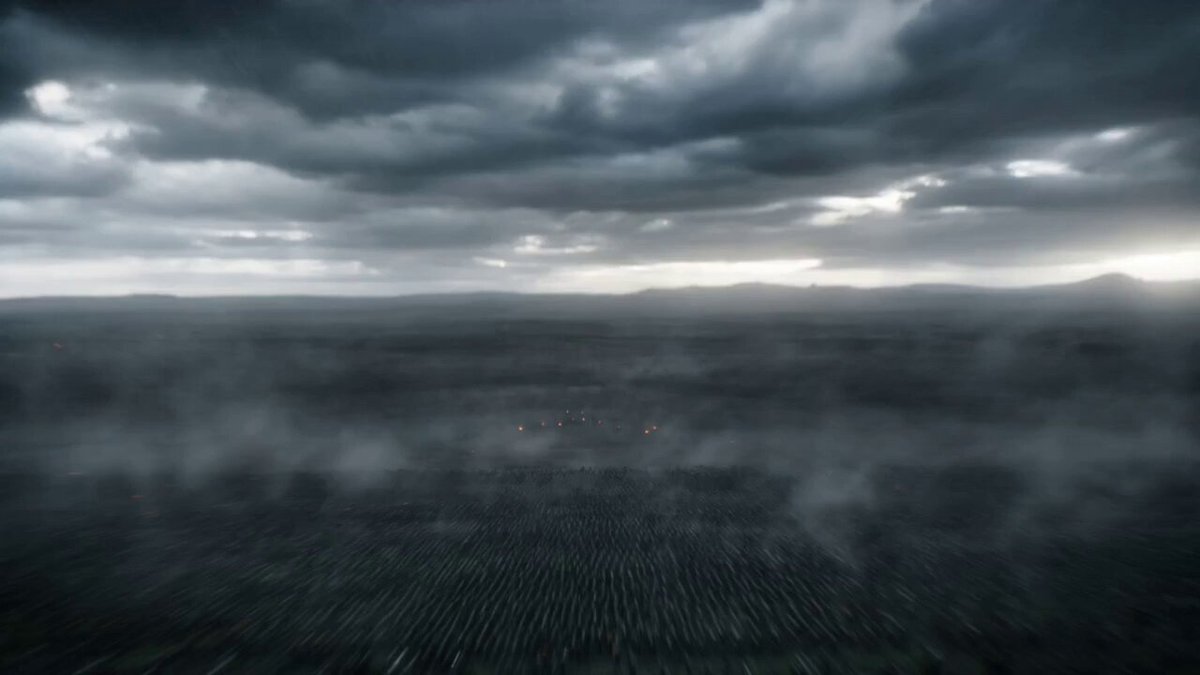
A majestic valkyrie with long platinum hair, glowing sapphire eyes, divine white armor, enormous spear crackling with lightning, athletic and graceful silhouette, rendered in ultra-premium Japanese anime rendering, MAPPA-inspired sakuga, cinematic anime lighting, hand-drawn speed lines, explosive impact frames - Descends from storm clouds onto a battlefield where thousands of armored giants advance toward a kingdom, camera diving beside her through lightning; - Crashes into the battlefield, spinning her spear through giant enemies, thunder exploding across the ground, bodies and debris launched into the air while the camera circles every impact; - Flies above the battlefield and hurls the spear like a divine thunderbolt, vaporizing the colossal giant king, ending with the surviving army kneeling as she lands beneath a clearing sky.
A majestic valkyrie with long platinum hair, glowing sapphire eyes, divine white armor, enormous spear crackling with lightning, athletic and graceful silhouette, rendered in ultra-premium Japanese anime rendering, MAPPA-inspired sakuga, cinematic anime lighting, hand-drawn speed lines, explosive impact frames - Descends from storm clouds onto a battlefield where thousands of armored giants advance toward a kingdom, camera diving beside her through lightning; - Crashes into the battlefield, spinning her spear through giant enemies, thunder exploding across the ground, bodies and debris launched into the air while the camera circles every impact; - Flies above the battlefield and hurls the spear like a divine thunderbolt, vaporizing the colossal giant king, ending with the surviving army kneeling as she lands beneath a clearing sky.
Edit the prompt in the box under the preview — the template's model and format are already selected — and press Generate. Your version appears right on this page.
Yes. You can change the subject, setting, lighting, mood, format, and available model controls before creating your video.
Opening and editing this template is free. Generating uses credits, shown on the Generate button when you are signed in.
Start with Seedance 2.0, which is the model associated with this template. You can compare another compatible model for a different finish.
Follow a topic to a crawlable collection of related PicX Studio templates.