
Epic Manga Battle Sakuga
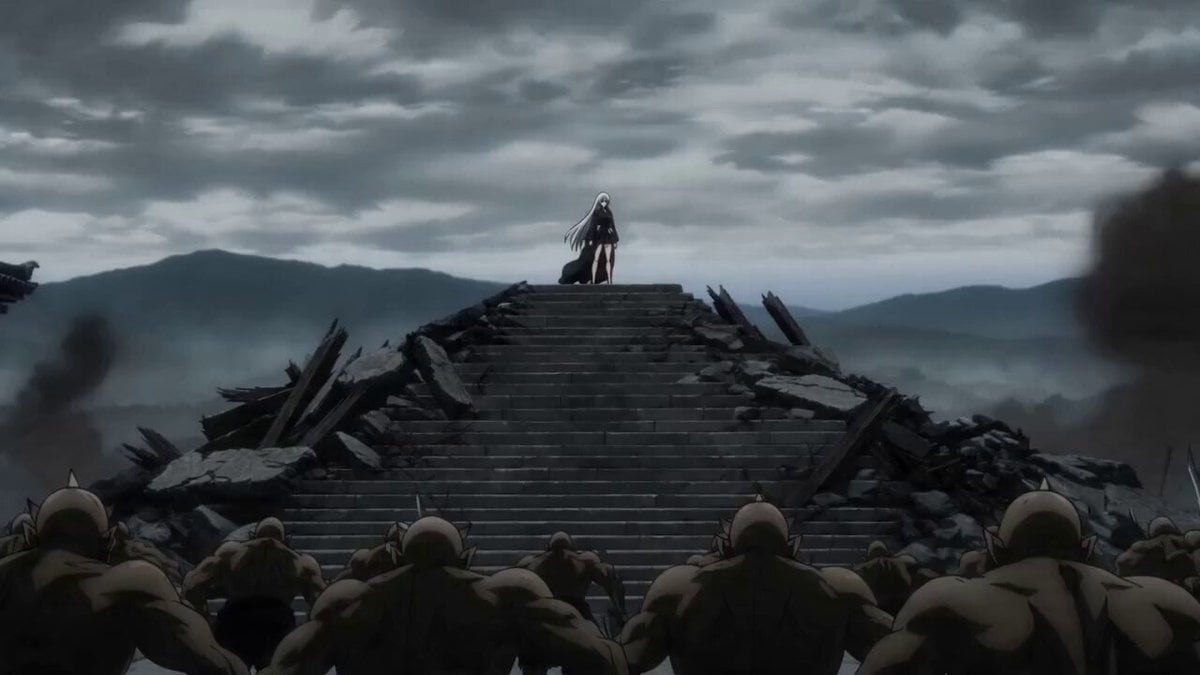
A highly detailed video prompt for a cinematic manga battle scene featuring a silver-haired heroine and dynamic sakuga animation.
- Prompt included
- Model and format preset
- Free template
The prompt behind this video
Copy the exact prompt behind Epic Manga Battle Sakuga, or open it in the studio and make it yours.
A deadly manga heroine with long silver hair, piercing crimson eyes, athletic silhouette, black battle kimono flowing in the wind, rendered in ultra-premium Japanese anime rendering, manga-style visual language, epic anime-inspired sakuga animation, sharp anime linework, high-contrast cel shading, hand-drawn speed lines, explosive impact frames, dynamic motion smears, dramatic facial close-ups, cinematic anime lighting - Stands alone on a shattered temple staircase as dozens of demon warriors charge uphill toward her, camera slowly circling her calm expression before a sudden crash zoom into her eyes; - Explodes forward with impossible speed, slicing through enemies in a blur of steel, bodies launched through pillars, stone stairs shattering beneath each step, epic anime-style impact frames punctuating every strike; - Reaches the giant demon general at the summit and defeats him with a single devastating slash that splits the temple gate behind him, ending with the heroine standing amid falling debris while the remaining demons retreat in terror Epic fantasy anime battle, brutal sword choreography, heroic final payoff.
How to use Epic Manga Battle Sakuga in 3 steps
- 1
Open
The prompt is already in the box next to the preview, with the template's model and format selected.
- 2…a portrait of your subject in softgolden-hour light, 85mm…
Personalize
Edit the subject and creative details for your destination.
- 3Generate
Generate
Press Generate — your video is created in PicX Studio, so you can compare it with the original and refine one variable at a time.
More like this
Templates with the same subject, style or setup. Open one to see its prompt.
Swordsman vs Shadow Monster — Bamboo Forest Battle
Tiger vs Gorilla — Jungle Canyon Clash
Mecha Transformation vs Kaiju — 4-Scene Epic
Sea Serpent vs Crab Titan — Ocean Battle

Oceanic Civilization Epic Sci-Fi Film
Elven vs Orc Epic Battle
Valkyrie Anime Battle Sakuga
Cinematic epic battle between Spider-Man and Sun Wukong
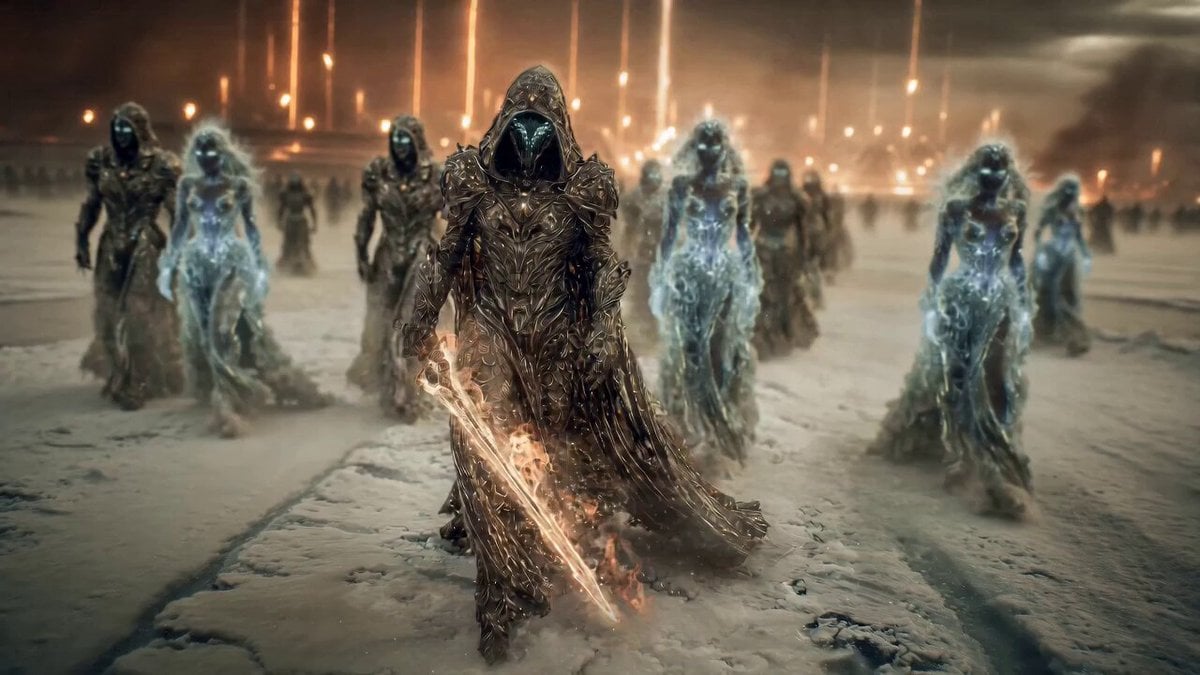
Epic Fantasy Battle Scene Prompt for Seedance 2.0
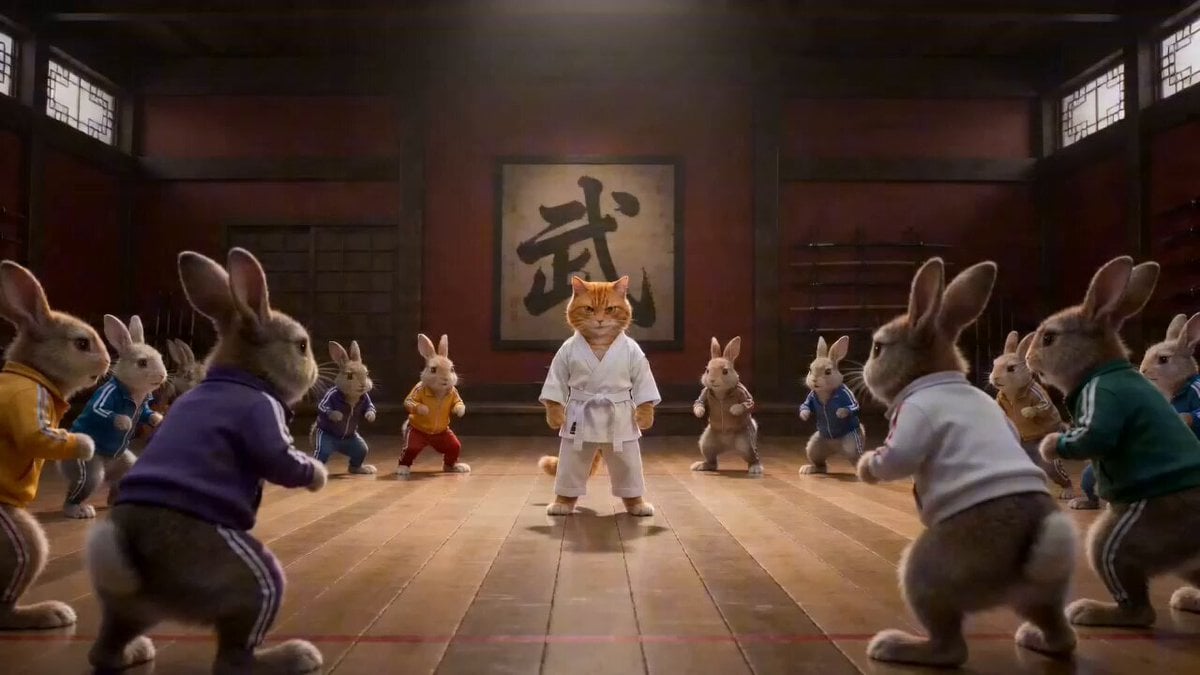
Epic Martial Arts Battle Between Cat Master and Rabbits
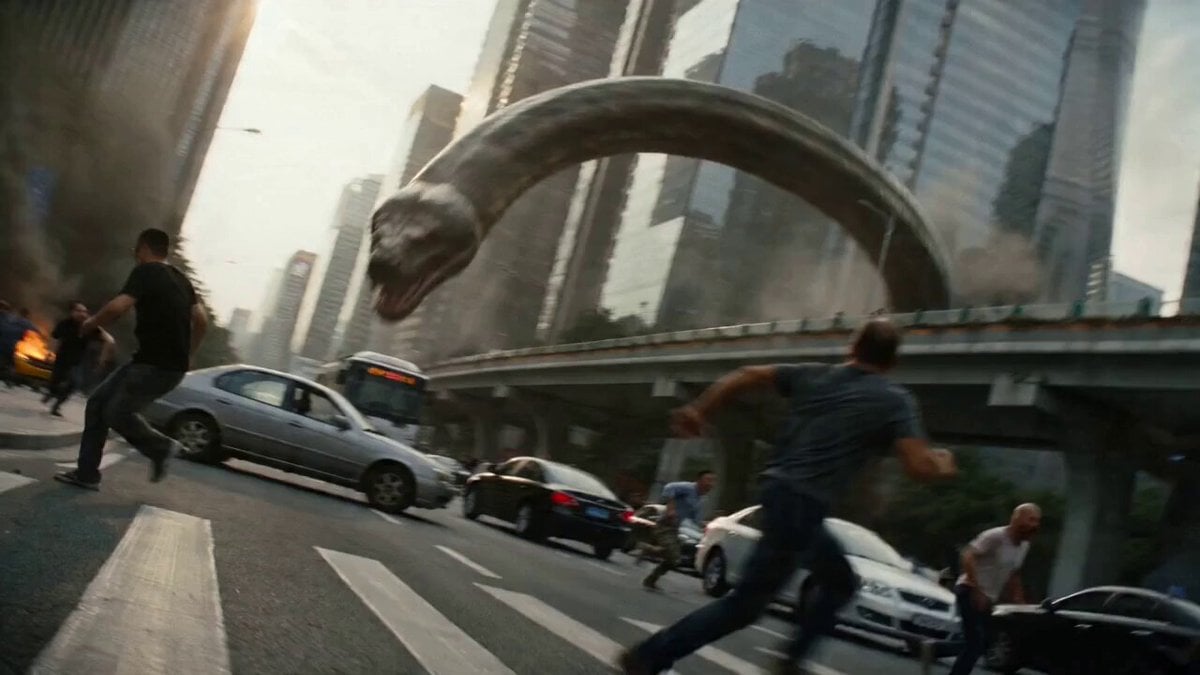
Epic Battle Between Giant Python and Chinese Dragon
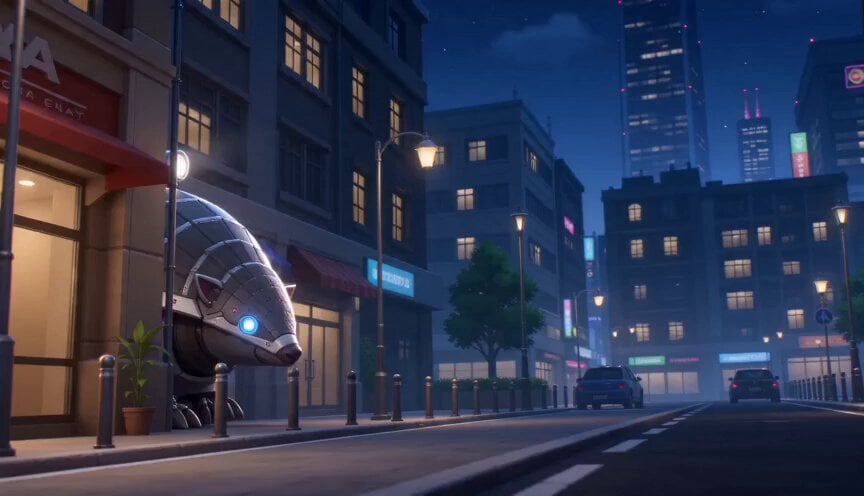
3D Cartoon Battle with Manga Expressions
Make it yours
Epic Manga Battle Sakuga works as-is. These are the safest ways to change it without losing the look.
Change one field
Copy a single group, rewrite it, and generate again so you can see what that field is doing.
Keep the frame, change the subject
Hold the composition and light of Epic Manga Battle Sakuga, then swap wardrobe, props or the person for a new take.
| If the result… | Why | Fix |
|---|---|---|
| The result drifts from the preview | Too many fields changed at once. | Reuse Epic Manga Battle Sakuga as-is first, then change one group — subject, light, or setting. |
| The model over-stylizes the scene | The prose prompt leaves finish and camera underspecified. | Add one camera or lighting sentence and stay on Seedance 2.0. |
More Seedance 2.0 templates
Other prompts made for Seedance 2.0.

Comical Martial Arts Punch Scene

Maglev Train Action Sequence

Martial Arts Fight Sequence

Wuxia Protection and Trust Script

Vintage Korean Arcade MiniDV Vlog

Mercedes 190 SL Luxury Ad

Rainy Night Supernatural Reverse Comedy Video Script

Amazon Civilization Discovery

Futuristic South Asian City Transformation

Cozy Luxury Cafe Commercial
More video prompts
Fresh picks from across the catalog.
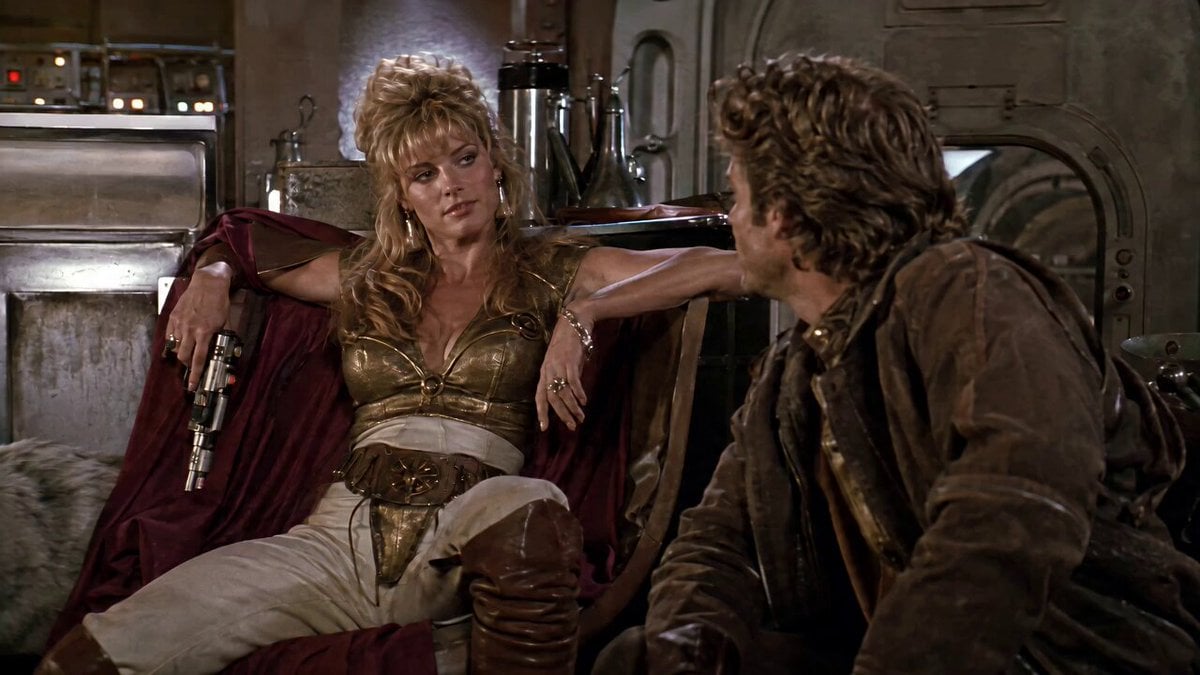
1980s Space Action Film Sequence

Charleston Capitol City Theme
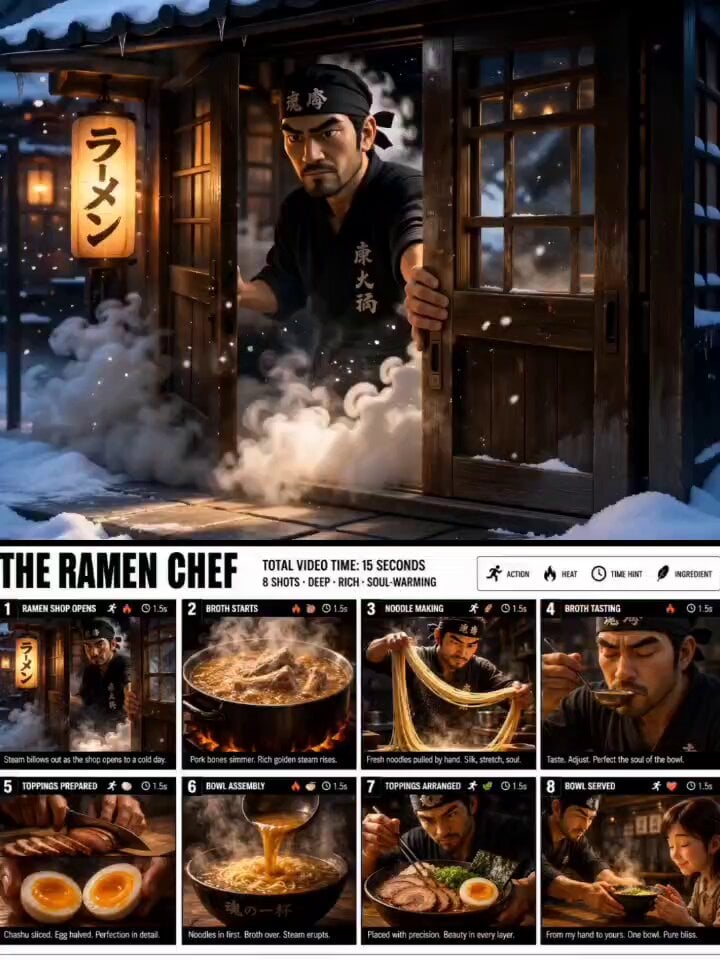
Animated Ramen Chef Sequence
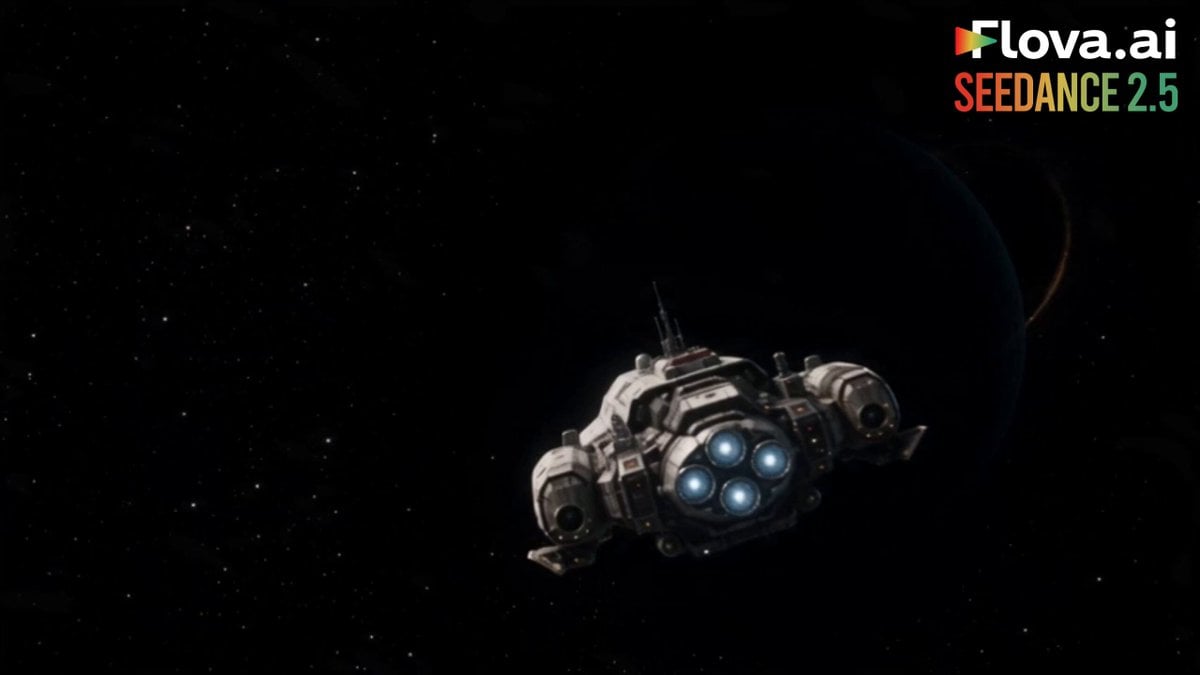
Science Fiction Short Film
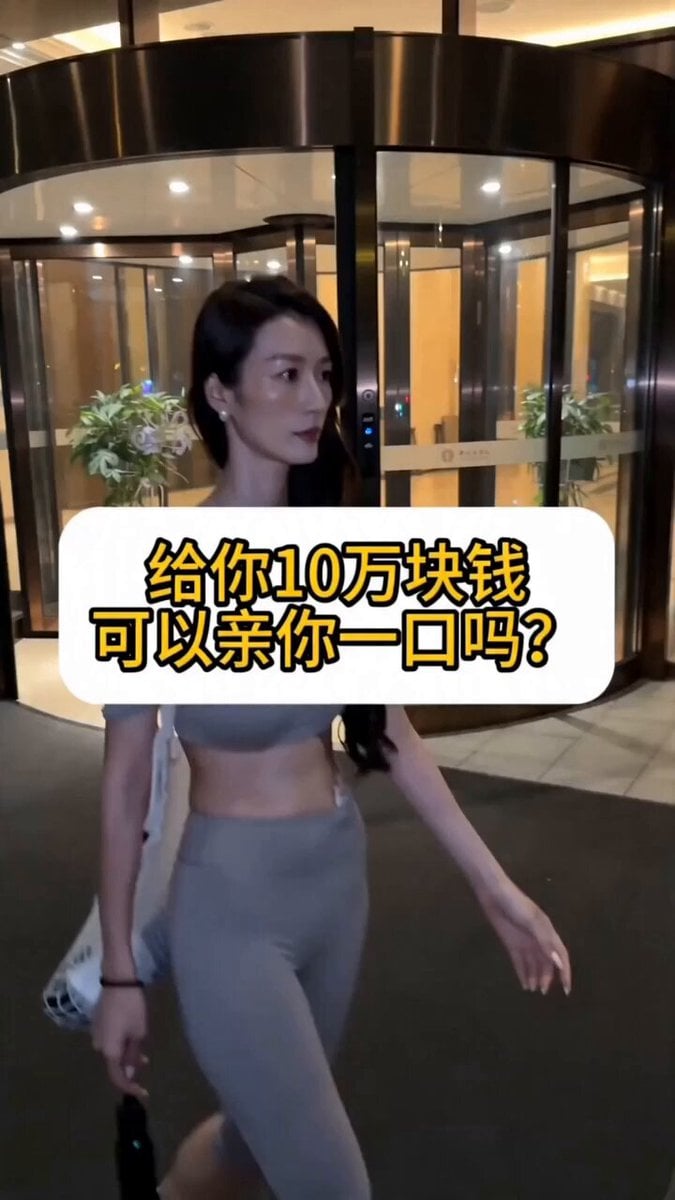
Realistic POV Street Prank Script
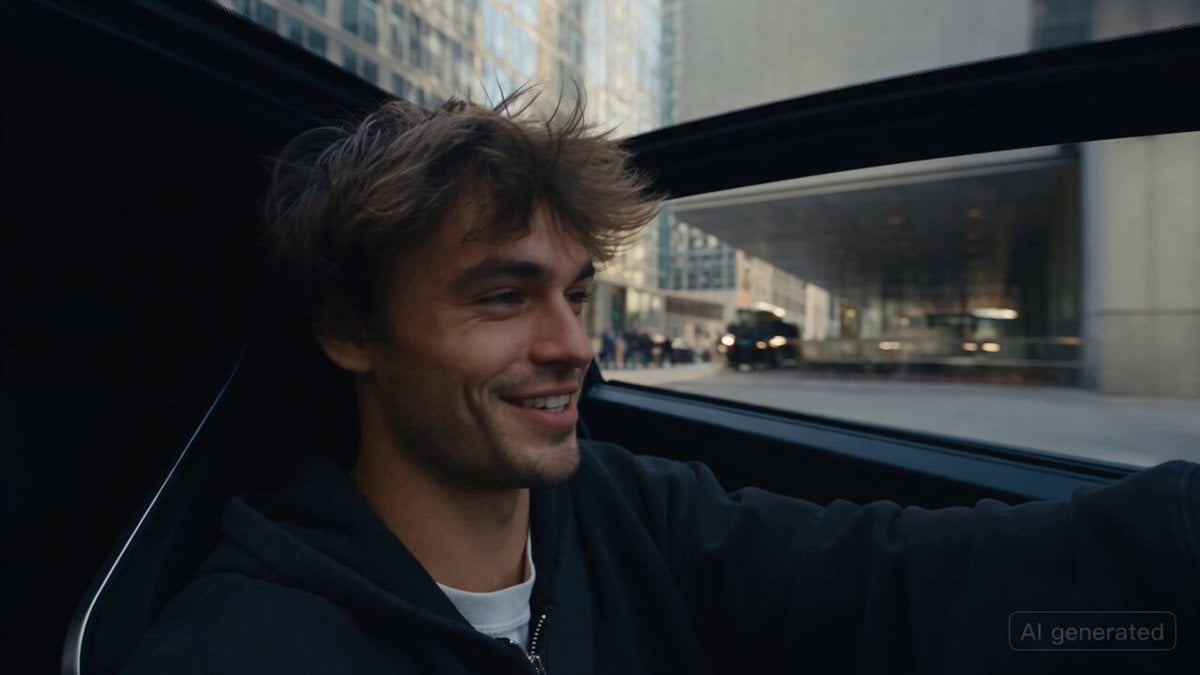
Car Guardian Mechanical Transformation Vlog

MiniDV Coastal Train Station Vlog
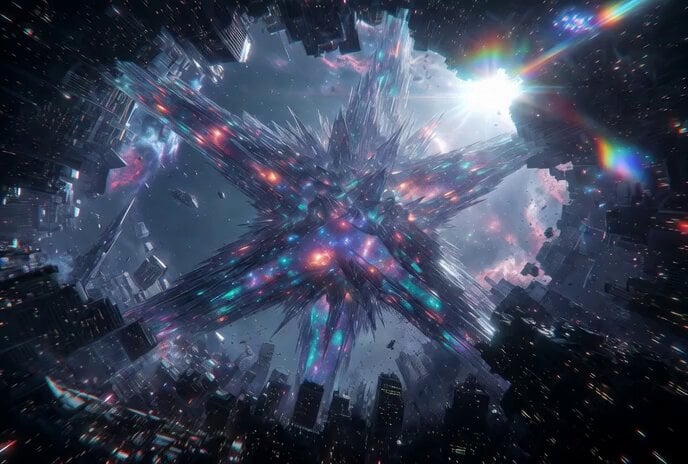
Tesseract Star Cube Incursion Video Prompt

Ancient Kingdom of Urartu FPV

Summer Pool Party Montage Video Prompt
Browse template categories
Epic Manga Battle Sakuga questions
How do I use the Epic Manga Battle Sakuga template?
Add your photo if the template asks for one, edit the prompt if you like — the template's model and format are already selected — and press Generate. Your version opens in PicX Studio.
Can I customize the Epic Manga Battle Sakuga template?
Yes. You can change the subject, setting, lighting, mood, format, and available model controls before creating your video.
Is the Epic Manga Battle Sakuga template free?
Opening and editing this template is free. Generating uses credits, shown on the Generate button when you are signed in.
Which AI model should I use?
Start with Seedance 2.0, which is the model associated with this template. You can compare another compatible model for a different finish.
Looking for something else? Browse all templates.

Your photo, any look
Thousands of ready templates for every top image and video model, from one credit balance.