
Summer Pool Party Montage Video Prompt
A highly detailed, multi-shot prompt for Seedance 2.0 to generate a 15-second summer pool party montage video.
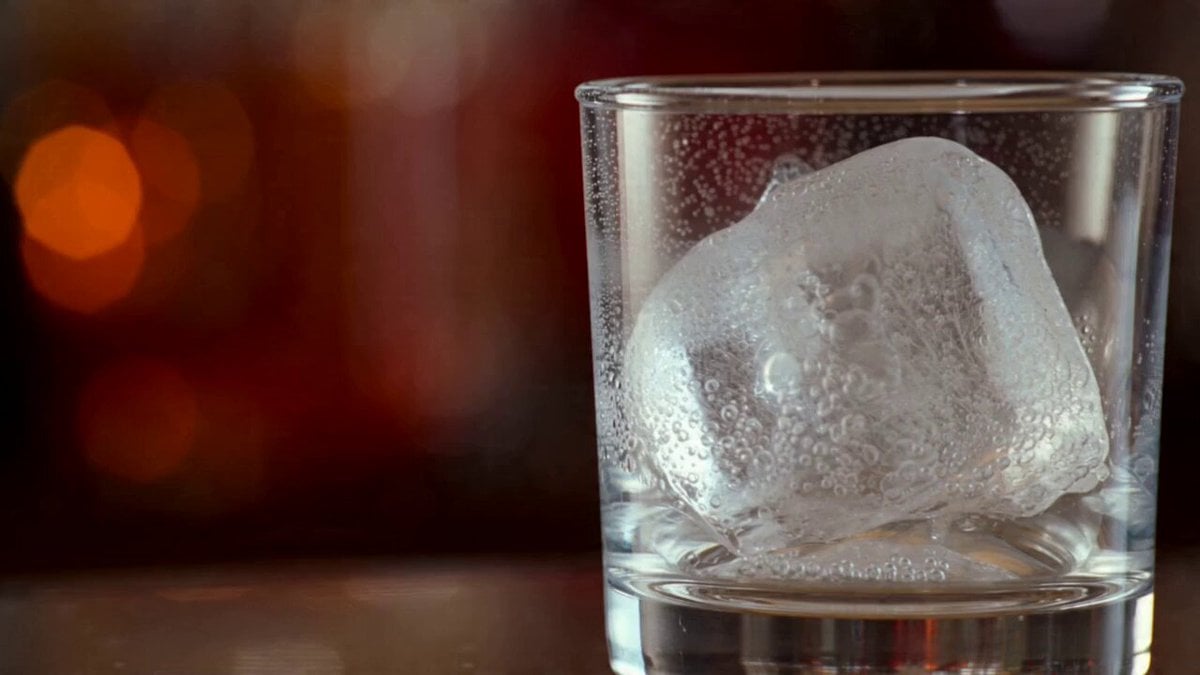
- Prompt included
- Model and format preset
- Free template
The prompt behind this video
Copy the exact prompt behind Summer Pool Party Montage Video Prompt, or open it in the studio and make it yours.
【风格】夏日泳池派对(Summer Pool Party Montage),快切剪辑(Rapid Cuts),4K高清,高饱和明亮色调 【时长】15秒 【场景】阳光露天泳池派对,两层公寓楼背景,泳池边站满人群,黄色浮床漂浮水面 【角色】金发女子、红发女子、黑发女子,均穿彩色花纹比基尼 [00:00-00:01] 镜头1:冰块开场(Macro Close-up) 近景:不规则透明冰块置于玻璃杯中,表面湿润,内部裂纹清晰,红褐色焦外光斑(Bokeh)满布背景。 [00:01-00:02] 镜头2:派对全景(Wide Shot) 全景:两层公寓前泳池,阳台池边挤满人群,画面中心两道白色水花从蓝色泳池炸出,黄色浮床漂浮。 [00:02-00:03] 镜头3:湿发笑容(Close-up) 特写:金发女子面对镜头,脸上密布水珠,湿发贴脸,张嘴大笑。浅景深蓝色水光背景。 [00:04-00:05] 镜头4:浮床慵懒(Medium Shot) 中景:黑发女子躺黄色浮床上,戴白色大框墨镜,双手扶眼镜,闭眼仰头。腕上银表、粉黄手镯叠戴。 [00:05-00:06] 镜头5:湿发慢动作(Close-up, Slow-mo) 特写升格:红发女子双手缓缓将湿发往后推开,微低头,水珠从发丝甩出。 [00:07-00:08] 镜头6:派对律动(Medium Shot) 中景:两名女子池边起舞,右侧女子腰间系带比基尼,腕叠银镯,右手握啤酒瓶,身体随节奏摇晃。 [00:08-00:09] 镜头7:池边并肩(Medium Shot) 中景:两名女子背对镜头并肩站立,蓝白/红白花纹泳裤,腕间手镯随手势晃动,池畔树影人群虚化。 [00:09-00:10] 镜头8:手持DV记录(Medium Shot) 中景:金发女子湿发,戴银饰,右手举银色手持DV对准前方,眼神专注盯取景器。左侧另一女子背影入画。 [00:11-00:12] 镜头9:水下双人游(Underwater Wide) 水下全景:金发、红发女子面对镜头游来,气泡翻涌,光线折射,画面带自然浊度。 [00:12-00:13] 镜头10:水下特写(Underwater Close-up) 水下特写:两人面部上身,光线穿透水面,少量气泡漂浮,表情隐约可见。 [00:14-00:15] 镜头11:沙滩球收尾(Wide Shot) 全景:蓝白沙滩球飞过画面中心,前景女子挥臂抛球,泳池边人群欢呼,浮床点缀水面。
How to use Summer Pool Party Montage Video Prompt in 3 steps
- 1
Open
The prompt is already in the box next to the preview, with the template's model and format selected.
- 2…a portrait of your subject in softgolden-hour light, 85mm…
Personalize
Edit the subject and creative details for your destination.
- 3Generate
Generate
Press Generate — your video is created in PicX Studio, so you can compare it with the original and refine one variable at a time.
More like this
Templates with the same subject, style or setup. Open one to see its prompt.
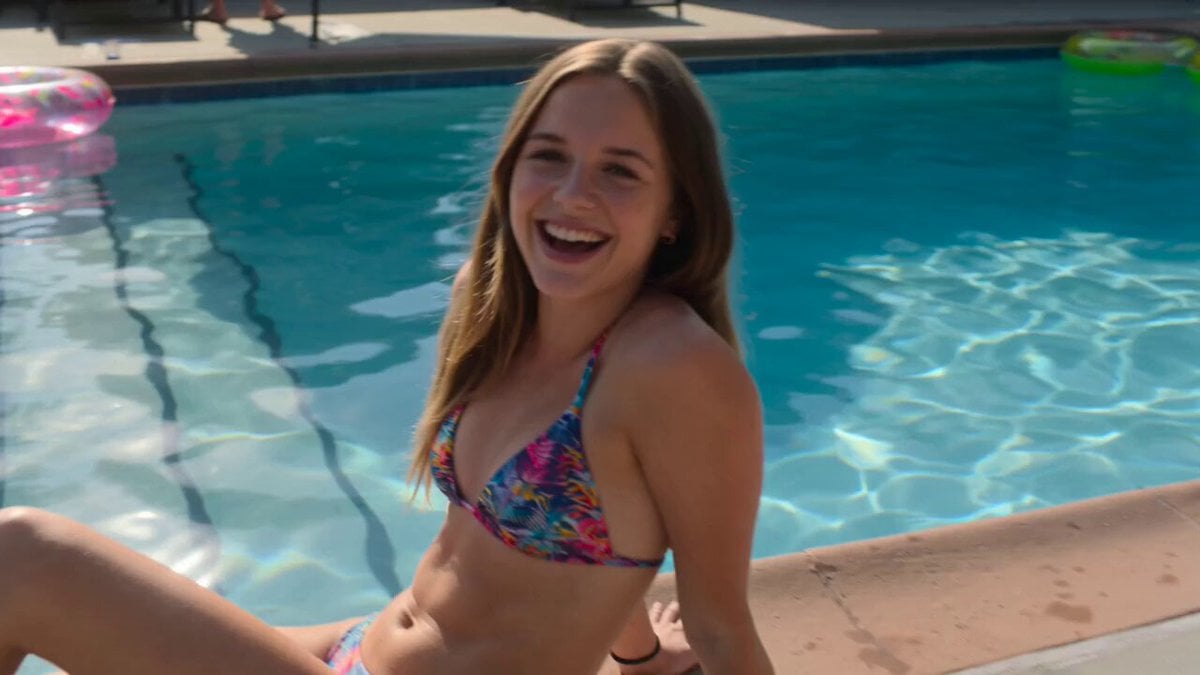
Smartphone Style Summer Pool Party Video
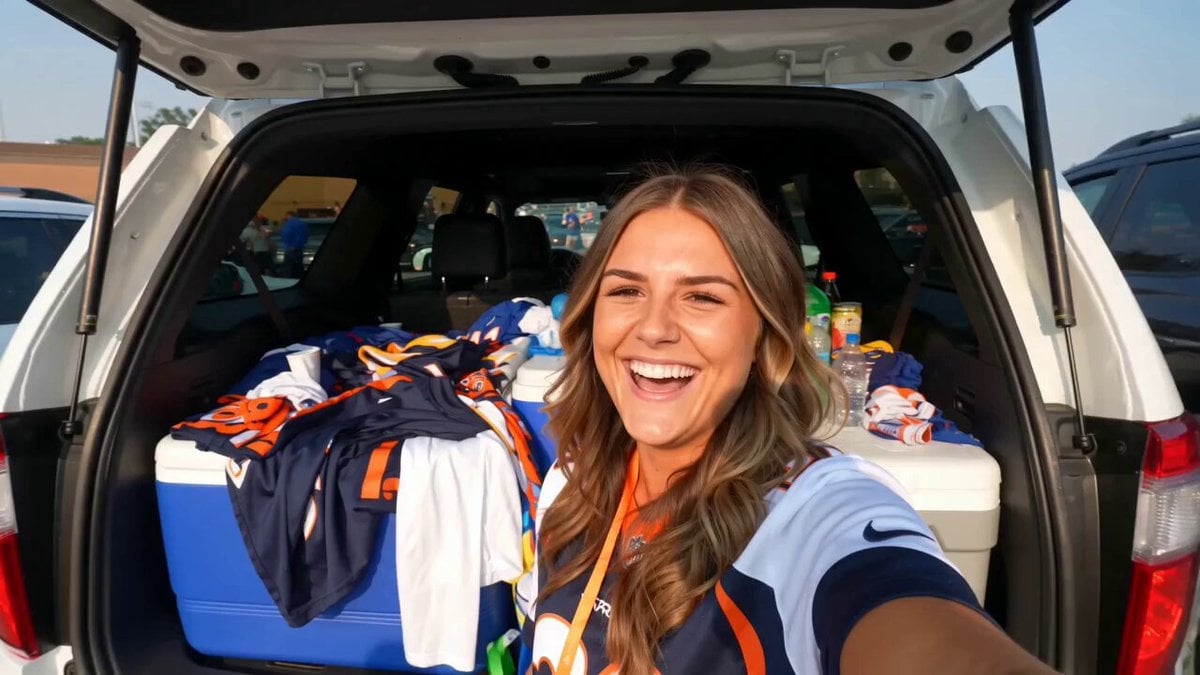
Smartphone Tailgate Party Montage
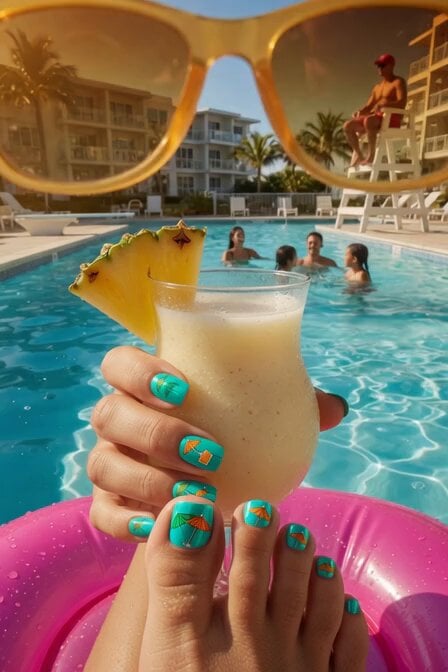
Summer Poolside Daydreaming Video
Fighter Jet Aerial Combat Montage — Seedance 2.5
Rushed Morning Routine Montage
Green Dragon Training Short
DV Camcorder POV Gym Montage — Seedance 2.5
DV Camcorder POV Gym Montage — Seedance 2.5

Summer Festival Takoyaki Montage
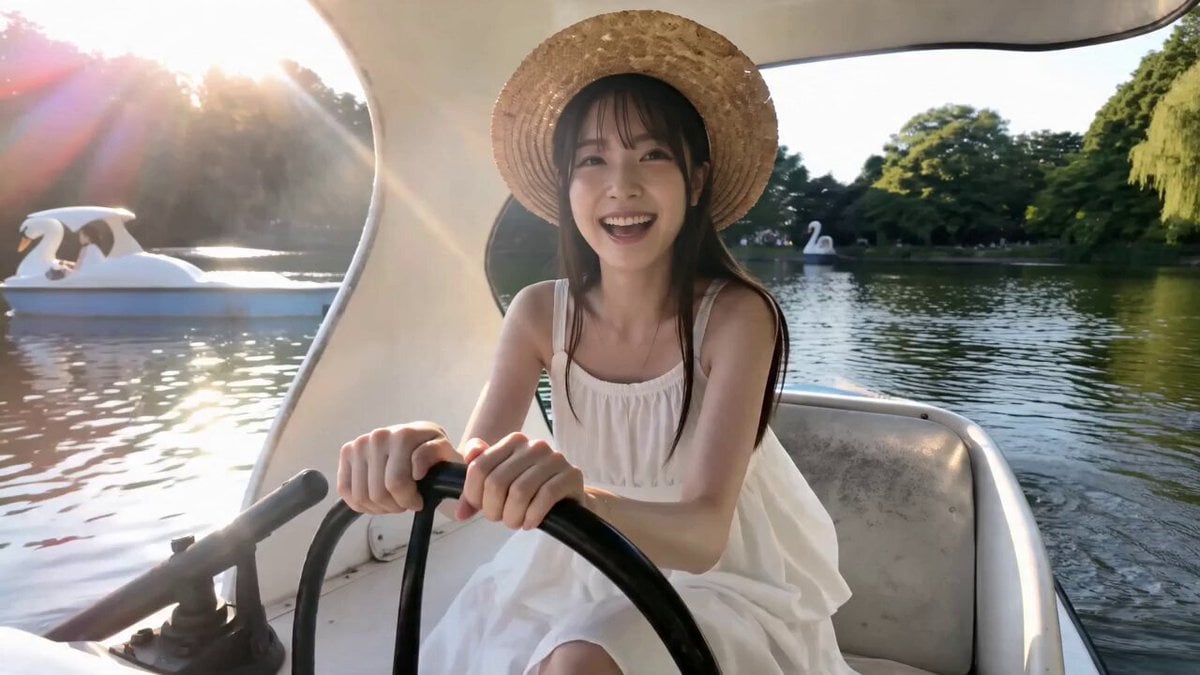
Tokyo Summer Travel Vlog Montage
Seedance 2.0 Y2K Pool Party Video Prompt
Luxury Handbag Commercial — Hollywood VFX Ad
Make it yours
Summer Pool Party Montage Video Prompt works as-is. These are the safest ways to change it without losing the look.
Change one field
Copy a single group, rewrite it, and generate again so you can see what that field is doing.
Keep the frame, change the subject
Hold the composition and light of Summer Pool Party Montage Video Prompt, then swap wardrobe, props or the person for a new take.
| If the result… | Why | Fix |
|---|---|---|
| The result drifts from the preview | Too many fields changed at once. | Reuse Summer Pool Party Montage Video Prompt as-is first, then change one group — subject, light, or setting. |
| The model over-stylizes the scene | The prose prompt leaves finish and camera underspecified. | Add one camera or lighting sentence and stay on Seedance 2.0. |
More Seedance 2.0 templates
Other prompts made for Seedance 2.0.

Comical Martial Arts Punch Scene

Maglev Train Action Sequence

Martial Arts Fight Sequence

Wuxia Protection and Trust Script

Vintage Korean Arcade MiniDV Vlog

Mercedes 190 SL Luxury Ad

Rainy Night Supernatural Reverse Comedy Video Script

Amazon Civilization Discovery

Futuristic South Asian City Transformation

Cozy Luxury Cafe Commercial
More video prompts
Fresh picks from across the catalog.
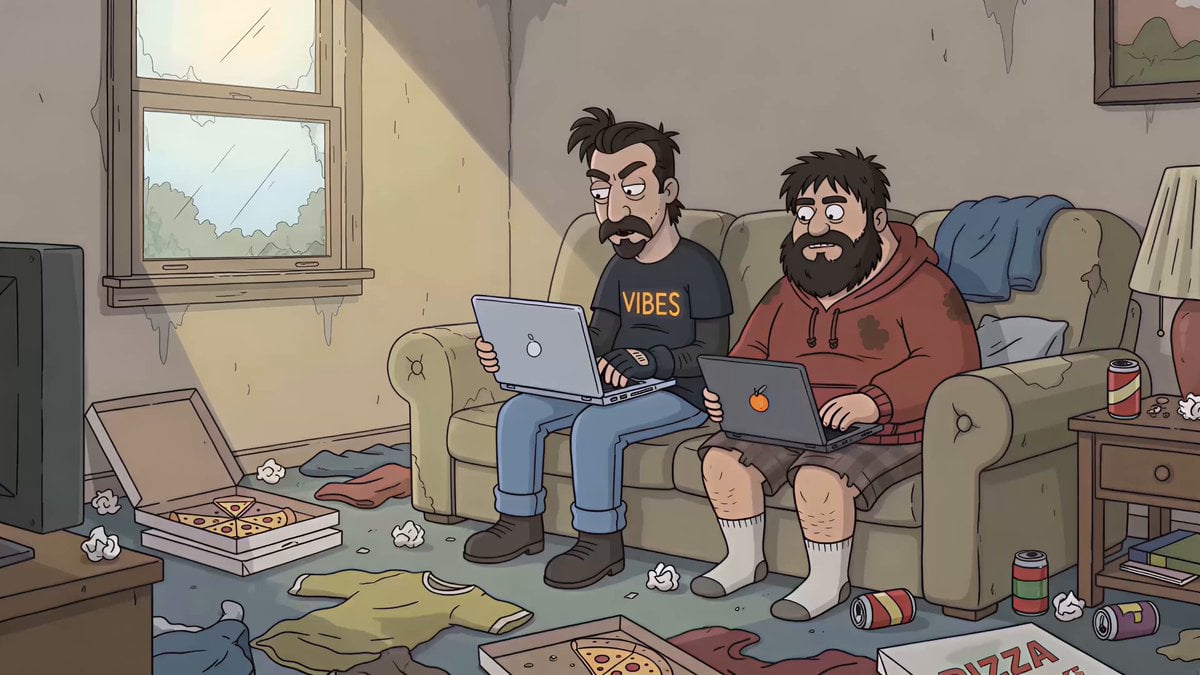
Sitcom Dialogue Scene Prompt
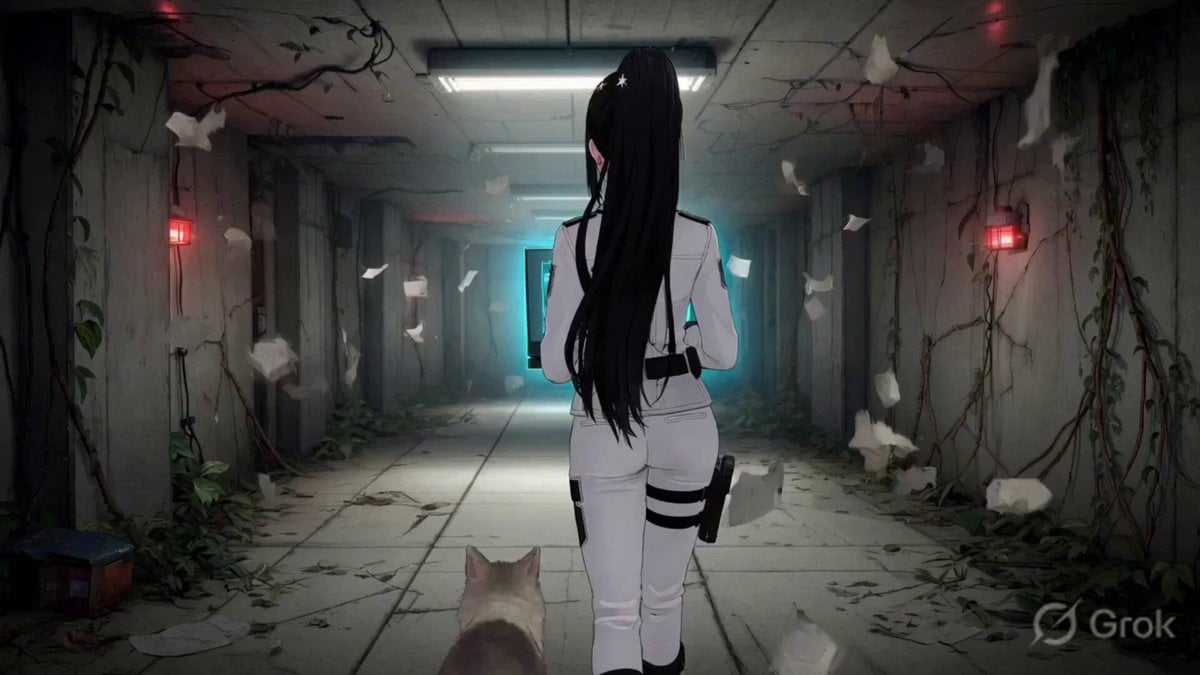
Chloe's Spatial Rift
Cinematic Trailer Style Video Generation
Kimchi Noodles Delivery Ad
Modern Dance Studio Music Video
Zeus vs Hades Arcade Fight
Seedance 2.0 generation based on a short prompt
K-Pop Red Room Music Video
Ballerina Among Pink Roses
Kinetic Typography Watch Commercial
Browse template categories
Summer Pool Party Montage Video Prompt questions
How do I use the Summer Pool Party Montage Video Prompt template?
Add your photo if the template asks for one, edit the prompt if you like — the template's model and format are already selected — and press Generate. Your version opens in PicX Studio.
Can I customize the Summer Pool Party Montage Video Prompt template?
Yes. You can change the subject, setting, lighting, mood, format, and available model controls before creating your video.
Is the Summer Pool Party Montage Video Prompt template free?
Opening and editing this template is free. Generating uses credits, shown on the Generate button when you are signed in.
Which AI model should I use?
Start with Seedance 2.0, which is the model associated with this template. You can compare another compatible model for a different finish.
Looking for something else? Browse all templates.

Your photo, any look
Thousands of ready templates for every top image and video model, from one credit balance.