
Tokyo Summer Travel Vlog Montage
A detailed multi-shot prompt for creating a 15-second travel vlog montage in Tokyo with 10 consistent scenes featuring a character in iconic city locations.

- Prompt included
- Model and format preset
- Premium template
The prompt behind this video
Copy the exact prompt behind Tokyo Summer Travel Vlog Montage, or open it in the studio and make it yours.
Use the reference grid image as the source of the same girl and her 10 summer travel scenes in Tokyo. Create a single 15-second feel-good travel-vlog montage, 16:9 horizontal, flowing through all 10 scenes in order as quick handheld phone shots, about 1.5 seconds each, snappy cuts on the beat. The same girl in every shot with consistent face and hairstyle; in each shot her outfit matches that scene in the reference. Throughout, she radiates excitement and joy — bright eyes, easy smiles, playful energy — and each shot shows off what makes that spot special. Authentic smartphone look, natural ambient light, subtle grain, light handheld motion. Bright, joyful sightseeing music that conveys the fun of travel, around 125 bpm. Shot 1 — Inokashira pond swan boat: she laughs with delight and rocks the pedal boat, sparkling water and a swan boat gliding behind, warm sun flare. Shot 2 — cafe matcha kakigori: eyes lighting up, she lifts a spoonful of fluffy shaved ice toward the camera and beams, the towering dessert in frame. Shot 3 — Harmonica Yokocho alley at night: she strolls through the glowing red-lantern alley, glances back with an excited grin, lively izakaya signs around her. Shot 4 — hotel mirror selfie: a happy, relaxed mirror selfie, she tilts her head and smiles softly, calm window light, cozy room mood. Shot 5 — summer festival night: she bites a bright candy apple and bursts into a giggle, swaying paper lanterns and a buzzing crowd behind her. Shot 6 — golden-hour window selfie: an arm's-length selfie bathed in warm sunset light, soft hair movement, a contented joyful smile. Shot 7 — ivy-covered Ghibli-style museum: she gazes up in wonder, spinning slightly to take it all in as the camera tilts up the lush green facade. Shot 8 — Inokashira park path: she crouches with a delighted laugh and points as a small squirrel scampers by, dappled sunlight, playful energy. Shot 9 — Harajuku shop window with bubble tea: she sips happily through a straw, her reflection shimmering in the glass, the bustling colorful street behind. Shot 10 — on the train home: a calm, satisfied selfie, hand on her cheek, city skyline streaking past the window, a soft fulfilled smile. Smooth energetic flow from shot to shot, consistent color and grain throughout, upbeat happy travel-diary mood.
How to use Tokyo Summer Travel Vlog Montage in 3 steps
- 1
Open
The prompt is already in the box next to the preview, with the template's model and format selected.
- 2…a portrait of your subject in softgolden-hour light, 85mm…
Personalize
Edit the subject and creative details for your destination.
- 3Generate
Generate
Press Generate — your video is created in PicX Studio, so you can compare it with the original and refine one variable at a time.
More like this
Templates with the same subject, style or setup. Open one to see its prompt.

Handheld Tokyo Travel Vlog - Seedance 2.5

Luxury Airport Travel Vlog

Kenting Lifestyle Travel Vlog

Smartphone Travel Vlog Tokyo Trip Identity Preserved

Japanese Summer Festival Travel Vlog
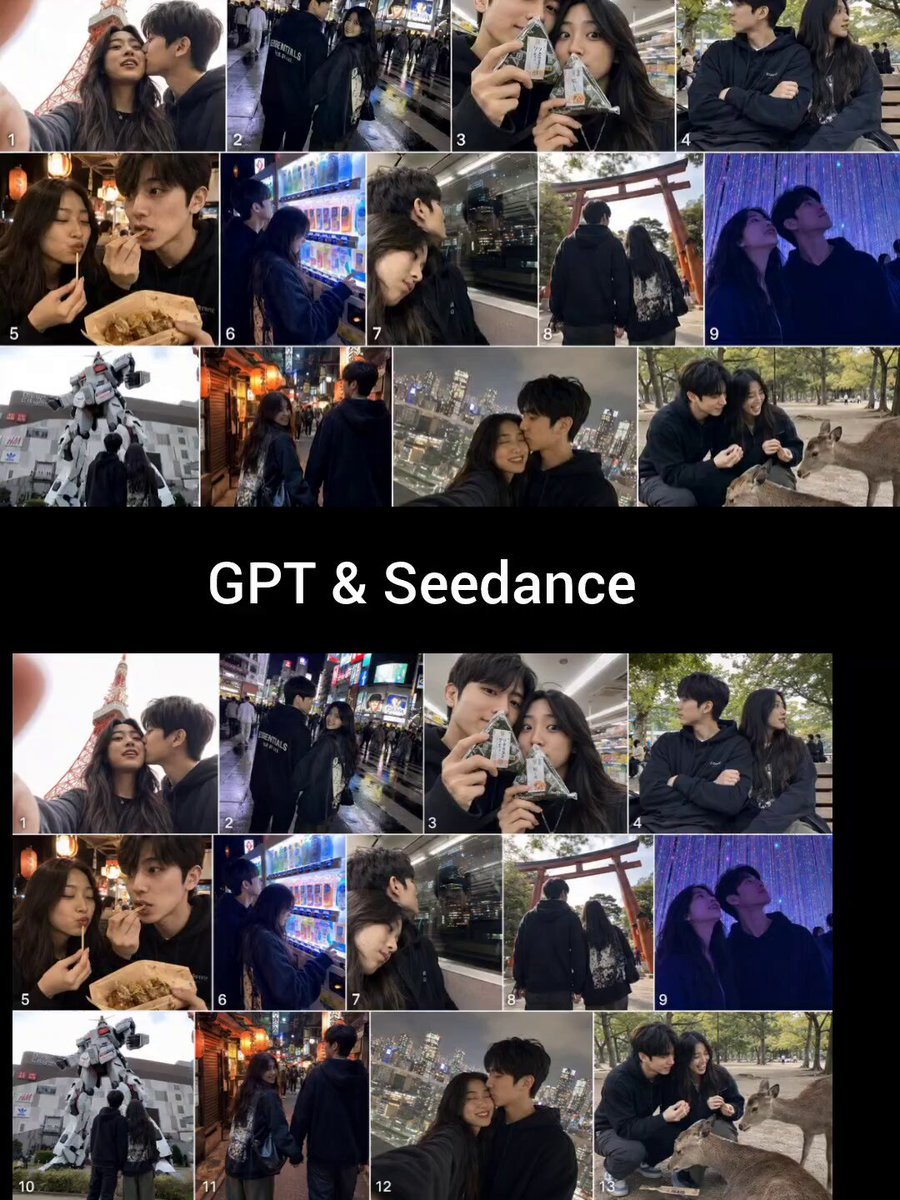
Realistic Tokyo Travel Vlog Aesthetic
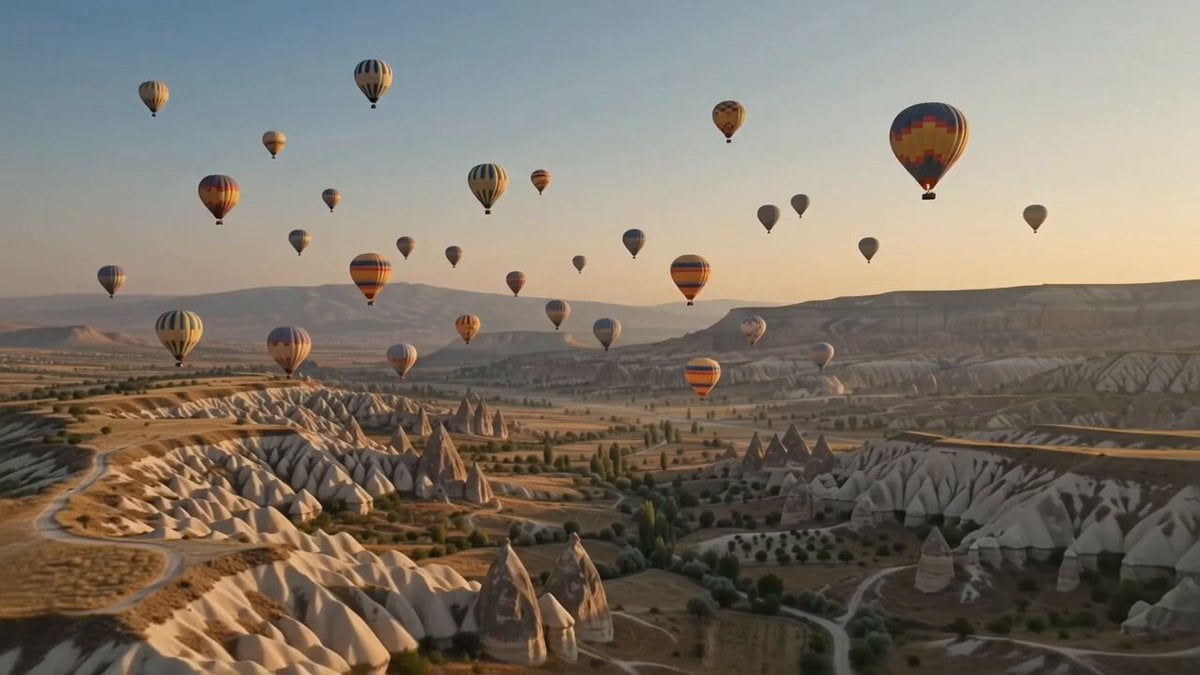
Hot-Air Balloon Travel Vlog
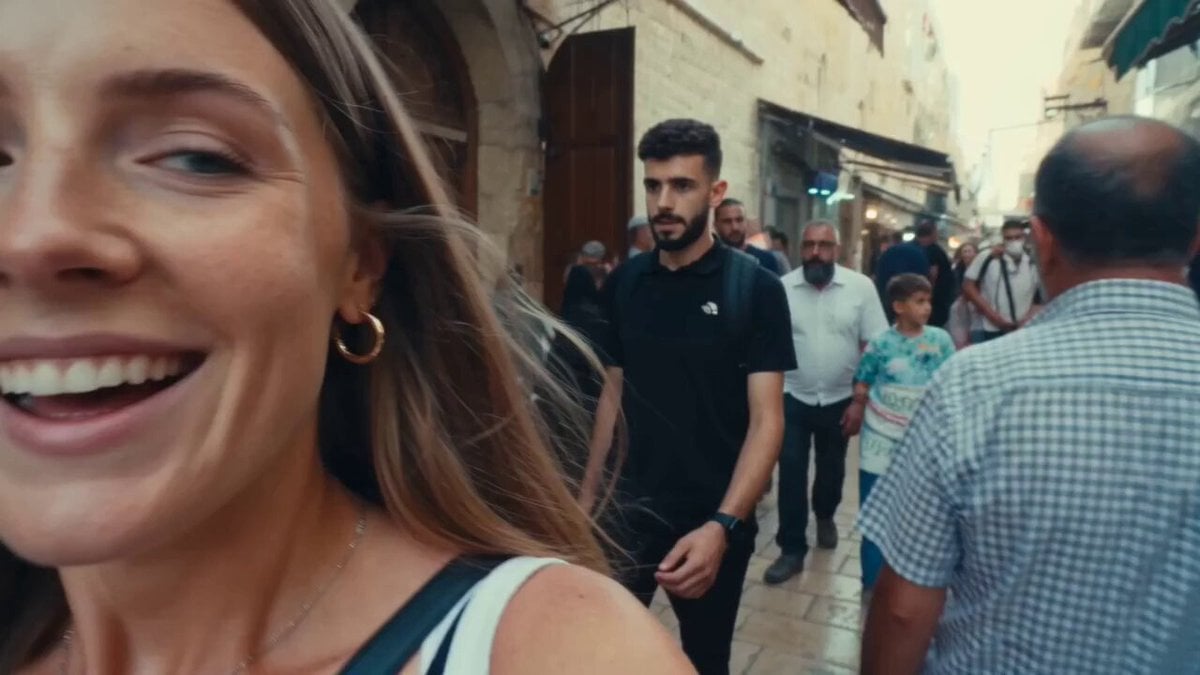
Vintage 16mm Jerusalem Travel Vlog
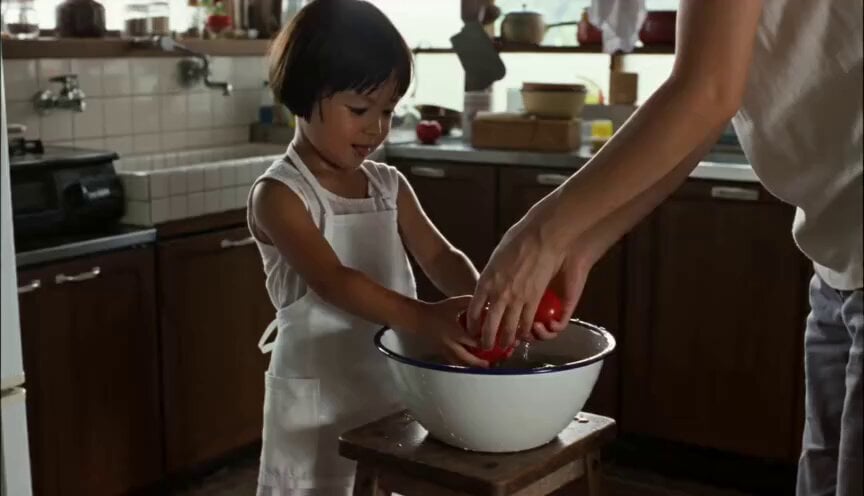
Year-Old Girl Summer Vlog

Mediterranean Coffee Run Vlog - Seedance 2.5

Mysterious Home Exploration Vlog - Seedance 2.5

Realistic Morning Routine Lifestyle Vlog - Seedance 2.5
Make it yours
Tokyo Summer Travel Vlog Montage works as-is. These are the safest ways to change it without losing the look.
Change one field
Copy a single group, rewrite it, and generate again so you can see what that field is doing.
Keep the frame, change the subject
Hold the composition and light of Tokyo Summer Travel Vlog Montage, then swap wardrobe, props or the person for a new take.
| If the result… | Why | Fix |
|---|---|---|
| The result drifts from the preview | Too many fields changed at once. | Reuse Tokyo Summer Travel Vlog Montage as-is first, then change one group — subject, light, or setting. |
| The model over-stylizes the scene | The prose prompt leaves finish and camera underspecified. | Add one camera or lighting sentence and stay on Seedance 2.0. |
More Seedance 2.0 templates
Other prompts made for Seedance 2.0.

Comical Martial Arts Punch Scene

Maglev Train Action Sequence

Martial Arts Fight Sequence

Wuxia Protection and Trust Script

Vintage Korean Arcade MiniDV Vlog

Mercedes 190 SL Luxury Ad

Rainy Night Supernatural Reverse Comedy Video Script

Amazon Civilization Discovery

Futuristic South Asian City Transformation

Cozy Luxury Cafe Commercial
More video prompts
Fresh picks from across the catalog.
Zelda: Breath of the Wild - Temple Awakening Cinematic Prompt
King Kong Attack Video Prompt for Seedance 2.0

French Bulldog Belly Rub
Cinematic Cliff Dive and Dragon Flight Prompt
Anime Storyboard Generation with GPT Image 2
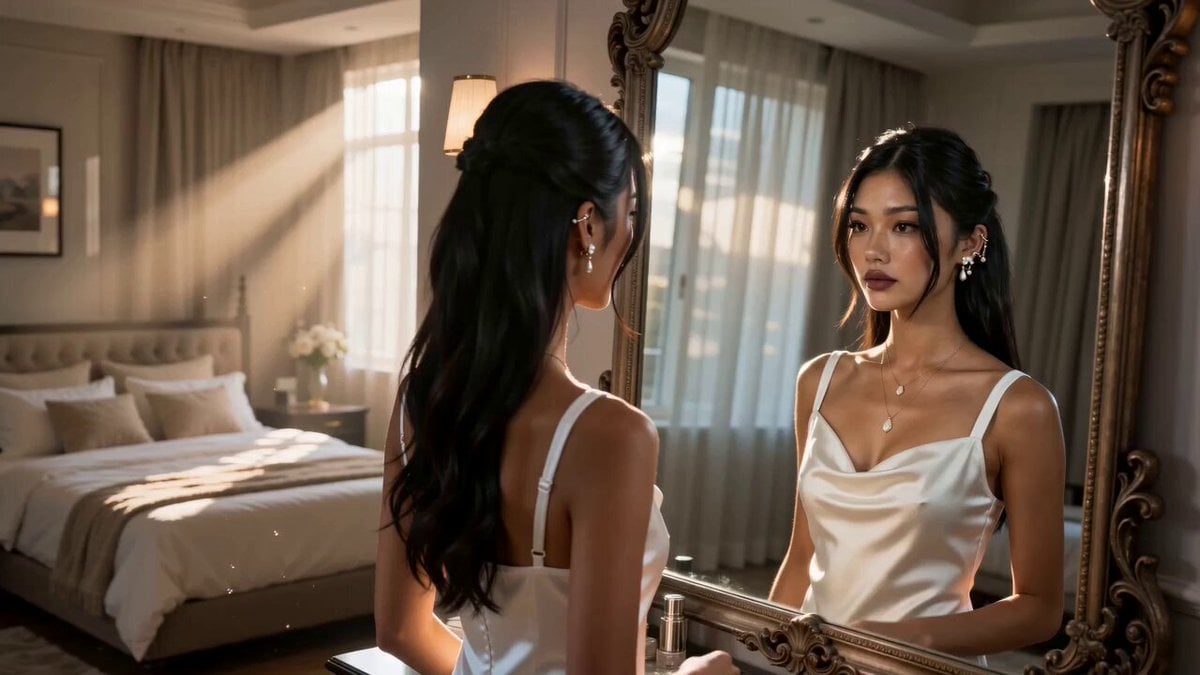
Asian Woman Werewolf Transformation
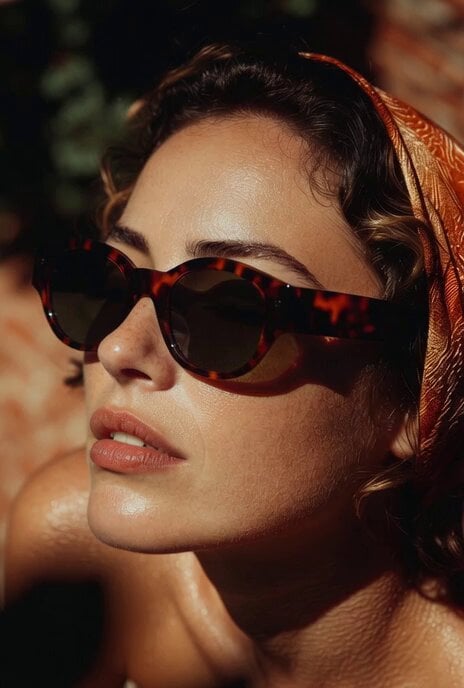
Candid Look Video Prompt
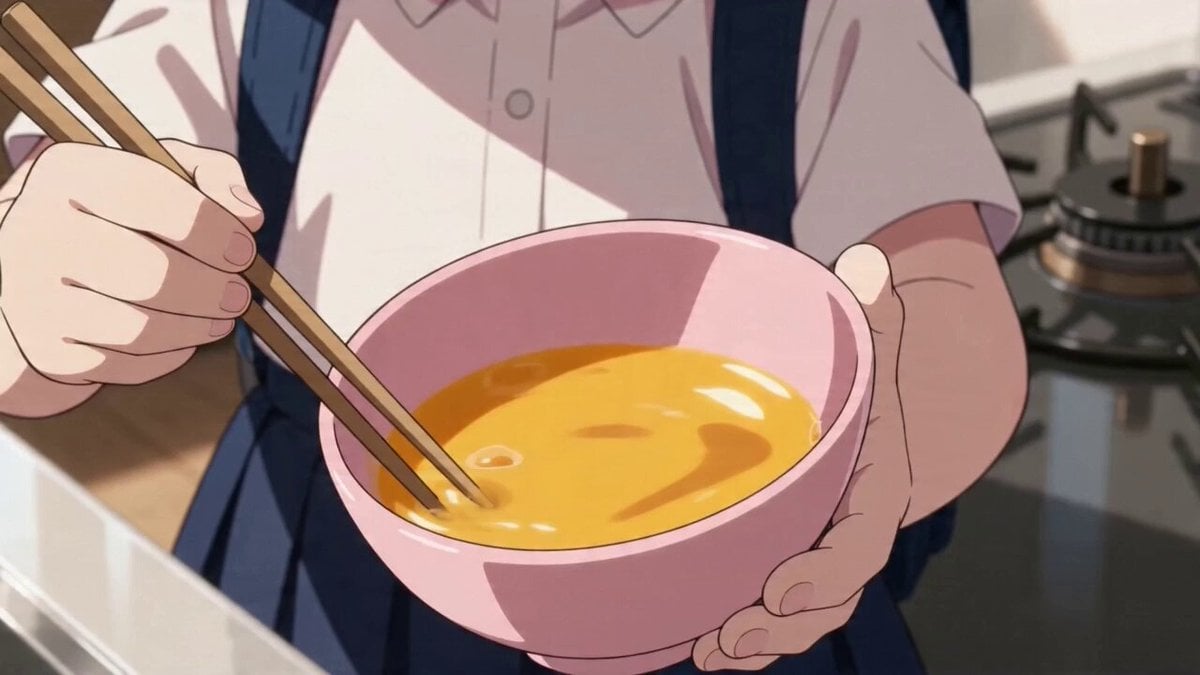
Anime character omelet cooking story template
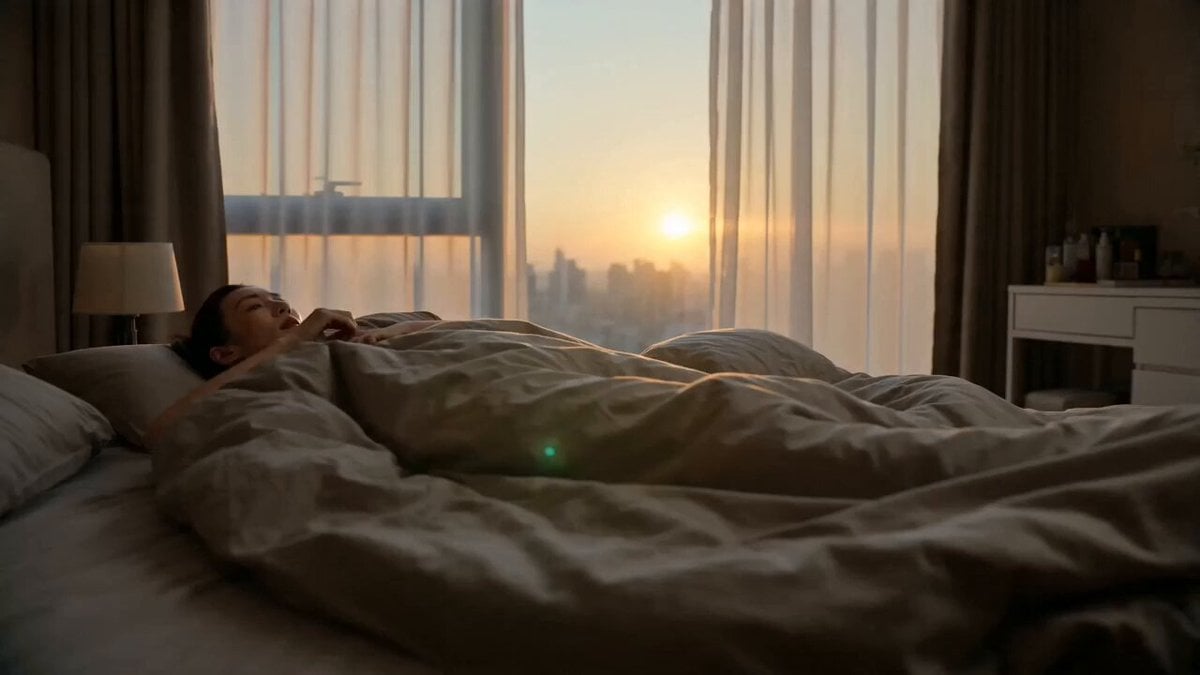
World Cup Travel Vlog Style Video
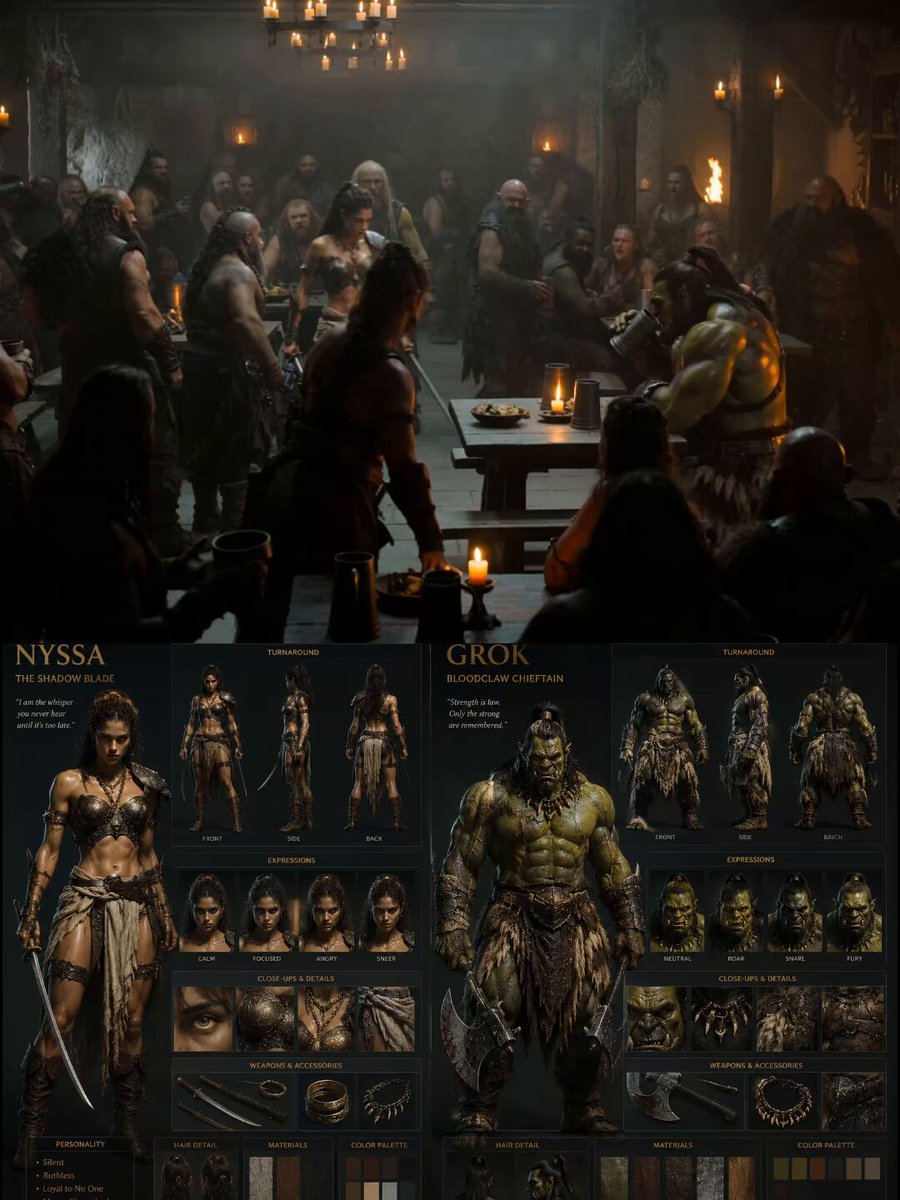
Medieval Tavern Orc Fight
Browse template categories
Tokyo Summer Travel Vlog Montage questions
How do I use the Tokyo Summer Travel Vlog Montage template?
Add your photo if the template asks for one, edit the prompt if you like — the template's model and format are already selected — and press Generate. Your version opens in PicX Studio.
Can I customize the Tokyo Summer Travel Vlog Montage template?
Yes. You can change the subject, setting, lighting, mood, format, and available model controls before creating your video.
Is the Tokyo Summer Travel Vlog Montage template free?
Opening and editing this template is free. Generating uses credits, shown on the Generate button when you are signed in.
Which AI model should I use?
Start with Seedance 2.0, which is the model associated with this template. You can compare another compatible model for a different finish.
Looking for something else? Browse all templates.

Your photo, any look
Thousands of ready templates for every top image and video model, from one credit balance.