
Cinematic Cliff Dive and Dragon Flight Prompt
A high-quality action cinematic prompt for Seedance 2.0 featuring a woman jumping off a cliff, being caught by a dragon, and soaring into the clouds.
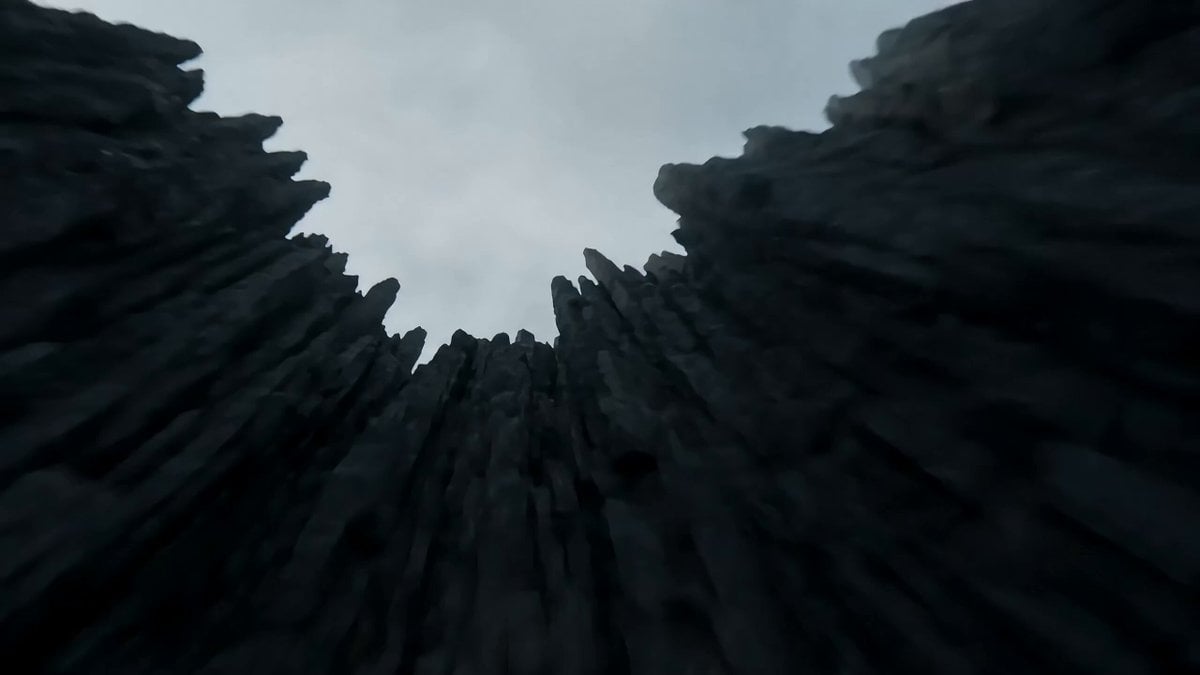
- Prompt included
- Model and format preset
- Free template
The prompt behind this video
Copy the exact prompt behind Cinematic Cliff Dive and Dragon Flight Prompt, or open it in the studio and make it yours.
The camera shoots upward rapidly from below, sweeping past a jagged cliff face, then suddenly tilts down, revealing the surging, roiling sea below, waves crashing thunderously against the black rocks. Standing at the edge of the cliff is a woman image 1 , utterly fearless, staring at the whirlpool as if daring it to churn up even higher waves. Without hesitation she steps forward and leaps off the cliff, arms spread wide, falling straight down through the howling wind and spraying waves. The camera falls freely along with her, and as the jet-black rocks and roiling sea rush closer, her long hair and cloak whip wildly in the air. At that moment, a huge shadow tears through the mist below — a giant dragon bursts into the air, its wings unfurling like storm sails, its scales gleaming wet as the waves spray against them. It swoops beneath her as she falls, and she lands on its back with practiced grace, her fingers gripping tightly the ridges along its neck. The dragon banks sharply and climbs in a spiraling arc, rising past the cliff face. The camera follows close behind, circling tightly, then pulls back and finally settles on a close-up frontal shot: she rides the giant beast straight up into the sky, the wind tousling her hair, her expression unnervingly calm, her eyes burning with unwavering resolve, while the raging sea, now far below, appears small and powerless.
How to use Cinematic Cliff Dive and Dragon Flight Prompt in 3 steps
- 1Upload ImagePNG, JPG or paste
Add your photo
Upload the photo the template builds on. The prompt, model and format are already set.
- 2…a portrait of your subject in softgolden-hour light, 85mm…
Personalize
Edit the subject and creative details for your destination.
- 3Generate
Generate
Press Generate — your video is created in PicX Studio, so you can compare it with the original and refine one variable at a time.
More like this
Templates with the same subject, style or setup. Open one to see its prompt.
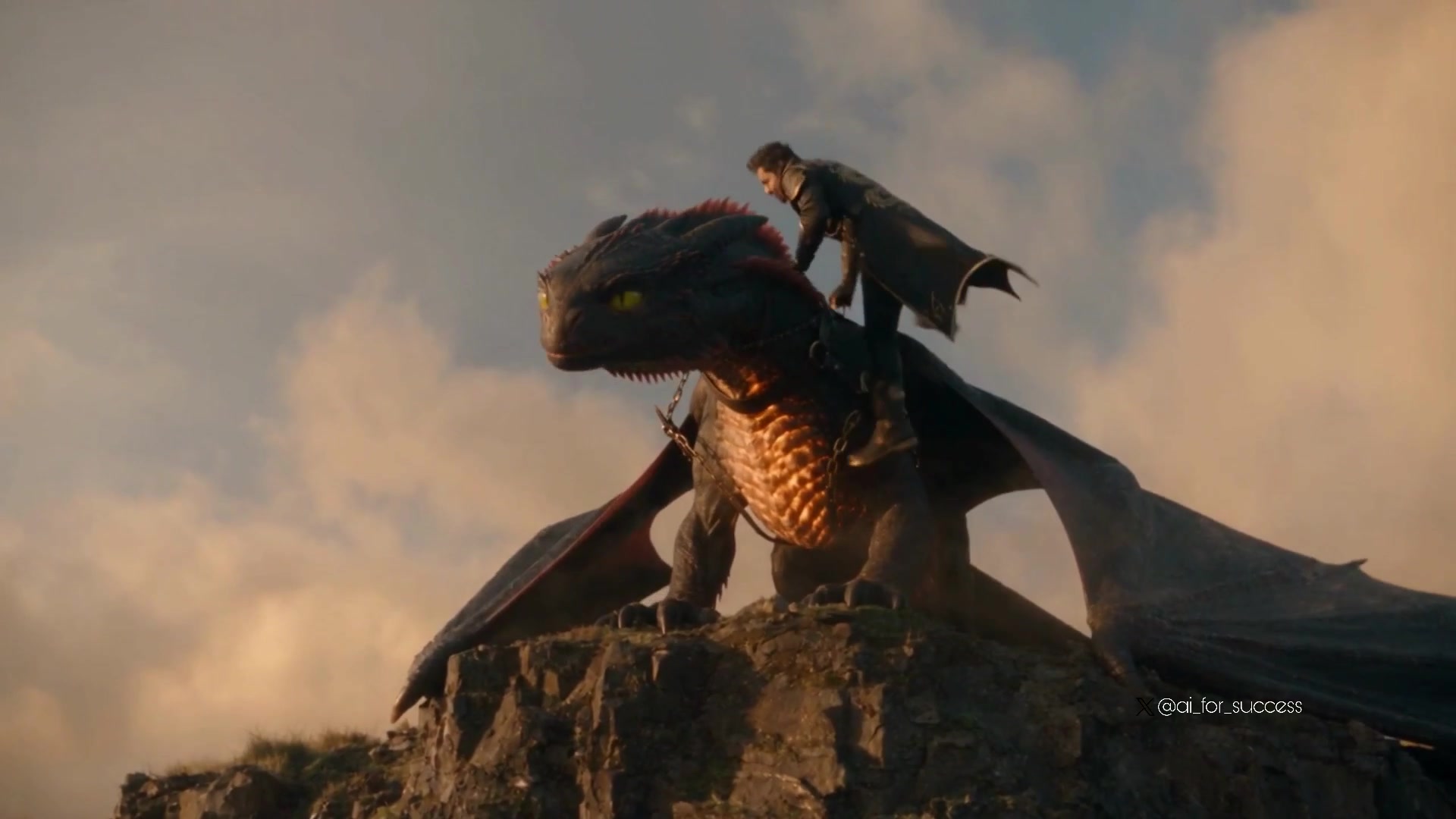
Dragon Rider Cinematic Flight — Seedance 2.5
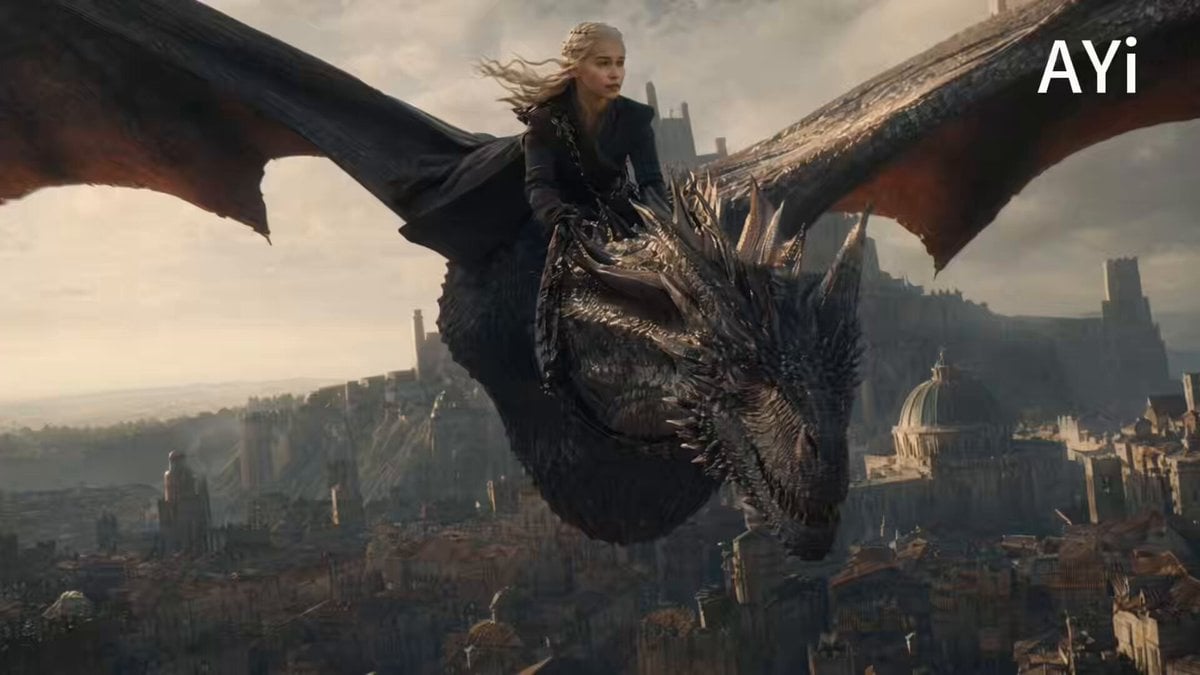
Cinematic Dragon Flight Animation
FPV Multilingual Landscape Flight
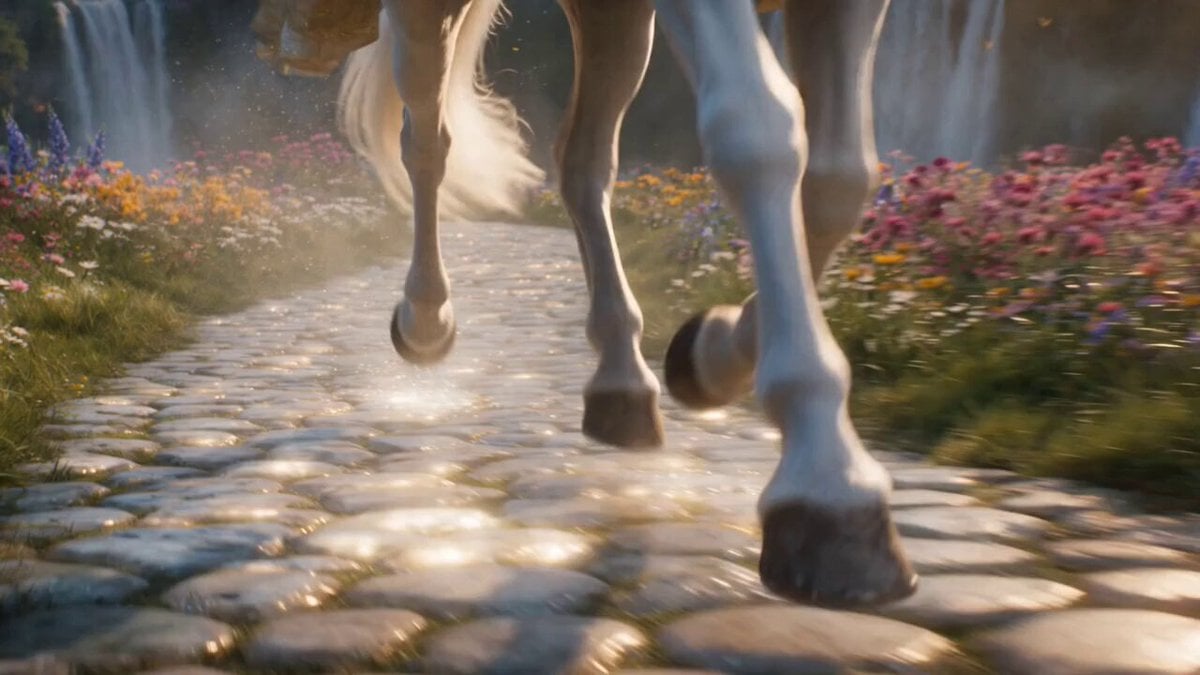
Cinematic Fantasy Princess Dragon Flight
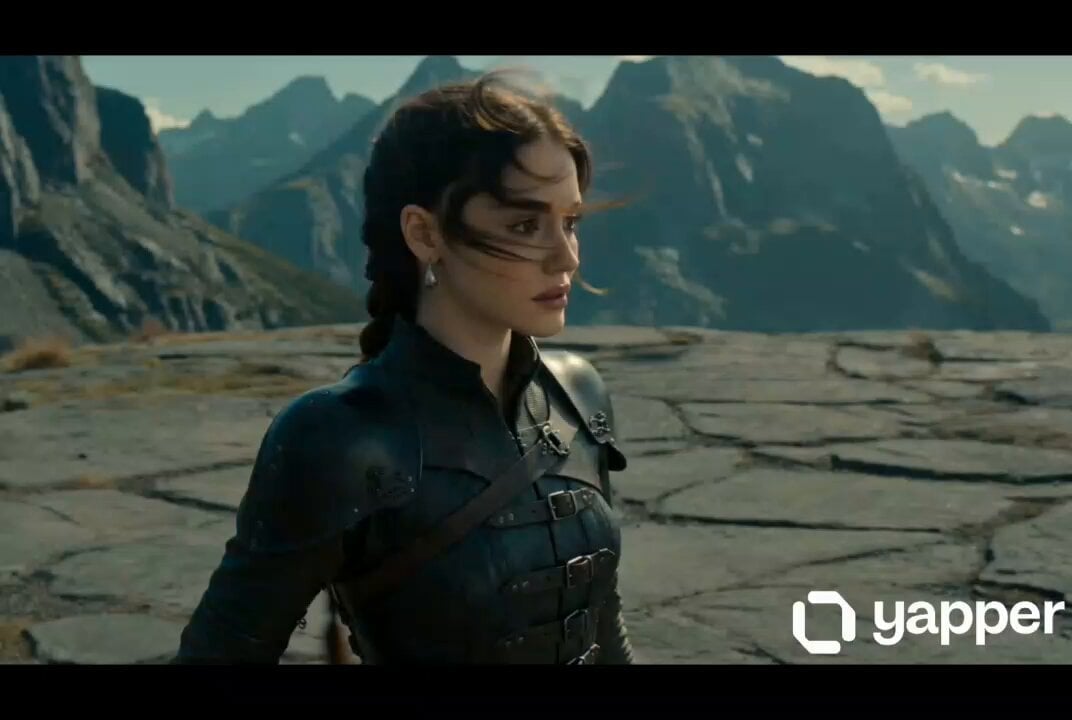
Cinematic Dragon Interaction & Flight
Dragon Flight Over Siege City
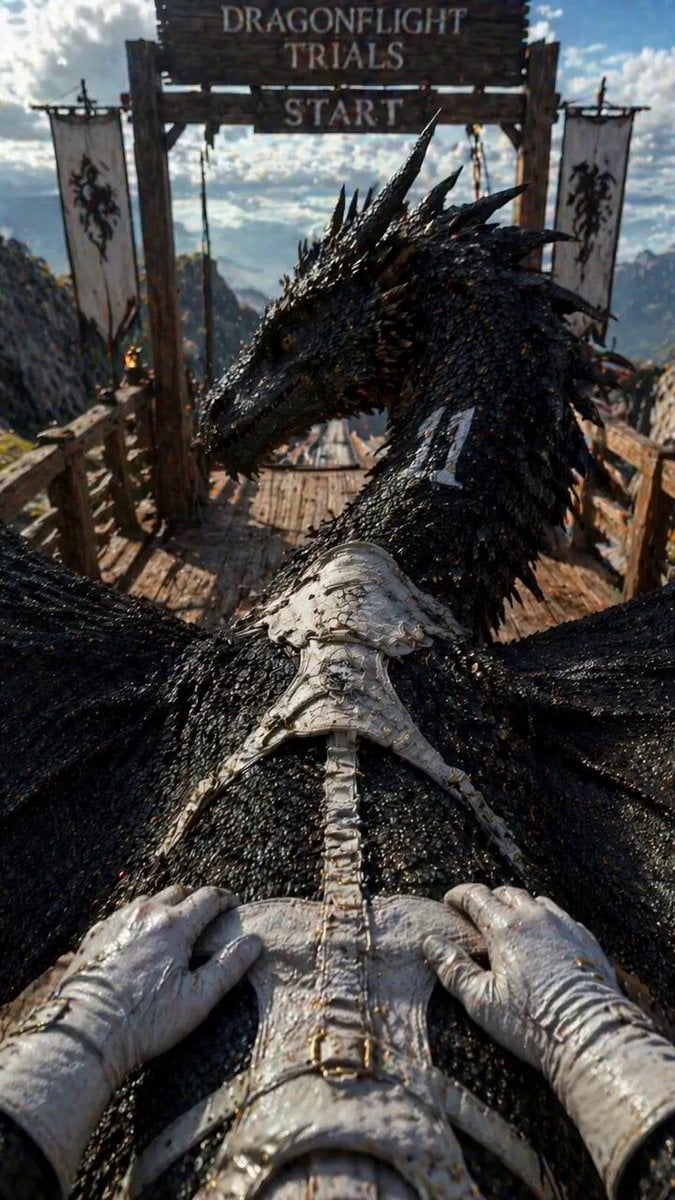
Dragonflight Trials POV
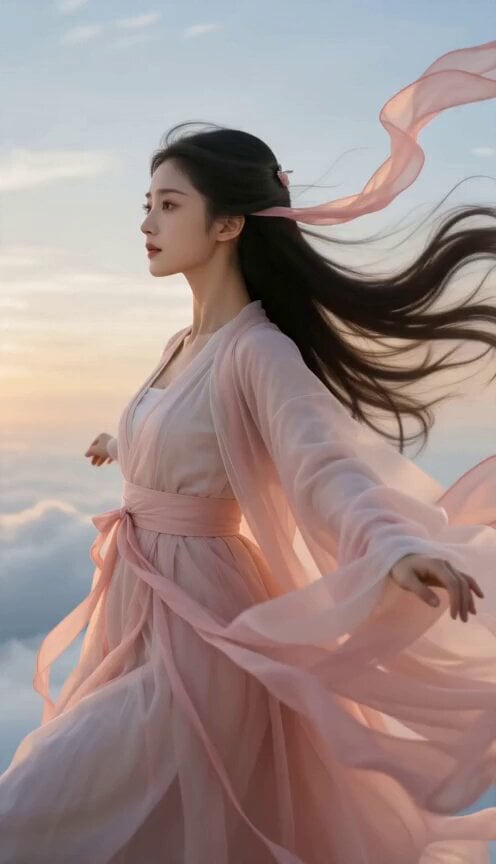
Celestial Wuxia Flight and Dragon Ride
Warhorse Sprint on Cliff Aqueduct
Dragon Rescue — Volcanic Kingdom Collapse (Seedance)
Tiger vs Gorilla — Jungle Canyon Clash
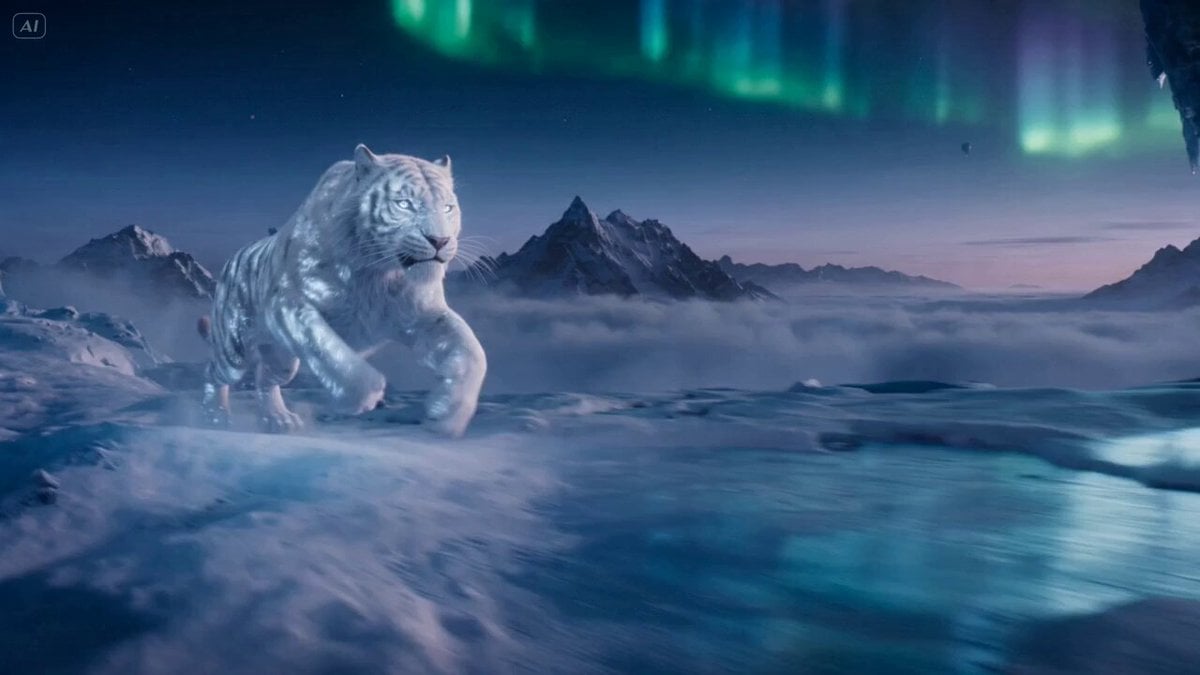
Ice Tiger vs Dragon - Seedance 2.0
Make it yours
Cinematic Cliff Dive and Dragon Flight Prompt works as-is. These are the safest ways to change it without losing the look.
Change one field
Copy a single group, rewrite it, and generate again so you can see what that field is doing.
Keep the frame, change the subject
Hold the composition and light of Cinematic Cliff Dive and Dragon Flight Prompt, then swap wardrobe, props or the person for a new take.
| If the result… | Why | Fix |
|---|---|---|
| The result drifts from the preview | Too many fields changed at once. | Reuse Cinematic Cliff Dive and Dragon Flight Prompt as-is first, then change one group — subject, light, or setting. |
| The model over-stylizes the scene | The prose prompt leaves finish and camera underspecified. | Add one camera or lighting sentence and stay on Seedance 2.0. |
More Seedance 2.0 templates
Other prompts made for Seedance 2.0.

Comical Martial Arts Punch Scene

Maglev Train Action Sequence

Martial Arts Fight Sequence

Wuxia Protection and Trust Script

Vintage Korean Arcade MiniDV Vlog

Mercedes 190 SL Luxury Ad

Rainy Night Supernatural Reverse Comedy Video Script

Amazon Civilization Discovery

Futuristic South Asian City Transformation

Cozy Luxury Cafe Commercial
More video prompts
Fresh picks from across the catalog.
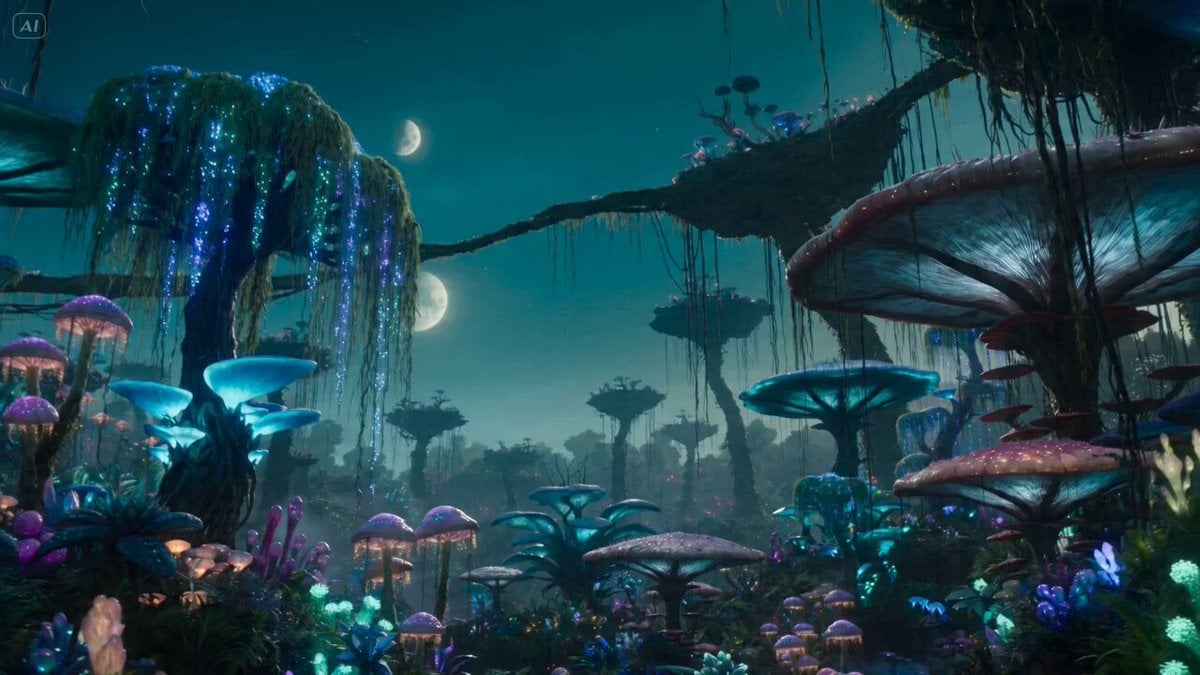
Bioluminescent Alien Planet Exploration
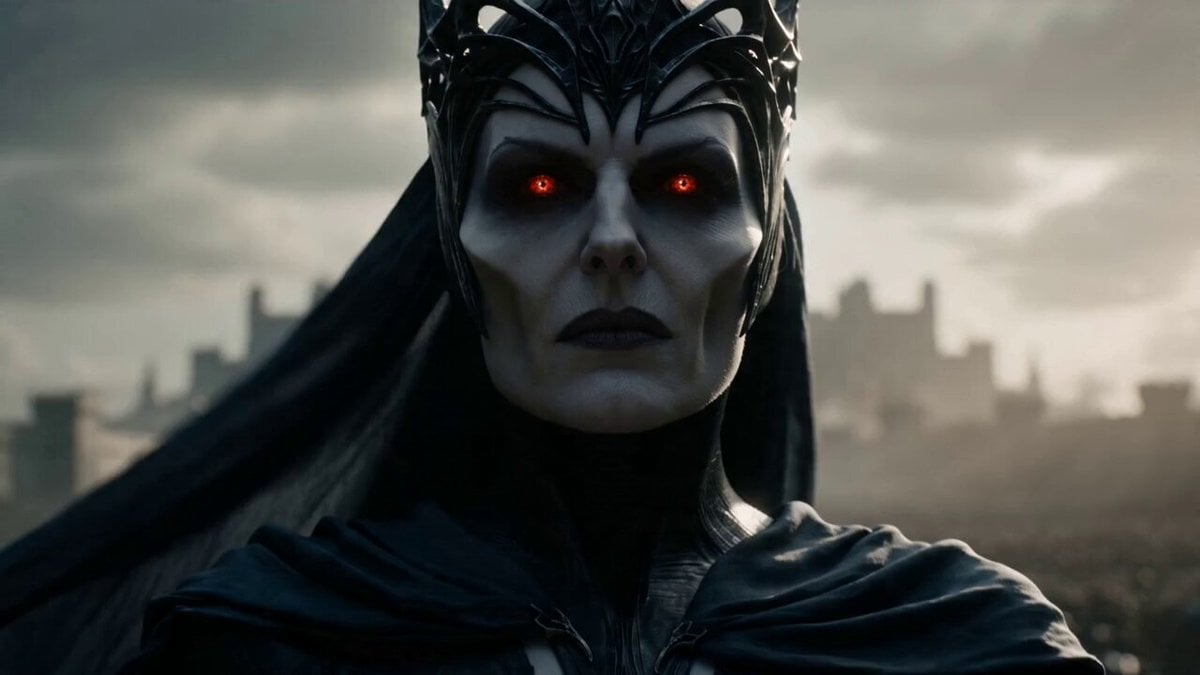
Necromancer Queen Siege Warfare
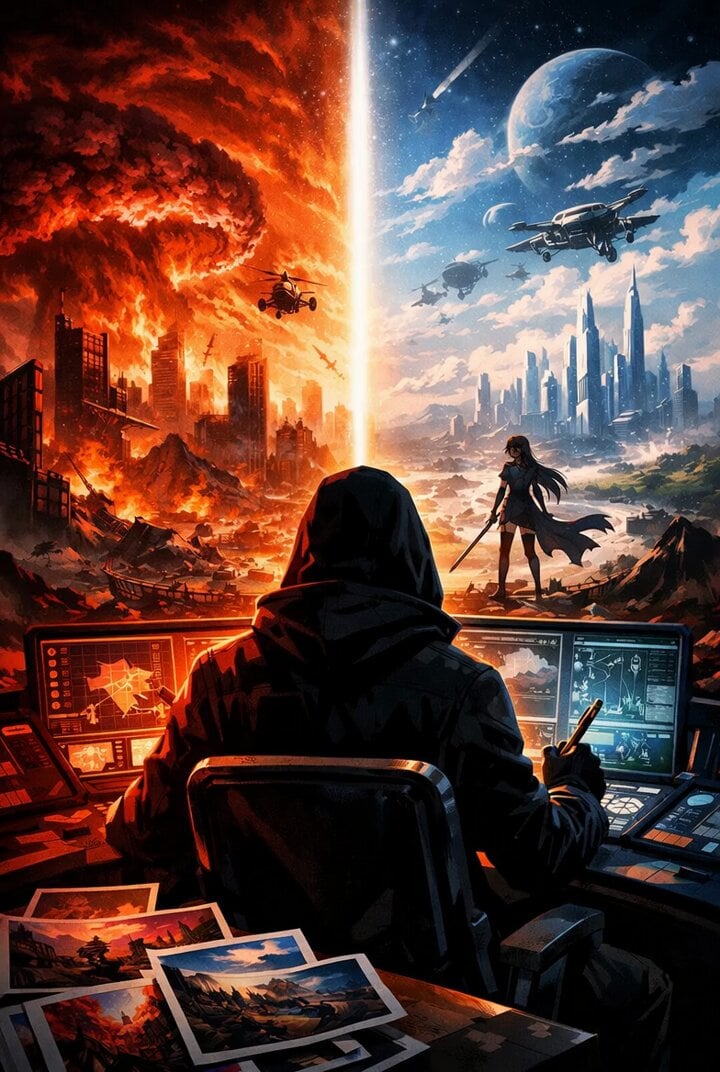
Discussion on AI as a 'factory for worlds'
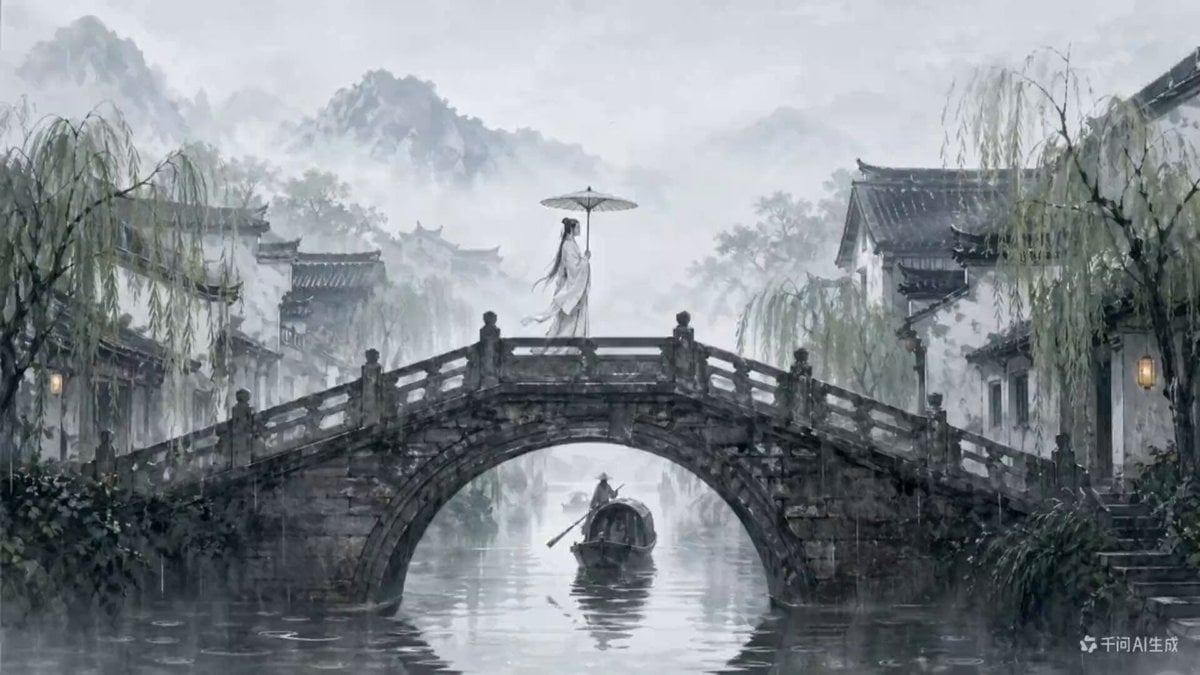
Traditional Chinese Ink Wash Video Generation
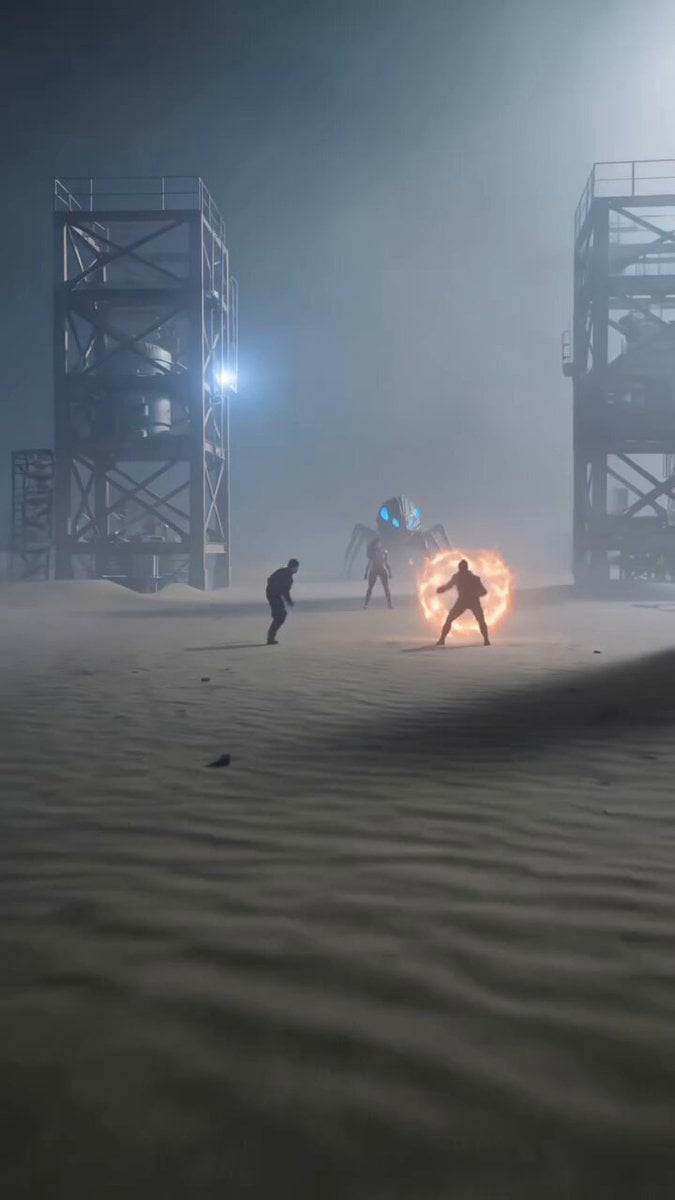
Cyber Warrior Mech Combat
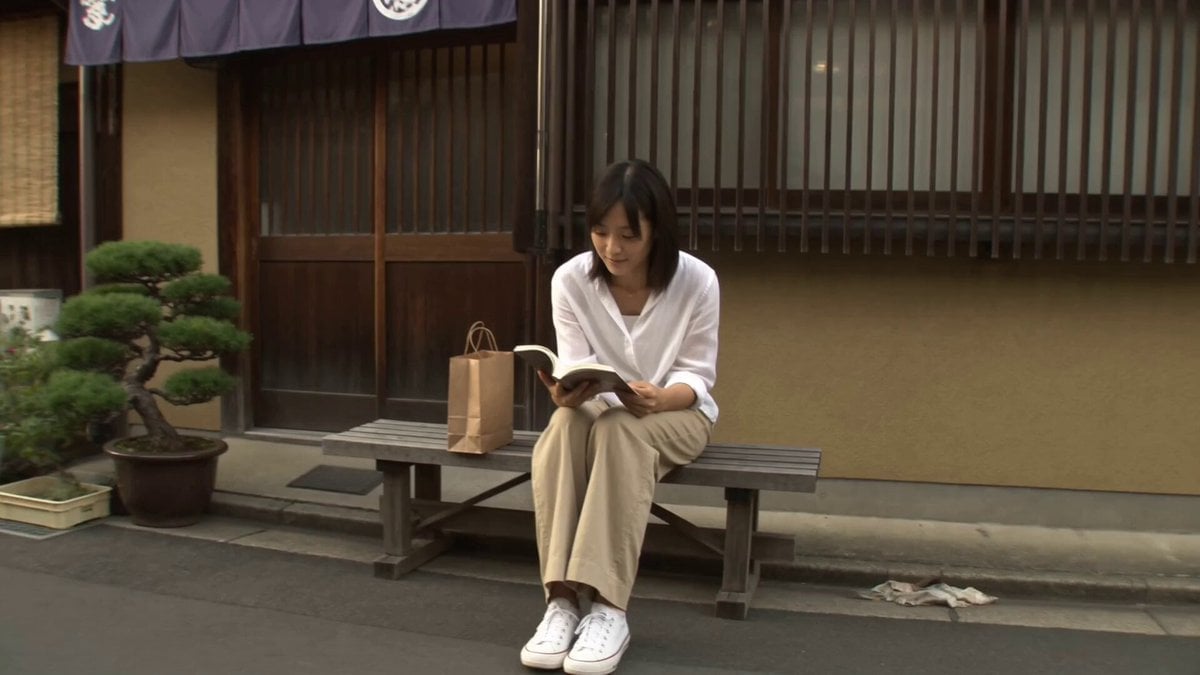
Tokyo Consumer DV Camcorder Slice of Life
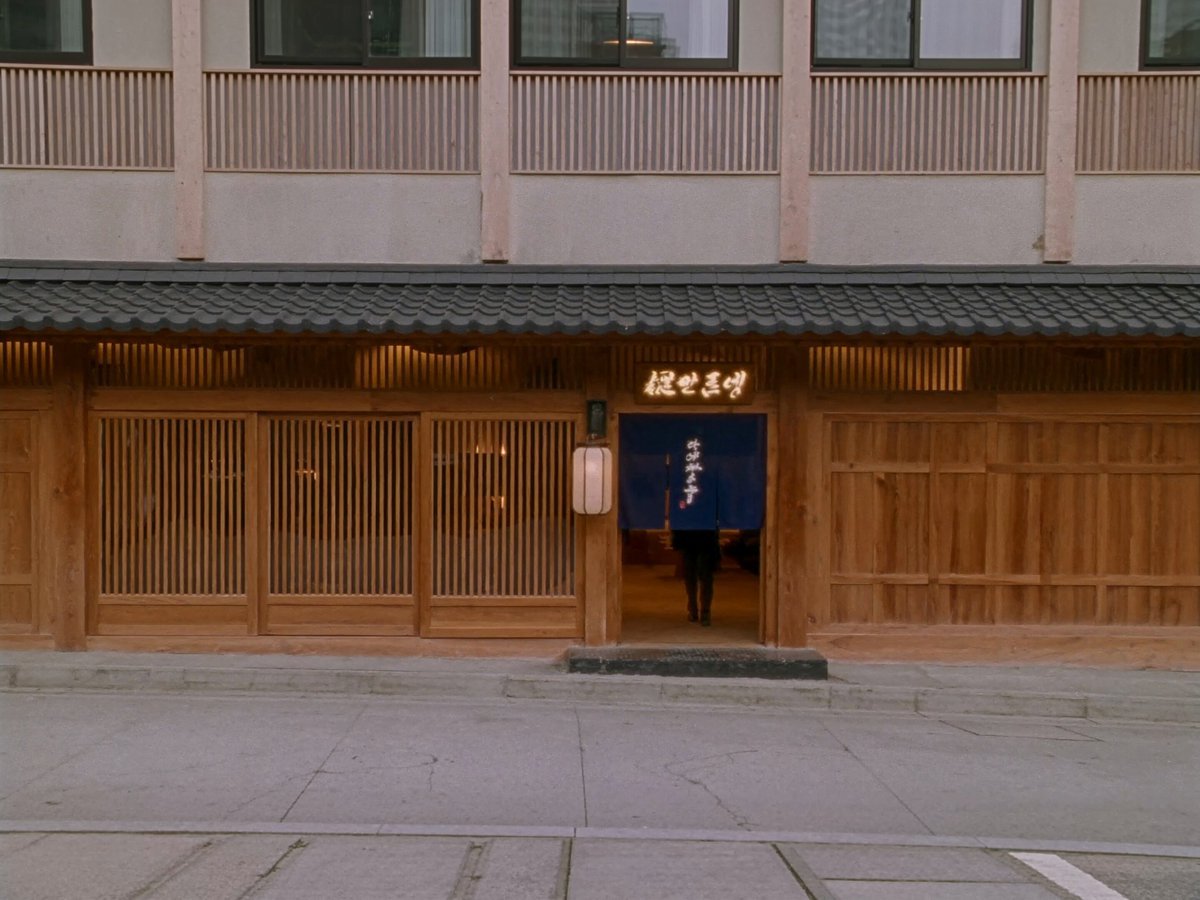
Japanese Restaurant Entrance Sequence
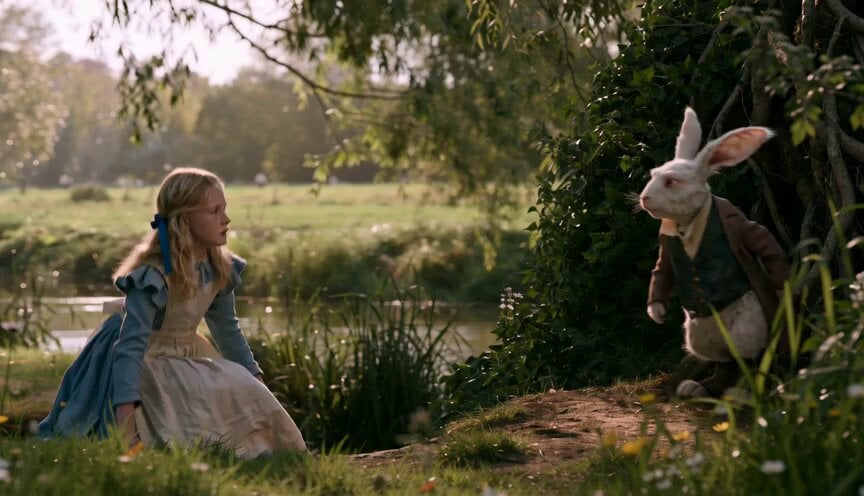
Alice in Wonderland White Rabbit Chase
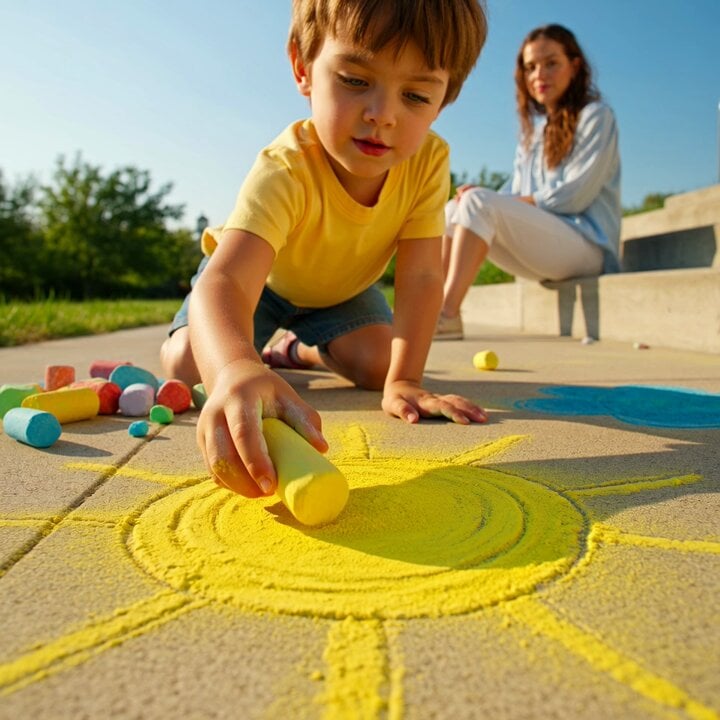
Grok Imagine video prompt: Child Drawing Chalk on Sidewalk
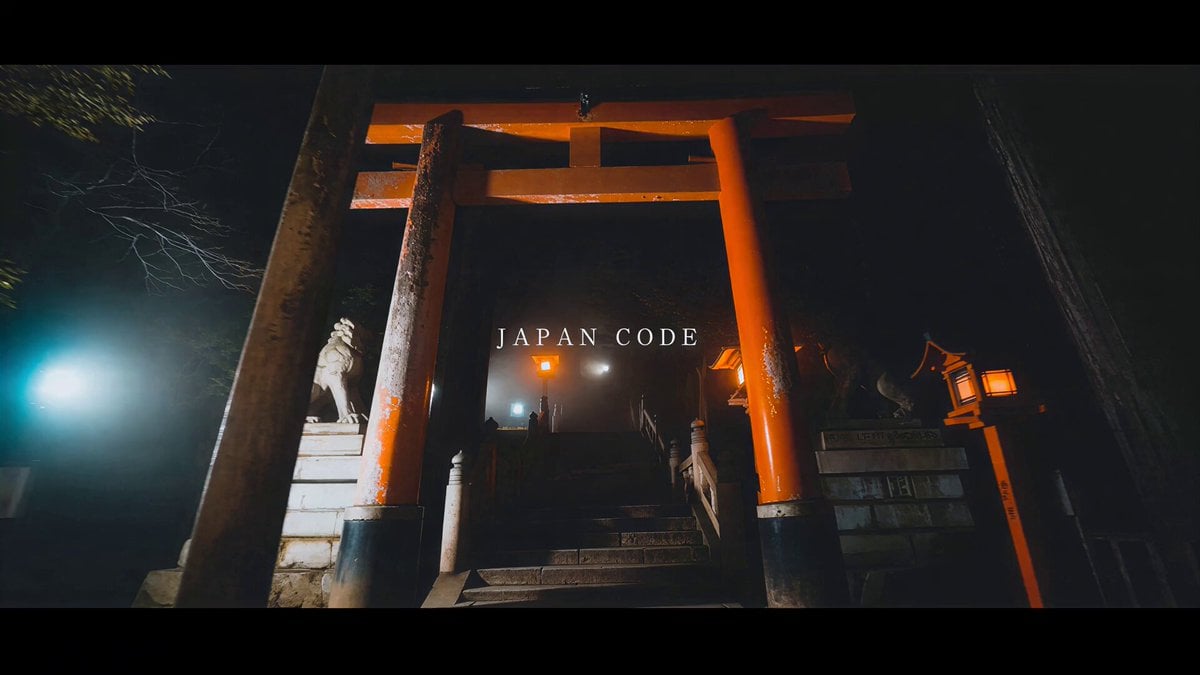
High-Energy Japan Travel Documentary Montage
Browse template categories
Cinematic Cliff Dive and Dragon Flight Prompt questions
How do I use the Cinematic Cliff Dive and Dragon Flight Prompt template?
Add your photo if the template asks for one, edit the prompt if you like — the template's model and format are already selected — and press Generate. Your version opens in PicX Studio.
Can I customize the Cinematic Cliff Dive and Dragon Flight Prompt template?
Yes. You can change the subject, setting, lighting, mood, format, and available model controls before creating your video.
Is the Cinematic Cliff Dive and Dragon Flight Prompt template free?
Opening and editing this template is free. Generating uses credits, shown on the Generate button when you are signed in.
Which AI model should I use?
Start with Seedance 2.0, which is the model associated with this template. You can compare another compatible model for a different finish.
Looking for something else? Browse all templates.

Your photo, any look
Thousands of ready templates for every top image and video model, from one credit balance.