
Cinematic Dragon Flight Animation
A detailed cinematic prompt for Grok Imagine 1.5 to animate a reference image into a high-speed dragon flight scene with realistic fire and physics, inspired by Game of Thrones.
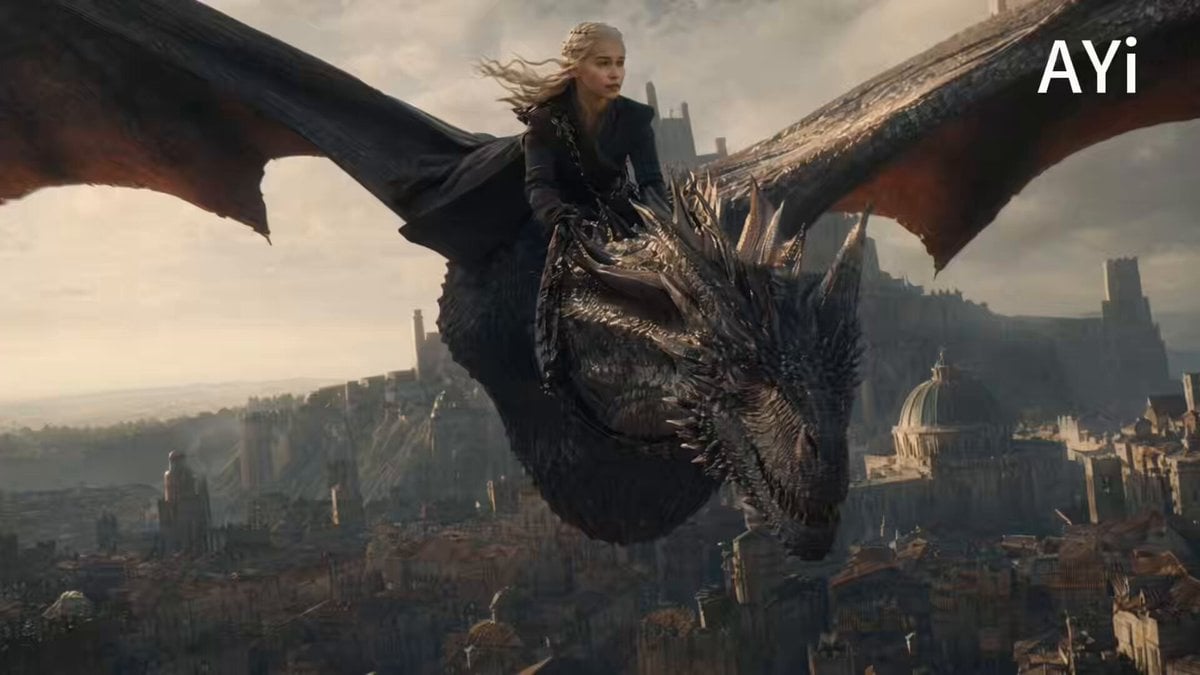
- Prompt included
- Model and format preset
- Free template
The prompt behind this video
Copy the exact prompt behind Cinematic Dragon Flight Animation, or open it in the studio and make it yours.
Faithfully animate this reference image into a breathtaking cinematic 10-12 second video in the exact visual style of HBO Game of Thrones and House of the Dragon epic dragon sequences. Maintain perfect consistency with the reference image — Daenerys' appearance, Drogon's anatomy, scales, wing structure, and initial lighting. Drogon flies at high speed low over King's Landing rooftops with powerful, realistic wing flaps and body undulation. Massive turbulent fire breath erupts from its jaws, flames reacting dynamically to wind and movement with realistic fluid physics, glowing embers flying backward, intense heat distortion and light bloom. Fire dramatically illuminates the ancient stone buildings and Red Keep from below with shifting warm highlights and deep shadows. Daenerys leans forward with commanding posture, her silver hair and heavy cloak whipping violently in the high-speed wind with realistic fabric dynamics and inertia. Subtle sparks and ash particles in the air. Camera: Dynamic low-angle cinematic tracking shot that follows Drogon from a slightly behind and side position, moving at high speed with the dragon. The camera subtly rises and banks with the dragon's movement, creating a powerful sense of speed, scale and immersion. Sweeping, fluid camera motion with slight handheld energy mixed with controlled cinematic precision. Physics: Highly realistic dragon wing membrane flexing and catching the wind, individual wing fingers moving naturally, heavy cloak and hair with authentic weight and turbulence, fire behaving with real fluid dynamics and interaction with air movement. Lighting & atmosphere: Dragon fire provides the primary moving light source, dramatically lighting the city architecture from below. Volumetric smoke, embers and heat haze. Epic atmospheric depth with slight haze over the city. Native synchronized audio: Deep powerful dragon roar mixed with the roaring whoosh of intense fire, strong wind rush, and distant city ambience with natural reverb. Photorealistic rendering, coherent motion, intricate detail, no artifacts, shot with ARRI Alexa-level fidelity. Masterpiece, maximum epic scale, speed, and cinematic impact.
How to use Cinematic Dragon Flight Animation in 3 steps
- 1Upload ImagePNG, JPG or paste
Add your photo
Upload the photo the template builds on. The prompt, model and format are already set.
- 2…a portrait of your subject in softgolden-hour light, 85mm…
Personalize
Edit the subject and creative details for your destination.
- 3Generate
Generate
Press Generate — your video is created in PicX Studio, so you can compare it with the original and refine one variable at a time.
More like this
Templates with the same subject, style or setup. Open one to see its prompt.
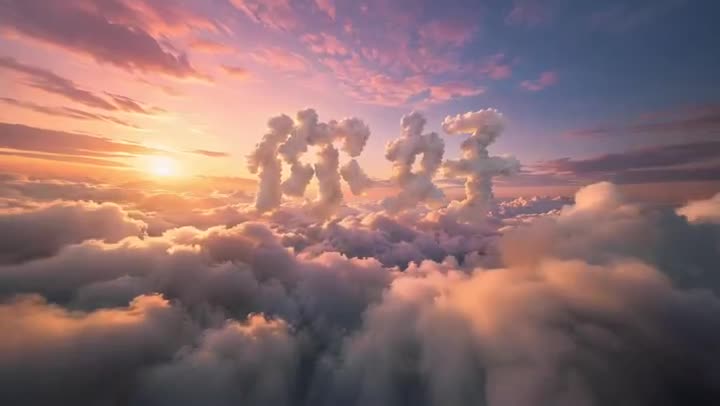
FPV Multilingual Landscape Flight
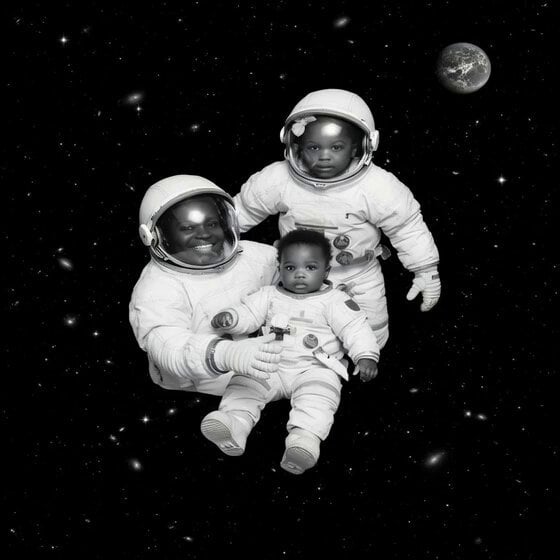
Floating in Space Flight

Voice Controlled Water Animation
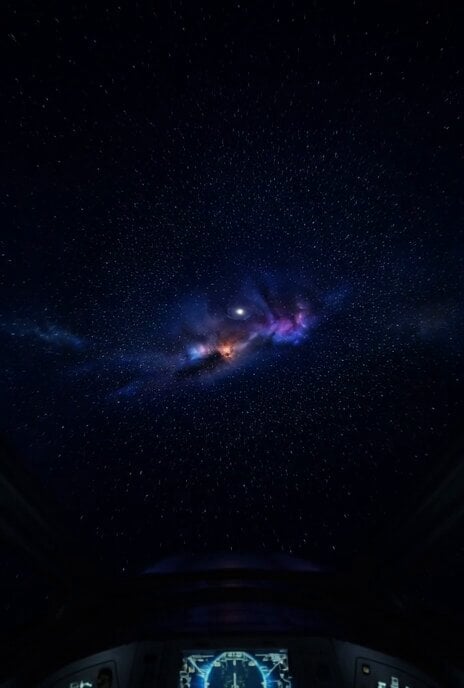
Hyper-Speed Galactic Flight
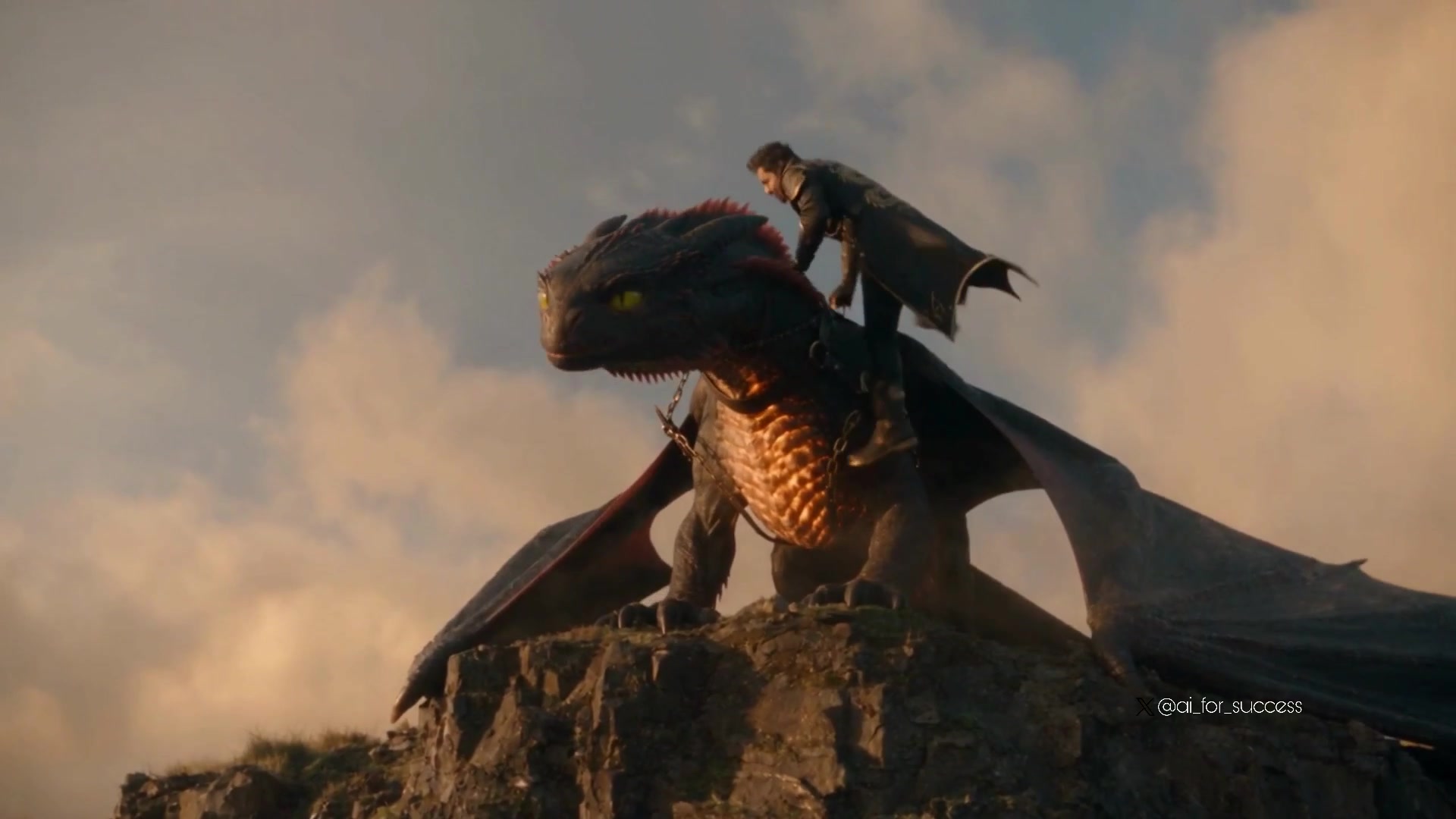
Dragon Rider Cinematic Flight — Seedance 2.5
Flock of Swans Taking Flight at Sunset

Golden Winged Muse Animation
Dragons drinking from a stream
Imperial Dragon Mecha Warrior

Kaleidoscopic Cosmic Dolphin Video

Horror Daffy Duck Video Transition

America 250th Anniversary Celebration
Make it yours
Cinematic Dragon Flight Animation works as-is. These are the safest ways to change it without losing the look.
Change one field
Copy a single group, rewrite it, and generate again so you can see what that field is doing.
Keep the frame, change the subject
Hold the composition and light of Cinematic Dragon Flight Animation, then swap wardrobe, props or the person for a new take.
| If the result… | Why | Fix |
|---|---|---|
| The result drifts from the preview | Too many fields changed at once. | Reuse Cinematic Dragon Flight Animation as-is first, then change one group — subject, light, or setting. |
| The model over-stylizes the scene | The prose prompt leaves finish and camera underspecified. | Add one camera or lighting sentence and stay on Grok Imagine. |
More Grok Imagine templates
Other prompts made for Grok Imagine.

Mecha Runway Tap Dance Video Prompt

Emotional Angry Couple Drama

Cyberpunk Guerrilla Girl Video Generation

Detailed multi-part video prompt
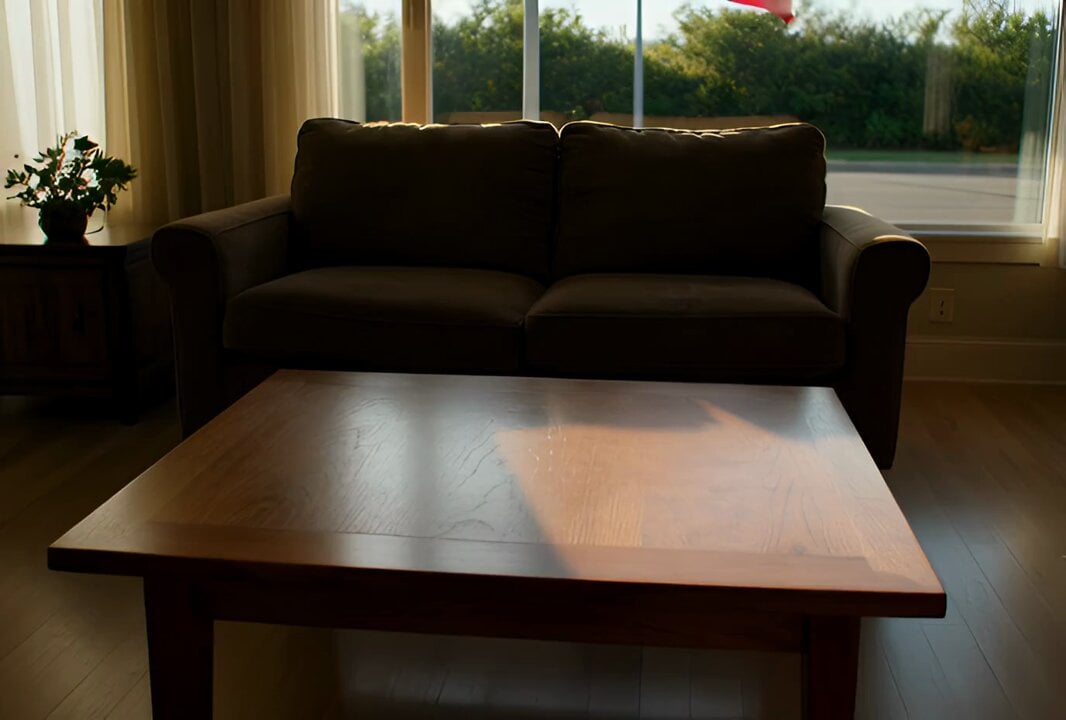
Interior View Video Generation Prompt
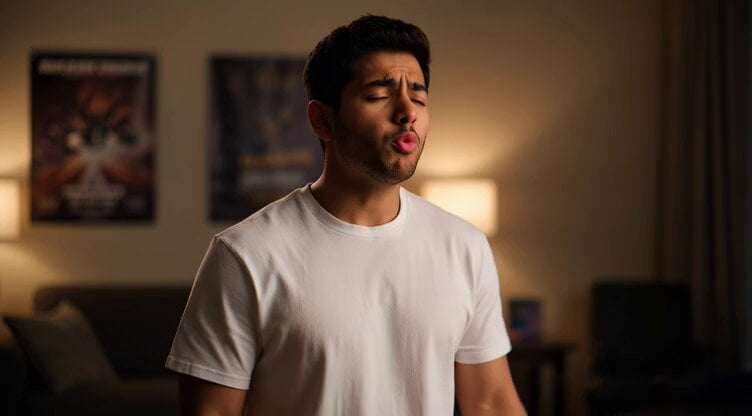
GTA 6 never came out in 1 million years

Bitcoin liferaft video prompt

Woman floating down, opening eyes and looking deeply into the viewer's eyes
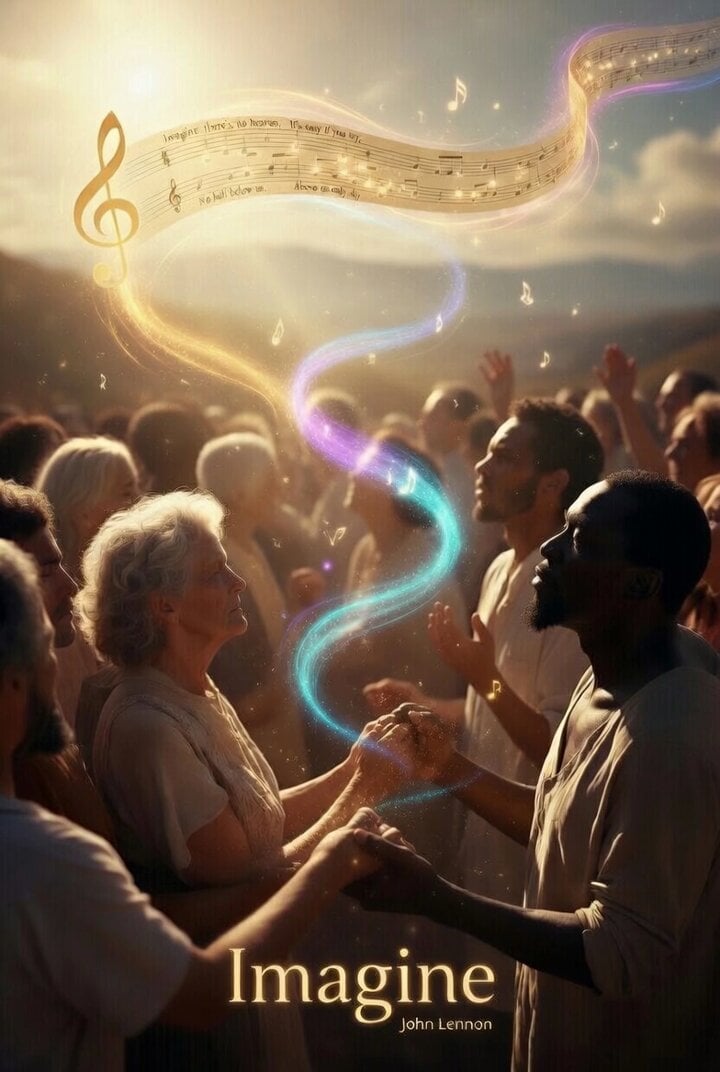
Utopian World of Harmony and Peace
Runner with BE 2060 i inscription passing through sequential doors video prompt
More video prompts
Fresh picks from across the catalog.

One-Eyed Girl and Bear Companion Adventure
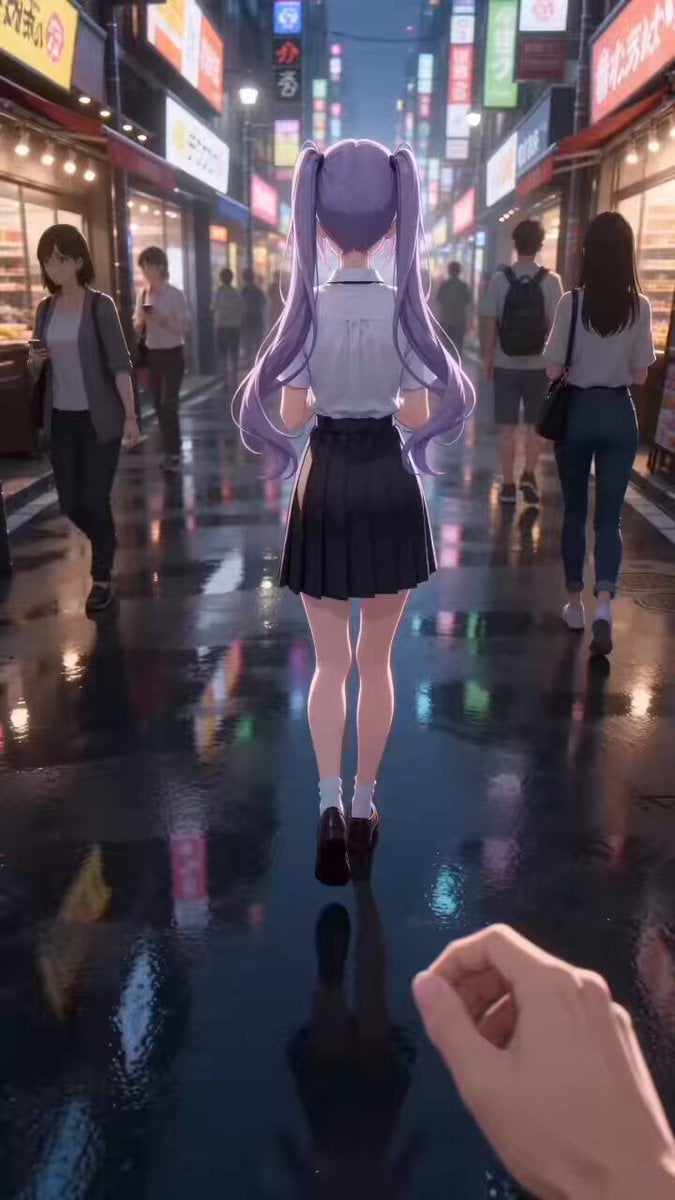
Anime Style Street Encounter Transition Video (Seedance 2.0)
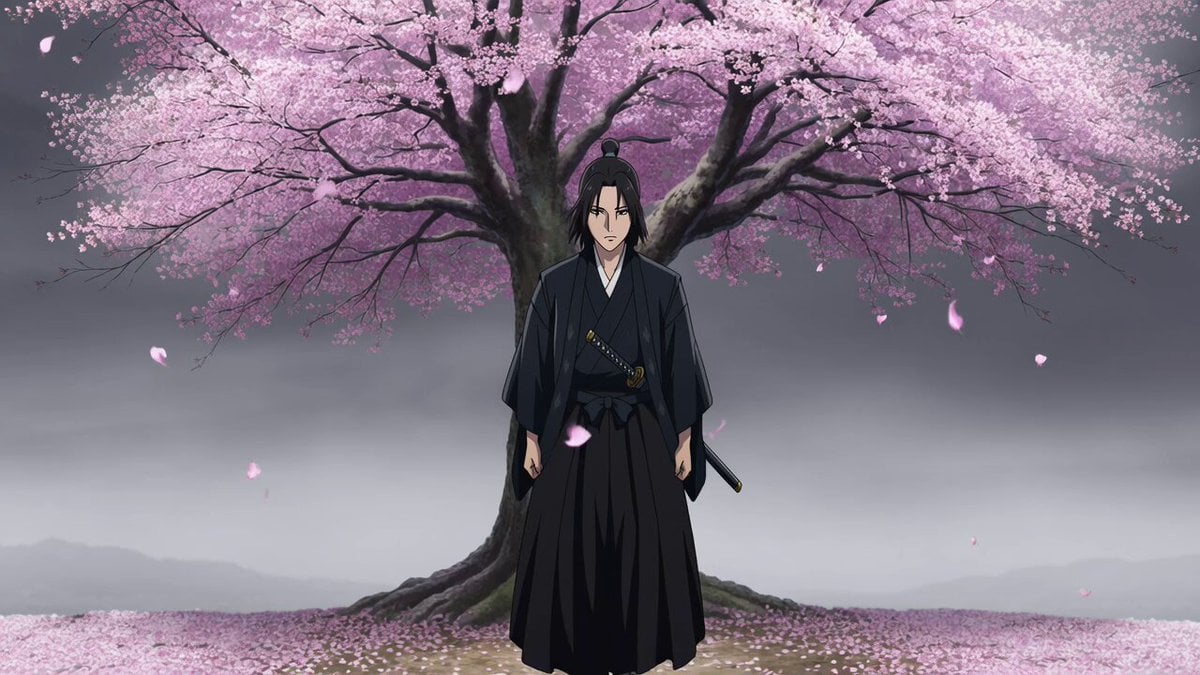
Atmospheric Anime Samurai Video Prompt
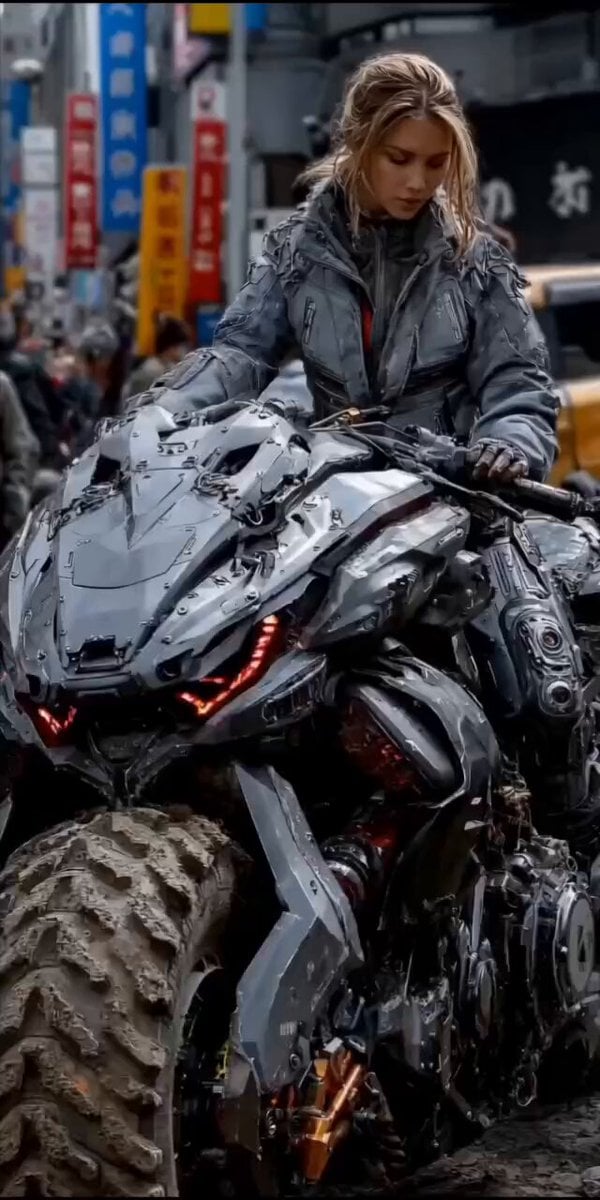
second cinematic video of a woman on a cyberpunk motorcycle in rainy Tokyo
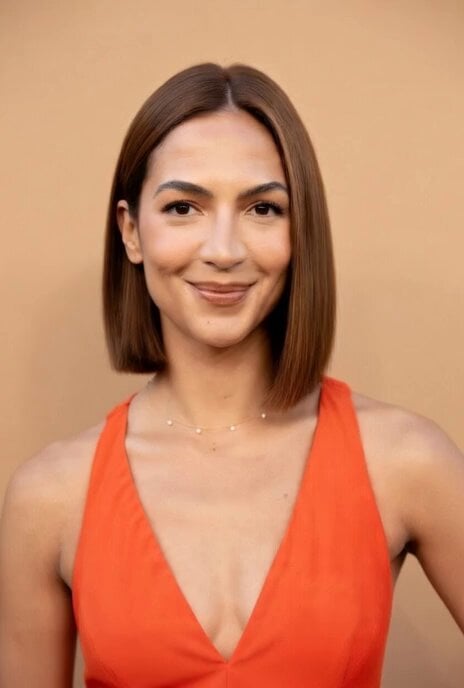
Video prompt for a smiling person shaking their head
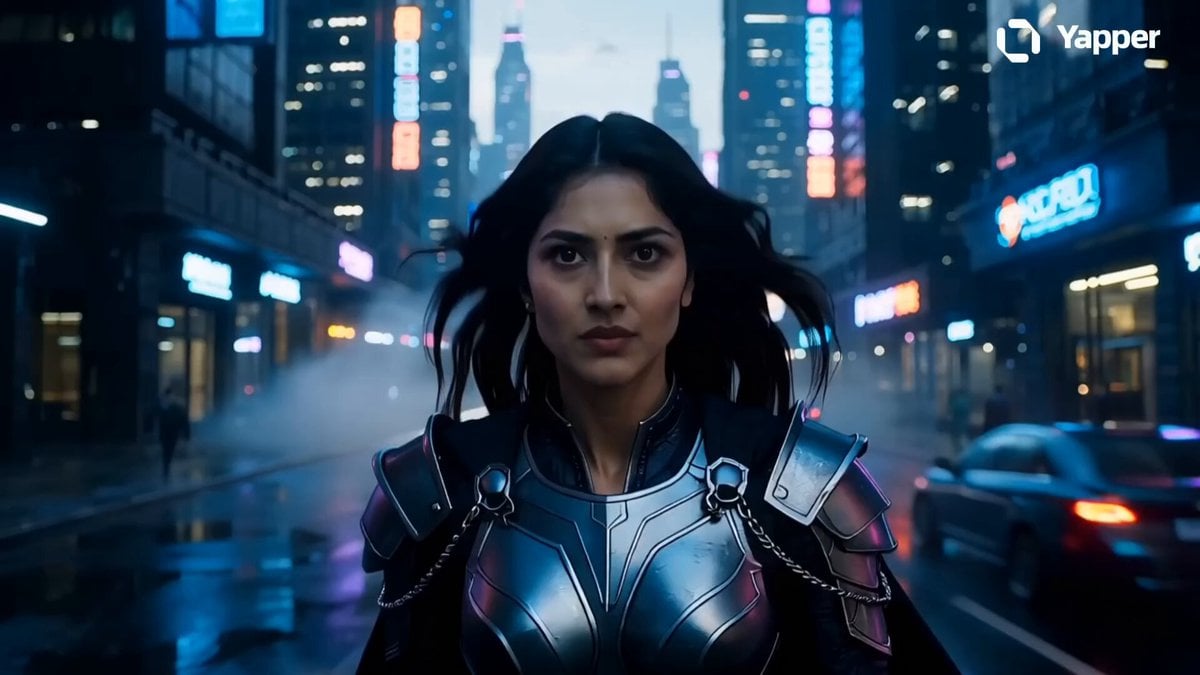
Futuristic Dubai Warrior Scene
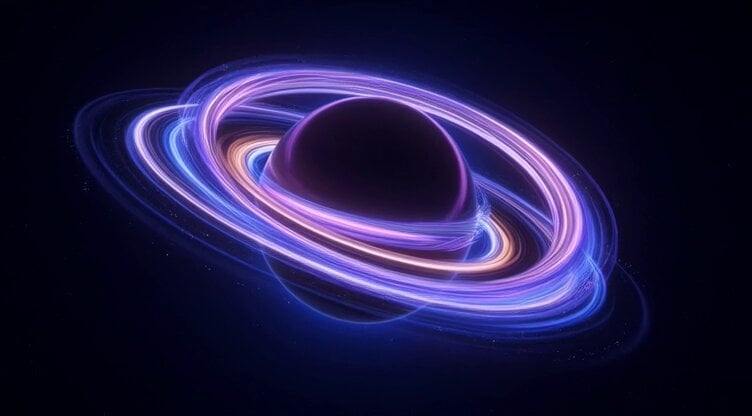
Hyperdimensional Spin and Toroidal Flux Video
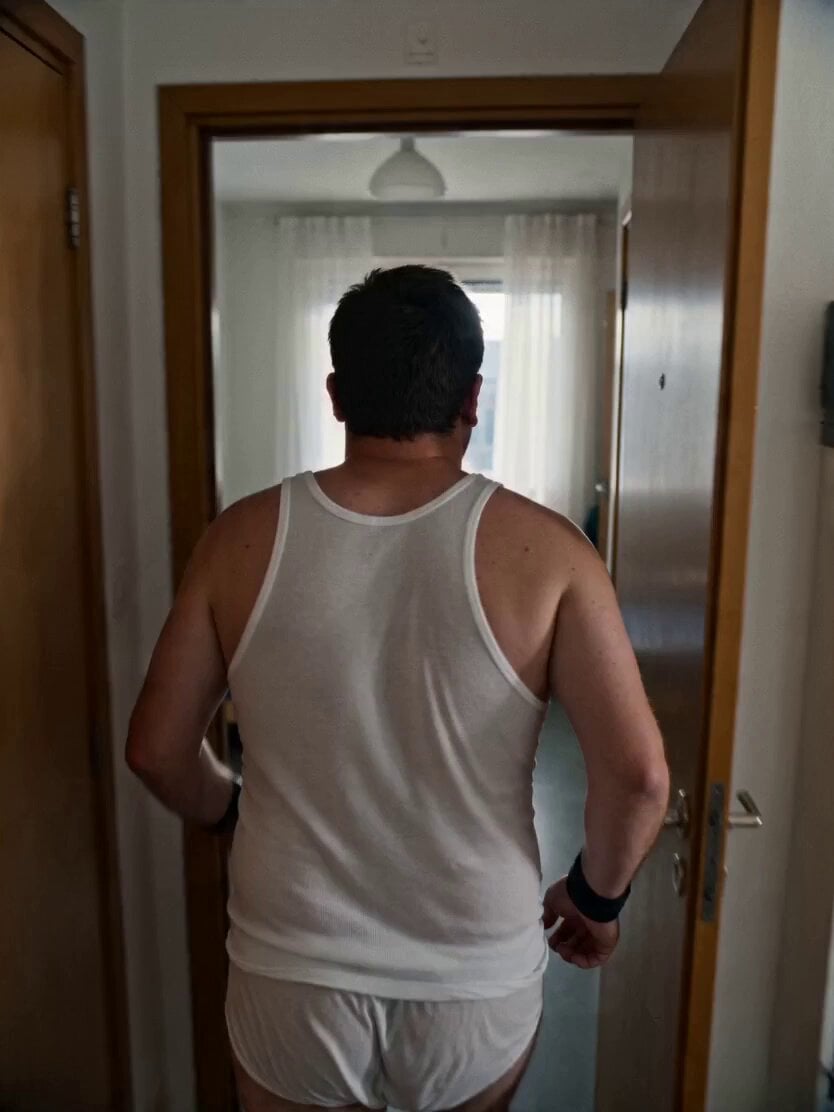
Gritty Handheld 35mm Film Aesthetic
Meal time
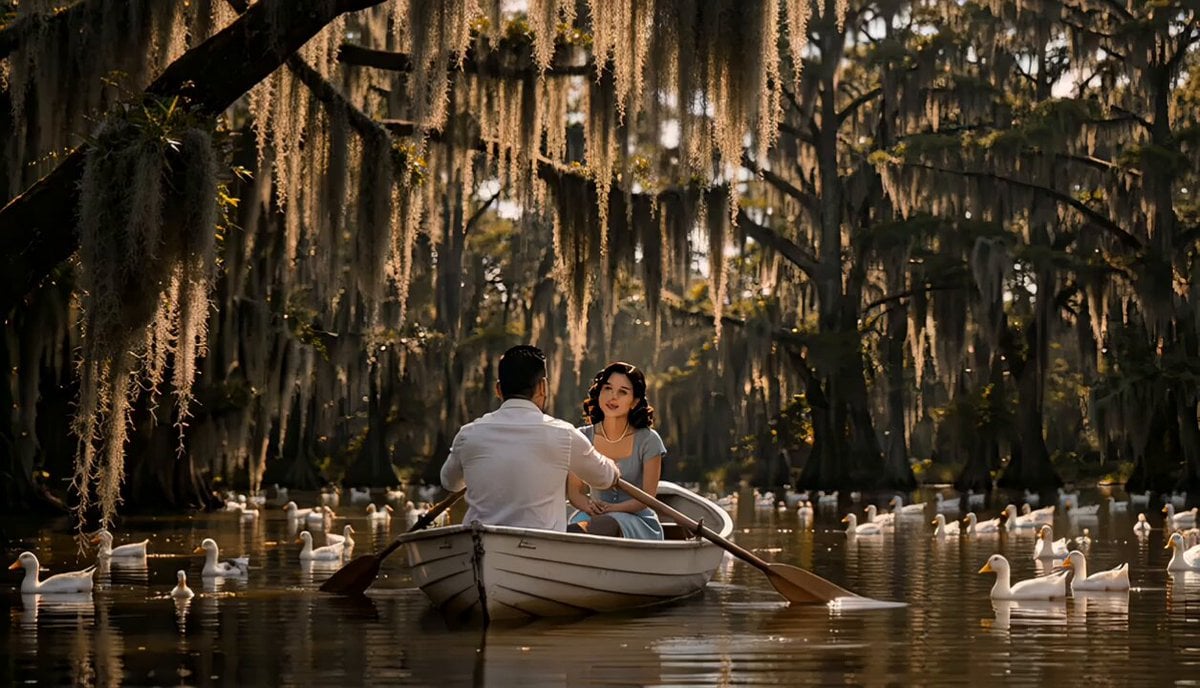
Hollywood Romance Cinematic Storyboard

Browse template categories
Cinematic Dragon Flight Animation questions
How do I use the Cinematic Dragon Flight Animation template?
Add your photo if the template asks for one, edit the prompt if you like — the template's model and format are already selected — and press Generate. Your version opens in PicX Studio.
Can I customize the Cinematic Dragon Flight Animation template?
Yes. You can change the subject, setting, lighting, mood, format, and available model controls before creating your video.
Is the Cinematic Dragon Flight Animation template free?
Opening and editing this template is free. Generating uses credits, shown on the Generate button when you are signed in.
Which AI model should I use?
Start with Grok Imagine, which is the model associated with this template. You can compare another compatible model for a different finish.
Looking for something else? Browse all templates.

Your photo, any look
Thousands of ready templates for every top image and video model, from one credit balance.