
second cinematic video of a woman on a cyberpunk motorcycle in rainy Tokyo
A highly detailed grok-imagine prompt for a 15-second cinematic video.
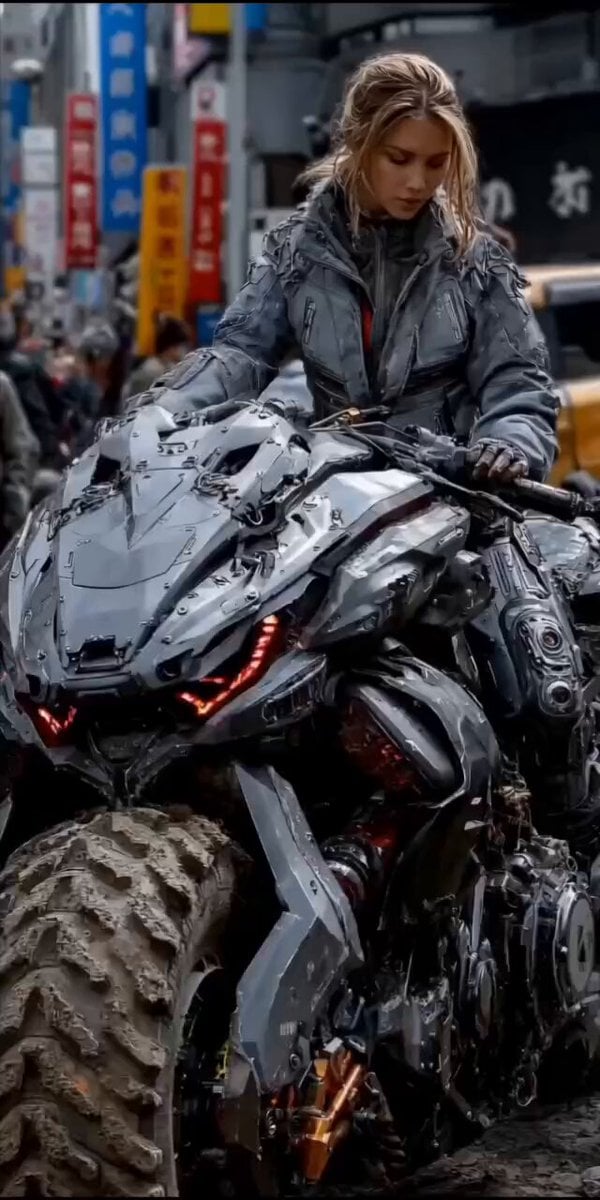
- Prompt included
- Model and format preset
- Premium template
The prompt behind this video
Copy the exact prompt behind second cinematic video of a woman on a cyberpunk motorcycle in rainy Tokyo, or open it in the studio and make it yours.
Cinematic 15-second video of a beautiful blonde woman in a dark gray futuristic armored jacket sitting on a massive, heavily armored cyberpunk motorcycle in a busy rainy Japanese city street at dusk. She has a serious, focused expression and slightly messy long blonde hair. She grips the handlebars firmly. The motorcycle is brutal and mechanical — dark gray with sharp armor plates, glowing red LED lights on the front, large muddy knobby tires, and exposed mechanical parts with orange accents. Throughout the 15 seconds: the motorcycle engine rumbles subtly with low vibrations, red LEDs pulse gently, and light rain falls continuously. The woman slowly turns her head to look directly forward with a determined gaze. The camera performs a slow, smooth cinematic orbit from front three-quarter view around to the side, keeping her and the bike as the powerful central subject. Wet pavement reflects neon lights. Blurred pedestrians and colorful Japanese neon signs in the background. Photorealistic, ultra-detailed, 8K, realistic physics, dramatic cyberpunk atmosphere, smooth motion, cinematic lighting.
How to use second cinematic video of a woman on a cyberpunk motorcycle in rainy Tokyo in 3 steps
- 1
Open
The prompt is already in the box next to the preview, with the template's model and format selected.
- 2…a portrait of your subject in softgolden-hour light, 85mm…
Personalize
Edit the subject and creative details for your destination.
- 3Generate
Generate
Press Generate — your video is created in PicX Studio, so you can compare it with the original and refine one variable at a time.
More like this
Templates with the same subject, style or setup. Open one to see its prompt.
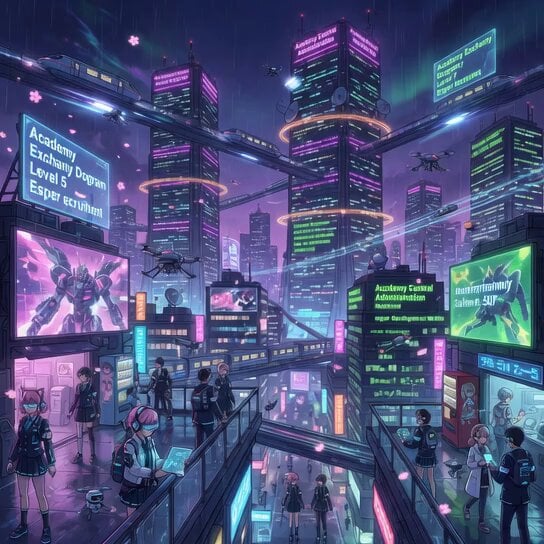
Rainy Encounter in Cyberpunk Academy
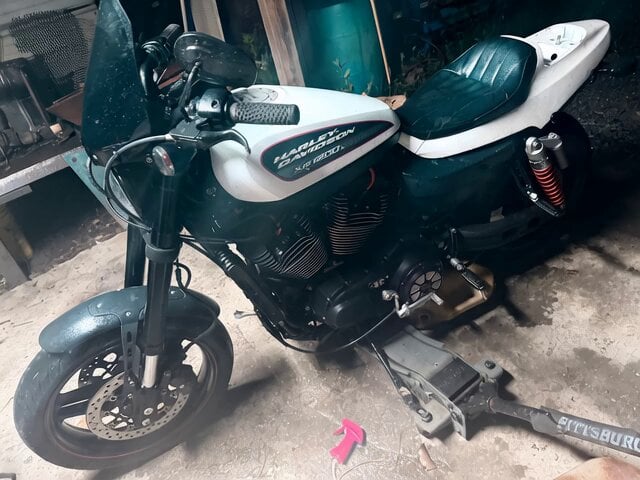
Motorcycle Wheelie with Tailpipe Flames

Horse Style Motorcycle Riding
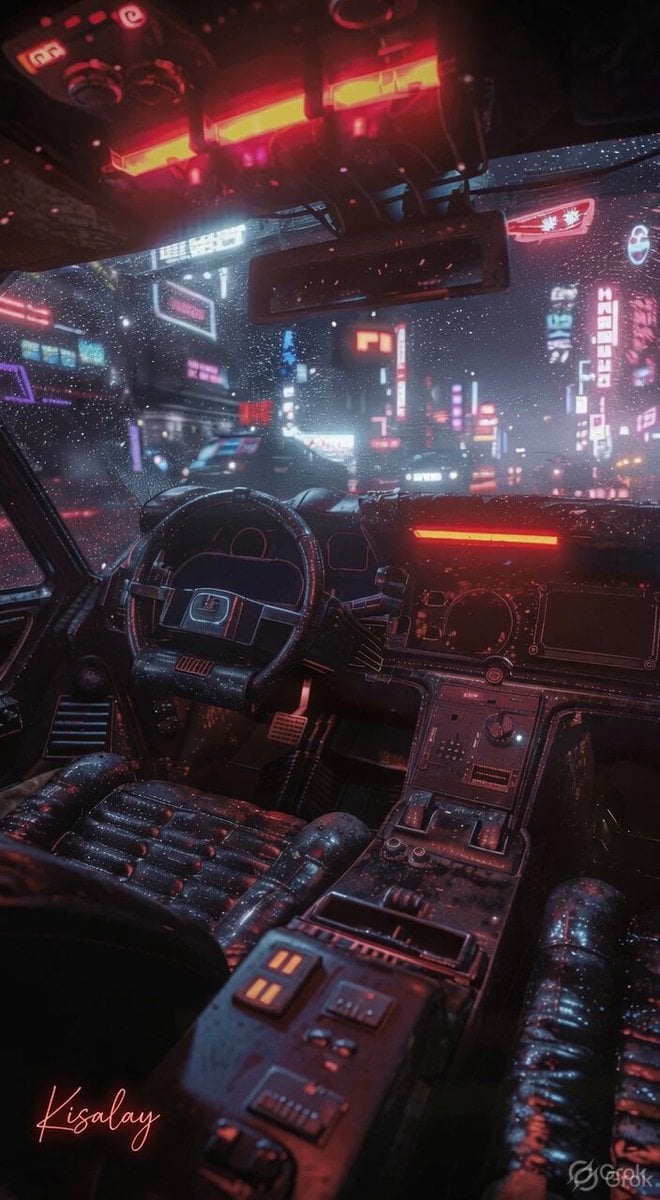
Rainy Night Neon City
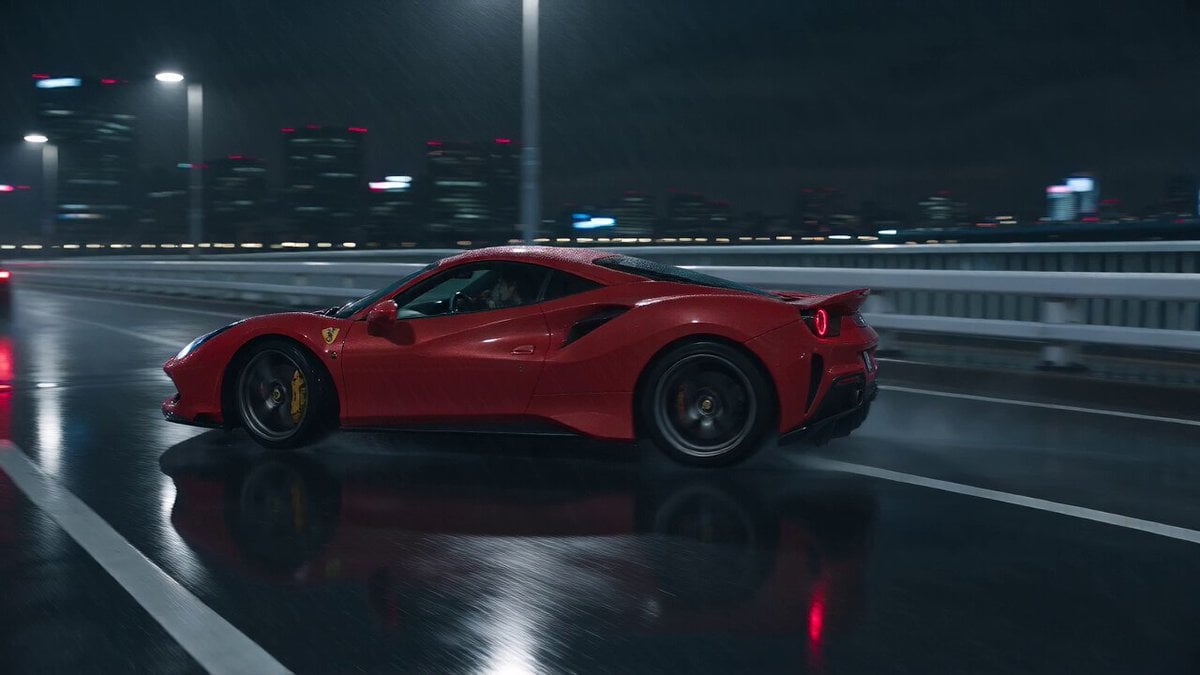
Cyberpunk Tokyo Rainy Car Chase

Cyberpunk Guerrilla Girl Video Generation

Complex 30-Second Animated Video Prompt

Woman floating down, opening eyes and looking deeply into the viewer's eyes

Second Daily Vlog Style Video of a Girl in a Cozy Bedroom

Watercolor Painting of Gypsy Woman and White Horse
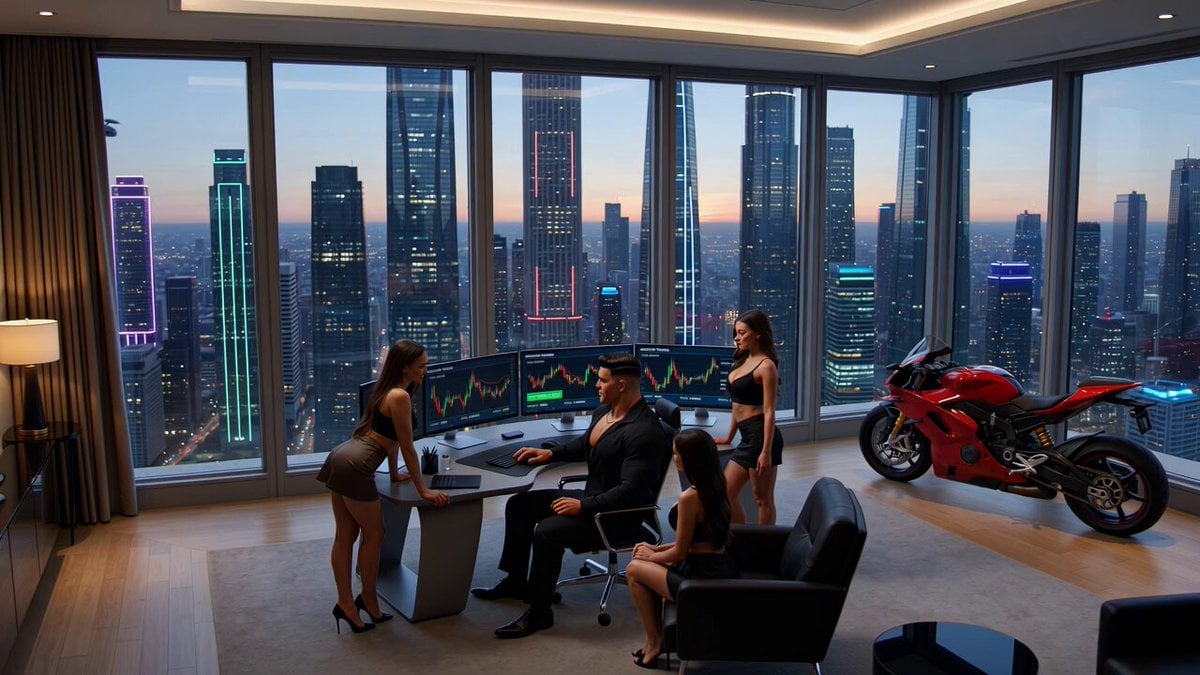
Crypto memecoin degen trading in a cyberpunk high-rise bachelor pad

AI Agent Dancing on Motorcycle at Sunset
Make it yours
second cinematic video of a woman on a cyberpunk motorcycle in rainy Tokyo works as-is. These are the safest ways to change it without losing the look.
Change one field
Copy a single group, rewrite it, and generate again so you can see what that field is doing.
Keep the frame, change the subject
Hold the composition and light of 15-second cinematic video of a woman on a cyberpunk motorcycle in rainy Tokyo, then swap wardrobe, props or the person for a new take.
| If the result… | Why | Fix |
|---|---|---|
| The result drifts from the preview | Too many fields changed at once. | Reuse 15-second cinematic video of a woman on a cyberpunk motorcycle in rainy Tokyo as-is first, then change one group — subject, light, or setting. |
| The model over-stylizes the scene | The prose prompt leaves finish and camera underspecified. | Add one camera or lighting sentence and stay on Grok Imagine. |
More Grok Imagine templates
Other prompts made for Grok Imagine.

Kaleidoscopic Cosmic Dolphin Video

Horror Daffy Duck Video Transition

America 250th Anniversary Celebration

Glowing Water Forest Night Prompt

Soft Pink Roses Dreamer Prompt

Ninja Wizard Levitation Jump

Coffee Cup Interaction Motion

Voice Controlled Water Animation

Pterodactyl Transformation Journey

Candle Mandala Mirror Video
More video prompts
Fresh picks from across the catalog.

Candid Cat Cafe Documentary

Warrior Girl Galloping on Misty Battlefield
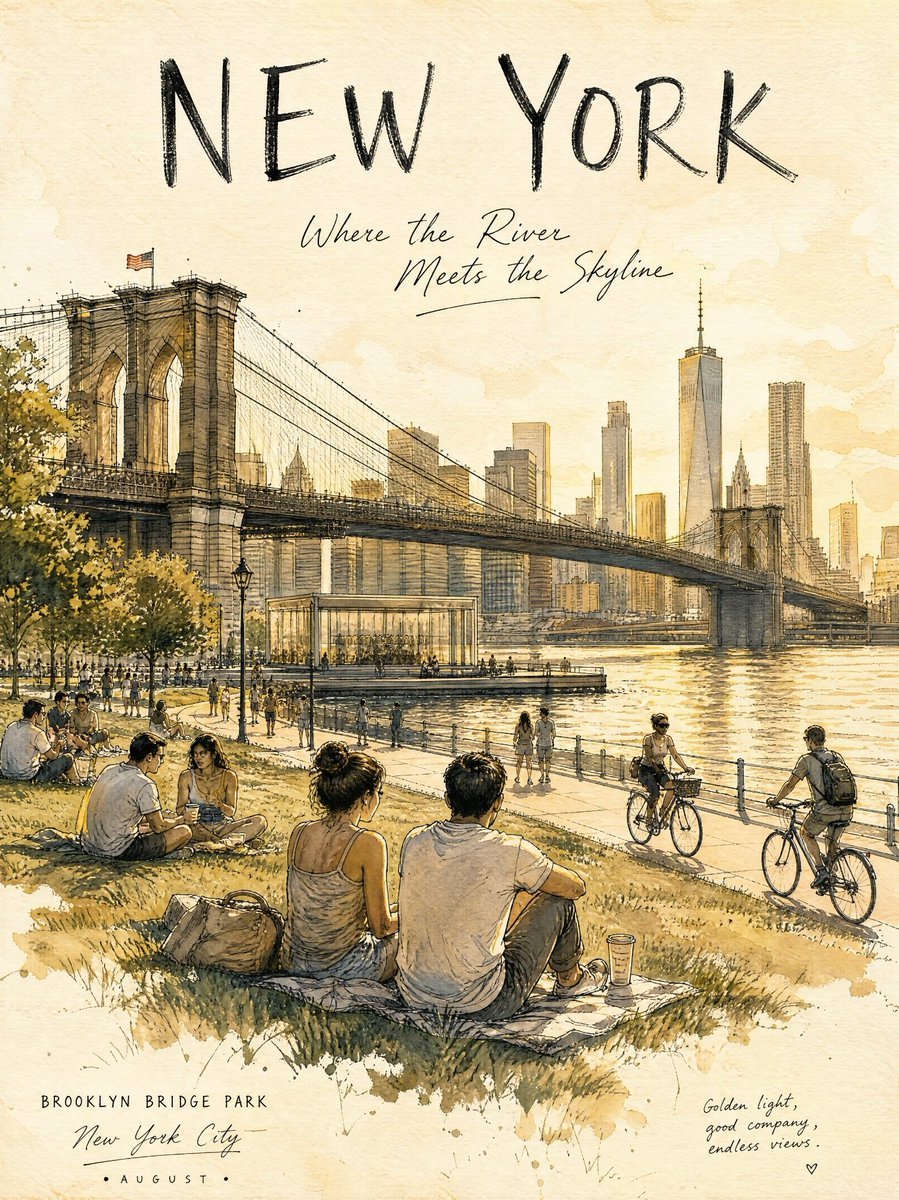
Central Park Summer Urban Sketch Poster
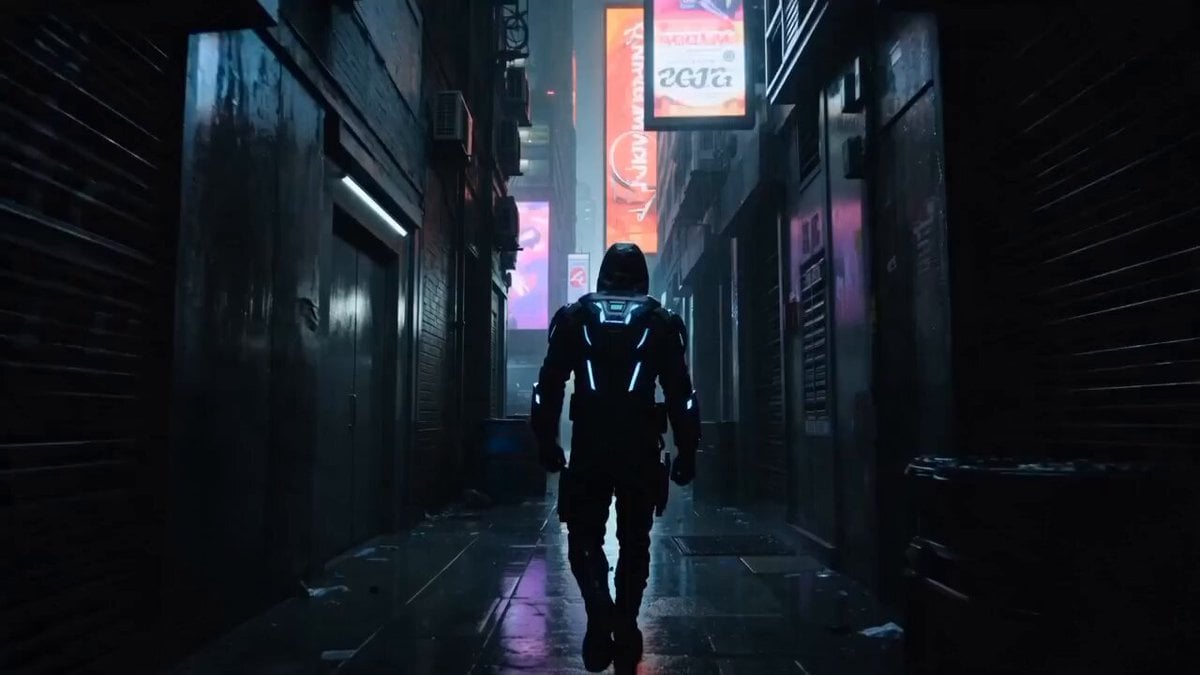
Cyberpunk Assassin Neon Action Sequence
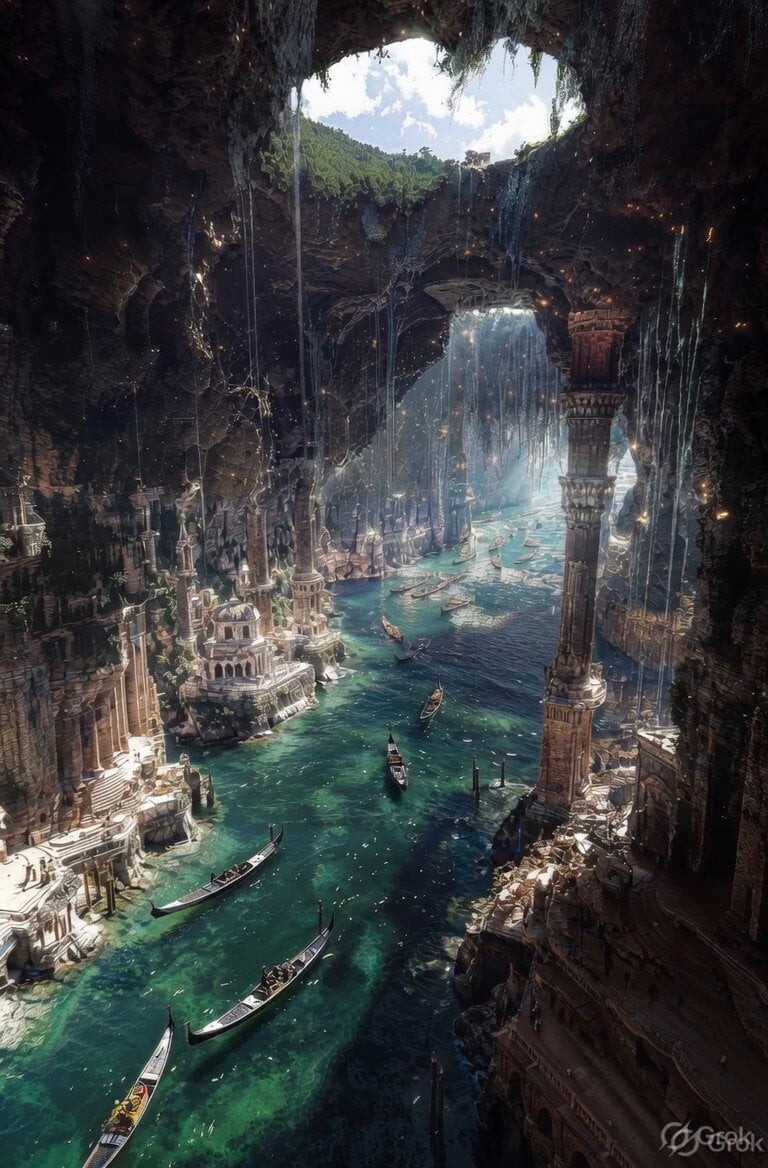
Ancient Ruined Cave City
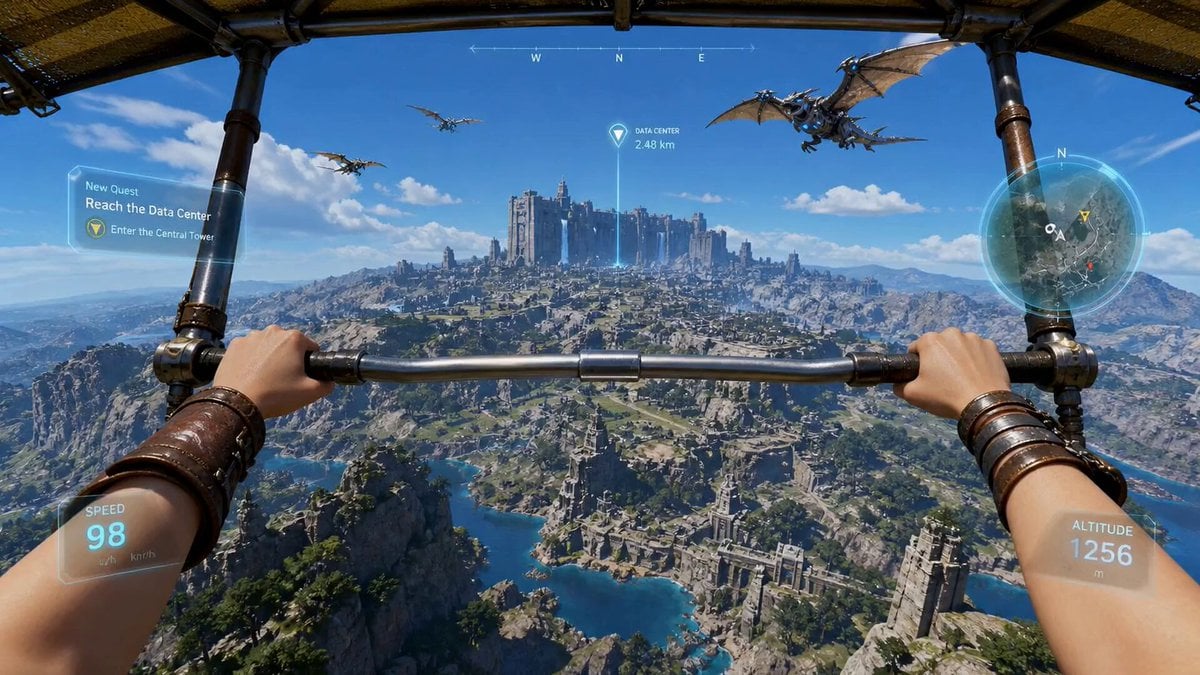
First-Person Wingsuit VR Pilot

Gothic Coquette Studio Video Portrait
Warhorse Sprint on Cliff Aqueduct

AI Emoji Creation Festival prompt example

Pixar Style Chibi Duckling Garden Animation
Browse template categories
second cinematic video of a woman on a cyberpunk motorcycle in rainy Tokyo questions
How do I use the 15-second cinematic video of a woman on a cyberpunk motorcycle in rainy Tokyo template?
Add your photo if the template asks for one, edit the prompt if you like — the template's model and format are already selected — and press Generate. Your version opens in PicX Studio.
Can I customize the 15-second cinematic video of a woman on a cyberpunk motorcycle in rainy Tokyo template?
Yes. You can change the subject, setting, lighting, mood, format, and available model controls before creating your video.
Is the 15-second cinematic video of a woman on a cyberpunk motorcycle in rainy Tokyo template free?
Opening and editing this template is free. Generating uses credits, shown on the Generate button when you are signed in.
Which AI model should I use?
Start with Grok Imagine, which is the model associated with this template. You can compare another compatible model for a different finish.
Looking for something else? Browse all templates.

Your photo, any look
Thousands of ready templates for every top image and video model, from one credit balance.