
Pixar Style Chibi Duckling Garden Animation
An incredibly detailed five-shot sequence for a Pixar-style animation featuring a chibi duckling discovering bubbles and butterflies in a whimsical garden.
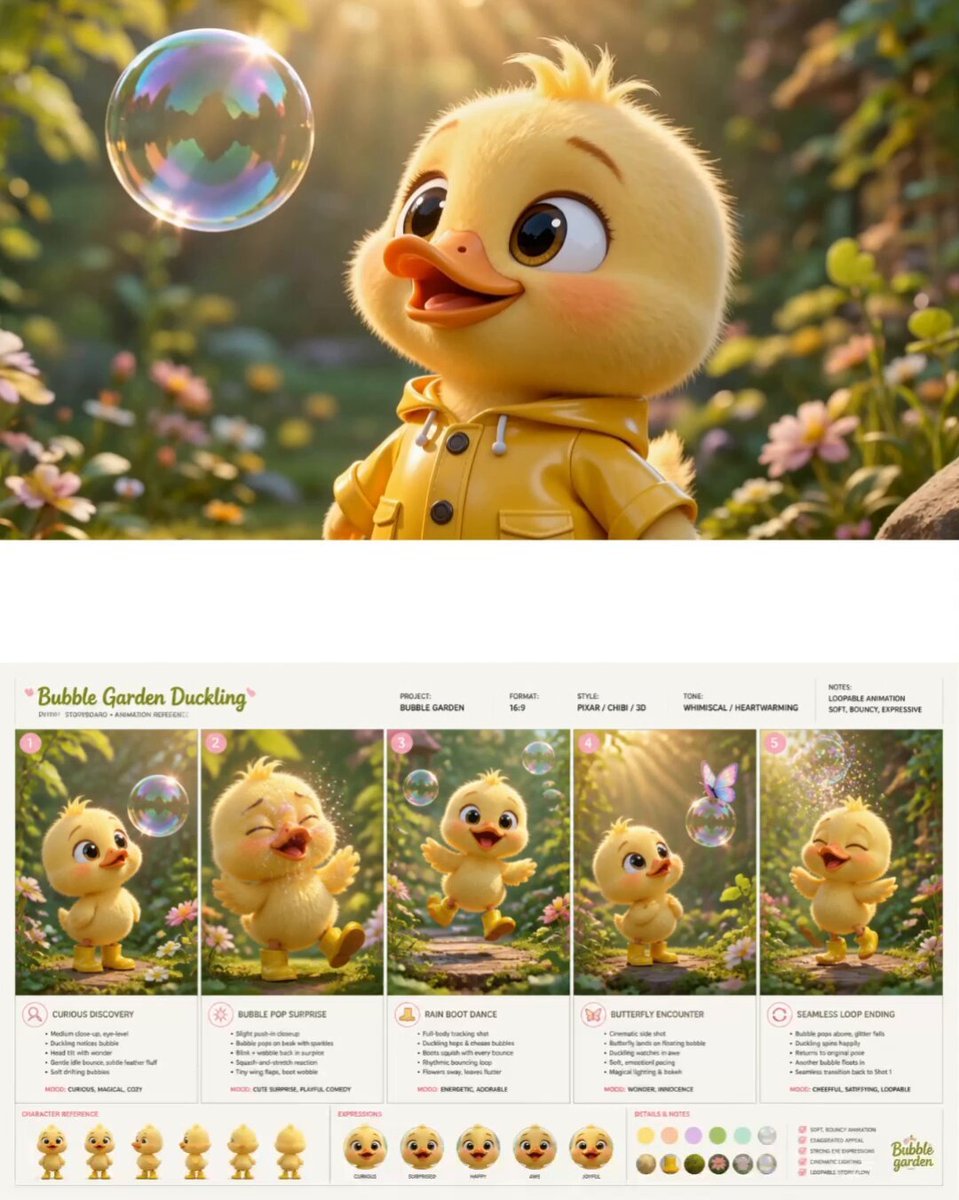
- Prompt included
- Model and format preset
- Free template
The prompt behind this video
Copy the exact prompt behind Pixar Style Chibi Duckling Garden Animation, or open it in the studio and make it yours.
ultra-polished Pixar-style 3D animated short film, seamless cinematic storytelling, soft pastel greenery garden, warm golden morning sunlight, dreamy floating soap bubbles, lush moss, tiny flowers, oversized whimsical leaves, shallow depth of field, glossy cartoon realism, highly expressive chibi duckling with fluffy yellow feathers and tiny glossy yellow rain boots. Smooth professional animation with soft squash-and-stretch physics, cinematic camera movement, emotional acting, gentle motion easing, seamless transitions between shots. STRICTLY FOLLOW THIS SHOT SEQUENCE IN ORDER: SHOT 1 — Curious Discovery (0–2s) Medium close-up at eye level. The duckling stands still in a whimsical pastel garden while translucent soap bubbles drift around slowly. One bubble floats toward her face. She gently tilts her head with huge sparkling curious eyes. Tiny idle bounce motion, soft feather fluff movement, warm sunlight rays through leaves, dreamy atmosphere, subtle camera push-in. SHOT 2 — Bubble Pop Surprise (2–4s) Close-up continuation. The floating bubble softly pops against the duckling’s beak with glitter spark particles and tiny rainbow reflections. She blinks rapidly, wobbles backward slightly, flaps her tiny wings, then smiles with relieved happy eyes. Soft comedic timing, expressive face animation, smooth squash-and-stretch motion, glossy bubble particles drifting away. SHOT 3 — Rain Boot Dance (4–6s) Full-body tracking shot. The duckling suddenly becomes excited and hops rhythmically across the mossy garden path while chasing floating bubbles. Tiny yellow rain boots squish and compress with each bounce. Flowers sway softly as she moves past them. Multiple bubbles drift at different depths, some popping near the camera into spark-like bursts. Joyful head bobbing, energetic but gentle movement, cinematic playful camera motion. SHOT 4 — Butterfly Encounter (6–8s) Side-angle cinematic shot. A tiny pastel butterfly lands delicately on a floating soap bubble. The duckling freezes in awe, eyes widening with wonder. She follows underneath with tiny careful hopping steps while the bubble slowly drifts upward through warm volumetric sunlight. Floating pollen particles, magical dreamy atmosphere, emotional pause in pacing, soft wind moving leaves and grass. SHOT 5 — Seamless Loop Ending (8–10s) Medium-wide centered composition. The bubble carrying the butterfly pops gently above the duckling into sparkling glitter. She laughs silently, spins playfully once, tiny boots squishing softly on landing, then returns perfectly to her original curious pose from Shot 1 as another soap bubble drifts toward her face. Camera framing and duckling pose align exactly with opening shot to create a flawless seamless loop with no visible beginning or ending. Style throughout: cinematic 3D chibi
How to use Pixar Style Chibi Duckling Garden Animation in 3 steps
- 1
Open
The prompt is already in the box next to the preview, with the template's model and format selected.
- 2…a portrait of your subject in softgolden-hour light, 85mm…
Personalize
Edit the subject and creative details for your destination.
- 3Generate
Generate
Press Generate — your video is created in PicX Studio, so you can compare it with the original and refine one variable at a time.
More like this
Templates with the same subject, style or setup. Open one to see its prompt.
Dim Sum Chase — Shrimp Dumpling Monster
Pixar Style Sleeping Girl Animation
Pixar Style 3D Animation Prompt

Pixar Style Beauty Routine Animation

Pigeon Nemesis Pixar Animation Storyboard

3D Glossy Fairy Animation - Seedance 2.5
Disney Pixar Skincare Animation

Silk Road Pomegranate Folk Animation

Multilingual Creative Typography Loop
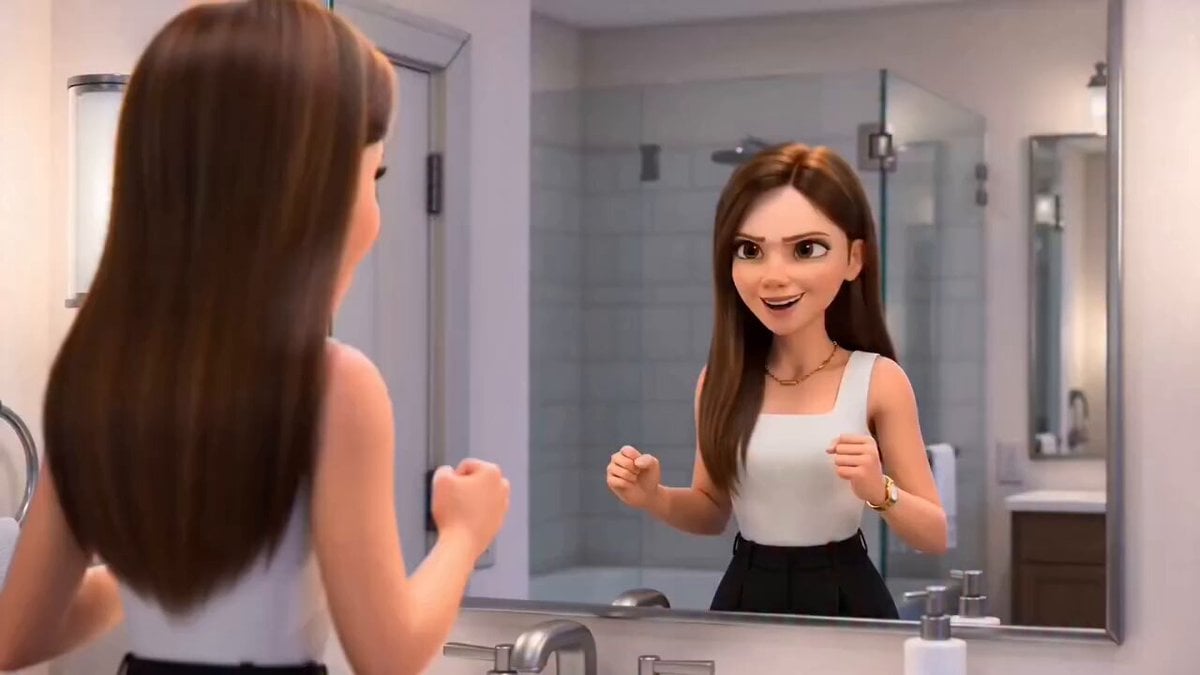
Pixar-Style Hairbun Transformation Animation
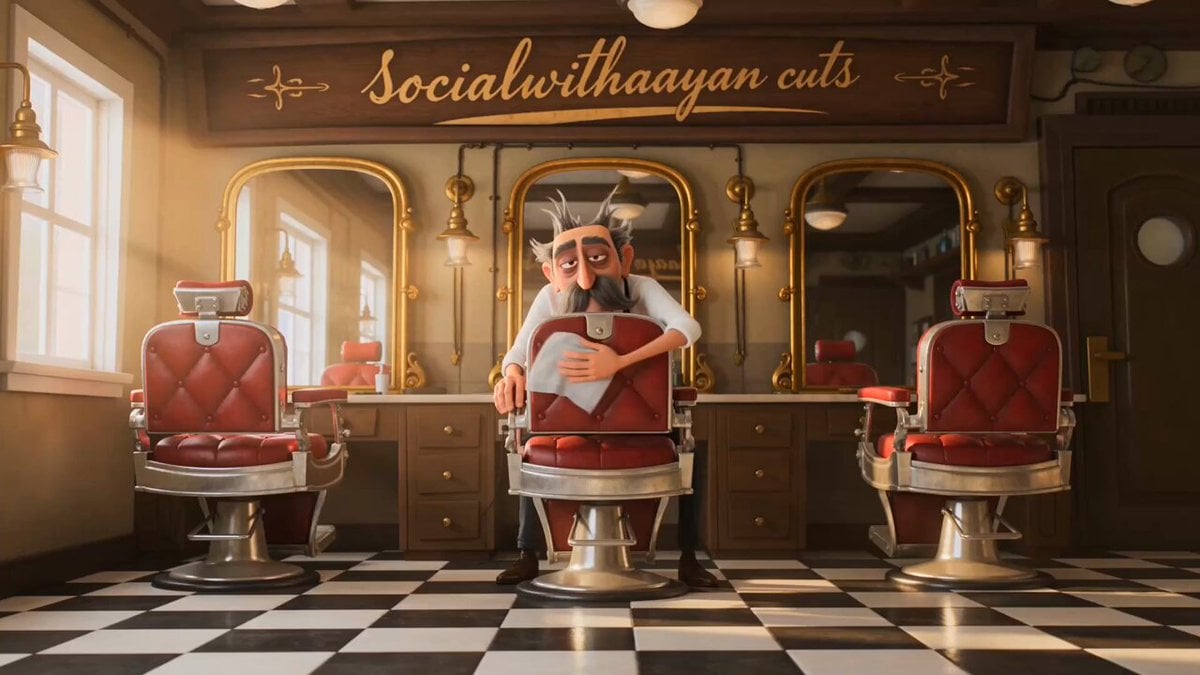
Pixar Style Barber Shop Animation
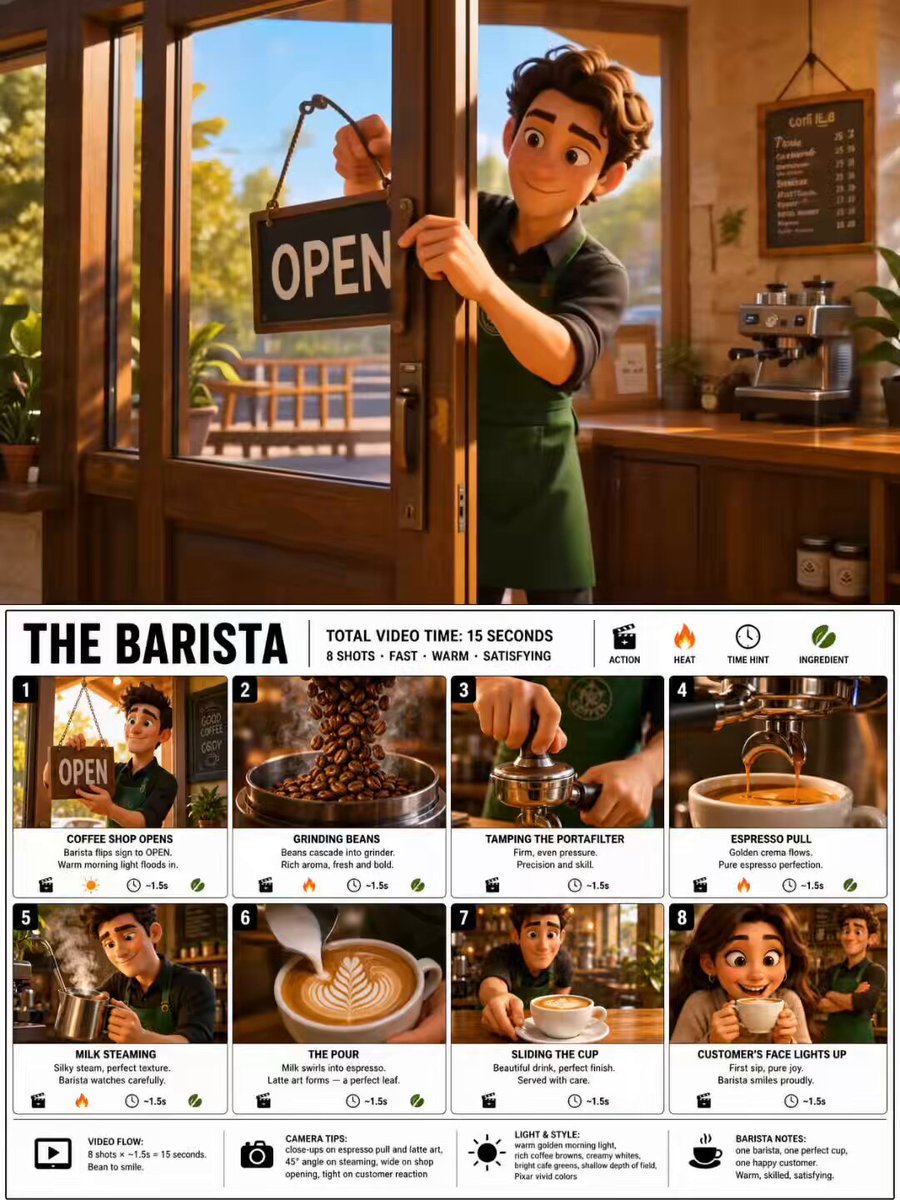
Pixar Style Barista Animation Sequence
Make it yours
Pixar Style Chibi Duckling Garden Animation works as-is. These are the safest ways to change it without losing the look.
Change one field
Copy a single group, rewrite it, and generate again so you can see what that field is doing.
Keep the frame, change the subject
Hold the composition and light of Pixar Style Chibi Duckling Garden Animation, then swap wardrobe, props or the person for a new take.
| If the result… | Why | Fix |
|---|---|---|
| The result drifts from the preview | Too many fields changed at once. | Reuse Pixar Style Chibi Duckling Garden Animation as-is first, then change one group — subject, light, or setting. |
| The model over-stylizes the scene | The prose prompt leaves finish and camera underspecified. | Add one camera or lighting sentence and stay on Seedance 2.0. |
More Seedance 2.0 templates
Other prompts made for Seedance 2.0.

Comical Martial Arts Punch Scene

Maglev Train Action Sequence

Martial Arts Fight Sequence

Wuxia Protection and Trust Script

Vintage Korean Arcade MiniDV Vlog

Mercedes 190 SL Luxury Ad

Rainy Night Supernatural Reverse Comedy Video Script

Amazon Civilization Discovery

Futuristic South Asian City Transformation

Cozy Luxury Cafe Commercial
More video prompts
Fresh picks from across the catalog.

Ultra-realistic cinematic close-up of a humanoid robot
Novel Expansion: Husband Reports Gatekeeper
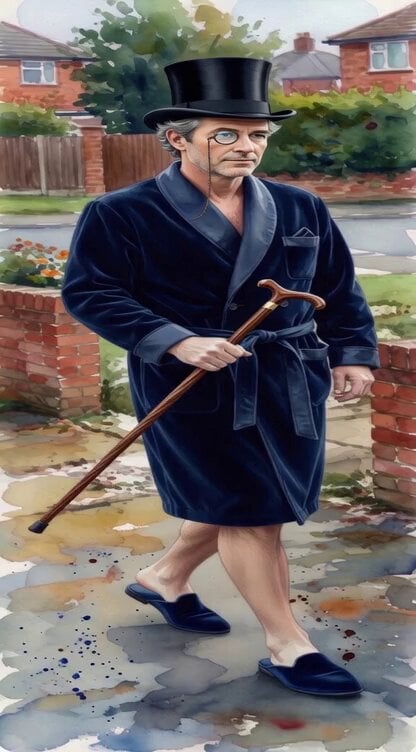
Elegant British Man Walking Down Residential Street
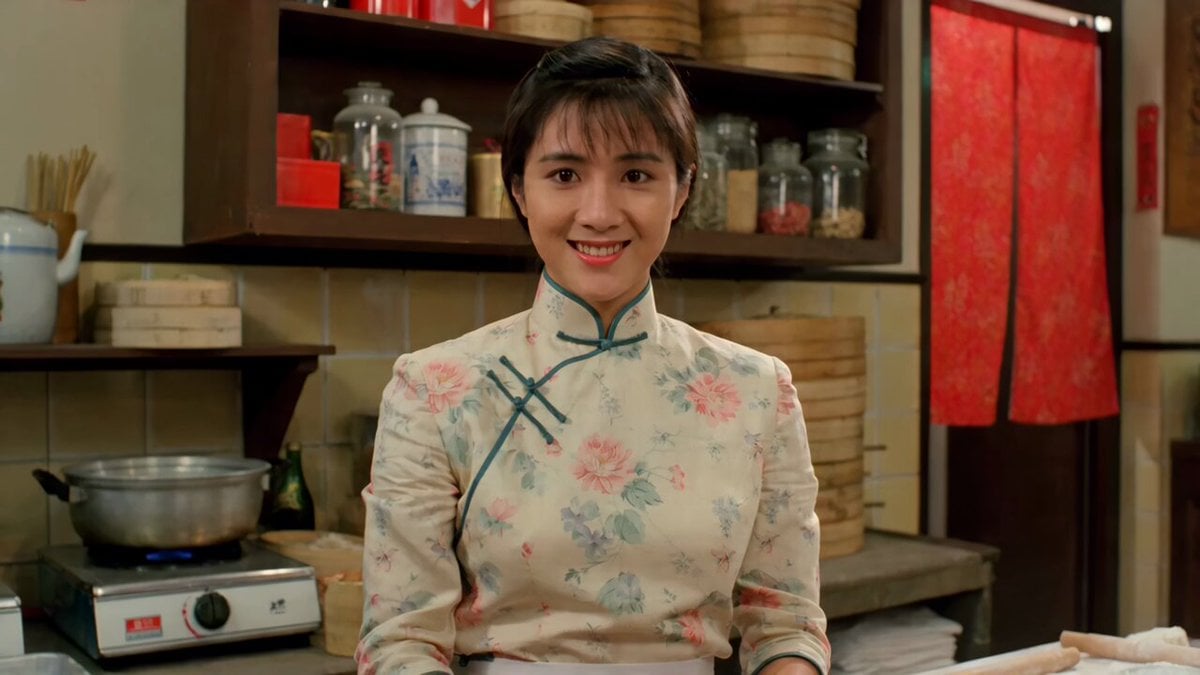
Kung Fu Culinary Master Action Part 1
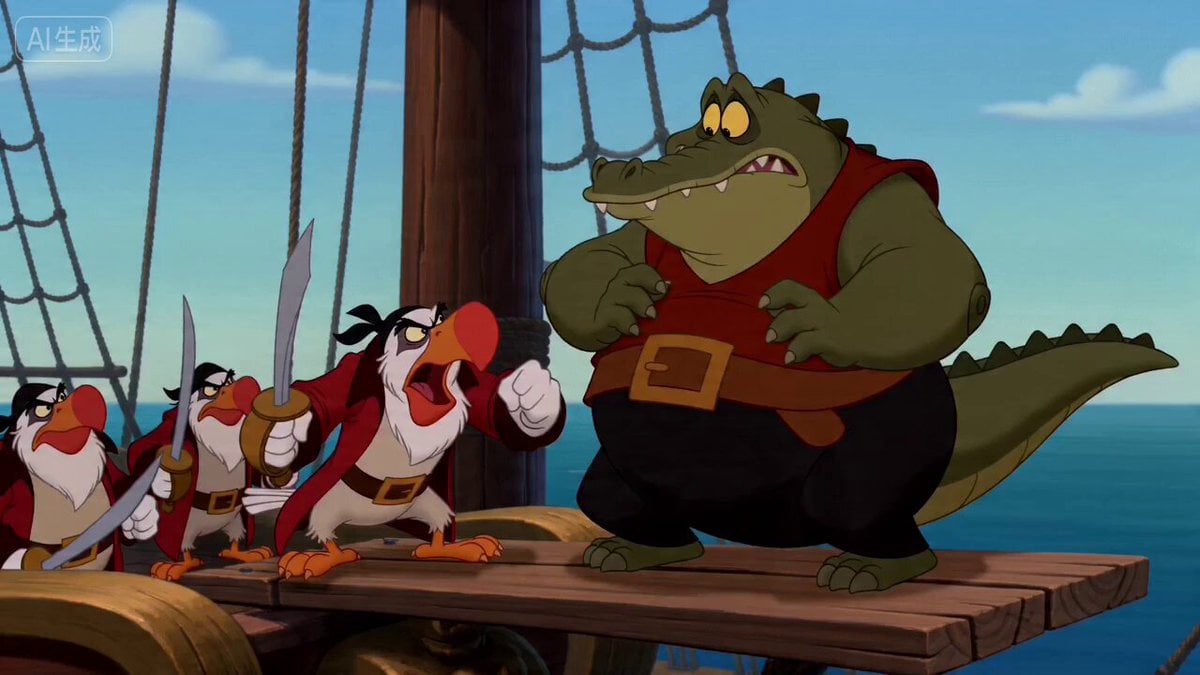
Vintage Disney Style Pirate Crocodile Animation

GoPro Logo Transformation Video Prompt
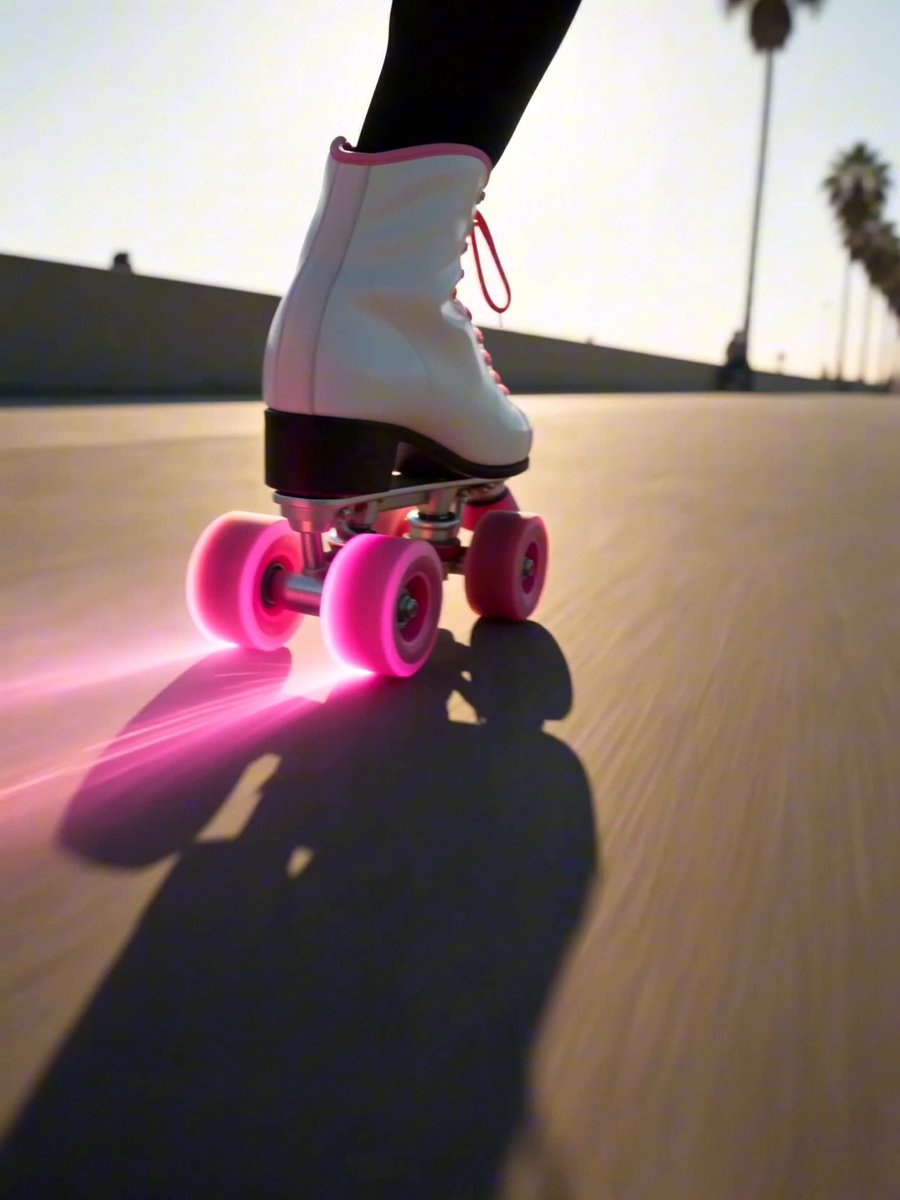
Roller Derby Glitch Transition Sequence

Luxury Skincare Pitch Deck Animation
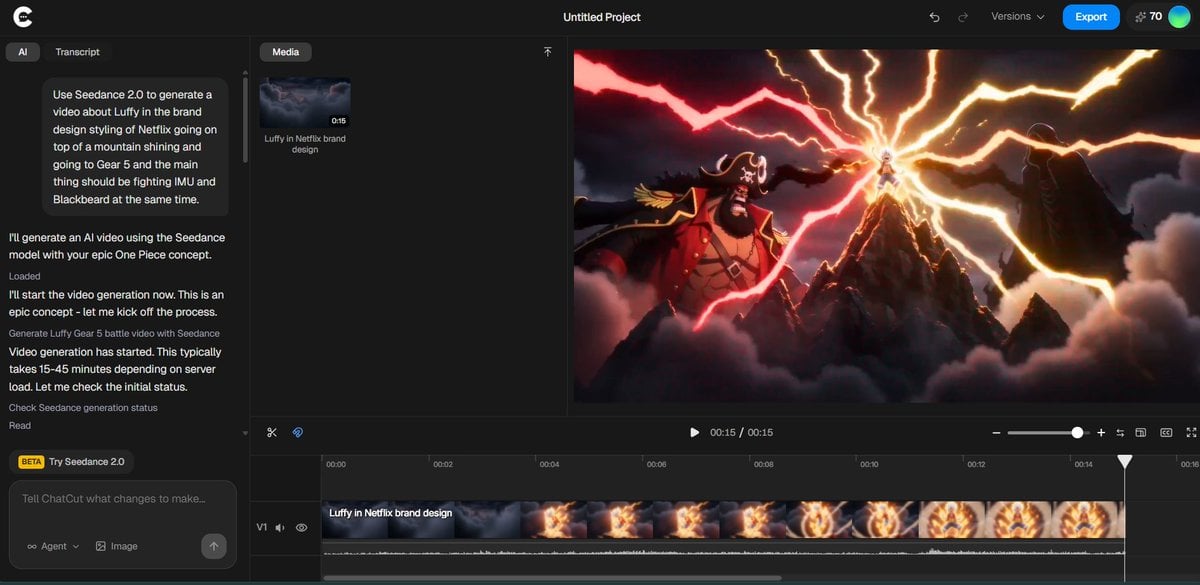
Luffy in Netflix Style Fighting Imu and Blackbeard

Cyberpunk Neon Cage Freedom Story
Browse template categories
Pixar Style Chibi Duckling Garden Animation questions
How do I use the Pixar Style Chibi Duckling Garden Animation template?
Add your photo if the template asks for one, edit the prompt if you like — the template's model and format are already selected — and press Generate. Your version opens in PicX Studio.
Can I customize the Pixar Style Chibi Duckling Garden Animation template?
Yes. You can change the subject, setting, lighting, mood, format, and available model controls before creating your video.
Is the Pixar Style Chibi Duckling Garden Animation template free?
Opening and editing this template is free. Generating uses credits, shown on the Generate button when you are signed in.
Which AI model should I use?
Start with Seedance 2.0, which is the model associated with this template. You can compare another compatible model for a different finish.
Looking for something else? Browse all templates.

Your photo, any look
Thousands of ready templates for every top image and video model, from one credit balance.