
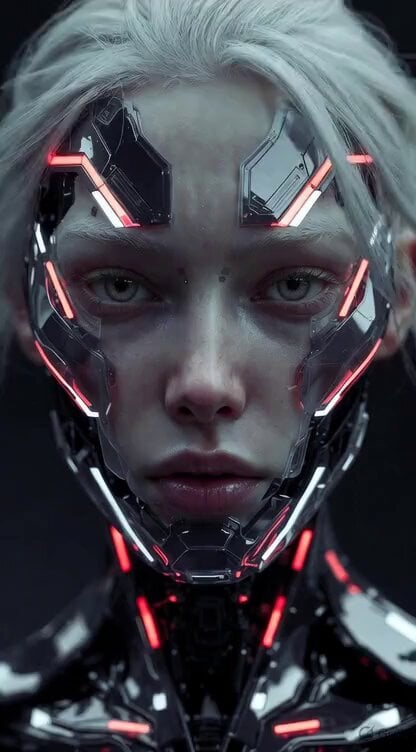
Ultra-realistic cinematic close-up of a humanoid robot
An extensive Grok Imagine prompt detailing an ultra-realistic cinematic close-up of a humanoid robot.
- Prompt included
- Model and format preset
- Premium template
The prompt behind this video
Copy the exact prompt behind Ultra-realistic cinematic close-up of a humanoid robot, or open it in the studio and make it yours.
Ultra-realistic cinematic close-up of a humanoid robot standing quietly on a calm street. She slowly blinks her eyes in a natural, human-like rhythm while observing the environment with subtle curiosity. A soft breeze gently moves through her long synthetic hair, lifting delicate strands that flow naturally around her face. Her surface is a blend of smooth synthetic skin and exposed precision-engineered components around the temples, neck, and jawline. Beneath translucent panels, tiny micro-actuators, fiber-optic lines, and softly glowing LEDs pulse faintly as her internal systems operate. Her eyes contain intricate iris mechanisms with subtle mechanical aperture movements, reflecting the surrounding environment with lifelike detail. The camera performs a slow cinematic push-in while she slightly tilts her head, tiny servos making barely audible micro-movements. Light wind carries small dust particles and loose strands of hair past the lens. Reflections of buildings and moving clouds glide across the polished metallic surfaces of her frame. Natural sunlight creates soft highlights on chrome edges and gentle shadows across her face, emphasizing the fusion of organic elegance and advanced robotics. Ultra-detailed textures, subsurface scattering on synthetic skin, realistic hair physics, cinematic lighting, volumetric light rays, shallow depth of field, 8K photorealism, slow contemplative atmosphere, futuristic yet peaceful mood.
How to use Ultra-realistic cinematic close-up of a humanoid robot in 3 steps
- 1
Open
The prompt is already in the box next to the preview, with the template's model and format selected.
- 2…a portrait of your subject in softgolden-hour light, 85mm…
Personalize
Edit the subject and creative details for your destination.
- 3
 Generate
Press Generate — your video is created in PicX Studio, so you can compare it with the original and refine one variable at a time.
More like this
Templates with the same subject, style or setup. Open one to see its prompt.
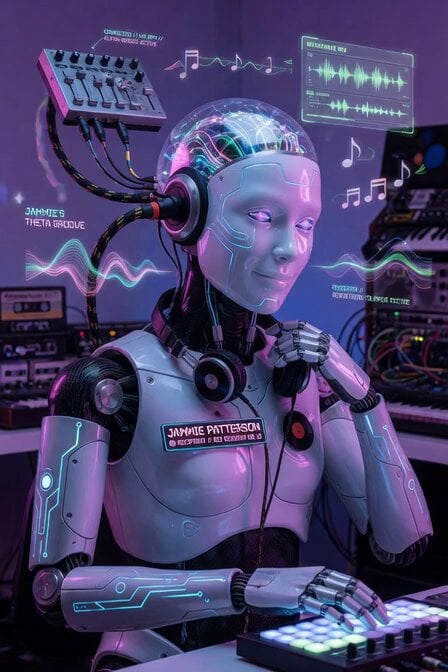
Humanoid Robot BCI Music

Medieval Knight and Queen Cinematic Close-up

Robots on Mars Preparation
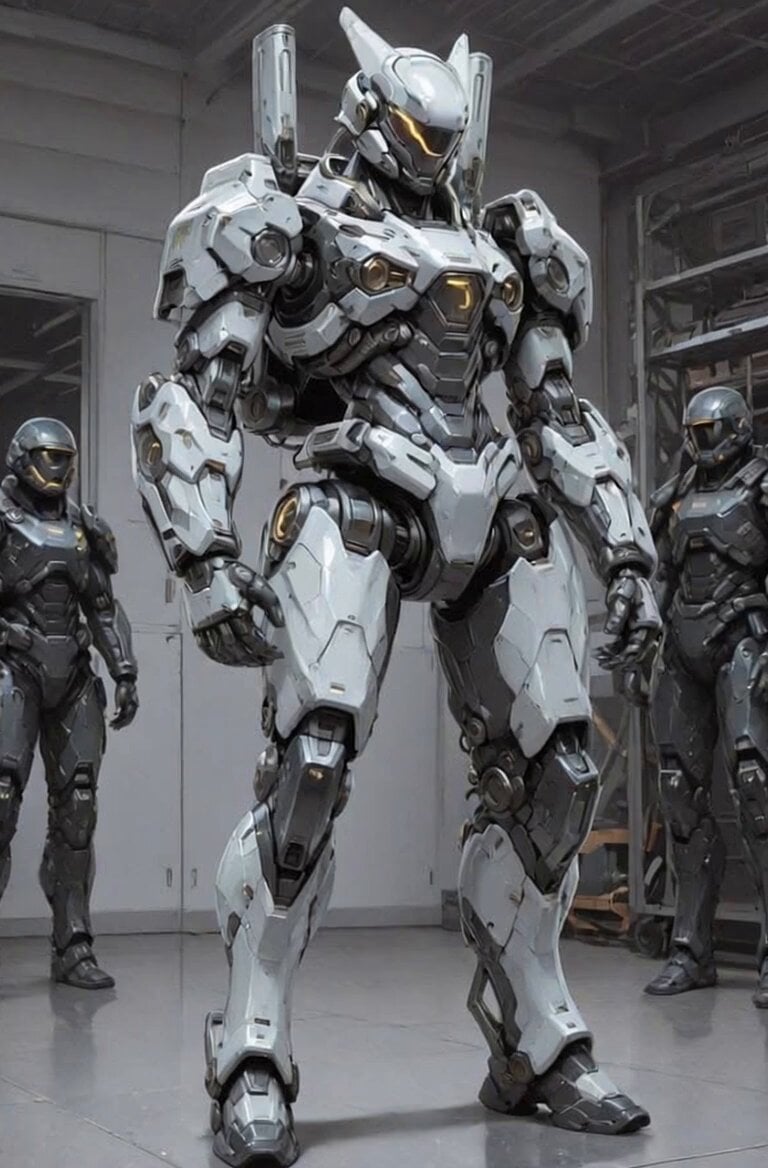
Futuristic Robot Competition Showcase
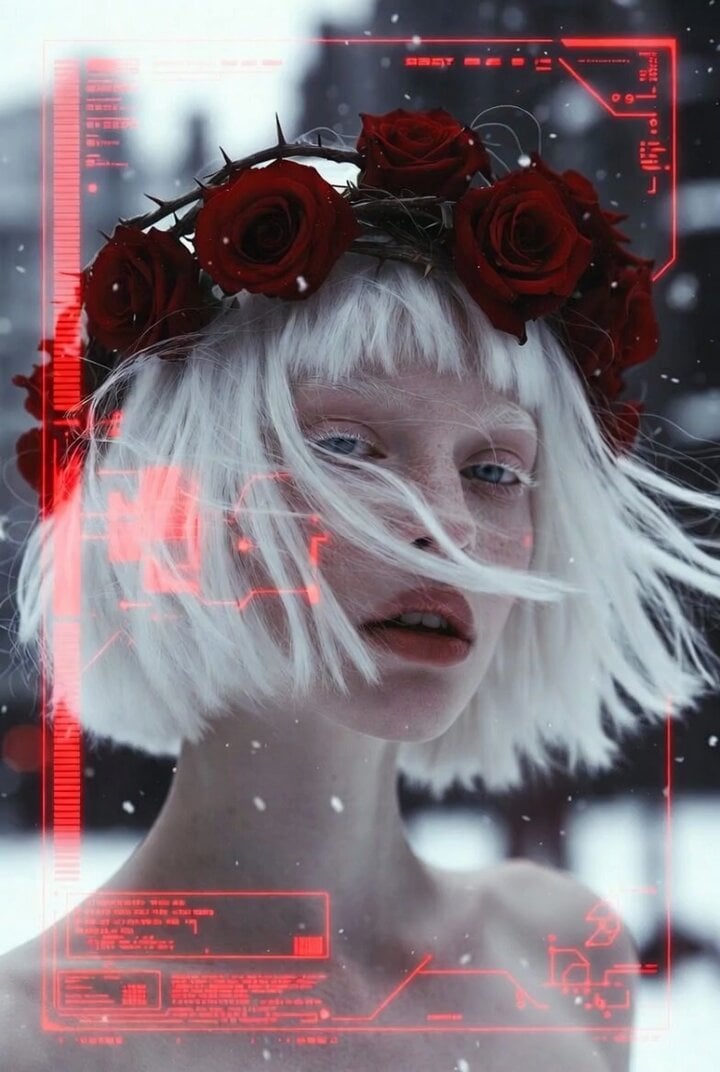
Albino Woman in Winter Storm Close-up
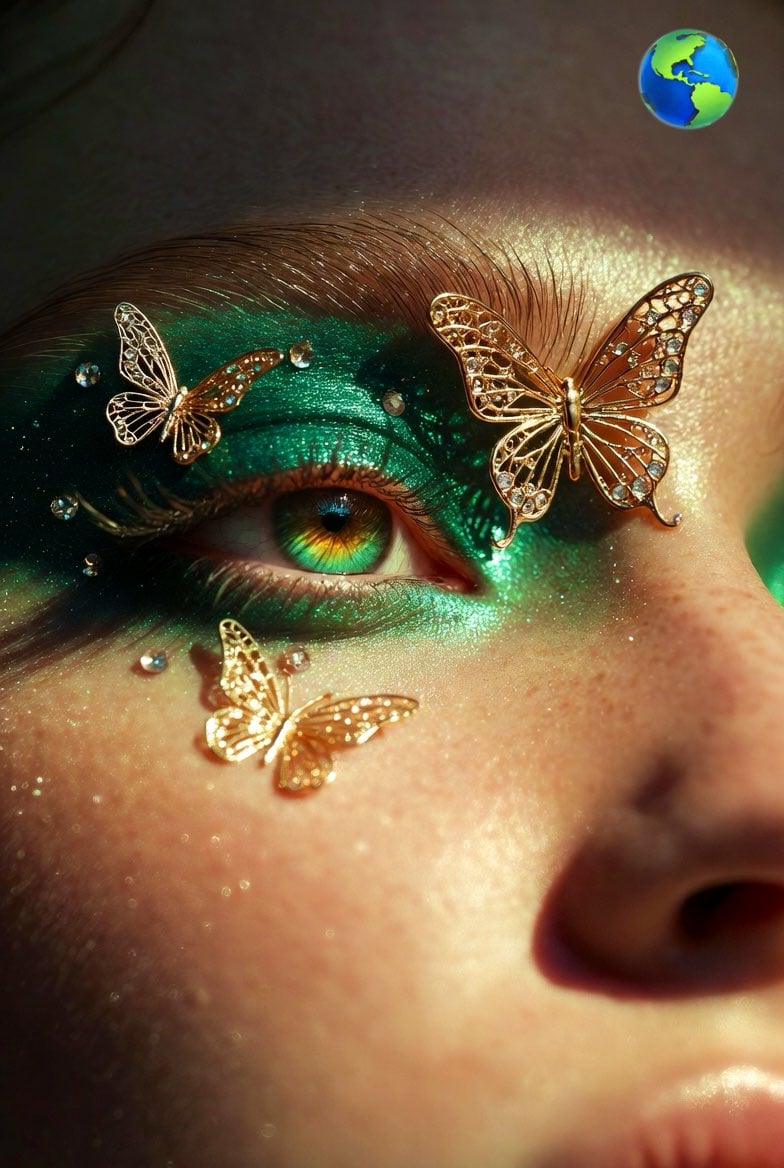
Hyper-realistic Close-up of Woman's Eye

Cinematic Hyperrealistic Close-up of a Female Soldier
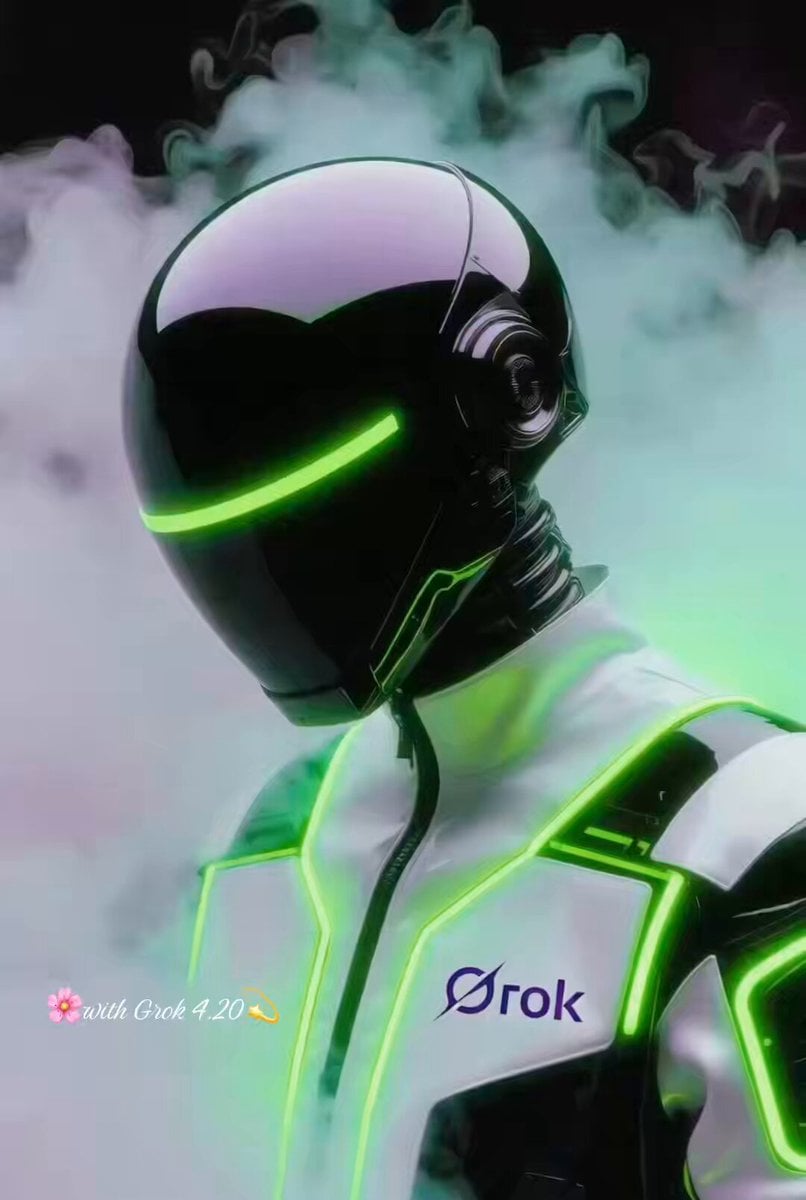
Grok Imagine Prompt: Futuristic Cyberpunk Humanoid with Neon Accents
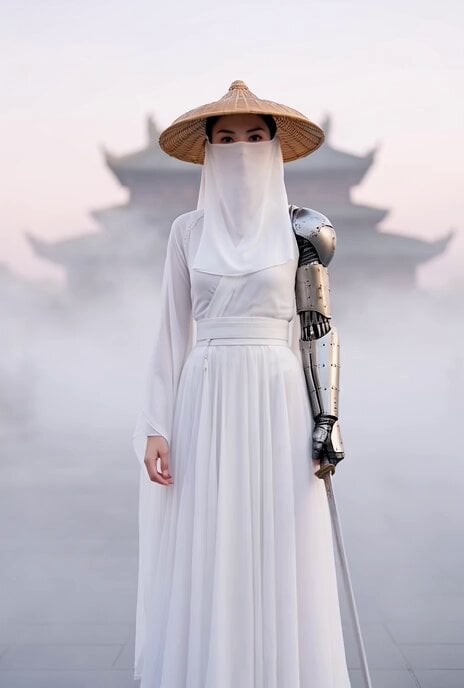
Cyberpunk Xianxia Swordswoman Close-up
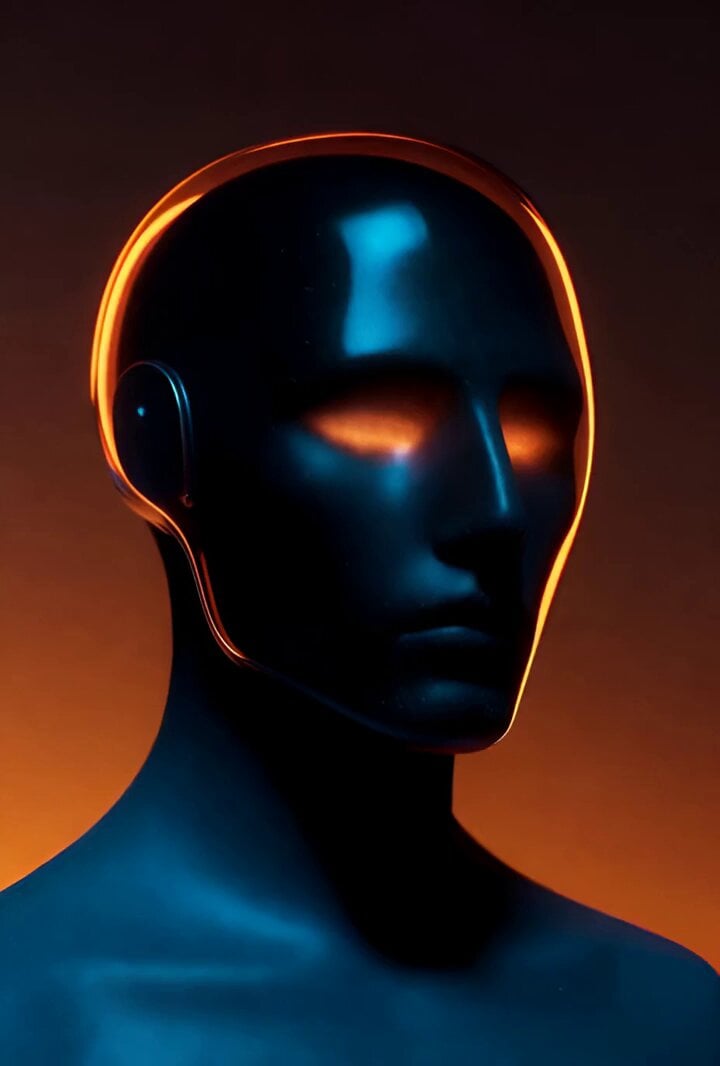
Cinematic Studio Photograph of a Sleek, Glowing Humanoid Figure

Grok Imagine Video Prompt: Cinematic Tiger Close-up
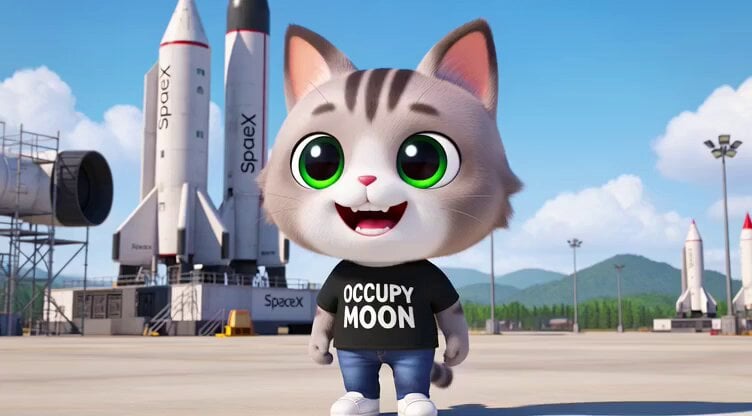
3D render of Chibi humanoid cat mascot at SpaceX launch site
Make it yours
Ultra-realistic cinematic close-up of a humanoid robot works as-is. These are the safest ways to change it without losing the look.
Change one field
Copy a single group, rewrite it, and generate again so you can see what that field is doing.
Keep the frame, change the subject
Hold the composition and light of Ultra-realistic cinematic close-up of a humanoid robot, then swap wardrobe, props or the person for a new take.
| If the result… | Why | Fix |
|---|---|---|
| The result drifts from the preview | Too many fields changed at once. | Reuse Ultra-realistic cinematic close-up of a humanoid robot as-is first, then change one group — subject, light, or setting. |
| The model over-stylizes the scene | The prose prompt leaves finish and camera underspecified. | Add one camera or lighting sentence and stay on Grok Imagine. |
More Grok Imagine templates
Other prompts made for Grok Imagine.

Kaleidoscopic Cosmic Dolphin Video

Horror Daffy Duck Video Transition

America 250th Anniversary Celebration

Glowing Water Forest Night Prompt

Soft Pink Roses Dreamer Prompt

Ninja Wizard Levitation Jump

Coffee Cup Interaction Motion

Voice Controlled Water Animation

Pterodactyl Transformation Journey

Candle Mandala Mirror Video
More video prompts
Fresh picks from across the catalog.
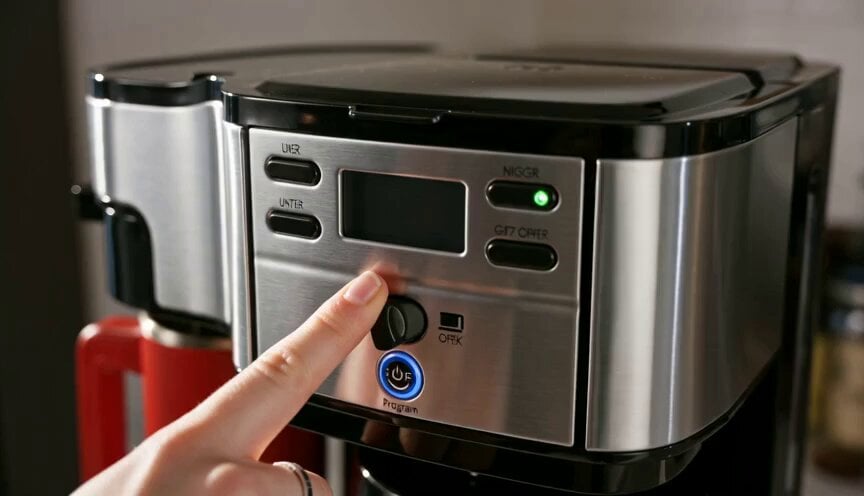
Premium Coffee Maker UGC Ad
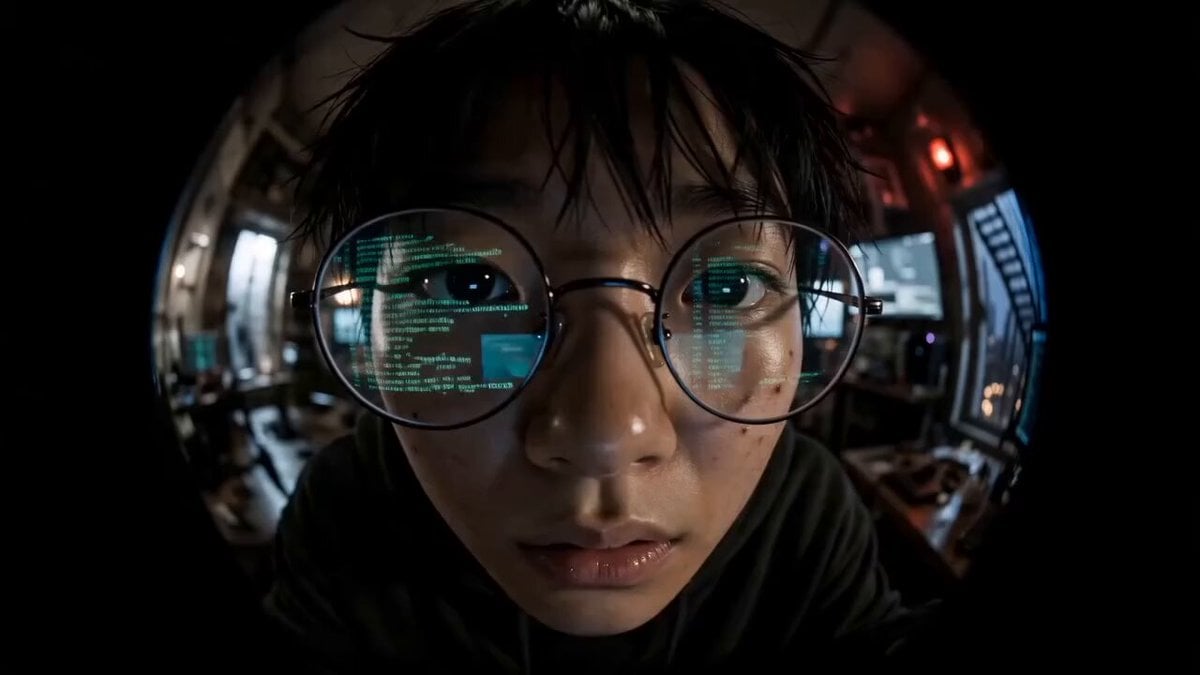
Cyber Thriller Hacker Escape Sequence

Starborn Warrior Anime Awakening Scene
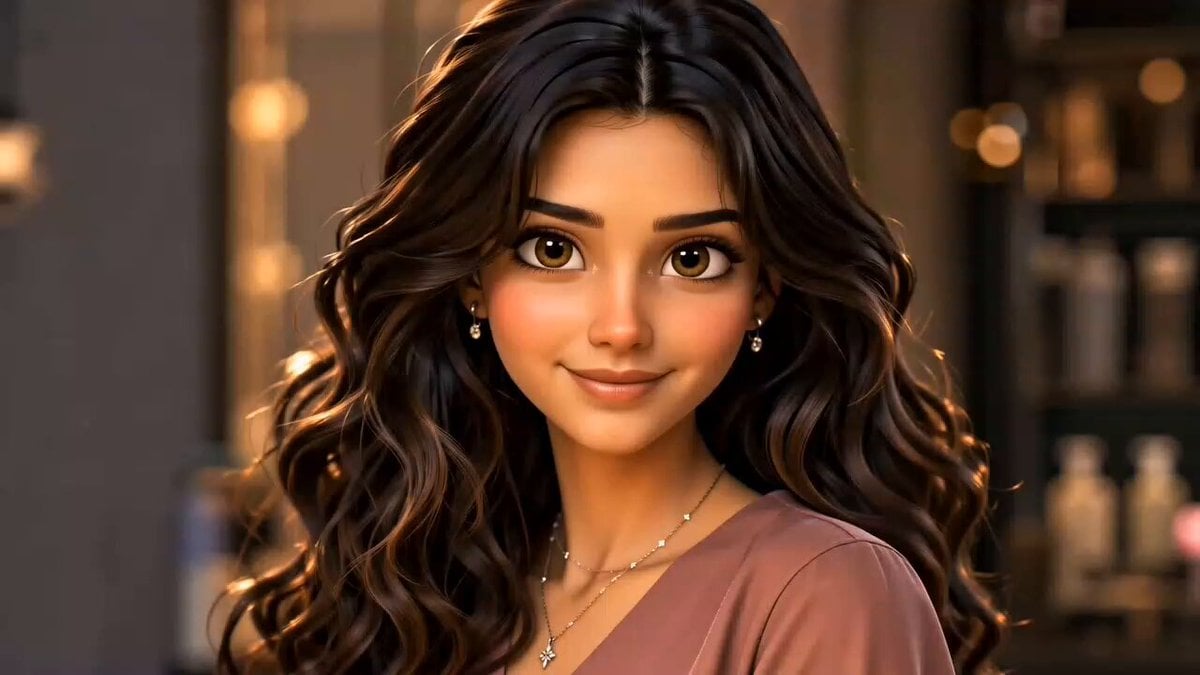
Hair Salon Transformation Ad Prompt
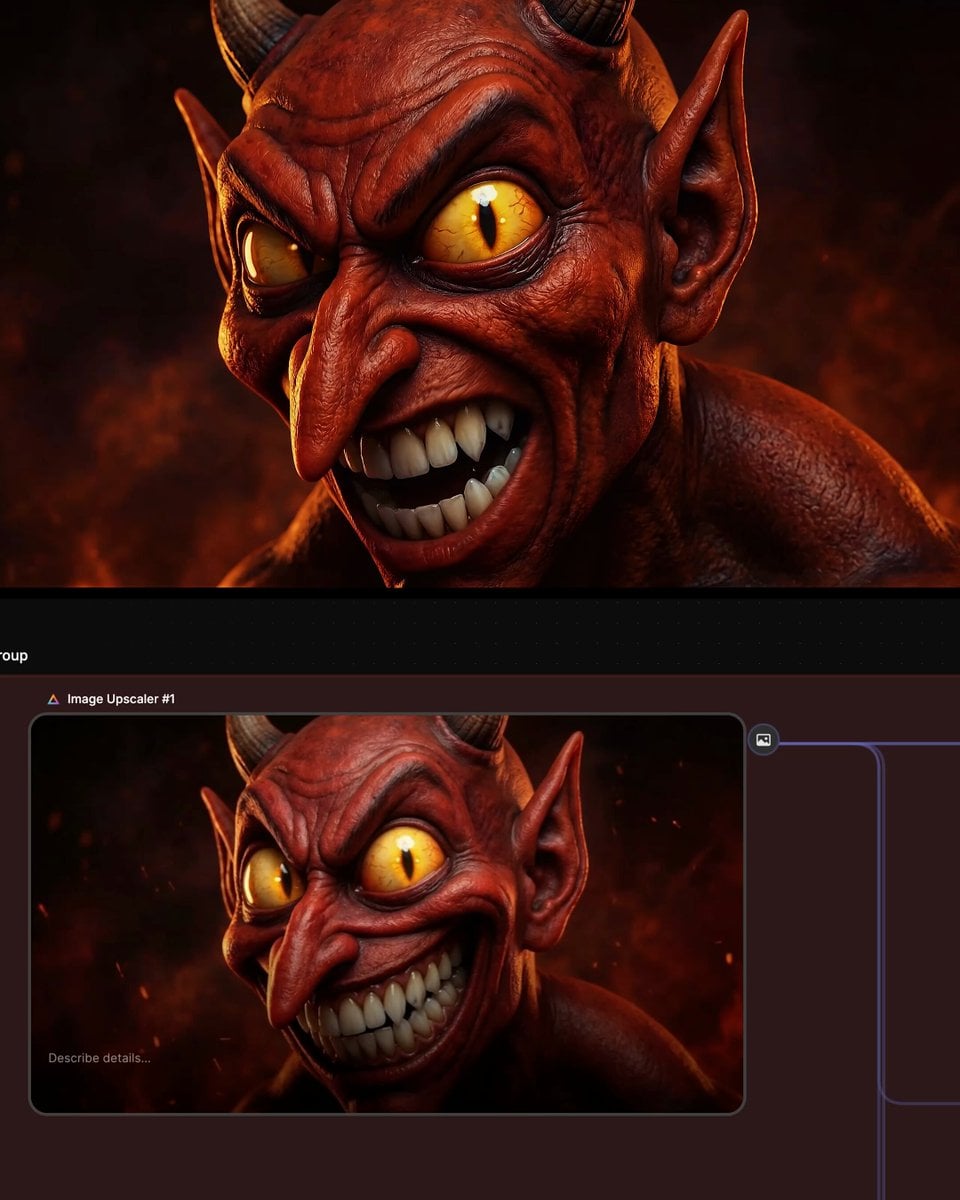
Multi-shot prompt for a devil character using Kling 3.0
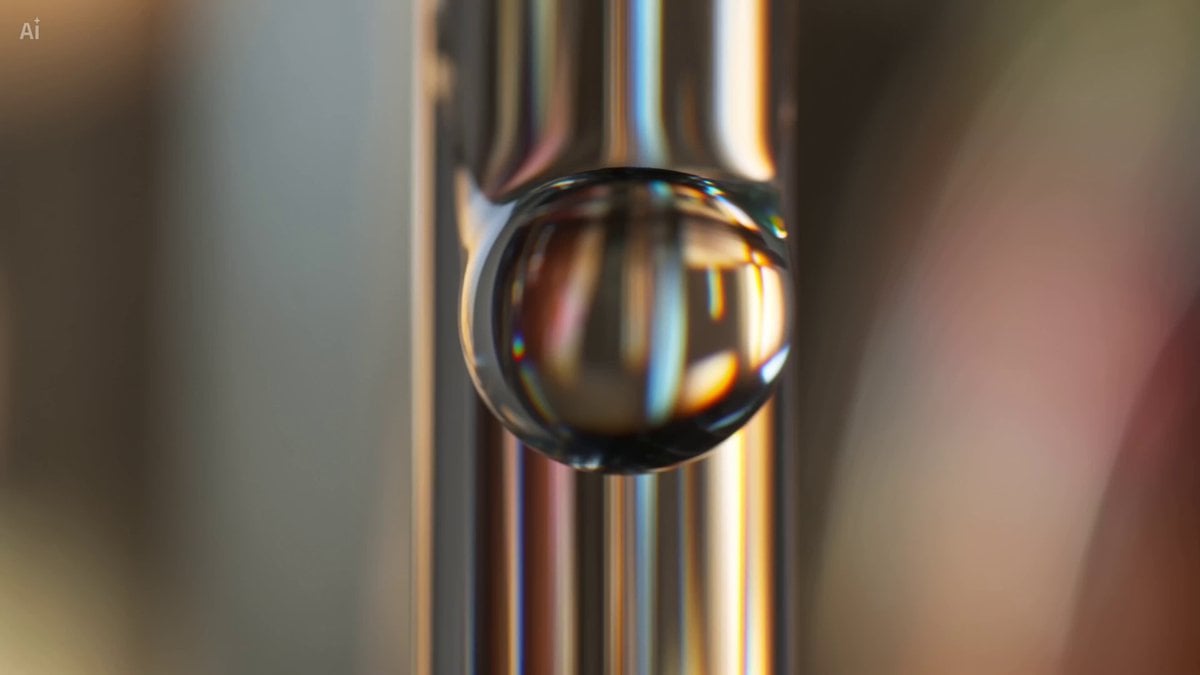
Water Droplet Impact Macro
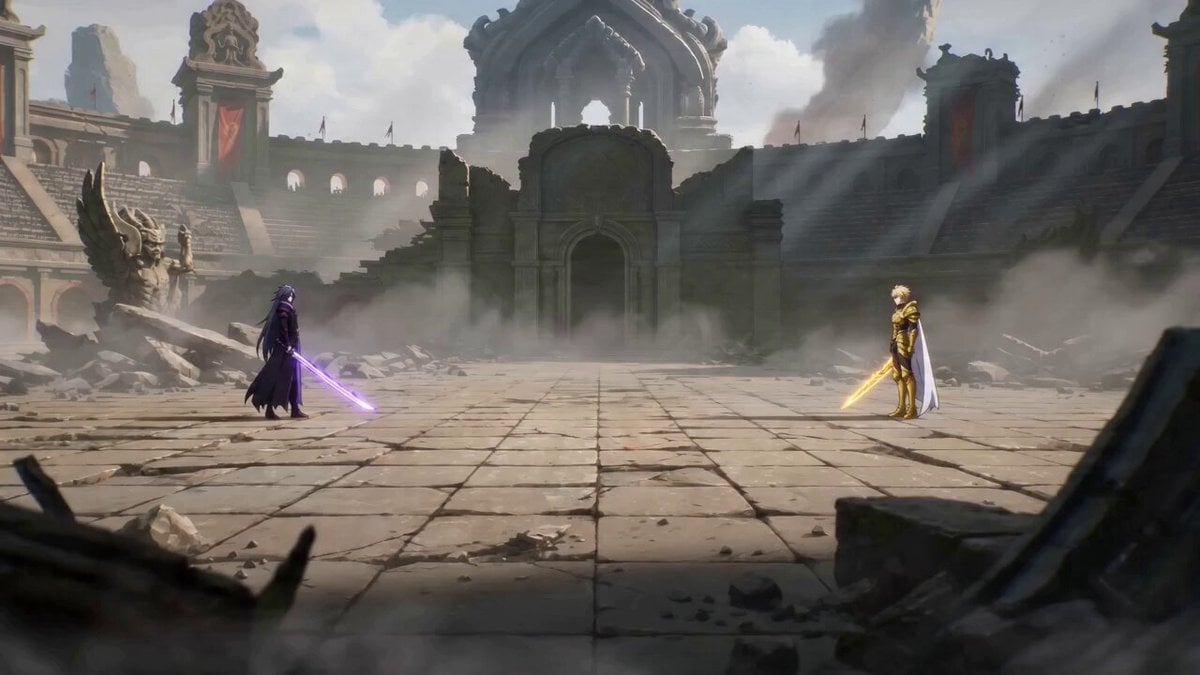
Detailed anime battle scene prompt for Seedance 2.0
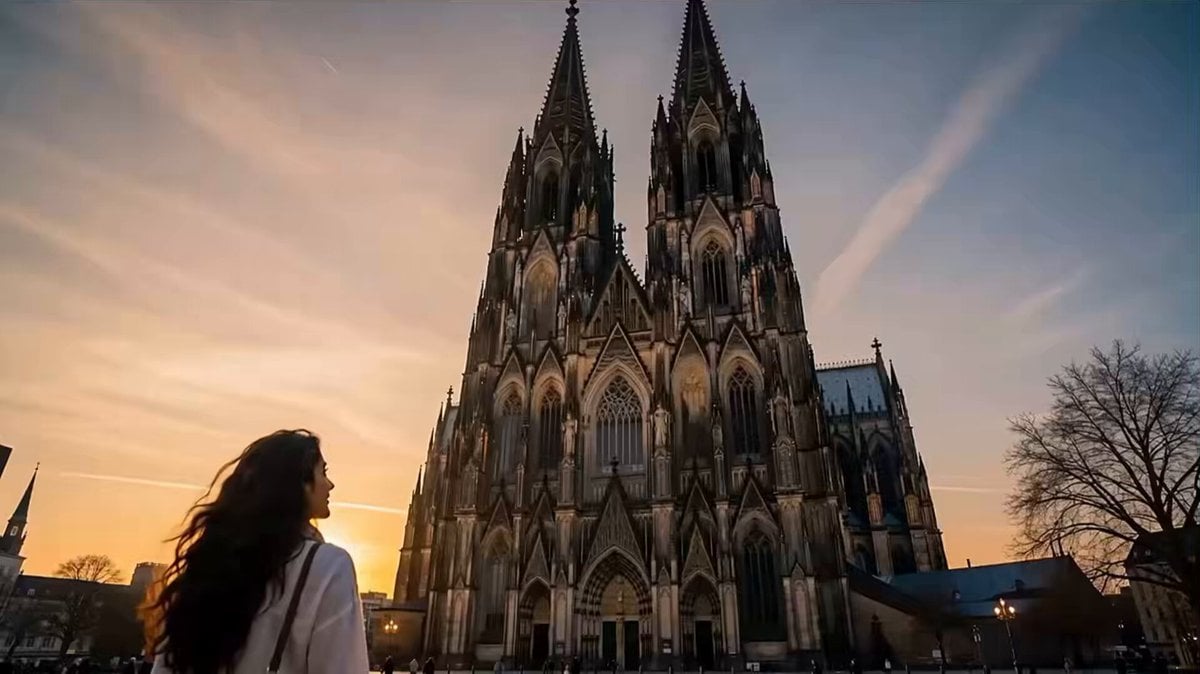
Netflix Style Travel Vlog
Orbital Camera Dusk Couple Scene
K-Drama Style Romantic Sunset Scene
Browse template categories
Ultra-realistic cinematic close-up of a humanoid robot questions
How do I use the Ultra-realistic cinematic close-up of a humanoid robot template?
Add your photo if the template asks for one, edit the prompt if you like — the template's model and format are already selected — and press Generate. Your version opens in PicX Studio.
Can I customize the Ultra-realistic cinematic close-up of a humanoid robot template?
Yes. You can change the subject, setting, lighting, mood, format, and available model controls before creating your video.
Is the Ultra-realistic cinematic close-up of a humanoid robot template free?
Opening and editing this template is free. Generating uses credits, shown on the Generate button when you are signed in.
Which AI model should I use?
Start with Grok Imagine, which is the model associated with this template. You can compare another compatible model for a different finish.
Looking for something else? Browse all templates.

Your photo, any look
Thousands of ready templates for every top image and video model, from one credit balance.