
Hair Salon Transformation Ad Prompt
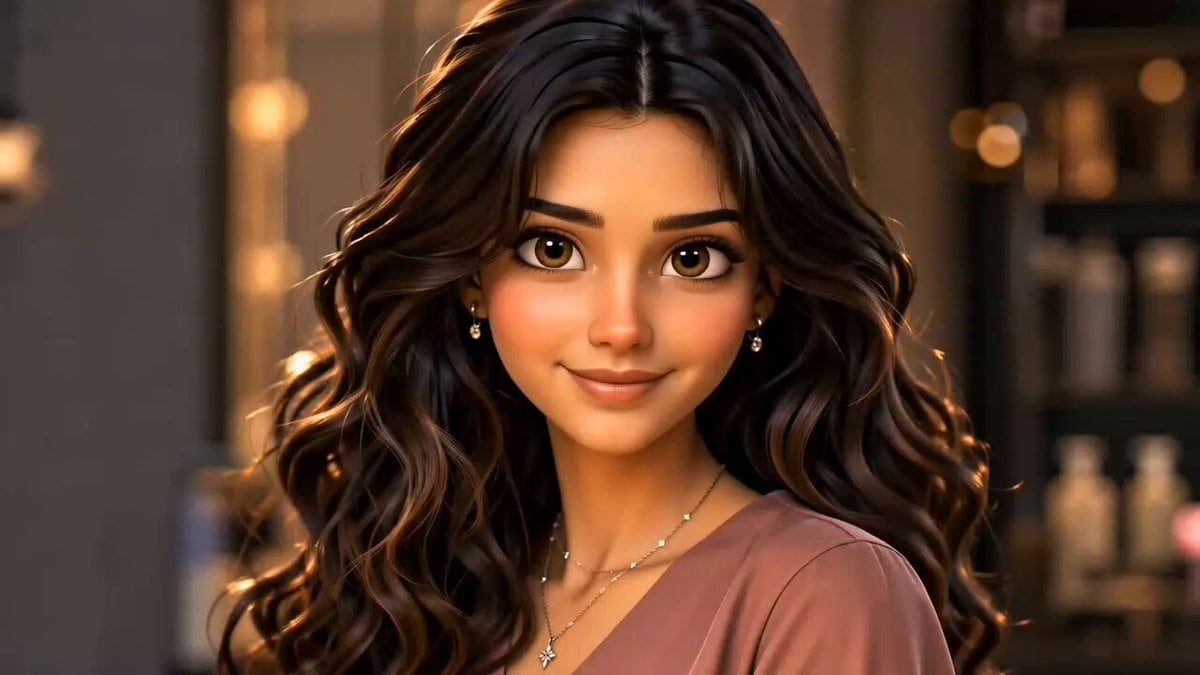
A cinematic beauty commercial prompt showing a realistic transformation from wavy to straight hair in a luxury salon setting.
- Prompt included
- Model and format preset
- Free template
The prompt behind this video
Copy the exact prompt behind Hair Salon Transformation Ad Prompt, or open it in the studio and make it yours.
Use the uploaded image as the exact character reference. Maintain the same face, eyes, skin tone, hair color, and identity throughout the entire video. 15-second cinematic salon transformation video. Scene 1 (0-3s): Close-up of the beautiful young woman with long wavy dark brown hair. She looks at the camera and smiles softly. Luxury salon background, warm lighting, shallow depth of field. Slow camera push-in. Scene 2 (3-8s): A professional hairstylist begins straightening her hair with a silver flat iron. Steam gently rises from the straightener. The camera follows the flat iron moving smoothly through the hair. Detailed hair strands transform from soft waves into sleek straight hair. Cinematic slow motion. Scene 3 (8-12s): Multiple beauty shots from different angles. The hair flows naturally as more sections become perfectly straight, silky, and glossy. Dramatic lighting reflections on the hair. Premium luxury salon atmosphere. Scene 4 (12-15s): Final reveal. The woman stands in front of a large illuminated mirror, touching her ultra-smooth glass-like straight hair. She smiles confidently and admires the transformation. Hair shines beautifully under salon lights. Camera slowly rotates around her and ends with a stunning close-up. Pixar-quality 3D animation, realistic hair physics, smooth motion, beauty commercial style, luxury salon, cinematic camera movement, ultra detailed, glossy hair reflections, professional advertisement quality, 9:16 vertical video, high realism, masterpiece, 8K. Negative Prompt: low quality, blurry, face distortion, changing face, identity change, extra fingers, bad hands, flickering, duplicate person, deformed hair, ugly face, text, watermark, logo, cropped face, unstable animation.
How to use Hair Salon Transformation Ad Prompt in 3 steps
- 1Upload ImagePNG, JPG or paste
Add your photo
Upload the photo the template builds on. The prompt, model and format are already set.
- 2…a portrait of your subject in softgolden-hour light, 85mm…
Personalize
Edit the subject and creative details for your destination.
- 3Generate
Generate
Press Generate — your video is created in PicX Studio, so you can compare it with the original and refine one variable at a time.
More like this
Templates with the same subject, style or setup. Open one to see its prompt.

Magical Room Transformation - Seedance 2.5

Dark Tokusatsu Transformation - Seedance 2.5
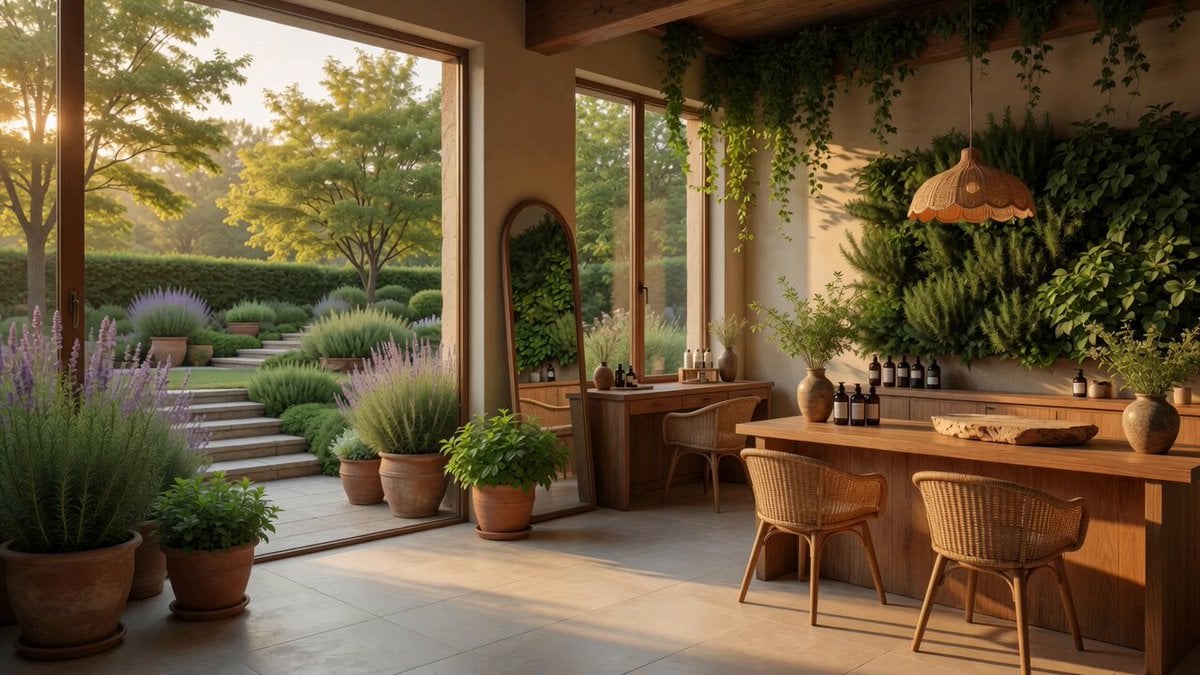
Boutique Garden Hair Salon

RX-7 to Mech Transformation Cyberpunk
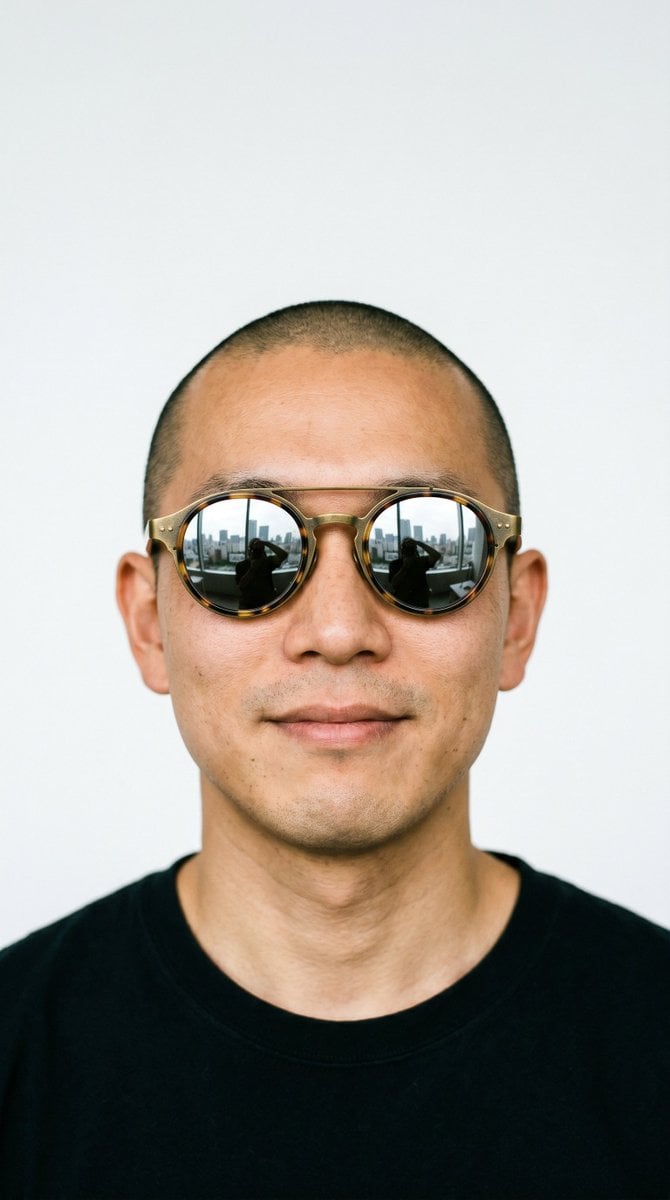
Hair Salon Makeover Reveal Video
Civilization Timelapse — Centuries in One Shot
Mecha Transformation vs Kaiju — 4-Scene Epic
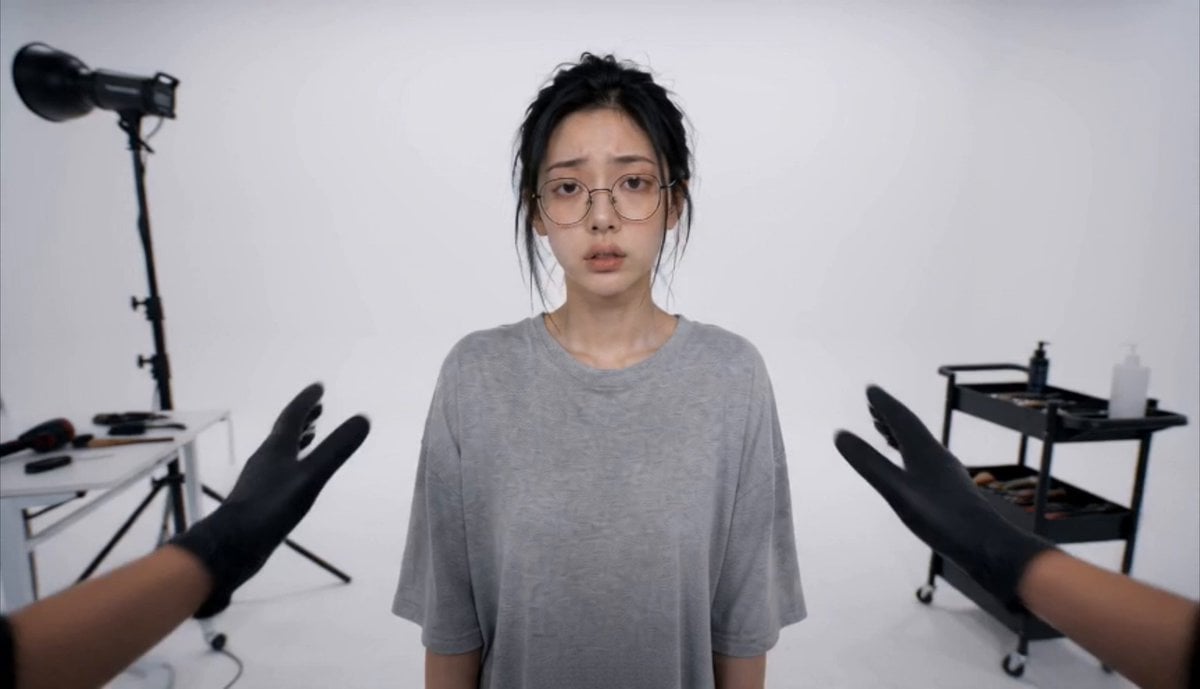
Luxury Salon Beauty Transformation
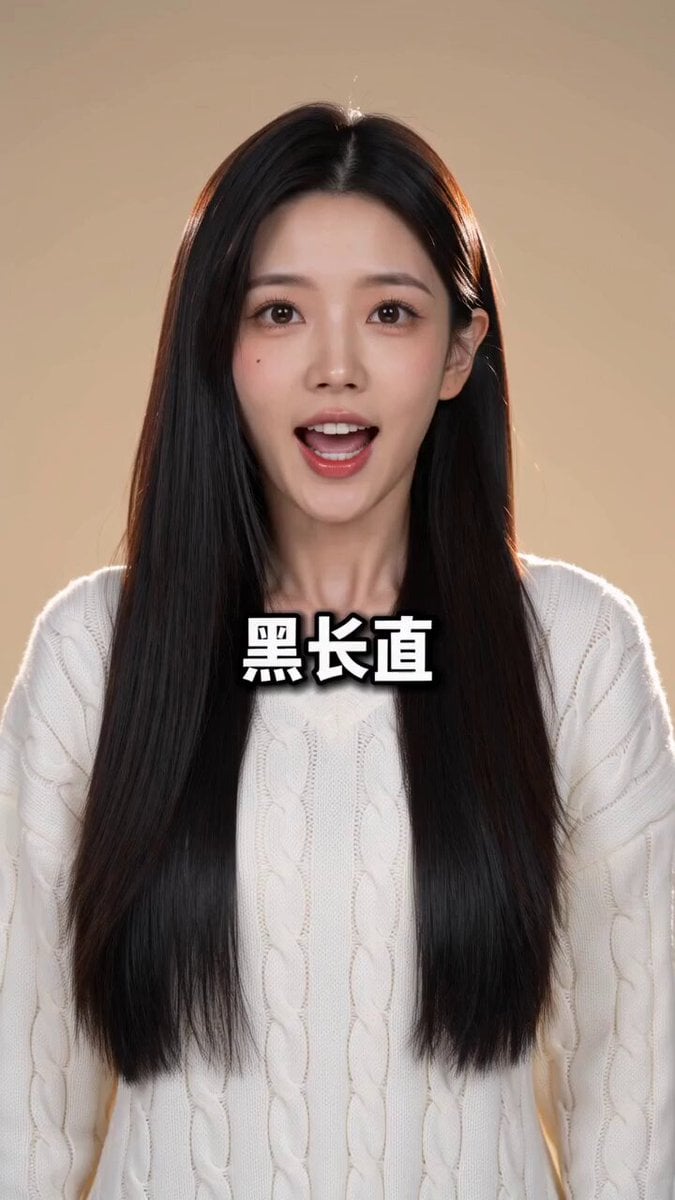
Rhythmic Hairstyle Transformation Video Prompt
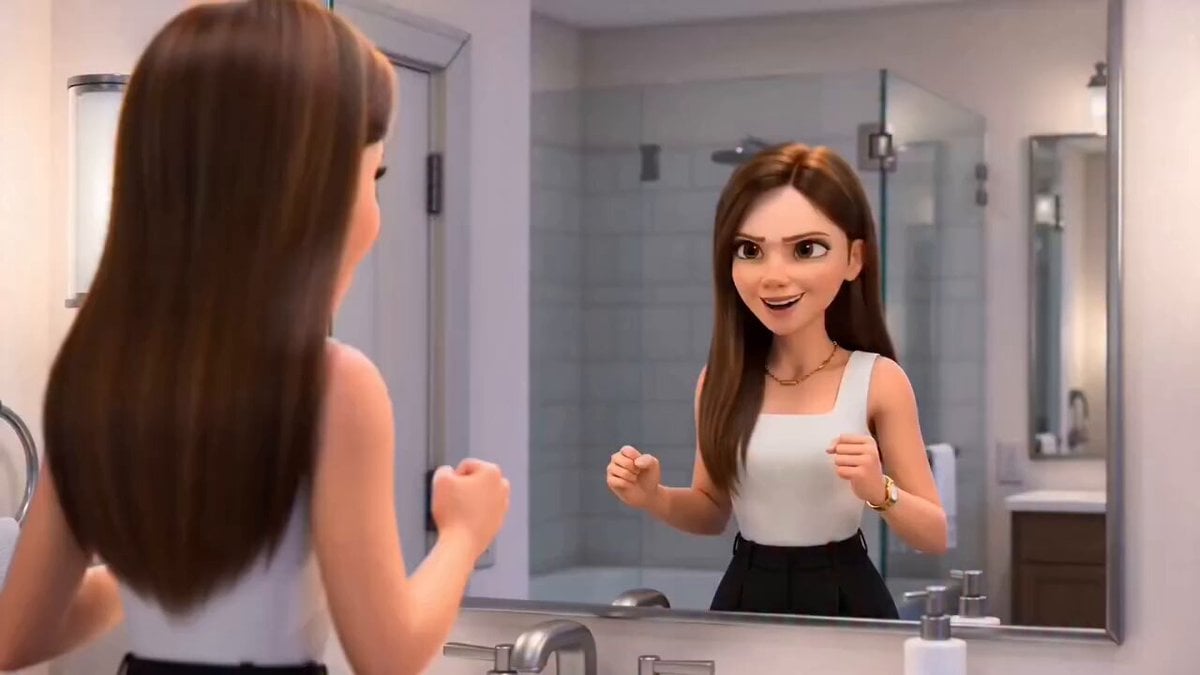
Pixar-Style Hairbun Transformation Animation
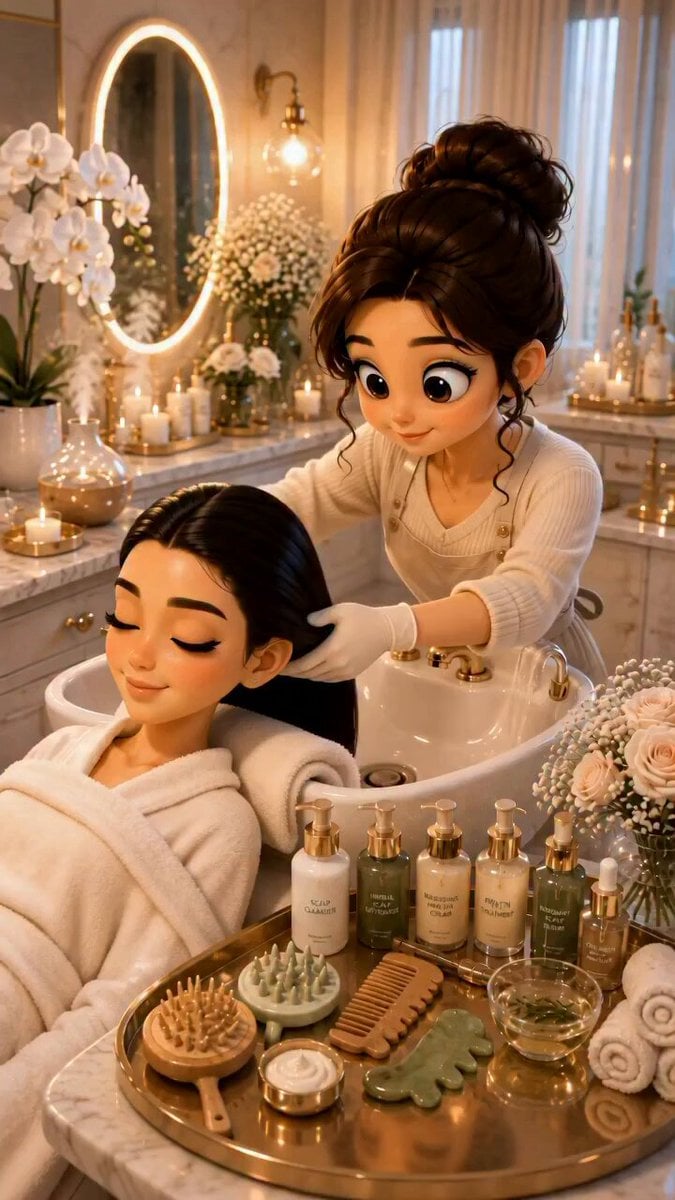
3D Pixar Style Salon ASMR Prompt
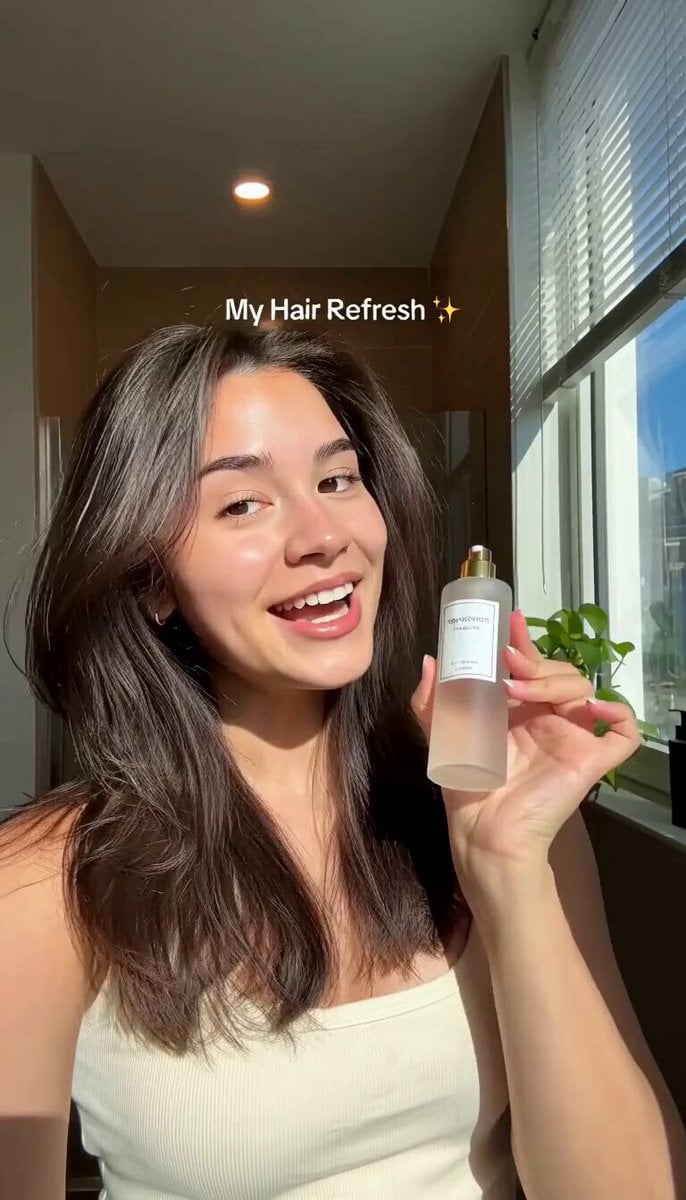
Hair Refresh Beauty Advertisement
Make it yours
Hair Salon Transformation Ad Prompt works as-is. These are the safest ways to change it without losing the look.
Change one field
Copy a single group, rewrite it, and generate again so you can see what that field is doing.
Keep the frame, change the subject
Hold the composition and light of Hair Salon Transformation Ad Prompt, then swap wardrobe, props or the person for a new take.
| If the result… | Why | Fix |
|---|---|---|
| The result drifts from the preview | Too many fields changed at once. | Reuse Hair Salon Transformation Ad Prompt as-is first, then change one group — subject, light, or setting. |
| The model over-stylizes the scene | The prose prompt leaves finish and camera underspecified. | Add one camera or lighting sentence and stay on Seedance 2.0. |
More Seedance 2.0 templates
Other prompts made for Seedance 2.0.

Comical Martial Arts Punch Scene

Maglev Train Action Sequence

Martial Arts Fight Sequence

Wuxia Protection and Trust Script

Vintage Korean Arcade MiniDV Vlog

Mercedes 190 SL Luxury Ad

Rainy Night Supernatural Reverse Comedy Video Script

Amazon Civilization Discovery

Futuristic South Asian City Transformation

Cozy Luxury Cafe Commercial
More video prompts
Fresh picks from across the catalog.
Seedance 2.0 Prompt Structure for Cinematic Video Generation
Luxury Warehouse Lamborghini Cinematic
Dynamic Character Dance MV Creator
Mythic Action Comedy: Wukong Cat
Hyper-Realistic Seattle Urban Chase Sequence
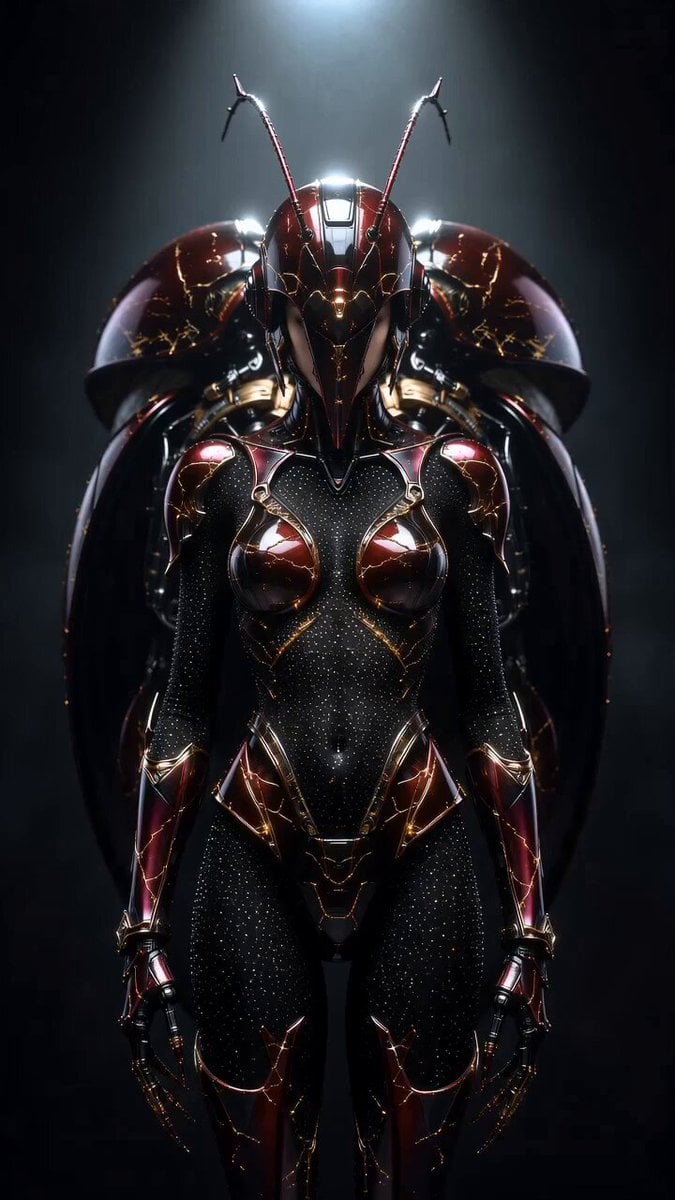
Transformers Biomechanical Beetle Transformation
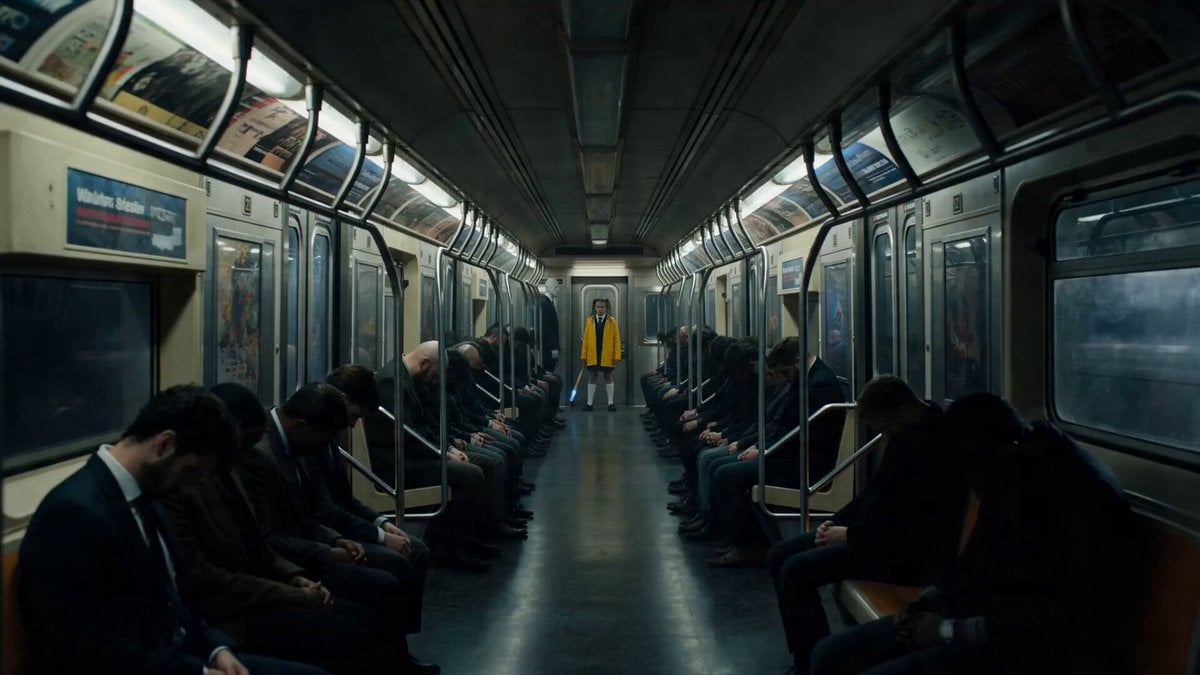
Possessed Train Schoolgirl Action Video
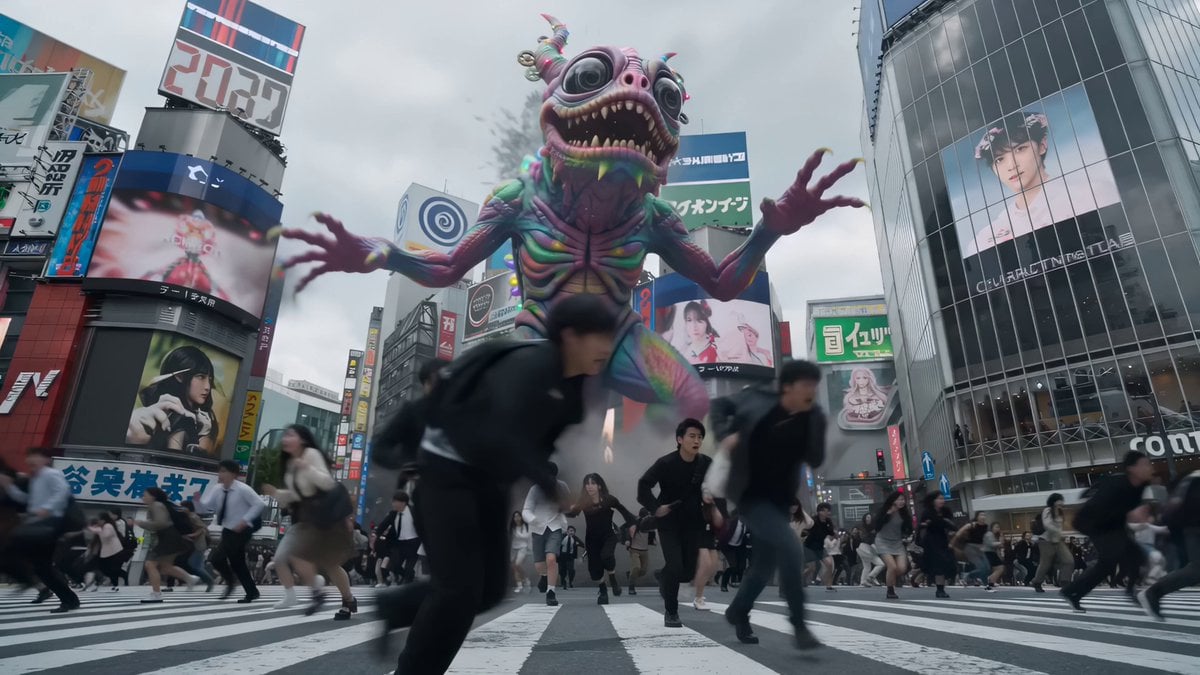
Shibuya Scramble Creature Battle Animation
High-Octane Wuxia Anime Combat
Anime Energy Clash Fight Sequence
Browse template categories
Hair Salon Transformation Ad Prompt questions
How do I use the Hair Salon Transformation Ad Prompt template?
Add your photo if the template asks for one, edit the prompt if you like — the template's model and format are already selected — and press Generate. Your version opens in PicX Studio.
Can I customize the Hair Salon Transformation Ad Prompt template?
Yes. You can change the subject, setting, lighting, mood, format, and available model controls before creating your video.
Is the Hair Salon Transformation Ad Prompt template free?
Opening and editing this template is free. Generating uses credits, shown on the Generate button when you are signed in.
Which AI model should I use?
Start with Seedance 2.0, which is the model associated with this template. You can compare another compatible model for a different finish.
Looking for something else? Browse all templates.

Your photo, any look
Thousands of ready templates for every top image and video model, from one credit balance.