
Hair Refresh Beauty Advertisement
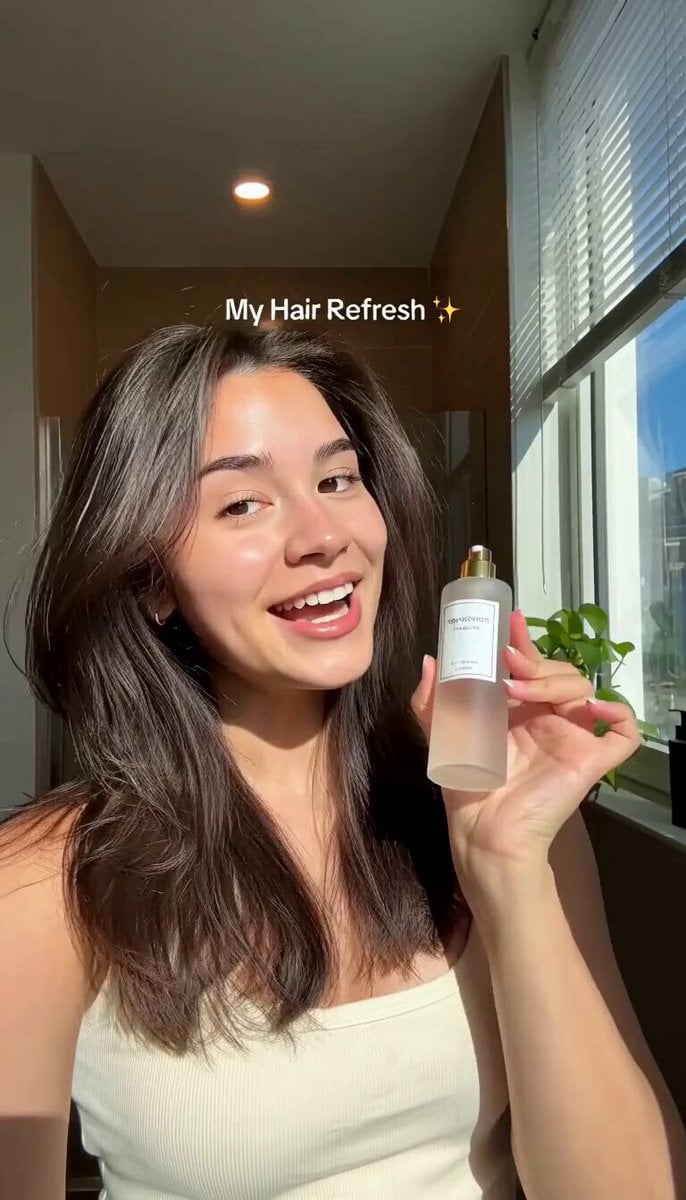
A detailed 15-second vertical beauty ad prompt for hair serum, featuring a woman transforming dry hair into smooth, shiny locks in a sunlit bathroom.
- Prompt included
- Model and format preset
- Free template
The prompt behind this video
Copy the exact prompt behind Hair Refresh Beauty Advertisement, or open it in the studio and make it yours.
A realistic 15-second vertical beauty advertisement video of a young East Asian woman with long dark brown hair in a bright modern bathroom with wooden walls, large window with blinds, and natural sunlight streaming in. She wears a simple beige ribbed tank top and has natural glowing makeup with soft pink lips. Start with her holding a frosted glass spray bottle with a gold pump and white label, smiling brightly at the camera while looking slightly to the side. On-screen text appears: “My Hair Refresh ✨”. She speaks enthusiastically: “If your hair looks dry and messy in the morning, try this: just a little serum makes such a difference!” She pumps a small amount of white serum onto her palm, then runs her fingers through her hair, applying the product. Text changes to “Smooth & Frizz-Free ✨”. She flips and smooths her hair, showing the transformation. Next, she runs both hands through her now shiny, smooth, silky hair while smiling and speaking: “Look how smooth and shiny my hair looks now!” Text changes to “Fresh Hair Finish ✨”. She continues flipping and tossing her hair playfully, looking happy and confident. Final text appears: “Try It ✨”. She holds the bottle up again, smiling at the camera, and says: “This is definitely staying in my morning routine.” Soft natural lighting, warm golden hour sunlight, high-quality realistic skin texture, cinematic beauty commercial style, smooth camera movements, vertical 9:16 format, 15 seconds duration.
How to use Hair Refresh Beauty Advertisement in 3 steps
- 1
Open
The prompt is already in the box next to the preview, with the template's model and format selected.
- 2…a portrait of your subject in softgolden-hour light, 85mm…
Personalize
Edit the subject and creative details for your destination.
- 3Generate
Generate
Press Generate — your video is created in PicX Studio, so you can compare it with the original and refine one variable at a time.
More like this
Templates with the same subject, style or setup. Open one to see its prompt.
Premium Hair Color Beauty Commercial
Skincare Beauty Cream Advertisement
Luxury Beauty and Haircare Advertising Campaign
Zen Skincare Beauty Advertisement
Luxury Handbag Commercial — Hollywood VFX Ad
Beauty Advent Calendar Unboxing Vlog
UGC Style Phone Case Advertisement
Pixar Style Beauty Routine Animation
Luxury Jewelry Advertisement
Luxury Beauty Skincare ASMR
Rhythmic Hairstyle Transformation Video Prompt
UGC Shampoo Video Advertisement
Make it yours
Hair Refresh Beauty Advertisement works as-is. These are the safest ways to change it without losing the look.
Change one field
Copy a single group, rewrite it, and generate again so you can see what that field is doing.
Keep the frame, change the subject
Hold the composition and light of Hair Refresh Beauty Advertisement, then swap wardrobe, props or the person for a new take.
| If the result… | Why | Fix |
|---|---|---|
| The result drifts from the preview | Too many fields changed at once. | Reuse Hair Refresh Beauty Advertisement as-is first, then change one group — subject, light, or setting. |
| The model over-stylizes the scene | The prose prompt leaves finish and camera underspecified. | Add one camera or lighting sentence and stay on Seedance 2.0. |
More Seedance 2.0 templates
Other prompts made for Seedance 2.0.

Comical Martial Arts Punch Scene

Maglev Train Action Sequence

Martial Arts Fight Sequence

Wuxia Protection and Trust Script

Vintage Korean Arcade MiniDV Vlog

Mercedes 190 SL Luxury Ad

Rainy Night Supernatural Reverse Comedy Video Script

Amazon Civilization Discovery

Futuristic South Asian City Transformation

Cozy Luxury Cafe Commercial
More video prompts
Fresh picks from across the catalog.
Promptsin Time Freeze Spanish
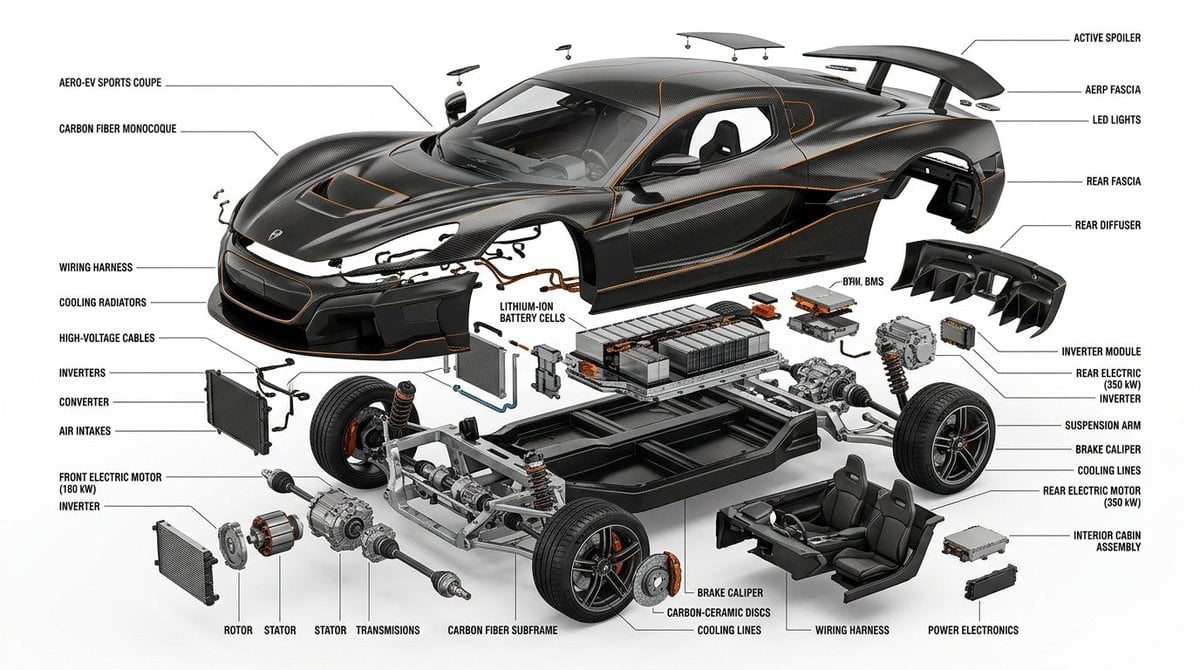
Detailed Exploded View Diagram
Vampire Martial Arts Combat
Mixtape Memory Transformation
1965 Golf Scene at Augusta National
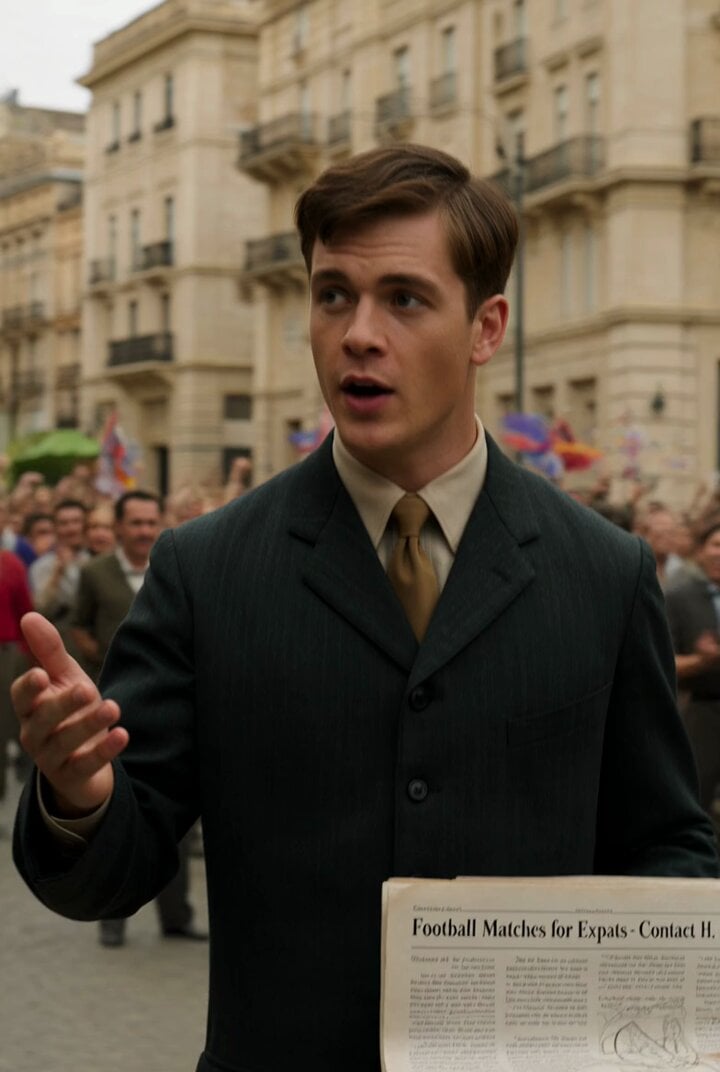
The founder was actually a Swiss student named Hans
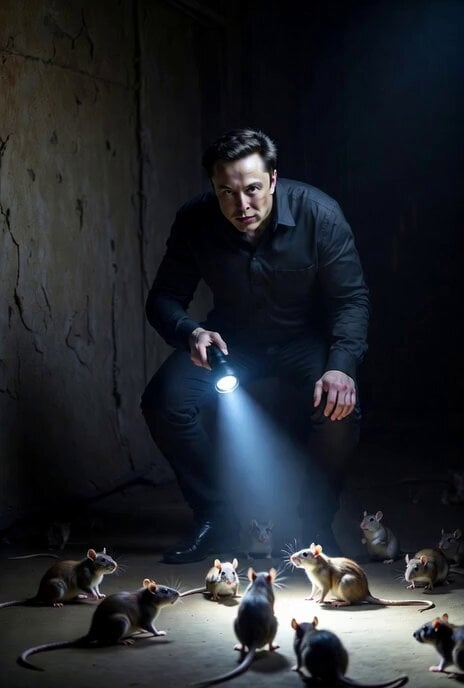
DOGE Audit Congress Prompt
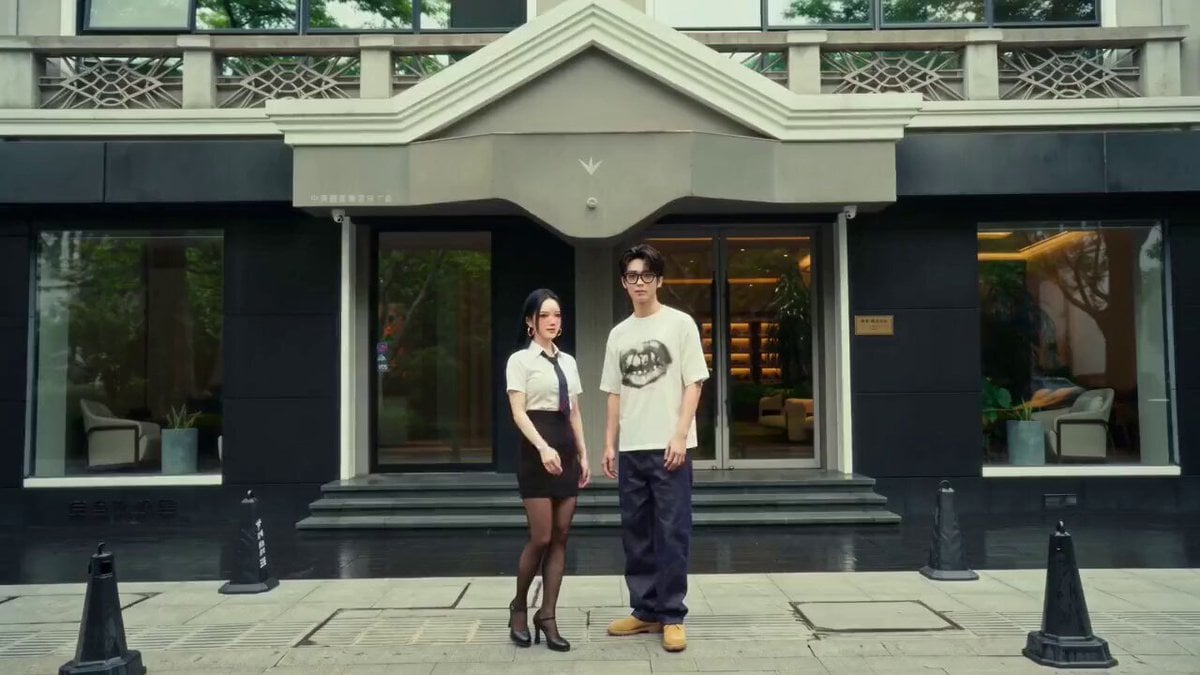
Wes Anderson Style Global Travel Video Prompt for Seedance 2.0
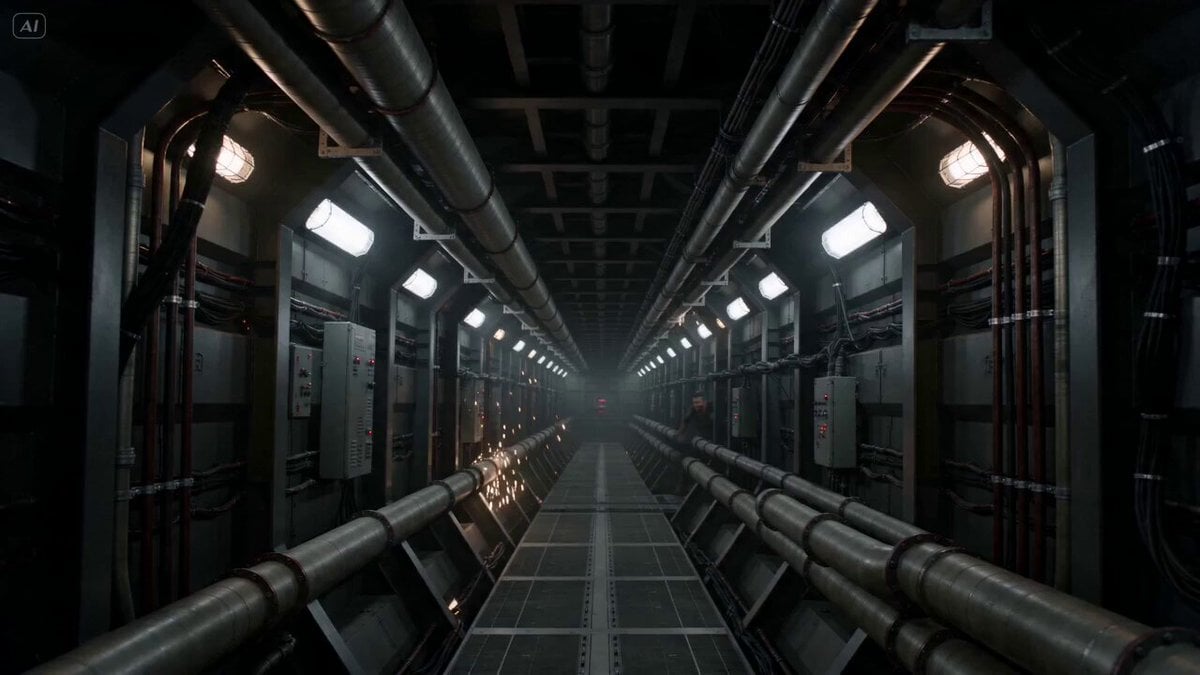
Industrial Corridor Fugitive Chase
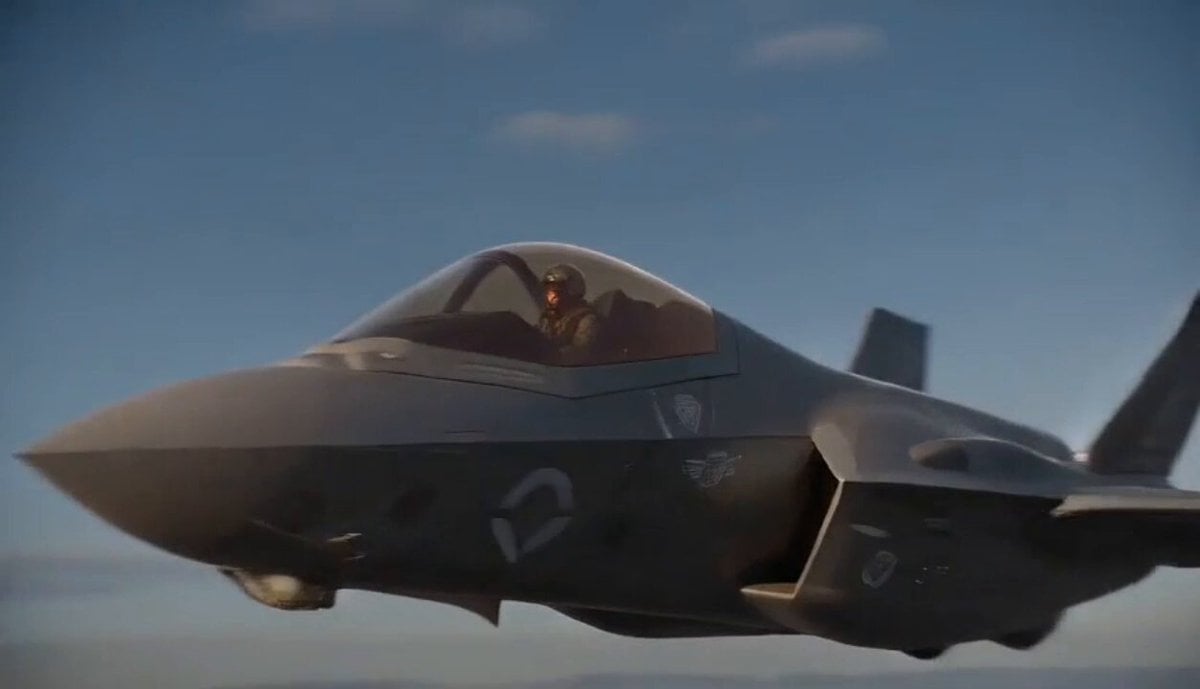
Jet Pilot Ejection Sequence
Browse template categories
Hair Refresh Beauty Advertisement questions
How do I use the Hair Refresh Beauty Advertisement template?
Add your photo if the template asks for one, edit the prompt if you like — the template's model and format are already selected — and press Generate. Your version opens in PicX Studio.
Can I customize the Hair Refresh Beauty Advertisement template?
Yes. You can change the subject, setting, lighting, mood, format, and available model controls before creating your video.
Is the Hair Refresh Beauty Advertisement template free?
Opening and editing this template is free. Generating uses credits, shown on the Generate button when you are signed in.
Which AI model should I use?
Start with Seedance 2.0, which is the model associated with this template. You can compare another compatible model for a different finish.
Looking for something else? Browse all templates.

Your photo, any look
Thousands of ready templates for every top image and video model, from one credit balance.