
Industrial Corridor Fugitive Chase
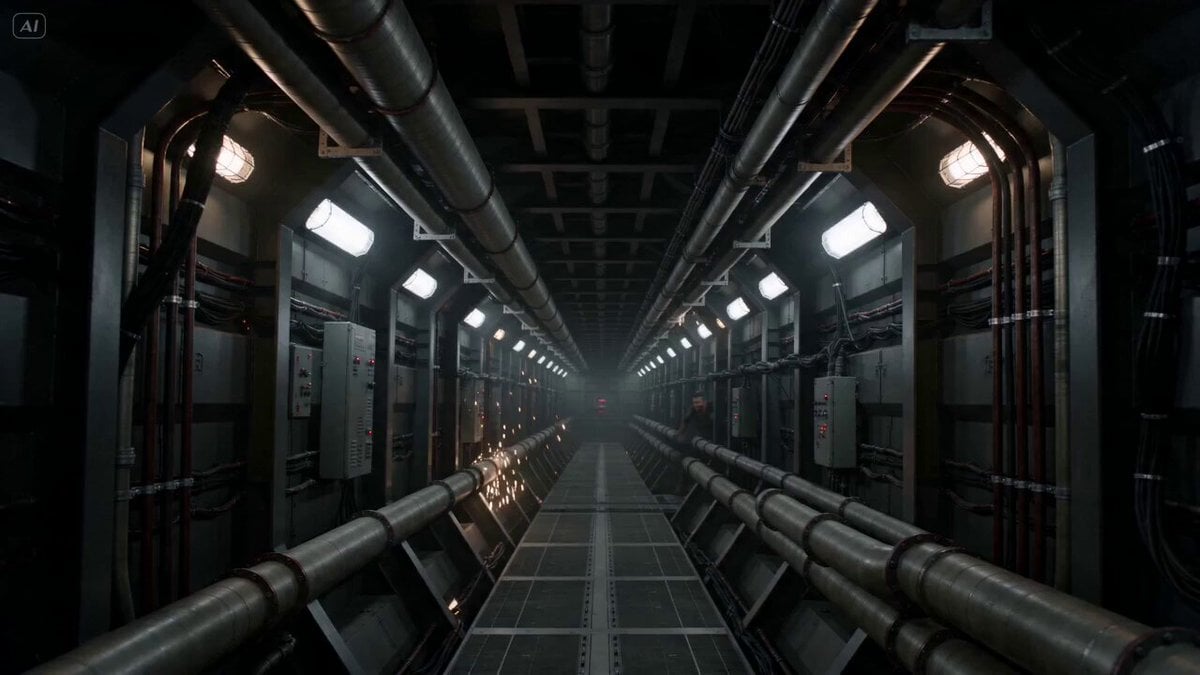
An intense chase sequence prompt involving a fugitive running from a drone swarm in an industrial corridor with collapsing structures and dynamic camera work.
- Prompt included
- Model and format preset
- Premium template
The prompt behind this video
Copy the exact prompt behind Industrial Corridor Fugitive Chase, or open it in the studio and make it yours.
A fugitive sprints through a dense industrial corridor as a massive drone swarm floods the space behind. Harsh artificial lighting, flashing signals. Environment is unstable: tight geometry, moving machinery, sparks, collapsing structures. Action is immediate. The fugitive runs at full speed while the swarm surges like a fluid, filling space. Continuous seamless camera. Start wide in the corridor, then dive toward the runner. Lock into tight chase. Whip through turns, rise overhead to reveal swarm, drop low through tight gaps. Mid-sequence, the corridor collapses inward. The floor gives way. The fugitive drops into a lower level. Camera pulls wide to show collapse, then dives down with the fall, locking back into pursuit. End wide: narrowing path ahead, swarm consuming everything behind.
How to use Industrial Corridor Fugitive Chase in 3 steps
- 1
Open
The prompt is already in the box next to the preview, with the template's model and format selected.
- 2…a portrait of your subject in softgolden-hour light, 85mm…
Personalize
Edit the subject and creative details for your destination.
- 3Generate
Generate
Press Generate — your video is created in PicX Studio, so you can compare it with the original and refine one variable at a time.
More like this
Templates with the same subject, style or setup. Open one to see its prompt.

Cartoon Donut Heist Bakery Chase

Walking Factory with Rebel on Hoverbike - Wasteland
Amazon FPV Drone Chase — Seedance 2.0
Dim Sum Chase — Shrimp Dumpling Monster
Speeder Chase Across a Cliff City
Rooftop Chase Motion Phrases
Industrial Loft Fashion Performance Film
Industrial Underground Fashion Film

Flooded Corridor Cinematic Film

High Fashion Industrial Warehouse Scene
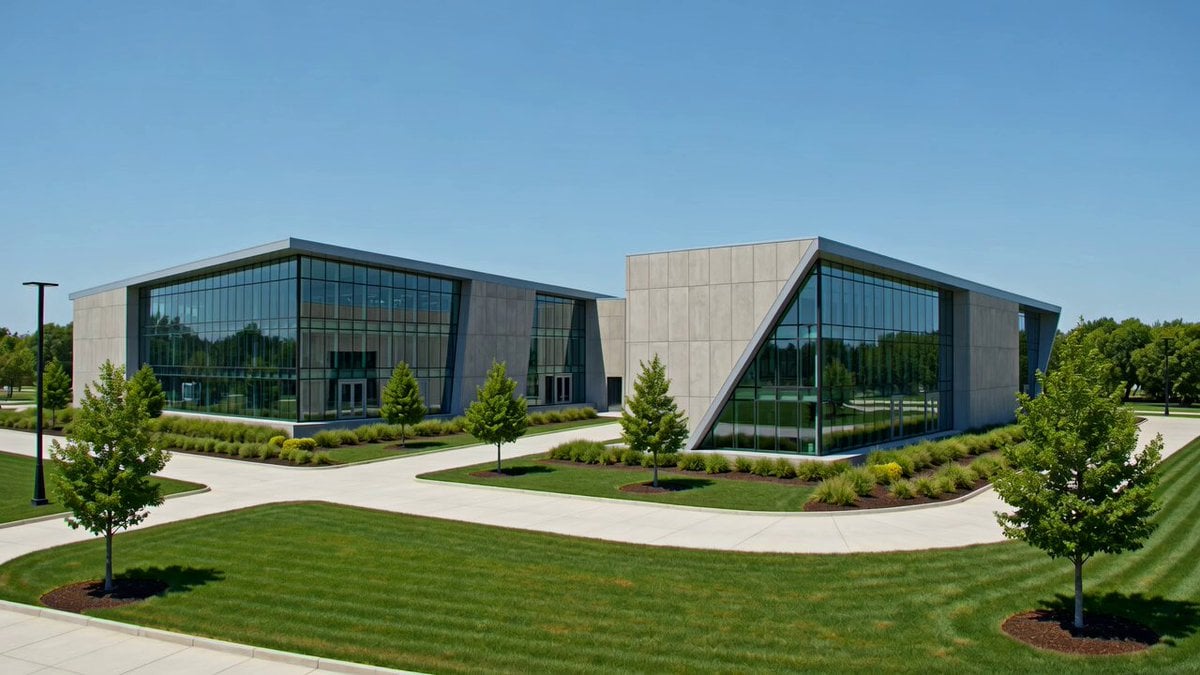
Industrial Park Reception Walkthrough
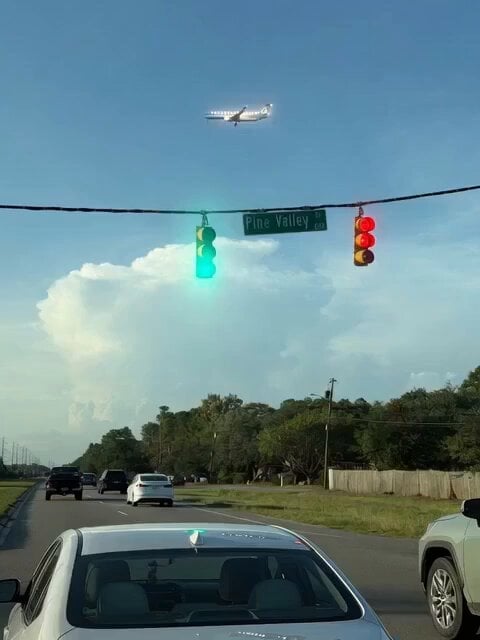
Gravity Defying Fugitives
Make it yours
Industrial Corridor Fugitive Chase works as-is. These are the safest ways to change it without losing the look.
Change one field
Copy a single group, rewrite it, and generate again so you can see what that field is doing.
Keep the frame, change the subject
Hold the composition and light of Industrial Corridor Fugitive Chase, then swap wardrobe, props or the person for a new take.
| If the result… | Why | Fix |
|---|---|---|
| The result drifts from the preview | Too many fields changed at once. | Reuse Industrial Corridor Fugitive Chase as-is first, then change one group — subject, light, or setting. |
| The model over-stylizes the scene | The prose prompt leaves finish and camera underspecified. | Add one camera or lighting sentence and stay on Seedance 2.0. |
More Seedance 2.0 templates
Other prompts made for Seedance 2.0.

Comical Martial Arts Punch Scene

Maglev Train Action Sequence

Martial Arts Fight Sequence

Wuxia Protection and Trust Script

Vintage Korean Arcade MiniDV Vlog

Mercedes 190 SL Luxury Ad

Rainy Night Supernatural Reverse Comedy Video Script

Amazon Civilization Discovery

Futuristic South Asian City Transformation

Cozy Luxury Cafe Commercial
More video prompts
Fresh picks from across the catalog.

Grok Imagine Prompt: Ultra Luxurious Romantic Warrior Queen
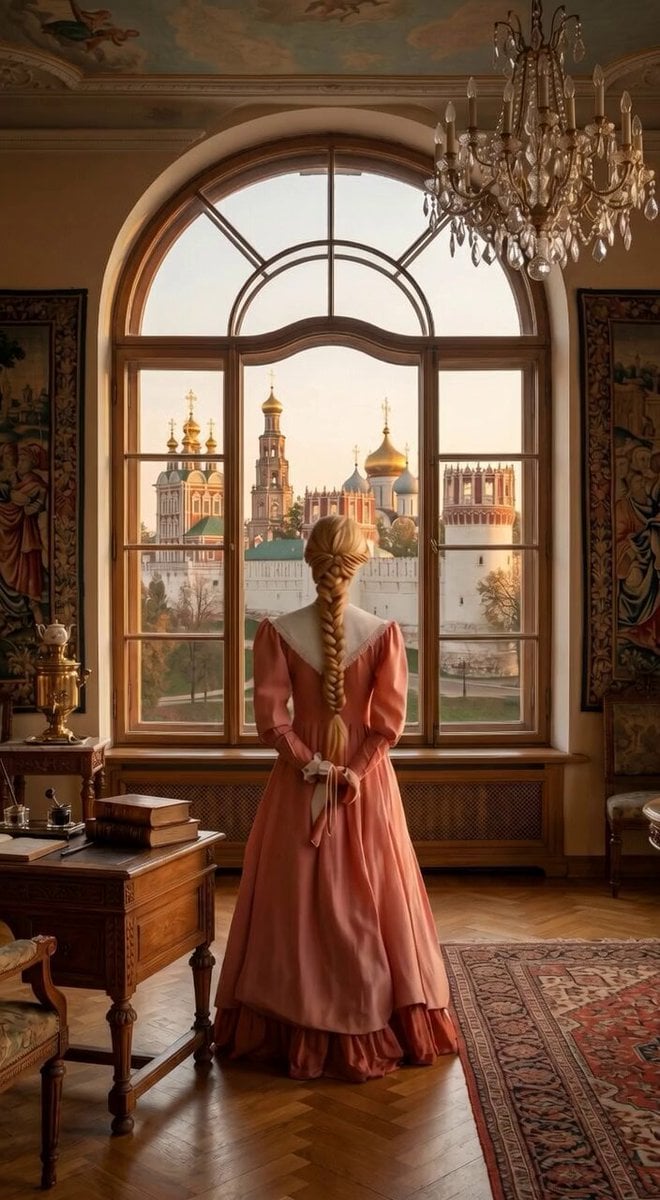
Interior to Exterior Panning Shot
OKX Alien Creature Cinematic Video Prompt for Seedance 2.0

Giant Polar Bear Snuggles
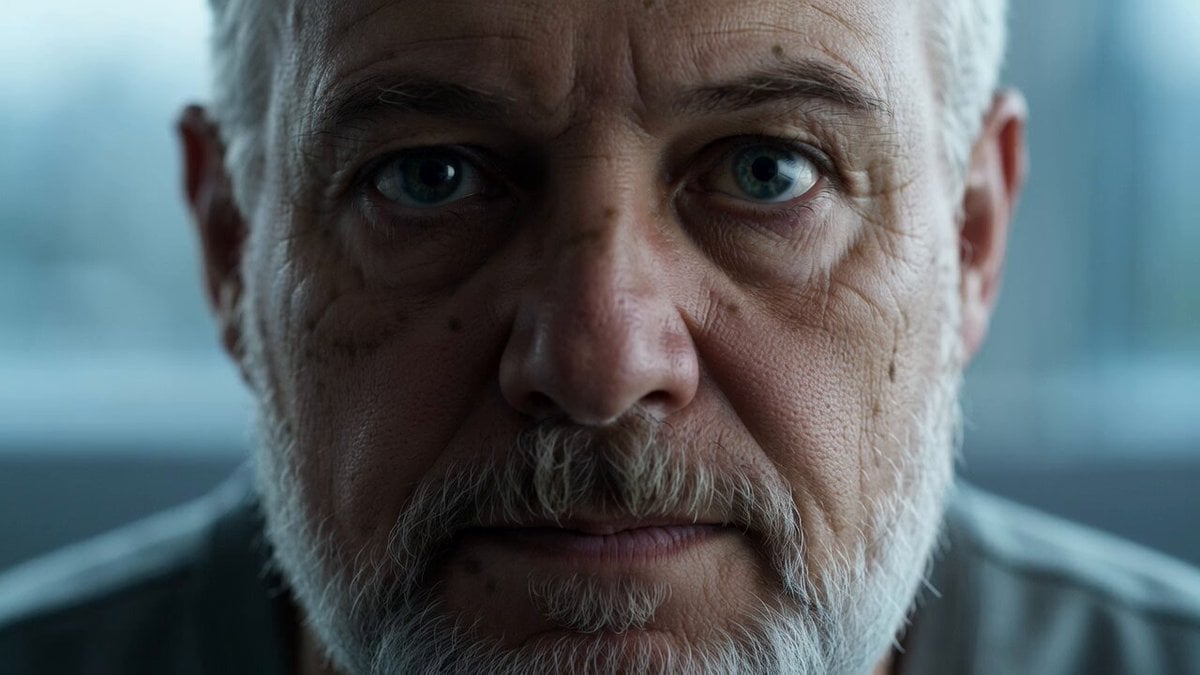
Reflective Elderly Man Documentary Portrait
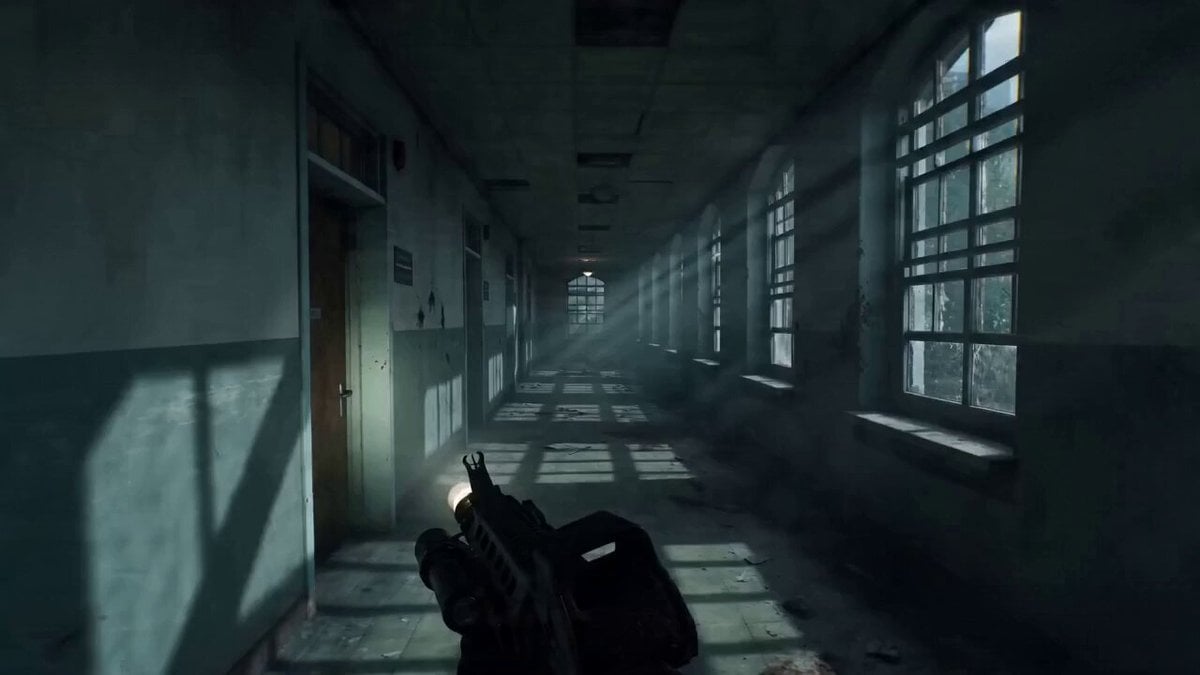
Ultra-realistic First-Person Zombie Survival Video Prompt for Seedance 2.0
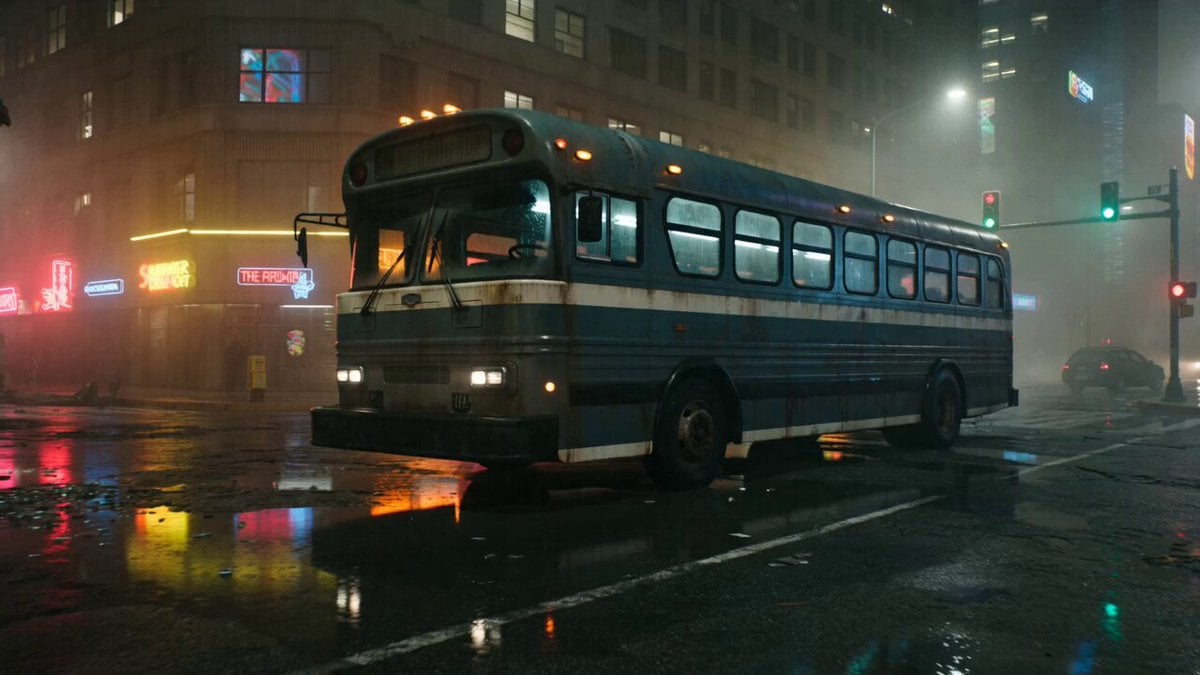
Gritty Cyberpunk Mecha Transformation
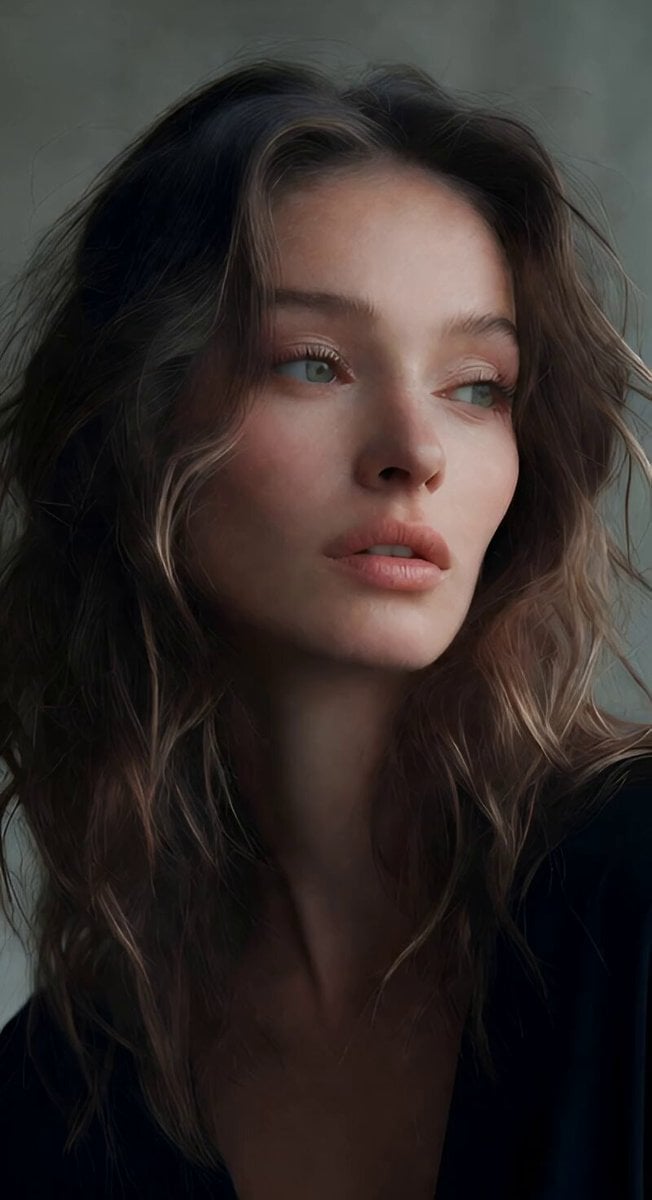
Soft Spoken Fashion Model Video
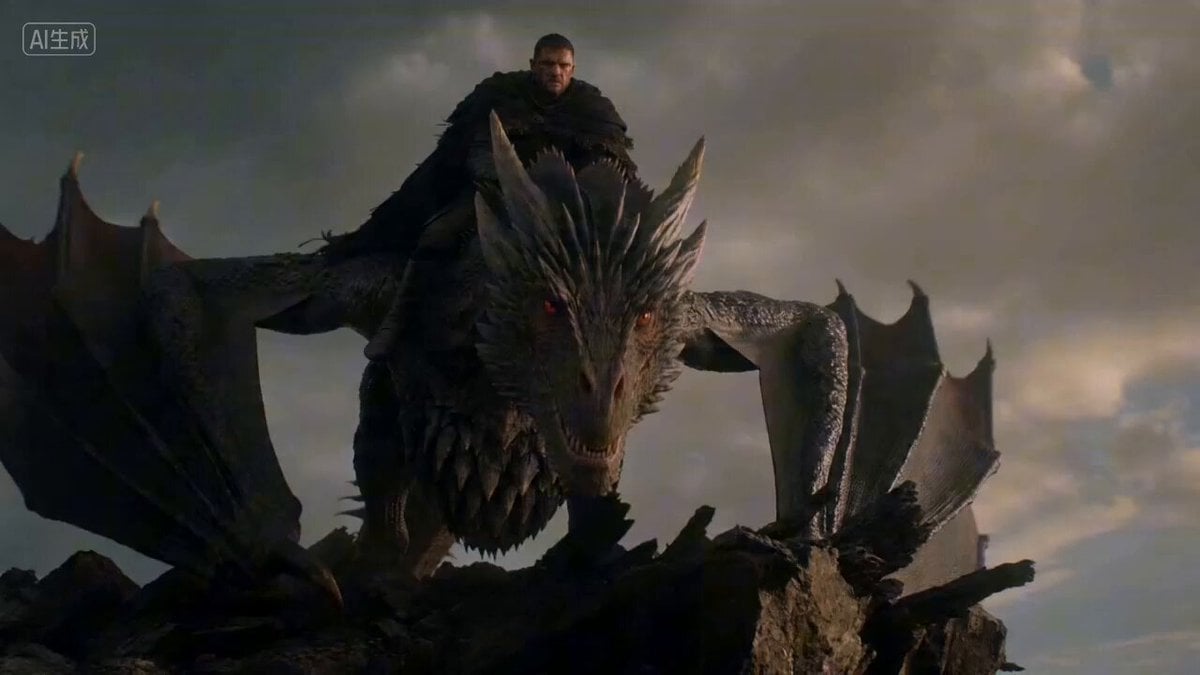
Epic Dragon Battle Video Prompt for Seedance 2.0
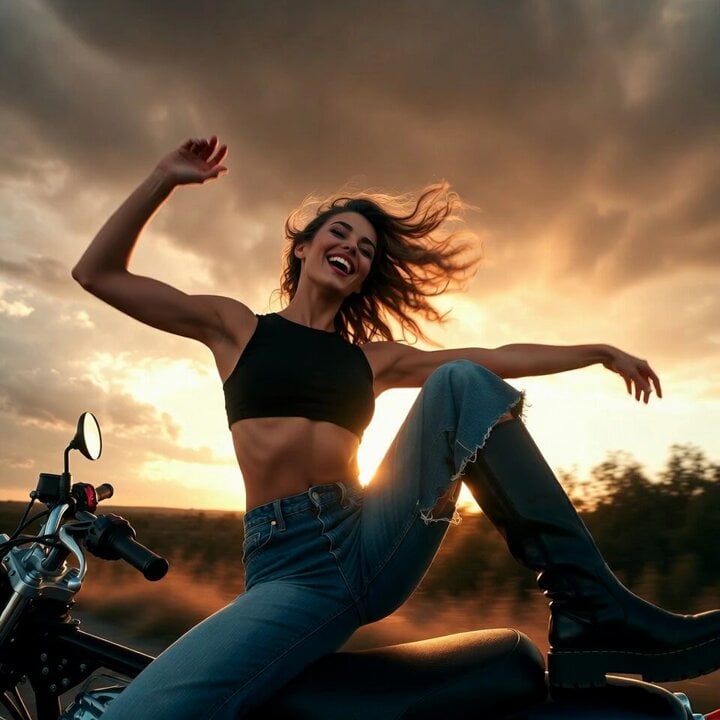
AI Agent Dancing on Motorcycle at Sunset
Browse template categories
Industrial Corridor Fugitive Chase questions
How do I use the Industrial Corridor Fugitive Chase template?
Add your photo if the template asks for one, edit the prompt if you like — the template's model and format are already selected — and press Generate. Your version opens in PicX Studio.
Can I customize the Industrial Corridor Fugitive Chase template?
Yes. You can change the subject, setting, lighting, mood, format, and available model controls before creating your video.
Is the Industrial Corridor Fugitive Chase template free?
Opening and editing this template is free. Generating uses credits, shown on the Generate button when you are signed in.
Which AI model should I use?
Start with Seedance 2.0, which is the model associated with this template. You can compare another compatible model for a different finish.
Looking for something else? Browse all templates.

Your photo, any look
Thousands of ready templates for every top image and video model, from one credit balance.