
Epic Dragon Battle Video Prompt for Seedance 2.0
A detailed, multi-scene prompt for Seedance 2.0 to generate an epic fantasy video featuring a warrior riding a giant obsidian dragon into a medieval battle.
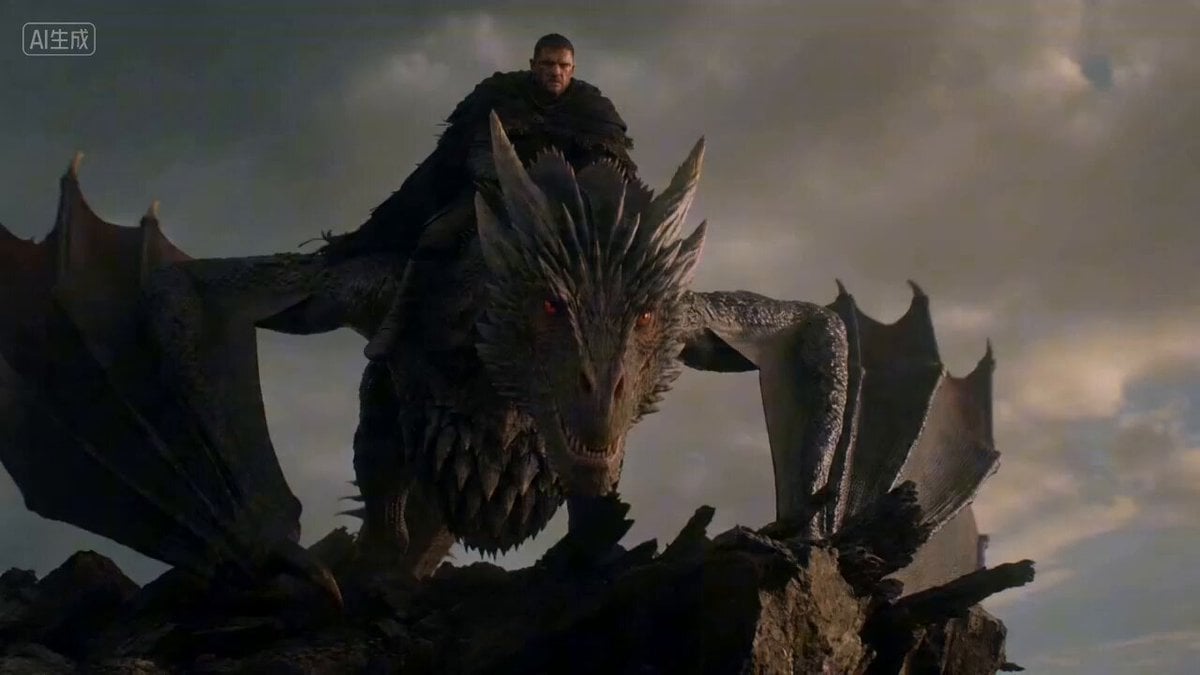
- Prompt included
- Model and format preset
- Free template
The prompt behind this video
Copy the exact prompt behind Epic Dragon Battle Video Prompt for Seedance 2.0, or open it in the studio and make it yours.
镜头1(3秒):一名披着残破斗篷的资深战士骑在巨大的黑曜石鳞片龙背上,身处破碎的嶙峋悬崖边缘。巨龙双翼张开,发出雷鸣般的咆哮。它们从悬崖边向下俯冲,天空中充满了跳动的火星和旋转的飞灰。 镜头2(4秒):战士紧贴在龙颈上,巨龙在空中进行剧烈的高速螺旋下降。下方是成千上万的中世纪步兵和重骑兵,陷入混乱而血腥的肉搏战中。尘土飞扬,钢铁交错,旌旗摇曳。摄像机采用眩晕的环绕轨道运动,紧跟巨龙的螺旋飞行路径。 镜头3(4秒):战场地面的特写镜头。两名浑身泥泞、身穿重型板甲的步兵陷入死命搏斗,刀剑相接。一名士兵愤怒地咬紧牙关,将闪亮的长剑刺入另一名士兵的胸甲。鲜血在慢动作的写实镜头中喷涌,展现出战争原始的残酷感。 镜头4(4秒):巨龙在距离地面仅几米处低空掠过,巨大的阴影席卷了惊恐尖叫的军队。它喷射出巨大的、令人眩目的液态龙焰。白热化的火海瞬间淹没了整排交战的士兵,将战场化为一道火墙。高对比度光影,强烈的热浪失真效果,史诗级高潮。 风格:史诗龙战,高速空战机动,粗犷的中世纪血腥战场。电影级灯光,动态摄像机追踪。4K,60fps,超逼真纹理,光线追踪火焰与反射,精湛细节的盔甲与鳞片。
How to use Epic Dragon Battle Video Prompt for Seedance 2.0 in 3 steps
- 1
Open
The prompt is already in the box next to the preview, with the template's model and format selected.
- 2…a portrait of your subject in softgolden-hour light, 85mm…
Personalize
Edit the subject and creative details for your destination.
- 3Generate
Generate
Press Generate — your video is created in PicX Studio, so you can compare it with the original and refine one variable at a time.
More like this
Templates with the same subject, style or setup. Open one to see its prompt.
Dragon Rescue — Volcanic Kingdom Collapse (Seedance)
Swordsman vs Shadow Monster — Bamboo Forest Battle
Sea Serpent vs Crab Titan — Ocean Battle

Dragon Rider Cinematic Flight — Seedance 2.5
The Ark — Seedance 2.0 Epic Trailer
Colossal Sea Creature — Stormy Shore Charge (Seedance)
Skybridge Rescue — Supertall Tower Collapse (Seedance)
Stone Colossus Desert Riders — Golden Fire Reveal
Subway Flood — Epic Tunnel Chaos
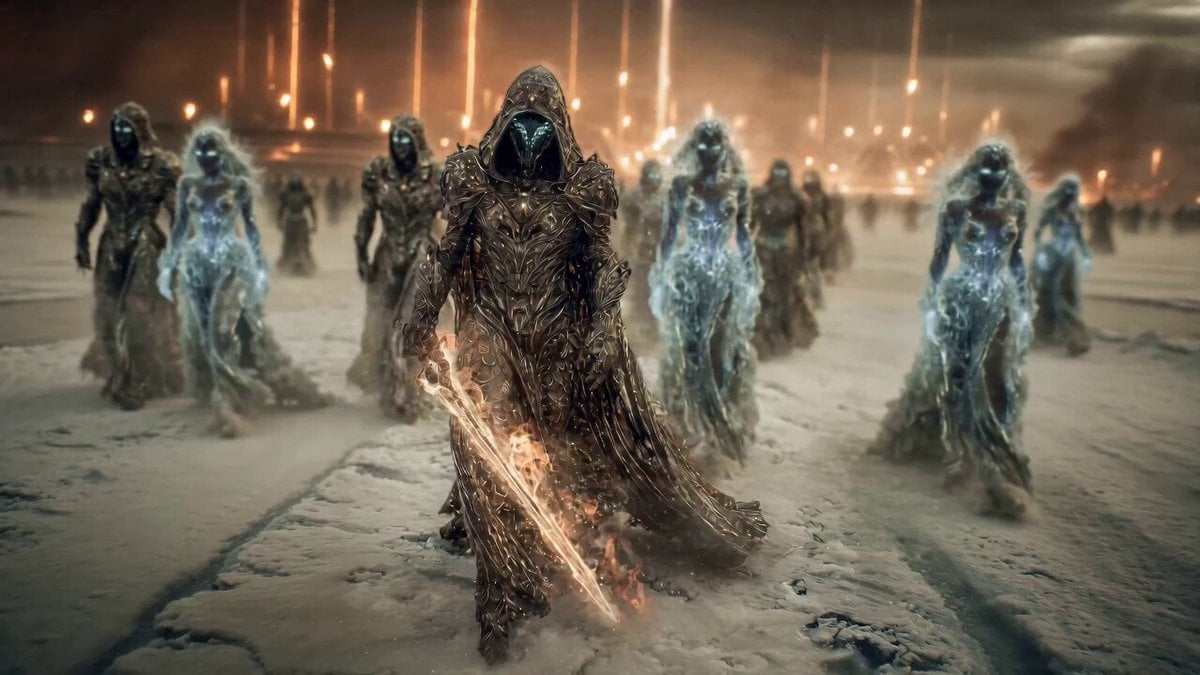
Epic Fantasy Battle Scene Prompt for Seedance 2.0
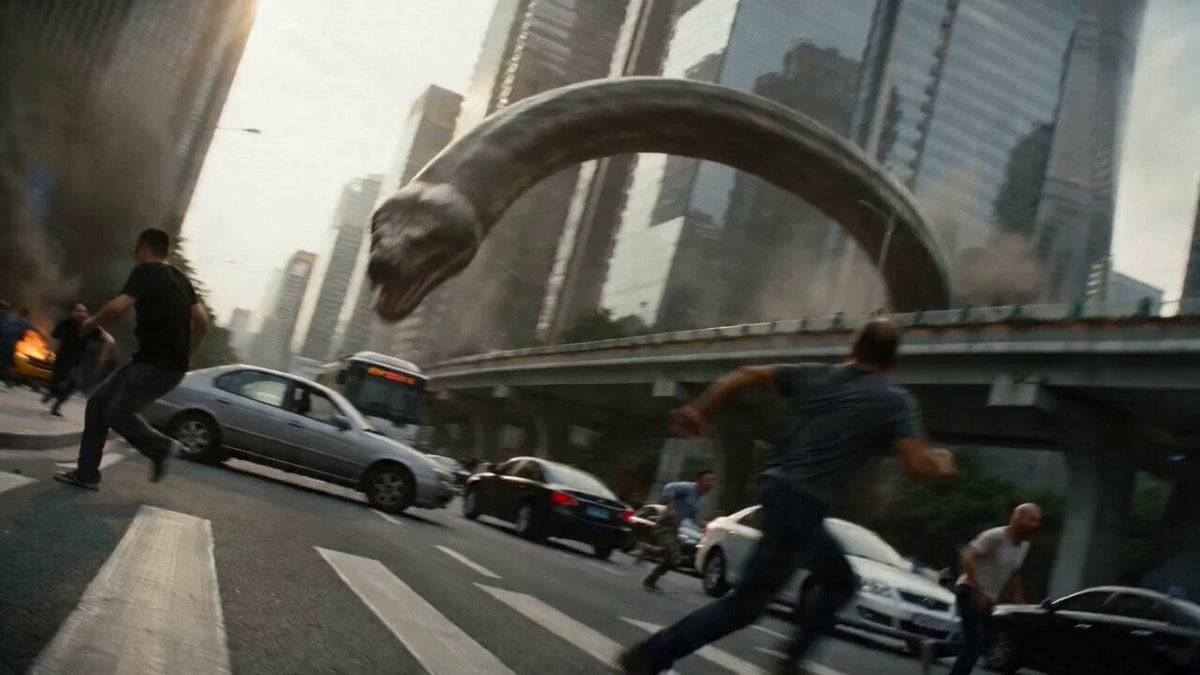
Epic Battle Between Giant Python and Chinese Dragon
Ice Queen — Frozen Battlefield Time Control (Seedance)
Make it yours
Epic Dragon Battle Video Prompt for Seedance 2.0 works as-is. These are the safest ways to change it without losing the look.
Change one field
Copy a single group, rewrite it, and generate again so you can see what that field is doing.
Keep the frame, change the subject
Hold the composition and light of Epic Dragon Battle Video Prompt for Seedance 2.0, then swap wardrobe, props or the person for a new take.
| If the result… | Why | Fix |
|---|---|---|
| The result drifts from the preview | Too many fields changed at once. | Reuse Epic Dragon Battle Video Prompt for Seedance 2.0 as-is first, then change one group — subject, light, or setting. |
| The model over-stylizes the scene | The prose prompt leaves finish and camera underspecified. | Add one camera or lighting sentence and stay on Seedance 2.0. |
More Seedance 2.0 templates
Other prompts made for Seedance 2.0.

Comical Martial Arts Punch Scene

Maglev Train Action Sequence

Martial Arts Fight Sequence

Wuxia Protection and Trust Script

Vintage Korean Arcade MiniDV Vlog

Mercedes 190 SL Luxury Ad

Rainy Night Supernatural Reverse Comedy Video Script

Amazon Civilization Discovery

Futuristic South Asian City Transformation

Cozy Luxury Cafe Commercial
More video prompts
Fresh picks from across the catalog.
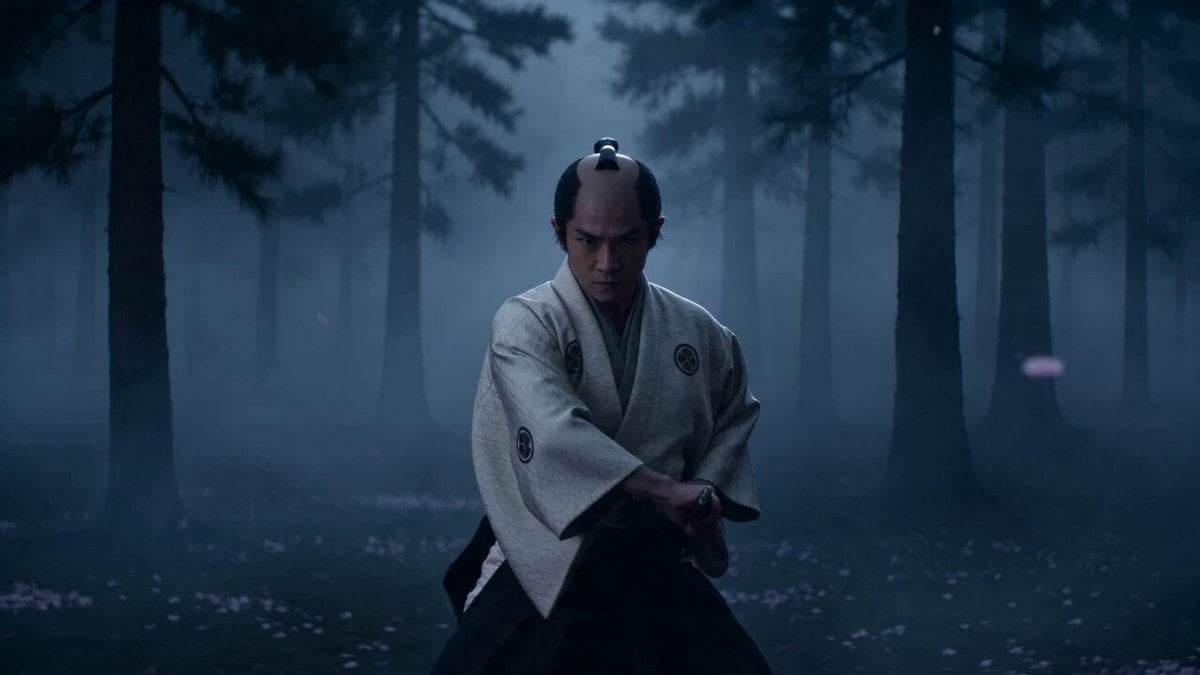
Cinematic Samurai VFX Battle
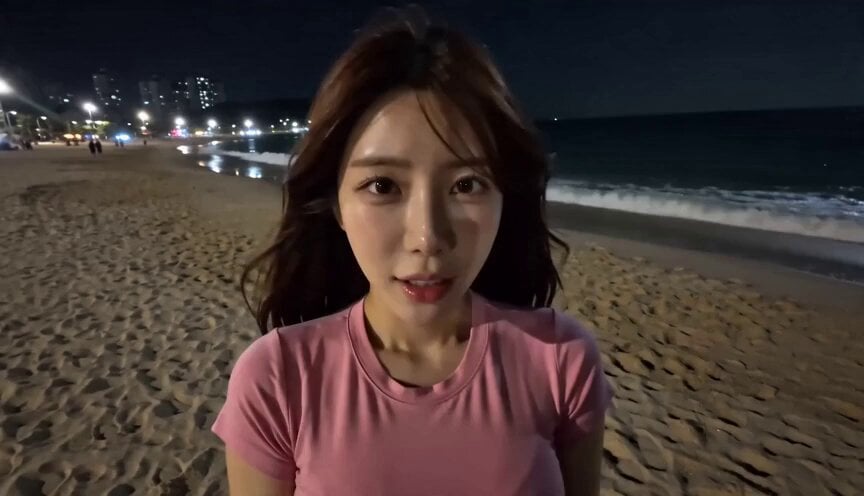
POV Handheld DV Camcorder Beach
Cuchocapilla Time Freeze
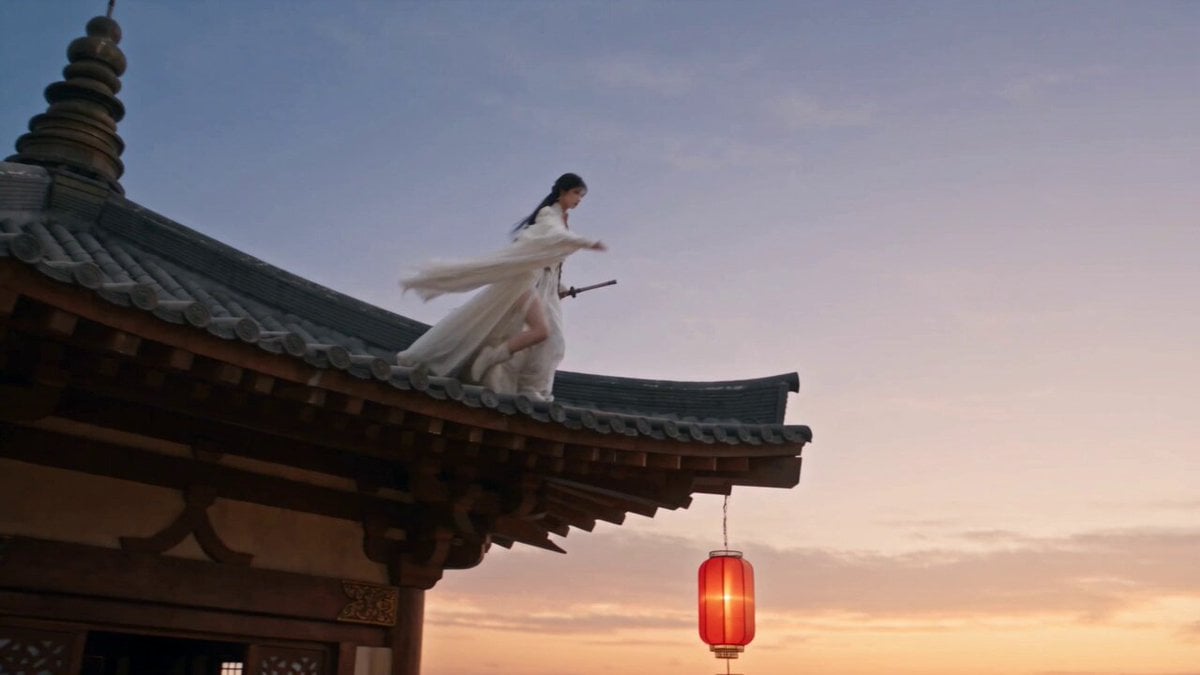
Cinematic Swordswoman Night Market Sequence
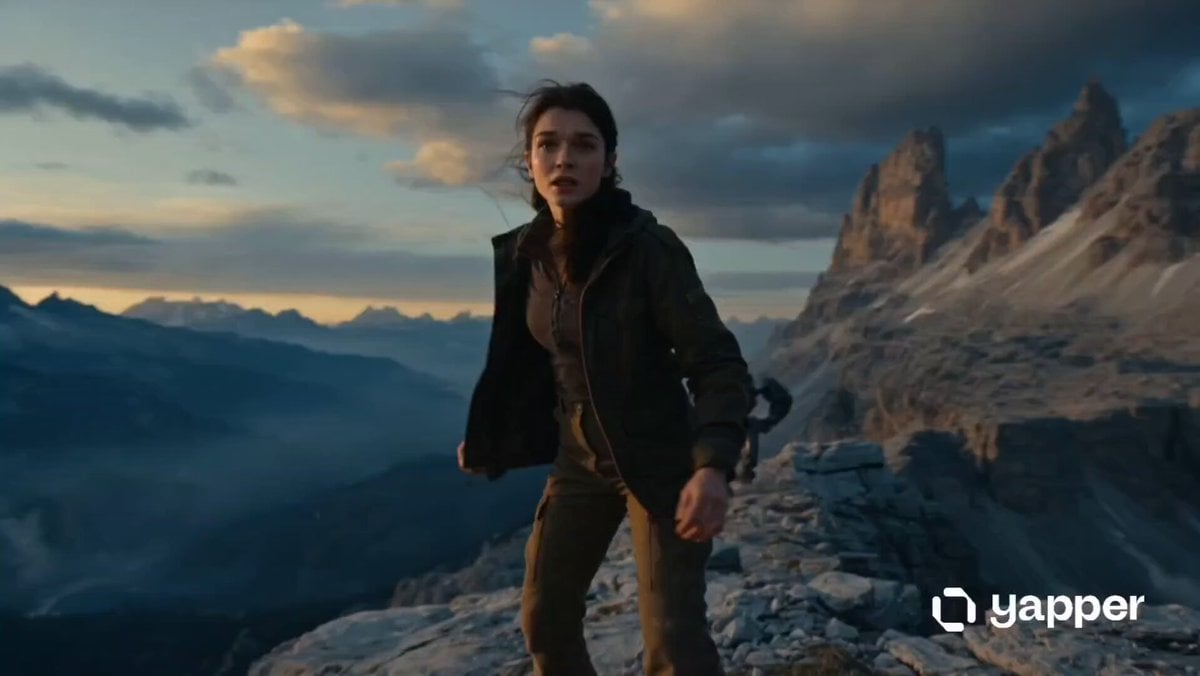
Woman vs Combat Robot Battle
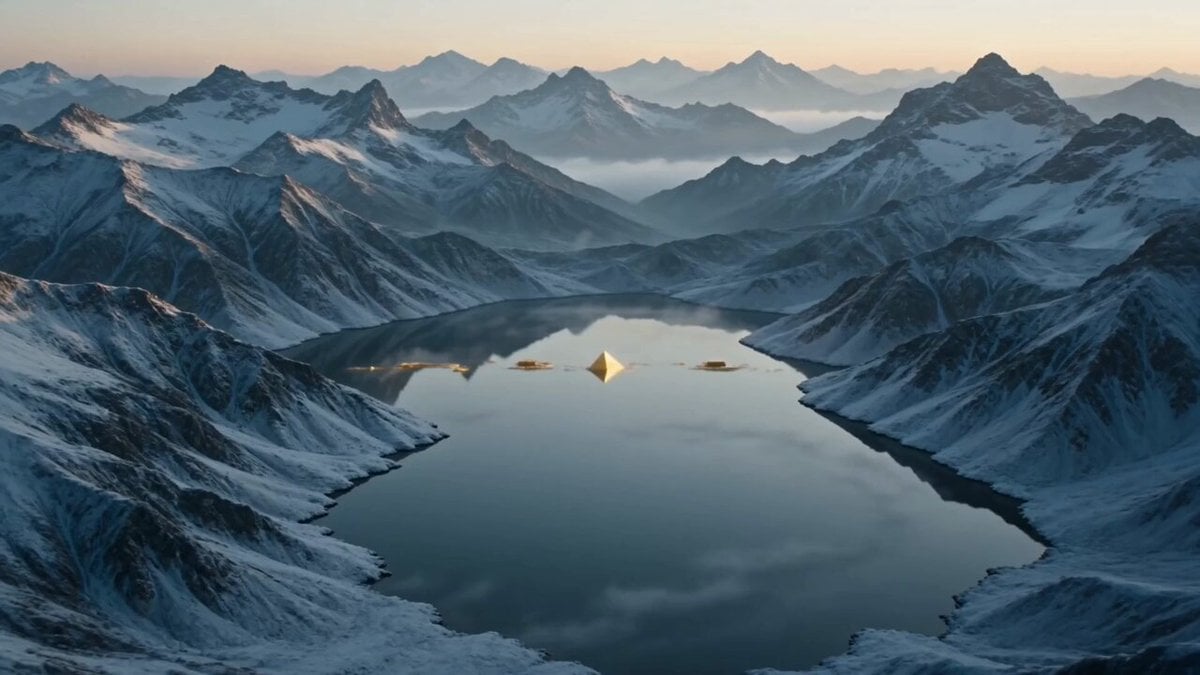
Surreal Mirror Lake Temporal Cinema
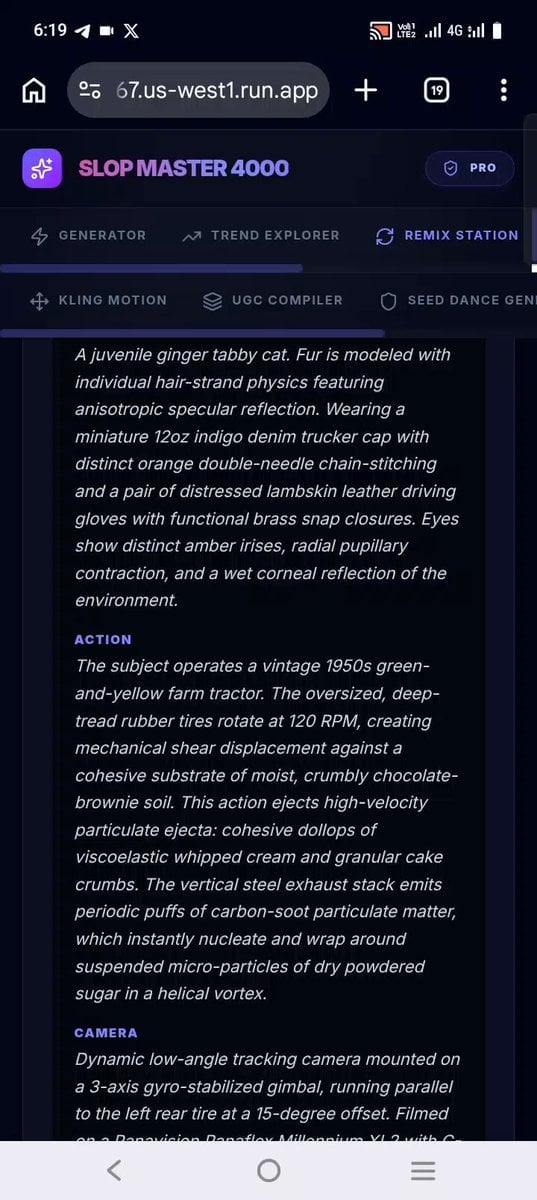
Confectionery Cat Tractor Scene
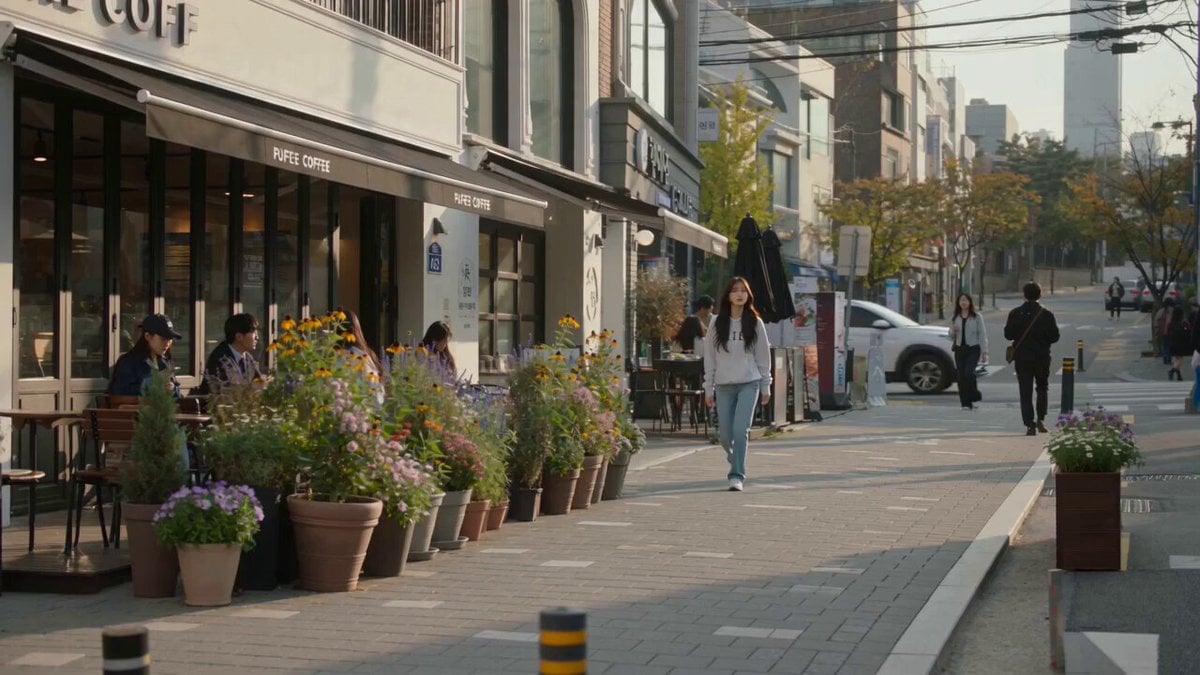
Urban Lifestyle Smartphone Photography

Goku Punching a Buy Button and Going Super Saiyan

Skincare Ad Concept Video
Browse template categories
Epic Dragon Battle Video Prompt for Seedance 2.0 questions
How do I use the Epic Dragon Battle Video Prompt for Seedance 2.0 template?
Add your photo if the template asks for one, edit the prompt if you like — the template's model and format are already selected — and press Generate. Your version opens in PicX Studio.
Can I customize the Epic Dragon Battle Video Prompt for Seedance 2.0 template?
Yes. You can change the subject, setting, lighting, mood, format, and available model controls before creating your video.
Is the Epic Dragon Battle Video Prompt for Seedance 2.0 template free?
Opening and editing this template is free. Generating uses credits, shown on the Generate button when you are signed in.
Which AI model should I use?
Start with Seedance 2.0, which is the model associated with this template. You can compare another compatible model for a different finish.
Looking for something else? Browse all templates.

Your photo, any look
Thousands of ready templates for every top image and video model, from one credit balance.