
Sea Serpent vs Crab Titan — Ocean Battle
Seedance 2.0 prompt by @LudovicCreator — Colossal sea serpent made of swirling water battles a gigantic armored crab titan on a stormy bioluminescent ocean.
- Prompt included
- Model and format preset
- Premium template
The prompt behind this video
Copy the exact prompt behind Sea Serpent vs Crab Titan — Ocean Battle, or open it in the studio and make it yours.
**Environment:** A massive storm ocean under dark teal skies. Towering waves rise like mountains while lightning flashes across the horizon. Water spray fills the air and the ocean surface glows with bioluminescent currents beneath the waves. **Action:** 15.0s sequence. A colossal sea serpent made of swirling water and glowing currents rises from the ocean depths. Opposing it is a gigantic armored crab titan standing atop a jagged reef. They clash as the serpent coils around crashing waves while the crab titan strikes with massive claws, sending tidal explosions across the water. Velocity Ramp choreography: the serpent's massive tail strike slows dramatically as suspended droplets and glowing bioluminescent particles float mid-air before snapping back to real-time as the tidal impact erupts across the ocean surface. **Camera:** Aerial tracking shot skimming just above the wave crests before diving between the combatants as they crash through the water. **Style & Constraints:** Photorealistic water simulation, volumetric spray and mist, ray-traced reflections on wave surfaces, cinematic storm lighting, 8K resolution.
How to use Sea Serpent vs Crab Titan — Ocean Battle in 3 steps
- 1
Open
The prompt is already in the box next to the preview, with the template's model and format selected.
- 2…a portrait of your subject in softgolden-hour light, 85mm…
Personalize
Edit the subject and creative details for your destination.
- 3Generate
Generate
Press Generate — your video is created in PicX Studio, so you can compare it with the original and refine one variable at a time.
More like this
Templates with the same subject, style or setup. Open one to see its prompt.
Stone Colossus Desert Riders — Golden Fire Reveal
Speeder Chase Across a Cliff City
Swordsman vs Shadow Monster — Bamboo Forest Battle
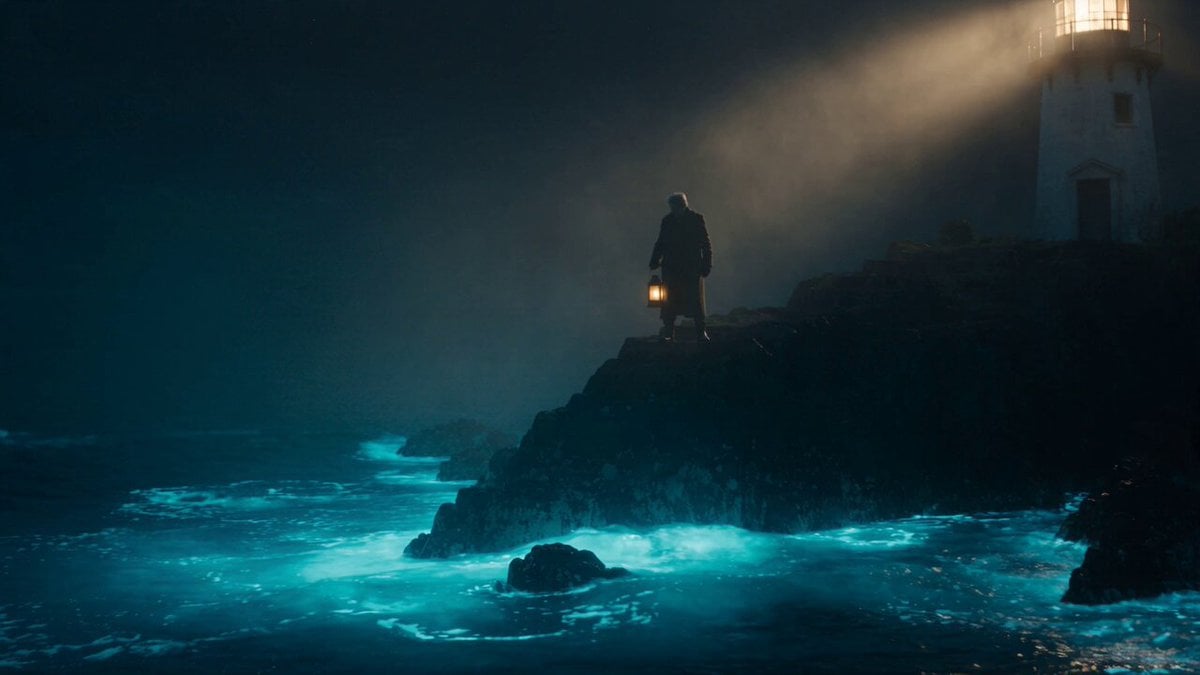
Cinematic Bioluminescent Ocean Lighthouse Prompt

Oceanic Civilization Epic Sci-Fi Film
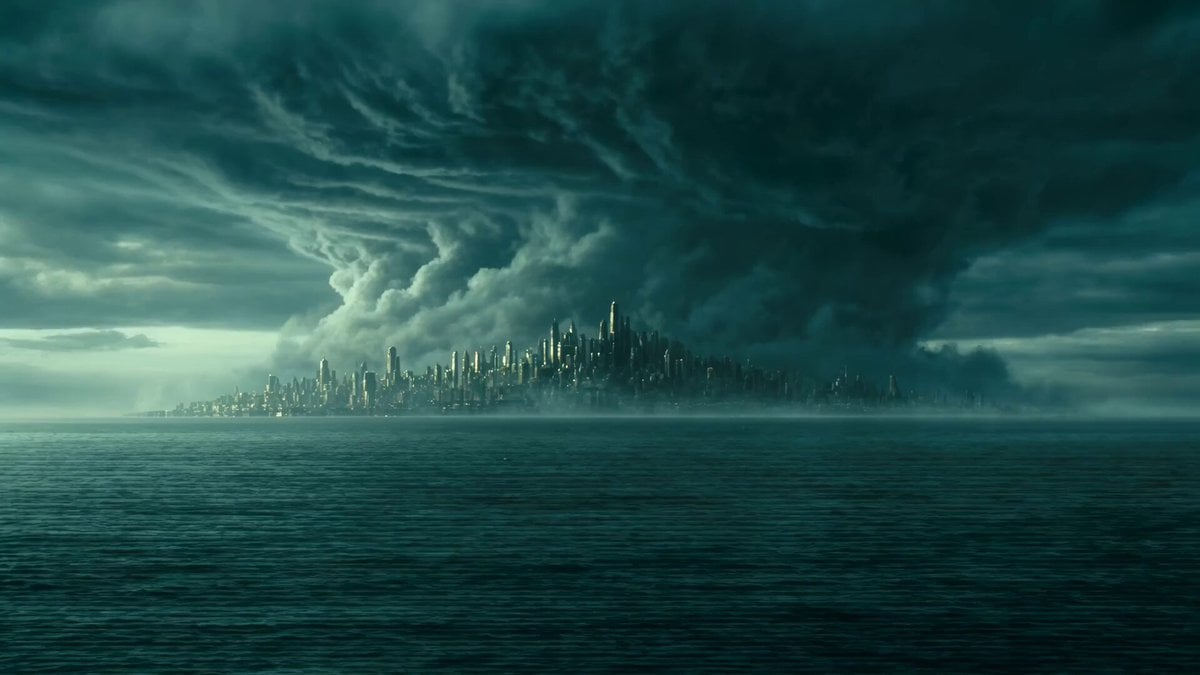
Ocean Colossus vs Storm Cinematic Simulation

Sneaker Product Commercial

Cinematic Short Film Scene 2

Multi Panel Storyboard Sheet

Skincare Product Commercial 3

Cinematic Portrait Study 3

Product UGC Commercial
Make it yours
Sea Serpent vs Crab Titan — Ocean Battle works as-is. These are the safest ways to change it without losing the look.
Change one field
Copy a single group, rewrite it, and generate again so you can see what that field is doing.
Keep the frame, change the subject
Hold the composition and light of Sea Serpent vs Crab Titan — Ocean Battle, then swap wardrobe, props or the person for a new take.
| If the result… | Why | Fix |
|---|---|---|
| The result drifts from the preview | Too many fields changed at once. | Reuse Sea Serpent vs Crab Titan — Ocean Battle as-is first, then change one group — subject, light, or setting. |
| The model over-stylizes the scene | The prose prompt leaves finish and camera underspecified. | Add one camera or lighting sentence and stay on Seedance. |
More Seedance templates
Other prompts made for Seedance.
More video prompts
Fresh picks from across the catalog.
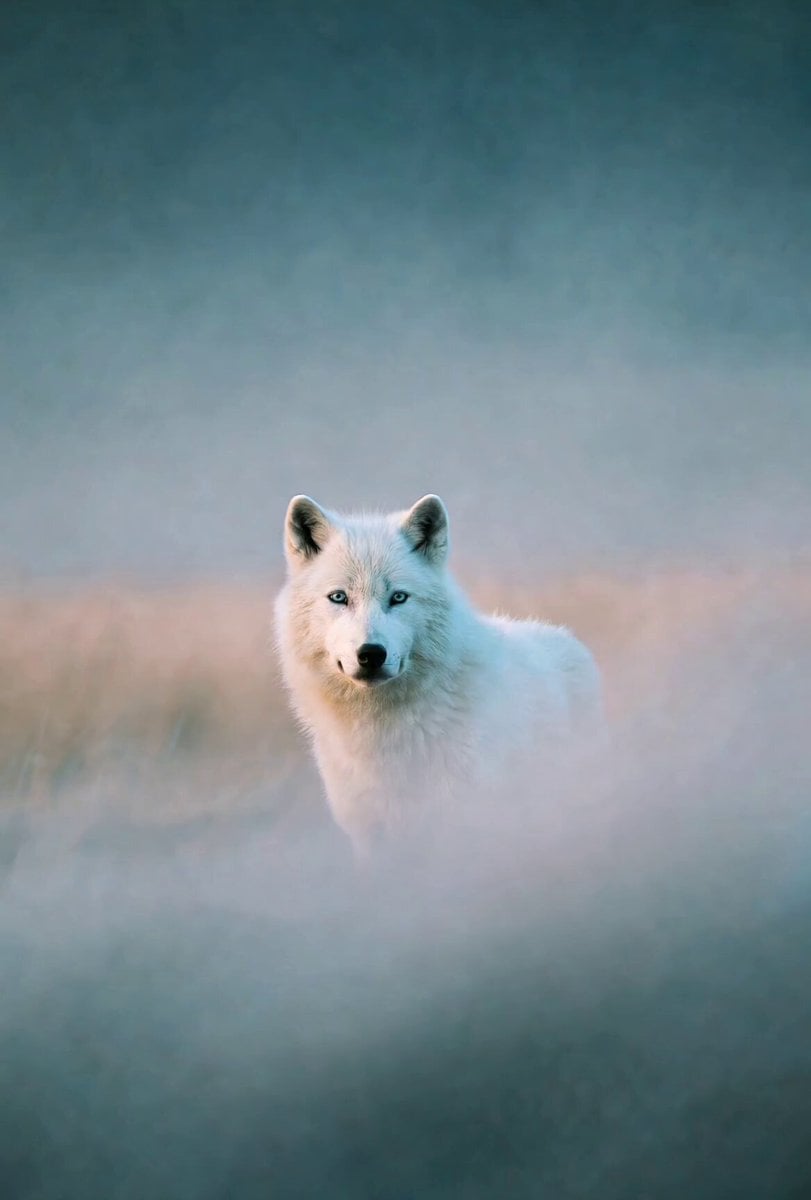
Misty Howling Morning Scene
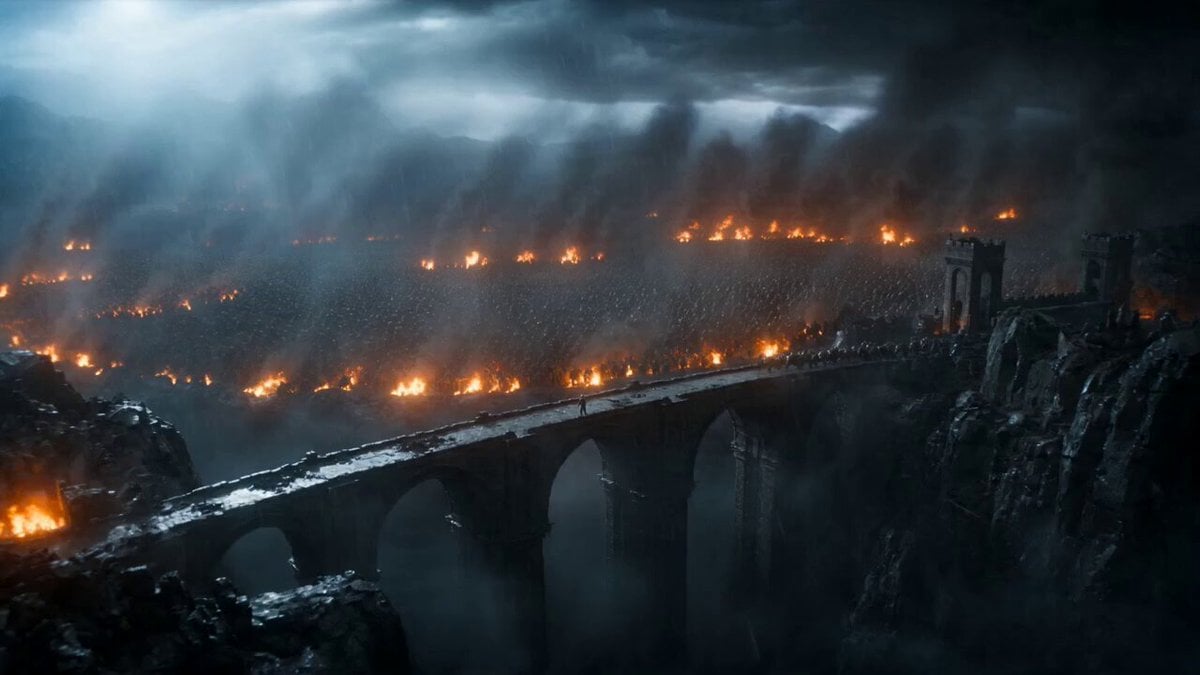
Epic Knight Battle on Ruined Bridge

Cinematic Japanese Action Anime Combat Prompt for Seedance 2
Cyberpunk Robot Transformation Video
Ethereal Space Sister Animation
Seedance 2.0 Video Prompt: Classic Movie Scene Recreation (Two Segments)
Cinematic Xianxia Apology Drama
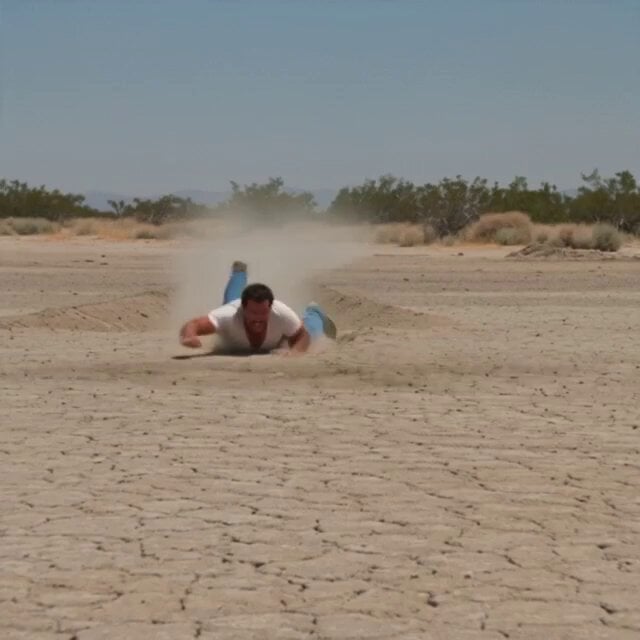
1980s Desert Creature Feature
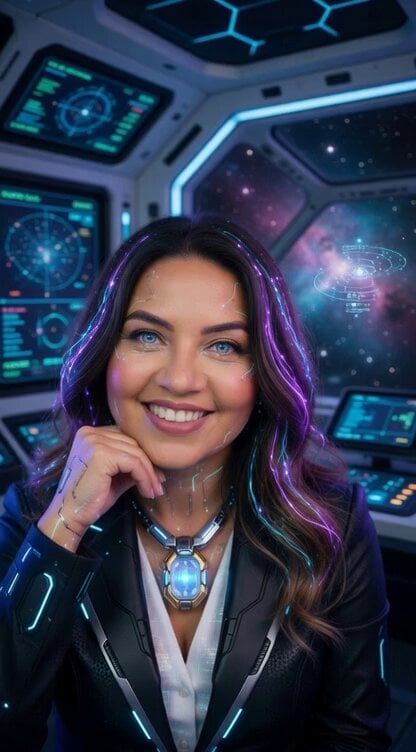
Explosion of light and giant shadow
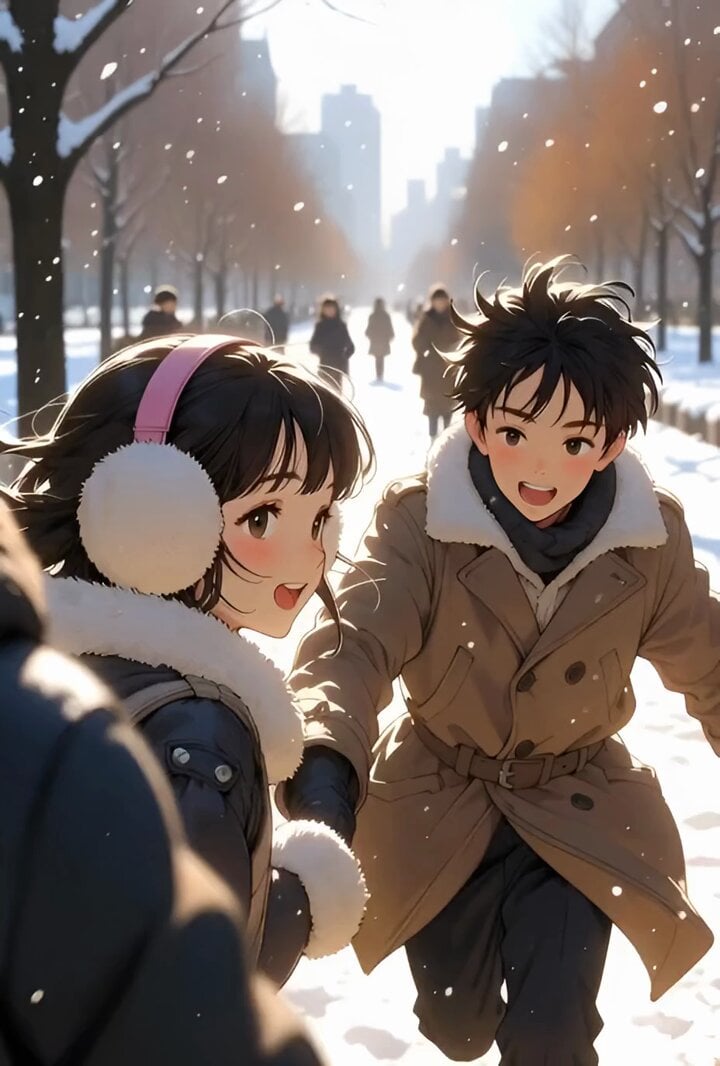
Slow motion snow scene with drone camera movement
Browse template categories
Sea Serpent vs Crab Titan — Ocean Battle questions
How do I use the Sea Serpent vs Crab Titan — Ocean Battle template?
Add your photo if the template asks for one, edit the prompt if you like — the template's model and format are already selected — and press Generate. Your version opens in PicX Studio.
Can I customize the Sea Serpent vs Crab Titan — Ocean Battle template?
Yes. You can change the subject, setting, lighting, mood, format, and available model controls before creating your video.
Is the Sea Serpent vs Crab Titan — Ocean Battle template free?
Opening and editing this template is free. Generating uses credits, shown on the Generate button when you are signed in.
Which AI model should I use?
Start with Seedance, which is the model associated with this template. You can compare another compatible model for a different finish.
Looking for something else? Browse all templates.

Your photo, any look
Thousands of ready templates for every top image and video model, from one credit balance.