
1980s Desert Creature Feature
A cinematic prompt inspired by 80s monster movies, featuring a subterranean predator hunting survivors in the desert with practical effects aesthetic.
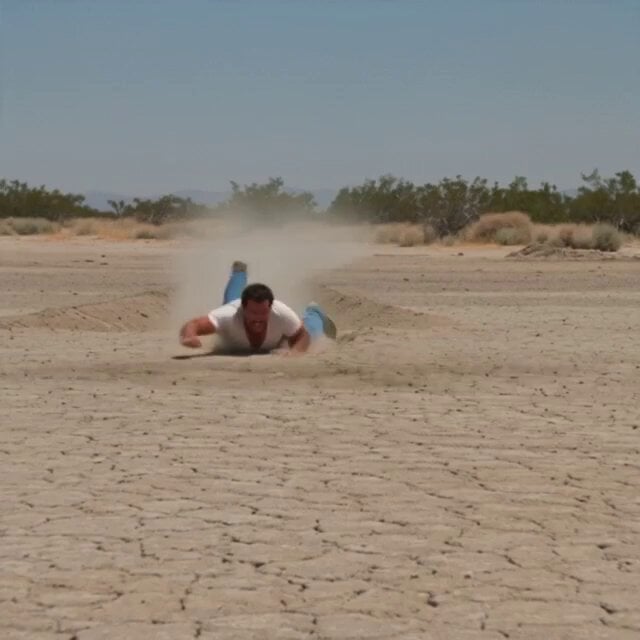
- Prompt included
- Model and format preset
- Free template
The prompt behind this video
Copy the exact prompt behind 1980s Desert Creature Feature, or open it in the studio and make it yours.
Retro 1980s desert creature-feature energy. Practical dust blasts, rubbery underground monster physics, wide Panavision frames, and blue-collar survival chaos. A subterranean worm-like predator hunts by vibration, moving under the ground like a living earthquake. The scene feels like it starts mid-attack — no setup, just panic, dust, and survival instinct. Shot 1 (0s–2s) — THE HOOK A man is already being DRAGGED across the desert sand at full speed, clawing the ground as a bulging wave of dirt chases beneath him. Dust explodes everywhere. Shot 2 (2s–5s) Wide shot. The ground ripples violently like something massive is swimming under it. A second man stands on top of a pickup truck screaming: “GET UP HERE!” Shot 3 (5s–8s) The dragged man grabs a loose tire. The creature suddenly changes direction underground and SLAMS into the truck from below, lifting it slightly. Shot 4 (8s–11s) The ground ERUPTS. A giant worm creature bursts partially out, its circular mouth lined with teeth snapping wildly. The men scramble onto the truck roof. Shot 5 (11s–15s) — PAYOFF The creature lunges again but crashes into the truck’s metal frame. It recoils violently and disappears underground, leaving a massive dust trail racing away.
How to use 1980s Desert Creature Feature in 3 steps
- 1
Open
The prompt is already in the box next to the preview, with the template's model and format selected.
- 2…a portrait of your subject in softgolden-hour light, 85mm…
Personalize
Edit the subject and creative details for your destination.
- 3Generate
Generate
Press Generate — your video is created in PicX Studio, so you can compare it with the original and refine one variable at a time.
More like this
Templates with the same subject, style or setup. Open one to see its prompt.
Thornmaw Monarch — Crimson Glass Desert Beast

Forgotten 1980s High School Documentary Seedance
Desert Horned Lizard Grapefruit Ad

Floating Desert Museum Cinematic Film
1980s Trap Creature Sequence

Walking Factory with Rebel on Hoverbike - Wasteland
Stone Colossus Desert Riders — Golden Fire Reveal
Hand-Painted Fantasy Animated Feature
1980s Retro Sci-Fi Comedy Scene
1980s Sci-Fi Robot Walk
Post-Apocalyptic Desert Truck Action

Cinematic Desert Arena Warrior Action
Make it yours
1980s Desert Creature Feature works as-is. These are the safest ways to change it without losing the look.
Change one field
Copy a single group, rewrite it, and generate again so you can see what that field is doing.
Keep the frame, change the subject
Hold the composition and light of 1980s Desert Creature Feature, then swap wardrobe, props or the person for a new take.
| If the result… | Why | Fix |
|---|---|---|
| The result drifts from the preview | Too many fields changed at once. | Reuse 1980s Desert Creature Feature as-is first, then change one group — subject, light, or setting. |
| The model over-stylizes the scene | The prose prompt leaves finish and camera underspecified. | Add one camera or lighting sentence and stay on Seedance 2.0. |
More Seedance 2.0 templates
Other prompts made for Seedance 2.0.

Comical Martial Arts Punch Scene

Maglev Train Action Sequence

Martial Arts Fight Sequence

Wuxia Protection and Trust Script

Vintage Korean Arcade MiniDV Vlog

Mercedes 190 SL Luxury Ad

Rainy Night Supernatural Reverse Comedy Video Script

Amazon Civilization Discovery

Futuristic South Asian City Transformation

Cozy Luxury Cafe Commercial
More video prompts
Fresh picks from across the catalog.
FPV Drone Skier Tracking — Kling 3.0 O3 Pro

High Speed Maneuvers with Reference Image
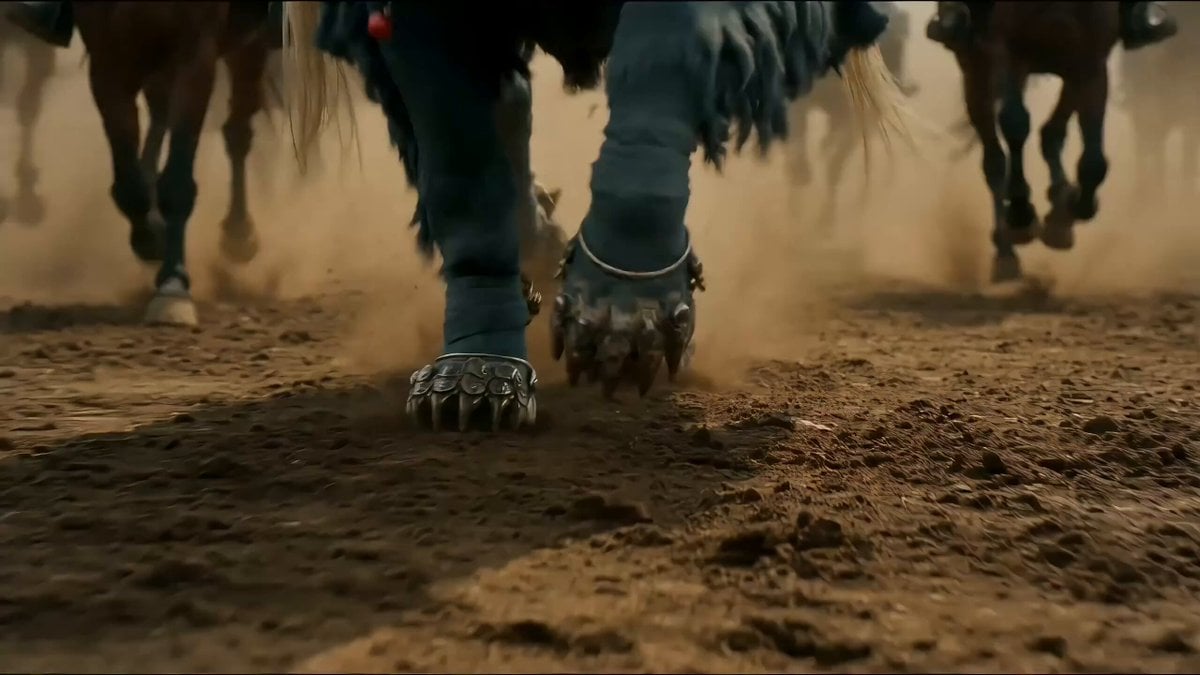
Seedance 2.0 Prompt for Hyper-Realistic Epic War Scene (Xiang Yu)

Tulip Empress & Snail Guardian Video Prompt

Luxury Fashion Campaign Spiral Staircase
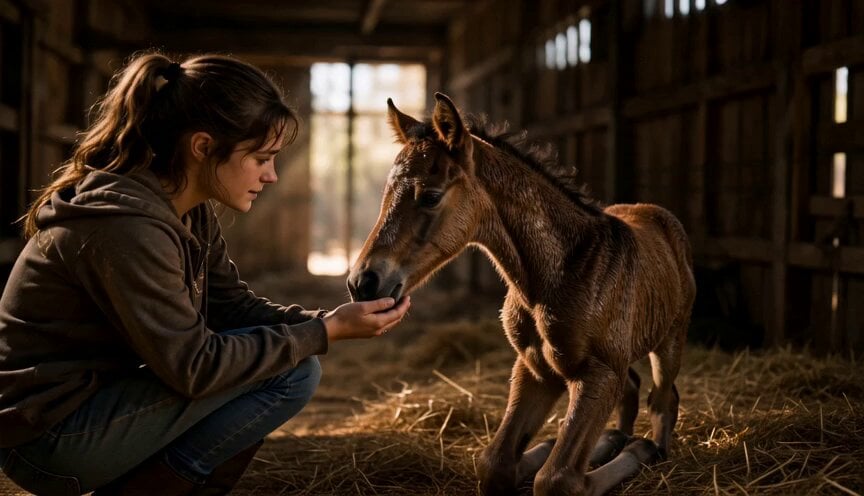
Emotional Horse Training Movie Trailer
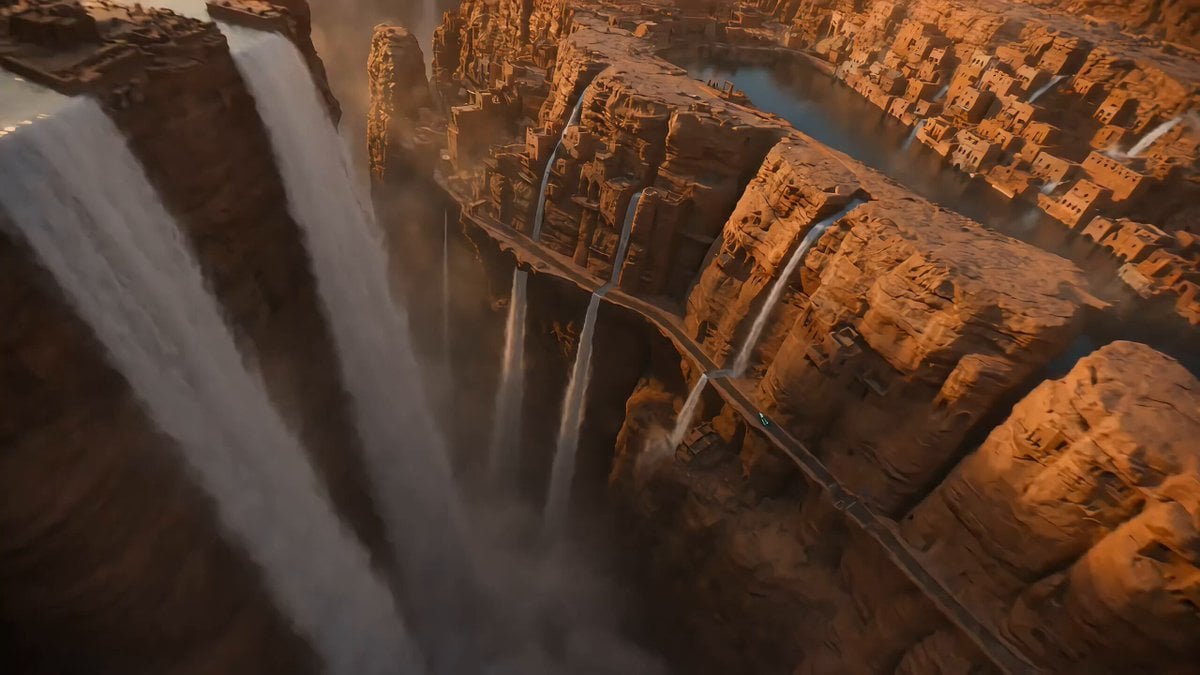
Reversed Waterfall Cliff City Chase

Relaxed Woman Eating Food

Pouring Black Coffee Close-up
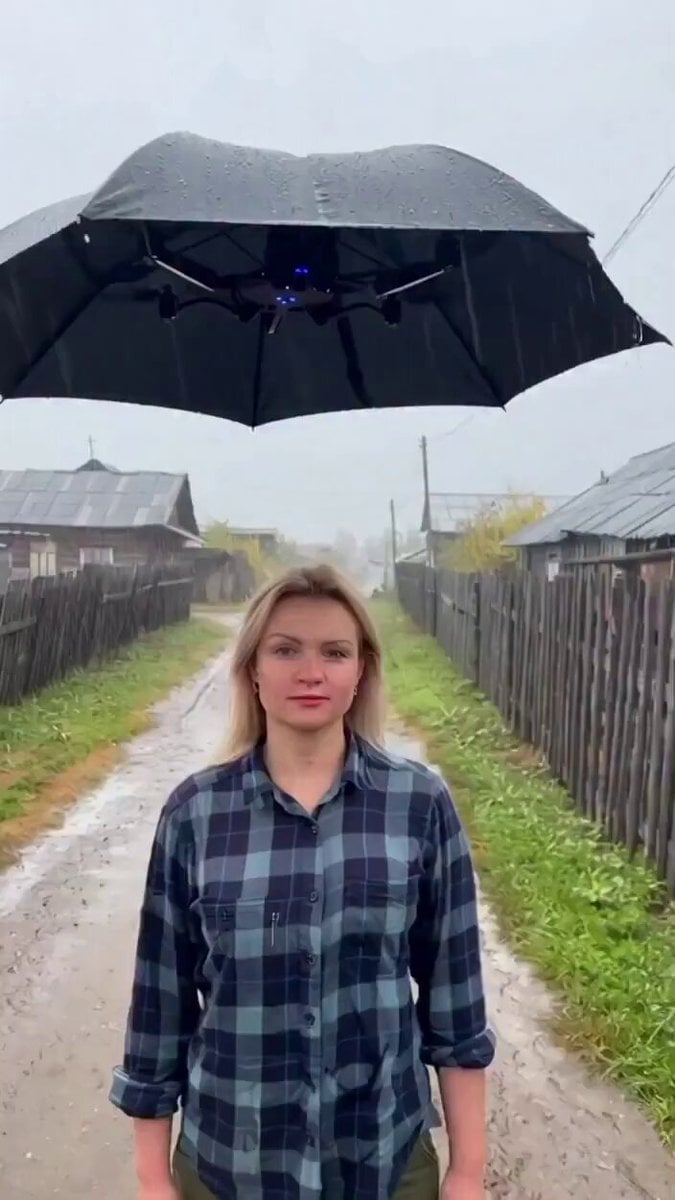
Rural Scene: Woman Walking in Rain
Browse template categories
1980s Desert Creature Feature questions
How do I use the 1980s Desert Creature Feature template?
Add your photo if the template asks for one, edit the prompt if you like — the template's model and format are already selected — and press Generate. Your version opens in PicX Studio.
Can I customize the 1980s Desert Creature Feature template?
Yes. You can change the subject, setting, lighting, mood, format, and available model controls before creating your video.
Is the 1980s Desert Creature Feature template free?
Opening and editing this template is free. Generating uses credits, shown on the Generate button when you are signed in.
Which AI model should I use?
Start with Seedance 2.0, which is the model associated with this template. You can compare another compatible model for a different finish.
Looking for something else? Browse all templates.

Your photo, any look
Thousands of ready templates for every top image and video model, from one credit balance.