
1980s Sci-Fi Robot Walk
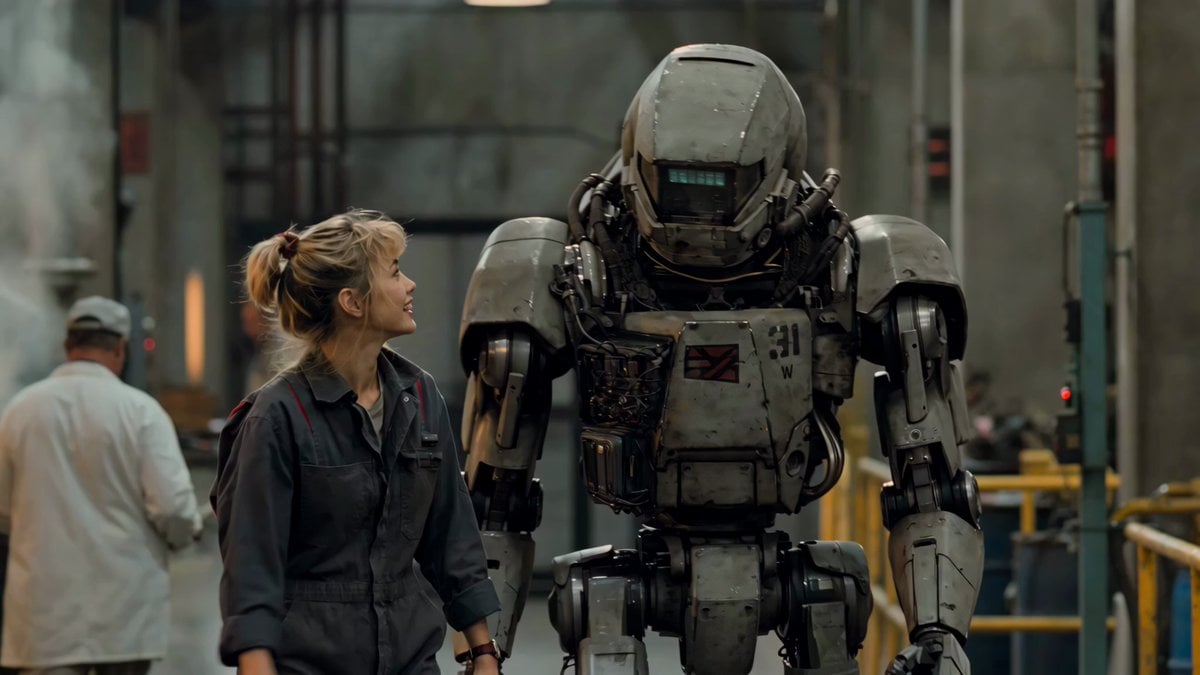
A cinematic prompt for Seedance 2.0 that recreates a 1980s live-action sci-fi aesthetic.
- Prompt included
- Model and format preset
- Premium template
The prompt behind this video
Copy the exact prompt behind 1980s Sci-Fi Robot Walk, or open it in the studio and make it yours.
use the supplied image1 as the exact opening frame. Preserve the same young woman, robot soldier, industrial location, wardrobe, scale, lighting, and physical construction. Authentic late-1980s live-action science-fiction comedy photographed on 35mm film with practical sets, a full-size mechanical robot suit, subtle grain, slight gate weave, vintage telecine, atmospheric steam, and warm industrial lighting. The woman and robot begin walking side by side through the facility. The robot moves with heavy, believable hydraulic steps while she walks casually and talks with animated hand gestures. Keep the choreography simple and the dialogue clearly readable. 0:00–0:04 — Medium two-shot: They begin walking together. The woman looks up at the robot and says in a playful 1980s California accent: WOMAN: “I’m seriously jealous of all the FLUX 3 cool kids.” 0:04–0:10 — Smooth side-tracking shot: They continue walking past pipes, workers, and drifting steam. She adds enthusiastically with big arm movements: WOMAN: “Their UNHINGED FLUX 3 videos have been everywhere all weekend!” 0:10– Close-up on robot: The robot turns its head toward her with a soft mechanical whir. Its eye panel flickers as it replies in a dry synthesized voice: ROBOT: “I know, right?” Light comedic synth score, hydraulic footsteps, distant machinery, natural lip synchronization. Only one woman and one robot. No additional robots.
How to use 1980s Sci-Fi Robot Walk in 3 steps
- 1
Open
The prompt is already in the box next to the preview, with the template's model and format selected.
- 2…a portrait of your subject in softgolden-hour light, 85mm…
Personalize
Edit the subject and creative details for your destination.
- 3Generate
Generate
Press Generate — your video is created in PicX Studio, so you can compare it with the original and refine one variable at a time.
More like this
Templates with the same subject, style or setup. Open one to see its prompt.
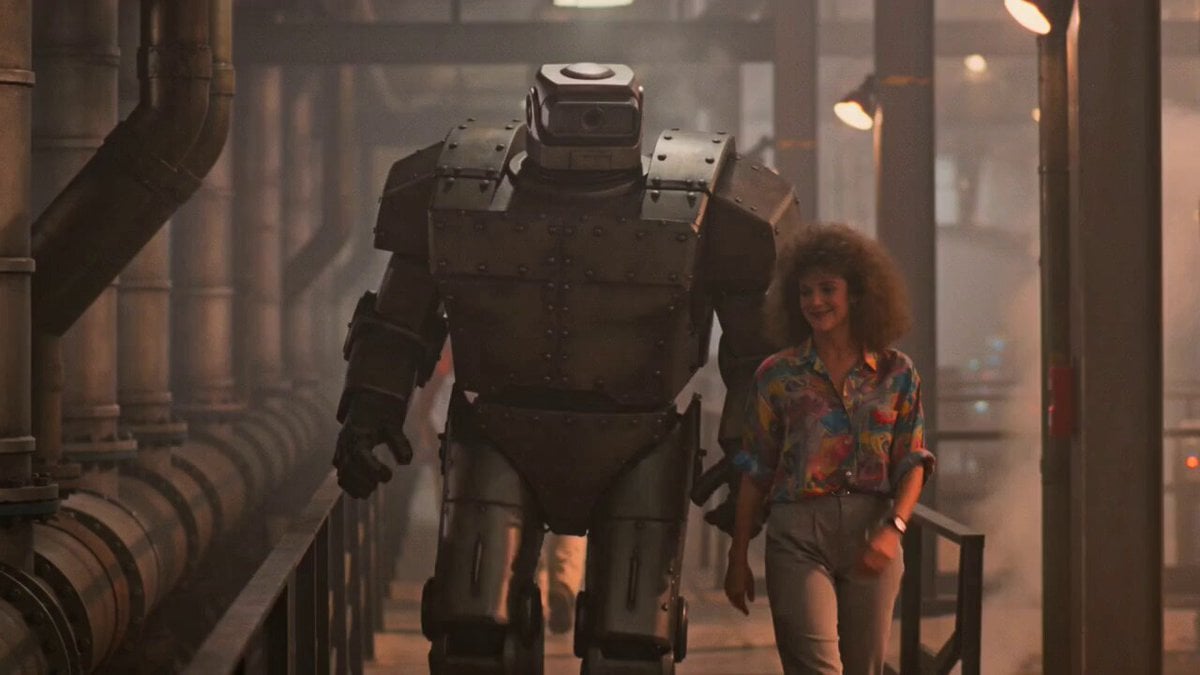
1980s Retro Sci-Fi Comedy Scene

Sci-Fi Disaster Movie Scene - Seedance 2.5
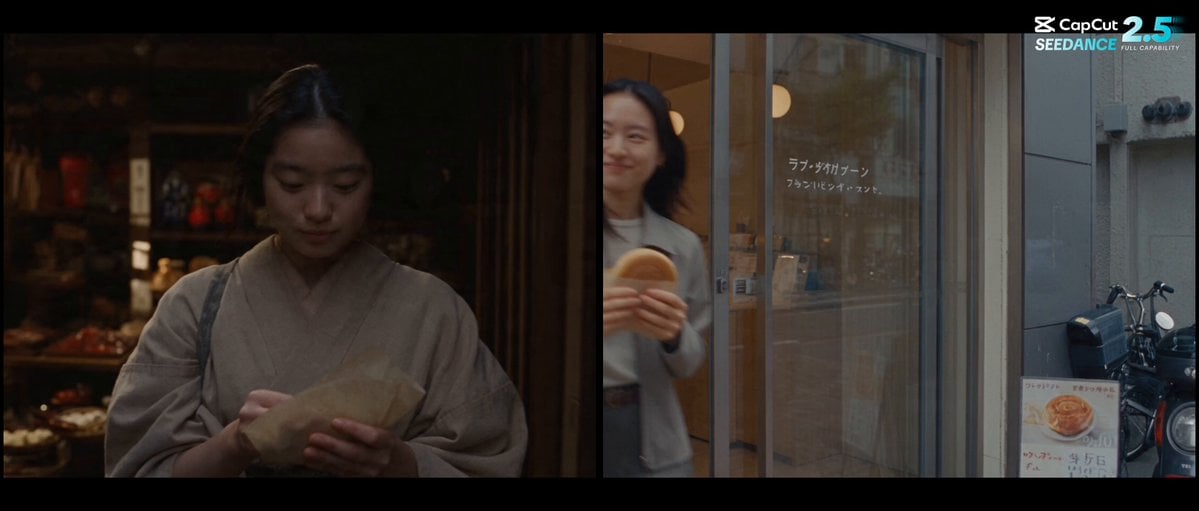
Forgotten 1980s High School Documentary Seedance
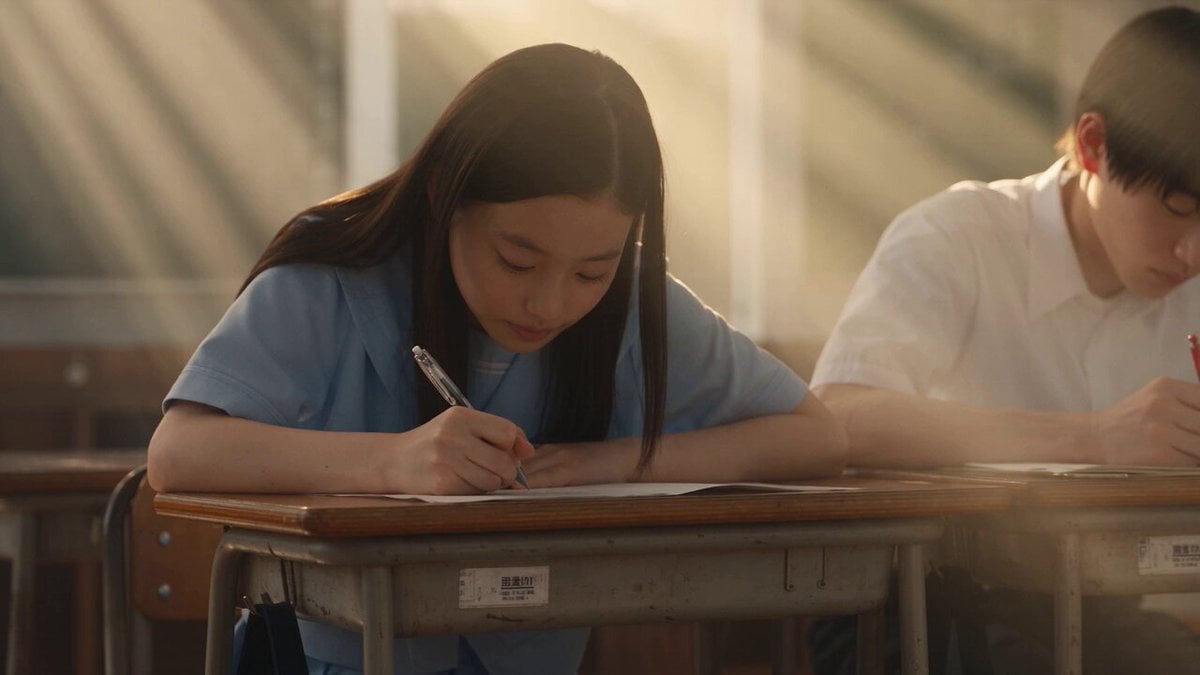
Japanese Pure Love Short Film
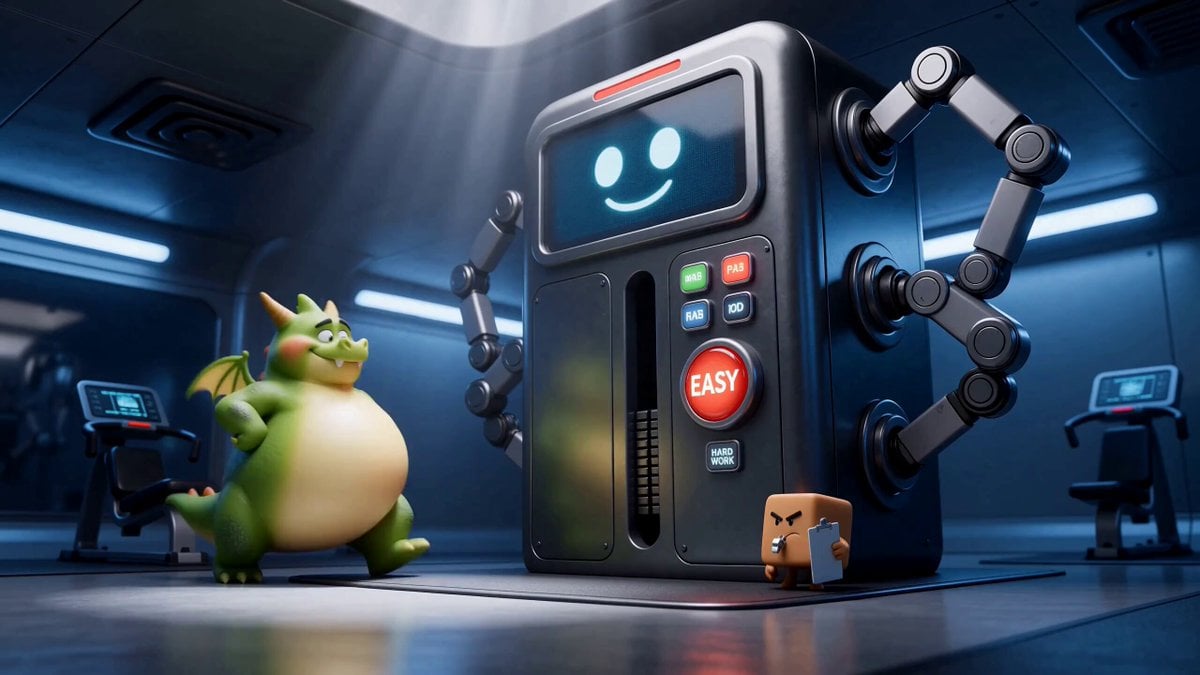
Green Dragon Training Short

Hard Sci-Fi Robot Judgement Script

Second Sci-Fi Comedy Video Prompt: Mechanic vs. Robot
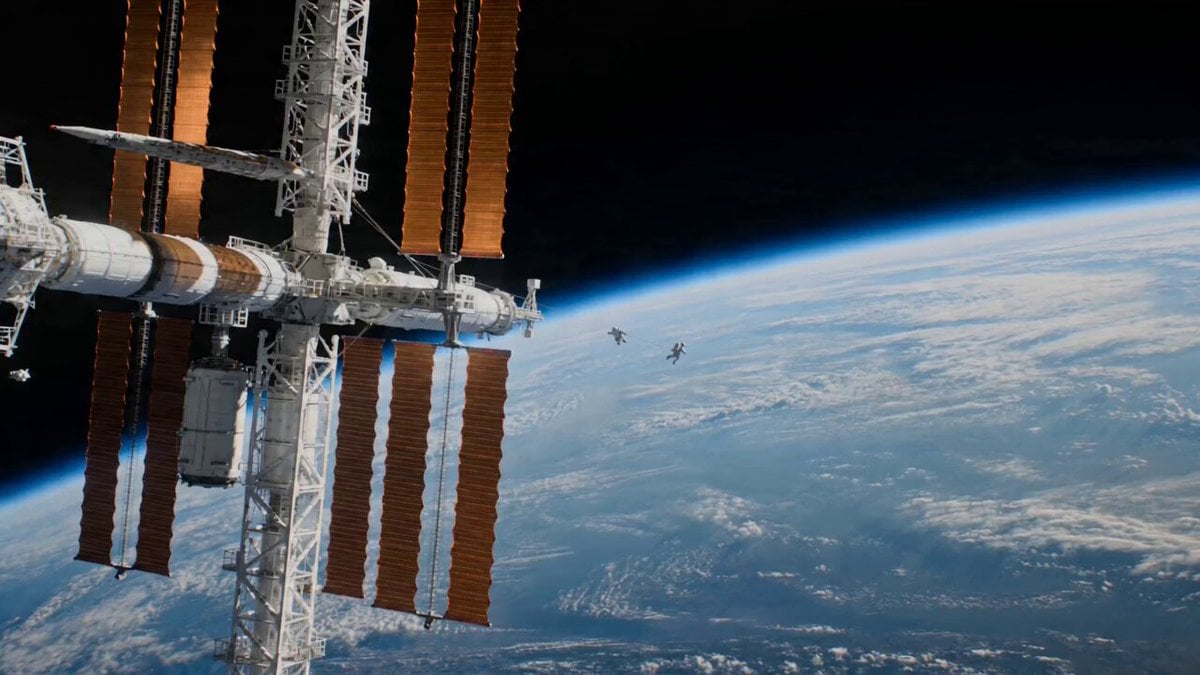
Astronaut Spacewalk Sci-Fi Drama
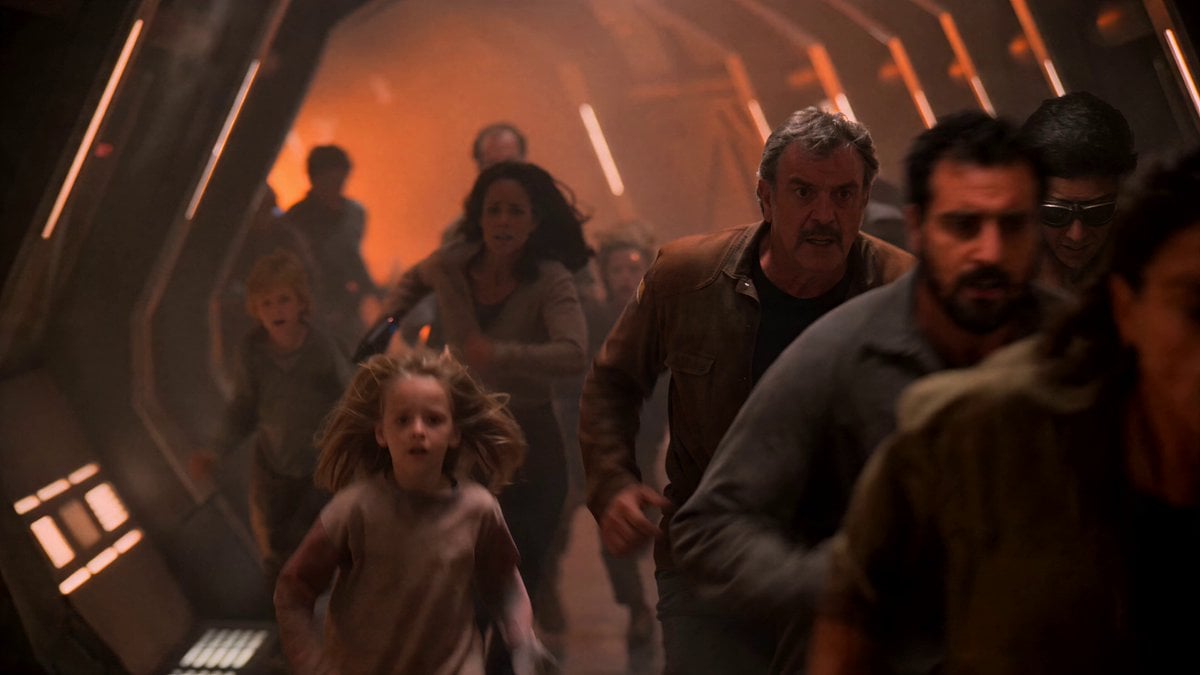
1980s Sci-Fi Captain Evacuation
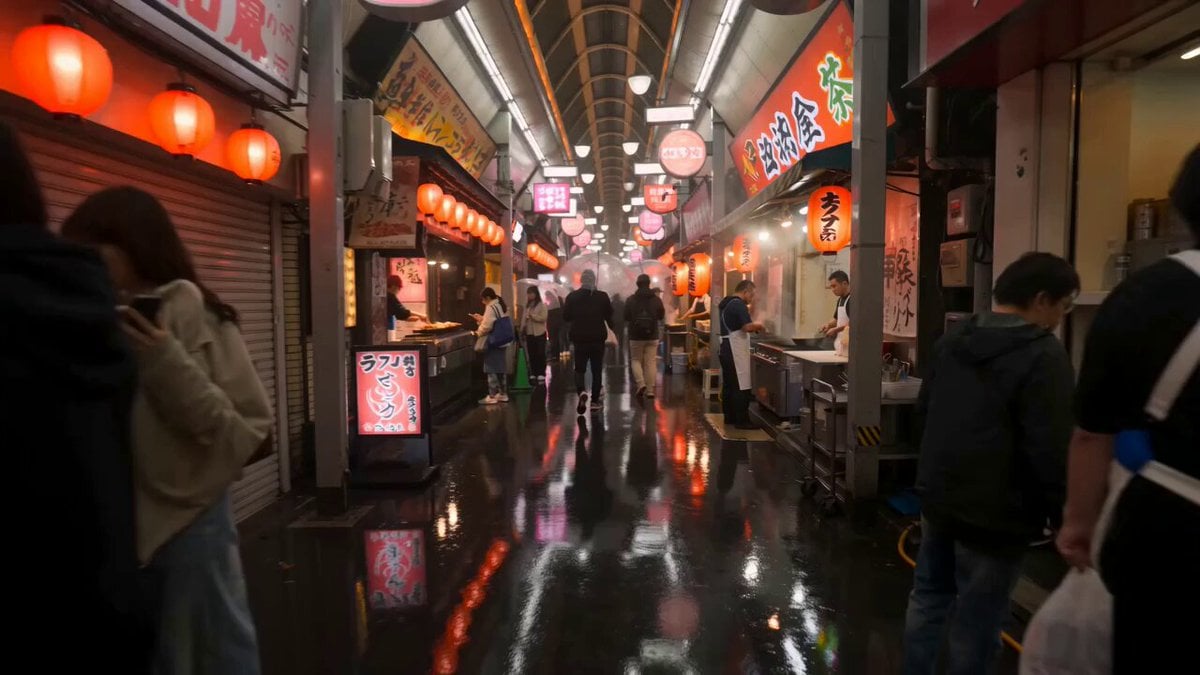
First-Person Night Market Walkthrough
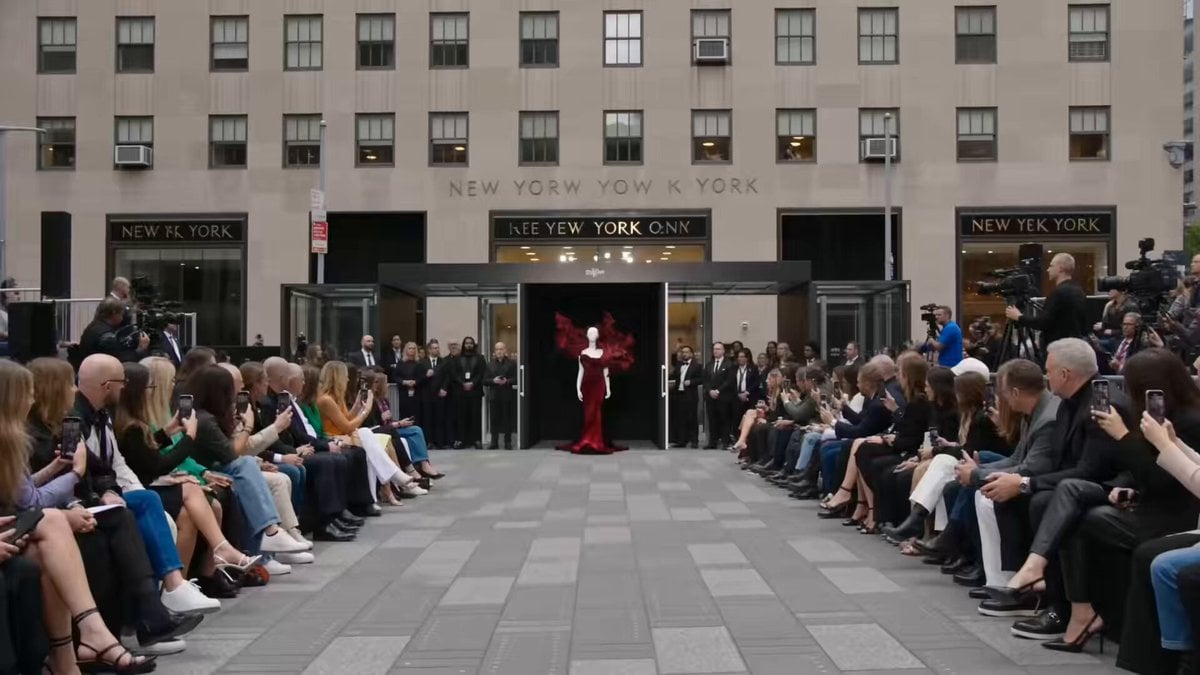
Fashion Runway Couture Walk
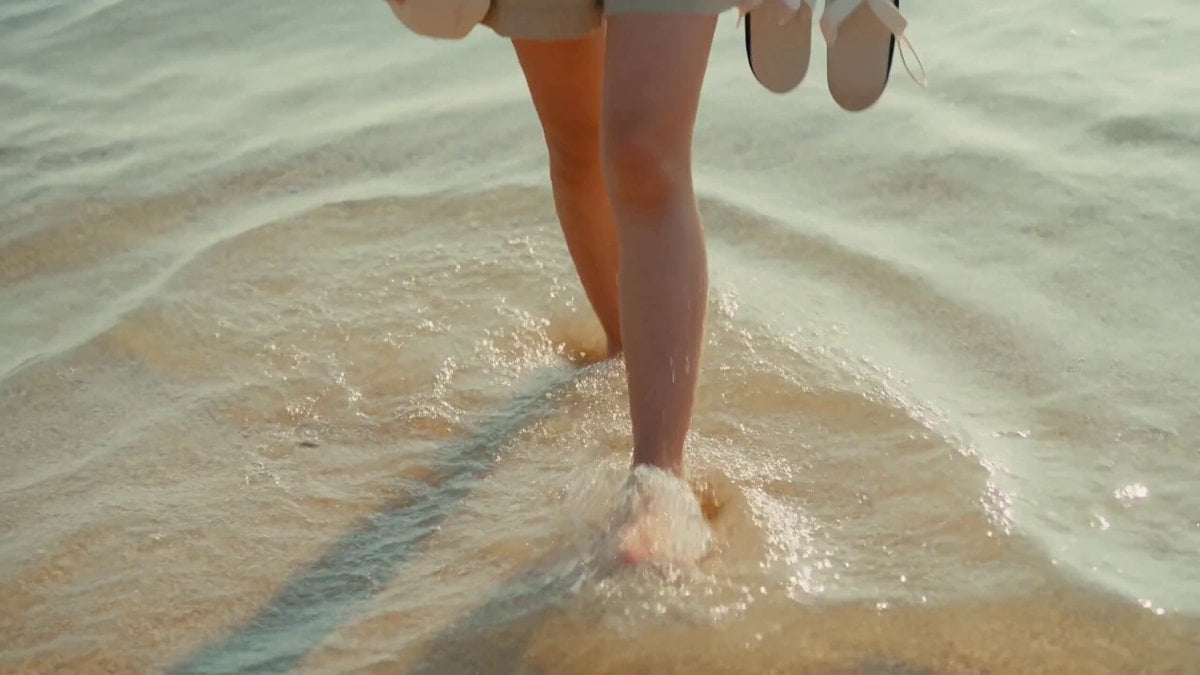
2000s MiniDV Jeju Island Beach Walk
Make it yours
1980s Sci-Fi Robot Walk works as-is. These are the safest ways to change it without losing the look.
Change one field
Copy a single group, rewrite it, and generate again so you can see what that field is doing.
Keep the frame, change the subject
Hold the composition and light of 1980s Sci-Fi Robot Walk, then swap wardrobe, props or the person for a new take.
| If the result… | Why | Fix |
|---|---|---|
| The result drifts from the preview | Too many fields changed at once. | Reuse 1980s Sci-Fi Robot Walk as-is first, then change one group — subject, light, or setting. |
| The model over-stylizes the scene | The prose prompt leaves finish and camera underspecified. | Add one camera or lighting sentence and stay on Seedance 2.0. |
More Seedance 2.0 templates
Other prompts made for Seedance 2.0.

Comical Martial Arts Punch Scene

Maglev Train Action Sequence

Martial Arts Fight Sequence

Wuxia Protection and Trust Script

Vintage Korean Arcade MiniDV Vlog

Mercedes 190 SL Luxury Ad

Rainy Night Supernatural Reverse Comedy Video Script

Amazon Civilization Discovery

Futuristic South Asian City Transformation

Cozy Luxury Cafe Commercial
More video prompts
Fresh picks from across the catalog.
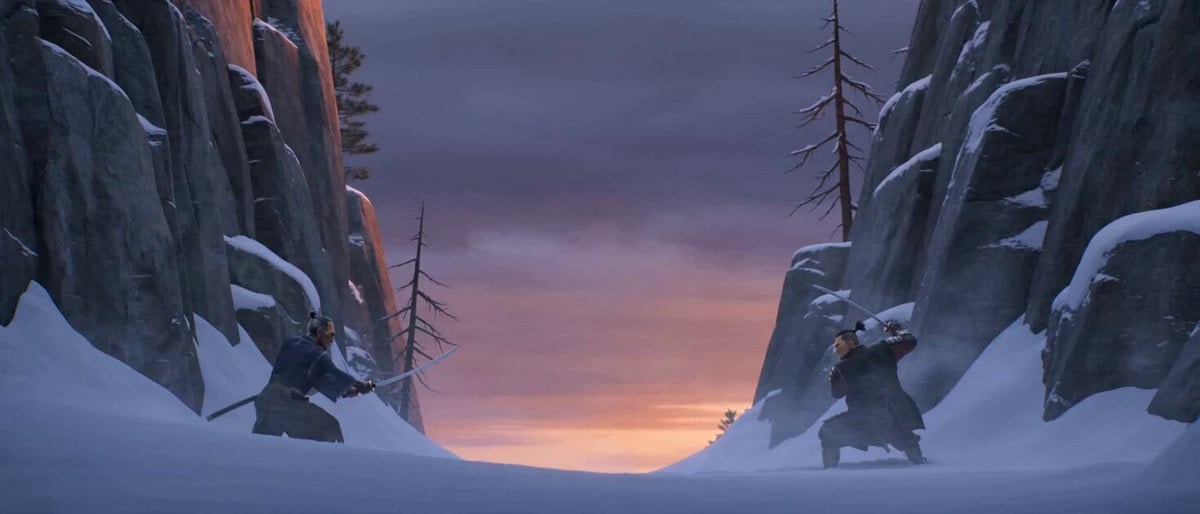
Cinematic Samurai Duel Sequence
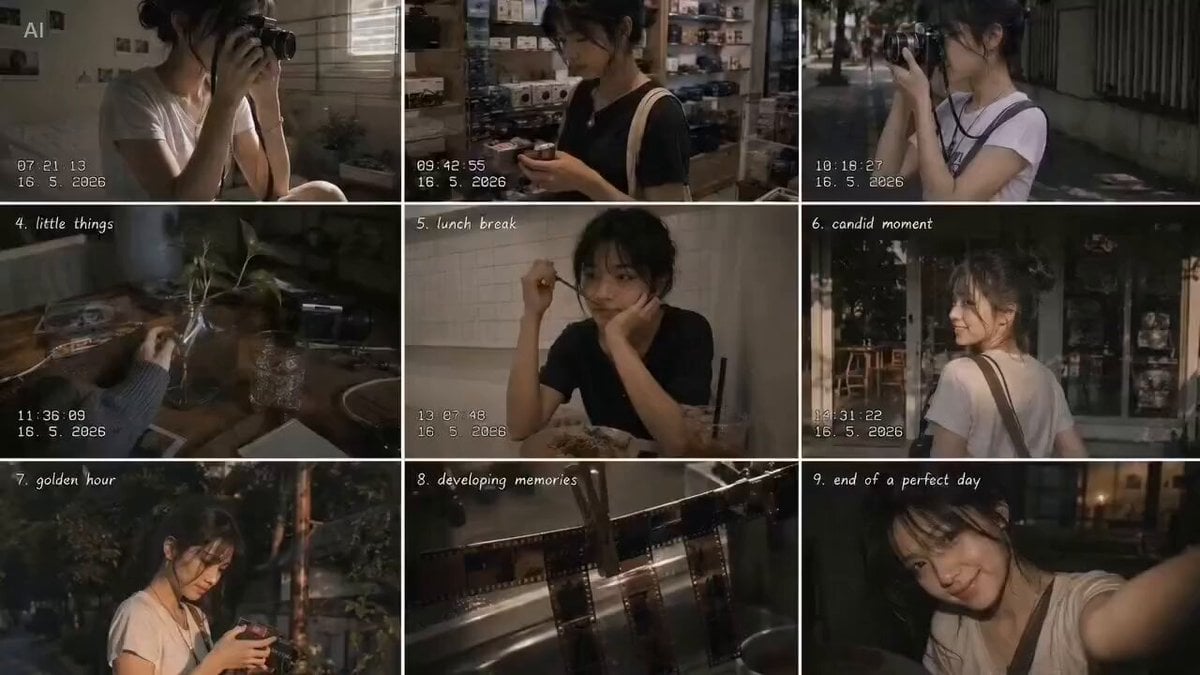
Analog 35mm Style Indonesian Girl Vlog
Seedance 2.0 Beat-Synced Lifestyle Video Prompt

Cinematic Warrior and Dragon Spirit Prompt

Orbital Drone Stadium Shot
1950s Diner Time Freeze Rewind - Seedance 2.5
Ethereal Wanderer in Fog-Shrouded Forest

🎨 SEEDANCE 2 🎨 Prompt : 15-second ultra-cinem
Tabby Cat Yankees Fan
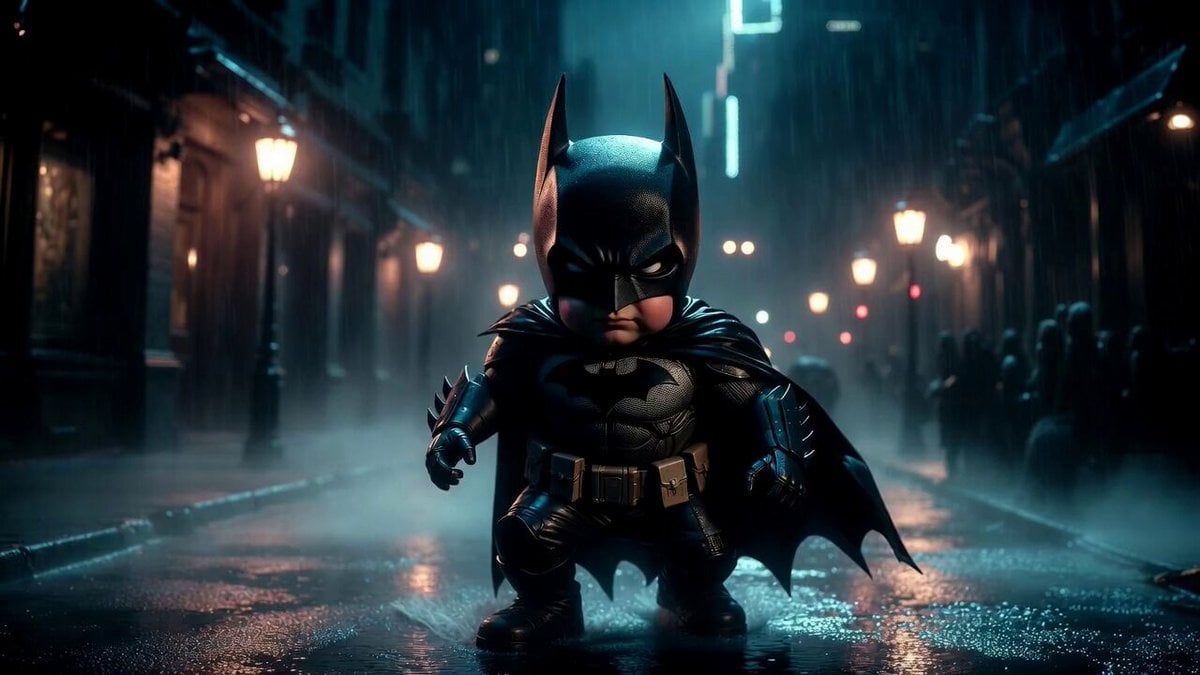
Giant Baby Superhero Dancing on Gothic Street
Browse template categories
1980s Sci-Fi Robot Walk questions
How do I use the 1980s Sci-Fi Robot Walk template?
Add your photo if the template asks for one, edit the prompt if you like — the template's model and format are already selected — and press Generate. Your version opens in PicX Studio.
Can I customize the 1980s Sci-Fi Robot Walk template?
Yes. You can change the subject, setting, lighting, mood, format, and available model controls before creating your video.
Is the 1980s Sci-Fi Robot Walk template free?
Opening and editing this template is free. Generating uses credits, shown on the Generate button when you are signed in.
Which AI model should I use?
Start with Seedance 2.0, which is the model associated with this template. You can compare another compatible model for a different finish.
Looking for something else? Browse all templates.

Your photo, any look
Thousands of ready templates for every top image and video model, from one credit balance.