
Tabby Cat Yankees Fan
A quirky and cinematic video prompt featuring a realistic tabby cat as a Yankees fan, complete with jerseys, beer, and a wink at the camera.
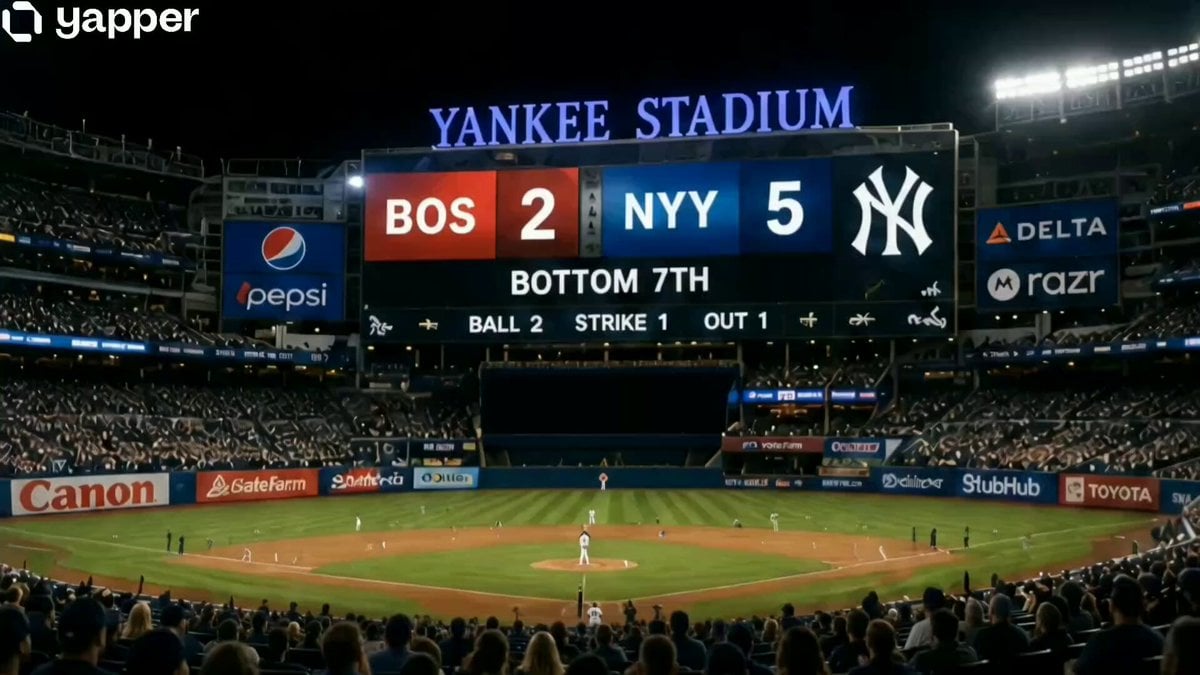
- Prompt included
- Model and format preset
- Free template
The prompt behind this video
Copy the exact prompt behind Tabby Cat Yankees Fan, or open it in the studio and make it yours.
A high-end cinematic 4K video featuring an ultra-realistic tabby cat as a fan in the New York Yankees stadium. The cat is wearing a detailed navy blue beanie and a pinstripe Yankees jersey, sitting in the stands with a plastic cup of beer held in its paws. The video follows this sequence: 1. A wide shot of the stadium showing the 'BOS 2, NYY 5' scoreboard. 2. A close-up of the cat taking a slow, calm sip of the beer. 3. The cat gives a smooth, charismatic wink directly at the camera. 4. The cat turns its head sharply to follow a foul ball toward the field. Integrated Audio: Professional English sports announcer voice says, 'Welcome back to the bottom of the 7th. There’s a 2-1 count to Aaron Judge... but look at our fan of the night! Pinstripes, beanie, and a cold one. A sip, a wink, and he’s back to the action! That’s a Bronx legend in the making. And Judge hits a foul ball off the end of the bat!' Authentic stadium lighting, realistic fur texture, blurred cheering crowd in the background.
How to use Tabby Cat Yankees Fan in 3 steps
- 1
Open
The prompt is already in the box next to the preview, with the template's model and format selected.
- 2…a portrait of your subject in softgolden-hour light, 85mm…
Personalize
Edit the subject and creative details for your destination.
- 3Generate
Generate
Press Generate — your video is created in PicX Studio, so you can compare it with the original and refine one variable at a time.
More like this
Templates with the same subject, style or setup. Open one to see its prompt.

3D Animated Cat and Old Man - Seedance
Miilesus Sports Bar Time Freeze
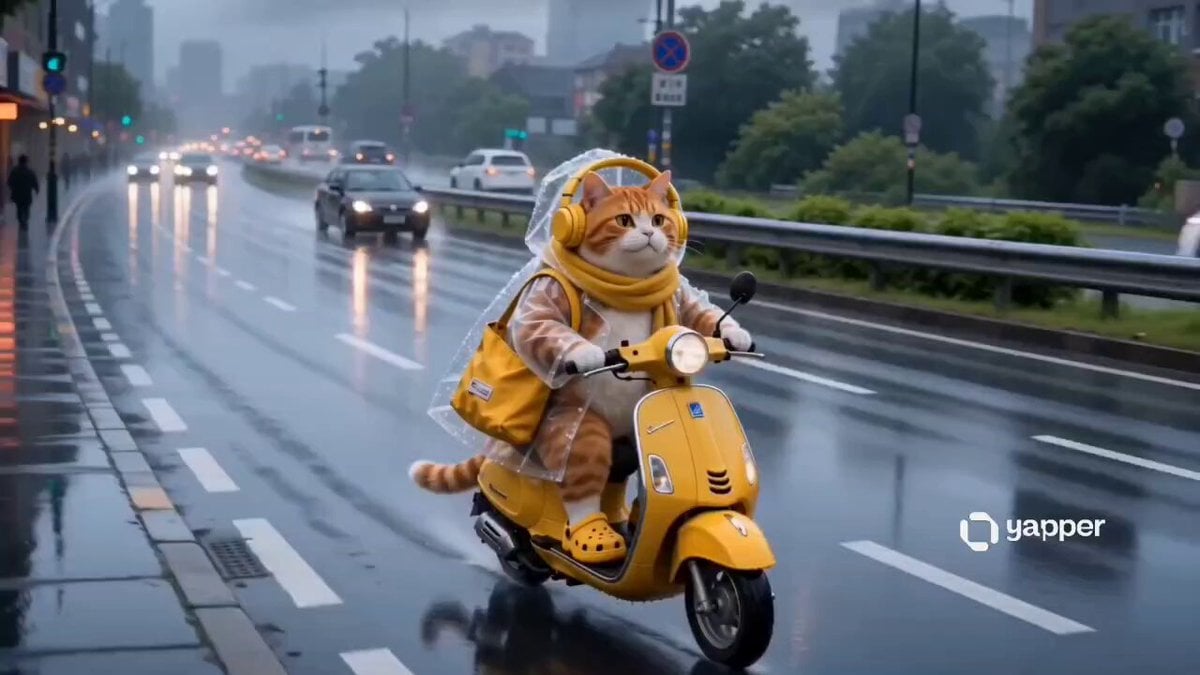
Tabby Cat Scooter Japanese City
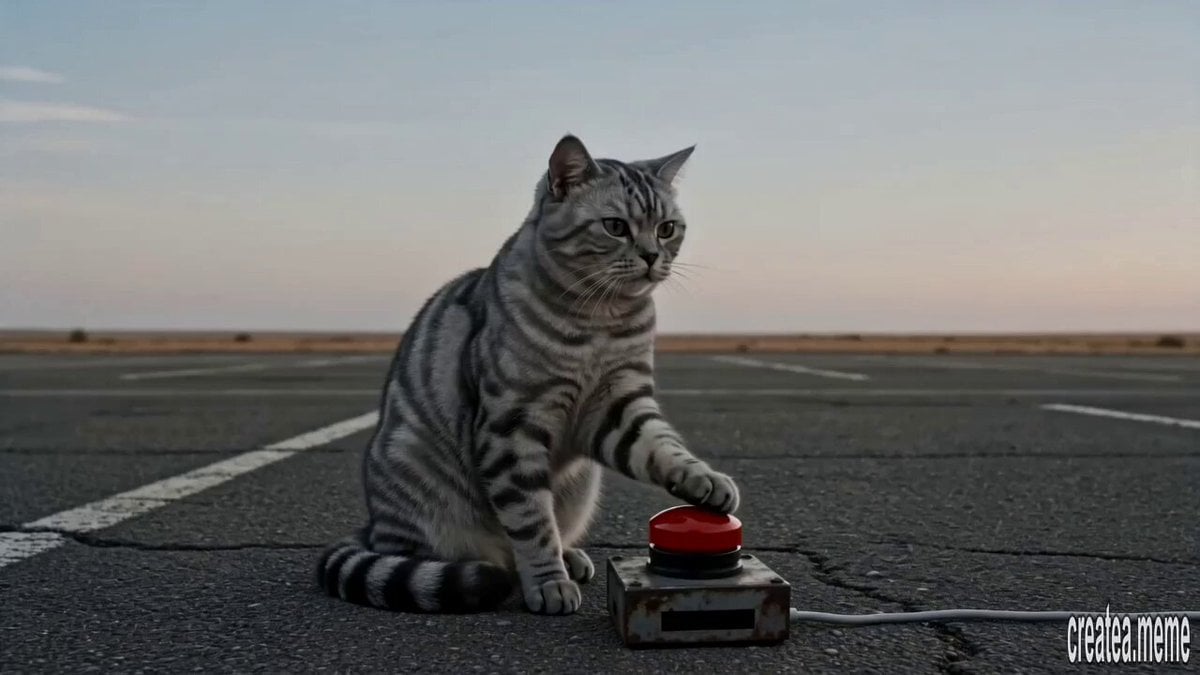
Cinematic Tabby Cat Explosion Meme
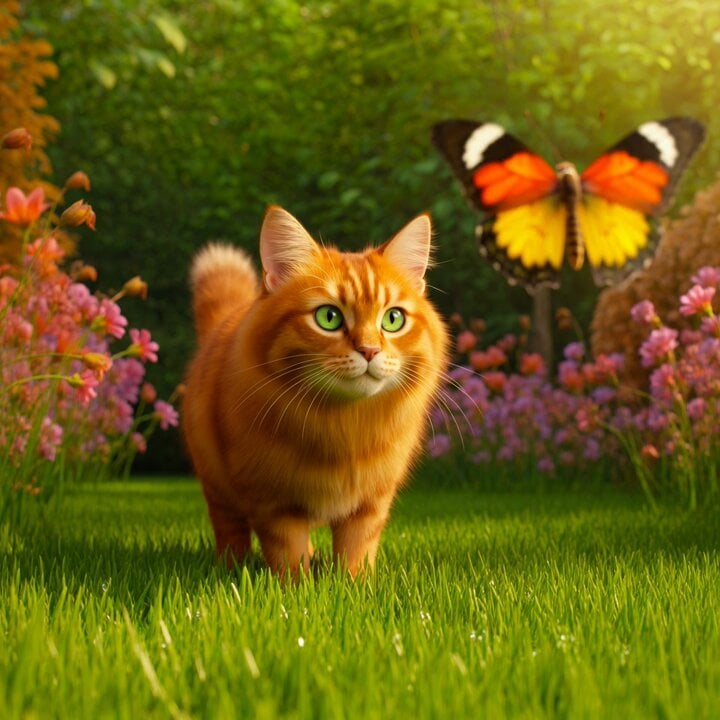
Tabby Cat Chasing a Butterfly in a Sunny Garden
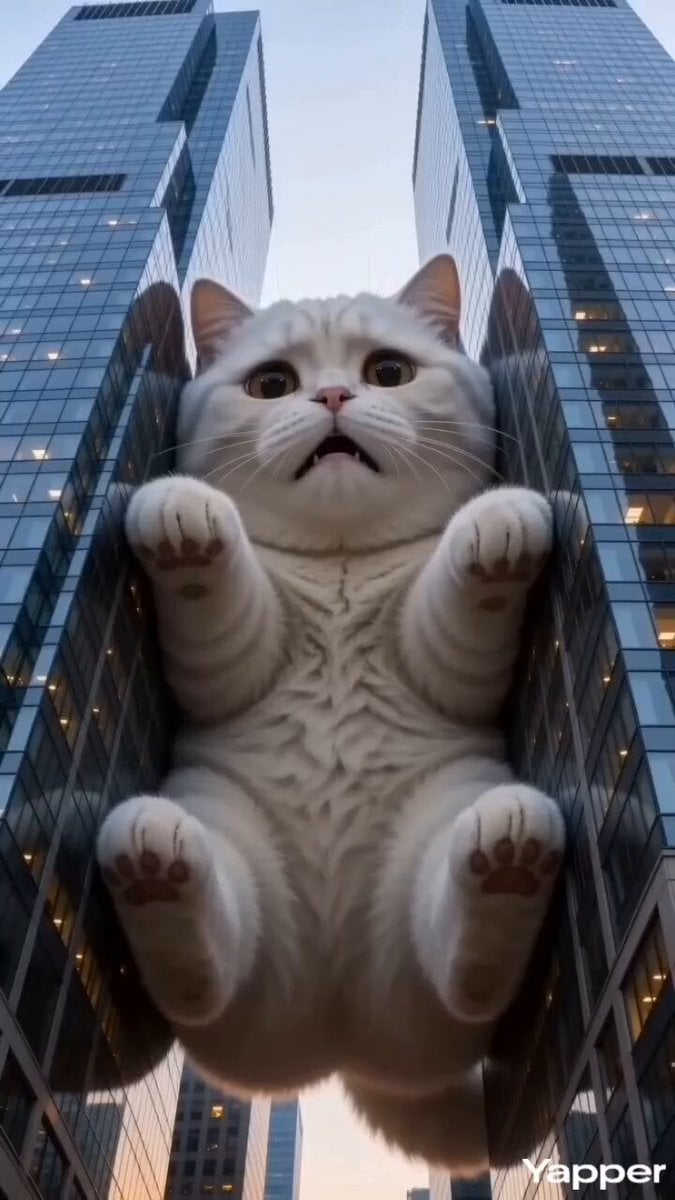
Godzilla-Sized White Tabby Cat in Chongqing
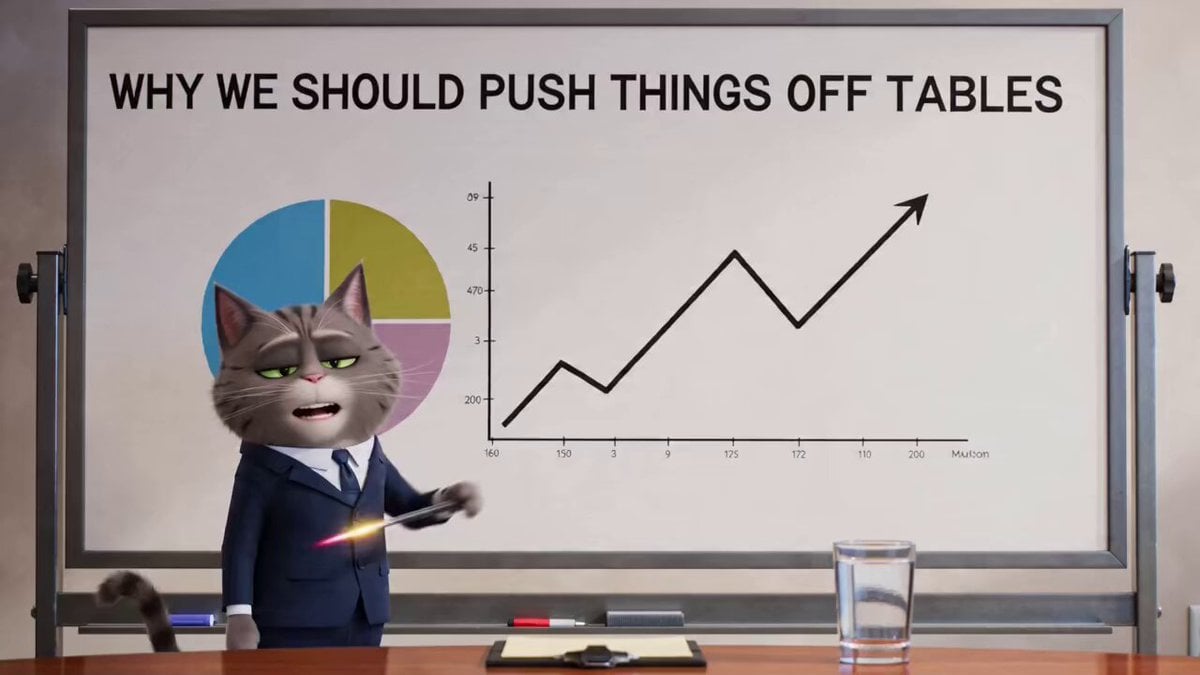
Gray Tabby Cat in a Suit Character Description
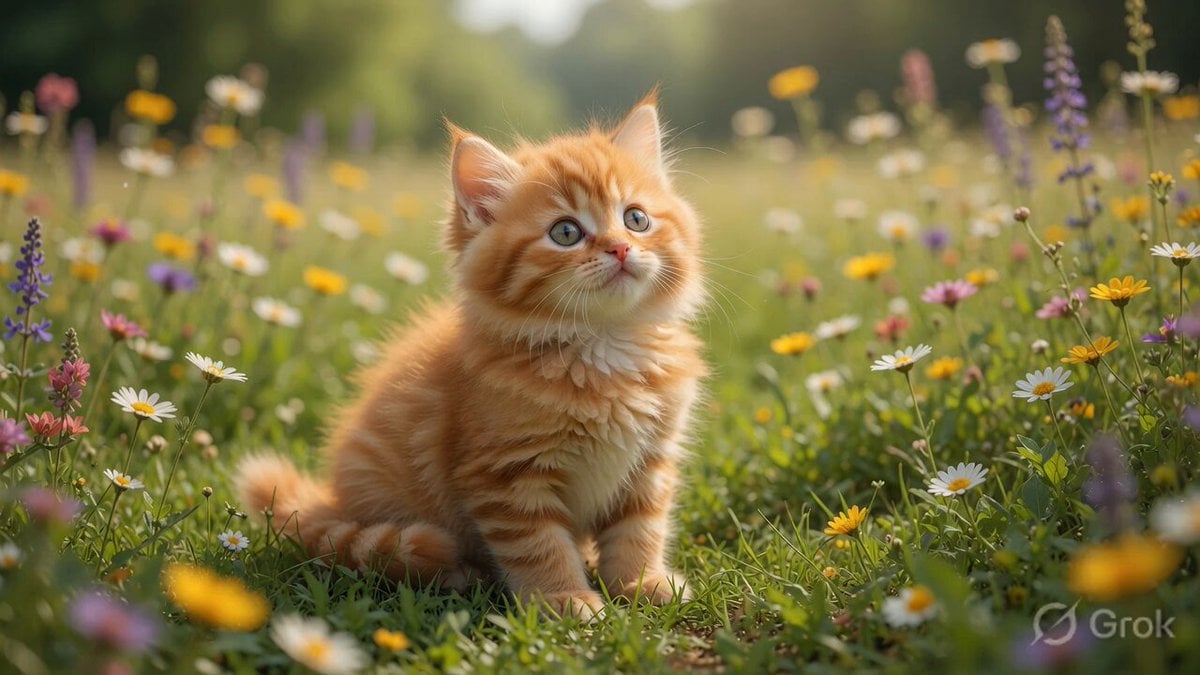
Playful Orange Tabby Kitten in Meadow
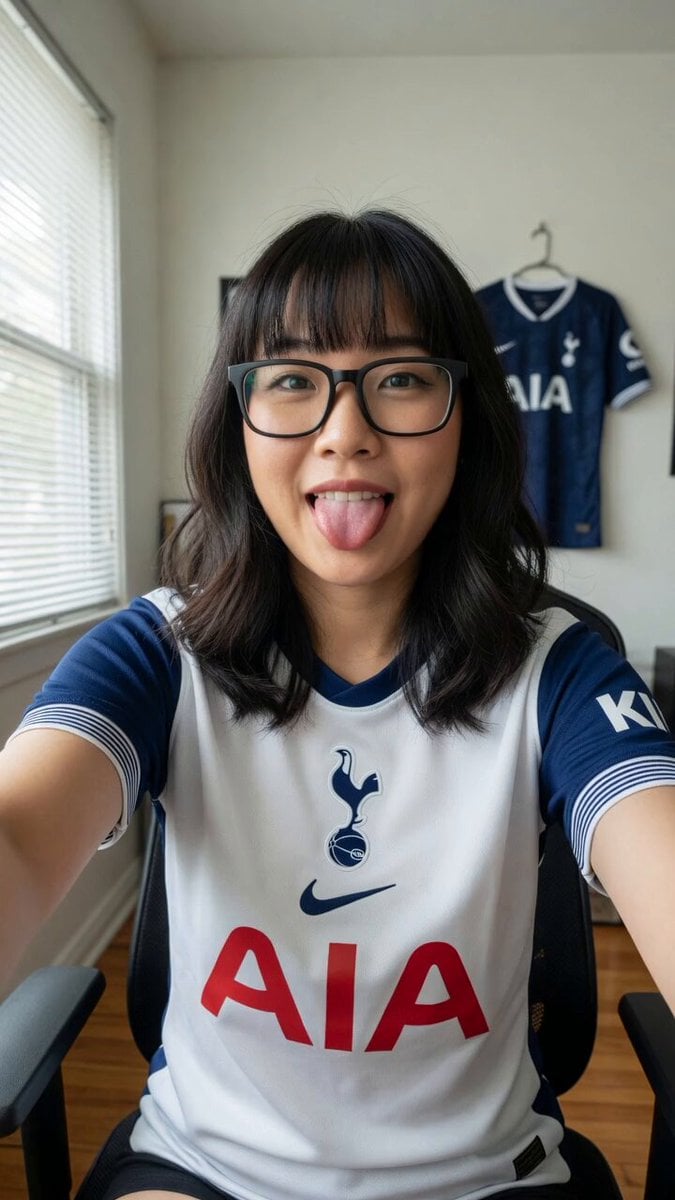
Tottenham Hotspur Fan Selfie Prompt
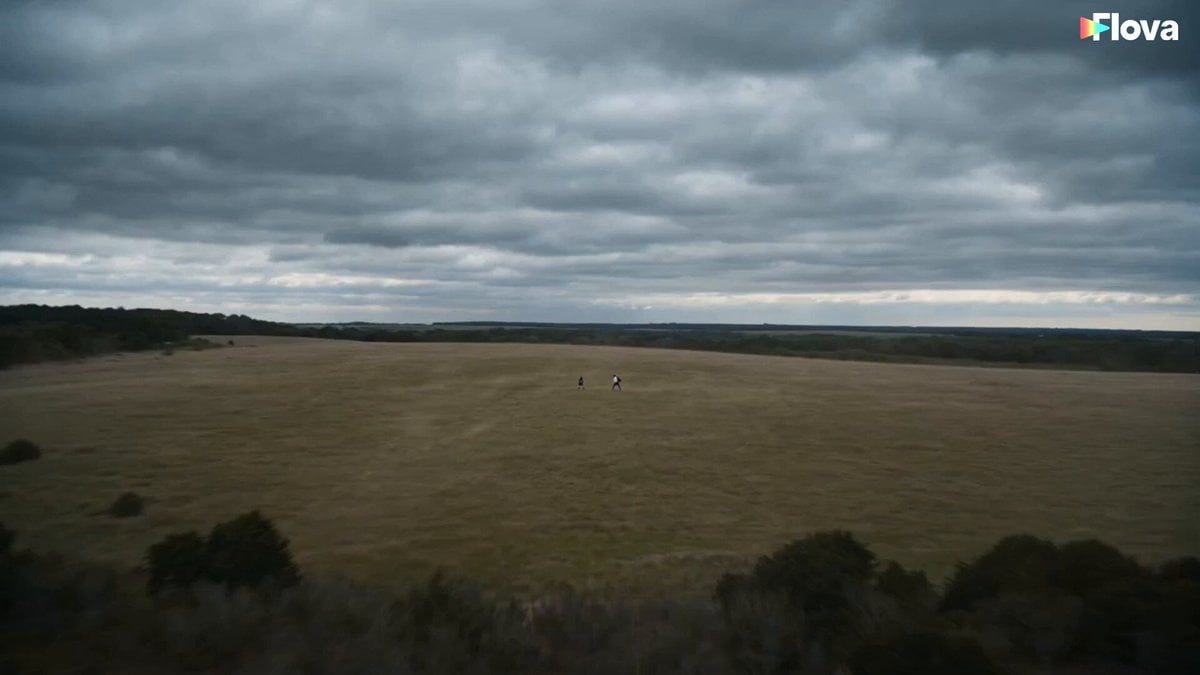
Fan vs Hammer Duel Combat Scene
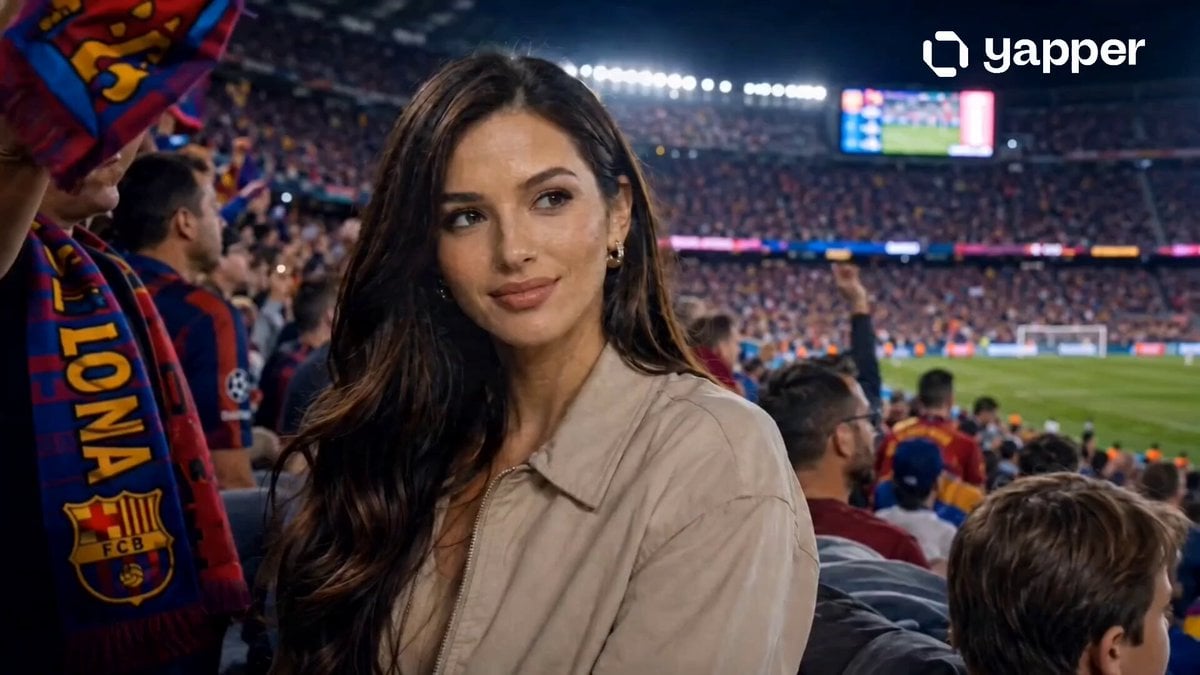
Hyper-Realistic Stadium Fan Video
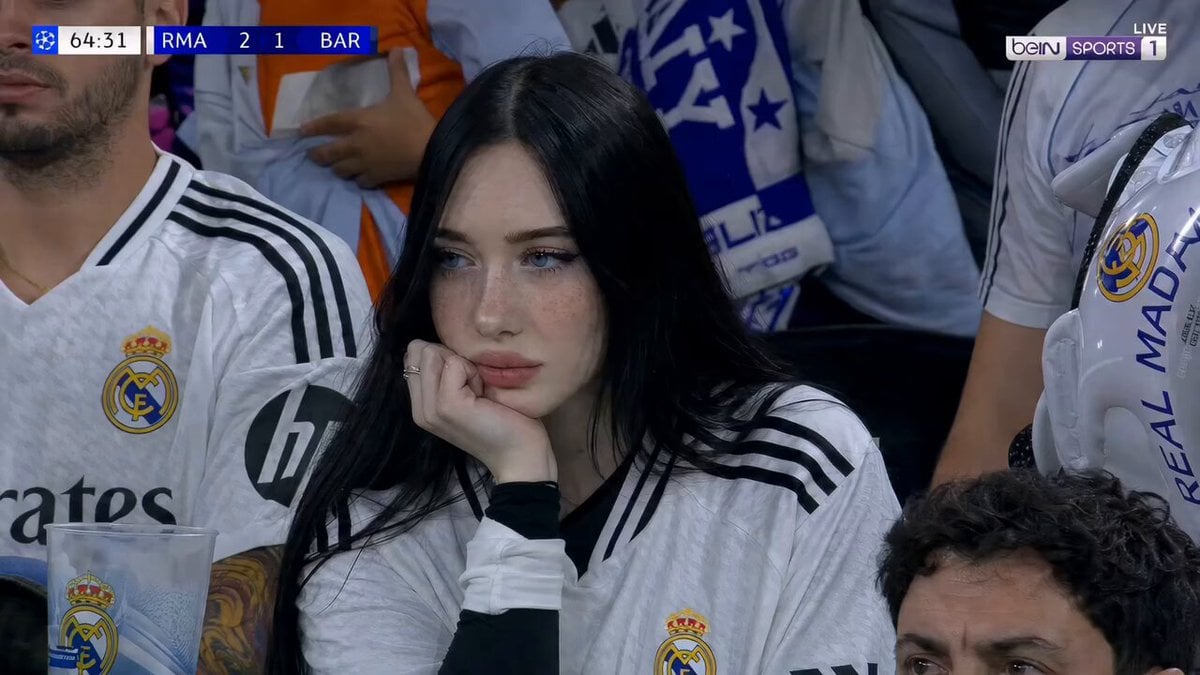
Football Stadium Fan Broadcast Shot
Make it yours
Tabby Cat Yankees Fan works as-is. These are the safest ways to change it without losing the look.
Change one field
Copy a single group, rewrite it, and generate again so you can see what that field is doing.
Keep the frame, change the subject
Hold the composition and light of Tabby Cat Yankees Fan, then swap wardrobe, props or the person for a new take.
| If the result… | Why | Fix |
|---|---|---|
| The result drifts from the preview | Too many fields changed at once. | Reuse Tabby Cat Yankees Fan as-is first, then change one group — subject, light, or setting. |
| The model over-stylizes the scene | The prose prompt leaves finish and camera underspecified. | Add one camera or lighting sentence and stay on Seedance 2.0. |
More Seedance 2.0 templates
Other prompts made for Seedance 2.0.

Comical Martial Arts Punch Scene

Maglev Train Action Sequence

Martial Arts Fight Sequence

Wuxia Protection and Trust Script

Vintage Korean Arcade MiniDV Vlog

Mercedes 190 SL Luxury Ad

Rainy Night Supernatural Reverse Comedy Video Script

Amazon Civilization Discovery

Futuristic South Asian City Transformation

Cozy Luxury Cafe Commercial
More video prompts
Fresh picks from across the catalog.

Badass tracking shot of a van speeding through an industrial complex
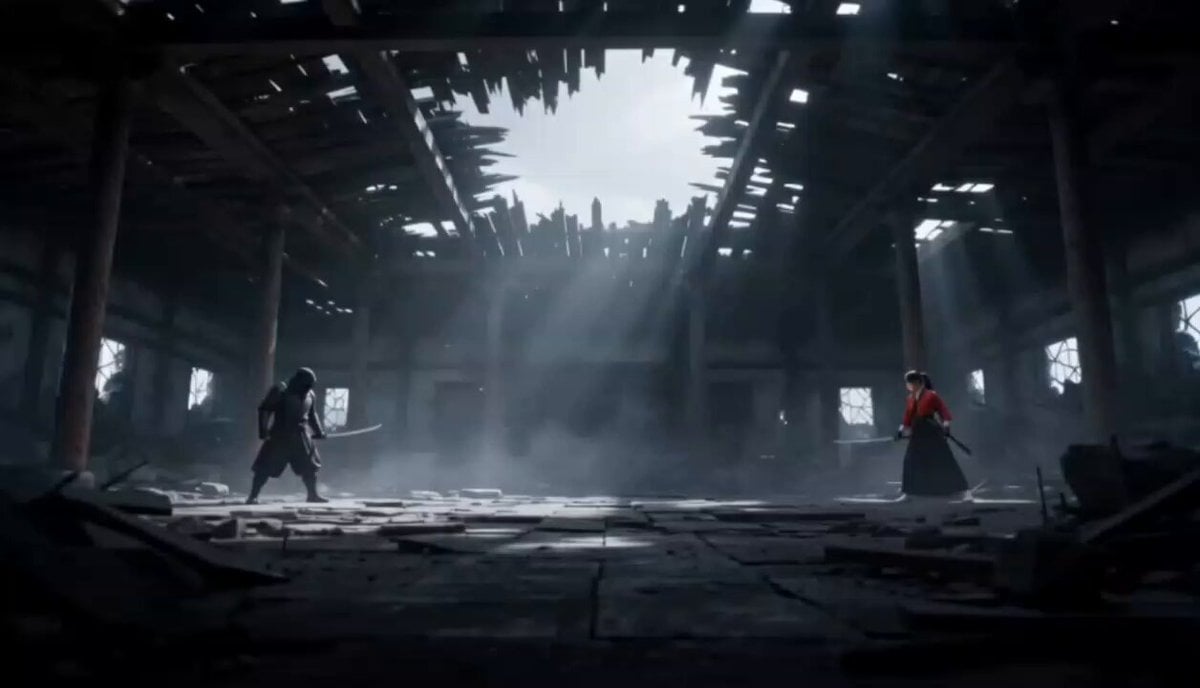
Cinematic Anime Samurai Duel
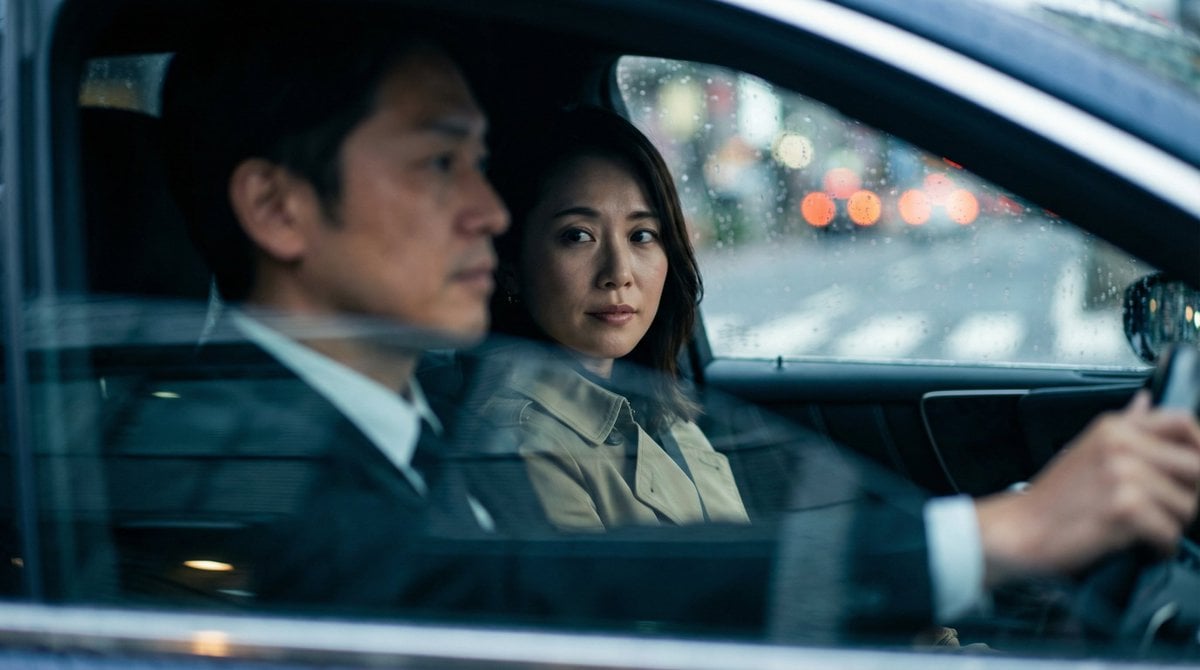
Japanese Couple in Parked Car During Heavy Rain
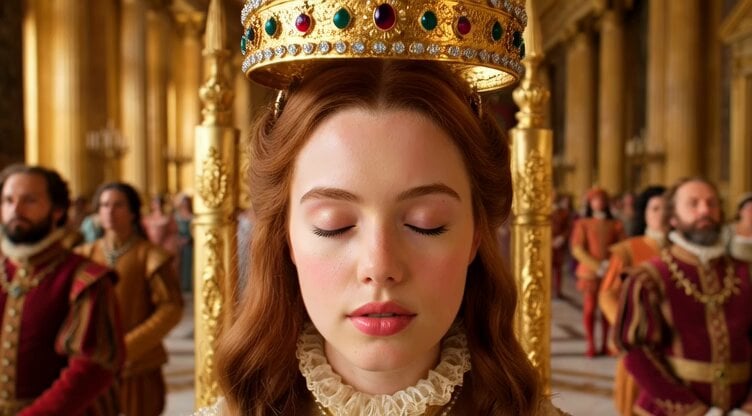
Majestic Queen Coronation Scene
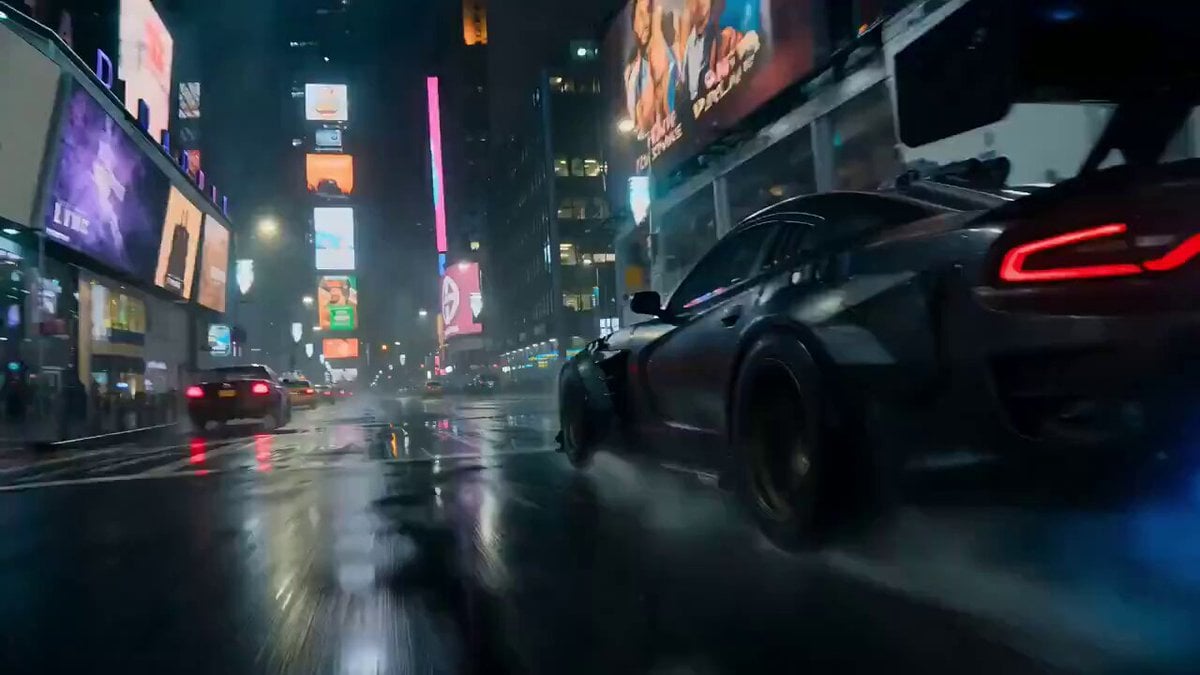
Luxury Car Transforming into Optimus Prime Fighting Godzilla in Tokyo

Tiny Dragons in Water Bucket

Inverted Geometry Hollow World Traversal
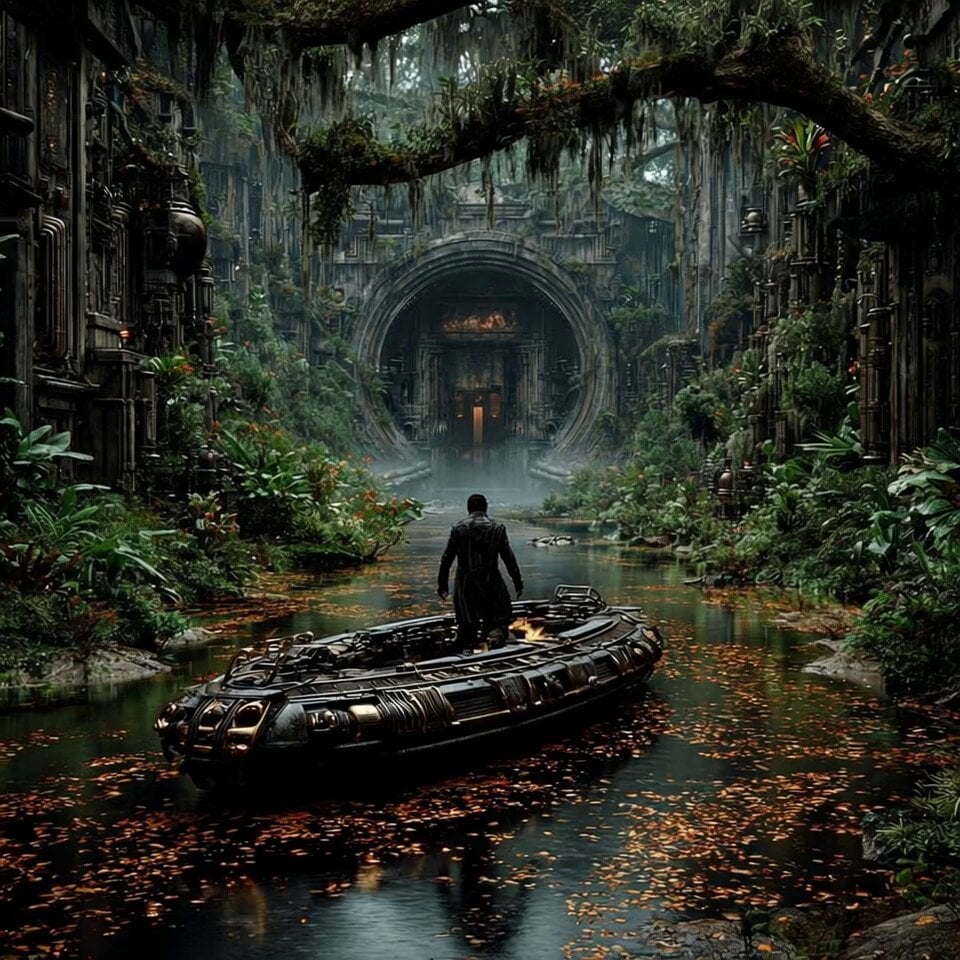
Raft Journey to Futuristic Utopia
Blueberry Pie Baking Storyboard

Grok Imagine prompt for Chibi Goku and Chi-Chi Animation
Browse template categories
Tabby Cat Yankees Fan questions
How do I use the Tabby Cat Yankees Fan template?
Add your photo if the template asks for one, edit the prompt if you like — the template's model and format are already selected — and press Generate. Your version opens in PicX Studio.
Can I customize the Tabby Cat Yankees Fan template?
Yes. You can change the subject, setting, lighting, mood, format, and available model controls before creating your video.
Is the Tabby Cat Yankees Fan template free?
Opening and editing this template is free. Generating uses credits, shown on the Generate button when you are signed in.
Which AI model should I use?
Start with Seedance 2.0, which is the model associated with this template. You can compare another compatible model for a different finish.
Looking for something else? Browse all templates.

Your photo, any look
Thousands of ready templates for every top image and video model, from one credit balance.