
Fan vs Hammer Duel Combat Scene
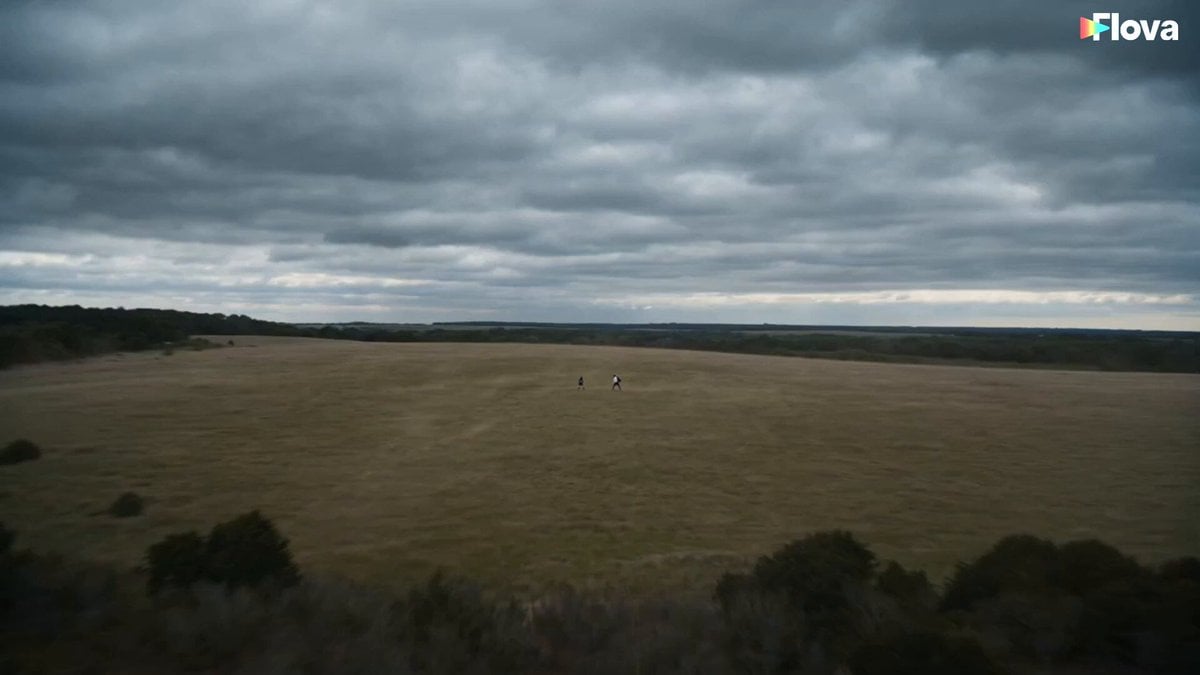
A complex three-part martial arts duel featuring steel war-fans against a stone hammer, including destruction and slow-motion impacts.
- Prompt included
- Model and format preset
- Free template
The prompt behind this video
Copy the exact prompt behind Fan vs Hammer Duel Combat Scene, or open it in the studio and make it yours.
PART 1 — CLASH BEGINS (0:00–0:15) Cut 1 (0:00–0:05) — Fast drone-in, both students already squared off, empty hands raised, wind gusting. Quick alternating close-ups on their eyes, no dialogue yet. Cut 2 (0:05–0:08) — ACTION STARTS. Both sprint toward each other, shouting in sync: Girl: "STEEL—!" Boy: "—OR STONE!" Fast handheld push-in, dust kicking up under their feet. Cut 3 (0:08–0:11) — Both rip weapons from behind their bodies mid-sprint — girl's twin steel war-fans snap open (metallic RING), boy's massive stone-headed hammer swings into frame. Whip-pan cuts between them, full speed. Cut 4 (0:11–0:15) — Boy laughs, hammer cocked back: Boy: "Stone crushes steel, sweetheart!" Girl smirks, doesn't slow down: Girl: "Not today." Low tracking shot chasing her sprint. PART 2 — THE STRIKE (0:15–0:30) Cut 5 (0:15–0:18) — Boy swings the stone hammer down in a massive overhead arc, roaring with effort: Boy: "HAAAH!" Handheld shake with the swing's force. Cut 6 (0:18–0:22) — SLOW-MOTION STRIKE #1: Girl pivots low, both steel fan-blades scissor together and clash directly into the stone hammer-head. Sparks and rock dust erupt. Camera orbits the impact 180° in slow motion. No dialogue — just the grinding stone-on-steel shriek. Cut 7 (0:22–0:25) — Full speed: the stone head cracks and shatters into flying rock shards. Boy's eyes go wide: Boy: "WHAT—" Cut 8 (0:25–0:30) — Shockwave sends him flying backward, tumbling through dirt and stone fragments. Fast cuts: tumble — dust — skid to a stop. Girl stalks forward, fans still crossed, unshaken. PART 3 — FINISH (0:30–0:45) Cut 9 (0:30–0:33) — Boy pushes up on one elbow, dazed, blazer torn, dust on his face: Boy: (coughing, defiant) "...Not bad." Cut 10 (0:33–0:36) — Girl closes the distance fast, plants one fan-blade in the dirt beside his head — SLOW-MOTION STRIKE #2: blade sinks into the earth, wind blast throws his hair back, dust ring bursts outward around the impact point. Cut 11 (0:36–0:40) — Full speed. Girl straightens, fans crossed over her shoulders, hair whipping, staring down at him with total control. Boy: (smirking despite himself) "...Guess I lost." Cut 12 (0:40–0:45) — Low-angle hero shot, wind roaring, girl's eyes locked on camera: Girl: "K.O." Hard cut to black on final syllable.
How to use Fan vs Hammer Duel Combat Scene in 3 steps
- 1
Open
The prompt is already in the box next to the preview, with the template's model and format selected.
- 2…a portrait of your subject in softgolden-hour light, 85mm…
Personalize
Edit the subject and creative details for your destination.
- 3Generate
Generate
Press Generate — your video is created in PicX Studio, so you can compare it with the original and refine one variable at a time.
More like this
Templates with the same subject, style or setup. Open one to see its prompt.
Medieval Duel Style Transfer
Urban Fantasy RPG Combat Animation
Dark Fantasy Mage Duel
Cinematic Sci-Fi Fantasy Duel Prompt with Detailed Choreography
Dark Fantasy Duel: Shadow Monarch vs Knight
Samurai Duel in Stormy Rooftop
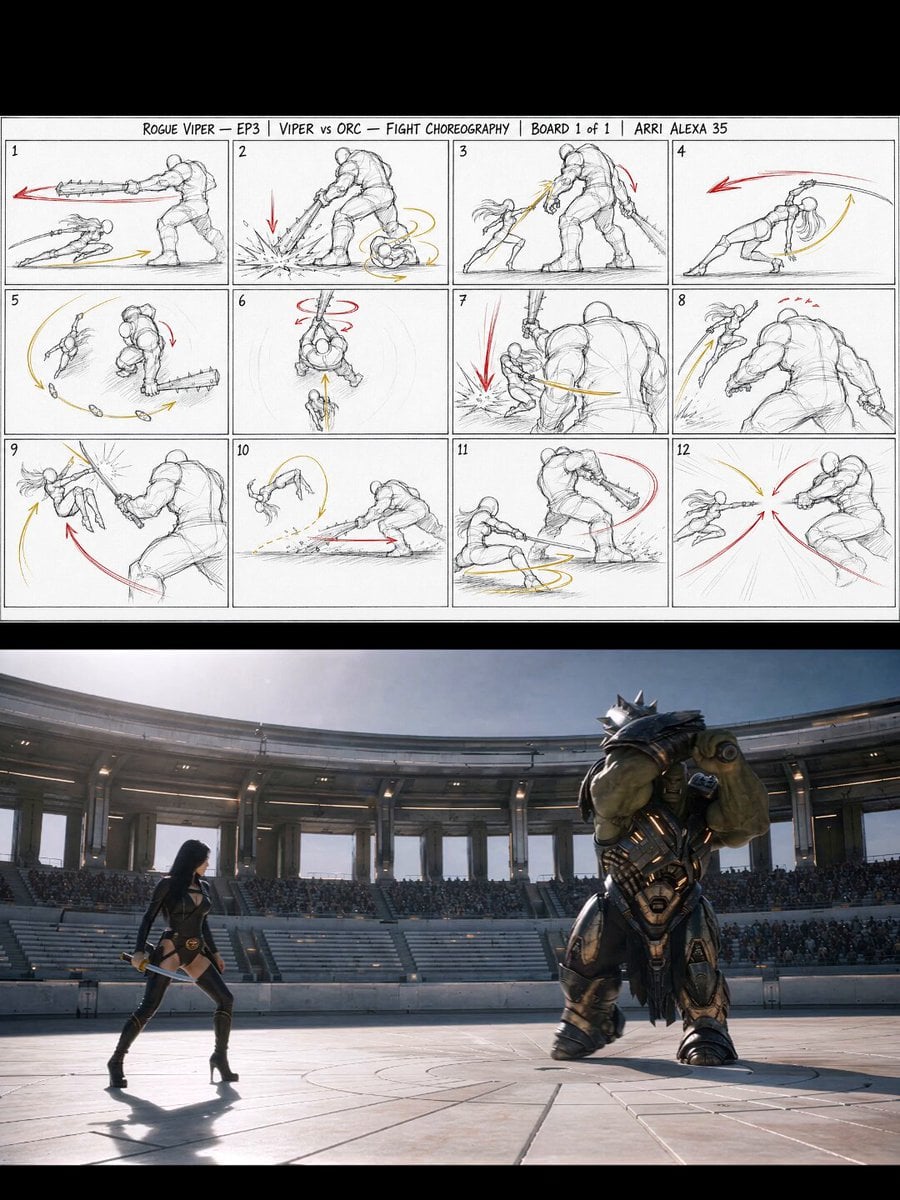
Gladiator Arena Duel Action
Floating Magic City Aerial Combat
Mecha vs Titan Dragon Cinematic Combat

Tottenham Hotspur Fan Selfie Prompt
Cinematic Samurai Duel Sequence
Brutal Anime Combat Tournament
Make it yours
Fan vs Hammer Duel Combat Scene works as-is. These are the safest ways to change it without losing the look.
Change one field
Copy a single group, rewrite it, and generate again so you can see what that field is doing.
Keep the frame, change the subject
Hold the composition and light of Fan vs Hammer Duel Combat Scene, then swap wardrobe, props or the person for a new take.
| If the result… | Why | Fix |
|---|---|---|
| The result drifts from the preview | Too many fields changed at once. | Reuse Fan vs Hammer Duel Combat Scene as-is first, then change one group — subject, light, or setting. |
| The model over-stylizes the scene | The prose prompt leaves finish and camera underspecified. | Add one camera or lighting sentence and stay on Seedance 2.0. |
More Seedance 2.0 templates
Other prompts made for Seedance 2.0.

Comical Martial Arts Punch Scene

Maglev Train Action Sequence

Martial Arts Fight Sequence

Wuxia Protection and Trust Script

Vintage Korean Arcade MiniDV Vlog

Mercedes 190 SL Luxury Ad

Rainy Night Supernatural Reverse Comedy Video Script

Amazon Civilization Discovery

Futuristic South Asian City Transformation

Cozy Luxury Cafe Commercial
More video prompts
Fresh picks from across the catalog.

Forest Queen Paper Sculpture Video
Seamless Four-Season Skate/Snowboard Journey Video Prompt

Fitness Transformation Commercial
Rotating Sneaker Ad Sequence
Mascara Product Advertisement

Majestic Queen Coronation Scene
SpaceX Style Rocket Launch
Twelve Flower Goddess Transformation Video Prompt
Sushi Chef Animation Prompt
High-End Nightclub Party Cinematic Video
Browse template categories
Fan vs Hammer Duel Combat Scene questions
How do I use the Fan vs Hammer Duel Combat Scene template?
Add your photo if the template asks for one, edit the prompt if you like — the template's model and format are already selected — and press Generate. Your version opens in PicX Studio.
Can I customize the Fan vs Hammer Duel Combat Scene template?
Yes. You can change the subject, setting, lighting, mood, format, and available model controls before creating your video.
Is the Fan vs Hammer Duel Combat Scene template free?
Opening and editing this template is free. Generating uses credits, shown on the Generate button when you are signed in.
Which AI model should I use?
Start with Seedance 2.0, which is the model associated with this template. You can compare another compatible model for a different finish.
Looking for something else? Browse all templates.

Your photo, any look
Thousands of ready templates for every top image and video model, from one credit balance.