
Forest Queen Paper Sculpture Video
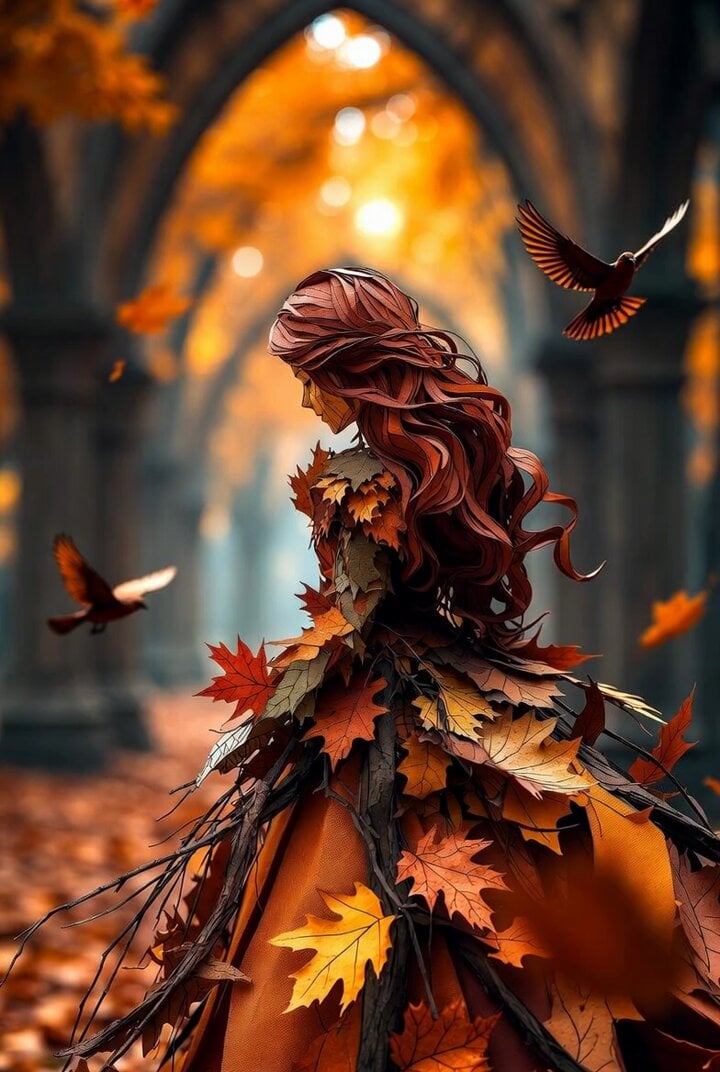
A cinematic video prompt for a forest queen made of paper sculptures with autumn themes and golden lighting.
- Prompt included
- Model and format preset
- Premium template
The prompt behind this video
Copy the exact prompt behind Forest Queen Paper Sculpture Video, or open it in the studio and make it yours.
Ultra detailed paper sculpted forest queen with long auburn wavy hair, wearing a layered dress made of autumn leaves, branches and warm toned fabrics, surrounded by birds and falling leaves, forest cathedral arches behind, golden orange lighting, cozy cinematic mood, extremely detailed textures, 8k.
How to use Forest Queen Paper Sculpture Video in 3 steps
- 1
Open
The prompt is already in the box next to the preview, with the template's model and format selected.
- 2…a portrait of your subject in softgolden-hour light, 85mm…
Personalize
Edit the subject and creative details for your destination.
- 3Generate
Generate
Press Generate — your video is created in PicX Studio, so you can compare it with the original and refine one variable at a time.
More like this
Templates with the same subject, style or setup. Open one to see its prompt.
Gothic Paper Cut Queen
Cosmic Queen Paper Art Video
Colorful Paper Art Fairy Queen Prompt
Egyptian Paper Art Queen
Paper Towel Alien Transformation
Surreal Molten Gold Sculpture
Medieval Knight and Queen Cinematic Close-up
Dancing Buddhist sculptures animation
Paper-cut Budapest Animation

Glowing Water Forest Night Prompt
Snow Queen Permafrost Palace Video
Silver Lace Queen in Silent Garden
Make it yours
Forest Queen Paper Sculpture Video works as-is. These are the safest ways to change it without losing the look.
Change one field
Copy a single group, rewrite it, and generate again so you can see what that field is doing.
Keep the frame, change the subject
Hold the composition and light of Forest Queen Paper Sculpture Video, then swap wardrobe, props or the person for a new take.
| If the result… | Why | Fix |
|---|---|---|
| The result drifts from the preview | Too many fields changed at once. | Reuse Forest Queen Paper Sculpture Video as-is first, then change one group — subject, light, or setting. |
| The model over-stylizes the scene | The prose prompt leaves finish and camera underspecified. | Add one camera or lighting sentence and stay on Grok Imagine. |
More Grok Imagine templates
Other prompts made for Grok Imagine.

Kaleidoscopic Cosmic Dolphin Video

Horror Daffy Duck Video Transition

America 250th Anniversary Celebration

Soft Pink Roses Dreamer Prompt

Ninja Wizard Levitation Jump

Coffee Cup Interaction Motion

Voice Controlled Water Animation

Pterodactyl Transformation Journey

Candle Mandala Mirror Video

Psychedelic Purple Disc World Video
More video prompts
Fresh picks from across the catalog.
Anime Pork-Wrapped Asparagus Cooking Video
Manhattan Street Cinematic Chase
Klimt-Inspired Impasto Painting of Lovers (Midjourney/Grok Imagine)
Futuristic Palace Architectural Tour

Sci-Fi Ocean Overflood Sequence
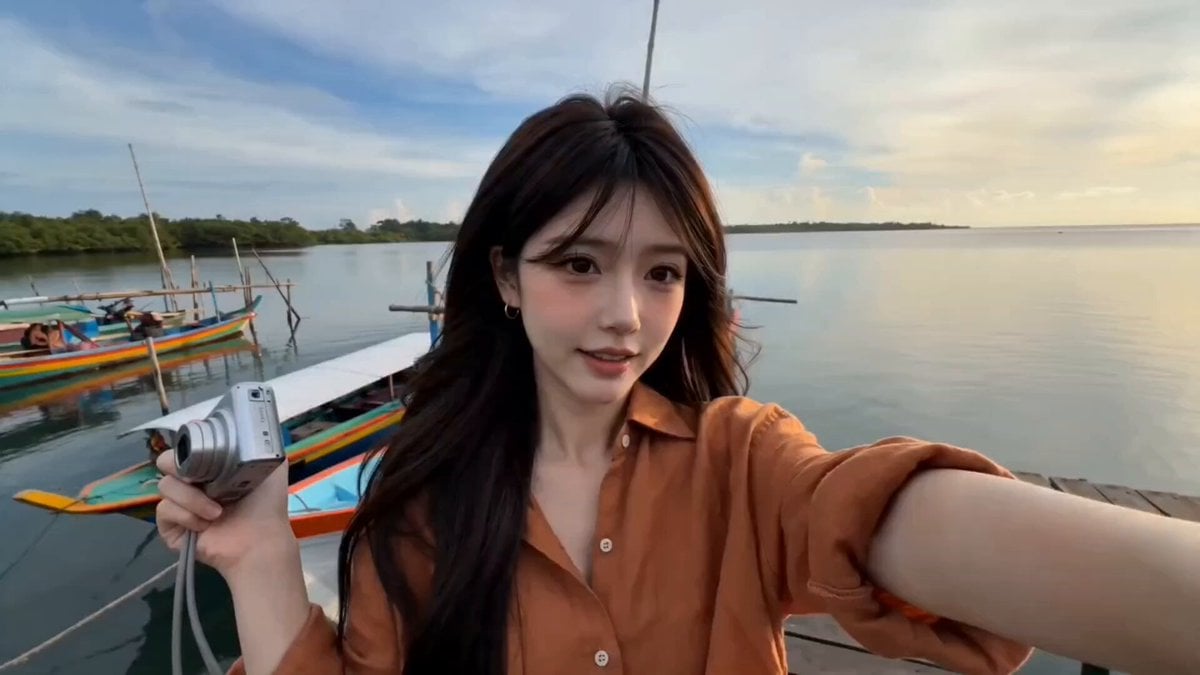
Authentic Indonesian Woman Vlog Aesthetic

Starry Wish Pulp Cover
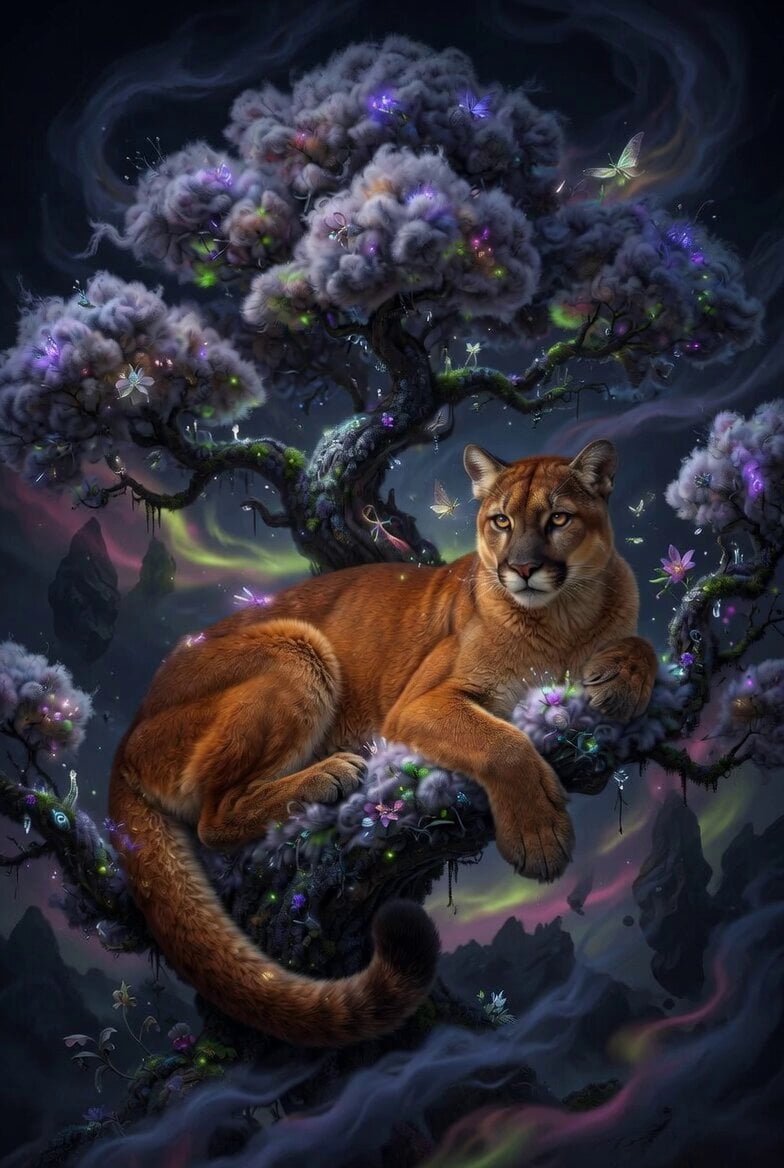
Enchanted Forest Cougar Leap
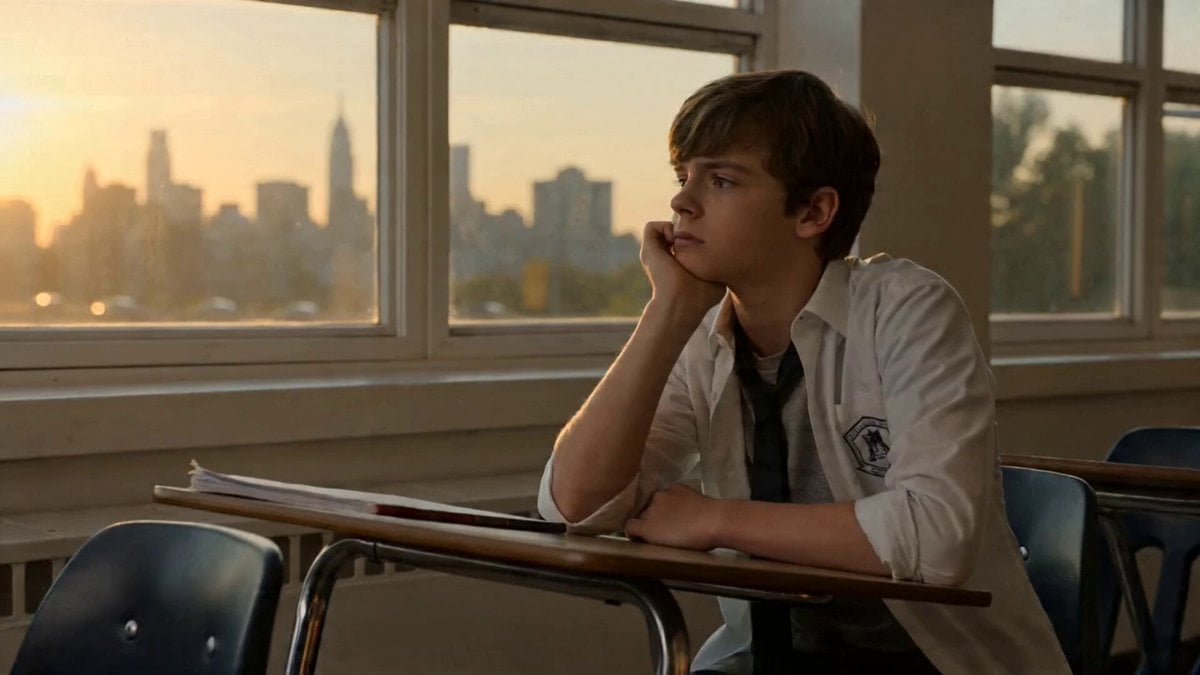
Topview Agent v2 Generates Movie Trailer with Seedance 2.0
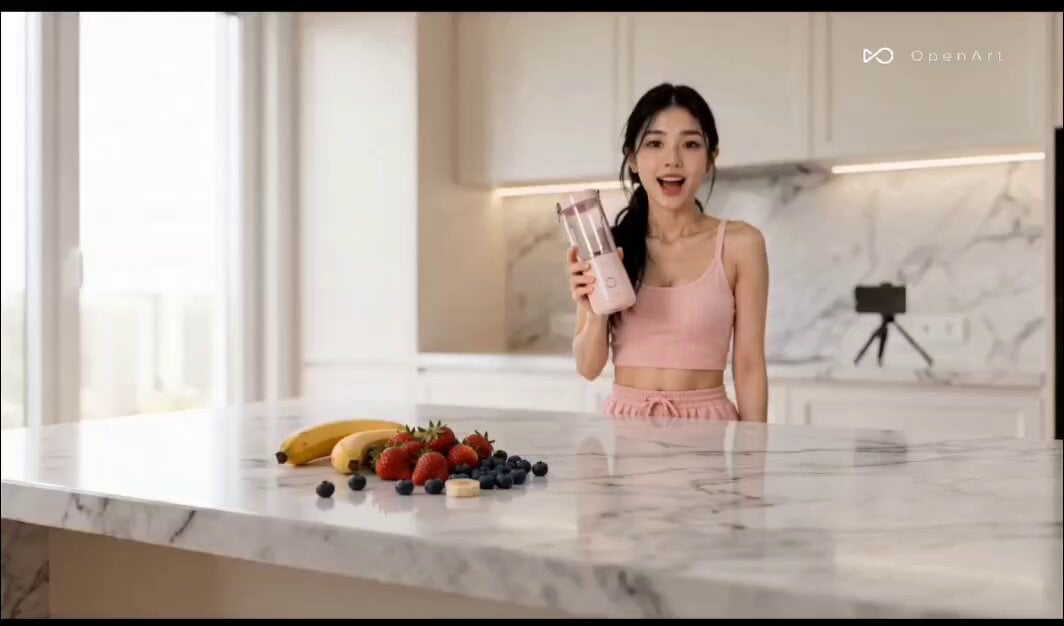
Portable Blender UGC Kitchen Video
Browse template categories
Forest Queen Paper Sculpture Video questions
How do I use the Forest Queen Paper Sculpture Video template?
Add your photo if the template asks for one, edit the prompt if you like — the template's model and format are already selected — and press Generate. Your version opens in PicX Studio.
Can I customize the Forest Queen Paper Sculpture Video template?
Yes. You can change the subject, setting, lighting, mood, format, and available model controls before creating your video.
Is the Forest Queen Paper Sculpture Video template free?
Opening and editing this template is free. Generating uses credits, shown on the Generate button when you are signed in.
Which AI model should I use?
Start with Grok Imagine, which is the model associated with this template. You can compare another compatible model for a different finish.
Looking for something else? Browse all templates.

Your photo, any look
Thousands of ready templates for every top image and video model, from one credit balance.