How do I use the Dark Fantasy Duel: Shadow Monarch vs Knight template?
Edit the prompt in the box under the preview — the template's model and format are already selected — and press Generate. Your version appears right on this page.
A detailed dark fantasy video prompt for a 15-second cinematic fight scene between two powerful entities, including camera movements and a timeline of energy transformation.
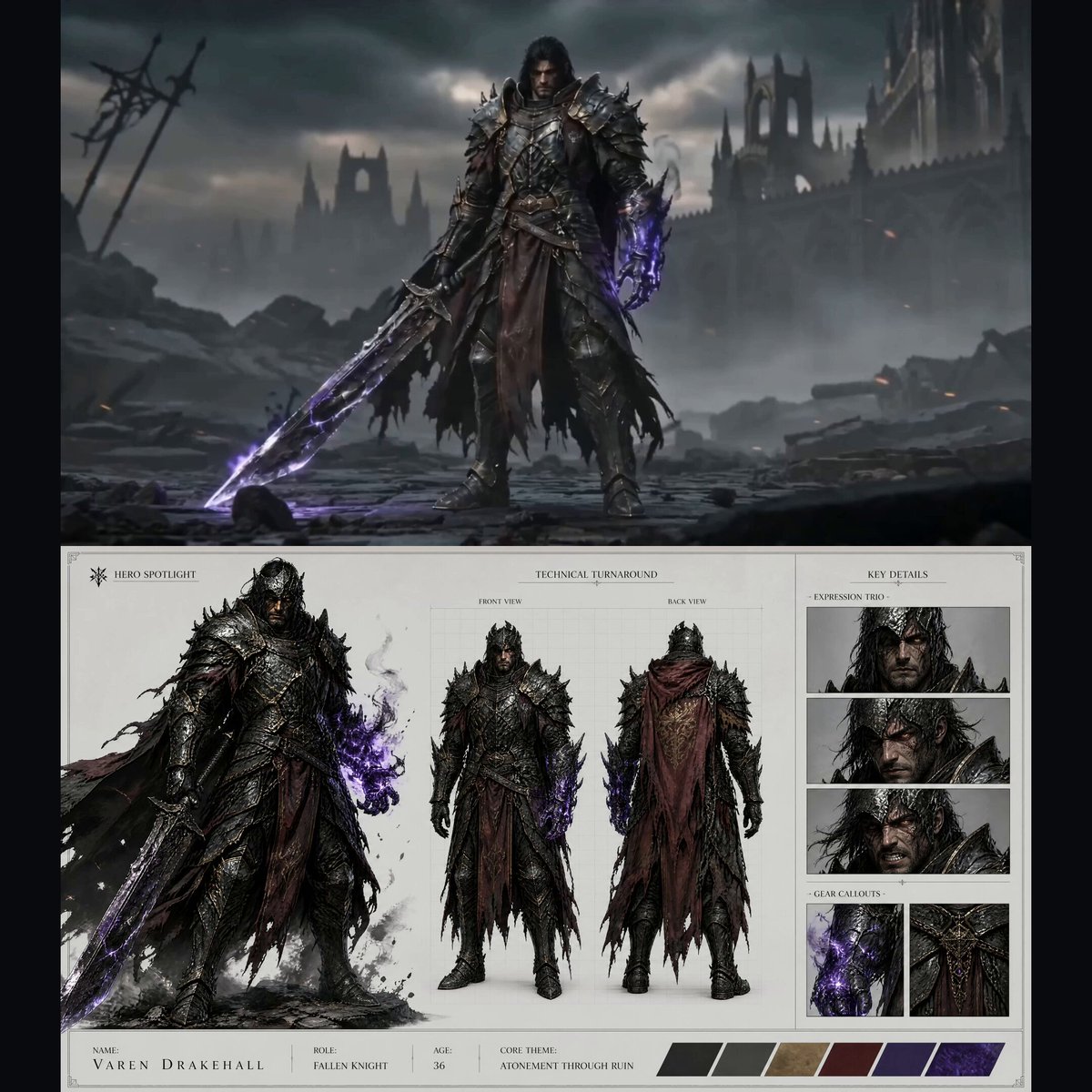
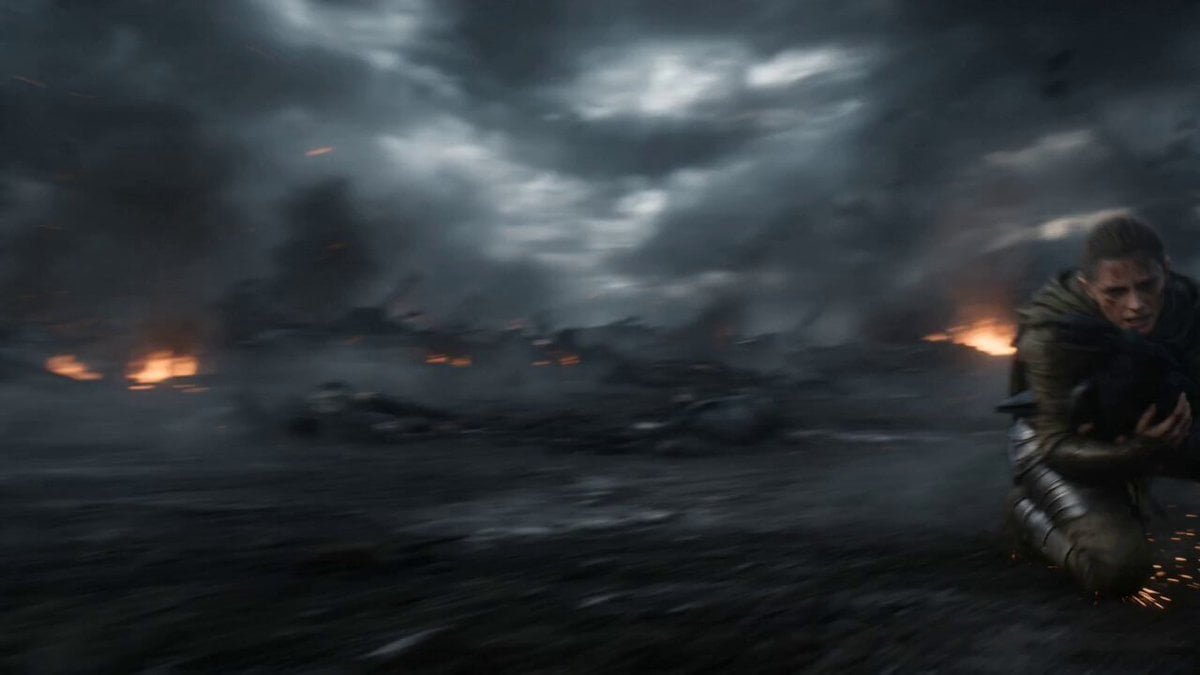
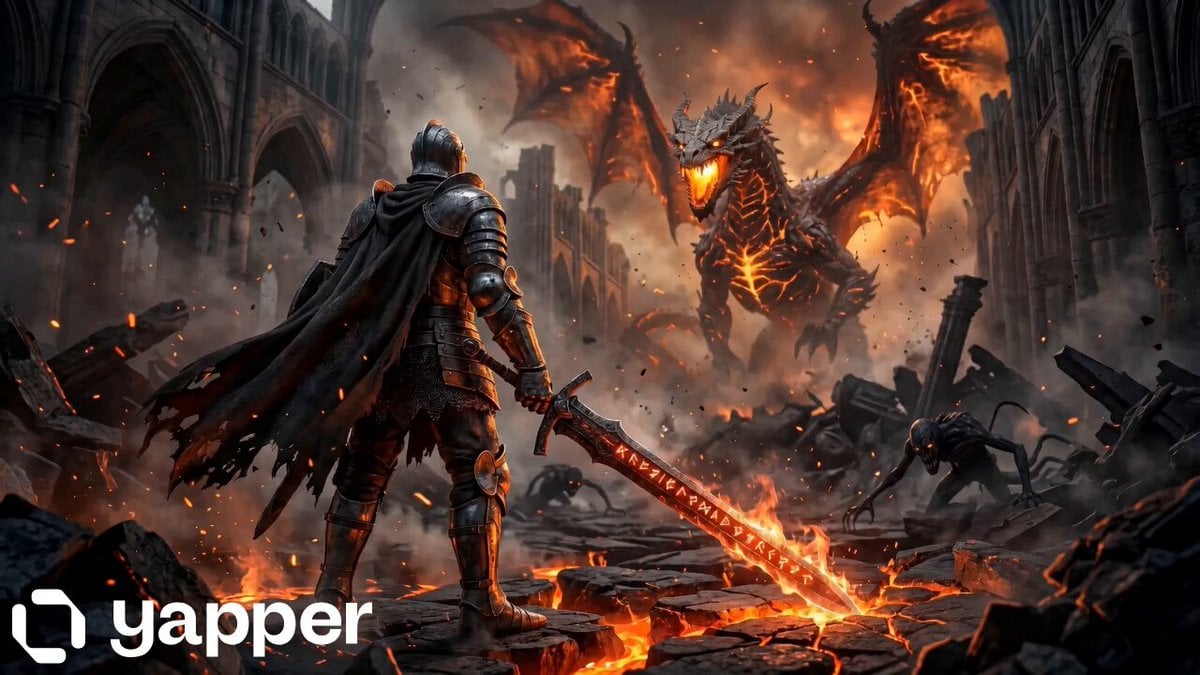
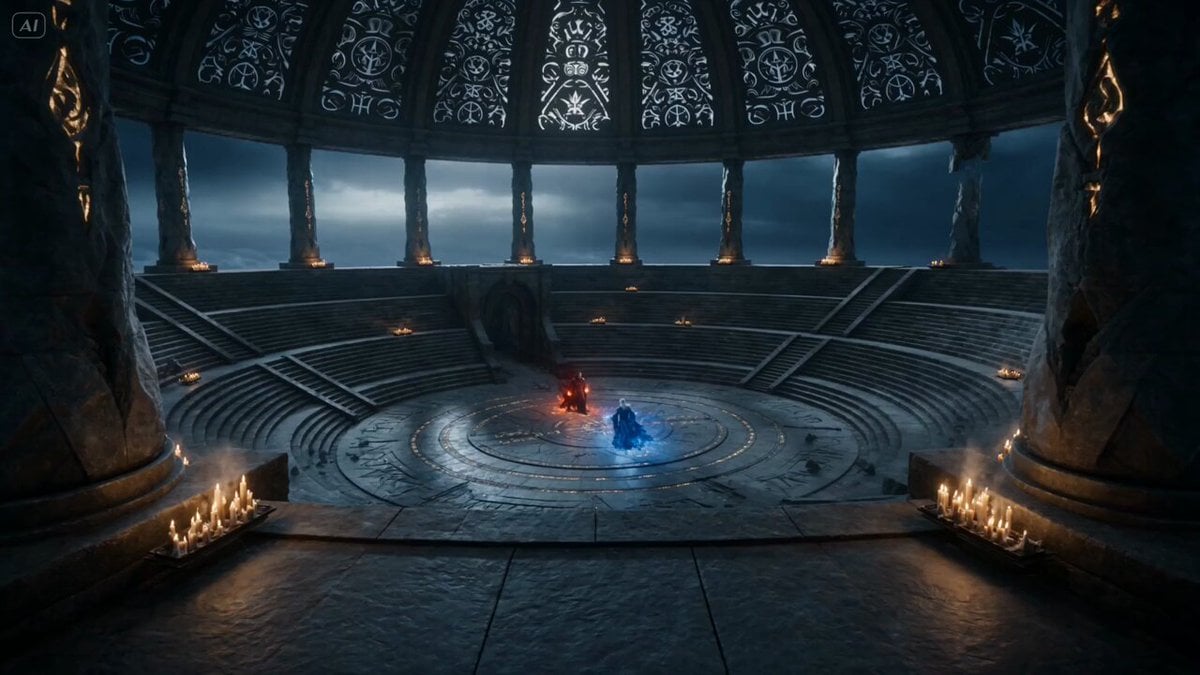
[SCENE] dark fantasy battlefield, low light, volumetric fog, ash particles in air, cinematic atmosphere, ultra realistic [CHARACTERS] 1. shadow monarch (calm, dominant, standing still, hand extended forward, emitting blue energy) 2. black armored knight (kneeling, damaged, emitting unstable red energy from chest) [CAMERA] slow cinematic push-in + slight right-to-left orbit, shallow depth of field, focus shift between characters, handheld micro shake [LIGHTING] low-key lighting, strong contrast, red flicker from knight, blue glow from hand, lighting gradually shifts from red-dominant to blue-dominant [DURATION: 15s] [TIMELINE] 0s–3s: stillness, tension, knight kneeling, faint red glow pulsing from chest, environment quiet, subtle camera push-in 3s–6s: red energy erupts violently from knight chest, chaotic sparks, smoke-like motion, body slightly shaking, energy expanding outward 6s–9s: blue energy slowly emerges from hero hand, smooth controlled flow, enters frame, begins surrounding red energy 9s–12s: blue energy wraps around red, pulling inward, red energy stretches and distorts, visible resistance, vortex forming between characters 12s–15s: red energy converts into blue and black shadow particles, collapses inward into knight body, final dark aura stabilizes, knight becomes still and submissive [EFFECTS] dual energy system (red chaotic vs blue controlled), particle-based energy, volumetric smoke, vortex dynamics, energy absorption, glow, light flicker, subtle shockwave at conversion [STYLE] cinematic, realistic physics, high detail, dramatic, slow motion, epic dark fantasy, 8k, film look [NEGATIVE] no cartoon, no anime style, no overexposed glow, no distorted faces, no extra limbs, no jitter artifacts
[SCENE] dark fantasy battlefield, low light, volumetric fog, ash particles in air, cinematic atmosphere, ultra realistic [CHARACTERS] 1. shadow monarch (calm, dominant, standing still, hand extended forward, emitting blue energy) 2. black armored knight (kneeling, damaged, emitting unstable red energy from chest) [CAMERA] slow cinematic push-in + slight right-to-left orbit, shallow depth of field, focus shift between characters, handheld micro shake [LIGHTING] low-key lighting, strong contrast, red flicker from knight, blue glow from hand, lighting gradually shifts from red-dominant to blue-dominant [DURATION: 15s] [TIMELINE] 0s–3s: stillness, tension, knight kneeling, faint red glow pulsing from chest, environment quiet, subtle camera push-in 3s–6s: red energy erupts violently from knight chest, chaotic sparks, smoke-like motion, body slightly shaking, energy expanding outward 6s–9s: blue energy slowly emerges from hero hand, smooth controlled flow, enters frame, begins surrounding red energy 9s–12s: blue energy wraps around red, pulling inward, red energy stretches and distorts, visible resistance, vortex forming between characters 12s–15s: red energy converts into blue and black shadow particles, collapses inward into knight body, final dark aura stabilizes, knight becomes still and submissive [EFFECTS] dual energy system (red chaotic vs blue controlled), particle-based energy, volumetric smoke, vortex dynamics, energy absorption, glow, light flicker, subtle shockwave at conversion [STYLE] cinematic, realistic physics, high detail, dramatic, slow motion, epic dark fantasy, 8k, film look [NEGATIVE] no cartoon, no anime style, no overexposed glow, no distorted faces, no extra limbs, no jitter artifacts
Edit the prompt in the box under the preview — the template's model and format are already selected — and press Generate. Your version appears right on this page.
Yes. You can change the subject, setting, lighting, mood, format, and available model controls before creating your video.
Opening and editing this template is free. Generating uses credits, shown on the Generate button when you are signed in.
Start with Seedance 2.0, which is the model associated with this template. You can compare another compatible model for a different finish.
Follow a topic to a crawlable collection of related PicX Studio templates.