
GoPro POV Mountain Bike Sunset Descent
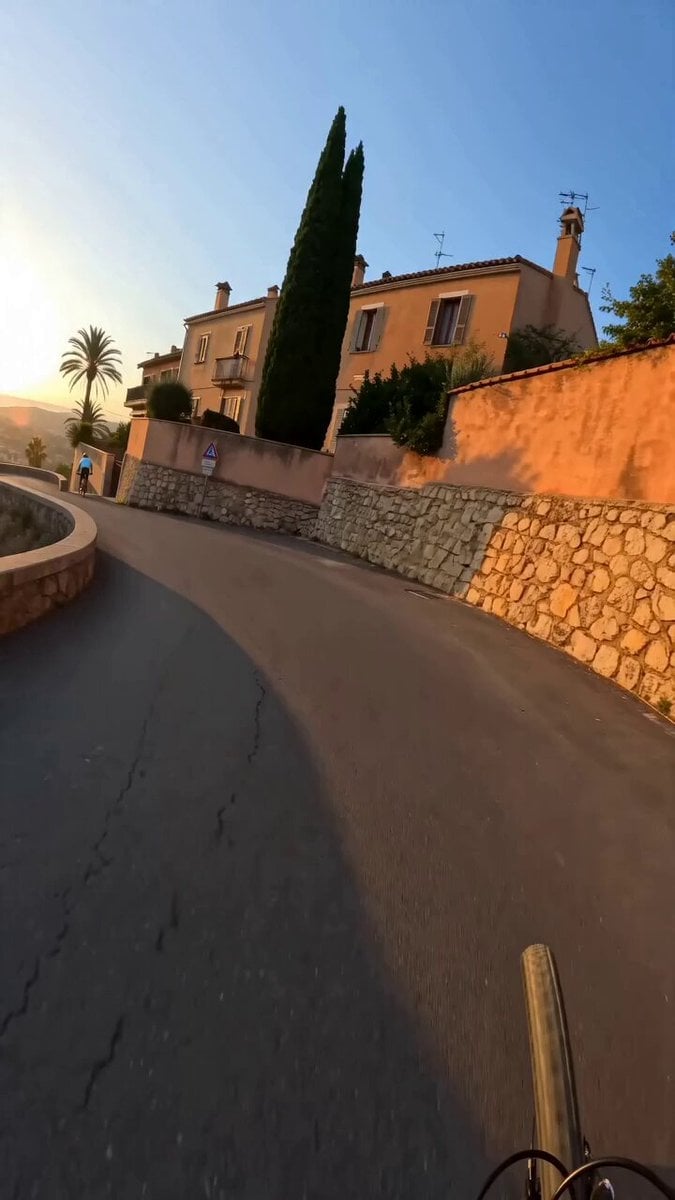
A realistic action-cam POV prompt for Seedance 2.0 depicting a fast-paced mountain bike descent through a Mediterranean hillside at golden hour.
- Prompt included
- Model and format preset
- Free template
The prompt behind this video
Copy the exact prompt behind GoPro POV Mountain Bike Sunset Descent, or open it in the studio and make it yours.
[GLOBAL] style: photorealistic, GoPro POV action-cam footage, chest/helmet mounted rig subject: mountain bike descent through a Mediterranean hillside town. lighting: golden hour, warm low sun, long shadows, natural lens flare. color grade: warm highlights, natural saturation, light motion blur on impacts. aspect ratio: 9:16 vertical camera: fixed to rider's body, rhythmic bounce on impacts, no cuts. negative: no visible rider face, no text overlays, no logos, no unnatural motion smoothing, no shaky/glitchy artifacts [00:00-00:04] POV descending a curved paved road beside a stone retaining wall, front bike wheel visible at bottom of frame, terracotta walls and warm sunlight ahead, rider leaning into a downhill bend. [00:04-00:09] Bike drops onto a narrow stepped ramp between two high plaster walls, another rider ahead in a light-blue shirt standing on pedals, palm tree and distant skyline at the top, speed increasing, camera bouncing with each step. [00:09-00:13] Transition onto a long stone staircase along a dirt embankment lined with trees, lead rider navigating steps ahead, graffiti marked wall on the right, rhythmic impact bounce intensifying as descent speeds up. [00:13-00:15] Path levels out onto a dirt trail in a sunlit park, a dark coated dog sprints diagonally into frame from the right, camera motion smooths out as the ride settles.
How to use GoPro POV Mountain Bike Sunset Descent in 3 steps
- 1
Open
The prompt is already in the box next to the preview, with the template's model and format selected.
- 2…a portrait of your subject in softgolden-hour light, 85mm…
Personalize
Edit the subject and creative details for your destination.
- 3Generate
Generate
Press Generate — your video is created in PicX Studio, so you can compare it with the original and refine one variable at a time.
More like this
Templates with the same subject, style or setup. Open one to see its prompt.
Psychedelic Mountain Bike POV
POV Japanese Residential Neighborhood Bike Trip
Mountain Biker in Misty Forest

DV Camcorder POV Gym Montage — Seedance 2.5
DV Camcorder POV Gym Montage — Seedance 2.5

Blonde Woman Driving Green 1960s Mustang Golden Hour
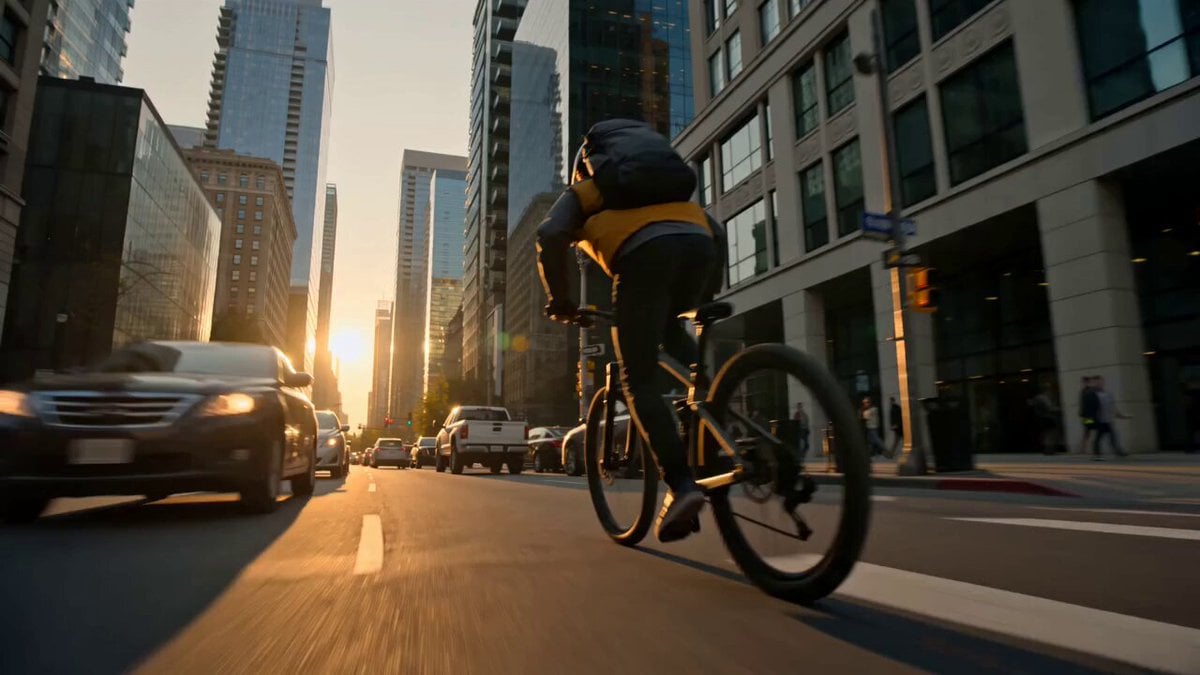
Lost Map Courier Mountain Bike Adventure
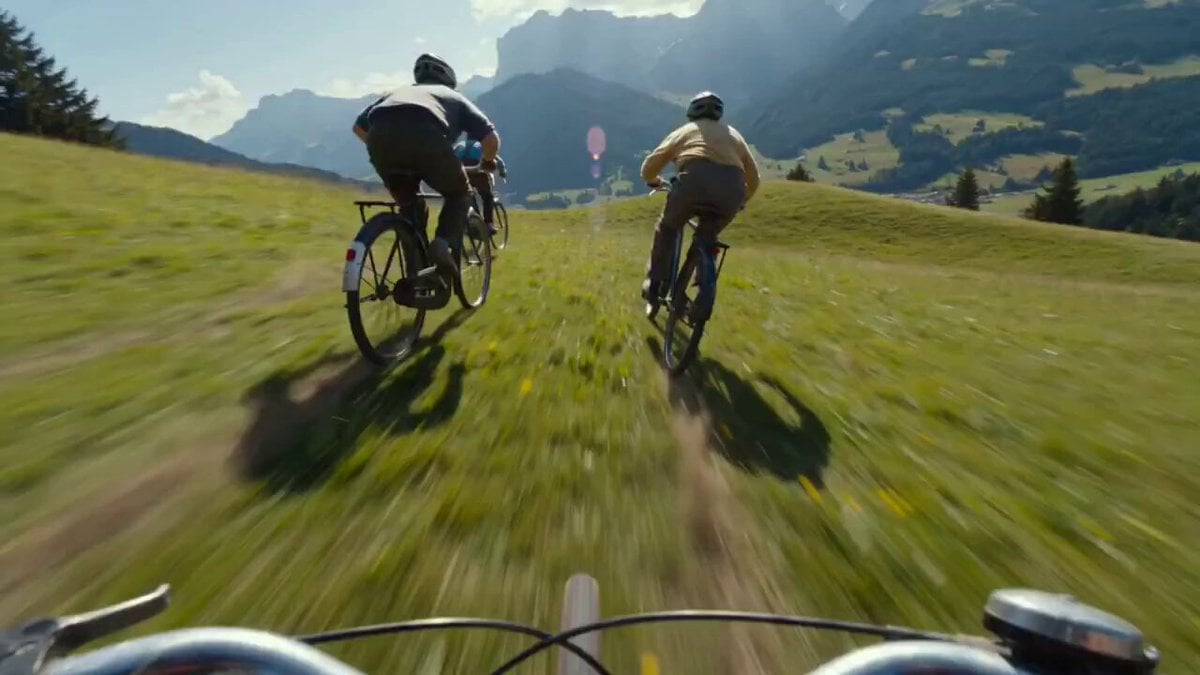
Rocket-Powered Mountain Bike Race
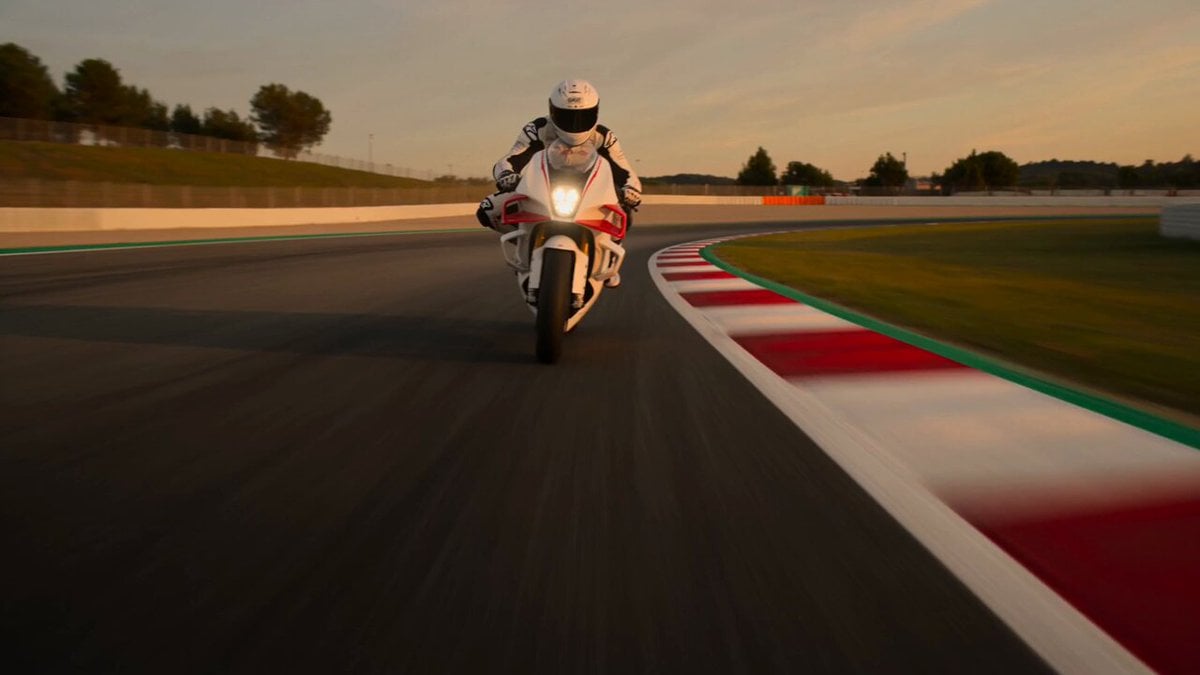
Superbike Racing Sunset Sequence
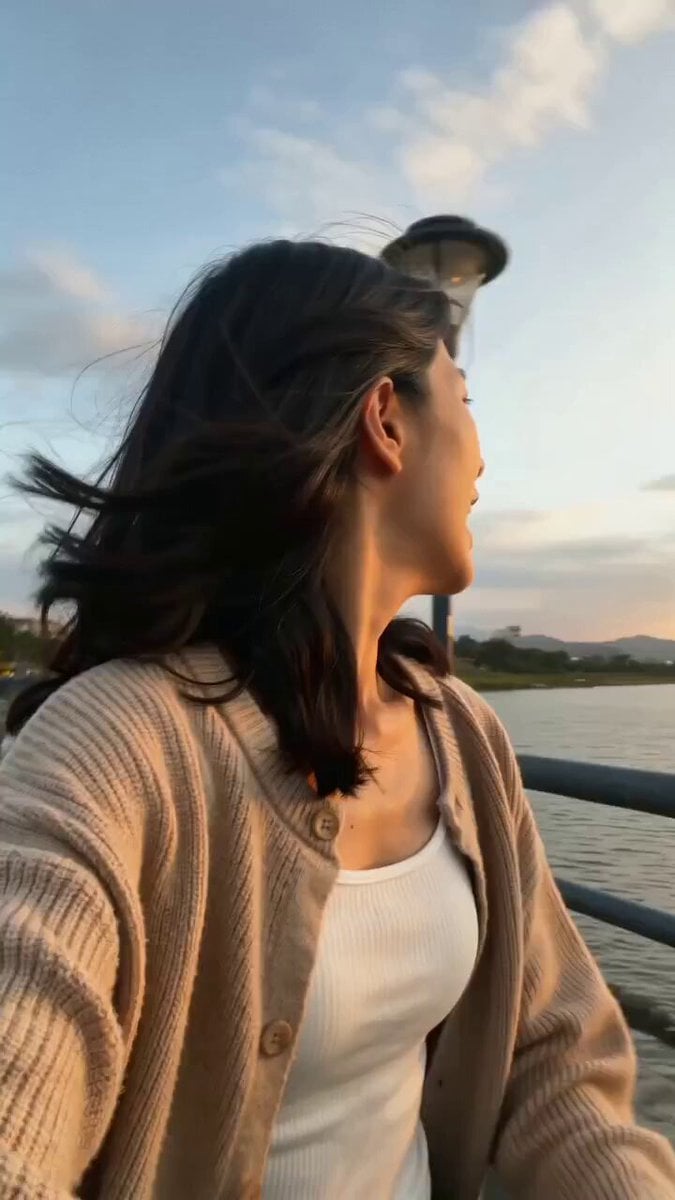
Girlfriend POV Vlog: Taipei Sunset Date
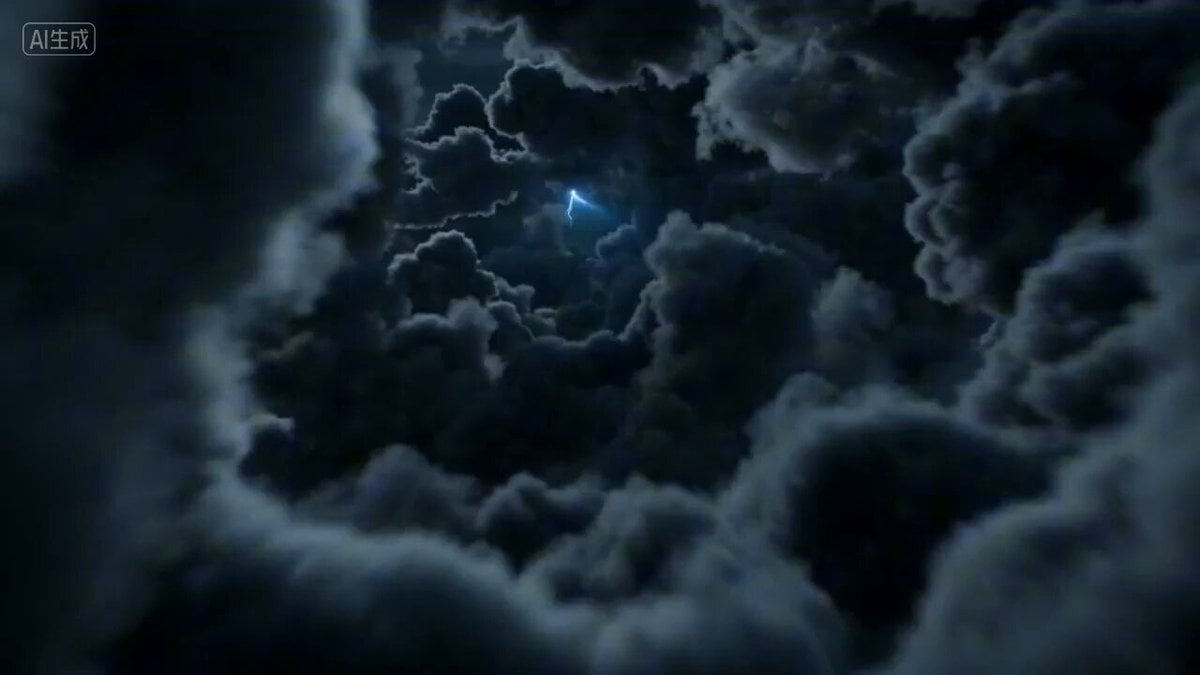
First-person POV of a lightning strike descent
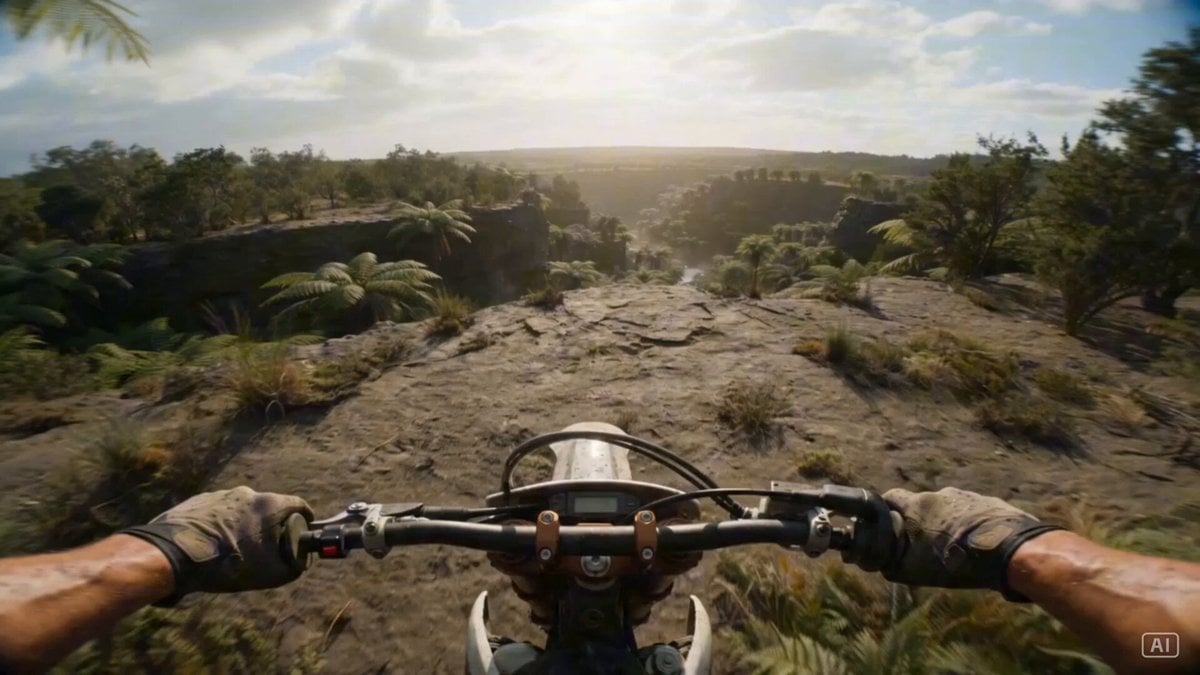
Prehistoric Dirt Bike POV: Racing Against Dinosaurs
Make it yours
GoPro POV Mountain Bike Sunset Descent works as-is. These are the safest ways to change it without losing the look.
Change one field
Copy a single group, rewrite it, and generate again so you can see what that field is doing.
Keep the frame, change the subject
Hold the composition and light of GoPro POV Mountain Bike Sunset Descent, then swap wardrobe, props or the person for a new take.
| If the result… | Why | Fix |
|---|---|---|
| The result drifts from the preview | Too many fields changed at once. | Reuse GoPro POV Mountain Bike Sunset Descent as-is first, then change one group — subject, light, or setting. |
| The model over-stylizes the scene | The prose prompt leaves finish and camera underspecified. | Add one camera or lighting sentence and stay on Seedance 2.0. |
More Seedance 2.0 templates
Other prompts made for Seedance 2.0.

Comical Martial Arts Punch Scene

Maglev Train Action Sequence

Martial Arts Fight Sequence

Wuxia Protection and Trust Script

Vintage Korean Arcade MiniDV Vlog

Mercedes 190 SL Luxury Ad

Rainy Night Supernatural Reverse Comedy Video Script

Amazon Civilization Discovery

Futuristic South Asian City Transformation

Cozy Luxury Cafe Commercial
More video prompts
Fresh picks from across the catalog.
Cartoon moose hit by semi truck prompt
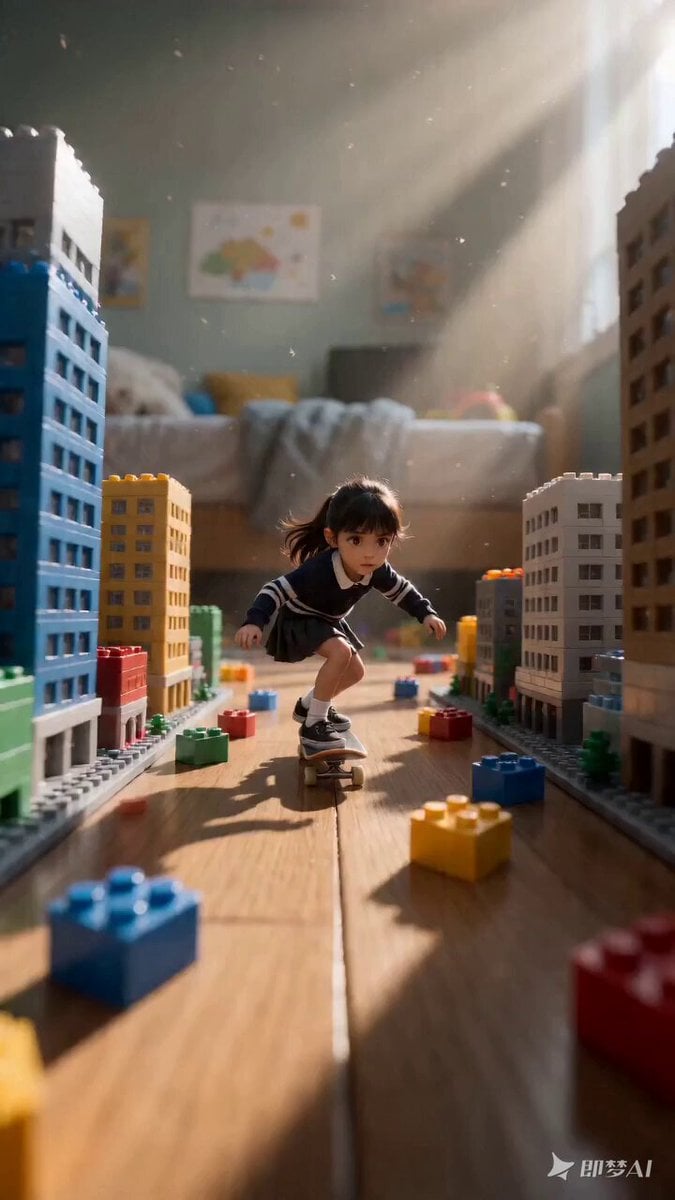
Miniature Girl Skateboard Chase Video Prompt for Seedance 2.0
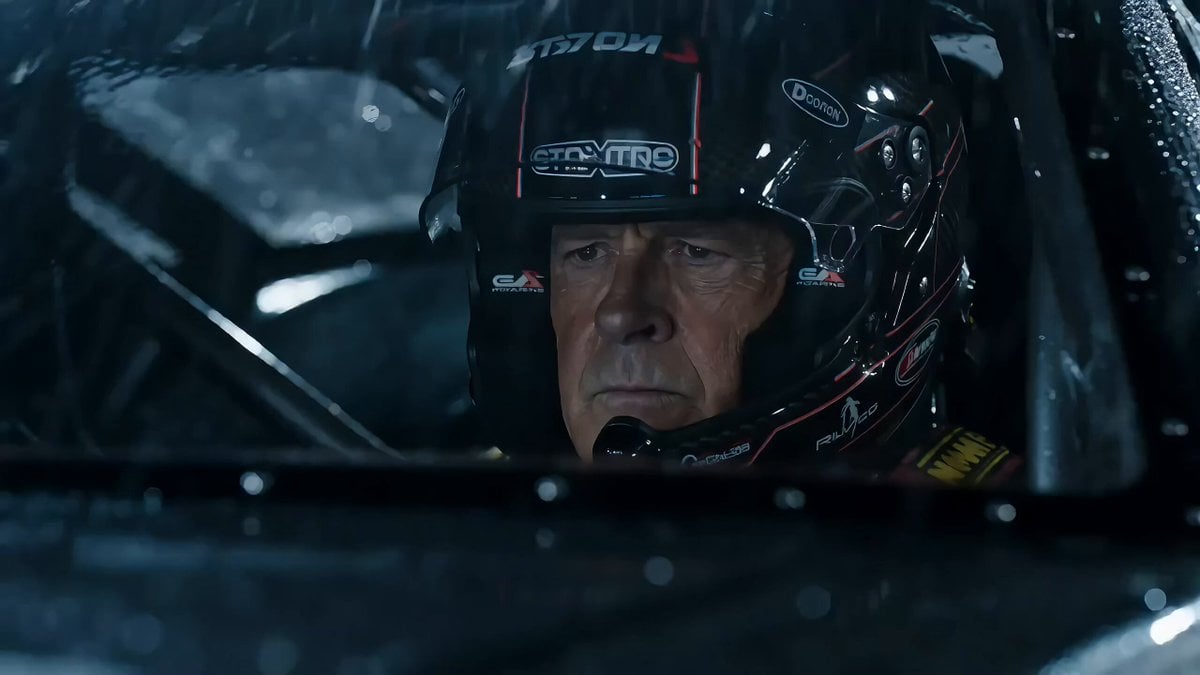
Hollywood Racing Movie Scene Generation
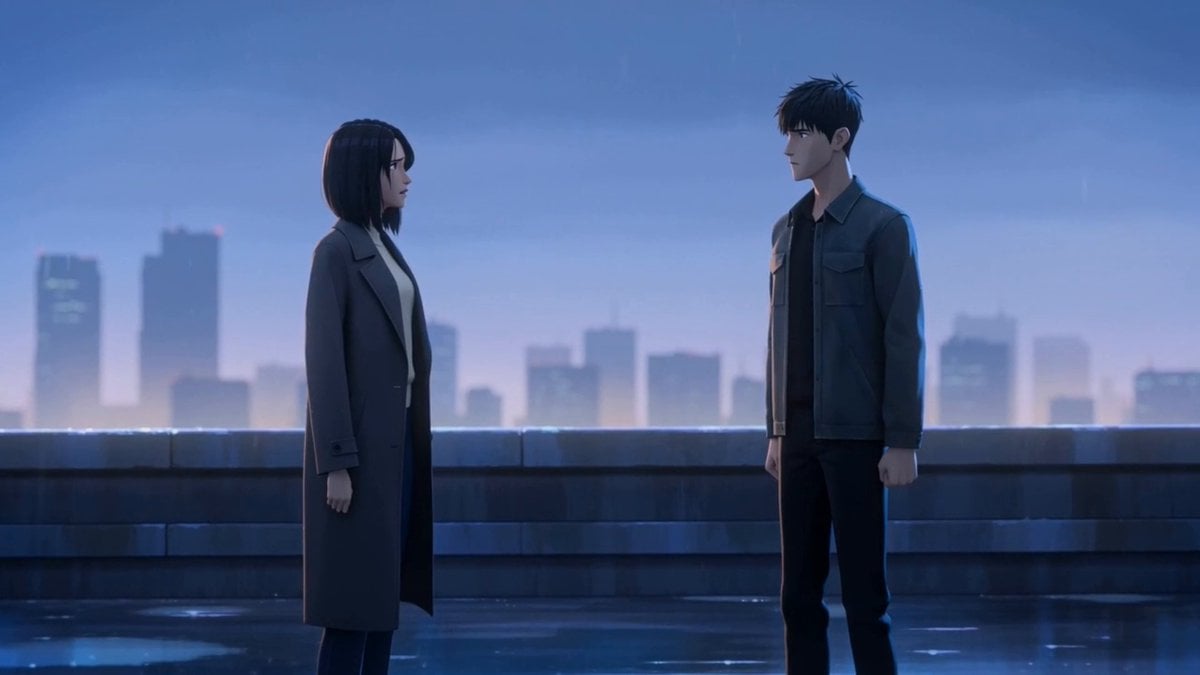
Cinematic Emotional Confrontation Prompt
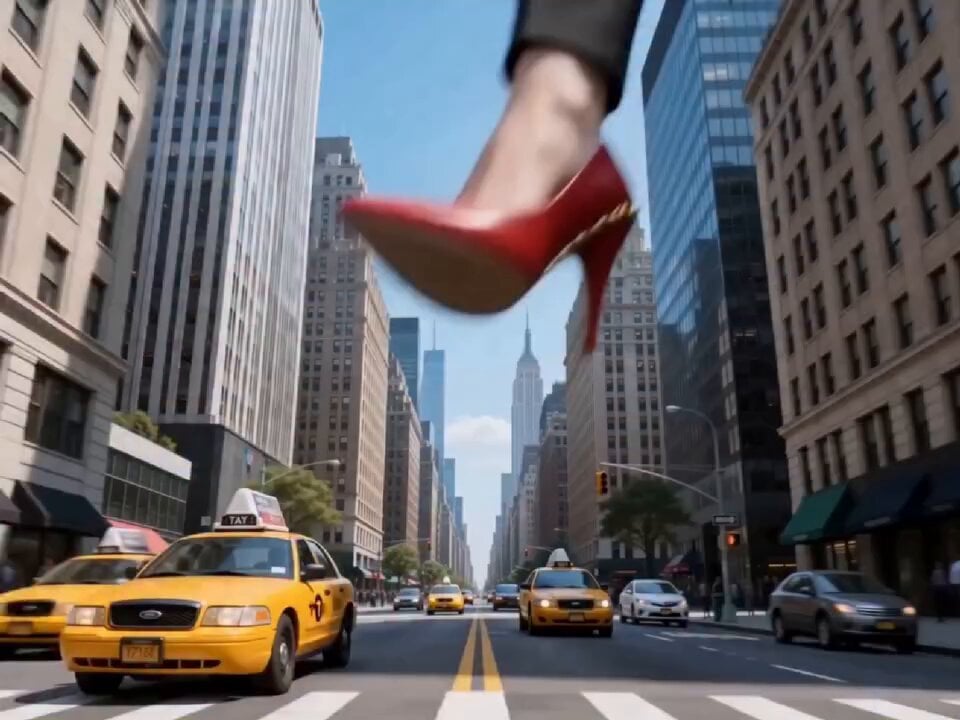
Giant Corporate Woman in NYC
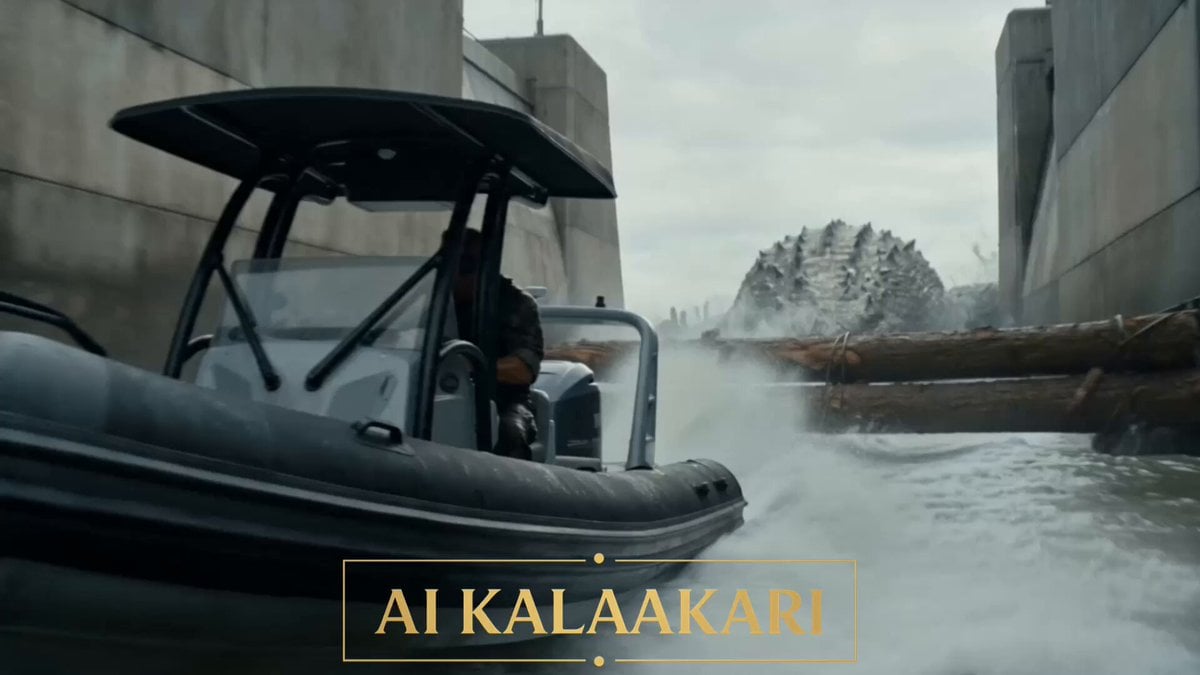
Mega Crocodile vs Dam Military Operation
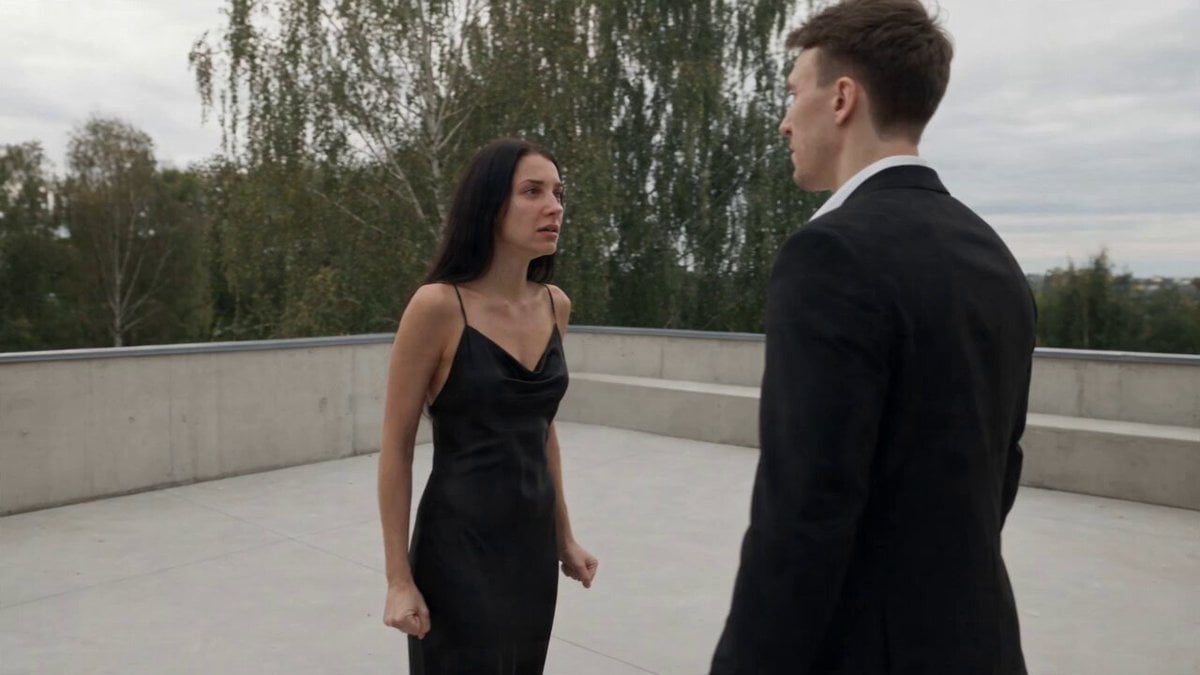
Cinematic Narrative Conflict Scene
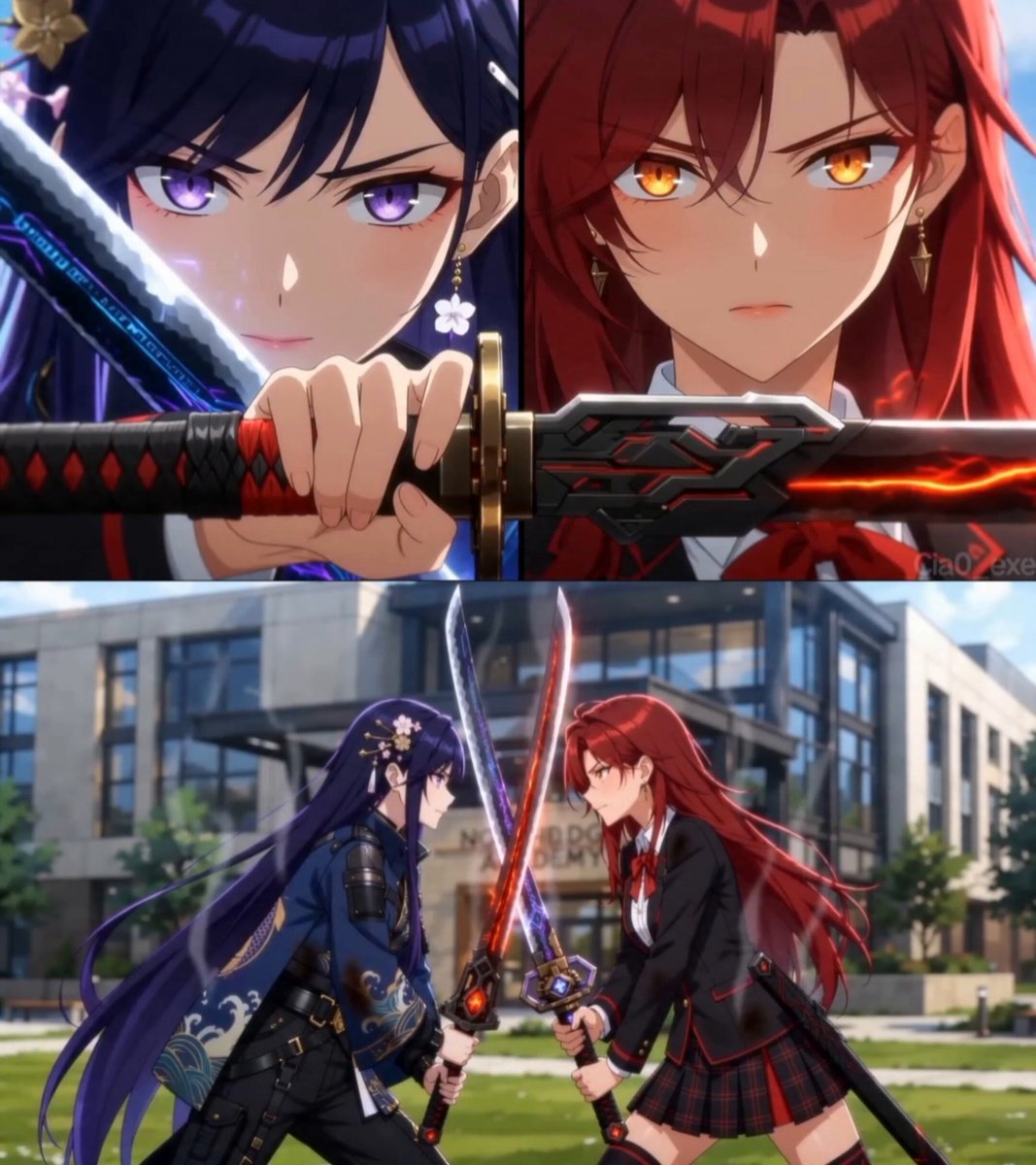
Cinematic Anime Celebration Video

AI Assistant Video Prompt
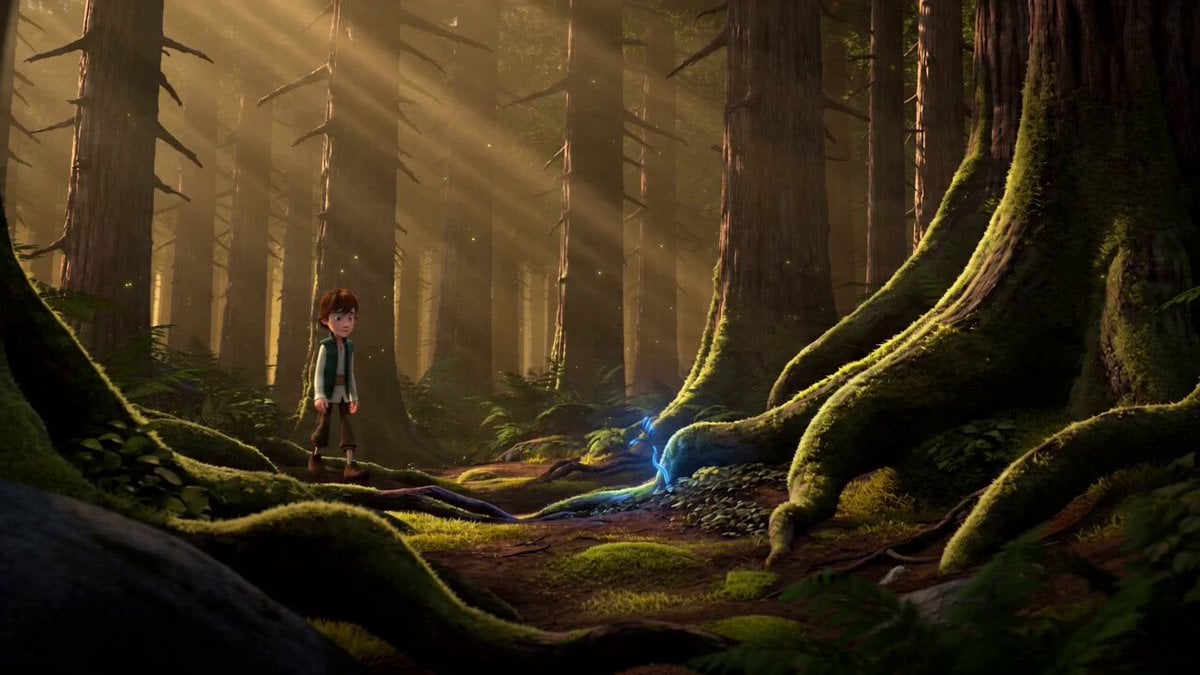
3D Fantasy Animation Prompt
Browse template categories
GoPro POV Mountain Bike Sunset Descent questions
How do I use the GoPro POV Mountain Bike Sunset Descent template?
Add your photo if the template asks for one, edit the prompt if you like — the template's model and format are already selected — and press Generate. Your version opens in PicX Studio.
Can I customize the GoPro POV Mountain Bike Sunset Descent template?
Yes. You can change the subject, setting, lighting, mood, format, and available model controls before creating your video.
Is the GoPro POV Mountain Bike Sunset Descent template free?
Opening and editing this template is free. Generating uses credits, shown on the Generate button when you are signed in.
Which AI model should I use?
Start with Seedance 2.0, which is the model associated with this template. You can compare another compatible model for a different finish.
Looking for something else? Browse all templates.

Your photo, any look
Thousands of ready templates for every top image and video model, from one credit balance.