
Rocket-Powered Mountain Bike Race
A complex, action-oriented prompt describing a cinematic downhill bike race featuring elderly cyclists and rocket thrusters.
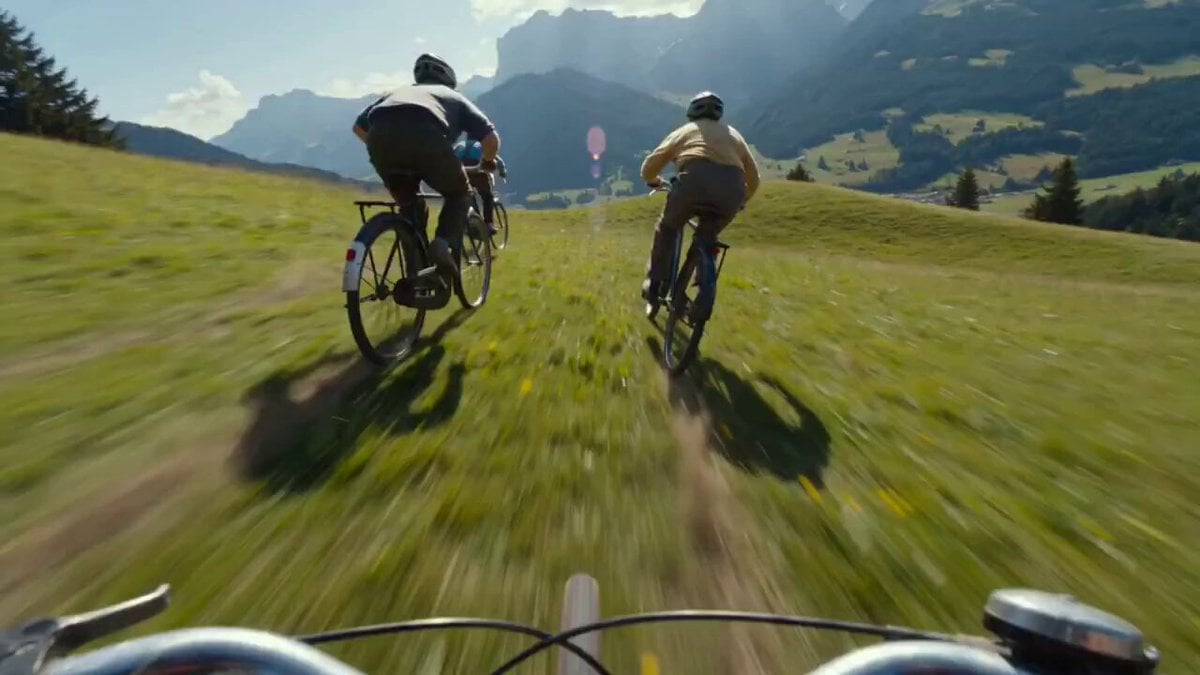
- Prompt included
- Model and format preset
- Premium template
The prompt behind this video
Copy the exact prompt behind Rocket-Powered Mountain Bike Race, or open it in the studio and make it yours.
Subject: Downhill Mountain Bike Race Style: Hyper-realistic, Action Adventure, GoPro first-person/chase cam aesthetic. Action: A high-intensity downhill race following a lead pack of elderly cyclists. They speed down a grassy slope, drifting through rugged terrain with dust and grass clippings flying. The Twist: As the bikes reach the valley’s edge, the lead rider pulls a hidden lever. Suddenly, the bicycles deploy makeshift rocket-powered thrusters and handcrafted gliders. Instead of stopping, the bikes launch off the cliff, soaring over the village below as engines roar and blue flames erupt from the exhausts. Camera Movement: Dynamic chase cam. The camera pushes forward rapidly, weaving between the elderly racers. As they hit the cliff edge, the camera performs a seamless transition into a dizzying free-fall perspective, tilting downward to reveal the massive drop before leveling out to follow the bikes gliding through the air. Environment: Sunny rural landscape with vibrant greens and blues. The peaceful valley floor is now a mile below, with the village appearing like a miniature model set. Details: Intense motion blur on the edges and violent vibration of the bikes. Heat haze shimmering from the rocket thrusters, lens flares as the sun hits the metallic gliders, and the visible shock on the elderly racers' faces through their goggles as they break the sound of the wind with a sudden sonic pop.
How to use Rocket-Powered Mountain Bike Race in 3 steps
- 1
Open
The prompt is already in the box next to the preview, with the template's model and format selected.
- 2…a portrait of your subject in softgolden-hour light, 85mm…
Personalize
Edit the subject and creative details for your destination.
- 3Generate
Generate
Press Generate — your video is created in PicX Studio, so you can compare it with the original and refine one variable at a time.
More like this
Templates with the same subject, style or setup. Open one to see its prompt.
Rocket-Powered Go-Kart Race
Mountain Biker in Misty Forest
Lost Map Courier Mountain Bike Adventure
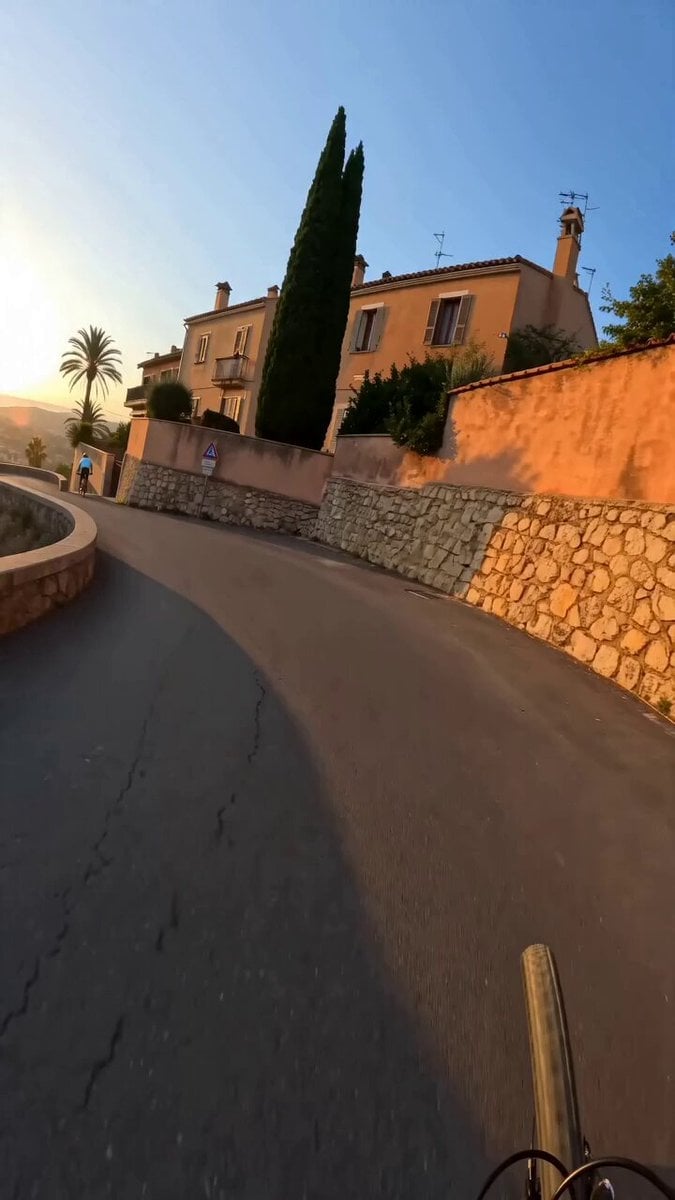
GoPro POV Mountain Bike Sunset Descent

Neon Velocity Cyberpunk Bike Race
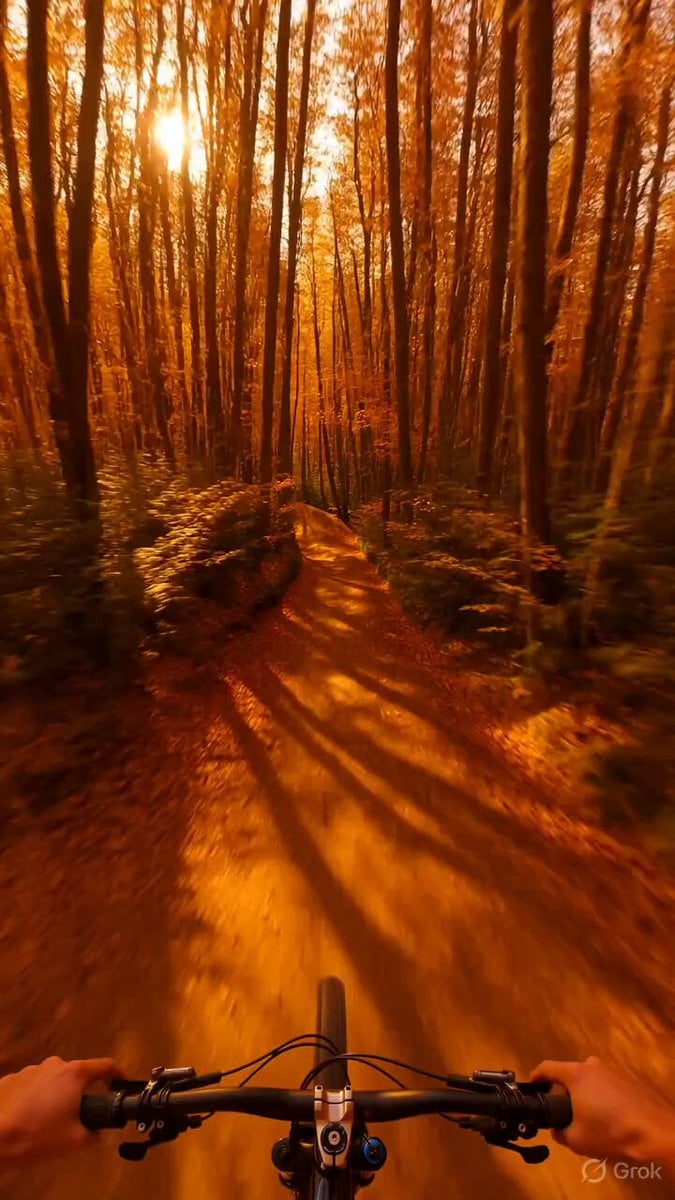
Psychedelic Mountain Bike POV
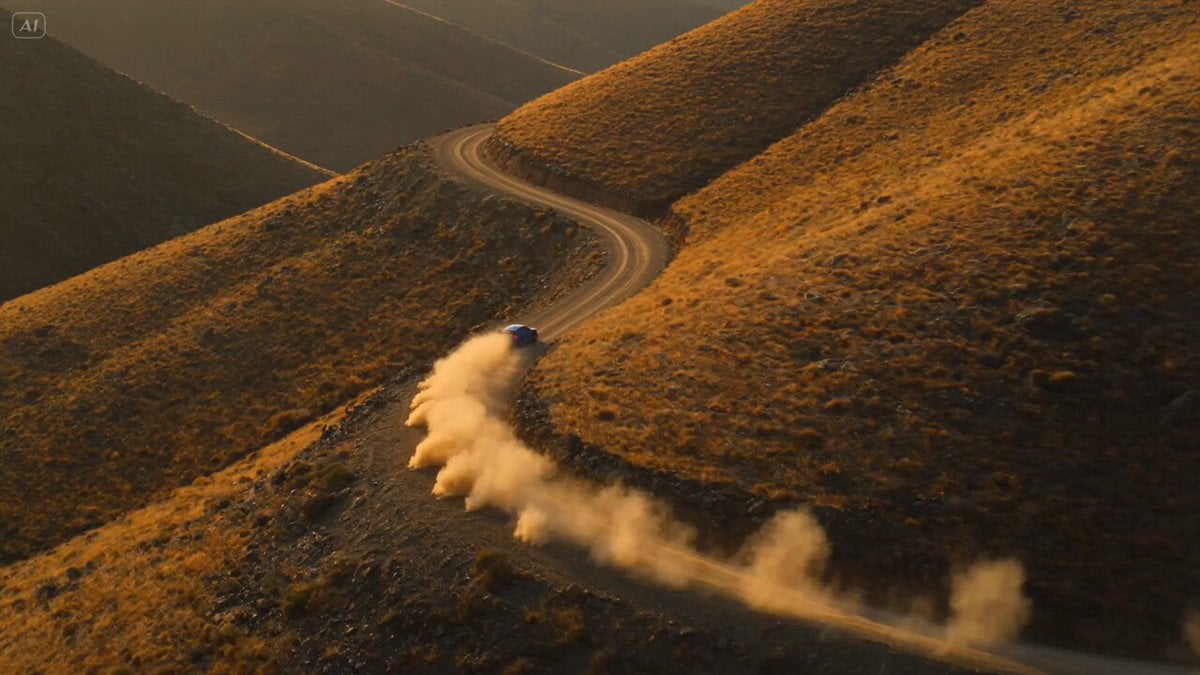
Rally Car Race Mountain Road
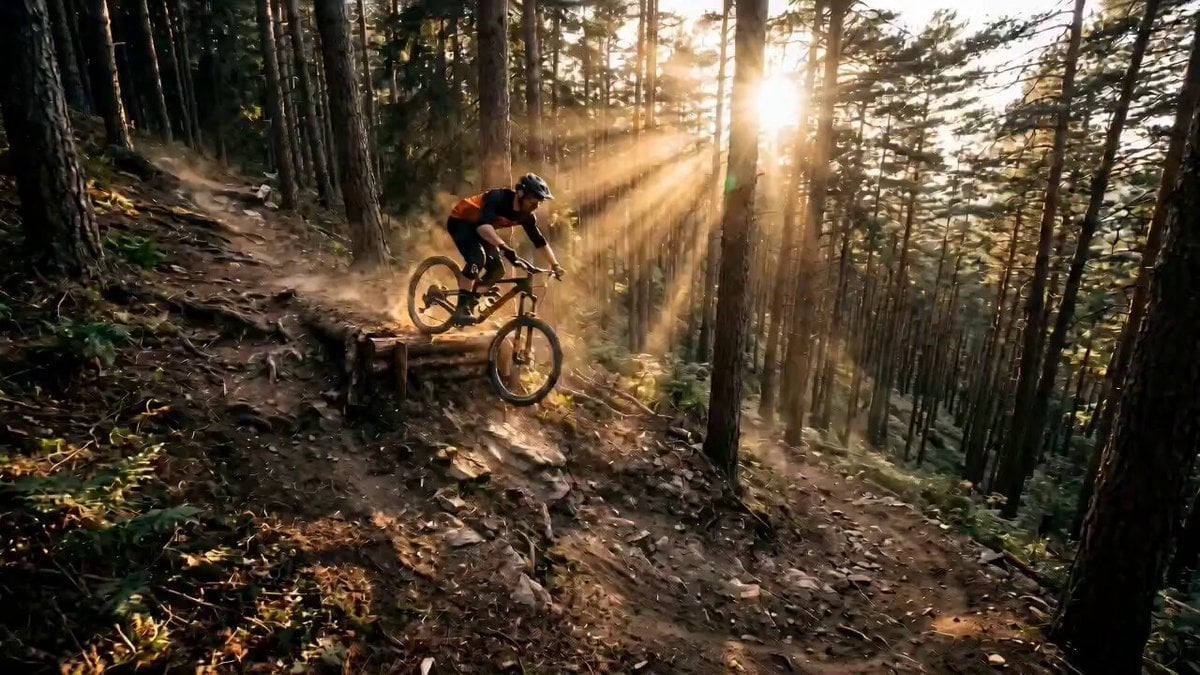
Mountain Biker Action Sequence
Out of Control — Seedance 2.0
Griffin Knight Mountain Kingdom — Seedance 2.0
Crystal Cavern Mag-Lev Race — Seedance 2.0
Porsche 911 GT3 RS Night Racing — Neon City Streets
Make it yours
Rocket-Powered Mountain Bike Race works as-is. These are the safest ways to change it without losing the look.
Change one field
Copy a single group, rewrite it, and generate again so you can see what that field is doing.
Keep the frame, change the subject
Hold the composition and light of Rocket-Powered Mountain Bike Race, then swap wardrobe, props or the person for a new take.
| If the result… | Why | Fix |
|---|---|---|
| The result drifts from the preview | Too many fields changed at once. | Reuse Rocket-Powered Mountain Bike Race as-is first, then change one group — subject, light, or setting. |
| The model over-stylizes the scene | The prose prompt leaves finish and camera underspecified. | Add one camera or lighting sentence and stay on Seedance 2.0. |
More Seedance 2.0 templates
Other prompts made for Seedance 2.0.

Comical Martial Arts Punch Scene

Maglev Train Action Sequence

Martial Arts Fight Sequence

Wuxia Protection and Trust Script

Vintage Korean Arcade MiniDV Vlog

Mercedes 190 SL Luxury Ad

Rainy Night Supernatural Reverse Comedy Video Script

Amazon Civilization Discovery

Futuristic South Asian City Transformation

Cozy Luxury Cafe Commercial
More video prompts
Fresh picks from across the catalog.
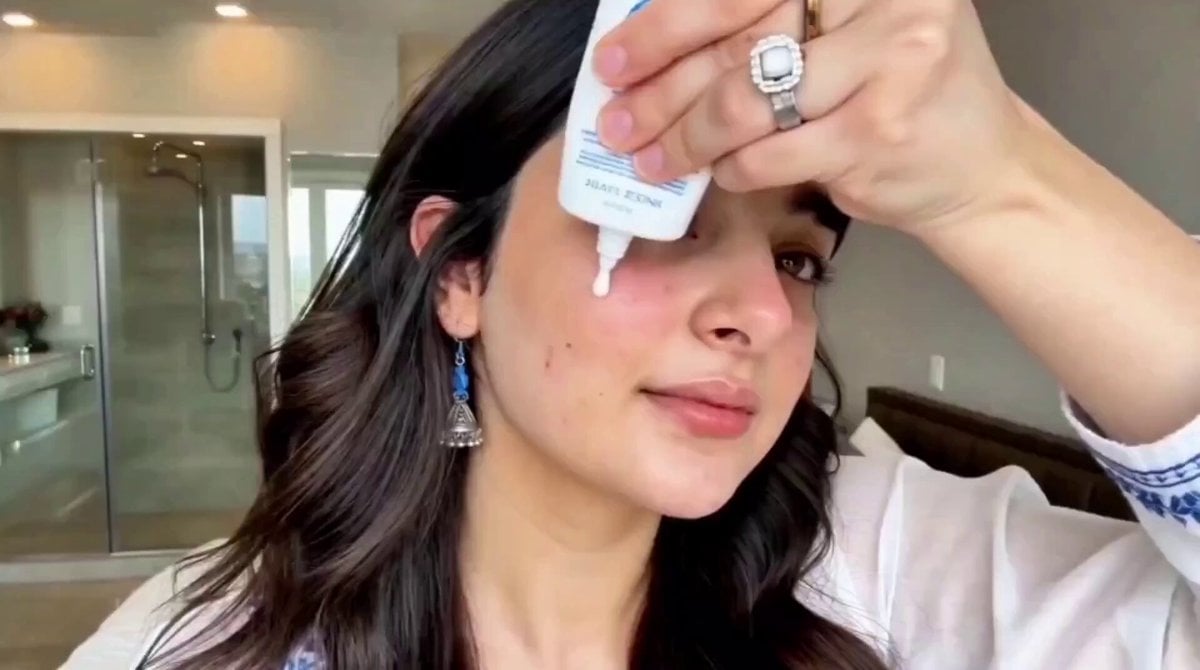
Second UGC Makeup Tutorial Script

Cinematic Rap Music Video Performance
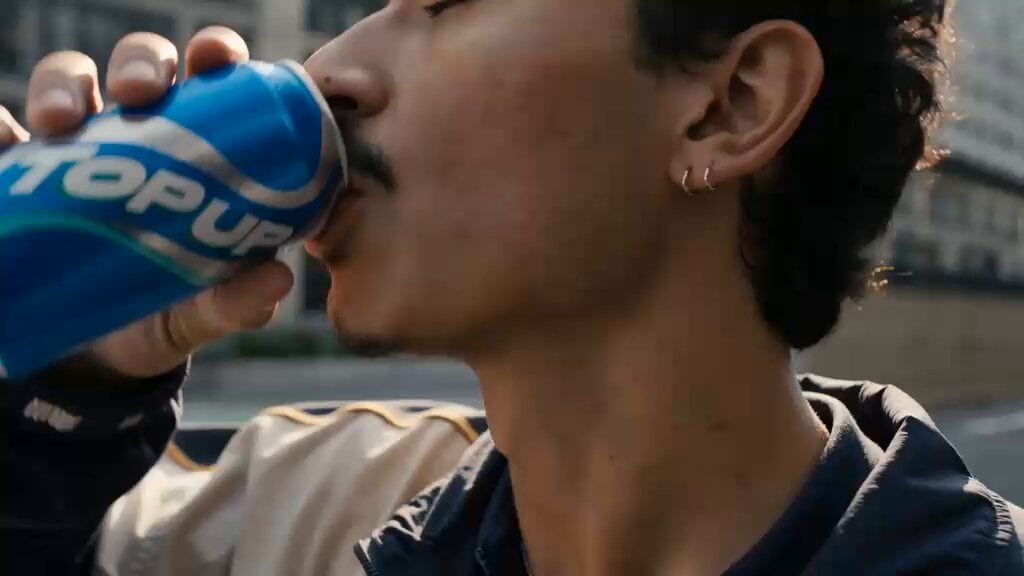
Cinematic Cyberpunk Armor Transformation
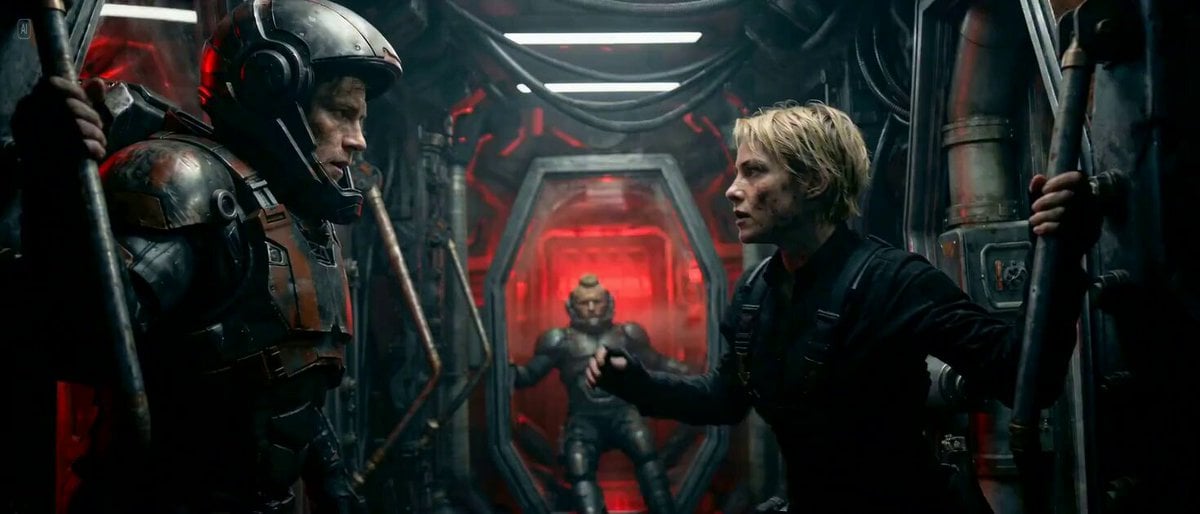
Sci-fi Cinematic 360-Degree Rotation Prompt
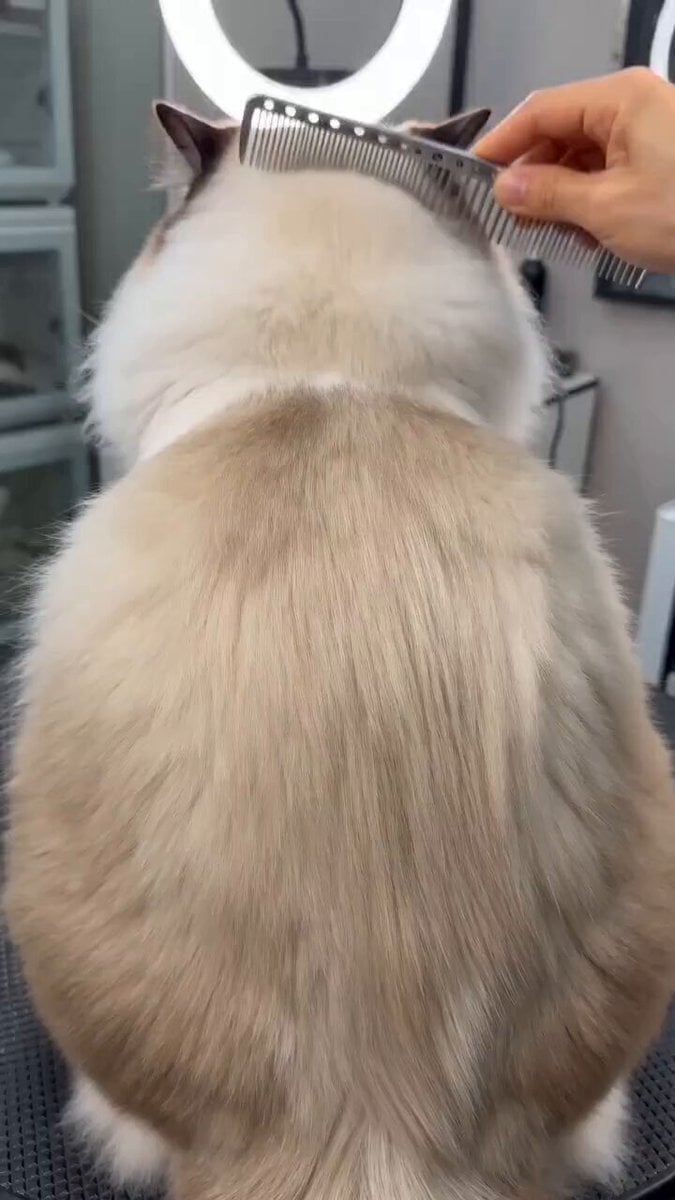
Humorous pet makeover video prompt
Emotional Wedding Movie Love Story
Ultra-Realistic Pancake Artistry Video Prompt for Seedance 2.0
Storyboard to Cinematic Blueprint
Anime Style Forest Cooking
Sweating Man in Desert Greeting
Browse template categories
Rocket-Powered Mountain Bike Race questions
How do I use the Rocket-Powered Mountain Bike Race template?
Add your photo if the template asks for one, edit the prompt if you like — the template's model and format are already selected — and press Generate. Your version opens in PicX Studio.
Can I customize the Rocket-Powered Mountain Bike Race template?
Yes. You can change the subject, setting, lighting, mood, format, and available model controls before creating your video.
Is the Rocket-Powered Mountain Bike Race template free?
Opening and editing this template is free. Generating uses credits, shown on the Generate button when you are signed in.
Which AI model should I use?
Start with Seedance 2.0, which is the model associated with this template. You can compare another compatible model for a different finish.
Looking for something else? Browse all templates.

Your photo, any look
Thousands of ready templates for every top image and video model, from one credit balance.