
Second UGC Makeup Tutorial Script
A storyboard prompt for a fast-paced, viral-style user-generated content makeup tutorial video.
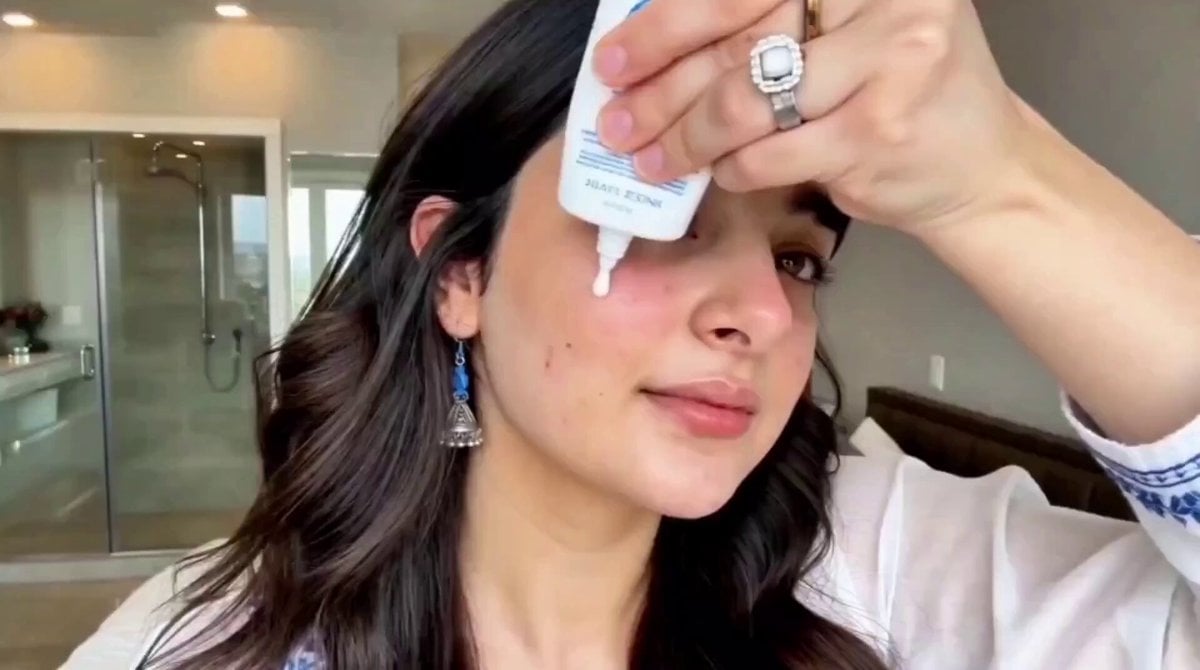
- Prompt included
- Model and format preset
- Premium template
The prompt behind this video
Copy the exact prompt behind Second UGC Makeup Tutorial Script, or open it in the studio and make it yours.
“15-Second UGC Makeup Tutorial Script (Natural, Fast-Paced, Viral Style) 0.0 – 1.5s | Hook (Front Camera, natural light) “Stop scrolling— a girl without makeup " 1.5 – 4.0s | Base (Close-up cuts) “Start with a lightweight moisturizer… then a skin tint, just dab and blend with fingers.” 4.0 – 7.0s | Face (Fast transitions) “Cream blush on cheeks and nose—this gives that soft, fresh girl look instantly.” 7.0 – 10.0s | Eyes + Brows (Quick mirror shots) “Brush brows up, add a tiny bit of mascara… no heavy eyes, just clean and lifted.” 10.0 – 12.5s | Lips (Close-up) “Lip tint or gloss—blur it slightly with fingers for that natural stain effect.” 12.5 – 15s | Final Reveal (Smile, camera pull-back) “And that’s it—everyday glow in seconds. Save this if you love easy makeup, party look"
How to use Second UGC Makeup Tutorial Script in 3 steps
- 1
Open
The prompt is already in the box next to the preview, with the template's model and format selected.
- 2…a portrait of your subject in softgolden-hour light, 85mm…
Personalize
Edit the subject and creative details for your destination.
- 3Generate
Generate
Press Generate — your video is created in PicX Studio, so you can compare it with the original and refine one variable at a time.
More like this
Templates with the same subject, style or setup. Open one to see its prompt.
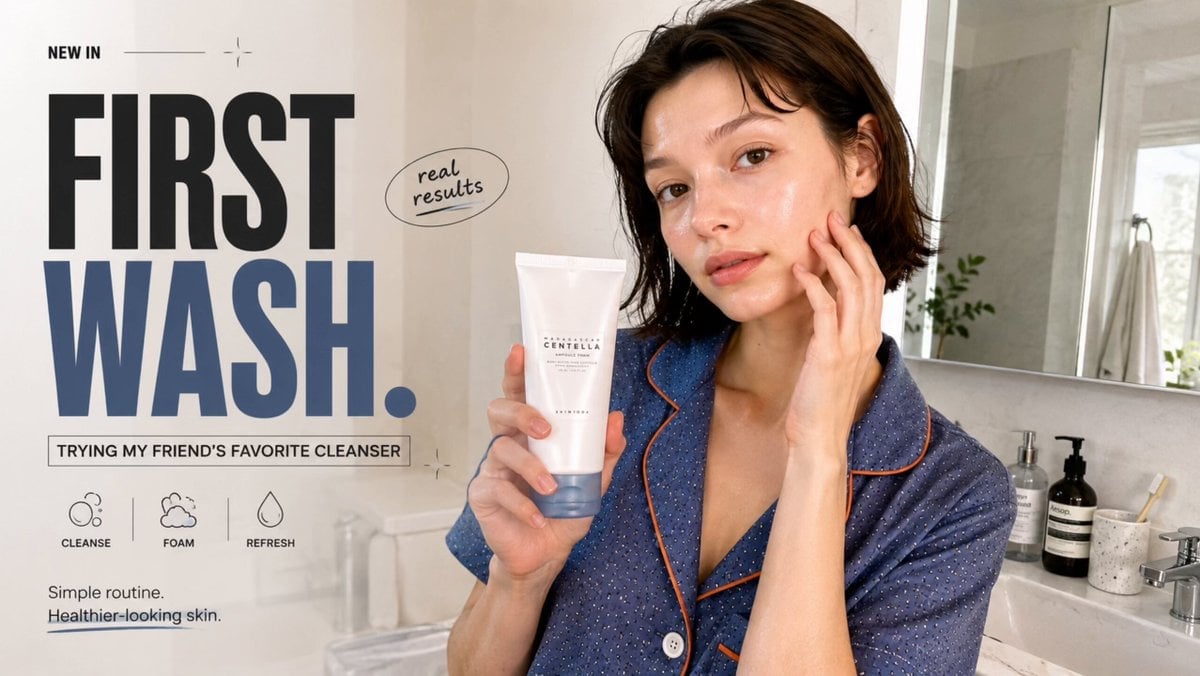
Realistic UGC Cleanser Review - Seedance 2.5
Definitive Anti-Slop AI Video Protocol — Qwen / Nano Banana / Grok
Capsule Coffee Machine Tutorial
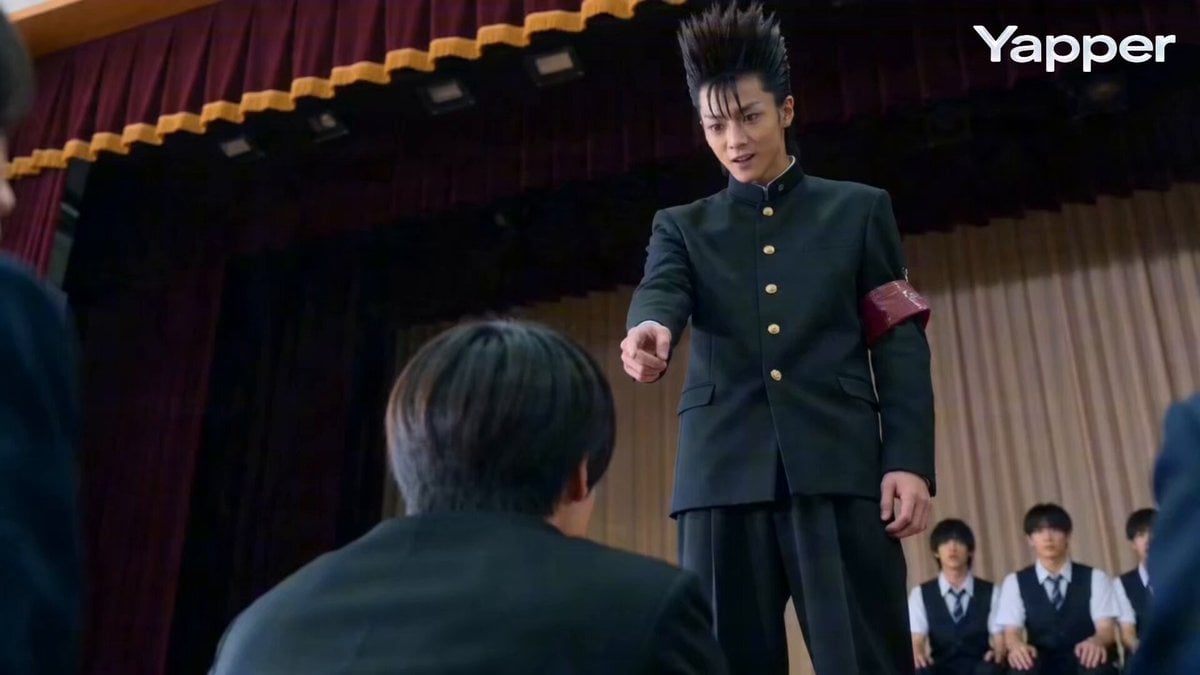
Second Live Action Rivalry Video Script
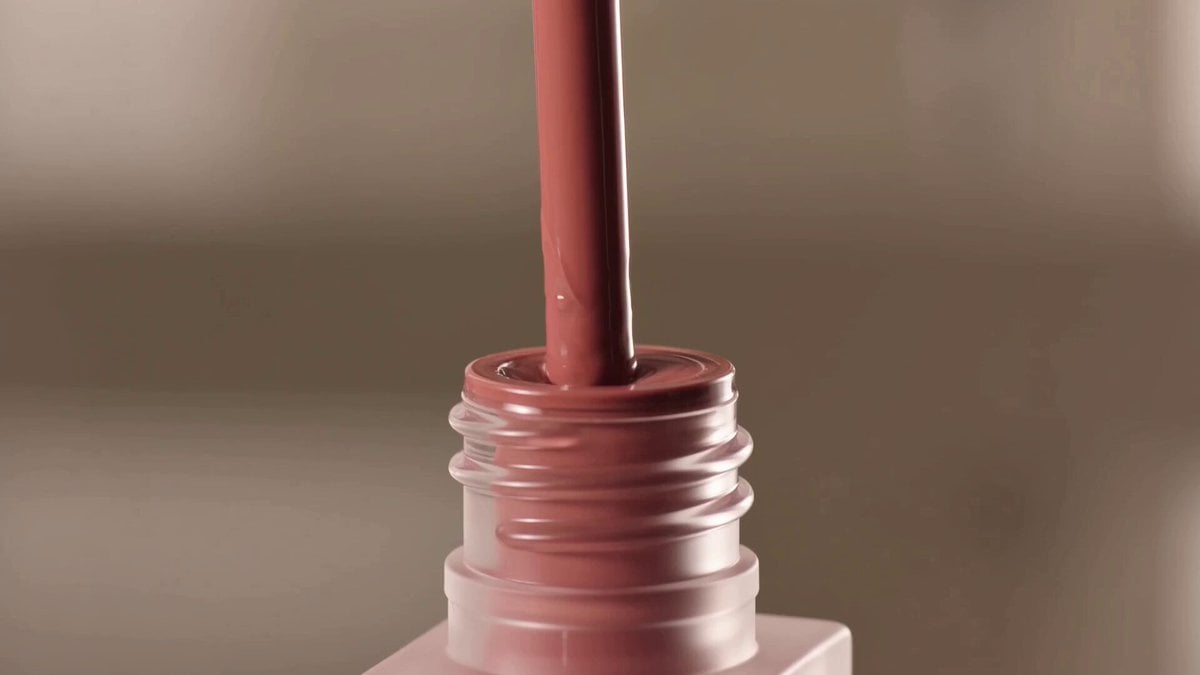
Expensive Makeup Product Promo Videos

Wuxia Protection and Trust Script
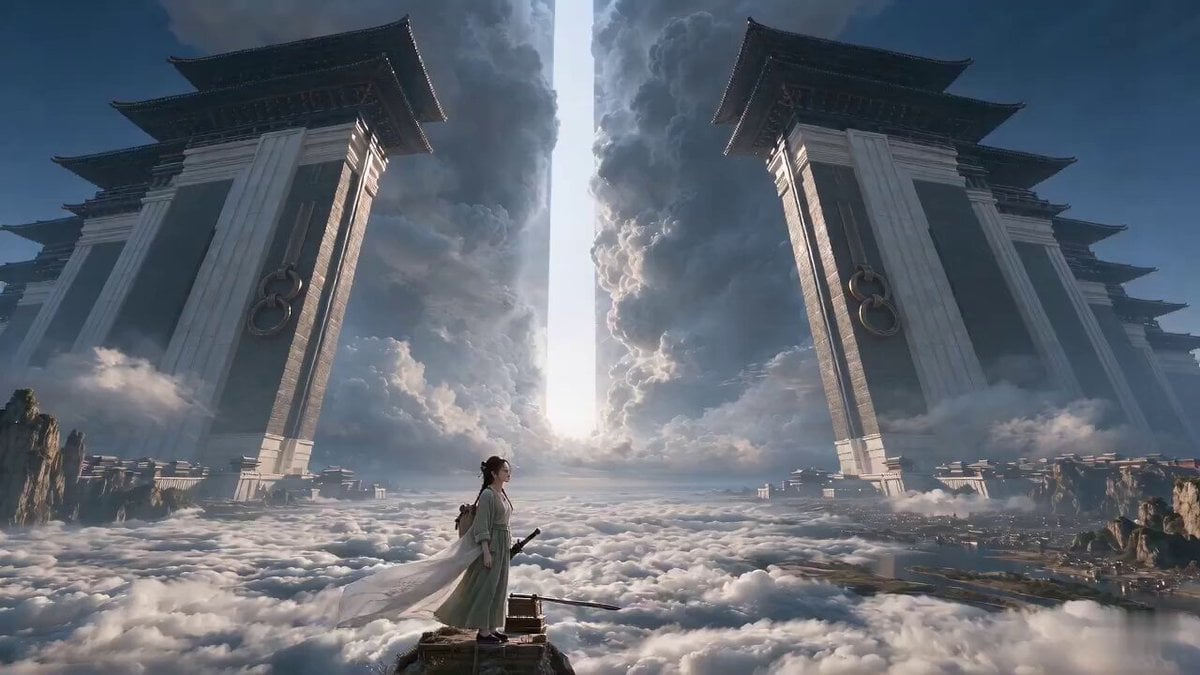
Wuxia Letting Go Drama Script

Cyberpunk Parkour Anime Script
UGC Skincare Brand Video Commercial
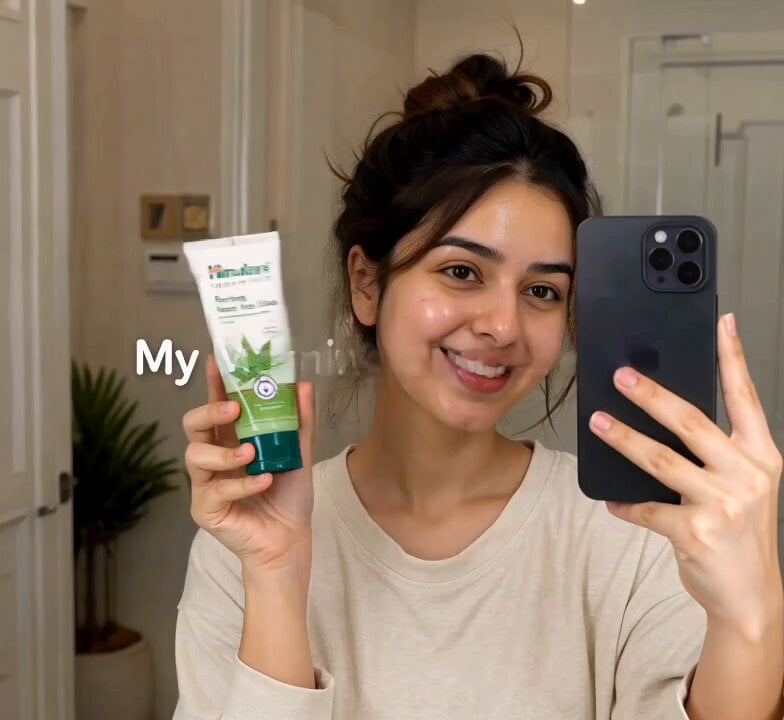
Morning Skincare Routine Vlog Script
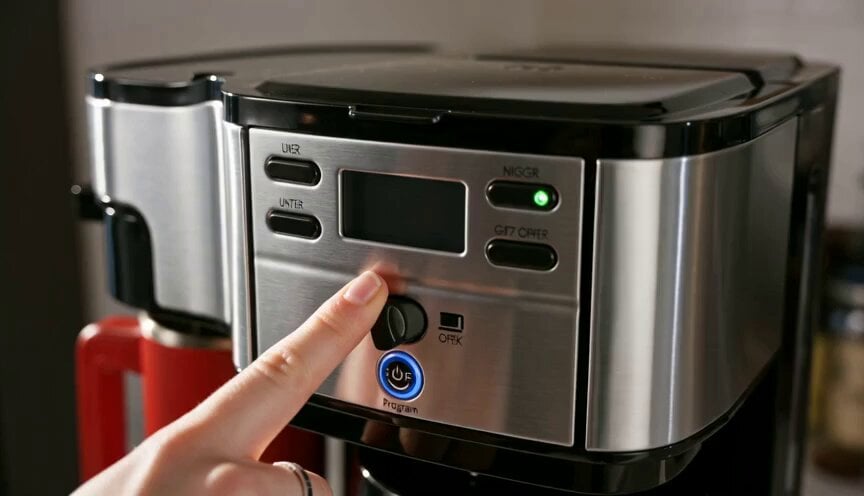
Premium Coffee Maker UGC Ad
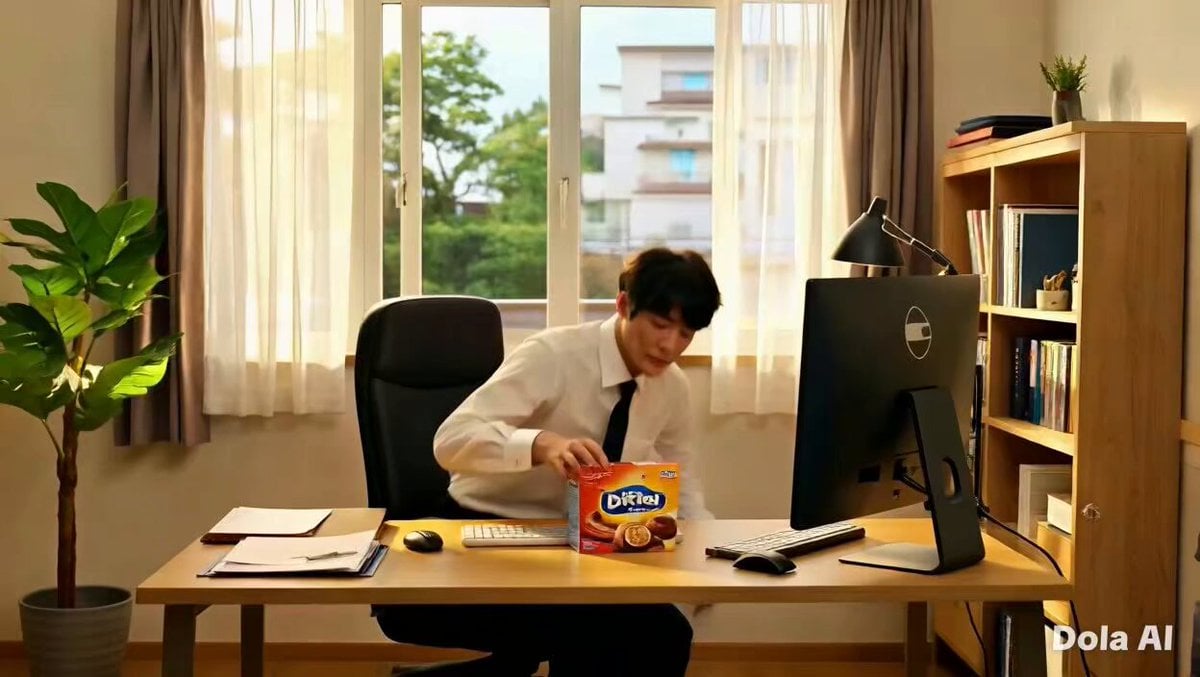
Premium Chocolate Bar UGC Ad Prompt
Make it yours
Second UGC Makeup Tutorial Script works as-is. These are the safest ways to change it without losing the look.
Change one field
Copy a single group, rewrite it, and generate again so you can see what that field is doing.
Keep the frame, change the subject
Hold the composition and light of 15-Second UGC Makeup Tutorial Script, then swap wardrobe, props or the person for a new take.
| If the result… | Why | Fix |
|---|---|---|
| The result drifts from the preview | Too many fields changed at once. | Reuse 15-Second UGC Makeup Tutorial Script as-is first, then change one group — subject, light, or setting. |
| The model over-stylizes the scene | The prose prompt leaves finish and camera underspecified. | Add one camera or lighting sentence and stay on Seedance 2.0. |
More Seedance 2.0 templates
Other prompts made for Seedance 2.0.

Comical Martial Arts Punch Scene

Maglev Train Action Sequence

Martial Arts Fight Sequence

Vintage Korean Arcade MiniDV Vlog

Mercedes 190 SL Luxury Ad

Amazon Civilization Discovery

Futuristic South Asian City Transformation

Cozy Luxury Cafe Commercial

Cyber Ronin Nanotech Transformation Video

Desert Courier and Sandstorm Leviathan Chase
More video prompts
Fresh picks from across the catalog.
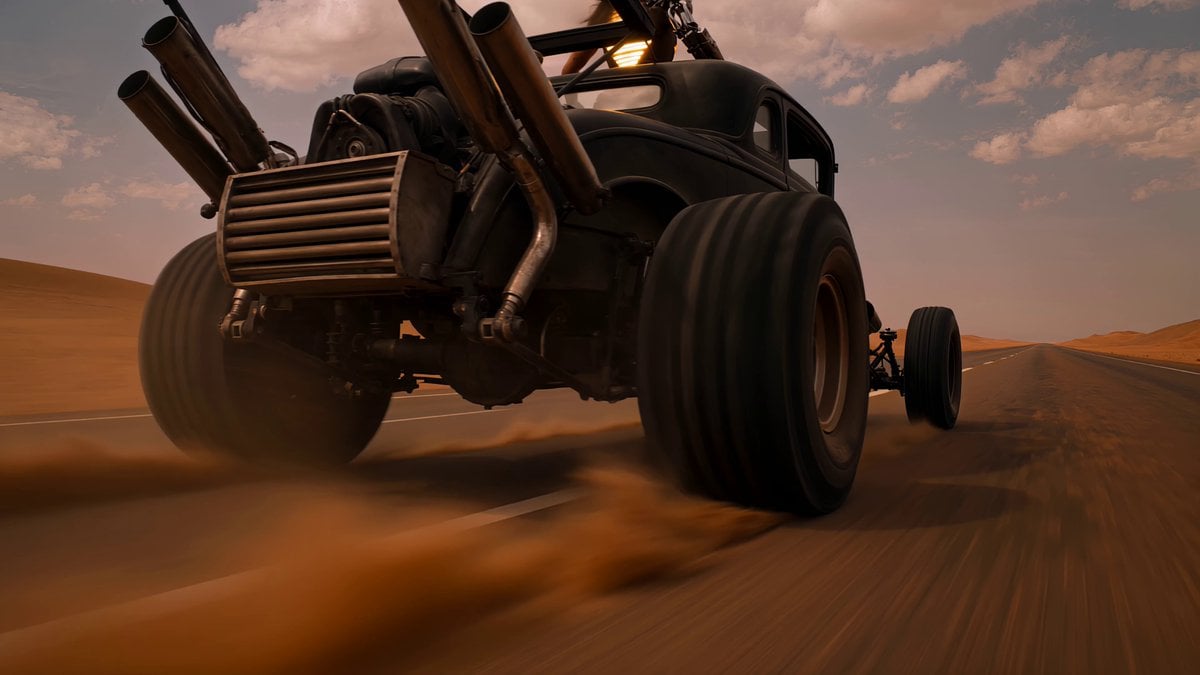
Post-Apocalyptic Desert Warrior Highway Chase
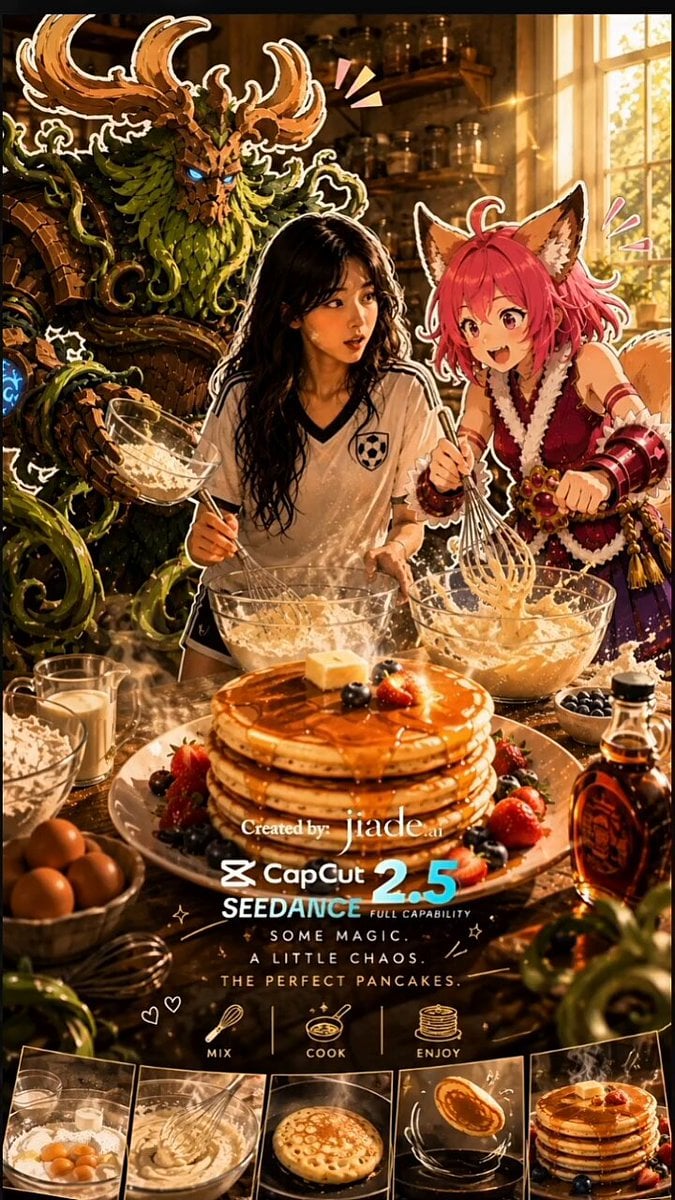
Mixed-Media Kitchen Cooking Animation
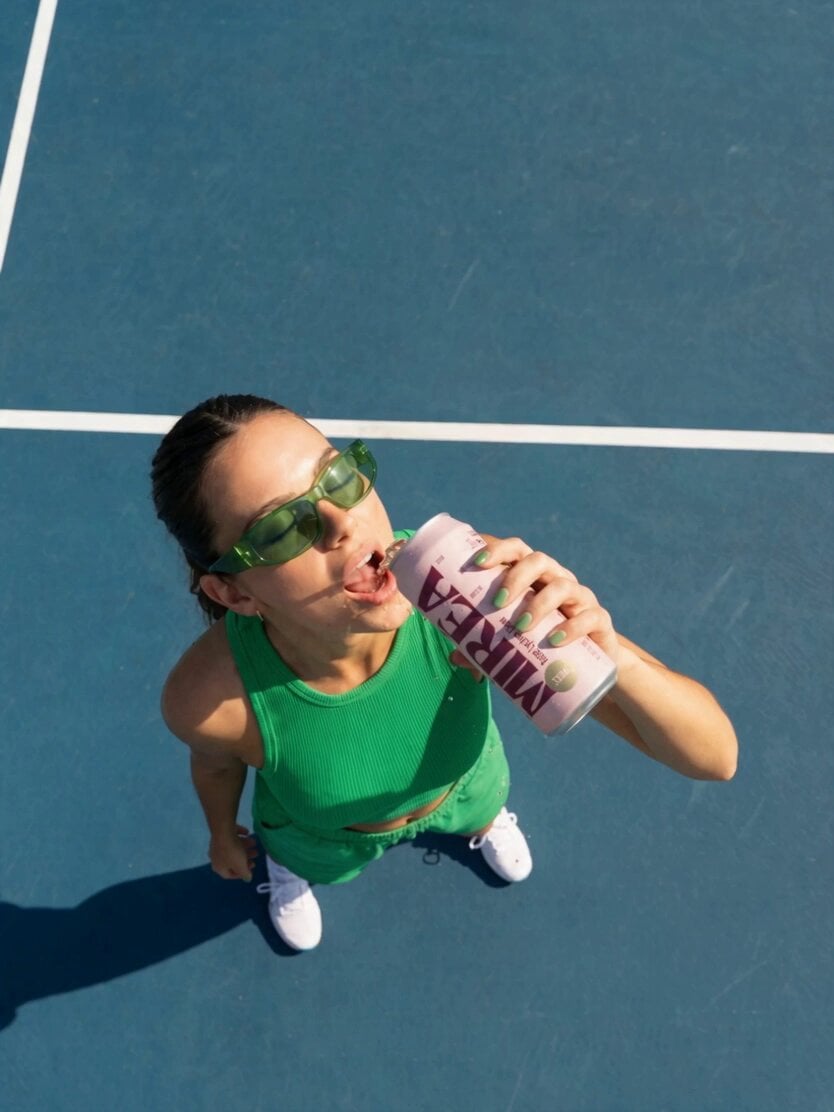
Frozen Time Handycam Diorama
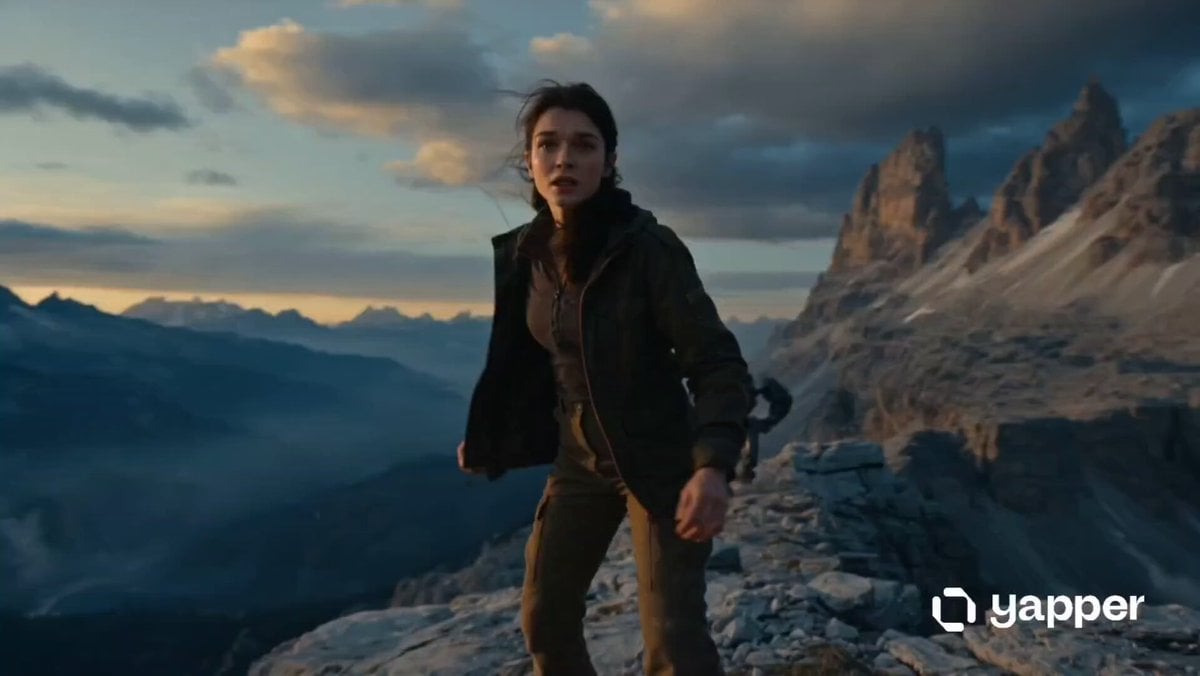
Woman vs Combat Robot Battle
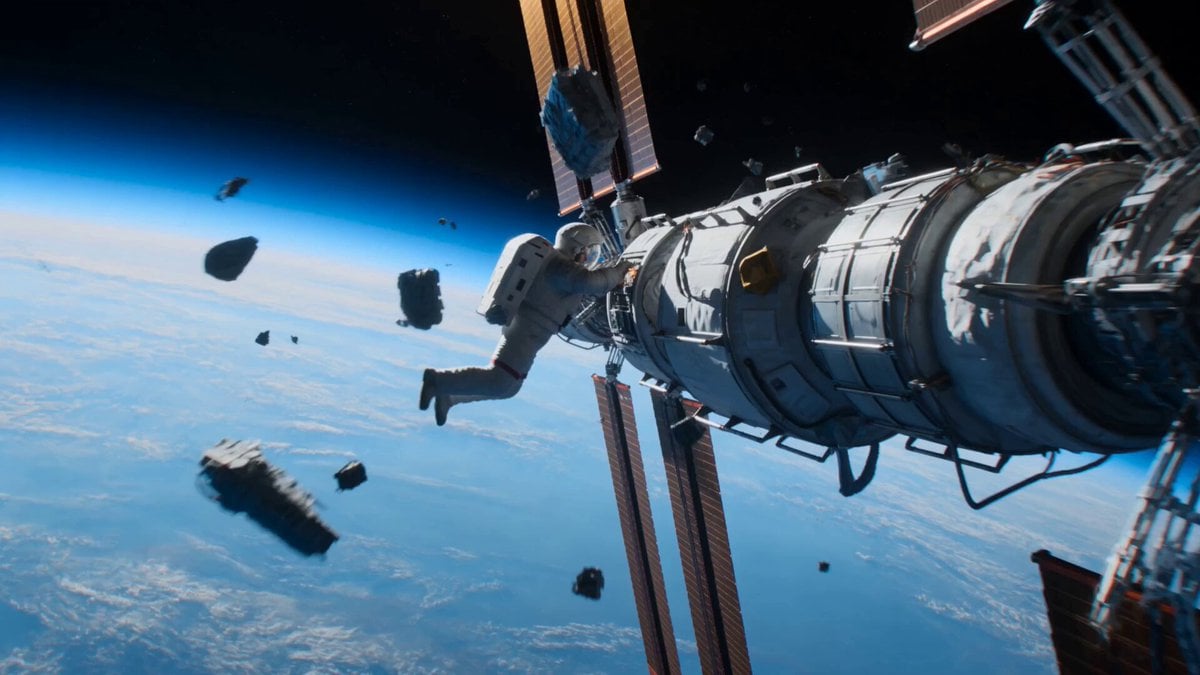
Astronaut to Apartment Match Cut Transition
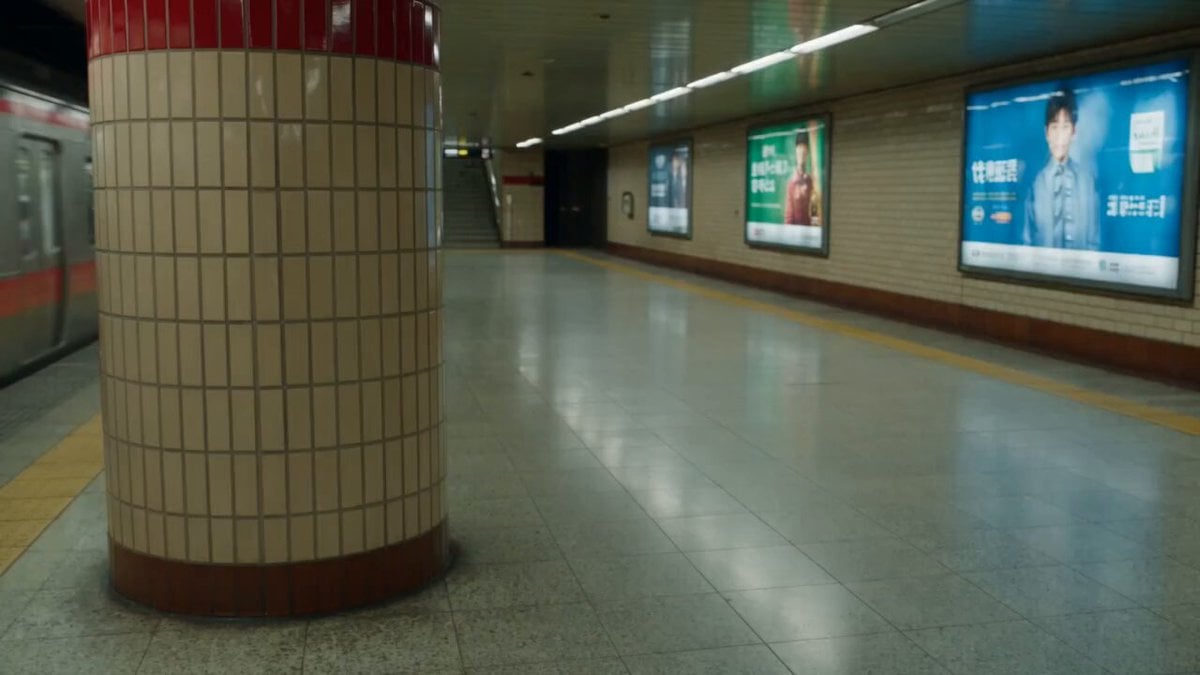
Subway Station Martial Arts Fight
AI Career Transformation Commercial
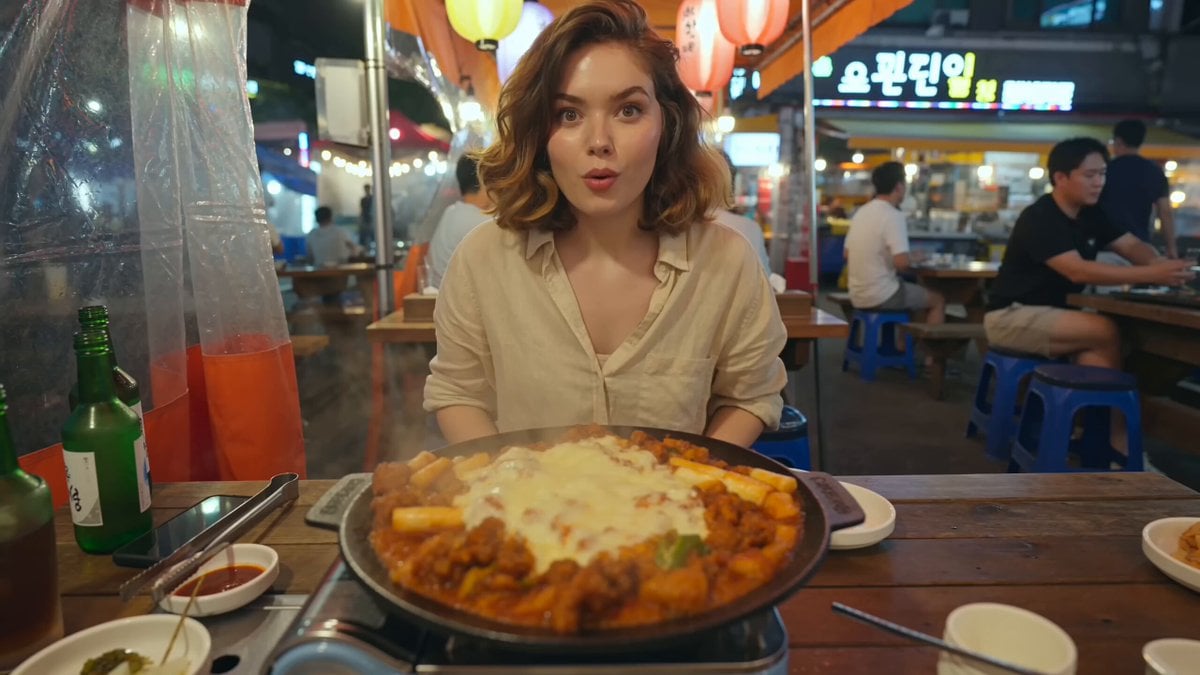
Korean Street Food Vlog
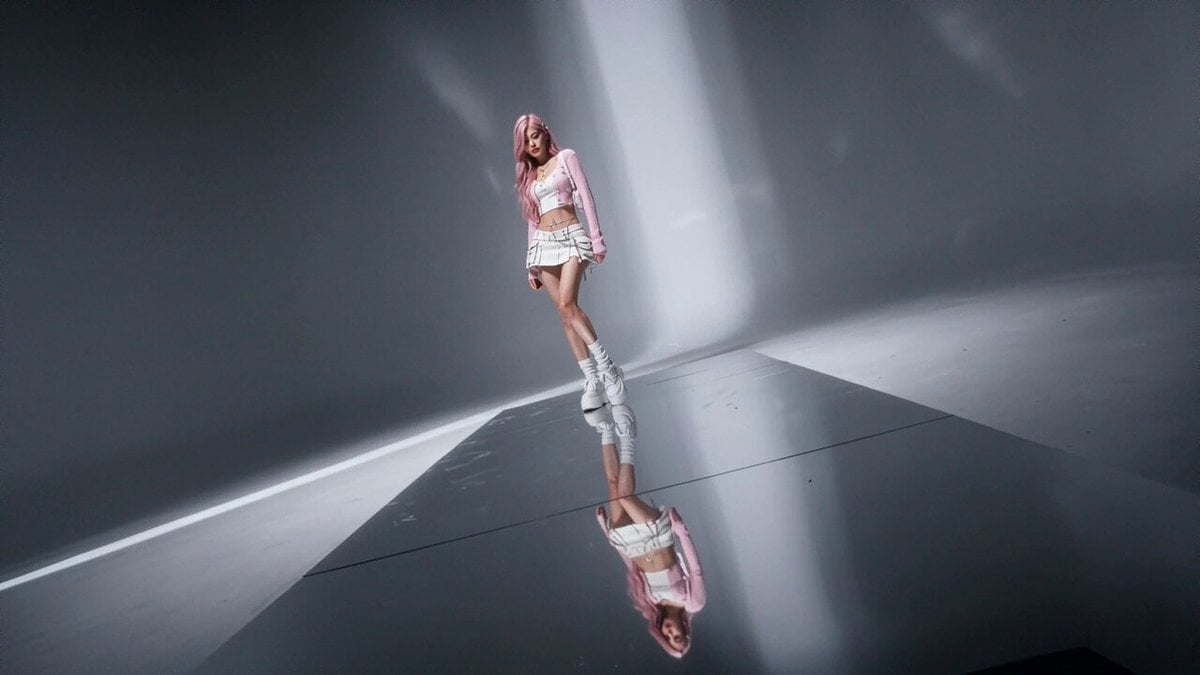
High Fashion Editorial Video
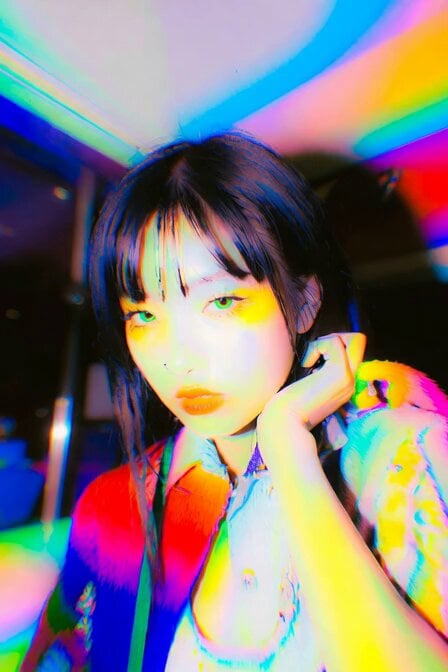
Dynamic Hair and Lip Color Transition
Browse template categories
Second UGC Makeup Tutorial Script questions
How do I use the 15-Second UGC Makeup Tutorial Script template?
Add your photo if the template asks for one, edit the prompt if you like — the template's model and format are already selected — and press Generate. Your version opens in PicX Studio.
Can I customize the 15-Second UGC Makeup Tutorial Script template?
Yes. You can change the subject, setting, lighting, mood, format, and available model controls before creating your video.
Is the 15-Second UGC Makeup Tutorial Script template free?
Opening and editing this template is free. Generating uses credits, shown on the Generate button when you are signed in.
Which AI model should I use?
Start with Seedance 2.0, which is the model associated with this template. You can compare another compatible model for a different finish.
Looking for something else? Browse all templates.

Your photo, any look
Thousands of ready templates for every top image and video model, from one credit balance.