How do I use the Cinematic Cyberpunk Armor Transformation template?
Edit the prompt in the box under the preview — the template's model and format are already selected — and press Generate. Your version appears right on this page.
A complex Seedance 2.0 prompt for a photorealistic 8K IMAX sequence featuring a character transforming into metallic armor in a deserted NYC-style avenue with aggressive handheld camera work.
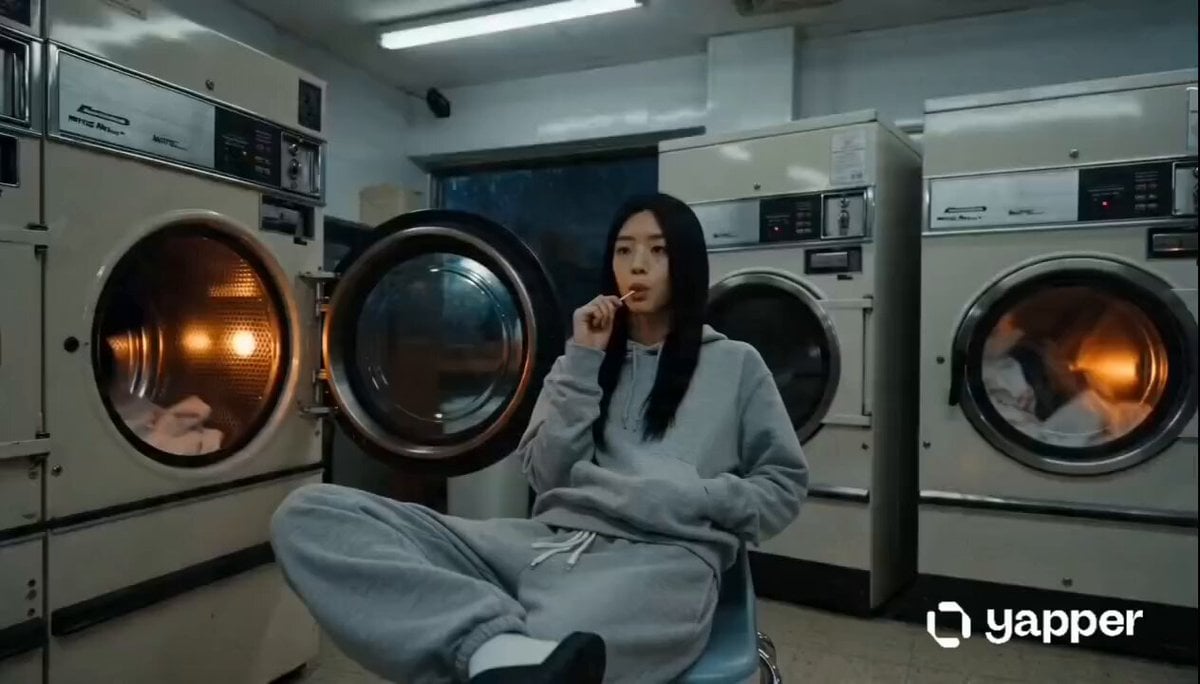
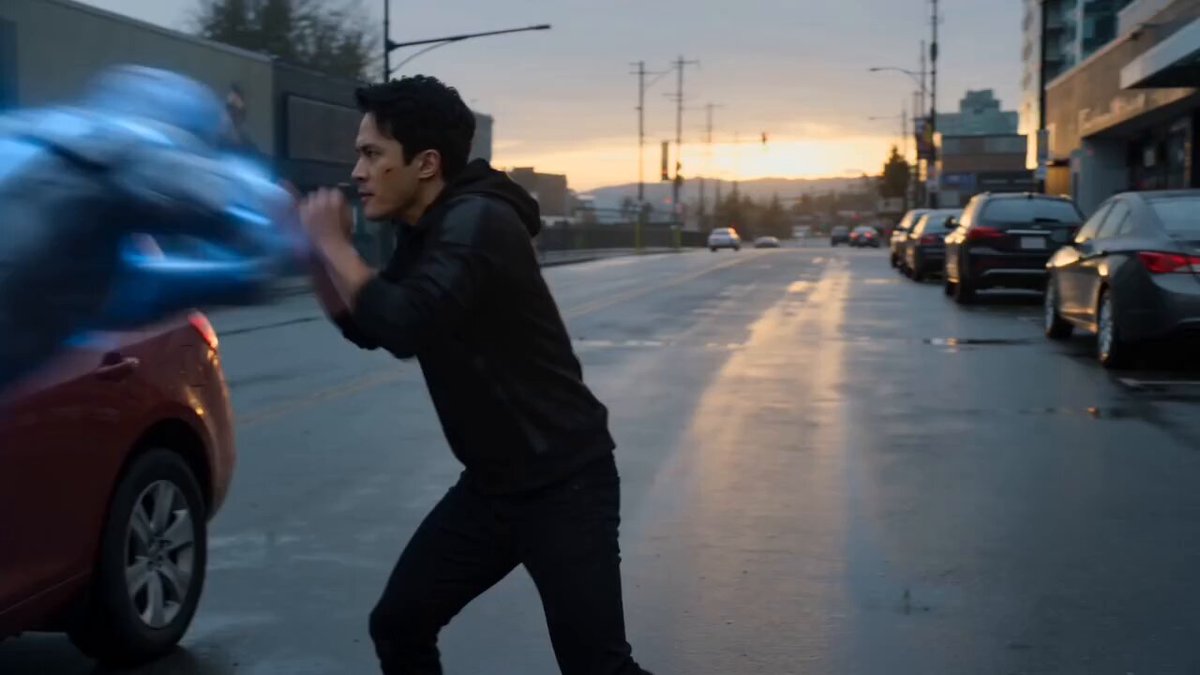
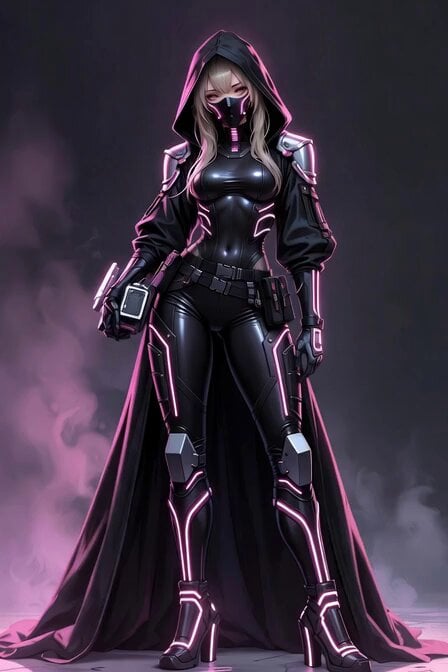
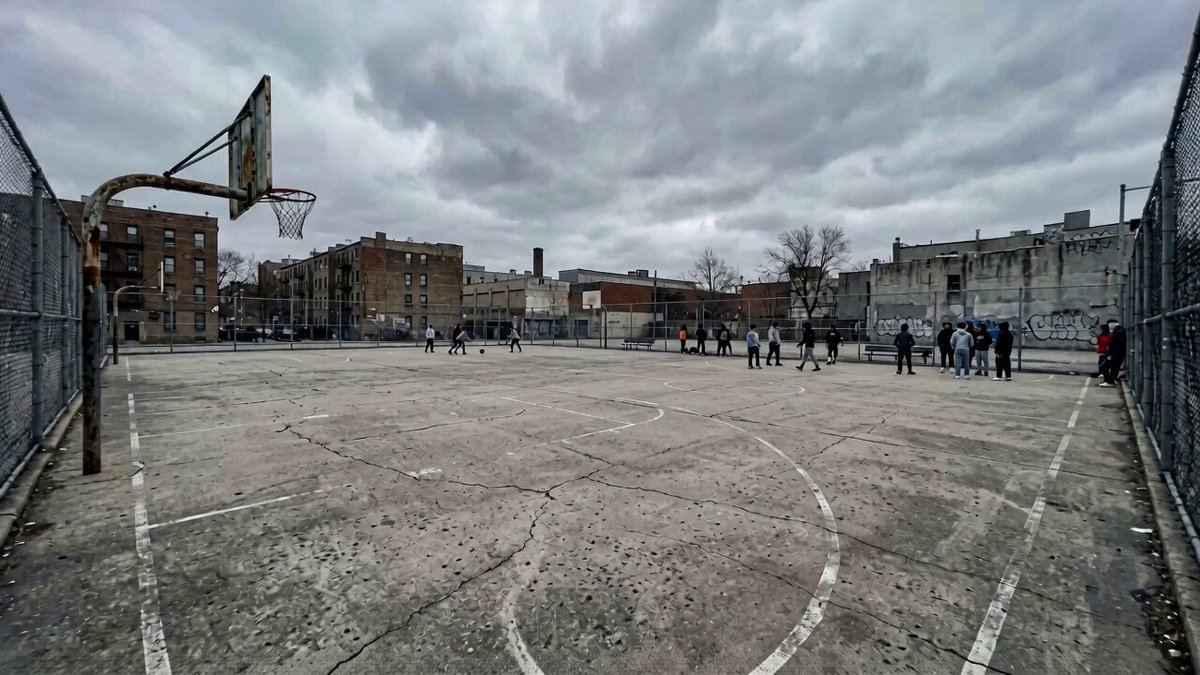
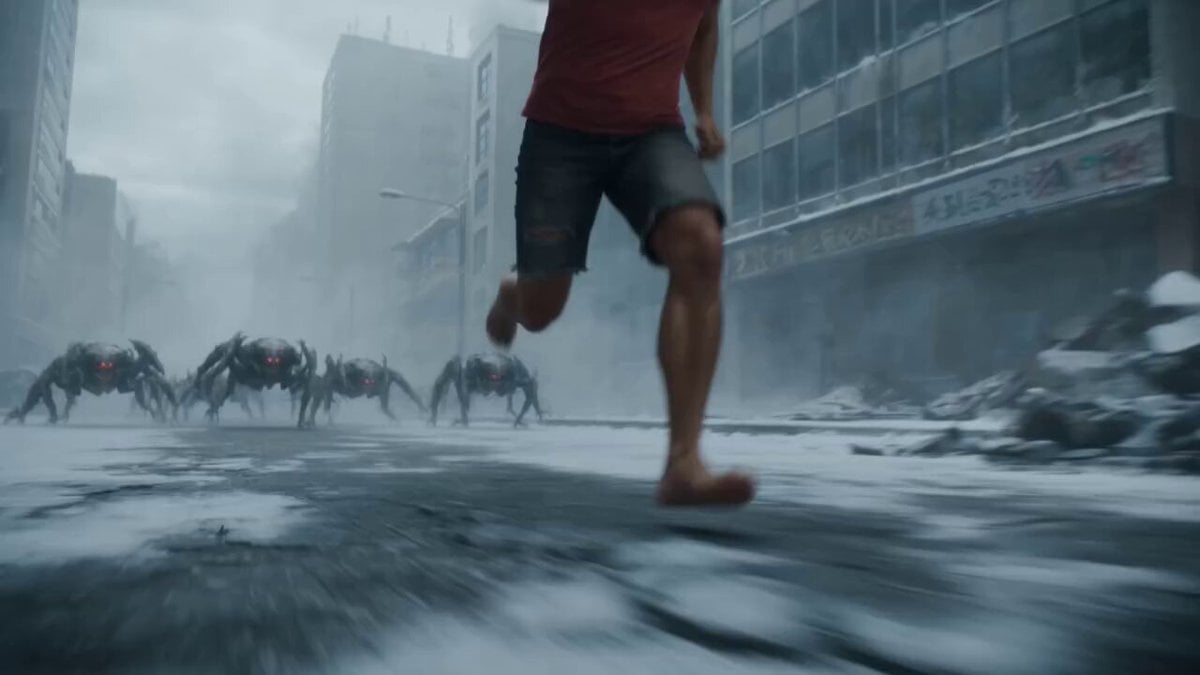
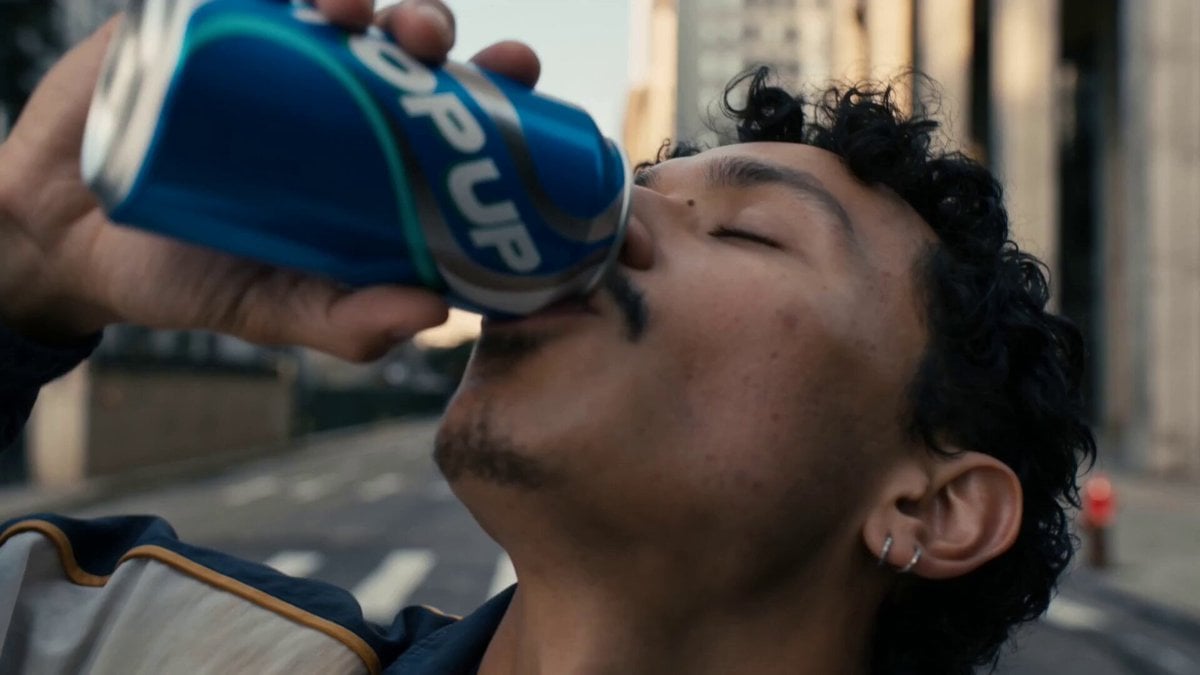
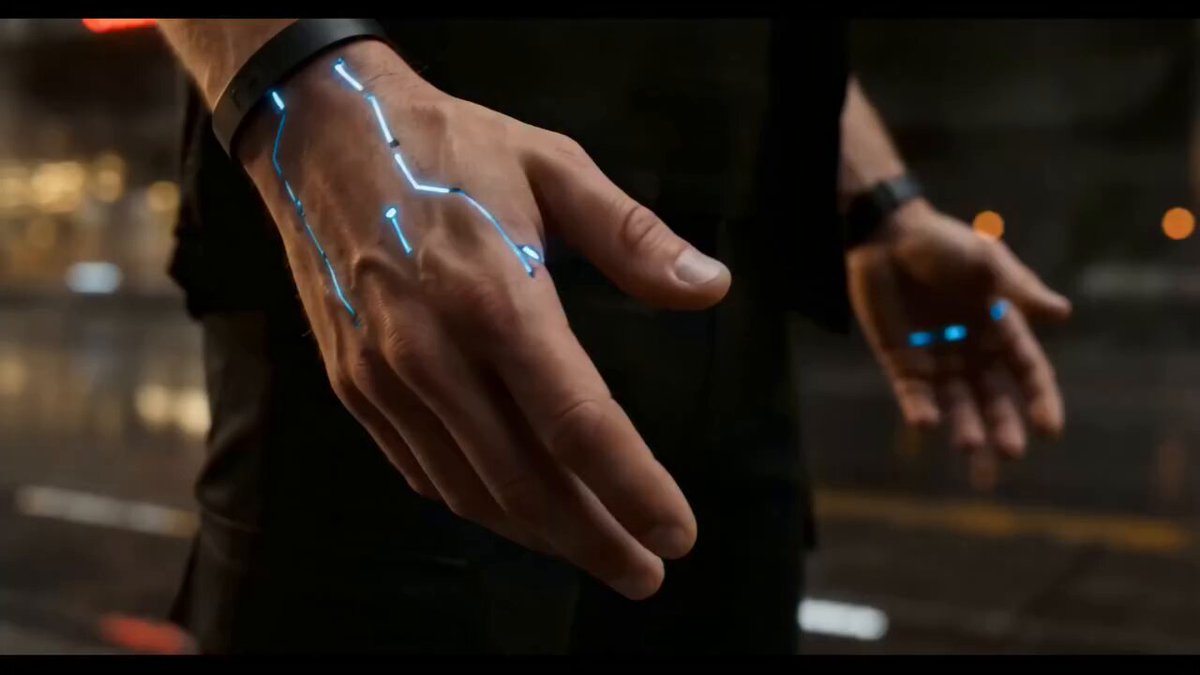
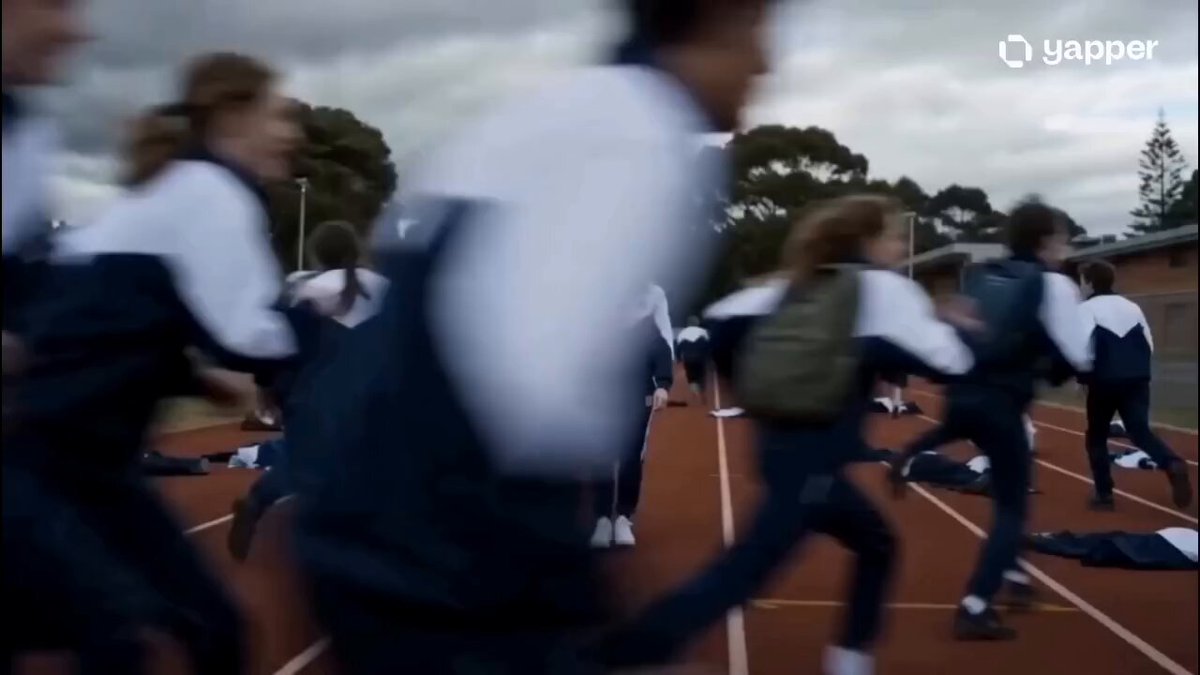
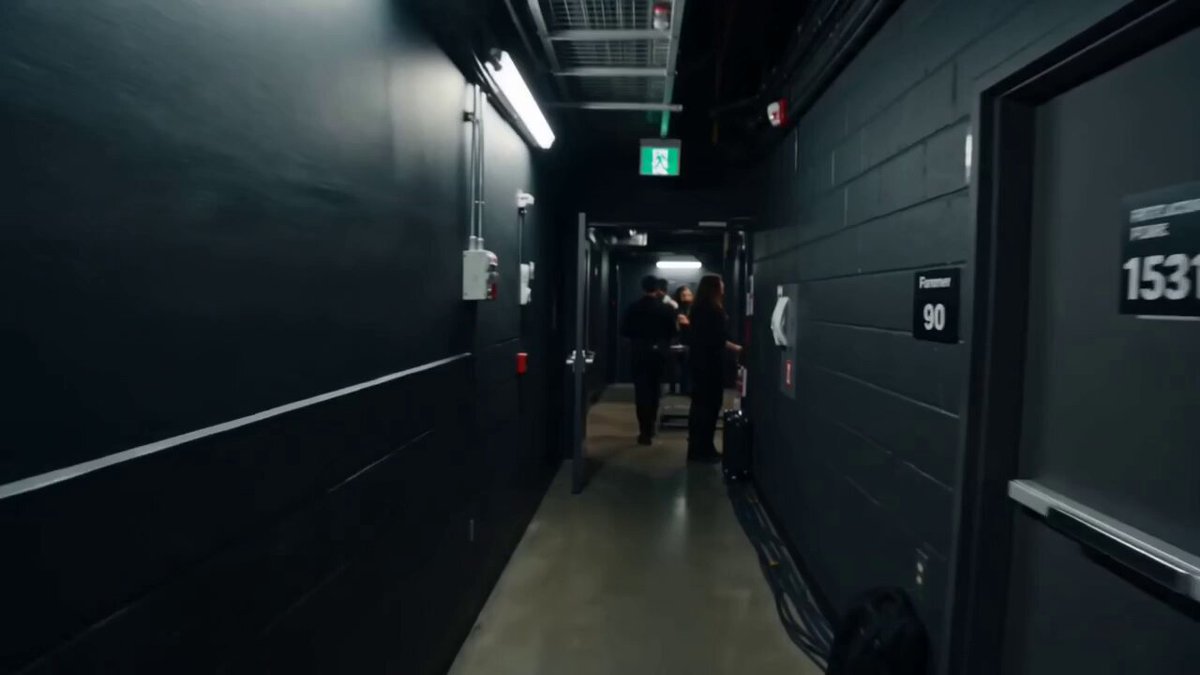
Style: 8K IMAX. Photorealistic — no CGI/game-engine look. Cinematography: Emmanuel Lubezki × Roger Deakins. Lighting: Natural only, contre-jour backlight, camera on shadow side, atmospheric haze. WB 6500K. Camera: Physical cine lens, 24fps, 180° shutter, handheld only with aggressive operator shake (4–8cm), Dutch angles (12–20°), no stabilization. Color (60:30:10): Bleached asphalt/building canyon 60%, navy/cream transitioning to chrome armor 30%, chrome flashes, dust, visor LED blue 10%. Skin: Pore-level realism, natural imperfections, wet eyes with catchlights. Performance: Hollywood realism with subtle breathing, eye-lines, micro-reactions. Physics: Real gravity, inertia, contact shadows. No floating props. Composition: Rule of thirds + golden ratio. Continuity: Character, props and environment remain identical. No identity drift. Audio: Environmental SFX only. No music. No subtitles. SUBJECT — <<<580cbf5c-4d9d-48b4-bd6d-ca414ac81650>>> matches input 100%, holding <<<d8cb3bc0-32c8-45bd-a5ea-13fa3c59fc7e>>> in right hand. By the end transforms completely into <<<13ce0872-5dbd-4f81-9d78-bb440b750841>>> with armor assembling live in mid-air, matching reference 100%. LOCATION — <<<781dadcd-7026-4651-a9a2-181c3fc22064>>> is STYLE REFERENCE ONLY. Use its mood, architecture and harsh midday lighting for a deserted NYC-style avenue. Extend the world freely with new streets, buildings and angles. Character continuously travels through space. ACTION — 0:00–0:02 — Extreme close-up. Drinks from <<<d8cb3bc0-32c8-45bd-a5ea-13fa3c59fc7e>>>. Visible swallow. Hard cut. 0:02–0:04 — Same framing. Can lowers. Eyes snap open naturally. Genuine grin rapidly forms. Deep inhale. Hard cut. 0:04–0:06 — Wide low angle. Explodes into a 30 km/h sprint straight ahead. Sneakers hit cracked asphalt, dust bursts. Hard cut. 0:06–0:08 — Tracking sprint. Arms pump, jacket trails, grin maintained, accelerating. Hard cut. 0:08–0:10 — Final strides. Right foot cracks asphalt and launches upward at 65 km/h. Hard cut. 0:10–0:13 — Mid-air, full-speed (NO slow motion). Body constantly moving while armor pieces fly from the city and lock onto chest, shoulders, arms, legs and helmet in one continuous transformation. Metallic visor CRACK. Hard cut. 0:13–0:15 — Fully armored <<<13ce0872-5dbd-4f81-9d78-bb440b750841>>> lands in a powerful crouch, dust ring erupts, stands, flexes both gauntlets, glances at chest plate, muffled laugh behind visor. Hard cut to black. CAMERA — Shot 1–2: 18° FOV extreme close, handheld, violent micro-shake. Shot 3–4: 84° FOV, low-angle chase with whip movement and heavy bounce. Shot 5–7: 63° FOV, aggressive handheld tracking, fast reframes, dynamic Dutch angles, impact recoil on landing. CONSTRAINTS — 16:9, MULTISHOT with hard cuts, no slow motion anywhere, no glowing eyes, transformation at full speed, handheld throughout, cut to black at end. <<<781dadcd-7026-4651-a9a2-181c3fc22064>>>
Style: 8K IMAX. Photorealistic — no CGI/game-engine look. Cinematography: Emmanuel Lubezki × Roger Deakins. Lighting: Natural only, contre-jour backlight, camera on shadow side, atmospheric haze. WB 6500K. Camera: Physical cine lens, 24fps, 180° shutter, handheld only with aggressive operator shake (4–8cm), Dutch angles (12–20°), no stabilization. Color (60:30:10): Bleached asphalt/building canyon 60%, navy/cream transitioning to chrome armor 30%, chrome flashes, dust, visor LED blue 10%. Skin: Pore-level realism, natural imperfections, wet eyes with catchlights. Performance: Hollywood realism with subtle breathing, eye-lines, micro-reactions. Physics: Real gravity, inertia, contact shadows. No floating props. Composition: Rule of thirds + golden ratio. Continuity: Character, props and environment remain identical. No identity drift. Audio: Environmental SFX only. No music. No subtitles. SUBJECT — <<<580cbf5c-4d9d-48b4-bd6d-ca414ac81650>>> matches input 100%, holding <<<d8cb3bc0-32c8-45bd-a5ea-13fa3c59fc7e>>> in right hand. By the end transforms completely into <<<13ce0872-5dbd-4f81-9d78-bb440b750841>>> with armor assembling live in mid-air, matching reference 100%. LOCATION — <<<781dadcd-7026-4651-a9a2-181c3fc22064>>> is STYLE REFERENCE ONLY. Use its mood, architecture and harsh midday lighting for a deserted NYC-style avenue. Extend the world freely with new streets, buildings and angles. Character continuously travels through space. ACTION — 0:00–0:02 — Extreme close-up. Drinks from <<<d8cb3bc0-32c8-45bd-a5ea-13fa3c59fc7e>>>. Visible swallow. Hard cut. 0:02–0:04 — Same framing. Can lowers. Eyes snap open naturally. Genuine grin rapidly forms. Deep inhale. Hard cut. 0:04–0:06 — Wide low angle. Explodes into a 30 km/h sprint straight ahead. Sneakers hit cracked asphalt, dust bursts. Hard cut. 0:06–0:08 — Tracking sprint. Arms pump, jacket trails, grin maintained, accelerating. Hard cut. 0:08–0:10 — Final strides. Right foot cracks asphalt and launches upward at 65 km/h. Hard cut. 0:10–0:13 — Mid-air, full-speed (NO slow motion). Body constantly moving while armor pieces fly from the city and lock onto chest, shoulders, arms, legs and helmet in one continuous transformation. Metallic visor CRACK. Hard cut. 0:13–0:15 — Fully armored <<<13ce0872-5dbd-4f81-9d78-bb440b750841>>> lands in a powerful crouch, dust ring erupts, stands, flexes both gauntlets, glances at chest plate, muffled laugh behind visor. Hard cut to black. CAMERA — Shot 1–2: 18° FOV extreme close, handheld, violent micro-shake. Shot 3–4: 84° FOV, low-angle chase with whip movement and heavy bounce. Shot 5–7: 63° FOV, aggressive handheld tracking, fast reframes, dynamic Dutch angles, impact recoil on landing. CONSTRAINTS — 16:9, MULTISHOT with hard cuts, no slow motion anywhere, no glowing eyes, transformation at full speed, handheld throughout, cut to black at end. <<<781dadcd-7026-4651-a9a2-181c3fc22064>>>
Edit the prompt in the box under the preview — the template's model and format are already selected — and press Generate. Your version appears right on this page.
Yes. You can change the subject, setting, lighting, mood, format, and available model controls before creating your video.
Opening and editing this template is free. Generating uses credits, shown on the Generate button when you are signed in.
Start with Seedance 2.0, which is the model associated with this template. You can compare another compatible model for a different finish.
Follow a topic to a crawlable collection of related PicX Studio templates.