
Nano-Armor Transformation Fight
An intense action prompt describing a martial arts sequence where a character transforms into a high-tech gold and black exo-suit.
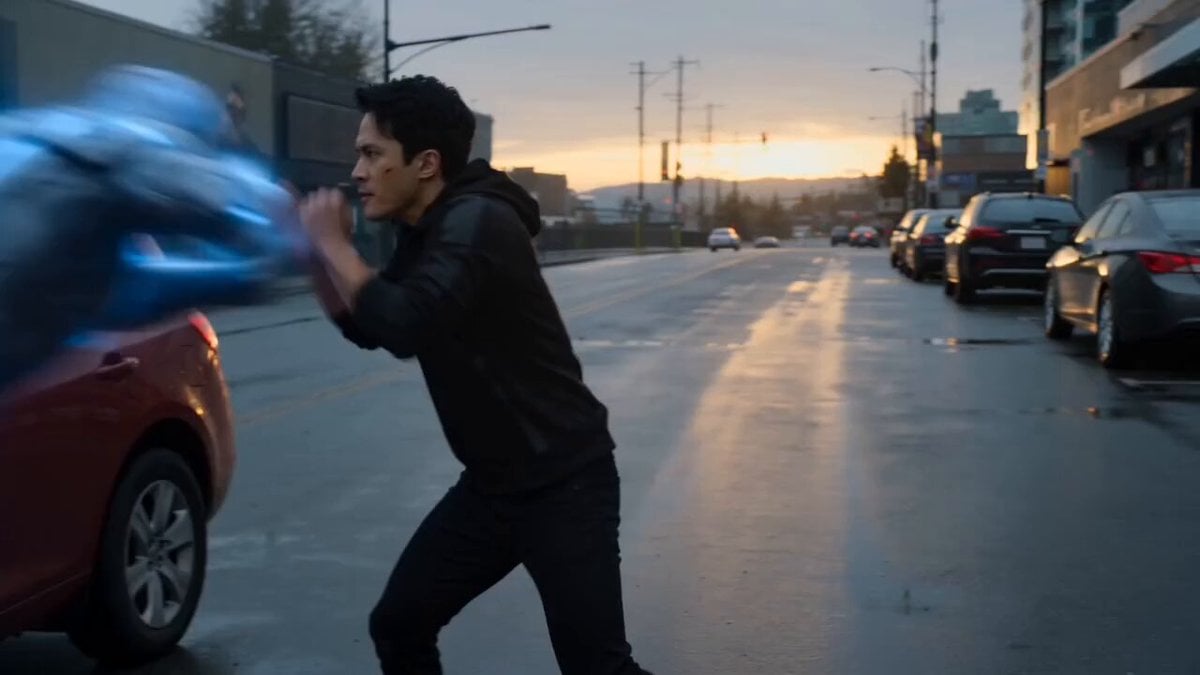
- Prompt included
- Model and format preset
- Free template
The prompt behind this video
Copy the exact prompt behind Nano-Armor Transformation Fight, or open it in the studio and make it yours.
An intense, cinematic, slow-motion action sequence on a damp, overcast city street during dusk. A young Asian man in a black hoodie is in a tight, fast-paced hand-to-hand martial arts fight with a glowing, high-tech holographic or energy-based blue dynamic cyborg. The camera dynamic moves quickly, capturing sharp dodges, blocks, and misses. VFX & Transformation Sequence: The man jumps back into a defensive stance. A close-up reveals his forearm glowing with intricate, incandescent orange and gold circuit patterns, emitting light steam. With a dramatic fist clench, an explosion of golden sparks and metallic nano-particles erupts, rapidly morphing and crawling up his arm to form a high-tech gold and black metallic gauntlet. The camera pans out as the nano-armor swiftly encases his entire body, forming a sleek, studio-quality gold and black exo-suit with a fabric hood. The hero extends his arm, generating a swirling vortex of golden energy that fires a powerful concentrated beam across the street, illuminating the wet asphalt. Lighting & Atmosphere: Moody, desaturated overcast daytime lighting with a soft sunset glow in the background. The scene features highly reflective surfaces—wet ground, glossy cars (Hyundai SUV), and polished metallic armor. The hero’s helmet features a smooth, reflective gold visor that suddenly activates, glowing with sharp, vibrant orange LED eyes. Ultra-detailed, photorealistic, 8k resolution, cinematic composition, Hollywood-style visual effects.
How to use Nano-Armor Transformation Fight in 3 steps
- 1
Open
The prompt is already in the box next to the preview, with the template's model and format selected.
- 2…a portrait of your subject in softgolden-hour light, 85mm…
Personalize
Edit the subject and creative details for your destination.
- 3Generate
Generate
Press Generate — your video is created in PicX Studio, so you can compare it with the original and refine one variable at a time.
More like this
Templates with the same subject, style or setup. Open one to see its prompt.
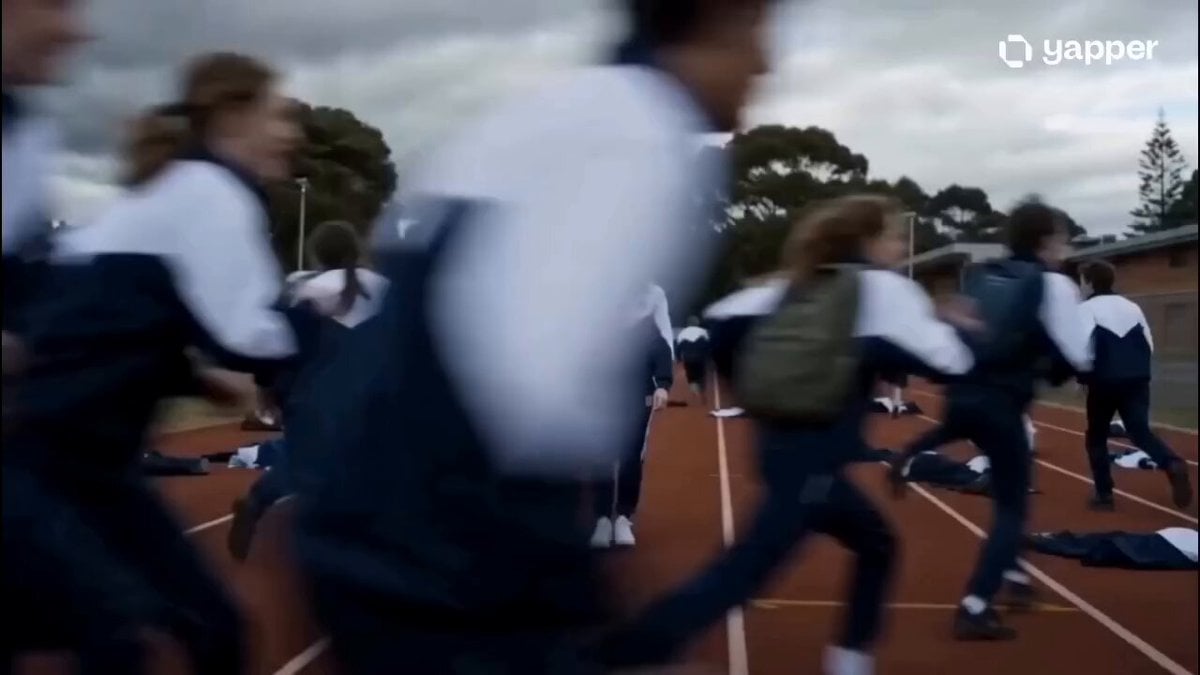
Nanotech Superhero Armor Transformation
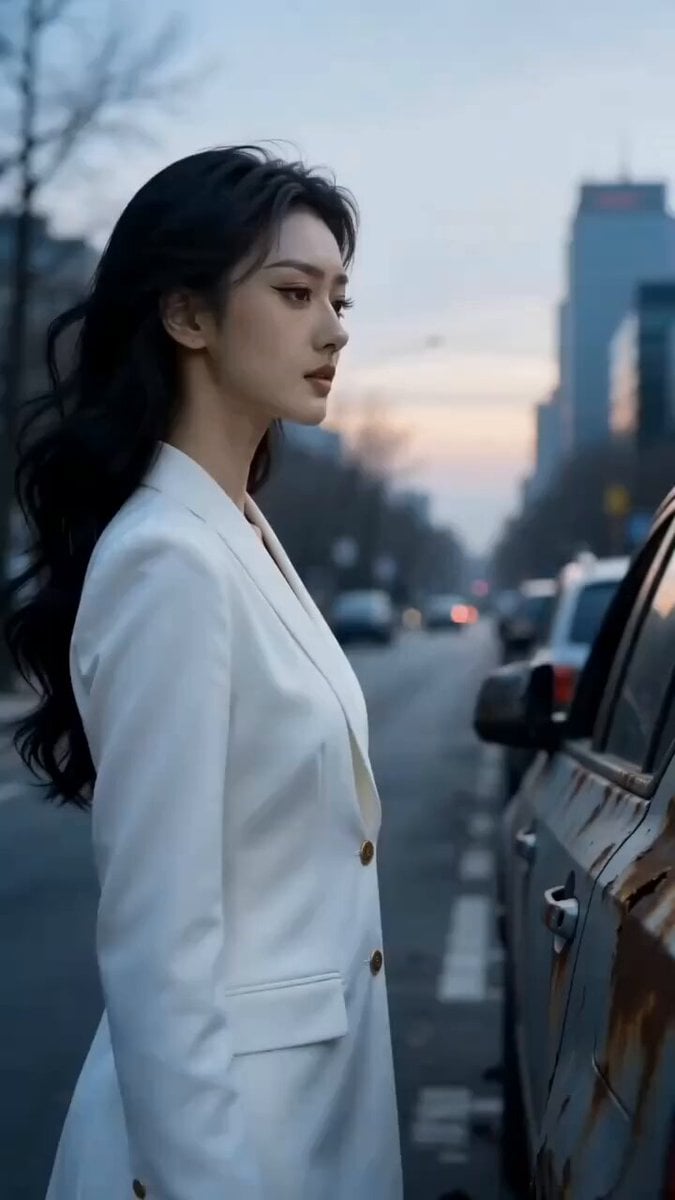
Dark Armored Warrior Transformation

Cinematic Istanbul Night Fight - Seedance 2.5

Magical Room Transformation - Seedance 2.5

Dark Tokusatsu Transformation - Seedance 2.5

RX-7 to Mech Transformation Cyberpunk
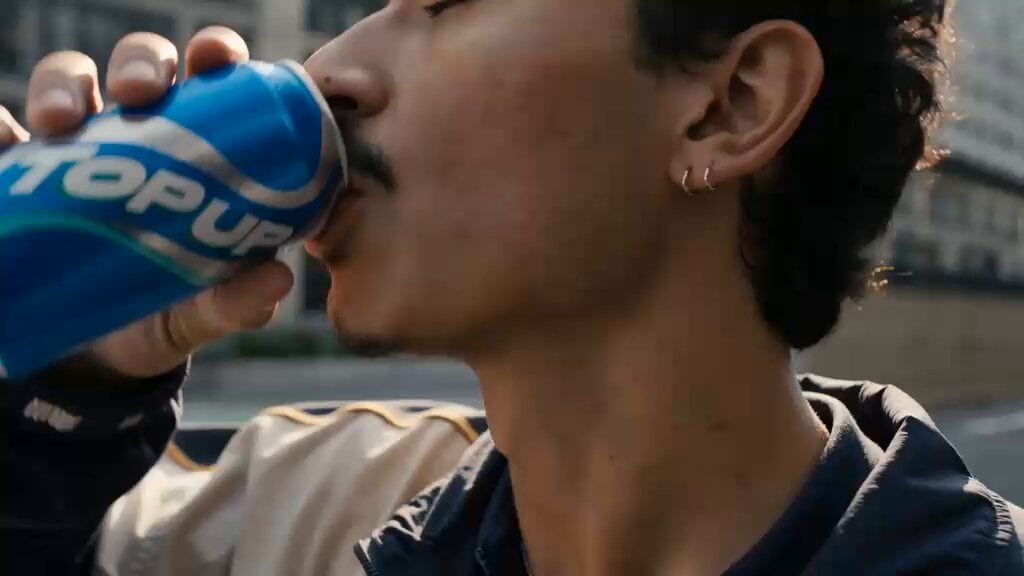
Cinematic Cyberpunk Armor Transformation
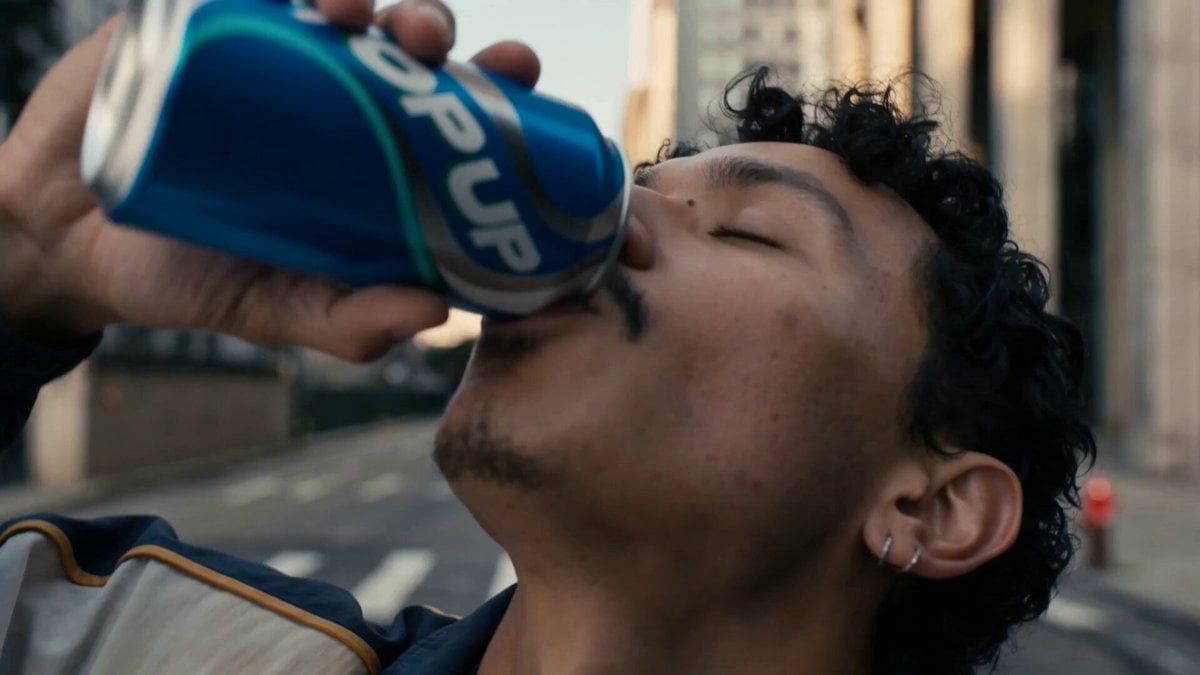
Neon Armor Epic Transformation Sequence
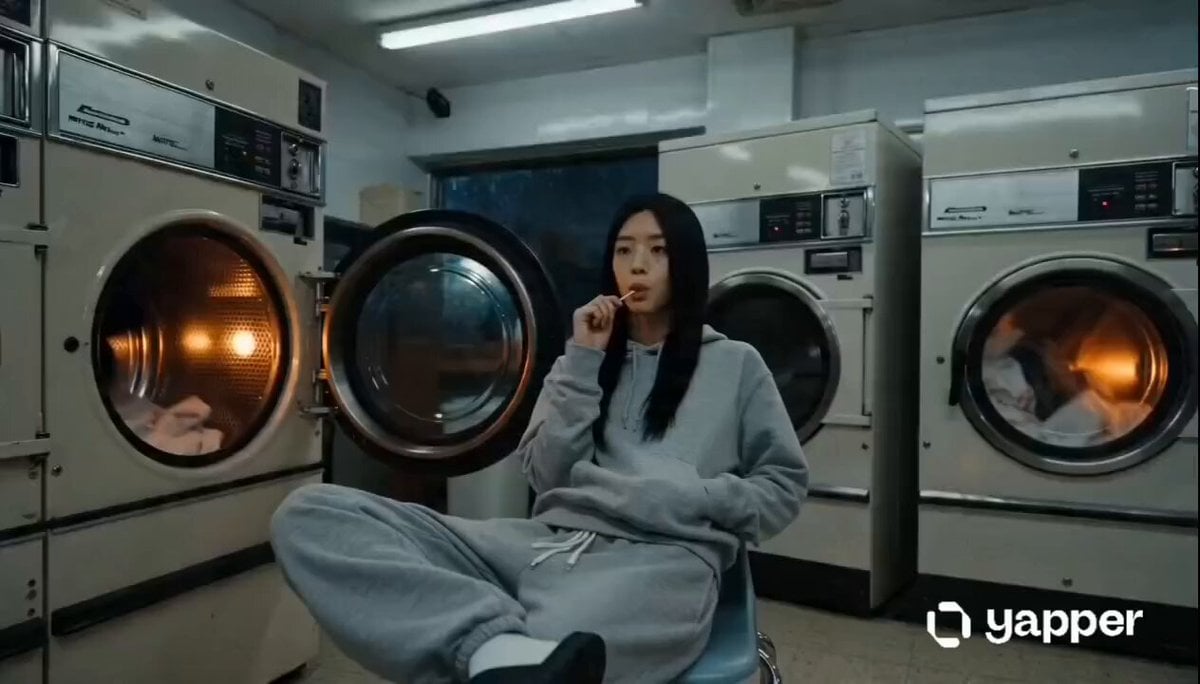
Laundromat Sci-Fi Armor Transformation

Cyber Ronin Nanotech Transformation Video
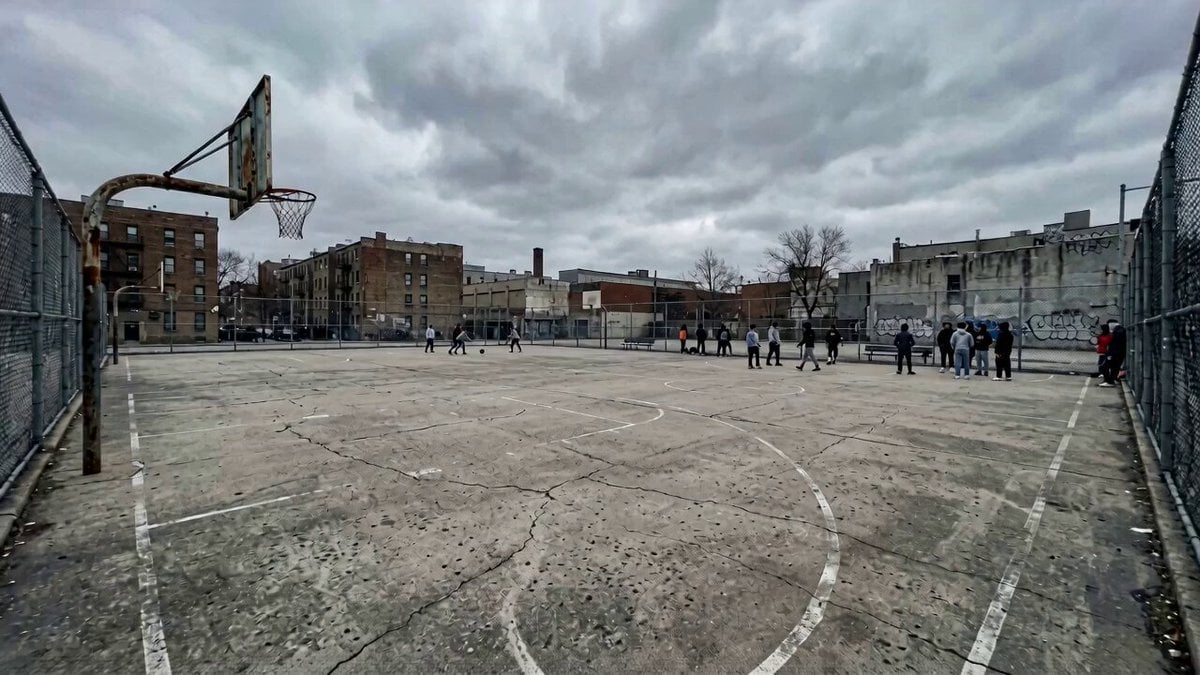
Urban Fantasy Armor Transformation
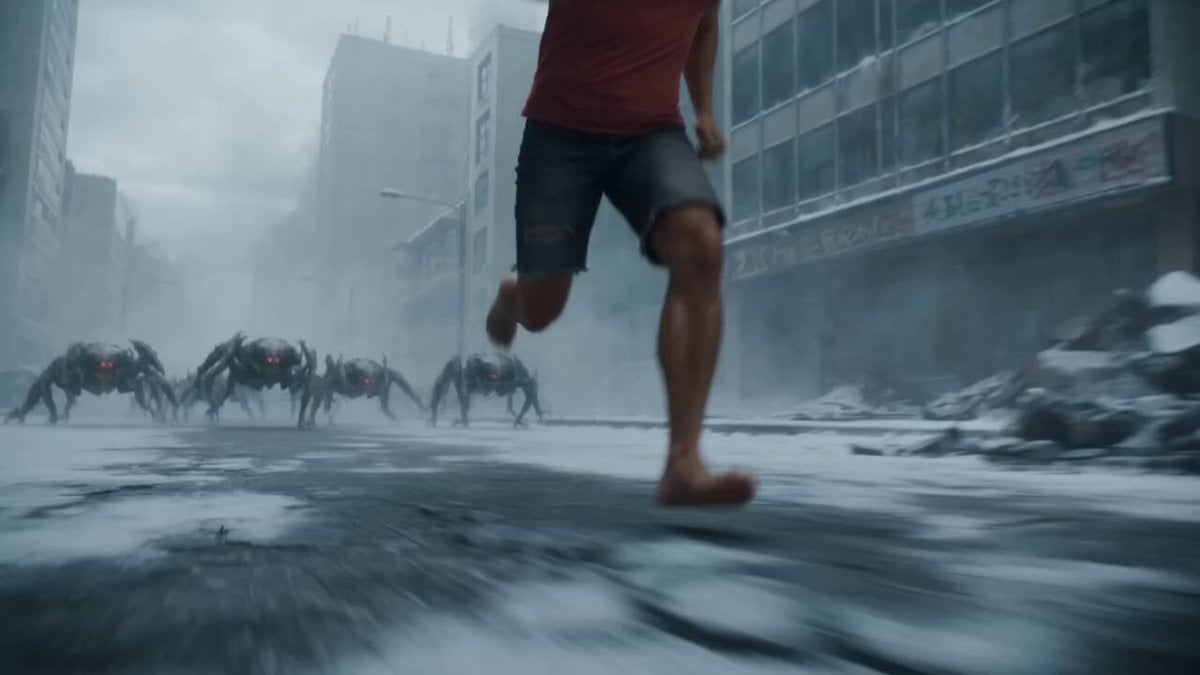
Cyborg Soldier Armor Transformation
Make it yours
Nano-Armor Transformation Fight works as-is. These are the safest ways to change it without losing the look.
Change one field
Copy a single group, rewrite it, and generate again so you can see what that field is doing.
Keep the frame, change the subject
Hold the composition and light of Nano-Armor Transformation Fight, then swap wardrobe, props or the person for a new take.
| If the result… | Why | Fix |
|---|---|---|
| The result drifts from the preview | Too many fields changed at once. | Reuse Nano-Armor Transformation Fight as-is first, then change one group — subject, light, or setting. |
| The model over-stylizes the scene | The prose prompt leaves finish and camera underspecified. | Add one camera or lighting sentence and stay on Seedance 2.0. |
More Seedance 2.0 templates
Other prompts made for Seedance 2.0.

Comical Martial Arts Punch Scene

Maglev Train Action Sequence

Wuxia Protection and Trust Script

Vintage Korean Arcade MiniDV Vlog

Mercedes 190 SL Luxury Ad

Rainy Night Supernatural Reverse Comedy Video Script

Amazon Civilization Discovery

Futuristic South Asian City Transformation

Cozy Luxury Cafe Commercial

Desert Courier and Sandstorm Leviathan Chase
More video prompts
Fresh picks from across the catalog.
Korean Idol Vlogger Documentary Aesthetic
Yogyakarta Indonesia Street Food Vlog
Cinematic Shanghai Megacity Sunset

Anime Girl Talking About Pudding

Dragon with Sunflower in Field
Sun Absorbed by Terafab Video Prompt
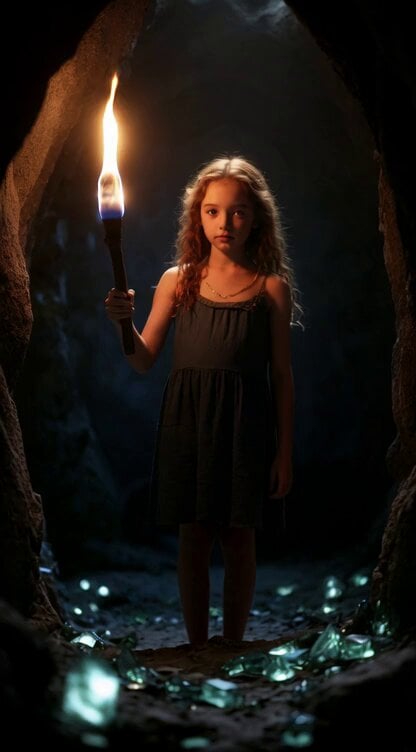
Second Summoning Sequence: Fairy with Wand Summons Deer
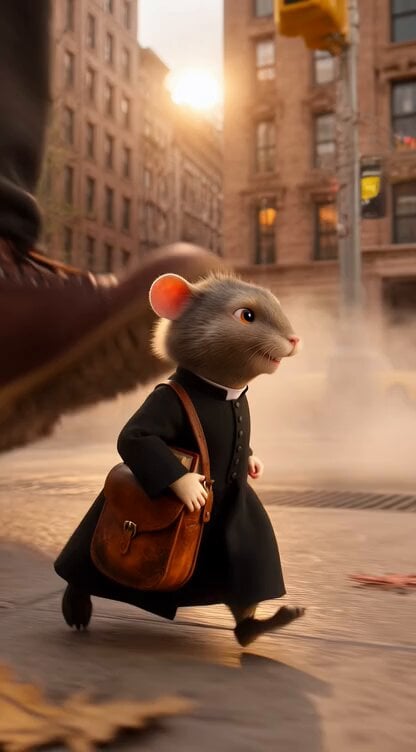
Catholic Mouse Priest in Brooklyn
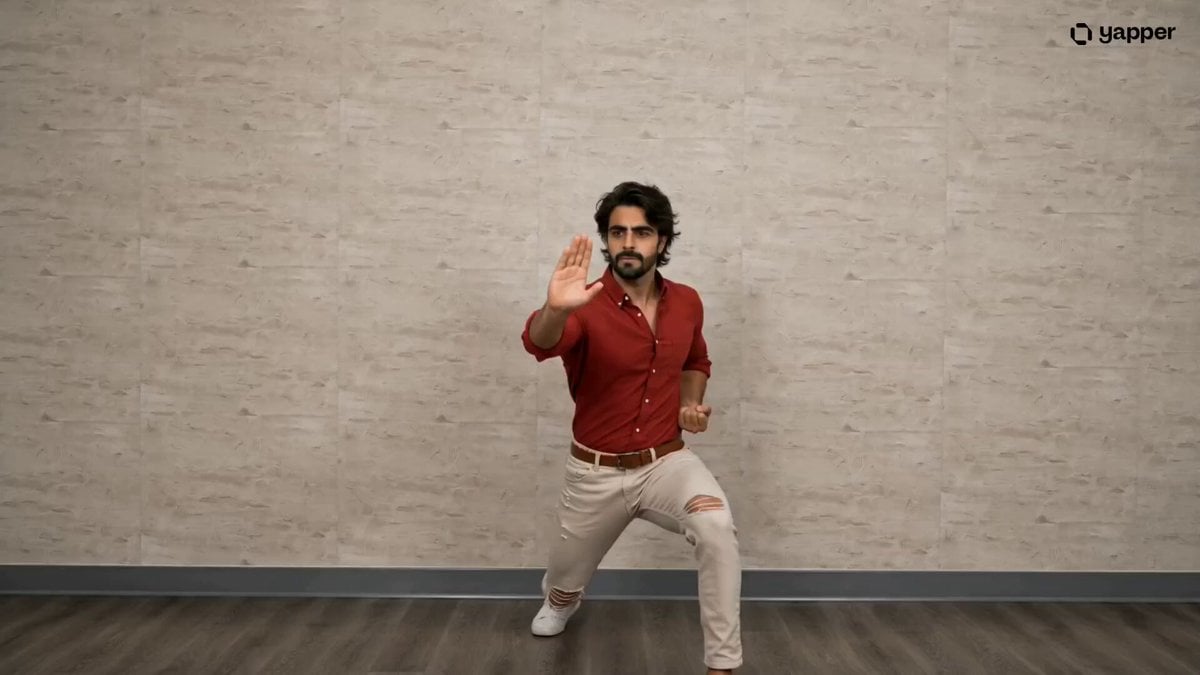
Pencak Silat Martial Arts Sequence
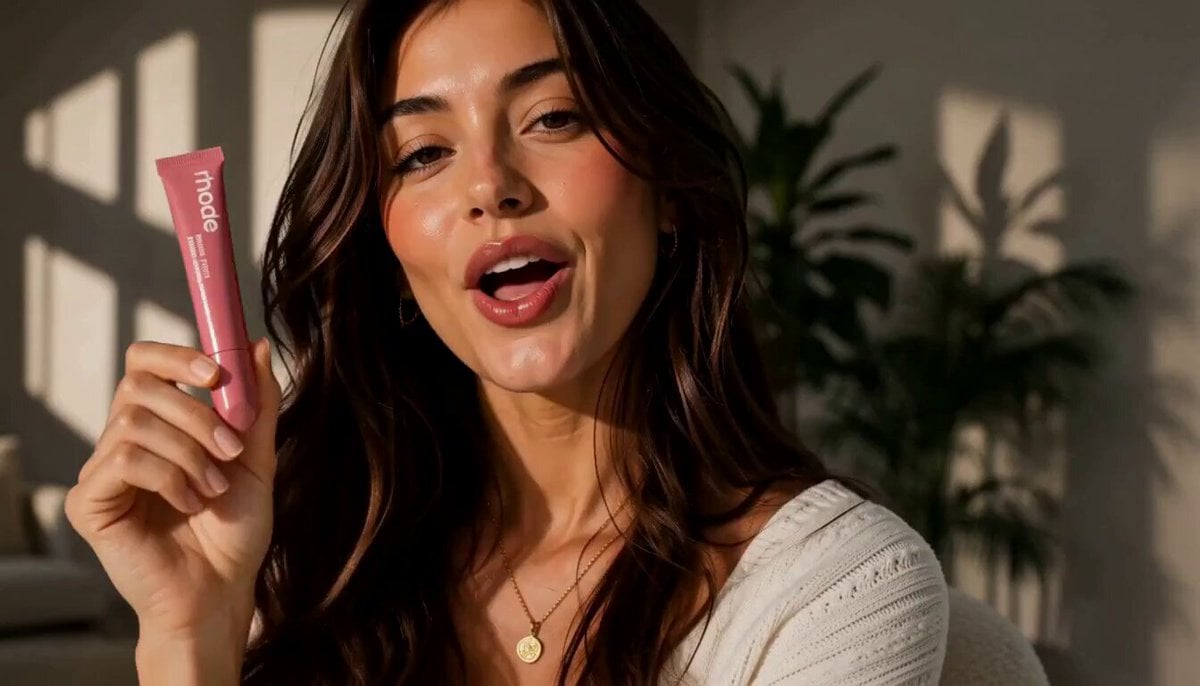
Luxury Beauty UGC Commercial
Browse template categories
Nano-Armor Transformation Fight questions
How do I use the Nano-Armor Transformation Fight template?
Add your photo if the template asks for one, edit the prompt if you like — the template's model and format are already selected — and press Generate. Your version opens in PicX Studio.
Can I customize the Nano-Armor Transformation Fight template?
Yes. You can change the subject, setting, lighting, mood, format, and available model controls before creating your video.
Is the Nano-Armor Transformation Fight template free?
Opening and editing this template is free. Generating uses credits, shown on the Generate button when you are signed in.
Which AI model should I use?
Start with Seedance 2.0, which is the model associated with this template. You can compare another compatible model for a different finish.
Looking for something else? Browse all templates.

Your photo, any look
Thousands of ready templates for every top image and video model, from one credit balance.