
Yogyakarta Indonesia Street Food Vlog
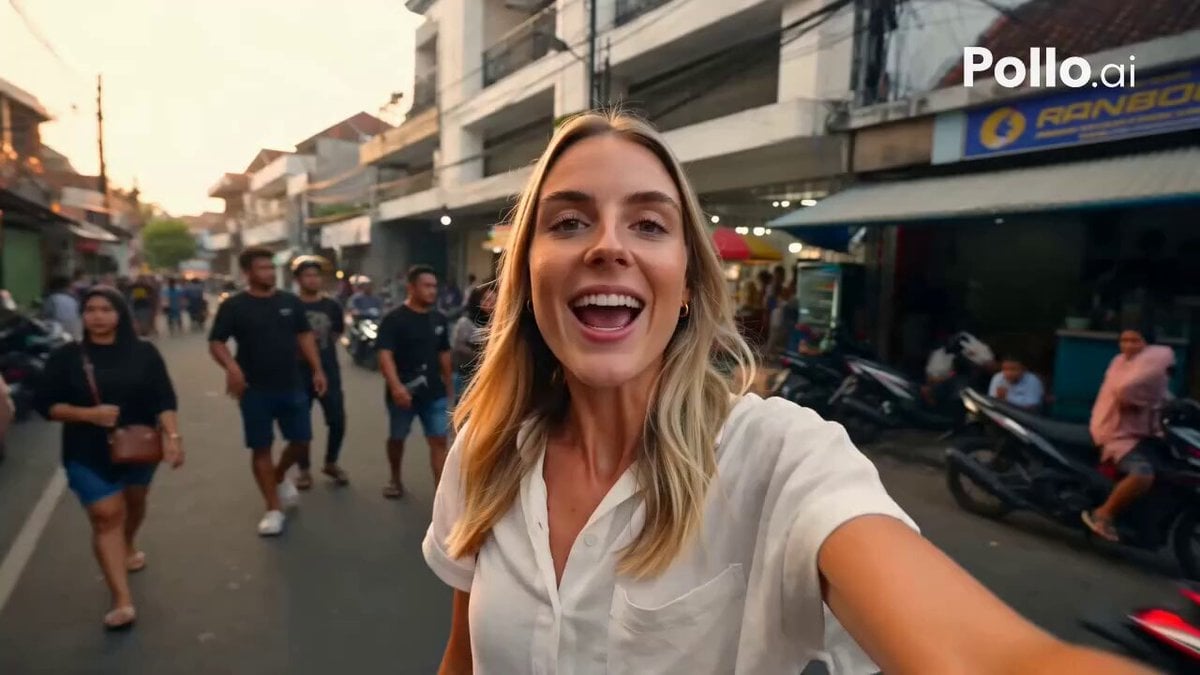
A realistic 15-second vertical travel vlog following a Western tourist trying local grilled meatballs (bakso bakar) in Yogyakarta.
- Prompt included
- Model and format preset
- Free template
The prompt behind this video
Copy the exact prompt behind Yogyakarta Indonesia Street Food Vlog, or open it in the studio and make it yours.
Create a realistic cinematic 15-second vertical travel vlog video in 9:16 format. A beautiful Western woman tourist is walking through the lively streets of Yogyakarta, Indonesia, while recording herself with a smartphone in selfie vlog style. She looks cheerful, curious, and friendly. The background shows an authentic Jogja street atmosphere with local food stalls, motorcycles passing slowly, pedestrians, Indonesian street signs, warm afternoon sunlight, and a cozy street food vibe. Scene breakdown: 0–3 seconds: The woman walks along a lively street in Yogyakarta while holding her phone camera. She smiles at the camera and speaks naturally in English: “Hey guys, I’m here in Yogyakarta, Indonesia, and today I’m trying some local street food!” Audio: natural street ambience, soft motorcycle sounds, people chatting in the background, street food sizzling faintly. 3–6 seconds: She approaches a small street food stall selling bakso bakar. The vendor grills meatball skewers over charcoal. Smoke rises beautifully, and the sauce is brushed onto the bakso. The woman looks excited and points the camera toward the food. She says: “Look at this! Grilled bakso… it smells amazing!” Audio: sizzling grill sound, light charcoal crackle, vendor activity, street ambience. 6–10 seconds: Close-up shot of the woman holding a skewer of bakso bakar. She blows on it gently, takes a bite, then pauses for a moment. Her eyes widen, she smiles happily, and gives a delicious-food expression. She reacts: “Mmm! Wow… that is so good!” Expression: happy surprise, eyes slightly widened, smiling while chewing naturally, enjoying the taste. Audio: soft bite sound, subtle “mmm” reaction, background grill sizzling. 10–15 seconds: She faces the camera while holding the bakso bakar close to the lens. She reviews the taste enthusiastically but naturally. She says: “It’s smoky, sweet, spicy, and super savory. This is seriously delicious. You have to try this in Jogja!” Final shot: she smiles warmly, gives a thumbs up, and the bakso bakar stall remains visible in the background. Visual style: ultra realistic, cinematic travel vlog, natural handheld camera movement, slight vlog-style shake, warm natural lighting, vibrant but realistic colors, authentic Indonesian street food atmosphere, shallow depth of field, detailed face, realistic body movement, natural facial expressions, 4K quality. Character details: beautiful Western woman, around 25 years old, casual summer outfit, natural makeup, friendly travel vlogger personality, expressive and confident. Audio style: realistic English female voice, cheerful travel vlog tone, natural street ambience, grill sizzling, light traffic, people talking softly in the background, no music overpowering the voice. Negative prompt: blurry face, distorted hands, extra fingers, unnatural mouth movement, robotic voice, bad lip sync, fake expression, overacting, low quality, incorrect Indonesian setting, empty street, unrealis
How to use Yogyakarta Indonesia Street Food Vlog in 3 steps
- 1
Open
The prompt is already in the box next to the preview, with the template's model and format selected.
- 2…a portrait of your subject in softgolden-hour light, 85mm…
Personalize
Edit the subject and creative details for your destination.
- 3Generate
Generate
Press Generate — your video is created in PicX Studio, so you can compare it with the original and refine one variable at a time.
More like this
Templates with the same subject, style or setup. Open one to see its prompt.
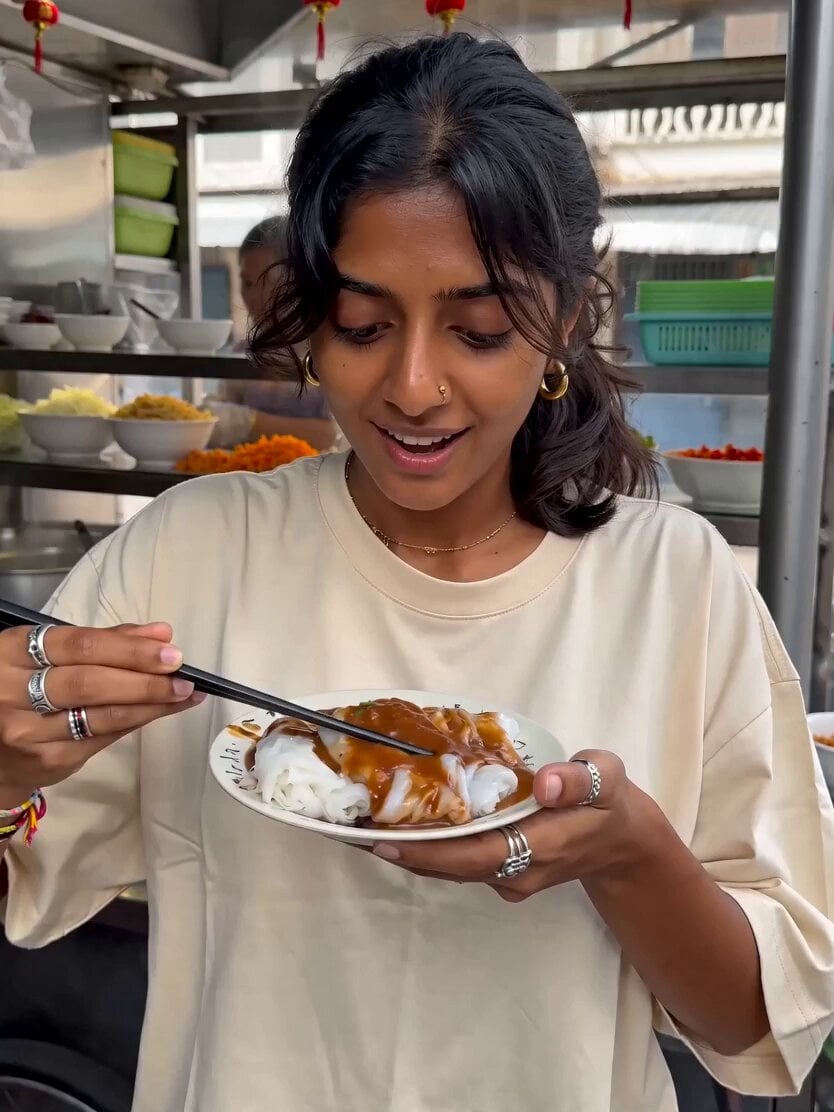
Street Food Shock Vlog
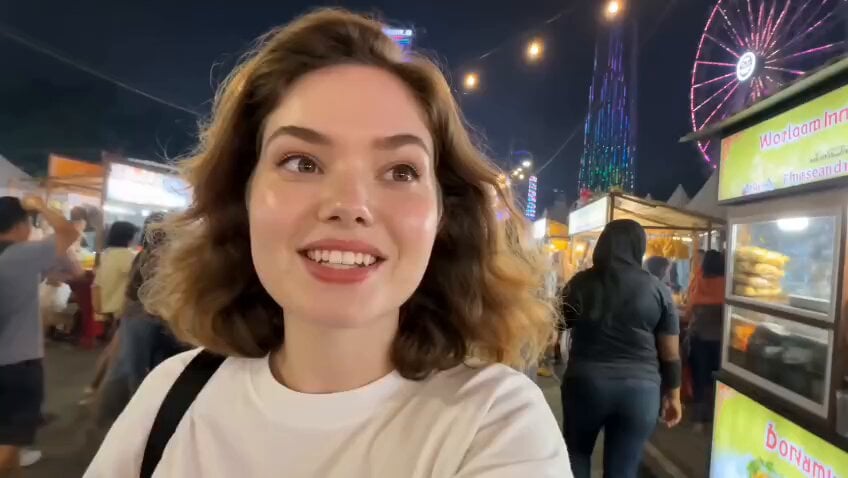
Jakarta Night Street Food Vlog
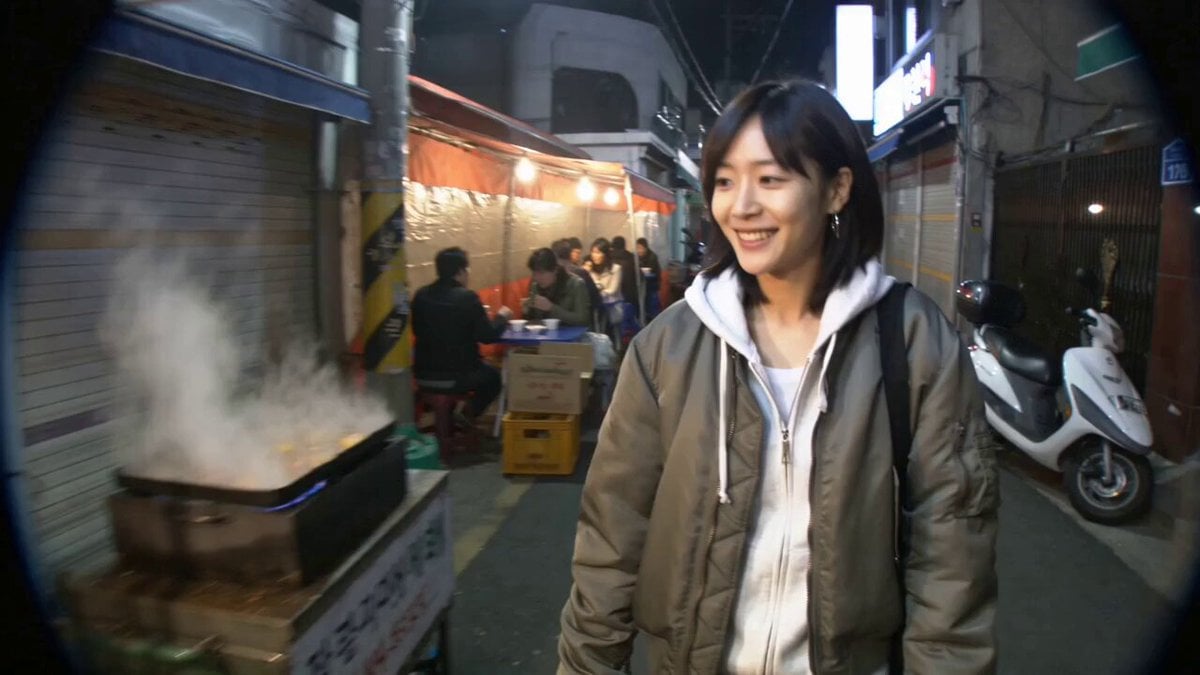
Seoul Street Food MiniDV Nostalgia

Mediterranean Coffee Run Vlog - Seedance 2.5

Mysterious Home Exploration Vlog - Seedance 2.5

Realistic Morning Routine Lifestyle Vlog - Seedance 2.5

Realistic City Street Story Cinematic Video - Seedance

Handheld Tokyo Travel Vlog - Seedance 2.5

Nostalgic MiniDV Convenience Store Vlog - Seedance 2.5

Mediterranean Morning Coffee Run Vlog (Seedance 2.5)

Luxury Lifestyle Day Vlog

Luxury Airport Travel Vlog
Make it yours
Yogyakarta Indonesia Street Food Vlog works as-is. These are the safest ways to change it without losing the look.
Change one field
Copy a single group, rewrite it, and generate again so you can see what that field is doing.
Keep the frame, change the subject
Hold the composition and light of Yogyakarta Indonesia Street Food Vlog, then swap wardrobe, props or the person for a new take.
| If the result… | Why | Fix |
|---|---|---|
| The result drifts from the preview | Too many fields changed at once. | Reuse Yogyakarta Indonesia Street Food Vlog as-is first, then change one group — subject, light, or setting. |
| The model over-stylizes the scene | The prose prompt leaves finish and camera underspecified. | Add one camera or lighting sentence and stay on Seedance 2.0. |
More Seedance 2.0 templates
Other prompts made for Seedance 2.0.

Comical Martial Arts Punch Scene

Maglev Train Action Sequence

Martial Arts Fight Sequence

Wuxia Protection and Trust Script

Vintage Korean Arcade MiniDV Vlog

Mercedes 190 SL Luxury Ad

Rainy Night Supernatural Reverse Comedy Video Script

Amazon Civilization Discovery

Futuristic South Asian City Transformation

Cozy Luxury Cafe Commercial
More video prompts
Fresh picks from across the catalog.

Hyper-Realistic Glass Box with Ocean Waves
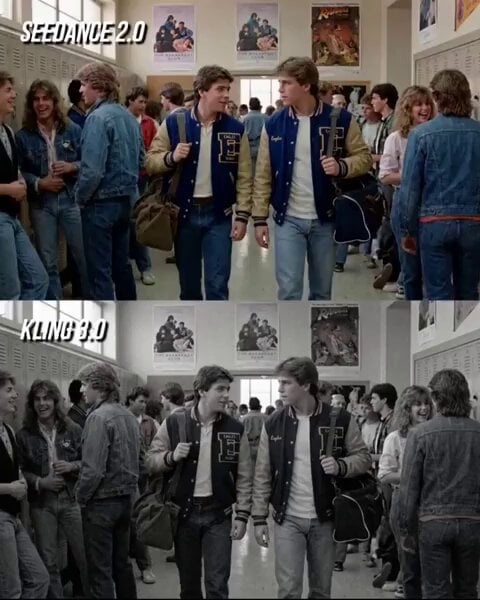
80s Teen Movie Hallway Standoff

Warrior Training and Samurai Battlefield Transition
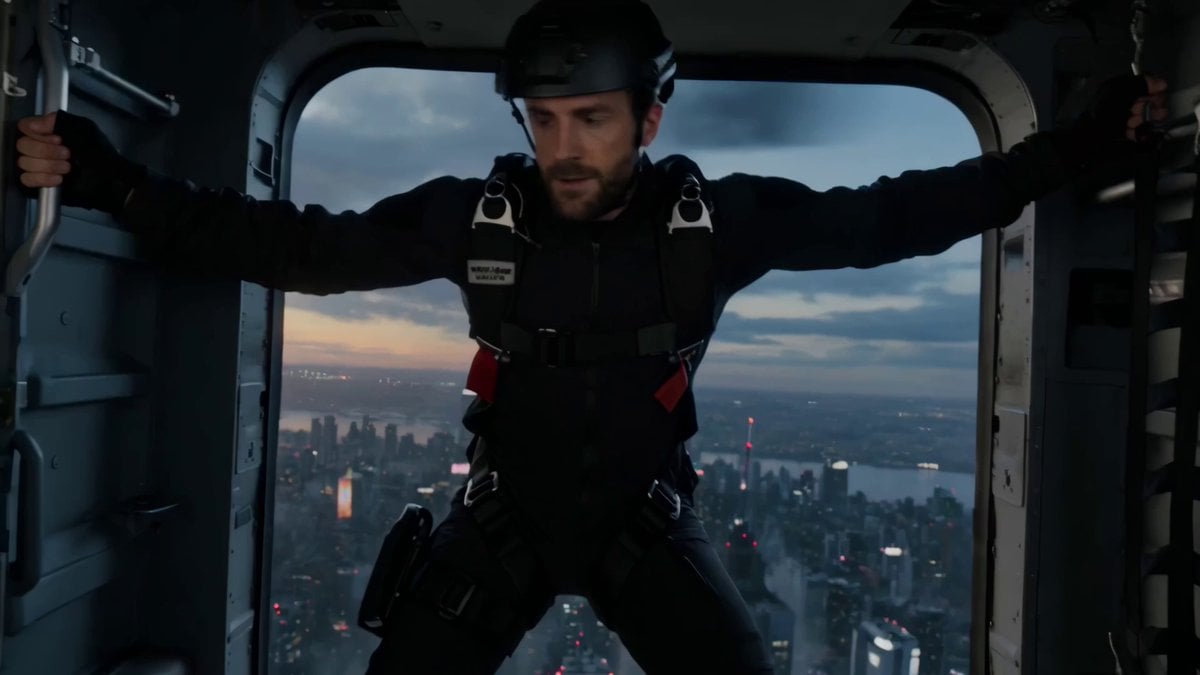
Vertical Action Insertion: Tactical Courier Freefall
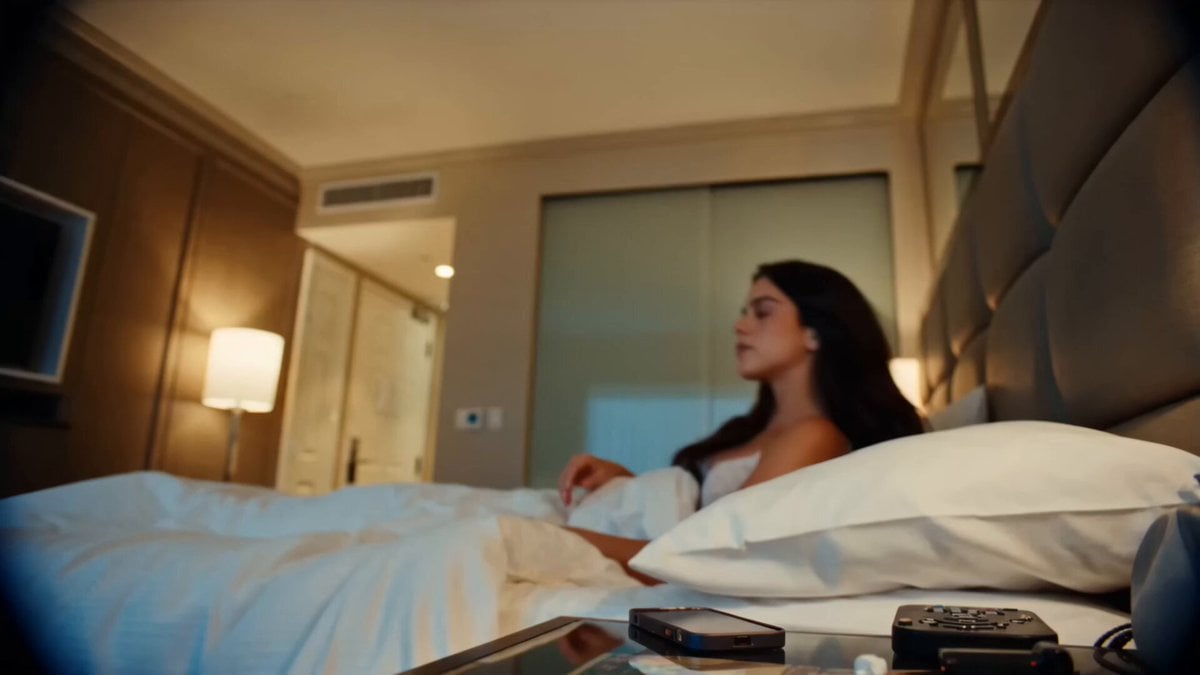
Handheld DV Influencer Montage

Ultra cinematic oil painting of woman and tree
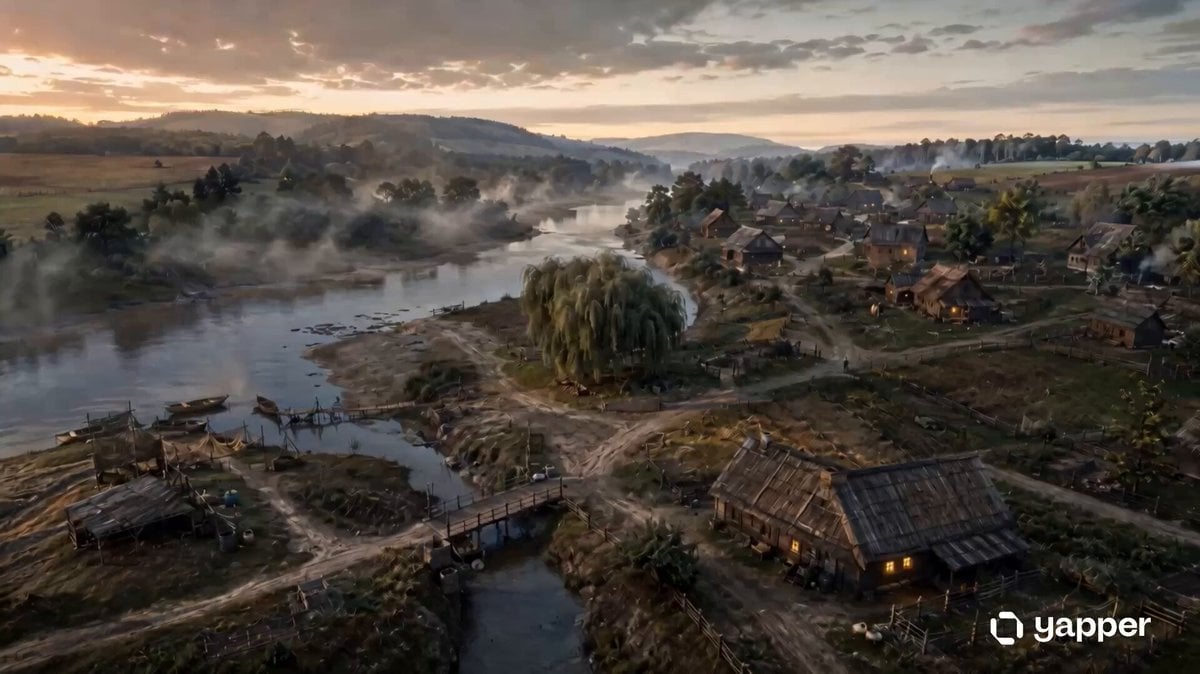
Historical Settlement Aerial Evolution
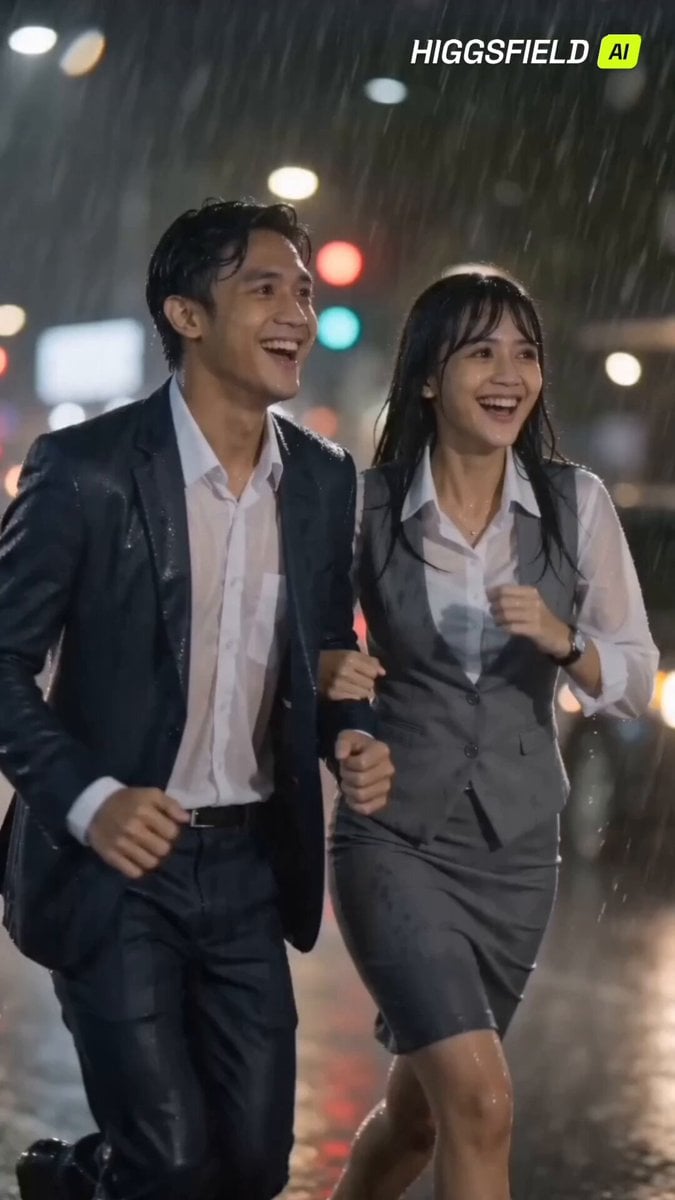
90s Indonesian Drama Rain Scene
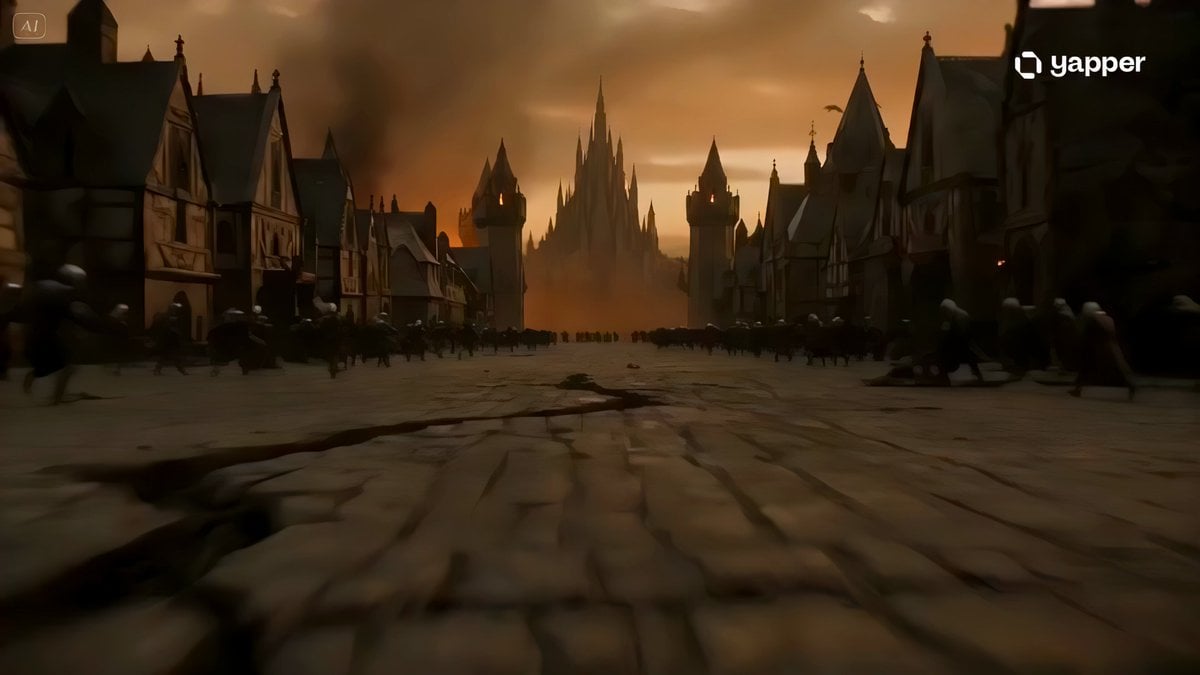
Lava Demon Kingdom Destruction

Dragonflight Trials POV
Browse template categories
Yogyakarta Indonesia Street Food Vlog questions
How do I use the Yogyakarta Indonesia Street Food Vlog template?
Add your photo if the template asks for one, edit the prompt if you like — the template's model and format are already selected — and press Generate. Your version opens in PicX Studio.
Can I customize the Yogyakarta Indonesia Street Food Vlog template?
Yes. You can change the subject, setting, lighting, mood, format, and available model controls before creating your video.
Is the Yogyakarta Indonesia Street Food Vlog template free?
Opening and editing this template is free. Generating uses credits, shown on the Generate button when you are signed in.
Which AI model should I use?
Start with Seedance 2.0, which is the model associated with this template. You can compare another compatible model for a different finish.
Looking for something else? Browse all templates.

Your photo, any look
Thousands of ready templates for every top image and video model, from one credit balance.